- Yaş sınırı4+
- KategoriEğitim
- GeliştiriciIT Wake
- Dillerİngilizce+ 2 dil daha
- Boyut46,7 MB
Resmi App Store sayfasına bağlanır
Download.org, iClass LMS için hiçbir dosya barındırmaz. Düğme, uygulamanın App Store üzerindeki sayfasını açar; uygulamayı orada IT Wake yayınlar. Sayfanın son kontrolü: 14.11.2026.
Ekran görüntüleri
Hakkında
Geliştirici bu metni dilinizde sunmamış.
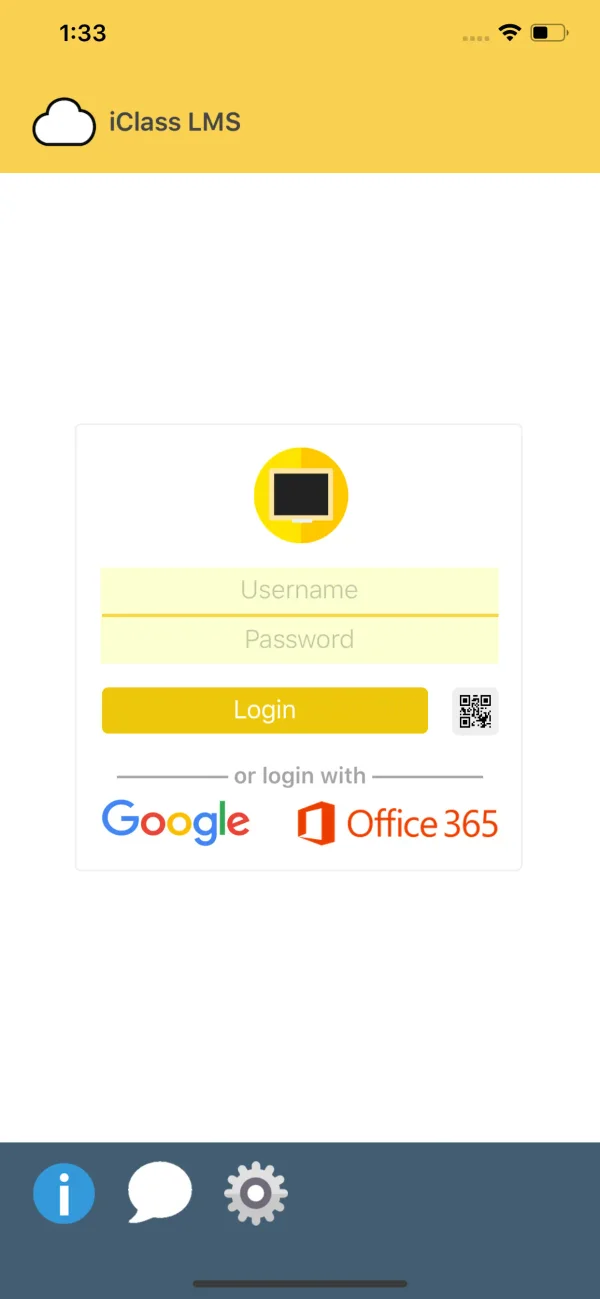
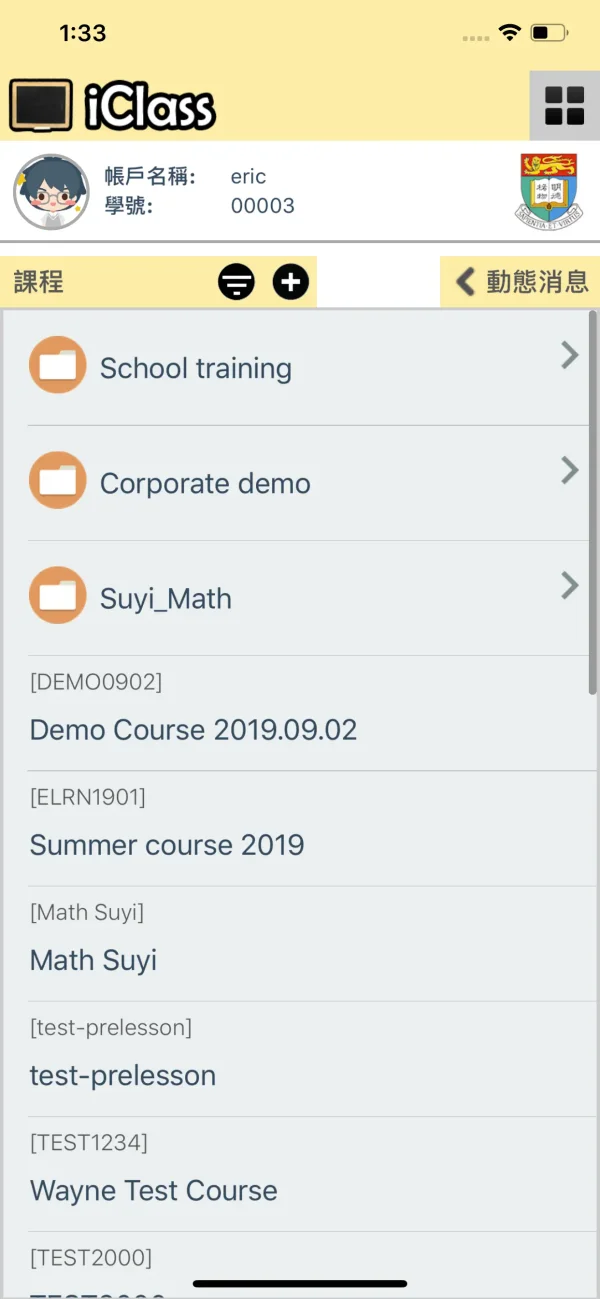
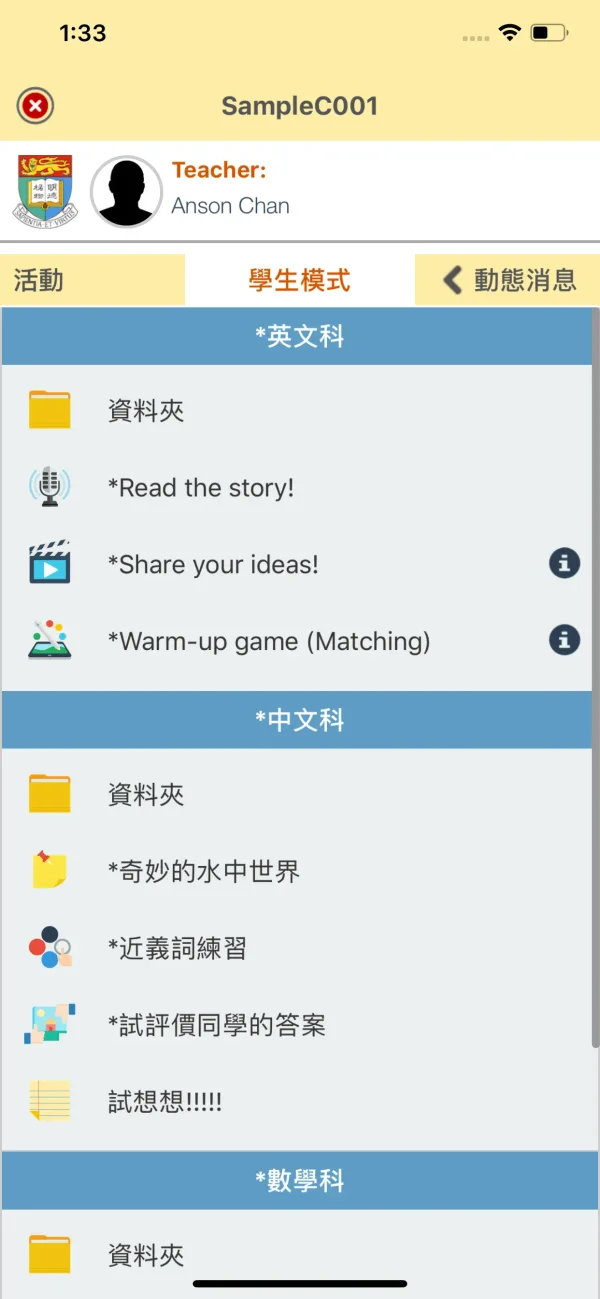
Along with its diversified functions, the iClass LMS platform is easy to operate. Educators can experience the convenience of receiving assignments, conducting quizzes, viewing performance reports, effectively evaluating students’ progress.
Facilitate interaction and participation in class with innovative features
Class Activities
Keyword: Students can share ideas using keywords, it is particularly useful during dialectical discussions and SWOT analysis.
E-book: Read online e-books designated by the teacher, can do notes, add bookmarks, print out and download.
Drawing: Students can draw, write or put e-stickers on backgrounds or graphics designated by the teacher.
Mind-map: Student can finish their mind-map based on the topic set by the teacher.
Assessment
Open-ended questions: Students can answer open-ended questions, write short essays and etc.
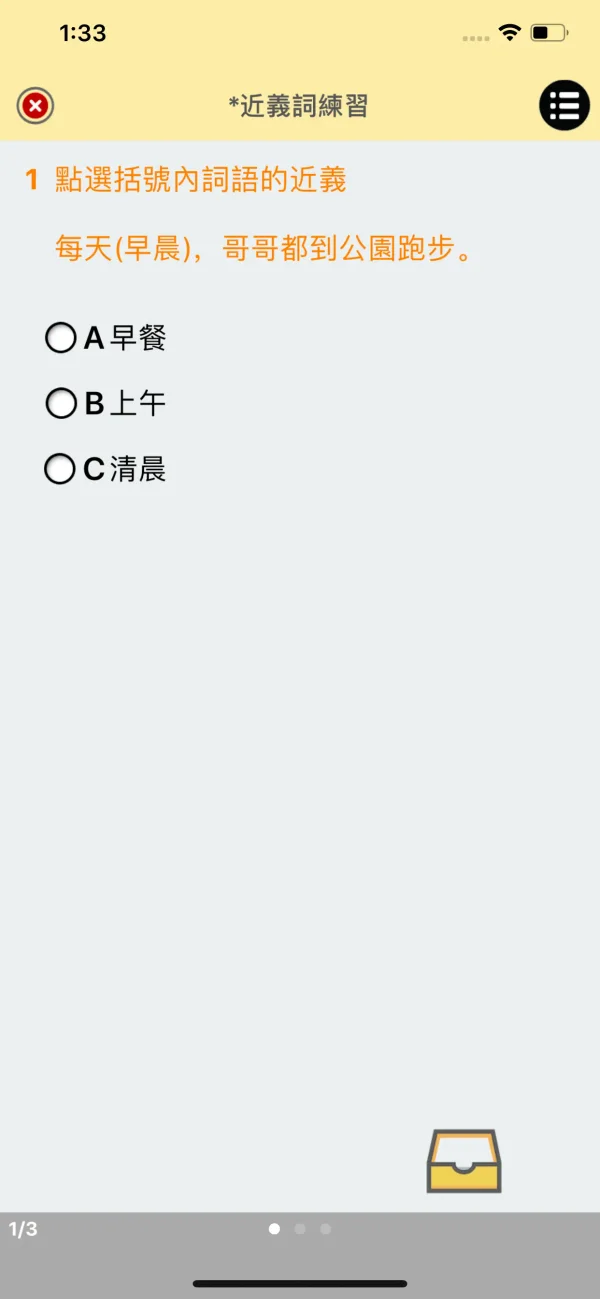
Quiz: Students can answer various formats of questions, including MC questions, matching questions and fill-in-the-blank questions.
Peer review: Teachers can allow students to view each others’assignments, give out marks and comments, and share their work to social media sites.
MC questions: Students can complete mini-quizzes, questionnaires and etc. Teachers are able to view the results and analysis immediately.
Drag-and-drop Matching: Student can complete drag-and-drop matching, and they can check the answer instantly.
Statistical Analysis
By questions: View statistics of the whole class’performance in a pie chart.
By student: View students’score distributions of different subjects in a radar chart.
By courses: View the whole class’score distributions in a pie chart.
Multi-media
Voice recording: Students can record voice clips and sumbit them to their teachers, it is particularly useful for oral training lessons.
Video recording: Students can upload video assignments and share with their peers.
Built-in browser: Students can view related information online when teachers provide them with the website link.
Augmented Reality (AR) teaching: Stereoscopic three-dimensional maps can help students to better understand concepts.
Yenilikler
Sürüm 1.7.72 · 24.07.2026
- General Enhancement
Uygulama gizliliği
Bu uygulamanın verileri nasıl işlediği hakkında IT Wake tarafından App Store üzerinde yapılan beyan.
-
Veri toplanmıyor
Geliştirici bu uygulamadan hiçbir veri toplamıyor.
Gizlilik uygulamaları, örneğin kullandığınız özelliklere veya yaşınıza göre değişiklik gösterebilir.
Bilgiler
- Satıcı
- IT Wake Limited
- Kategori
- Eğitim
- Sürüm
- 1.7.72
- Güncellendi
- 24.07.2026
- Yayın tarihi
- 20.09.2012
- Boyut
- 46,7 MB
- Gereksinim
- iOS 11.0 veya sonrası
- Yaş sınırı
- 4+
- Fiyat
- Ücretsiz
- Diller
- İngilizce, Basitleştirilmiş Çince, Geleneksel Çince
- Telif hakkı
- © IT Wake Limited