Imaging Console Lite
Nikon Essential
Conçue pour iPhone, iPad
Gratuit · Achats intégrés
- Classification d’âge4+
- CatégoriePhoto et vidéo
- Développeur栋 张
- LanguesAnglais+ 2 de plus
- Taille154,0 Mo
Renvoie vers la page App Store officielle
Download.org n’héberge aucun fichier de Imaging Console Lite. Le bouton ouvre la page de l’application sur App Store, où 栋 张 la publie. Fiche vérifiée pour la dernière fois le 16/11/2026.
Captures d’écran
À propos
Le développeur n’a pas fourni ce texte dans votre langue.
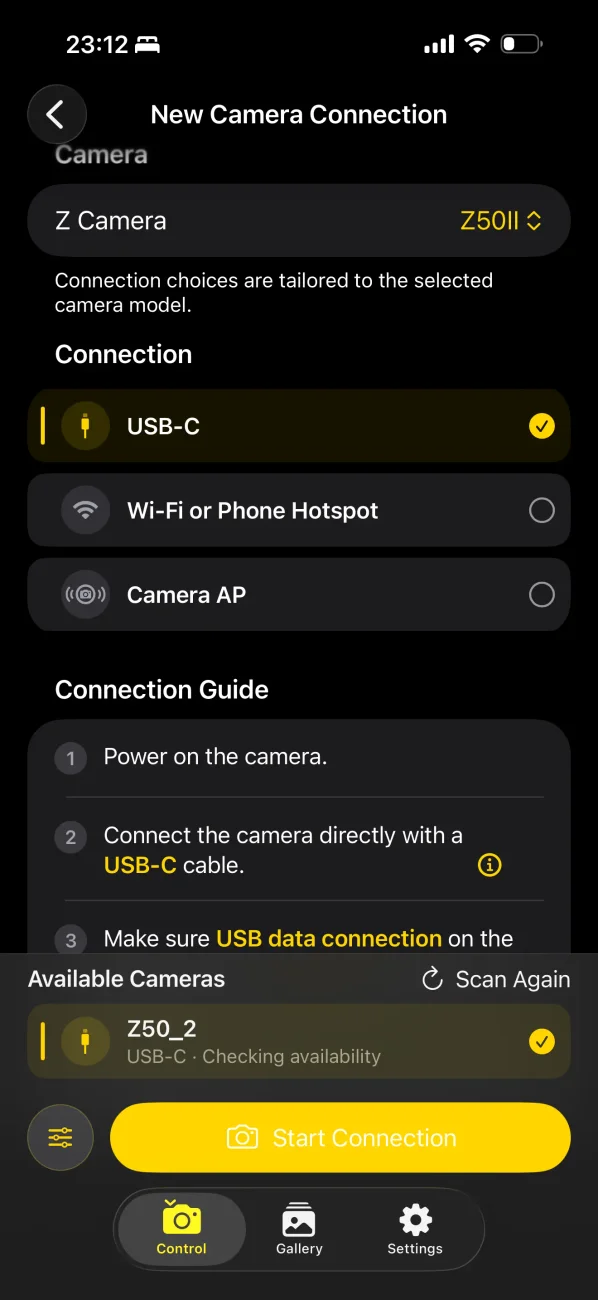
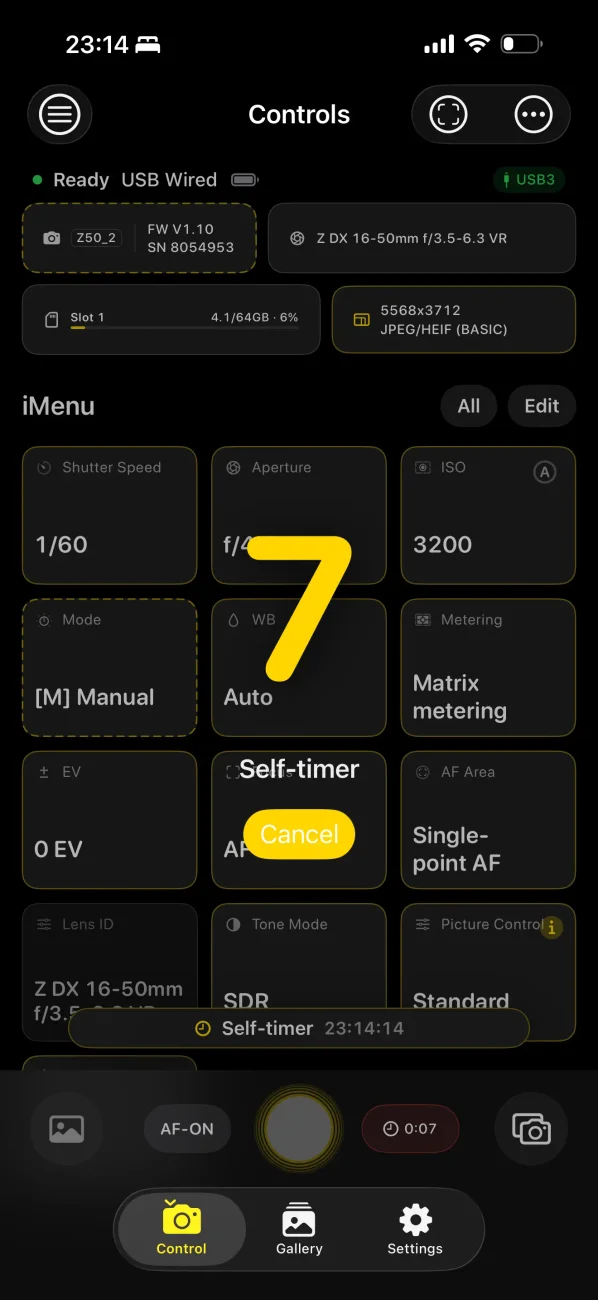
Imaging Console Lite is a third-party camera control, live monitoring, and file transfer app for Nikon Z-series mirrorless and cinema cameras, plus the Nikon D810 DSLR via USB.
It focuses on a streamlined single-camera shooting experience and is designed for photography enthusiasts, independent photographers, and visual creators whose primary needs are controlling one camera, monitoring live view, and transferring files from the camera.
Without a subscription, you can connect one compatible camera for remote shooting, camera setting adjustments, in-camera media browsing, and manual downloads. For a more complete single-camera workflow, subscribe to Lite Plus to unlock advanced controls, LiveView, LUT workflows, gallery processing, and export tools.
Main Free Features
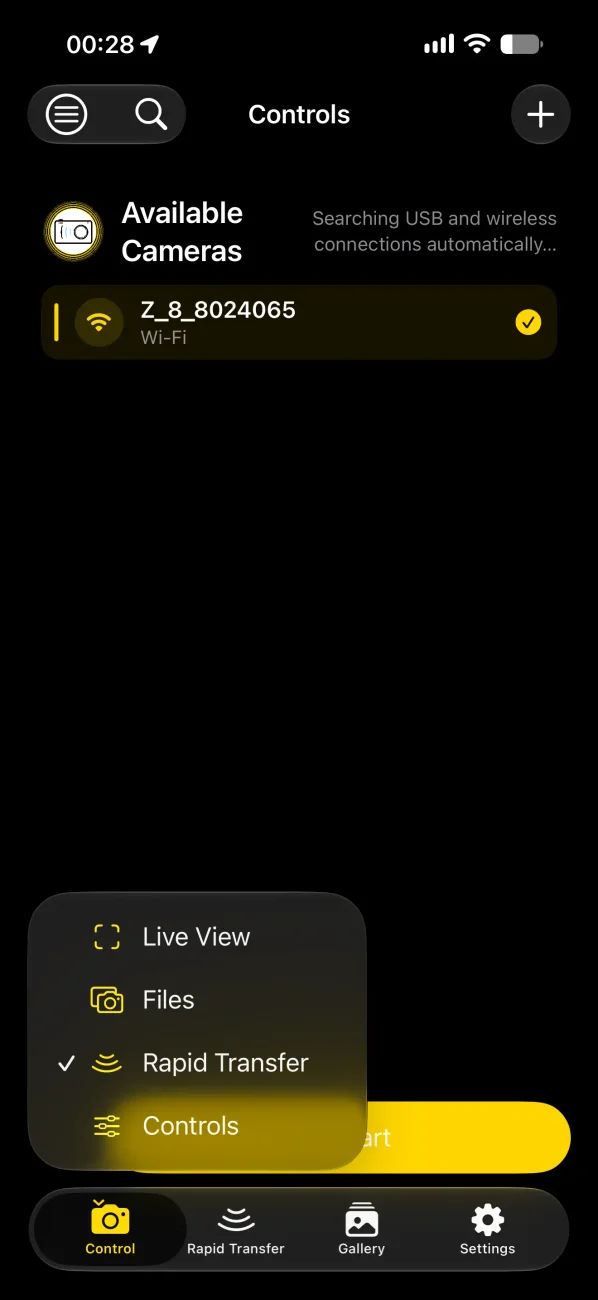
• Connect one compatible camera via USB (MTP/PTP) or wireless PTP/IP
• Remotely capture photos and record videos
• AF-ON focus control
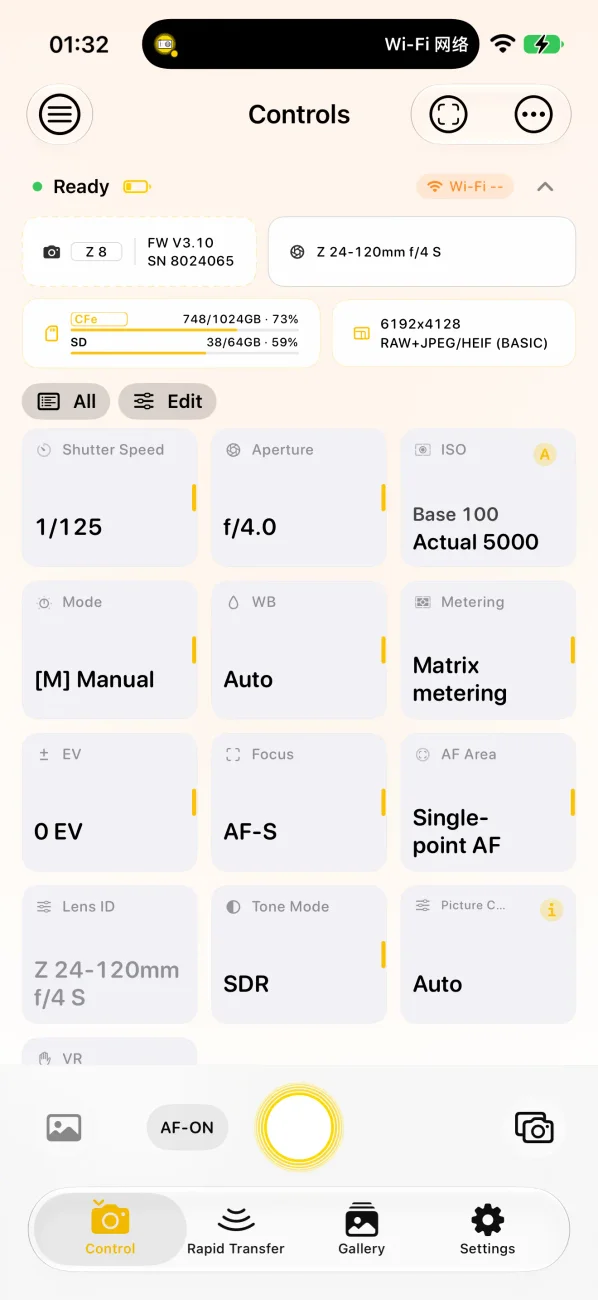
• Adjust shutter speed, aperture, ISO, exposure mode, and exposure compensation
• Adjust white balance, metering, focus mode, and AF-area mode
• Select Picture Controls and adjust vibration reduction
• Use and freely reorder an iMenu containing 12 essential controls
• Single-shot self-timer
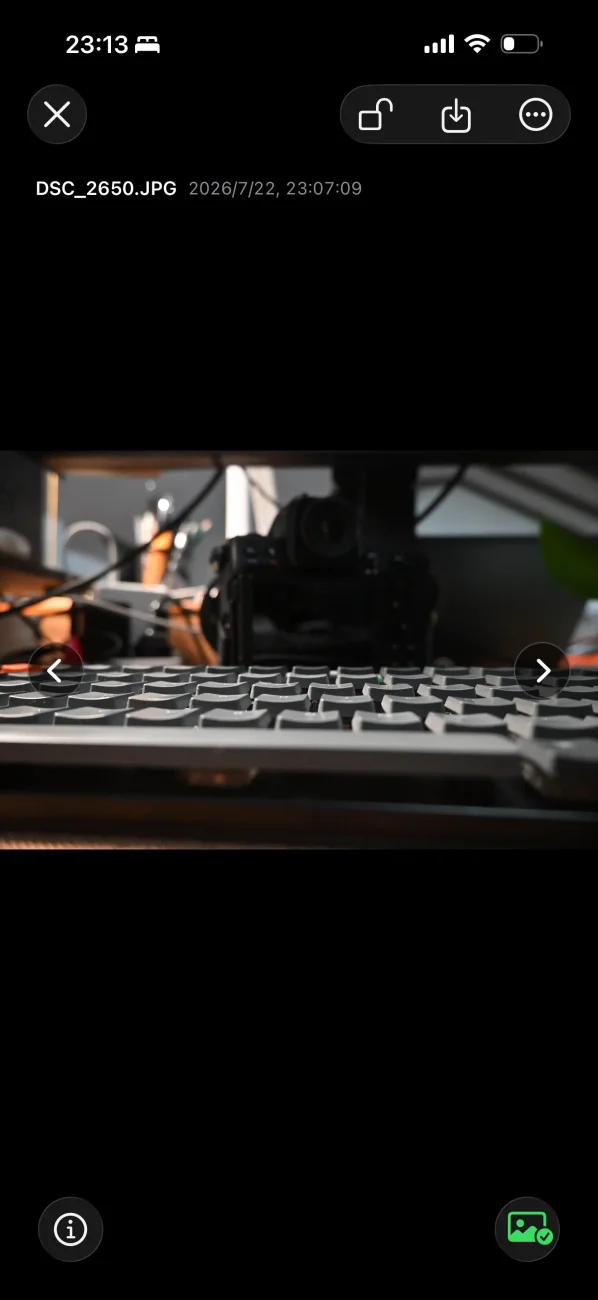
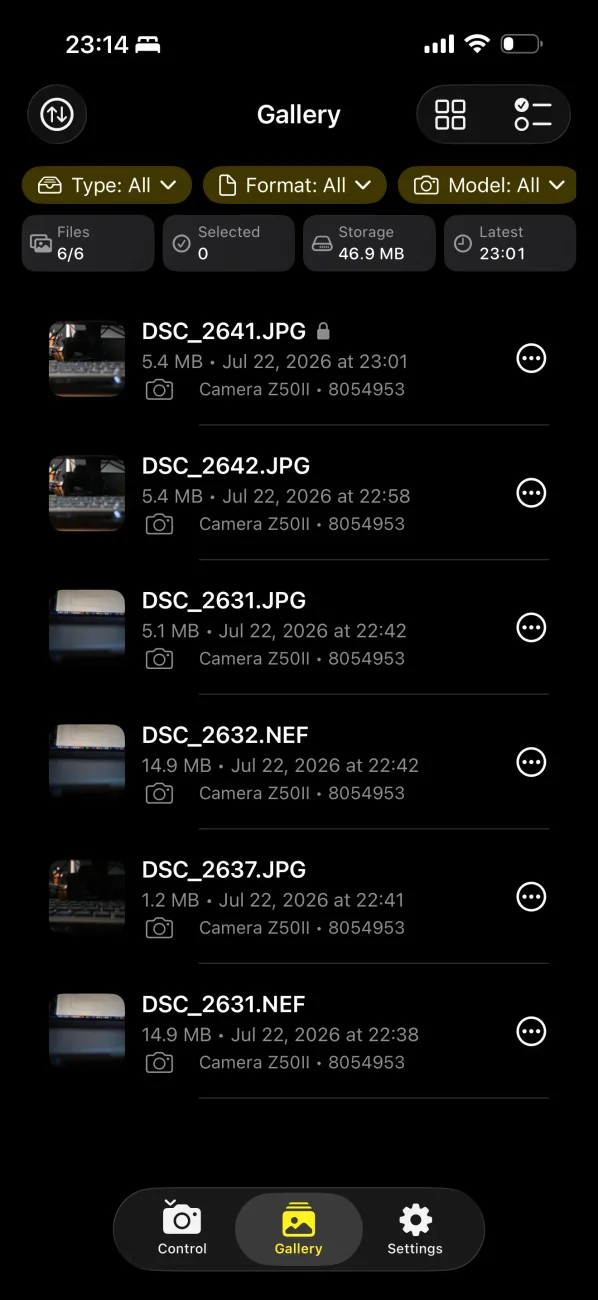
• Quickly review images after capture
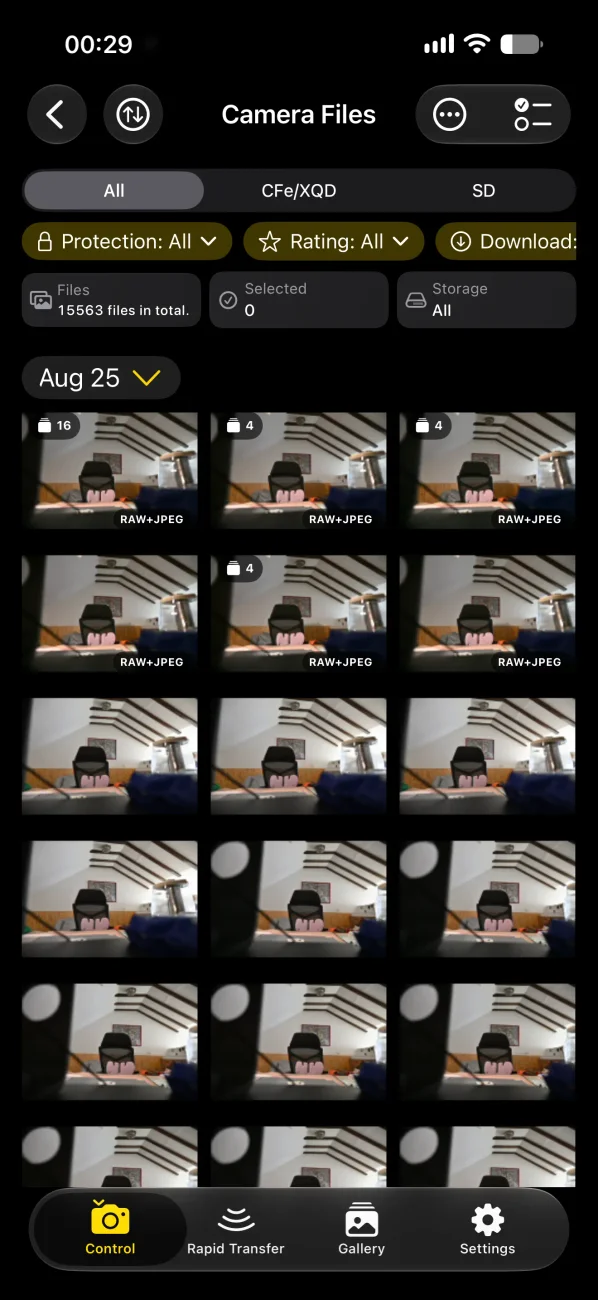
• Browse photos and videos stored on the camera
• Manually download original files and save them to the system photo library
Main Lite Plus Features
Lite Plus is available as a monthly or annual auto-renewable subscription. Both plans unlock the same features:
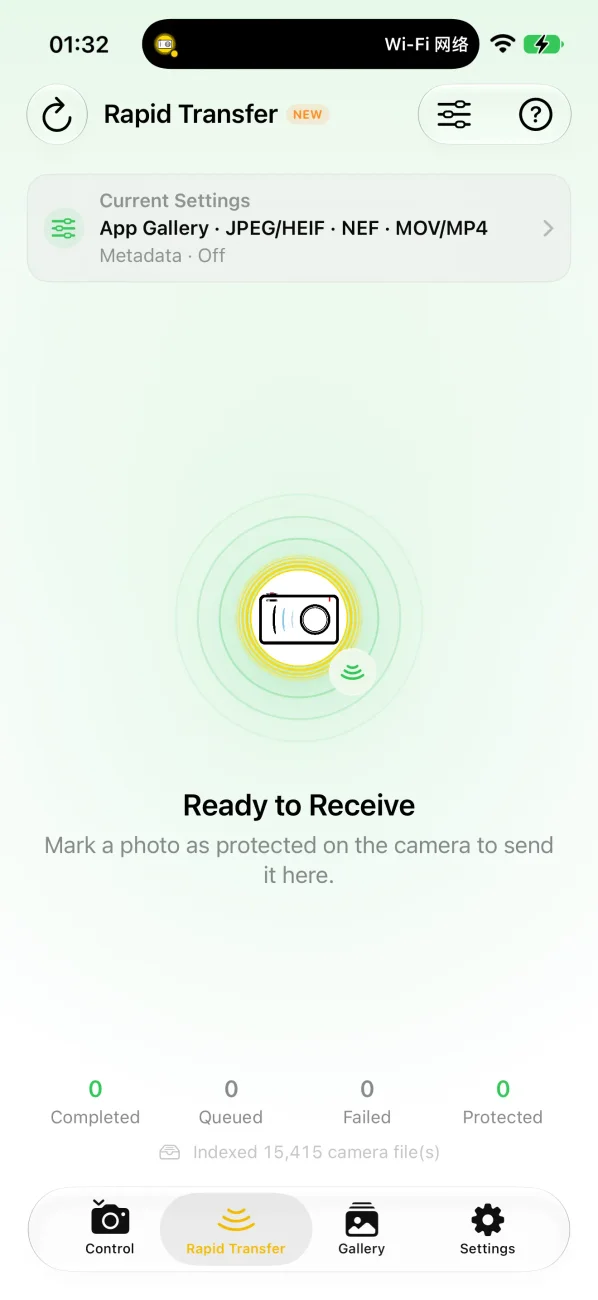
• Rapid Transfer
• Bluetooth GPS sync and automatic GPS metadata attachment
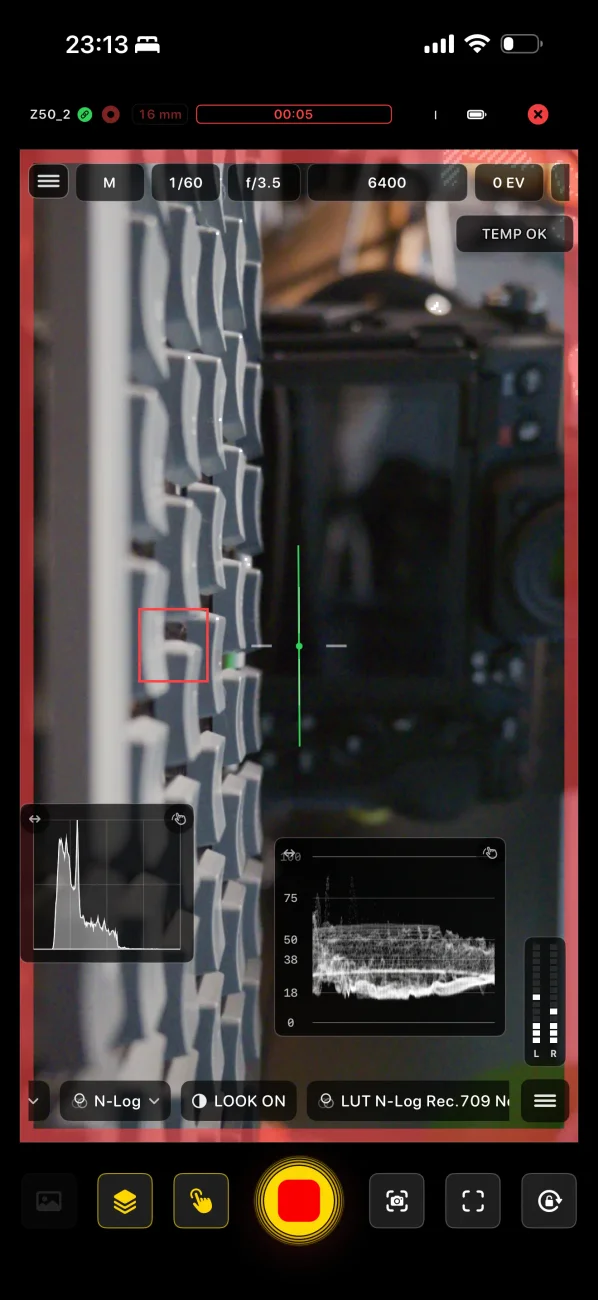
• Live View monitoring
• Touch autofocus
• Burst shooting control
• Multiple self-timer shots
• Change supported settings throughout the complete camera menu
• Freely add, remove, and rearrange iMenu items
• Automatically display a preview after capture
• Custom LUT and Picture Control library
• Apply LUTs to Live View monitoring and gallery workflows
• Anamorphic de-squeeze monitoring
• Red night-vision interface
• Gallery filters and LUT image processing
• Automatically load original files
• System sharing and saving to Files
• Quickly create three-second Live Photos
Available Only in Imaging Console
• Multi-camera cluster control and simultaneous live monitoring
• Global synchronized triggering
• Automatic downloads and instant transfer
• Special shooting mode controls
• Professional monitoring tools, including focus peaking, framing guides, false color, and timecode
• Power zoom and advanced monitoring controls
• Live Photos with a custom duration
• Custom media import and FHD file workflows
• Voice memo management
• Live Activities and advanced capture and control options
• IPTC and copyright management
Compatibility
Nikon D810: USB camera control, Live View and camera file access.
Expeed 7 models: Z9, Z8, ZR, Z6III, Z5II, Zf, and Z50II.
Expeed 6 models: Z5, Z6, Z7, Z6II, Z7II, Z50, Z30, and Zfc. When using the camera’s “Connect to smart device” function, camera control, Live View monitoring, and access to in-camera files are available. When using “Connect to computer,” camera control and Live View monitoring are available.
Feature availability may vary depending on the camera model, firmware version, connection method, and shooting mode.
Important Notice
Imaging Console Lite is an independently developed third-party product and is not affiliated with, associated with, authorized by, endorsed by, or otherwise officially connected with Nikon Corporation, RED Digital Cinema, or any of their affiliated companies. References to Nikon, RED, and related product names are made solely to describe device compatibility.
Terms of Use (EULA): https://www.apple.com/legal/internet-services/itunes/dev/stdeula/
Privacy Policy: https://scrawny-honeydew-fc3.notion.site/Imaging-Console-Privacy-Policy-38878bef77b880108900e47dd6ff4441
Nouveautés
Version 2.9.1 · 14/11/2026
• Added support for Nikon D850/D810 and other DSLR models, with improved camera controls, Live View and camera file access.
• Improved name recognition for Nikon F-mount lenses and many third-party lenses.
• Fixed known issues.
Confidentialité de l’application
Ce que 栋 张 déclare sur l’App Store au sujet du traitement des données par cette application.
-
Données établissant un lien avec vous
Peuvent être collectées et liées à votre identité.
- Achats
- Coordonnées
- Contenu utilisateur
- Identifiants
- Données d’utilisation
- Diagnostic
- Autres données
Les pratiques en matière de confidentialité peuvent varier, notamment en fonction des fonctionnalités que vous utilisez ou de votre âge.
Informations
- Vendeur
- 栋 张
- Catégorie
- Photo et vidéo
- Version
- 2.9.1
- Mis à jour
- 14/11/2026
- Publié
- 28/07/2026
- Taille
- 154,0 Mo
- Nécessite
- iOS 17.0 ou version ultérieure
- Classification d’âge
- 4+
- Prix
- Gratuit
- Achats intégrés
- Oui
- Langues
- Anglais, Chinois simplifié, Chinois traditionnel
- Copyright
- ©️2026 Dong Zhang
Vous aimerez peut-être aussi
-
 影犀Photo et vidéo
-
 Zenso : Télécommande photoVisée, GPS et transfert photo
-
 ZRelay Camera TransferPhoto et vidéo
-
 SpektraLabPhoto et vidéo
-
 NX MobileAirPhoto et vidéo
-
 NX FieldPhoto et vidéo
-
 PicHero-AI Photo EnhancerPhoto et vidéo
-
 边框水印大师-一键添加相框水印Photo et vidéo
-
 StormCam - Cinematic Log VideoPhoto et vidéo
-
 Cascable Studio: Camera TetherPhoto et vidéo