Imaging Console Lite
Nikon Essential
Được thiết kế cho iPhone, iPad
Miễn phí · Mua hàng trong ứng dụng
- Độ tuổi4+
- Danh mụcẢnh & Video
- Nhà phát triển栋 张
- Ngôn ngữTiếng Anh+ 2 ngôn ngữ khác
- Kích thước154,0 MB
Liên kết đến trang App Store chính thức
Download.org không lưu trữ tệp nào của Imaging Console Lite. Nút này mở trang ứng dụng trên App Store, nơi 栋 张 phát hành ứng dụng. Trang được kiểm tra lần cuối: 16/11/2026.
Ảnh chụp màn hình
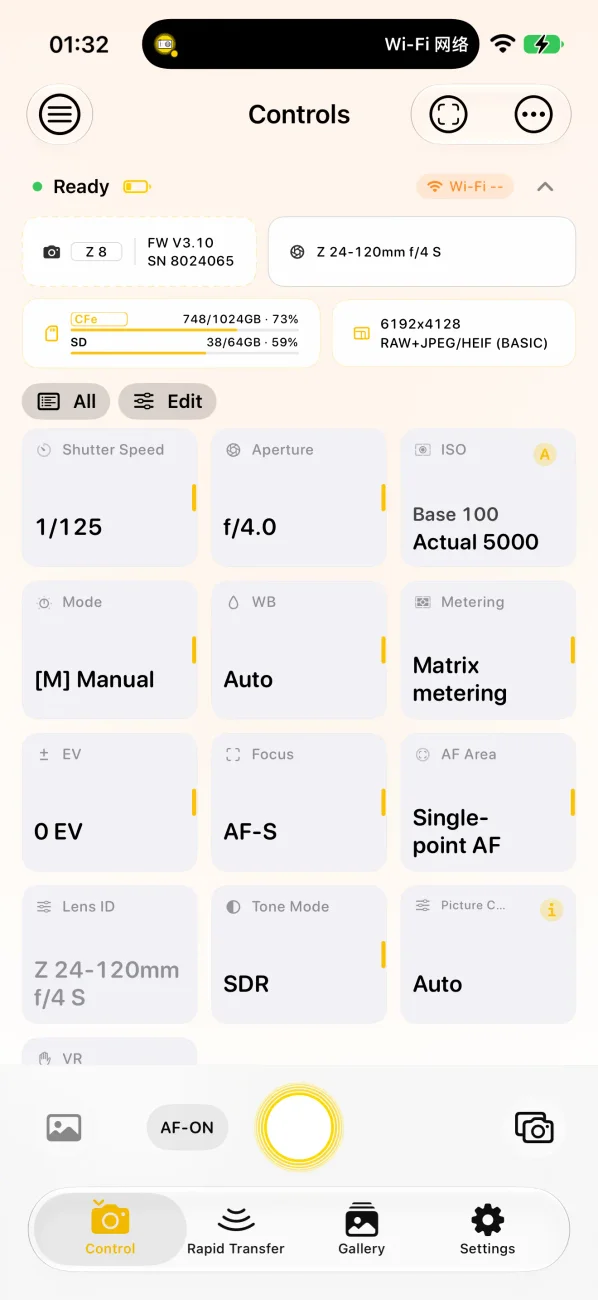
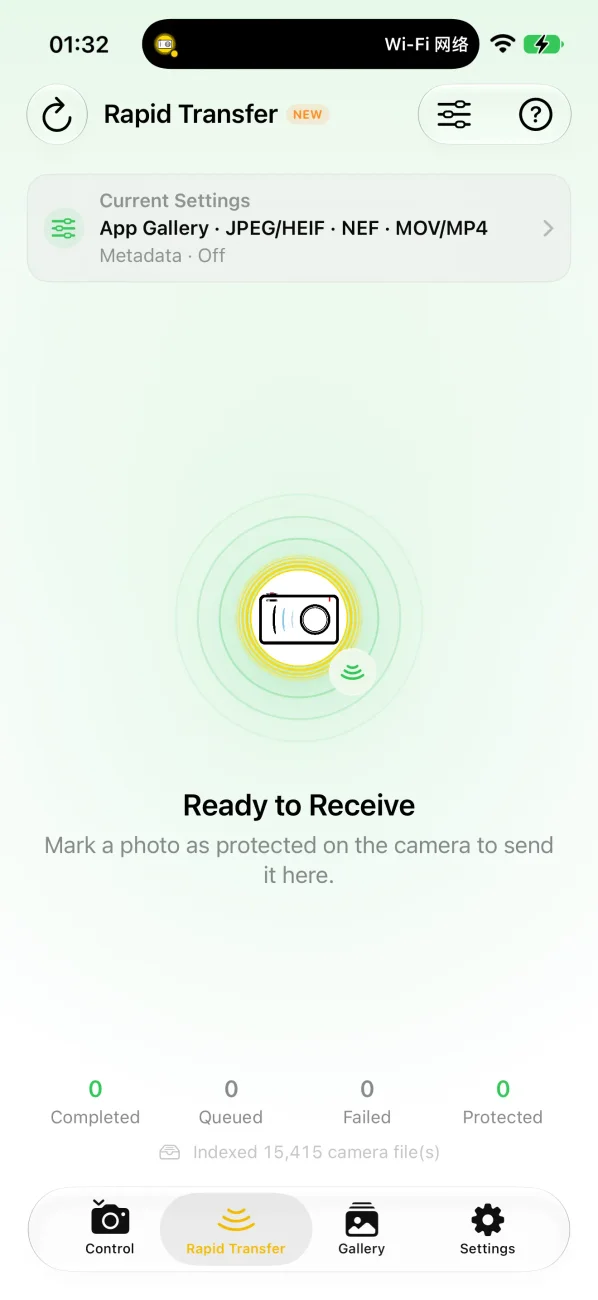
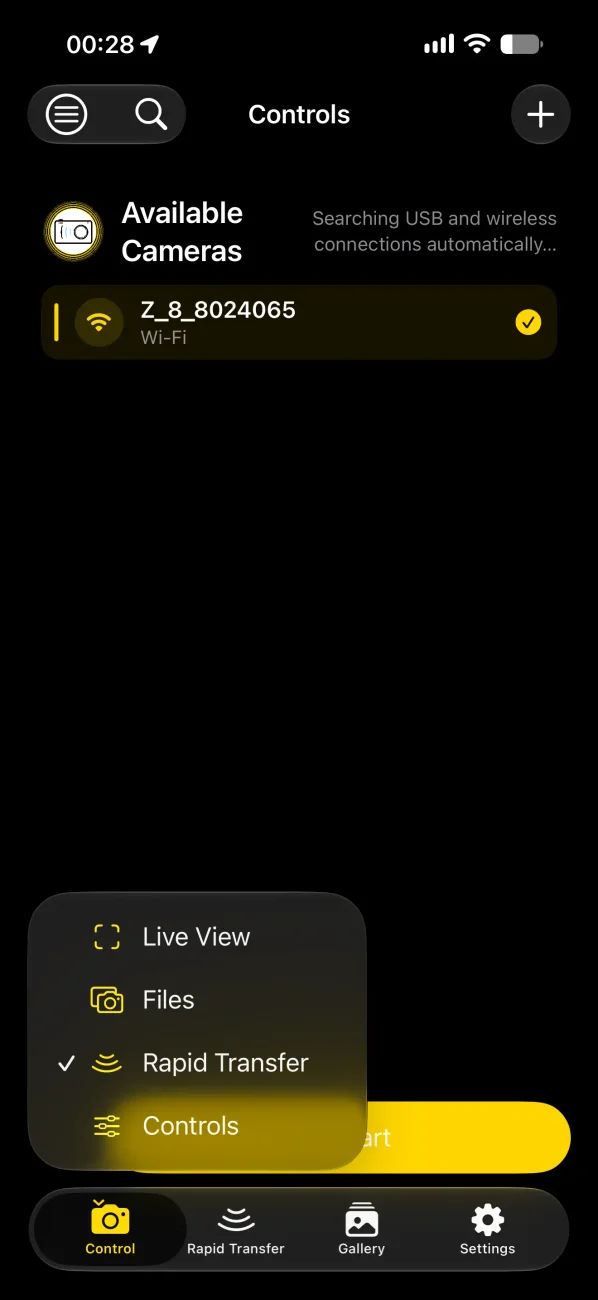
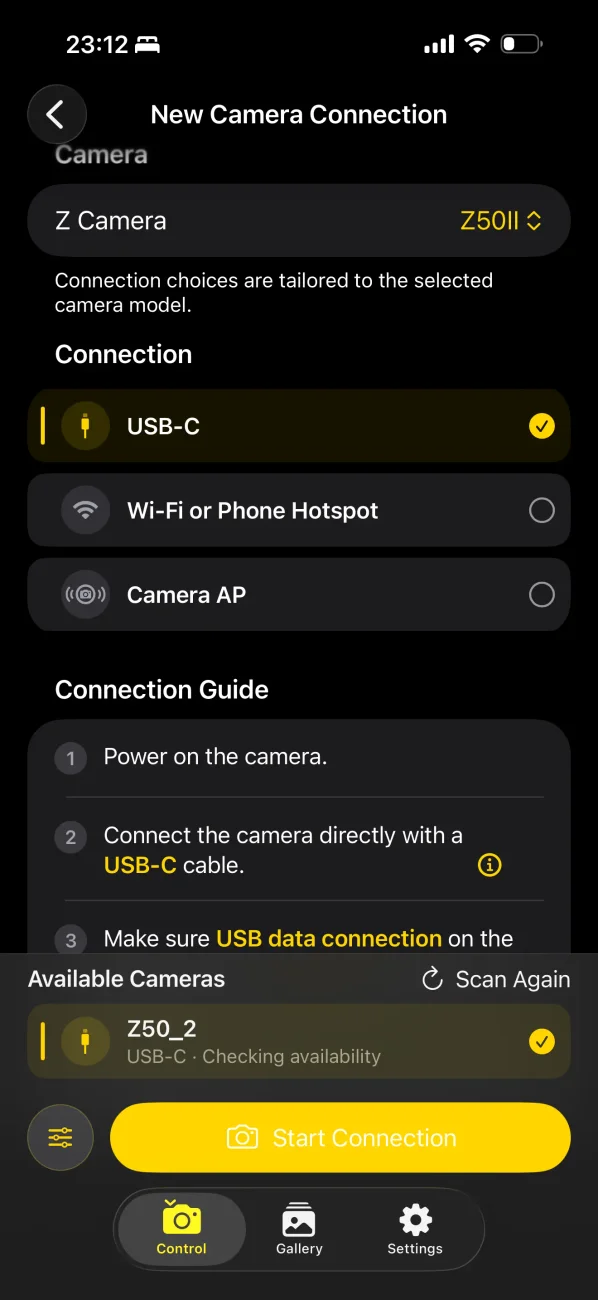
Giới thiệu
Nhà phát triển chưa cung cấp nội dung này bằng ngôn ngữ của bạn.
Imaging Console Lite is a third-party camera control, live monitoring, and file transfer app for Nikon Z-series mirrorless and cinema cameras, plus the Nikon D810 DSLR via USB.
It focuses on a streamlined single-camera shooting experience and is designed for photography enthusiasts, independent photographers, and visual creators whose primary needs are controlling one camera, monitoring live view, and transferring files from the camera.
Without a subscription, you can connect one compatible camera for remote shooting, camera setting adjustments, in-camera media browsing, and manual downloads. For a more complete single-camera workflow, subscribe to Lite Plus to unlock advanced controls, LiveView, LUT workflows, gallery processing, and export tools.
Main Free Features
• Connect one compatible camera via USB (MTP/PTP) or wireless PTP/IP
• Remotely capture photos and record videos
• AF-ON focus control
• Adjust shutter speed, aperture, ISO, exposure mode, and exposure compensation
• Adjust white balance, metering, focus mode, and AF-area mode
• Select Picture Controls and adjust vibration reduction
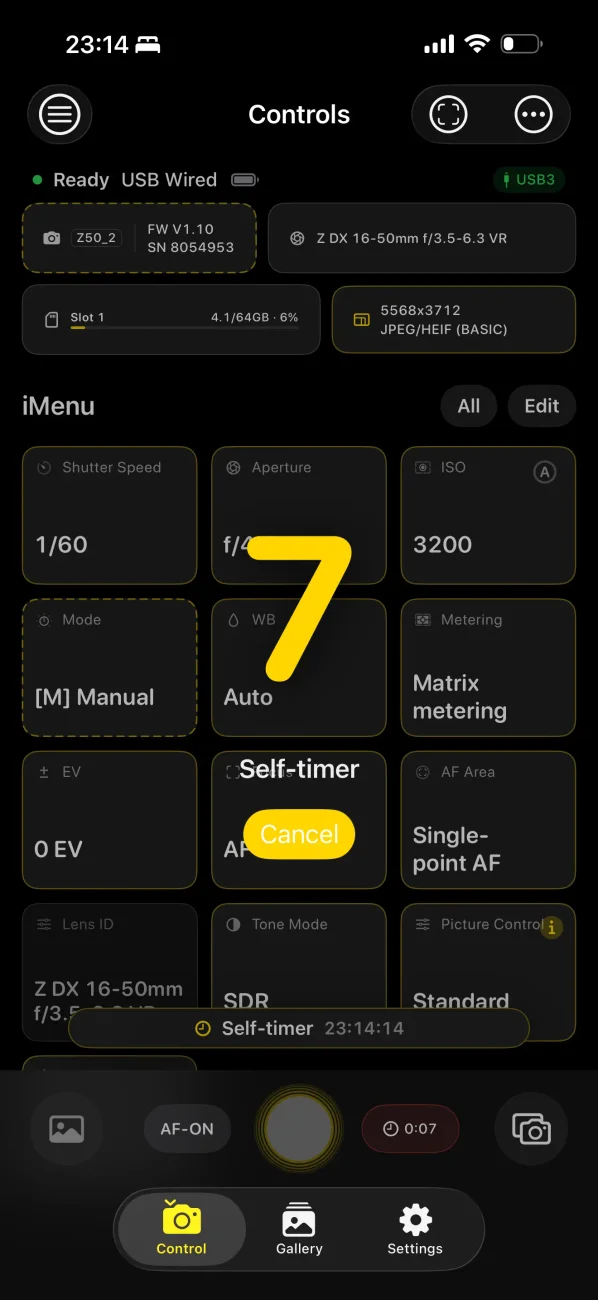
• Use and freely reorder an iMenu containing 12 essential controls
• Single-shot self-timer
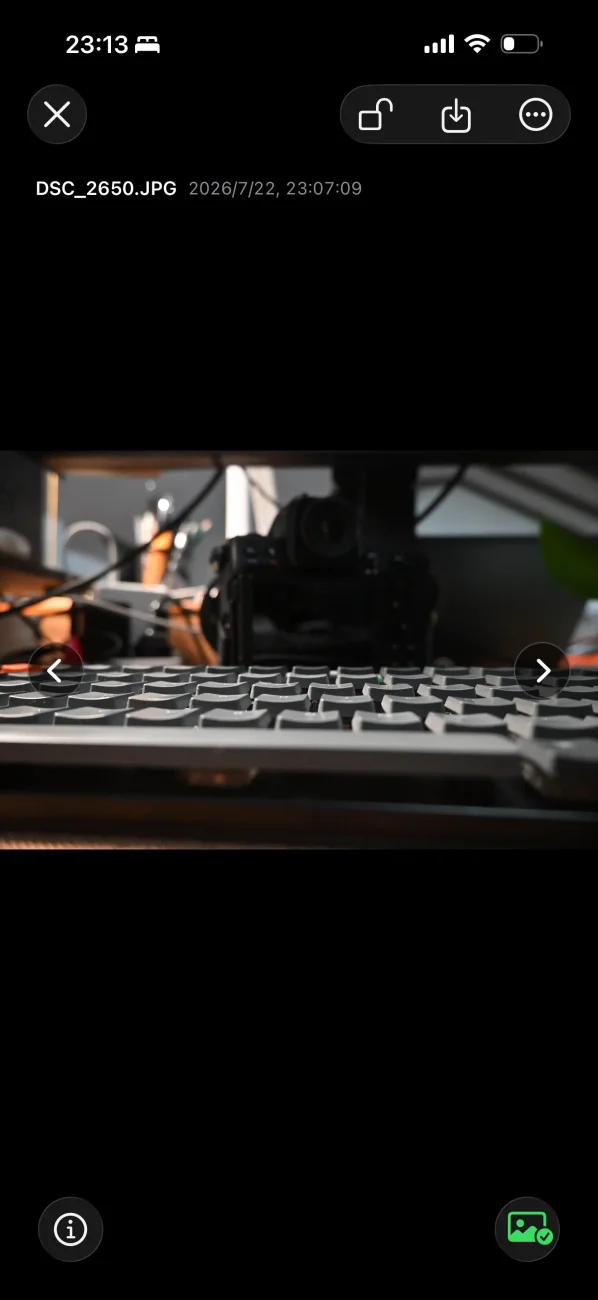
• Quickly review images after capture
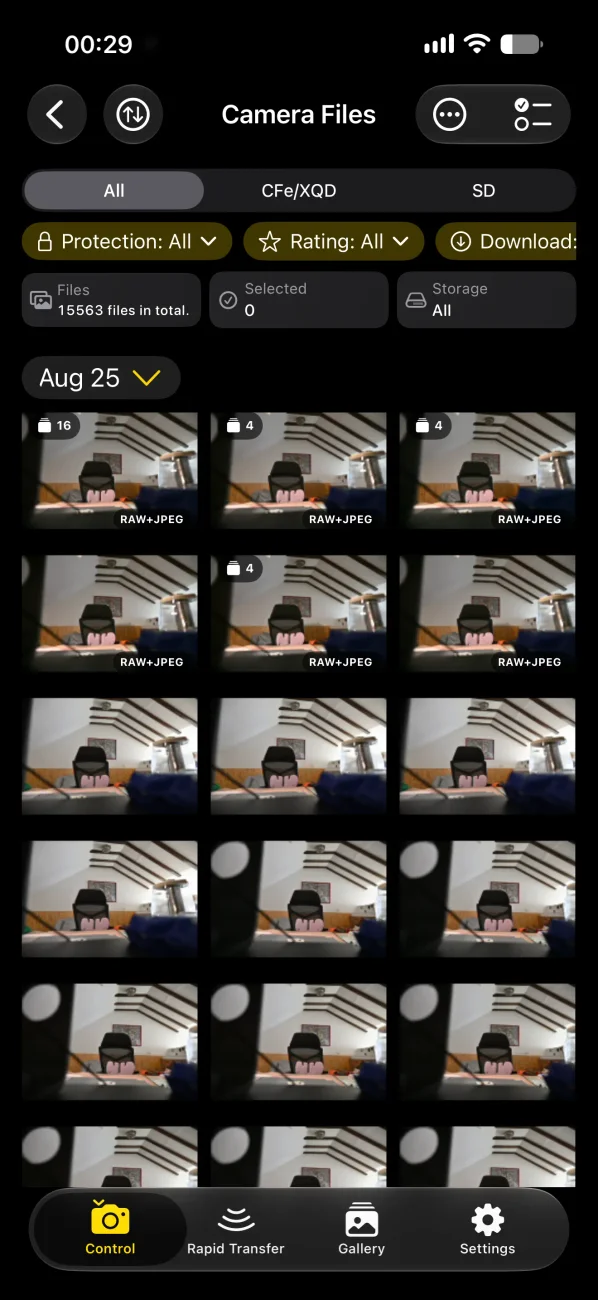
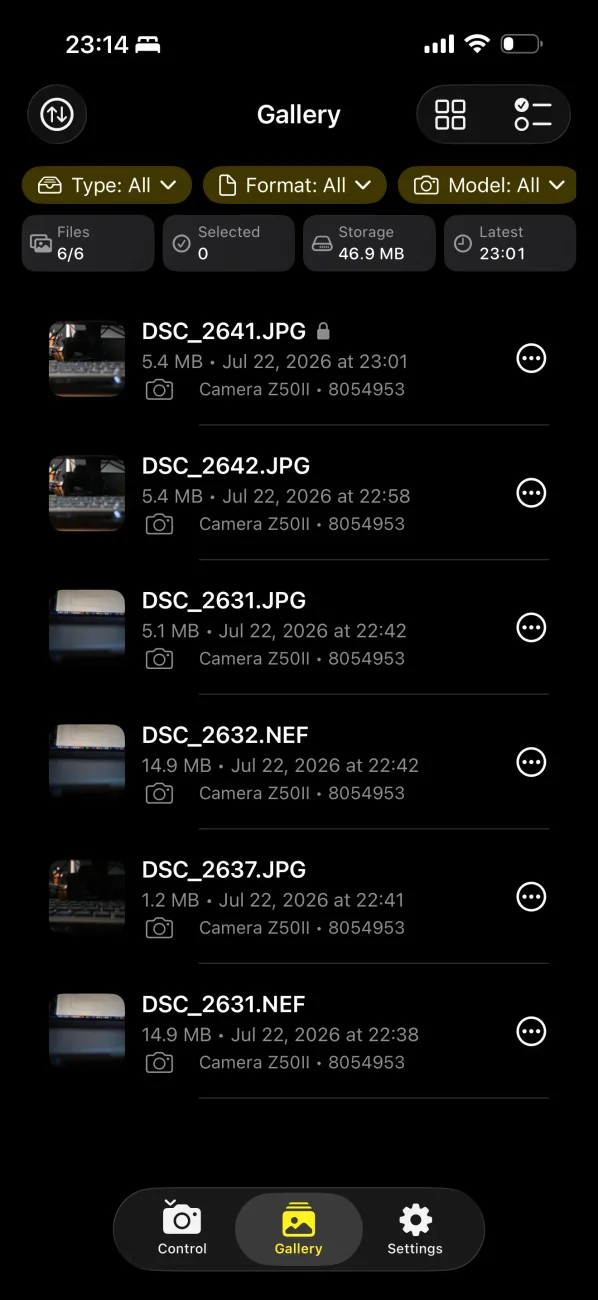
• Browse photos and videos stored on the camera
• Manually download original files and save them to the system photo library
Main Lite Plus Features
Lite Plus is available as a monthly or annual auto-renewable subscription. Both plans unlock the same features:
• Rapid Transfer
• Bluetooth GPS sync and automatic GPS metadata attachment
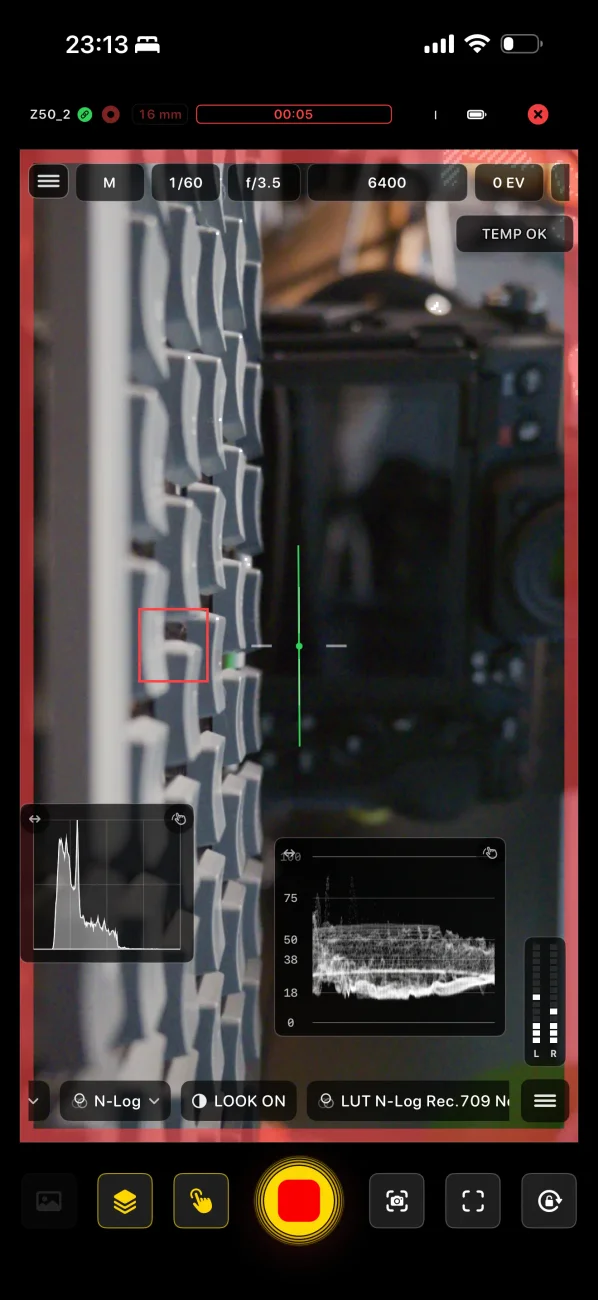
• Live View monitoring
• Touch autofocus
• Burst shooting control
• Multiple self-timer shots
• Change supported settings throughout the complete camera menu
• Freely add, remove, and rearrange iMenu items
• Automatically display a preview after capture
• Custom LUT and Picture Control library
• Apply LUTs to Live View monitoring and gallery workflows
• Anamorphic de-squeeze monitoring
• Red night-vision interface
• Gallery filters and LUT image processing
• Automatically load original files
• System sharing and saving to Files
• Quickly create three-second Live Photos
Available Only in Imaging Console
• Multi-camera cluster control and simultaneous live monitoring
• Global synchronized triggering
• Automatic downloads and instant transfer
• Special shooting mode controls
• Professional monitoring tools, including focus peaking, framing guides, false color, and timecode
• Power zoom and advanced monitoring controls
• Live Photos with a custom duration
• Custom media import and FHD file workflows
• Voice memo management
• Live Activities and advanced capture and control options
• IPTC and copyright management
Compatibility
Nikon D810: USB camera control, Live View and camera file access.
Expeed 7 models: Z9, Z8, ZR, Z6III, Z5II, Zf, and Z50II.
Expeed 6 models: Z5, Z6, Z7, Z6II, Z7II, Z50, Z30, and Zfc. When using the camera’s “Connect to smart device” function, camera control, Live View monitoring, and access to in-camera files are available. When using “Connect to computer,” camera control and Live View monitoring are available.
Feature availability may vary depending on the camera model, firmware version, connection method, and shooting mode.
Important Notice
Imaging Console Lite is an independently developed third-party product and is not affiliated with, associated with, authorized by, endorsed by, or otherwise officially connected with Nikon Corporation, RED Digital Cinema, or any of their affiliated companies. References to Nikon, RED, and related product names are made solely to describe device compatibility.
Terms of Use (EULA): https://www.apple.com/legal/internet-services/itunes/dev/stdeula/
Privacy Policy: https://scrawny-honeydew-fc3.notion.site/Imaging-Console-Privacy-Policy-38878bef77b880108900e47dd6ff4441
Có gì mới
Phiên bản 2.9.1 · 14/11/2026
• Added support for Nikon D850/D810 and other DSLR models, with improved camera controls, Live View and camera file access.
• Improved name recognition for Nikon F-mount lenses and many third-party lenses.
• Fixed known issues.
Quyền riêng tư của ứng dụng
Những gì 栋 张 khai báo trên App Store về cách ứng dụng này xử lý dữ liệu.
-
Dữ liệu liên kết với bạn
Có thể được thu thập và liên kết với danh tính của bạn.
- Mục mua
- Thông tin liên hệ
- Nội dung của người dùng
- Mã định danh
- Dữ liệu sử dụng
- Chẩn đoán
- Dữ liệu khác
Phương thức đảm bảo quyền riêng tư có thể khác nhau, chẳng hạn như tuỳ theo các tính năng bạn sử dụng hoặc độ tuổi của bạn.
Thông tin
- Người bán
- 栋 张
- Danh mục
- Ảnh & Video
- Phiên bản
- 2.9.1
- Cập nhật
- 14/11/2026
- Phát hành
- 28/07/2026
- Kích thước
- 154,0 MB
- Yêu cầu
- iOS 17.0 trở lên
- Độ tuổi
- 4+
- Giá
- Miễn phí
- Mua hàng trong ứng dụng
- Có
- Ngôn ngữ
- Tiếng Anh, Tiếng Trung Giản thể, Tiếng Trung Phồn thể
- Bản quyền
- ©️2026 Dong Zhang