
IPTV fast
IPTV Player
Conçue pour iPhone, iPad, iPod touch
Gratuit · Achats intégrés
- Classification d’âge4+
- CatégorieDivertissement
- Développeur丽娜 夏
- LanguesAnglais+ 1 de plus
- Taille5,9 Mo
Renvoie vers la page App Store officielle
Download.org n’héberge aucun fichier de IPTV fast. Le bouton ouvre la page de l’application sur App Store, où 丽娜 夏 la publie. Fiche vérifiée pour la dernière fois le 18/11/2026.
Captures d’écran

À propos
Le développeur n’a pas fourni ce texte dans votre langue.
IPTV fast is a complete user defined IPTV solutions for live and non-live TV/stream.
Support M3U playlist formats, TXT playlist formats.
If you ever want to play M3U streams, if you need player supporting these live or non-live streams, the IPTV fast is a solution for these requirements.
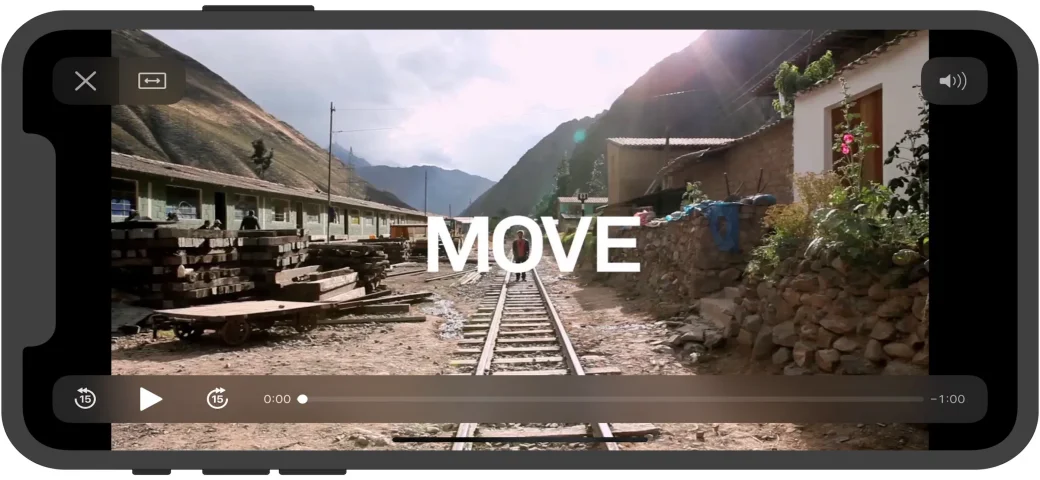
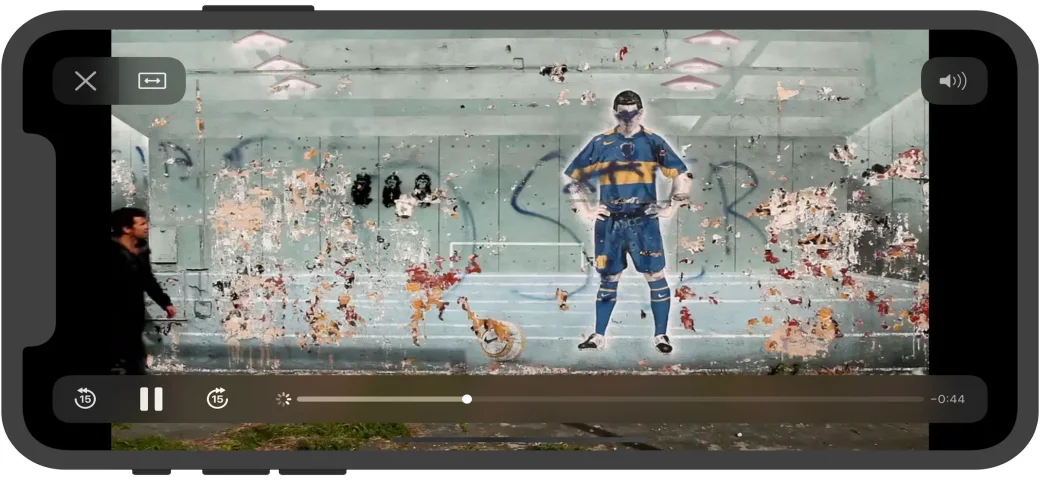
- Built-in powerful player, No need to look for third party player to support these formats.
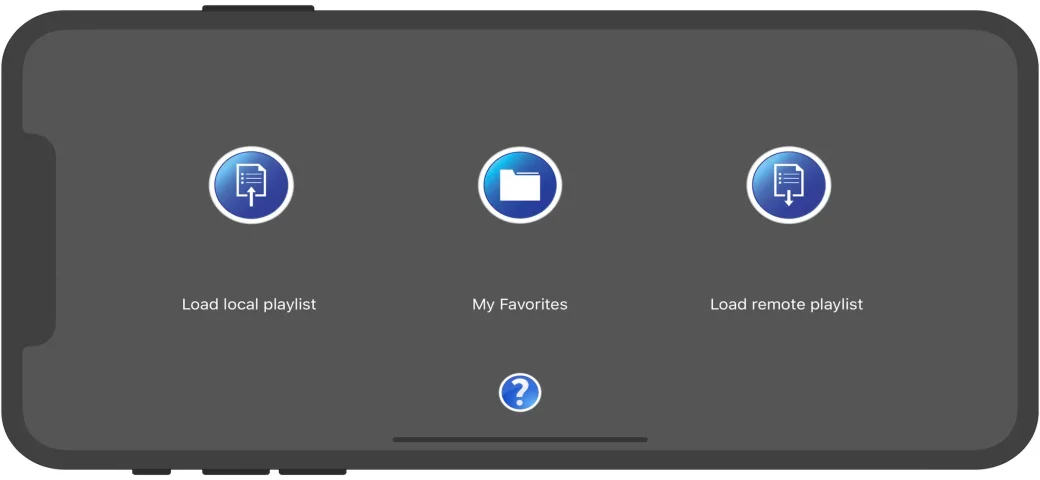
- Support Local M3U and TXT playlists, user can add playlists to their device
via iTunes's file sharing function (connecting their device to iTunes, then add playlists to its file sharing document).
- Support Remote playlists, user can add their http remote playlists.
Features
- Support m3u8 TV/Radio live or non-live stream, you can custom your own TV/Radio channel.
- Support TXT and M3U playlist.
- Support media formats such as m3u8, mp4, mp3. . . . . .
- Download Remote playlists to Local.
- Support My Favorites.
How it works?
1. Make your own playlist
1A. Make your own TXT playlist
Name your playlist as xxx.txt, then edit and save your file in format as below:
TV or Radio Channel,Media Source Link
One line one TV or Radio channel (do not forget The comma)
For example:
(line 1) TV 1,http://streamer.oodlz.it/hls/livestream.m3u8
(line 2) TV 2,http://stream.1music.hu/stream/1music.m3u8
(line 3) Radio 1,http://icestreaming.rai.it/1.mp3
etc. . . . . .
(Save your xxx.txt file as UTF-8)
1B. Make your own M3U playlist (format 1)
Name your playlist as xxx.txt, then edit and save your file in format as below:
#EXTM3U
#EXTINF:-1 tvg-logo=”sample.png” group-title=”No group”,Channel 1
Channel 1,https://edge.music-choice-play-chaina/play/chunklist.m3u8
#EXTINF:-1 tvg-logo=”sample.png” group-title=”No group”,Channel 2
Channel 2,https://nhkworld.webcdn.stream.ne.jp/live_wa_s.m3u8
#EXTINF:-1 tvg-logo=”sample.png” group-title=”No group”,Channel 3
Channel 3,http://77.89.199.174:81/hls/live2.m3u8
etc. . . . . .
Save your xxx.txt file as UTF-8 format, then change its extension from xxx.txt to xxx.m3u.
1C. Make your own M3U playlist (format 2)
Name your playlist as xxx.txt, then edit and save your file in format as below:
#EXTM3U
#EXTINF:-1 tvg-logo=”sample.png” group-title=”No group”,Channel 1
https://edge.music-choice-play-chaina/play/chunklist.m3u8
#EXTINF:-1 tvg-logo=”sample.png” group-title=”No group”,Channel 2
https://nhkworld.webcdn.stream.ne.jp/live_wa_s.m3u8
#EXTINF:-1 tvg-logo=”sample.png” group-title=”No group”,Channel 3
http://77.89.199.174:81/hls/live2.m3u8
etc. . . . . .
Save your xxx.txt file as UTF-8 format, then change its extension from xxx.txt to xxx.m3u.
2. Add your xxx.txt or xxx.m3u file to your device
2A. Add local playlists to your device
First, connecting your device t your computer,
(1) If your macOS is earlier than Catalina, Open iTunes, click file sharing find the IPTV fast, add your playlist to its file share document.
(2) If your macOS is Catalina or Big Sur or later, use Finder, you can drag your playlist to IPTV fast's file share document.
2B. Download remote playlist
First, upload your playlist the a website, get its download url, If all this done, open IPTV fast, enter your playlist download url, press download.
3. Relax and watch your favorite shows on your device
DISCLAIMER
- IPTV fast does not supply or include any media or content.
- IPTV fast has no affiliation with any third-party provider what so ever.
- Users must provide their own contents.
- I do not endorse the streaming of copyright protected material without permission of the copyright holder.
Nouveautés
Version 22.0 · 07/01/2026
Update for GoogleMobileAdsSdk.
Confidentialité de l’application
Ce que 丽娜 夏 déclare sur l’App Store au sujet du traitement des données par cette application.
-
Données utilisées pour vous suivre
Peuvent être utilisées pour vous suivre sur des applications et des sites web appartenant à d’autres sociétés.
- Identifiants
-
Données n’établissant aucun lien avec vous
Peuvent être collectées, mais ne sont pas liées à votre identité.
- Identifiants
Les pratiques en matière de confidentialité peuvent varier, notamment en fonction des fonctionnalités que vous utilisez ou de votre âge.
Informations
- Vendeur
- 丽娜 夏
- Catégorie
- Divertissement
- Version
- 22.0
- Mis à jour
- 07/01/2026
- Publié
- 23/11/2018
- Taille
- 5,9 Mo
- Nécessite
- iOS 14.1 ou version ultérieure
- Classification d’âge
- 4+
- Prix
- Gratuit
- Achats intégrés
- Oui
- Langues
- Anglais, Chinois simplifié
- Copyright
- © Xialina
Vous aimerez peut-être aussi
-
 IPTV Player PRODivertissement
-
 IPTV Player - IPTubeRegarder la télévision
-
 IPTV Mega Player - TV DirectTV en Direct & Divertissement
-
 Play IPTV PlayerDivertissement
-
 Best IPTVDivertissement
-
 IPTV Live - Stream TV & ShowDivertissement
-
 King IPTVLecteur Xtream Codes et M3U8
-
 ClickTV - Lecteur IPTV LiveM3U Streaming & Chromecast
-
 NT IPTVDivertissement
-
 ABC IPTV PLAYERDivertissement