
IPTV fast
IPTV Player
Dirancang untuk iPhone, iPad, iPod touch
Gratis · Pembelian dalam aplikasi
- Batasan usia4+
- KategoriHiburan
- Pengembang丽娜 夏
- BahasaInggris+ 1 lainnya
- Ukuran5,9 MB
Tertaut ke halaman resmi App Store
Download.org tidak menyimpan file IPTV fast apa pun. Tombol ini membuka halaman aplikasi di App Store, tempat 丽娜 夏 menerbitkannya. Halaman terakhir diperiksa pada 18/11/2026.
Tangkapan layar
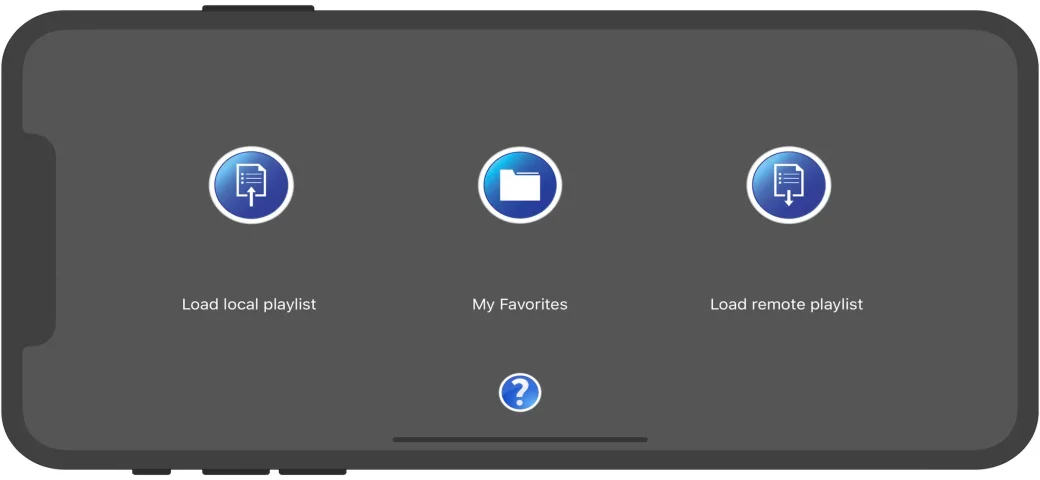
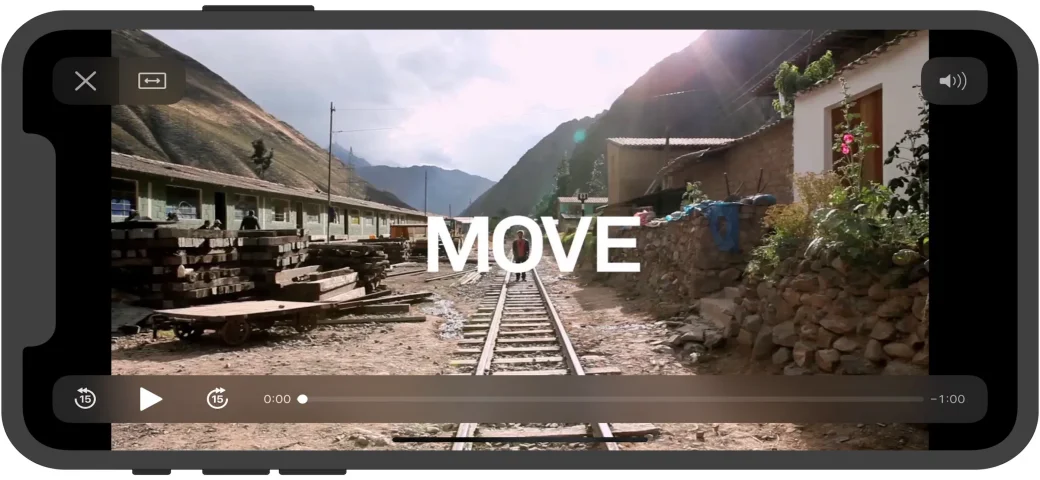

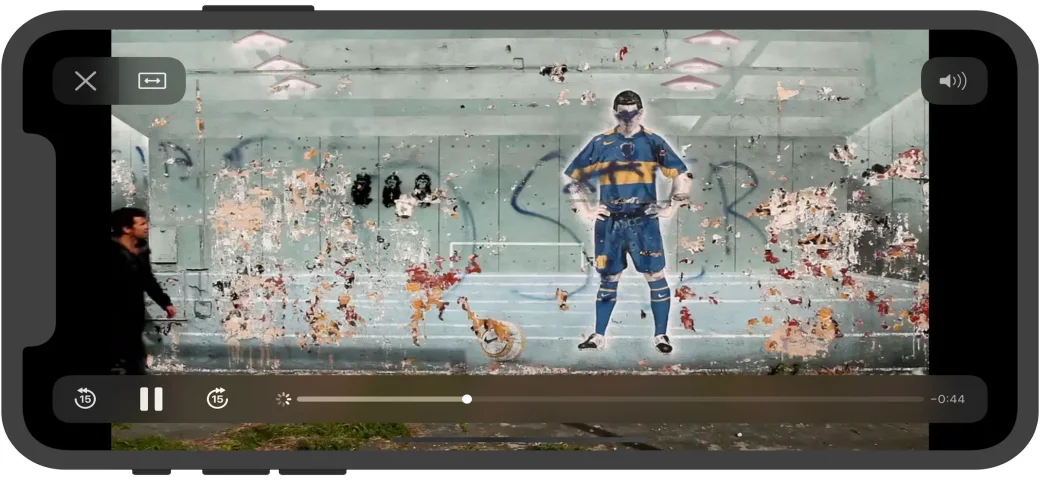
Tentang
Pengembang belum menyediakan teks ini dalam bahasa Anda.
IPTV fast is a complete user defined IPTV solutions for live and non-live TV/stream.
Support M3U playlist formats, TXT playlist formats.
If you ever want to play M3U streams, if you need player supporting these live or non-live streams, the IPTV fast is a solution for these requirements.
- Built-in powerful player, No need to look for third party player to support these formats.
- Support Local M3U and TXT playlists, user can add playlists to their device
via iTunes's file sharing function (connecting their device to iTunes, then add playlists to its file sharing document).
- Support Remote playlists, user can add their http remote playlists.
Features
- Support m3u8 TV/Radio live or non-live stream, you can custom your own TV/Radio channel.
- Support TXT and M3U playlist.
- Support media formats such as m3u8, mp4, mp3. . . . . .
- Download Remote playlists to Local.
- Support My Favorites.
How it works?
1. Make your own playlist
1A. Make your own TXT playlist
Name your playlist as xxx.txt, then edit and save your file in format as below:
TV or Radio Channel,Media Source Link
One line one TV or Radio channel (do not forget The comma)
For example:
(line 1) TV 1,http://streamer.oodlz.it/hls/livestream.m3u8
(line 2) TV 2,http://stream.1music.hu/stream/1music.m3u8
(line 3) Radio 1,http://icestreaming.rai.it/1.mp3
etc. . . . . .
(Save your xxx.txt file as UTF-8)
1B. Make your own M3U playlist (format 1)
Name your playlist as xxx.txt, then edit and save your file in format as below:
#EXTM3U
#EXTINF:-1 tvg-logo=”sample.png” group-title=”No group”,Channel 1
Channel 1,https://edge.music-choice-play-chaina/play/chunklist.m3u8
#EXTINF:-1 tvg-logo=”sample.png” group-title=”No group”,Channel 2
Channel 2,https://nhkworld.webcdn.stream.ne.jp/live_wa_s.m3u8
#EXTINF:-1 tvg-logo=”sample.png” group-title=”No group”,Channel 3
Channel 3,http://77.89.199.174:81/hls/live2.m3u8
etc. . . . . .
Save your xxx.txt file as UTF-8 format, then change its extension from xxx.txt to xxx.m3u.
1C. Make your own M3U playlist (format 2)
Name your playlist as xxx.txt, then edit and save your file in format as below:
#EXTM3U
#EXTINF:-1 tvg-logo=”sample.png” group-title=”No group”,Channel 1
https://edge.music-choice-play-chaina/play/chunklist.m3u8
#EXTINF:-1 tvg-logo=”sample.png” group-title=”No group”,Channel 2
https://nhkworld.webcdn.stream.ne.jp/live_wa_s.m3u8
#EXTINF:-1 tvg-logo=”sample.png” group-title=”No group”,Channel 3
http://77.89.199.174:81/hls/live2.m3u8
etc. . . . . .
Save your xxx.txt file as UTF-8 format, then change its extension from xxx.txt to xxx.m3u.
2. Add your xxx.txt or xxx.m3u file to your device
2A. Add local playlists to your device
First, connecting your device t your computer,
(1) If your macOS is earlier than Catalina, Open iTunes, click file sharing find the IPTV fast, add your playlist to its file share document.
(2) If your macOS is Catalina or Big Sur or later, use Finder, you can drag your playlist to IPTV fast's file share document.
2B. Download remote playlist
First, upload your playlist the a website, get its download url, If all this done, open IPTV fast, enter your playlist download url, press download.
3. Relax and watch your favorite shows on your device
DISCLAIMER
- IPTV fast does not supply or include any media or content.
- IPTV fast has no affiliation with any third-party provider what so ever.
- Users must provide their own contents.
- I do not endorse the streaming of copyright protected material without permission of the copyright holder.
Yang baru
Versi 22.0 · 7/1/2026
Update for GoogleMobileAdsSdk.
Privasi aplikasi
Yang dinyatakan 丽娜 夏 di App Store tentang cara aplikasi ini menangani data.
-
Data yang digunakan untuk melacak Anda
Dapat digunakan untuk melacak Anda di aplikasi dan situs web milik perusahaan lain.
- Pengenal
-
Data yang tidak ditautkan dengan Anda
Dapat dikumpulkan, tetapi tidak ditautkan dengan identitas Anda.
- Pengenal
Praktik privasi dapat bervariasi, misalnya berdasarkan fitur yang Anda gunakan atau usia Anda.
Informasi
- Penjual
- 丽娜 夏
- Kategori
- Hiburan
- Versi
- 22.0
- Diperbarui
- 7/1/2026
- Dirilis
- 23/11/2018
- Ukuran
- 5,9 MB
- Memerlukan
- iOS 14.1 atau yang lebih baru
- Batasan usia
- 4+
- Harga
- Gratis
- Pembelian dalam aplikasi
- Ya
- Bahasa
- Inggris, Tionghoa Sederhana
- Hak cipta
- © Xialina