- Classification d’âge4+
- CatégorieGraphisme et design
- DéveloppeurManuel Minelle
- LanguesAnglais+ 1 de plus
- Taille53,4 Mo
Renvoie vers la page App Store officielle
Download.org n’héberge aucun fichier de iSquiggle. Le bouton ouvre la page de l’application sur App Store, où Manuel Minelle la publie. Fiche vérifiée pour la dernière fois le 18/11/2026.
Captures d’écran


À propos
Le développeur n’a pas fourni ce texte dans votre langue.
et imagination run free with iSquiggle, the drawing and coloring app made for kids.
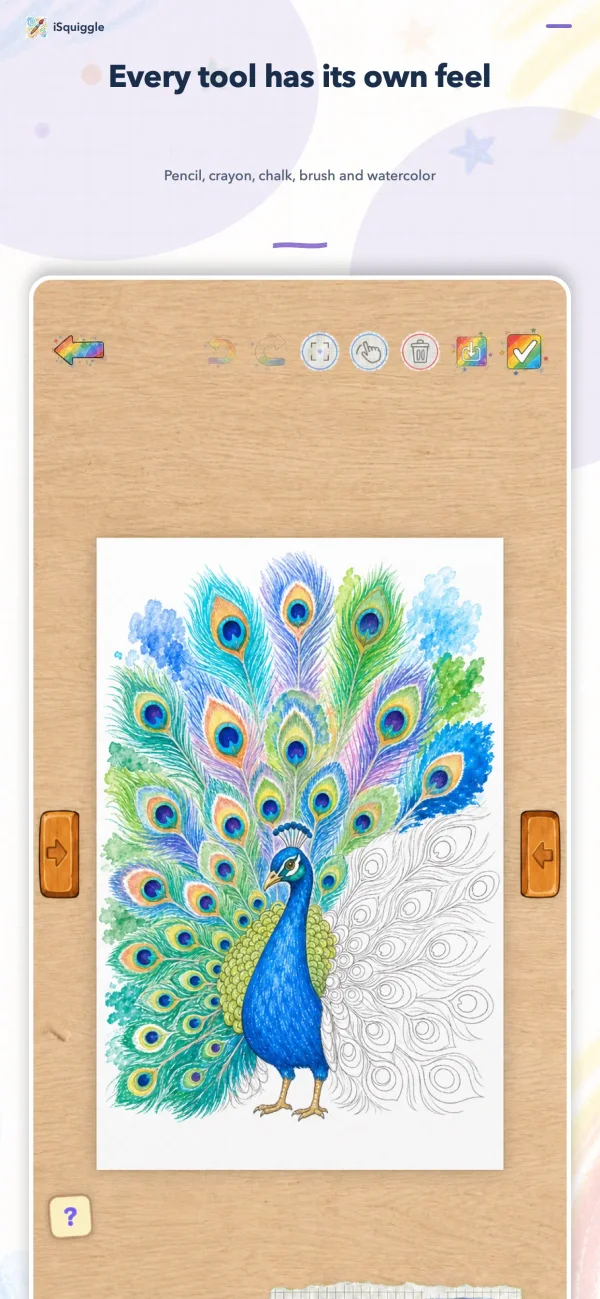
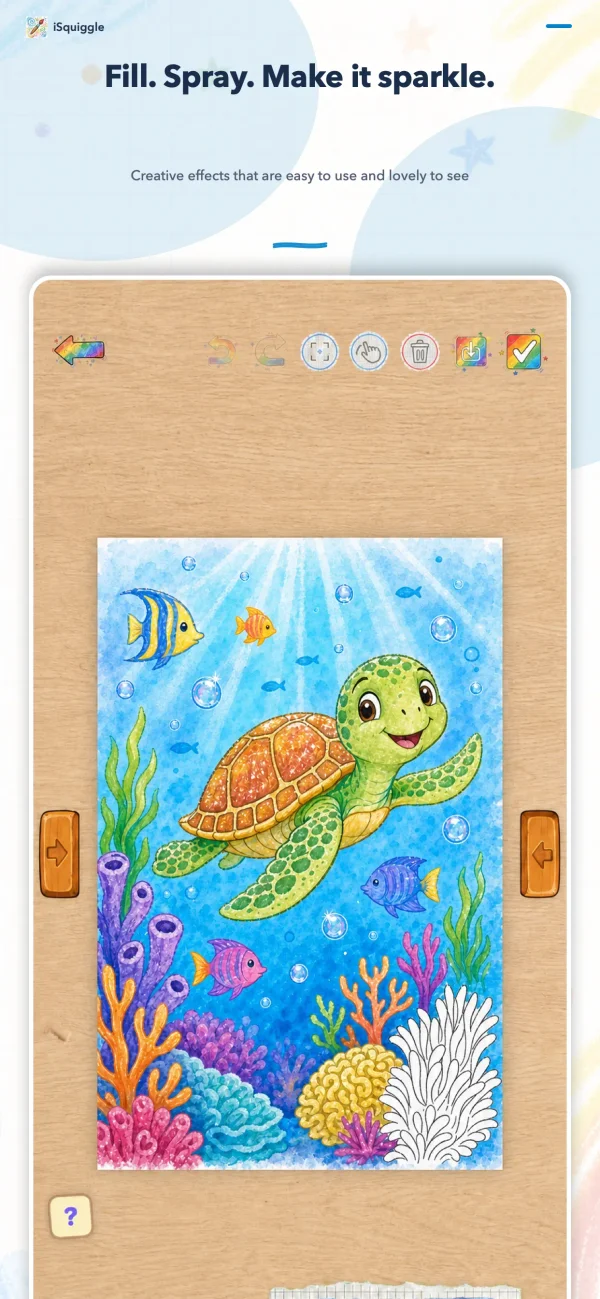
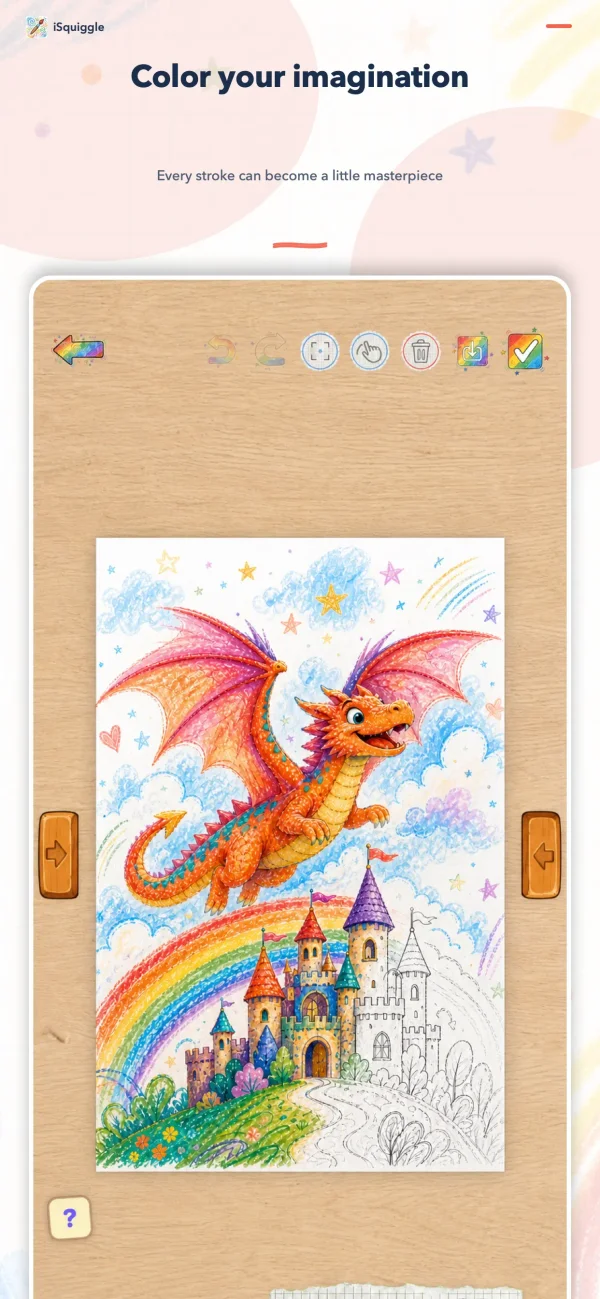
Choose from 67 coloring pages or start with a blank sheet. Draw with markers, pencils, crayons, chalk, brushes and watercolor, then add extra sparkle with spray and glitter. Fill colors an area with a tap, while Stay Inside the Lines helps younger artists create with confidence.
A GALLERY READY FOR CREATIVITY
• 67 pictures organized by category and difficulty
• Blank sheets for unlimited imagination
• Automatic saving and instant resume
• A personal gallery for every masterpiece
FUN, NATURAL DRAWING TOOLS
• Marker, chalk, pencil, crayon, brush and watercolor
• Spray, glitter and one-tap fill
• Colors, shades, eyedropper and adjustable stroke size
• Undo, redo, zoom, pan and two-finger rotation
• Finger and Apple Pencil support on iPad
MADE FOR KIDS AND PARENTS
• A clear, colorful and accessible interface
• A protected parents area for importing photos, exporting, sharing or printing
• Recoverable trash and safe artwork management
• English and Italian, VoiceOver and Reduce Motion support
PRIVACY COMES FIRST
iSquiggle requires no account and does not track users. Drawings and imported images stay on the device; only a parent can choose to export them through the protected parents area.
iSquiggle 2.0 is universal for iPhone and iPad and requires iOS 17.6 or later.
Nouveautés
Version 2.0 · 22/07/2026
iSquiggle 2.0 is our biggest update yet:
• Now available on iPhone and iPad, with controls optimized for fingers and Apple Pencil.
• A new gallery with 67 coloring pages, categories, difficulty levels and blank sheets.
• New creative modes: Fill, Stay Inside the Lines, Spray and Glitter.
• Improved drawing tools with dedicated sizes, more faithful colors and new effects.
• Two-finger gestures to pan, zoom and rotate the page.
• Automatic saving, a masterpiece gallery, duplication, reset and recoverable trash.
• A new protected parents area for importing photos, exporting, sharing and printing.
• English and Italian interface, VoiceOver and Reduce Motion support.
• Drawings created with iSquiggle 1.x are recovered automatically.
Confidentialité de l’application
Ce que Manuel Minelle déclare sur l’App Store au sujet du traitement des données par cette application.
-
Données non collectées
Le développeur ne collecte aucune donnée à partir de cette application.
Les pratiques en matière de confidentialité peuvent varier, notamment en fonction des fonctionnalités que vous utilisez ou de votre âge.
Informations
- Vendeur
- Manuel Minelle
- Catégorie
- Graphisme et design
- Version
- 2.0
- Mis à jour
- 22/07/2026
- Publié
- 03/12/2025
- Taille
- 53,4 Mo
- Nécessite
- iOS 17.6 ou version ultérieure
- Classification d’âge
- 4+
- Prix
- Gratuit
- Langues
- Anglais, Italien
- Copyright
- © Manuel Minelle
Vous aimerez peut-être aussi
-
 VibeSketch: AI Sketch to ArtGraphisme et design
-
 Pick-to-Draw: Palette PhotoPeins avec tes couleurs photo
-
 Colorpik CanvasGraphisme et design
-
 AuniDraw: Drawing AppGraphisme et design
-
 PixColor:Color WalkGraphisme et design
-
 Trazu : Peindre, DessinerPeinture réaliste, composition
-
 Artbox - Real Oil PaintingPeinture à l'huile réaliste
-
 DrawArtAIGraphisme et design
-
 Dabble | Drawing app for kidsGraphisme et design
-
 makeART: Collage Art StudioGraphisme et design