- Age rating4+
- CategoryGraphics & Design
- DeveloperManuel Minelle
- LanguagesEnglish+ 1 more
- Size53.4 MB
Links to the official App Store page
Download.org hosts no file of iSquiggle. The button opens its official App Store page, published by Manuel Minelle. Listing last checked on Nov 18, 2026.
Screenshots


About
et imagination run free with iSquiggle, the drawing and coloring app made for kids.
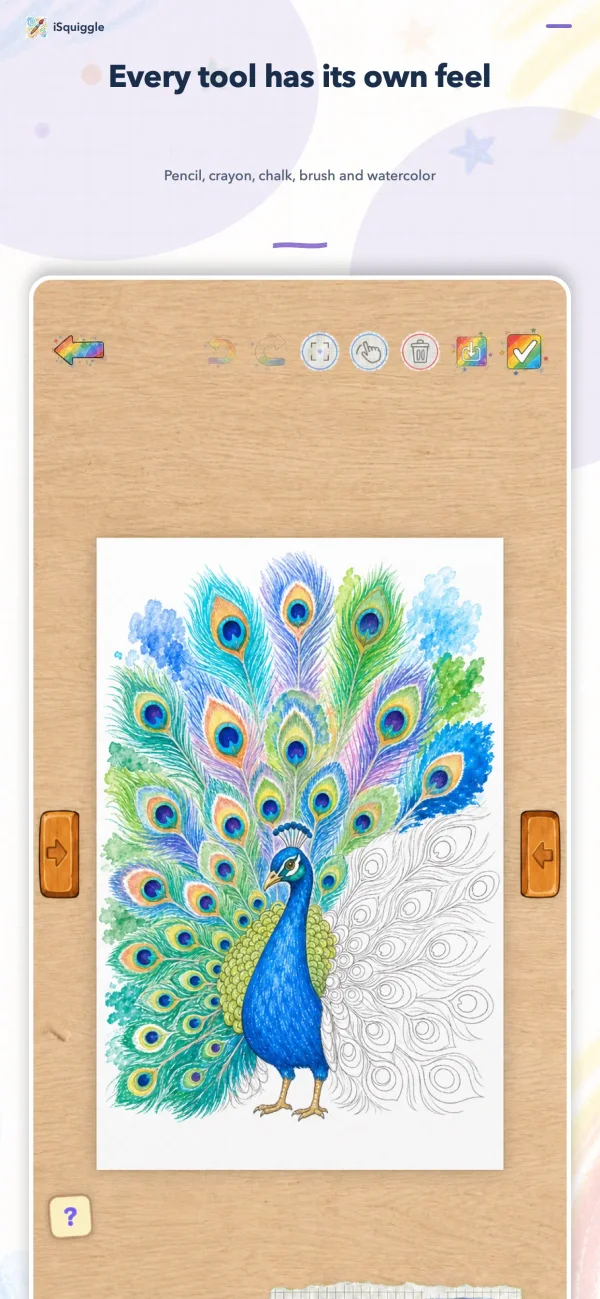
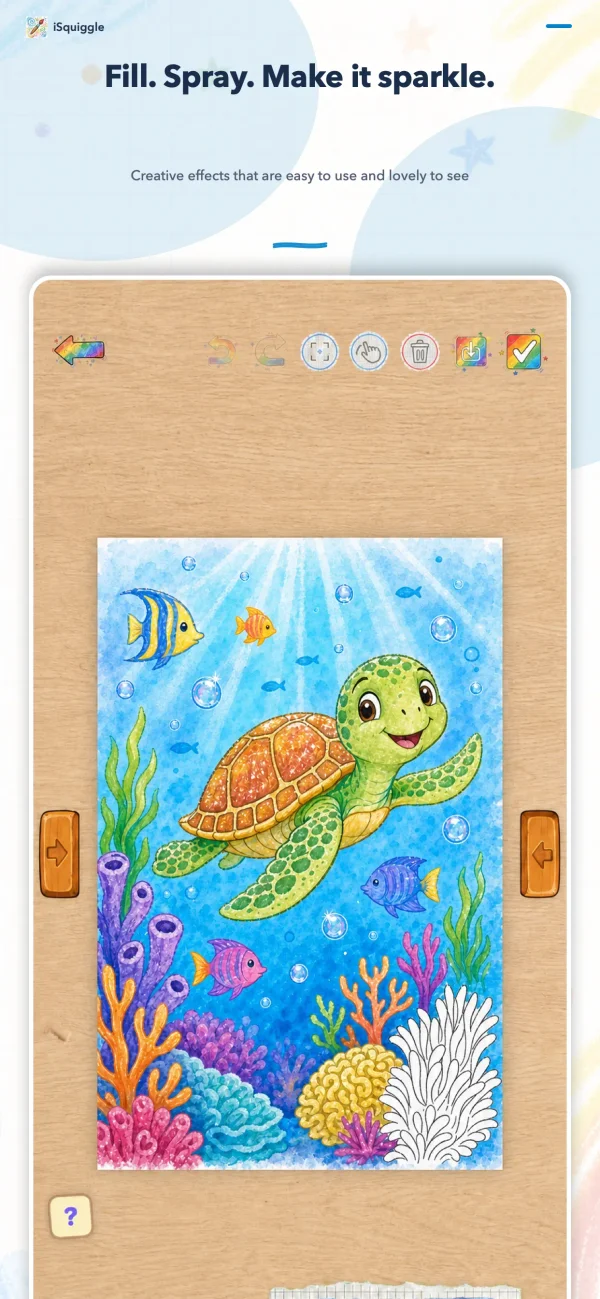
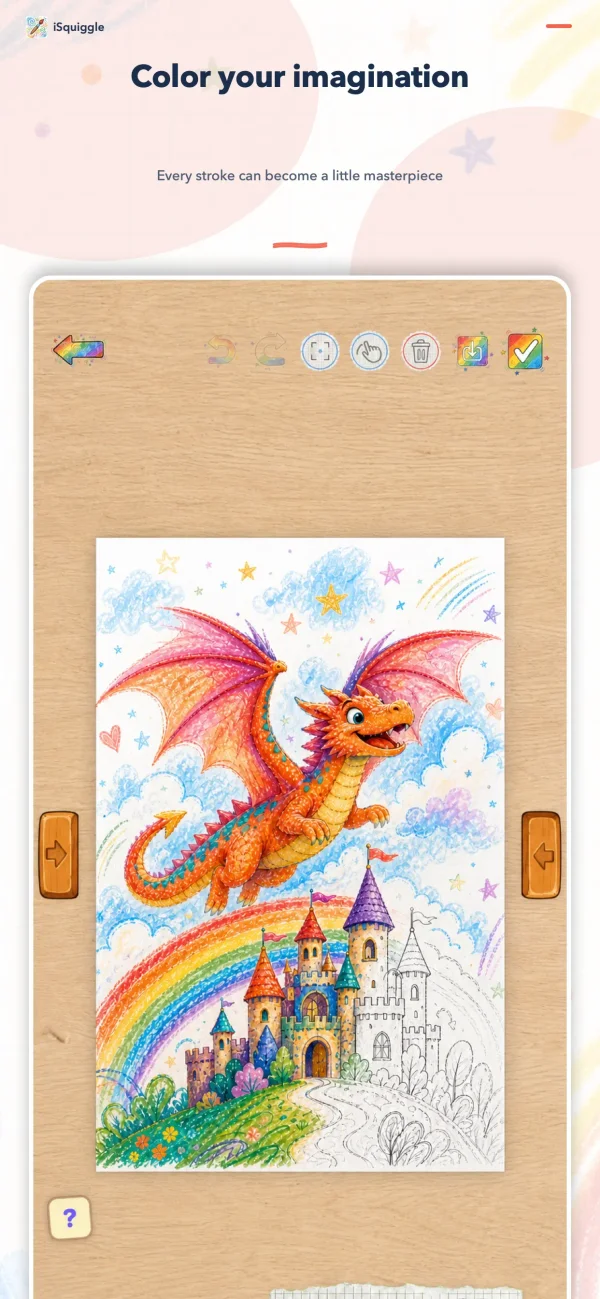
Choose from 67 coloring pages or start with a blank sheet. Draw with markers, pencils, crayons, chalk, brushes and watercolor, then add extra sparkle with spray and glitter. Fill colors an area with a tap, while Stay Inside the Lines helps younger artists create with confidence.
A GALLERY READY FOR CREATIVITY
• 67 pictures organized by category and difficulty
• Blank sheets for unlimited imagination
• Automatic saving and instant resume
• A personal gallery for every masterpiece
FUN, NATURAL DRAWING TOOLS
• Marker, chalk, pencil, crayon, brush and watercolor
• Spray, glitter and one-tap fill
• Colors, shades, eyedropper and adjustable stroke size
• Undo, redo, zoom, pan and two-finger rotation
• Finger and Apple Pencil support on iPad
MADE FOR KIDS AND PARENTS
• A clear, colorful and accessible interface
• A protected parents area for importing photos, exporting, sharing or printing
• Recoverable trash and safe artwork management
• English and Italian, VoiceOver and Reduce Motion support
PRIVACY COMES FIRST
iSquiggle requires no account and does not track users. Drawings and imported images stay on the device; only a parent can choose to export them through the protected parents area.
iSquiggle 2.0 is universal for iPhone and iPad and requires iOS 17.6 or later.
What’s new
Version 2.0 · Jul 22, 2026
iSquiggle 2.0 is our biggest update yet:
• Now available on iPhone and iPad, with controls optimized for fingers and Apple Pencil.
• A new gallery with 67 coloring pages, categories, difficulty levels and blank sheets.
• New creative modes: Fill, Stay Inside the Lines, Spray and Glitter.
• Improved drawing tools with dedicated sizes, more faithful colors and new effects.
• Two-finger gestures to pan, zoom and rotate the page.
• Automatic saving, a masterpiece gallery, duplication, reset and recoverable trash.
• A new protected parents area for importing photos, exporting, sharing and printing.
• English and Italian interface, VoiceOver and Reduce Motion support.
• Drawings created with iSquiggle 1.x are recovered automatically.
App privacy
What Manuel Minelle declares on the App Store about how this app handles data.
-
Data not collected
The developer does not collect any data from this app.
Privacy practices may vary, for example with the features you use or your age.
Information
- Seller
- Manuel Minelle
- Category
- Graphics & Design
- Version
- 2.0
- Updated
- Jul 22, 2026
- Released
- Dec 3, 2025
- Size
- 53.4 MB
- Requires
- iOS 17.6 or later
- Age rating
- 4+
- Price
- Free
- Languages
- English, Italian
- Copyright
- © Manuel Minelle
You might also like
-
 VibeSketch: AI Sketch to ArtDoodle & Drawing to Image
-
 Pick-to-Draw: Photo PaletteDraw with Colors from Photos
-
 Colorpik CanvasDraw using real-world colors
-
 AuniDraw: Drawing AppDrawing App - paint & sketch
-
 PixColor:Color WalkTurn photos into color stories
-
 Trazu: Paint, Sketch, DrawReal paint, composition guides
-
 Artbox - Real Oil PaintingRealistic Oil Painting
-
 DrawArtAI : Realtime DrawingRealtime AI Painting
-
 Dabble | Drawing app for kidsSimple painting and coloring
-
 makeART: Collage Art StudioAesthetic Mood Board Maker