JavaScript Console Editor
Learn & run javascript code
Conçue pour iPhone, iPad, iPod touch
Gratuit
- Classification d’âge4+
- CatégorieÉducation
- DéveloppeurMerbin Joe
- LanguesAnglais
- Taille9,8 Mo
Renvoie vers la page App Store officielle
Download.org n’héberge aucun fichier de JavaScript Console Editor. Le bouton ouvre la page de l’application sur App Store, où Merbin Joe la publie. Fiche vérifiée pour la dernière fois le 17/11/2026.
Captures d’écran

À propos
Le développeur n’a pas fourni ce texte dans votre langue.
JavaScript Console Editor is a lightweight and powerful JavaScript coding app designed for students, beginners, web developers and programmers who want to write, run, test and debug JavaScript directly on iPhone or iPad.
Use the built-in JS editor and console to execute JavaScript code instantly, view real-time output, experiment with functions and logic, learn from practical examples and improve your programming skills anywhere.
WRITE & RUN JAVASCRIPT
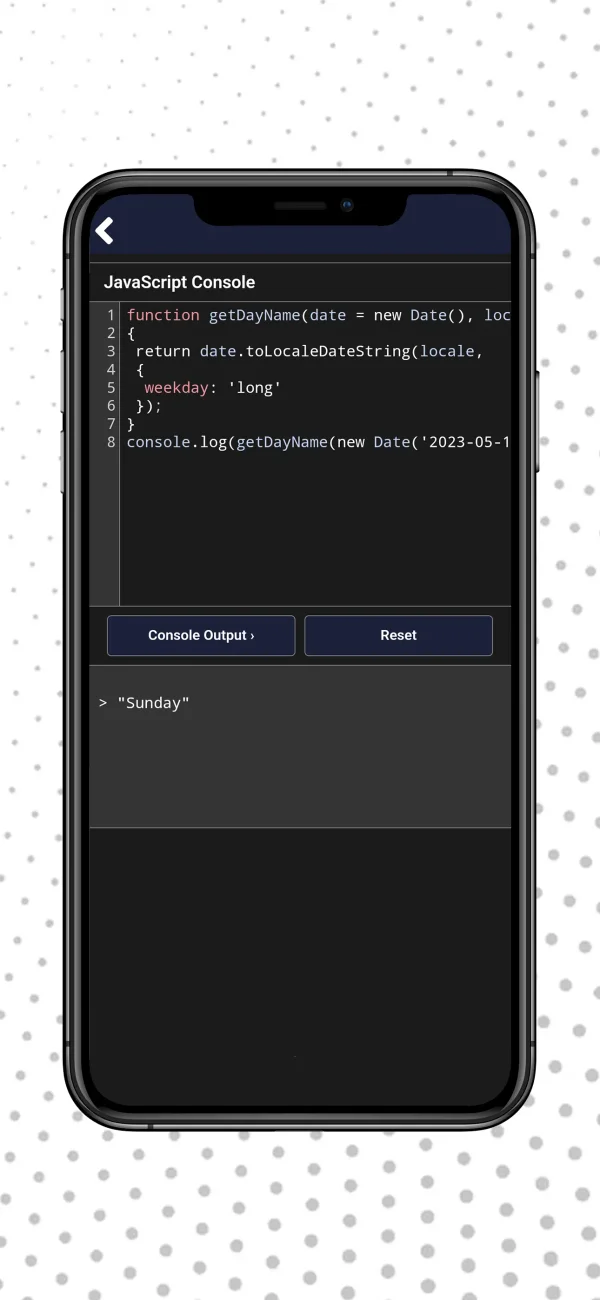
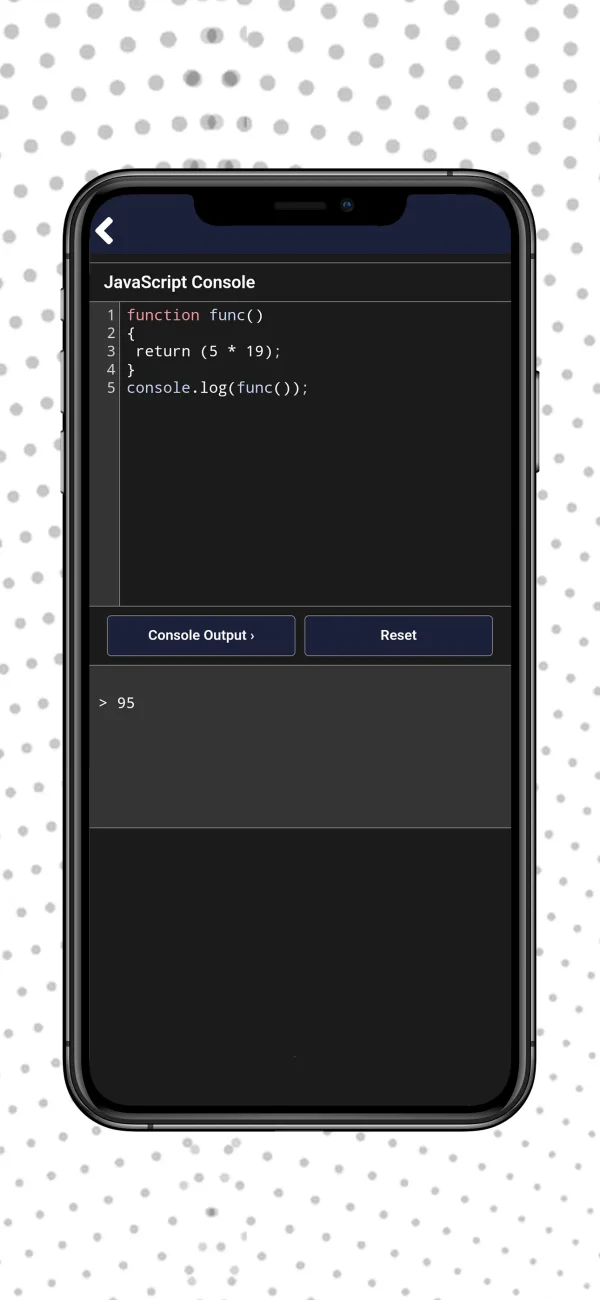
Write JavaScript code directly inside the built-in editor and execute it instantly.
Test variables, functions, loops, arrays, objects and other JavaScript concepts without needing a desktop development environment.
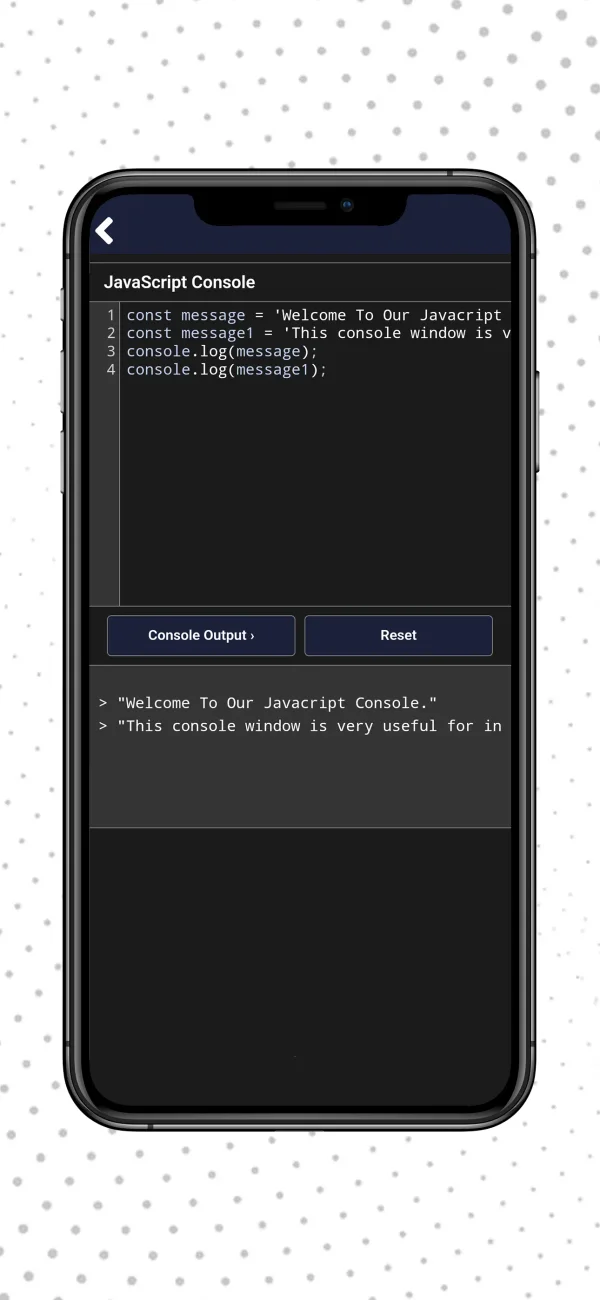
INSTANT CONSOLE OUTPUT
Run your code and immediately view the result in the integrated JavaScript console.
The console helps you:
• Display program output
• Check variable values
• Test JavaScript logic
• Find errors
• Debug code
• Understand program execution
Instant feedback makes coding practice faster and more interactive.
BUILT-IN JS CODE EDITOR
The JavaScript editor provides a convenient mobile coding environment with syntax highlighting for improved readability.
Write your own programs, modify existing examples, experiment with different logic and quickly test JavaScript snippets.
REAL-TIME JAVASCRIPT DEBUGGING
Use console output to understand how your code behaves.
Test individual expressions, inspect values and identify errors while learning how JavaScript programs execute.
Debugging tools are useful for both beginners learning JavaScript and developers who need a quick mobile environment for testing code.
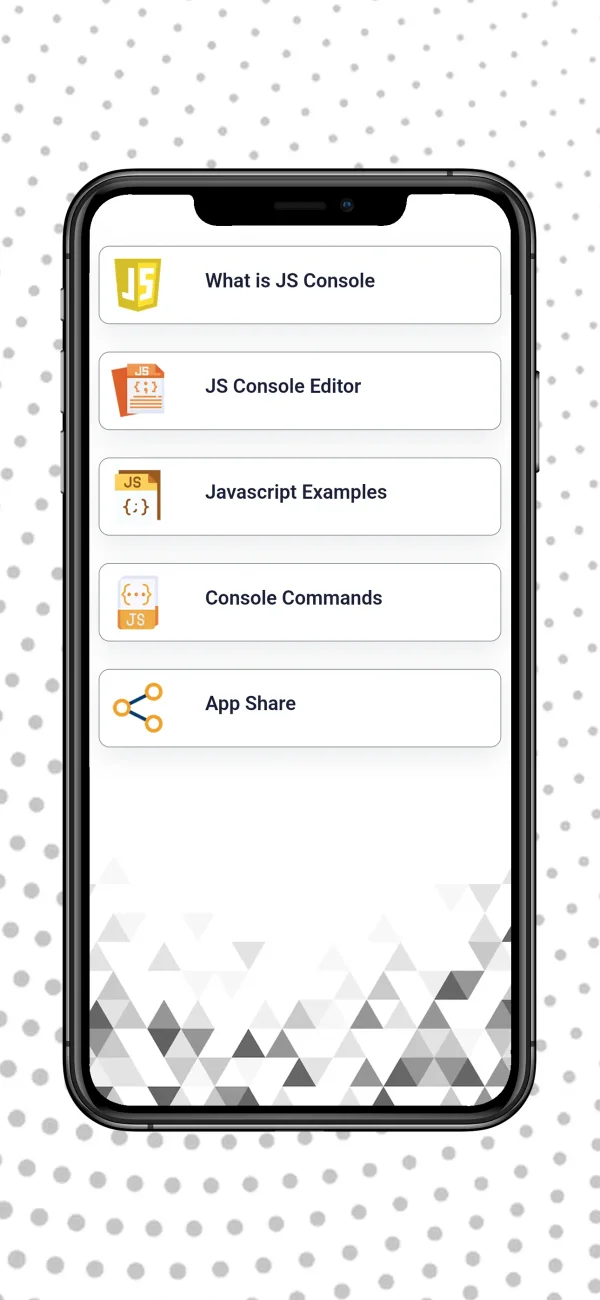
80+ JAVASCRIPT EXAMPLES
Explore more than 80 practical JavaScript examples covering beginner to advanced programming concepts.
Learn topics such as:
• Variables
• Data types
• Operators
• Conditional statements
• Loops
• Functions
• Arrays
• Objects
• Events
• DOM manipulation
• String operations
• Number operations
• Programming logic
Study the example code, modify values and run it yourself to understand how JavaScript works in practice.
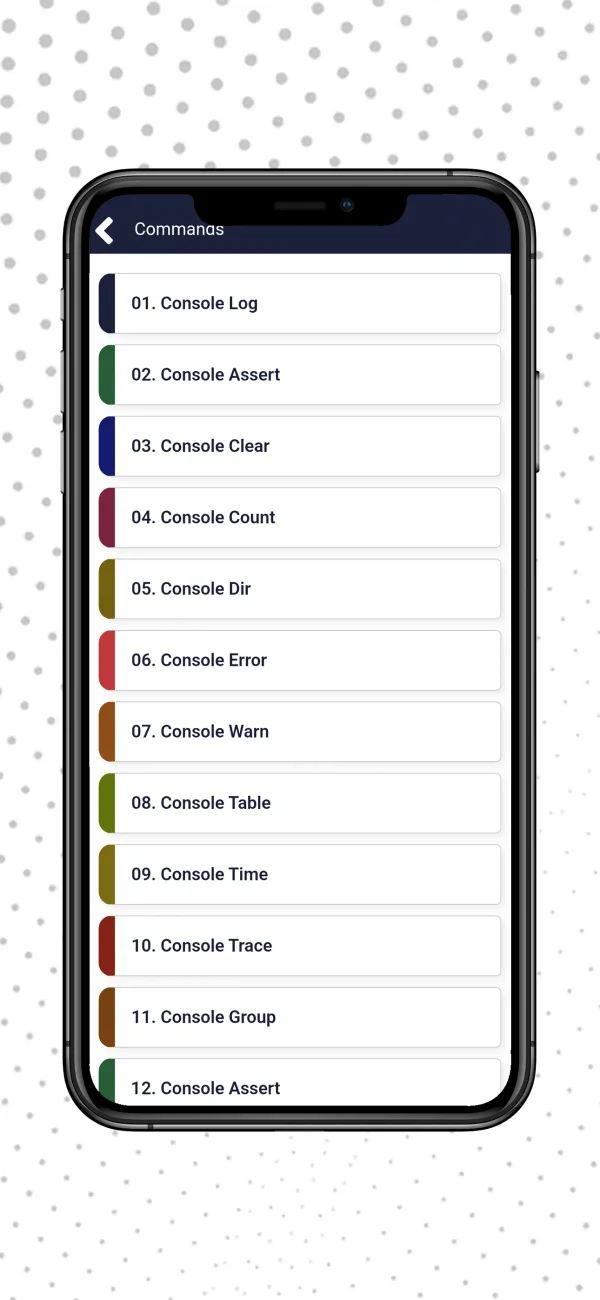
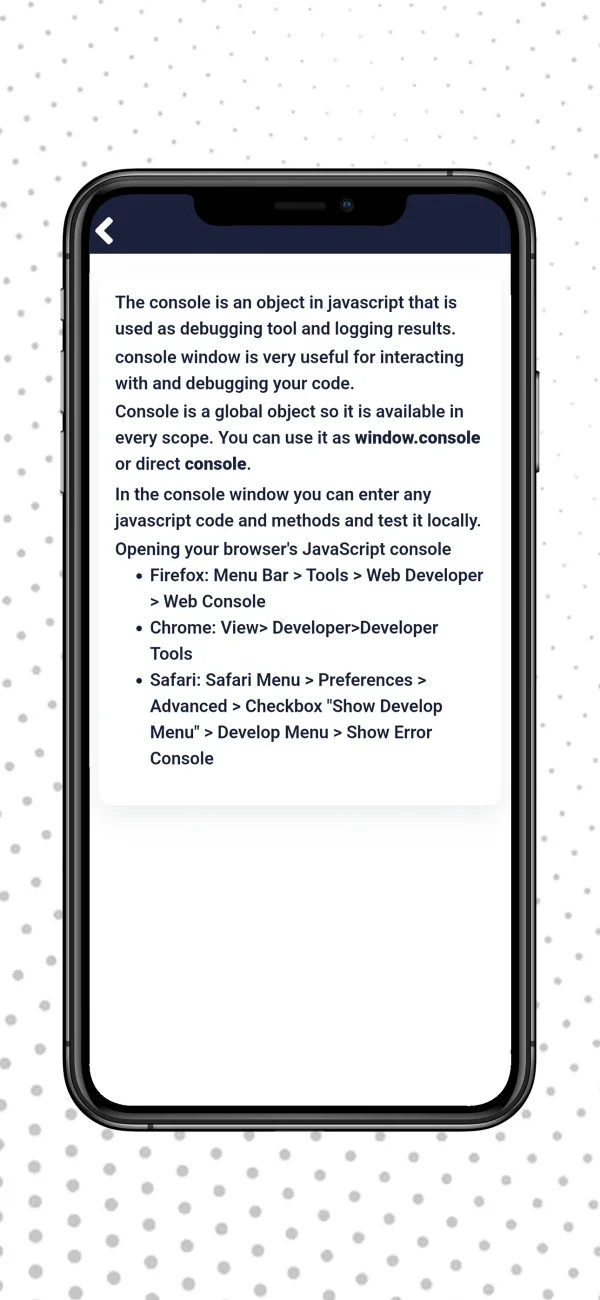
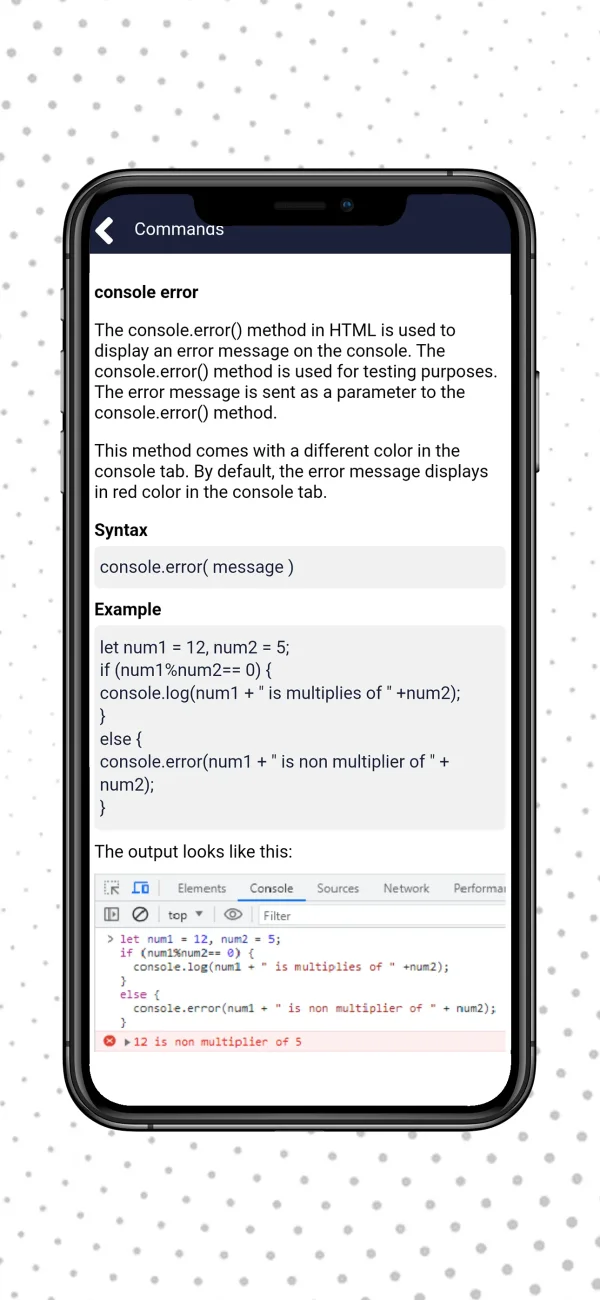
LEARN JAVASCRIPT CONSOLE COMMANDS
Explore 10+ useful JavaScript console commands commonly used during web development and debugging.
Learn how console commands can help you:
• Print messages
• Display values
• Check warnings
• Identify errors
• Inspect information
• Track program execution
• Debug JavaScript
Each command is presented in a beginner-friendly way to make console usage easier to understand.
LEARN BY PRACTICING
JavaScript Console Editor provides a practical learning environment where you can read examples and immediately experiment with the code.
Change values, rewrite functions, test new ideas and observe the output.
Hands-on coding can help improve programming logic and build confidence with JavaScript.
SAVE CODE SNIPPETS
Save useful JavaScript code and keep your practice snippets available for future reference.
Build your own collection of examples, solutions and frequently used JavaScript code.
OFFLINE JAVASCRIPT EDITOR
Many core coding features work without requiring a continuous internet connection.
Practice JavaScript while travelling, studying or whenever you want to test code offline.
FAST & LIGHTWEIGHT
The app focuses on quick JavaScript execution and a simple coding workflow.
Open the editor, write your code, run it and check the console output without unnecessary complexity.
DARK MODE & LIGHT MODE
Choose between Dark Mode and Light Mode based on your preference.
Dark Mode provides a comfortable coding environment in low-light conditions, while Light Mode offers a clean and bright workspace during the day.
SUITABLE FOR
• JavaScript beginners
• Programming students
• Web development learners
• Frontend developers
• Coding beginners
• Developers testing JavaScript snippets
• Students learning programming logic
• Anyone looking for a mobile JS editor
Nouveautés
Version 2.2 · 20/08/2026
Bug fixes
Confidentialité de l’application
Ce que Merbin Joe déclare sur l’App Store au sujet du traitement des données par cette application.
-
Données utilisées pour vous suivre
Peuvent être utilisées pour vous suivre sur des applications et des sites web appartenant à d’autres sociétés.
- Données d’utilisation
-
Données n’établissant aucun lien avec vous
Peuvent être collectées, mais ne sont pas liées à votre identité.
- Données d’utilisation
Les pratiques en matière de confidentialité peuvent varier, notamment en fonction des fonctionnalités que vous utilisez ou de votre âge.
Informations
- Vendeur
- Merbin Joe
- Catégorie
- Éducation
- Version
- 2.2
- Mis à jour
- 20/08/2026
- Publié
- 23/10/2023
- Taille
- 9,8 Mo
- Nécessite
- iOS 15.0 ou version ultérieure
- Classification d’âge
- 4+
- Prix
- Gratuit
- Langues
- Anglais
- Copyright
- © Codeplay
Vous aimerez peut-être aussi
-
 Learn JavaScript | Learn JSÉducation
-
 JavaScript for Beginners 2024Éducation
-
 Learn Web DevelopmentÉducation
-
 JavaScript CompilerÉducation
-
 Learn Javascript LanguageÉducation
-
 Learn CSS | CSS TutorialÉducation
-
 JS MasterÉducation
-
 Learn HTML | HTML AcademyÉducation
-
 CodeCrafty Python EditionÉducation
-
 JS React Entretien QuizJavaScript Questions