JavaScript Console Editor
Learn & run javascript code
iPhone, iPad, iPod touch için tasarlandı
Ücretsiz
- Yaş sınırı4+
- KategoriEğitim
- GeliştiriciMerbin Joe
- Dillerİngilizce
- Boyut9,8 MB
Resmi App Store sayfasına bağlanır
Download.org, JavaScript Console Editor için hiçbir dosya barındırmaz. Düğme, uygulamanın App Store üzerindeki sayfasını açar; uygulamayı orada Merbin Joe yayınlar. Sayfanın son kontrolü: 17.11.2026.
Ekran görüntüleri

Hakkında
Geliştirici bu metni dilinizde sunmamış.
JavaScript Console Editor is a lightweight and powerful JavaScript coding app designed for students, beginners, web developers and programmers who want to write, run, test and debug JavaScript directly on iPhone or iPad.
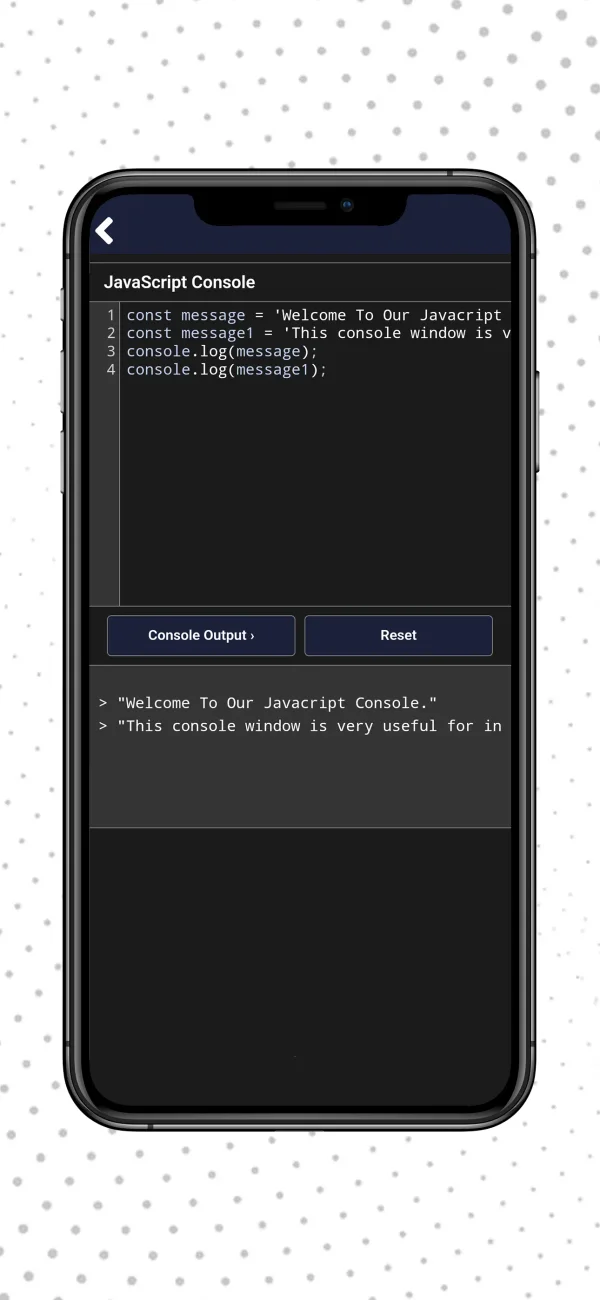
Use the built-in JS editor and console to execute JavaScript code instantly, view real-time output, experiment with functions and logic, learn from practical examples and improve your programming skills anywhere.
WRITE & RUN JAVASCRIPT
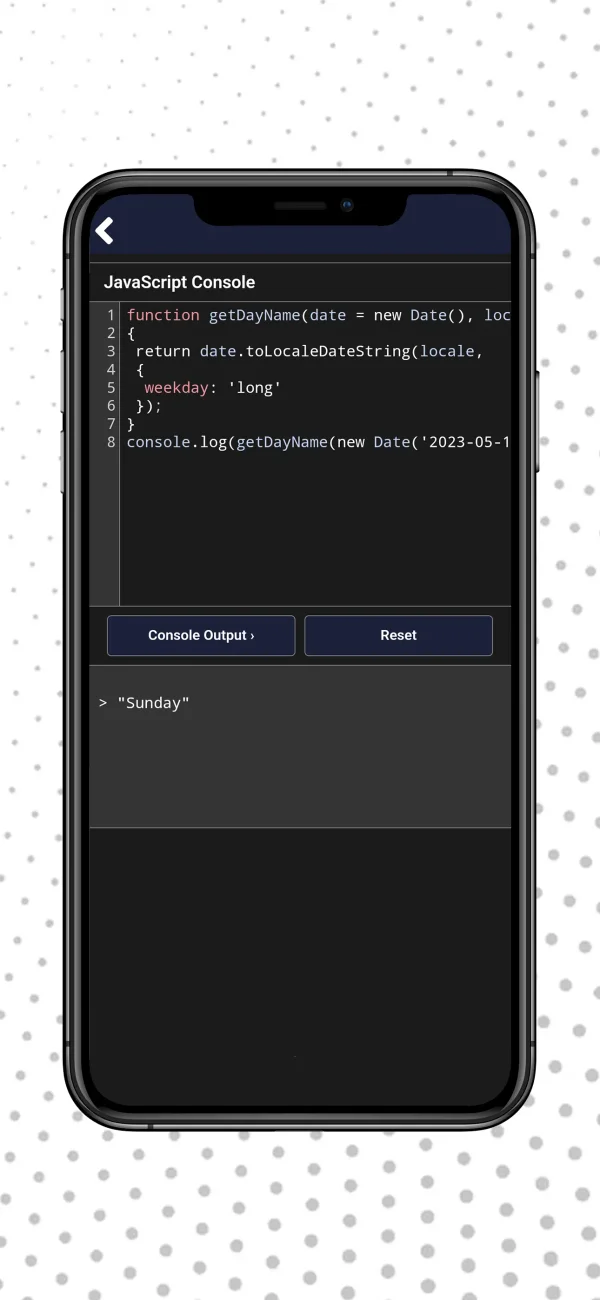
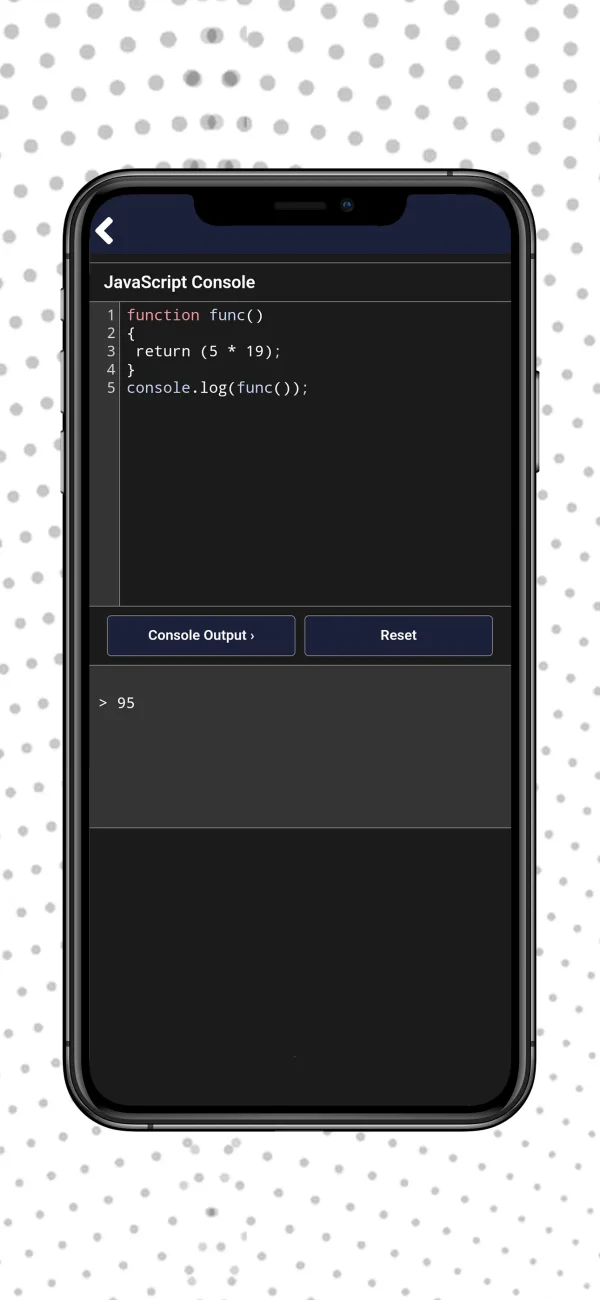
Write JavaScript code directly inside the built-in editor and execute it instantly.
Test variables, functions, loops, arrays, objects and other JavaScript concepts without needing a desktop development environment.
INSTANT CONSOLE OUTPUT
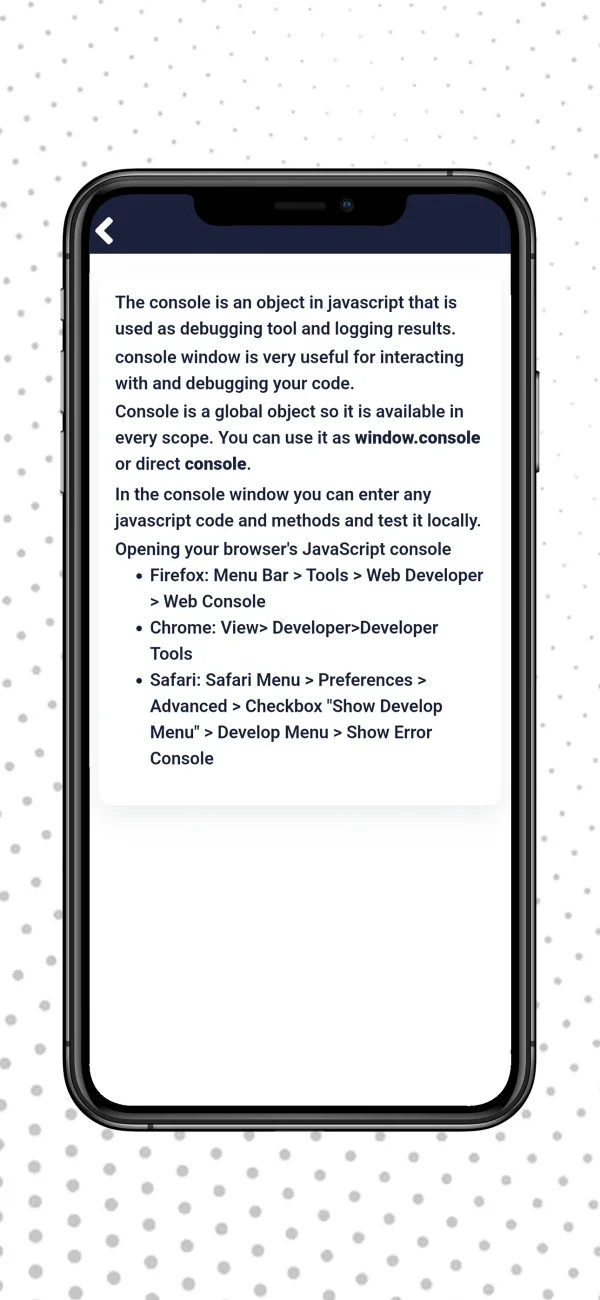
Run your code and immediately view the result in the integrated JavaScript console.
The console helps you:
• Display program output
• Check variable values
• Test JavaScript logic
• Find errors
• Debug code
• Understand program execution
Instant feedback makes coding practice faster and more interactive.
BUILT-IN JS CODE EDITOR
The JavaScript editor provides a convenient mobile coding environment with syntax highlighting for improved readability.
Write your own programs, modify existing examples, experiment with different logic and quickly test JavaScript snippets.
REAL-TIME JAVASCRIPT DEBUGGING
Use console output to understand how your code behaves.
Test individual expressions, inspect values and identify errors while learning how JavaScript programs execute.
Debugging tools are useful for both beginners learning JavaScript and developers who need a quick mobile environment for testing code.
80+ JAVASCRIPT EXAMPLES
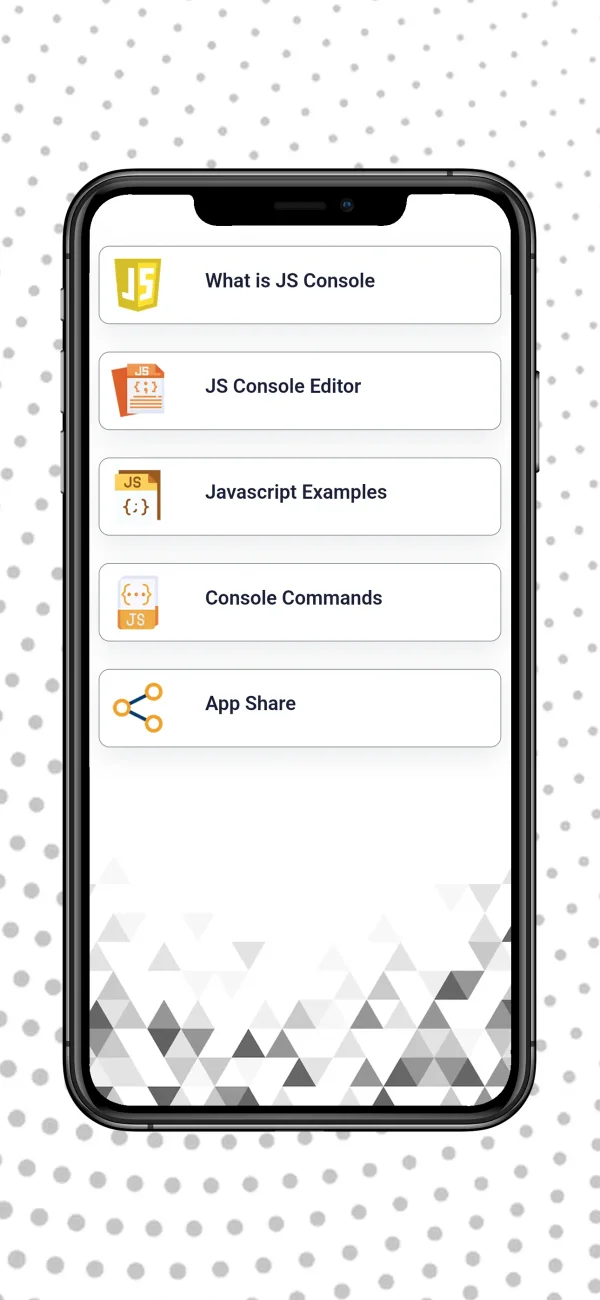
Explore more than 80 practical JavaScript examples covering beginner to advanced programming concepts.
Learn topics such as:
• Variables
• Data types
• Operators
• Conditional statements
• Loops
• Functions
• Arrays
• Objects
• Events
• DOM manipulation
• String operations
• Number operations
• Programming logic
Study the example code, modify values and run it yourself to understand how JavaScript works in practice.
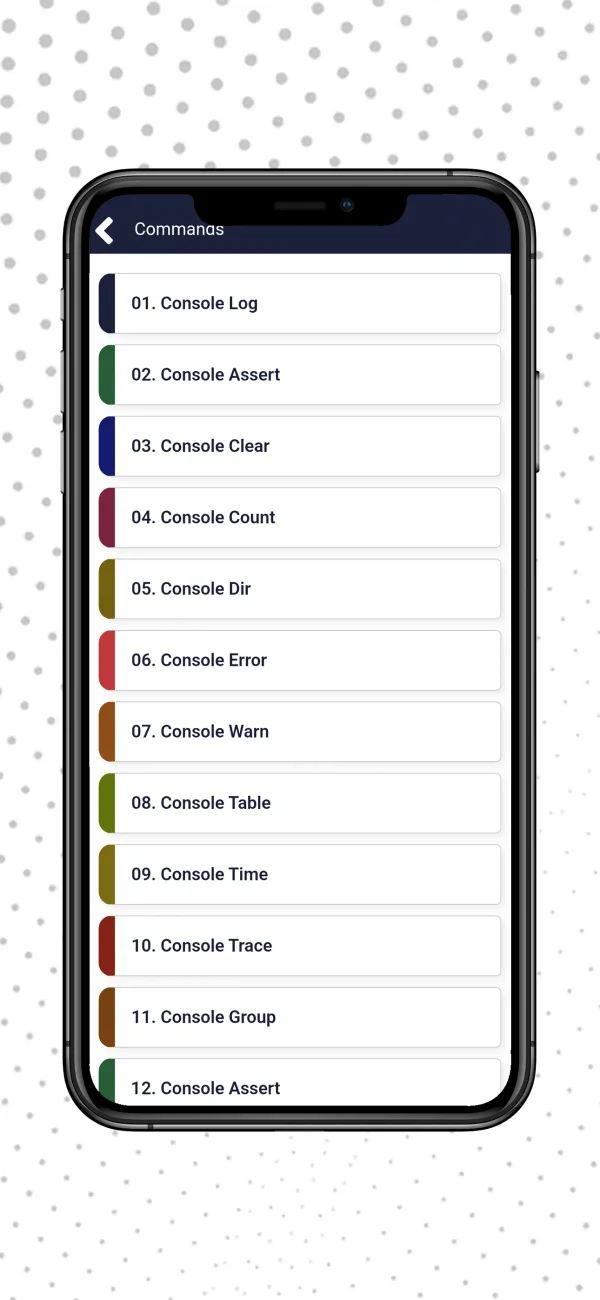
LEARN JAVASCRIPT CONSOLE COMMANDS
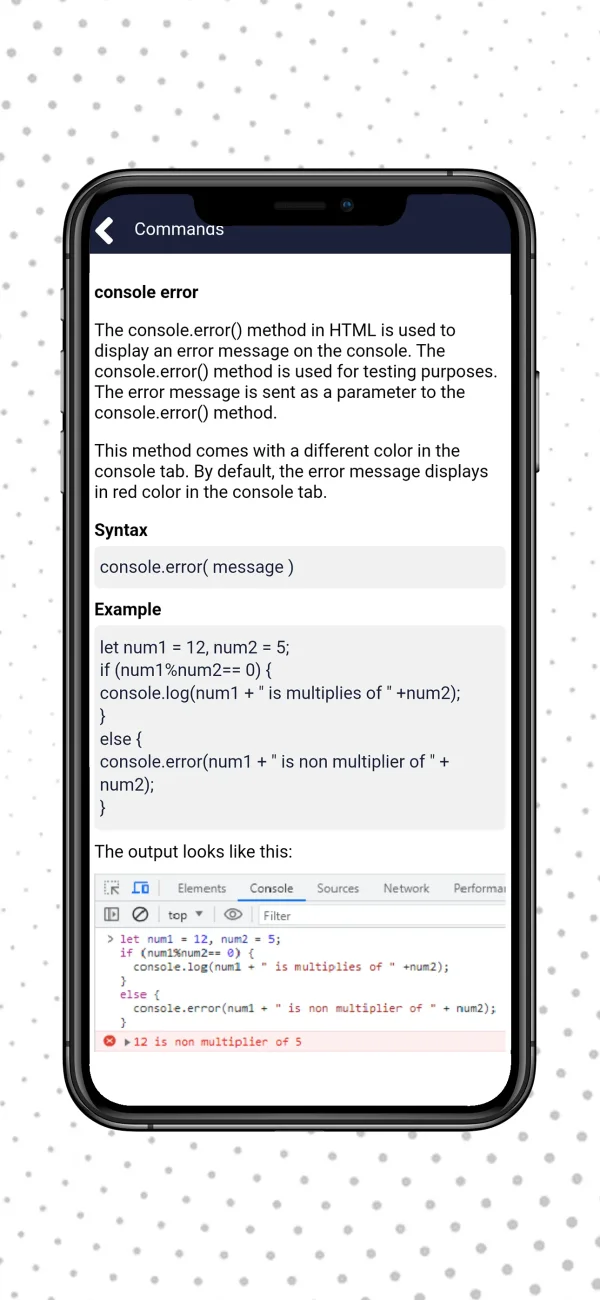
Explore 10+ useful JavaScript console commands commonly used during web development and debugging.
Learn how console commands can help you:
• Print messages
• Display values
• Check warnings
• Identify errors
• Inspect information
• Track program execution
• Debug JavaScript
Each command is presented in a beginner-friendly way to make console usage easier to understand.
LEARN BY PRACTICING
JavaScript Console Editor provides a practical learning environment where you can read examples and immediately experiment with the code.
Change values, rewrite functions, test new ideas and observe the output.
Hands-on coding can help improve programming logic and build confidence with JavaScript.
SAVE CODE SNIPPETS
Save useful JavaScript code and keep your practice snippets available for future reference.
Build your own collection of examples, solutions and frequently used JavaScript code.
OFFLINE JAVASCRIPT EDITOR
Many core coding features work without requiring a continuous internet connection.
Practice JavaScript while travelling, studying or whenever you want to test code offline.
FAST & LIGHTWEIGHT
The app focuses on quick JavaScript execution and a simple coding workflow.
Open the editor, write your code, run it and check the console output without unnecessary complexity.
DARK MODE & LIGHT MODE
Choose between Dark Mode and Light Mode based on your preference.
Dark Mode provides a comfortable coding environment in low-light conditions, while Light Mode offers a clean and bright workspace during the day.
SUITABLE FOR
• JavaScript beginners
• Programming students
• Web development learners
• Frontend developers
• Coding beginners
• Developers testing JavaScript snippets
• Students learning programming logic
• Anyone looking for a mobile JS editor
Yenilikler
Sürüm 2.2 · 20.08.2026
Bug fixes
Uygulama gizliliği
Bu uygulamanın verileri nasıl işlediği hakkında Merbin Joe tarafından App Store üzerinde yapılan beyan.
-
Sizi izlemek için kullanılan veriler
Başka şirketlere ait uygulamalarda ve web sitelerinde sizi izlemek için kullanılabilir.
- Kullanım verileri
-
Sizinle ilişkilendirilmeyen veriler
Toplanabilir ancak kimliğinizle ilişkilendirilmez.
- Kullanım verileri
Gizlilik uygulamaları, örneğin kullandığınız özelliklere veya yaşınıza göre değişiklik gösterebilir.
Bilgiler
- Satıcı
- Merbin Joe
- Kategori
- Eğitim
- Sürüm
- 2.2
- Güncellendi
- 20.08.2026
- Yayın tarihi
- 23.10.2023
- Boyut
- 9,8 MB
- Gereksinim
- iOS 15.0 veya sonrası
- Yaş sınırı
- 4+
- Fiyat
- Ücretsiz
- Diller
- İngilizce
- Telif hakkı
- © Codeplay
Bunları da beğenebilirsiniz
-
 Learn JavaScript | Learn JSEğitim
-
 JavaScript for Beginners 2024Eğitim
-
 Learn Web DevelopmentEğitim
-
 JavaScript CompilerEğitim
-
 Learn Javascript LanguageEğitim
-
 Learn CSS | CSS TutorialEğitim
-
 JS MasterEğitim
-
 Learn HTML | HTML AcademyEğitim
-
 CodeCrafty Python EditionEğitim
-
 JavaScript Mülakat SorularıReact Native Öğren