
- Classification d’âge4+
- CatégorieProductivité
- DéveloppeurLaurent Cozic
- LanguesAnglais
- Taille72,7 Mo
Renvoie vers la page App Store officielle
Download.org n’héberge aucun fichier de Joplin. Le bouton ouvre la page de l’application sur App Store, où Laurent Cozic la publie. Fiche vérifiée pour la dernière fois le 22/11/2026.
Captures d’écran

À propos
Le développeur n’a pas fourni ce texte dans votre langue.
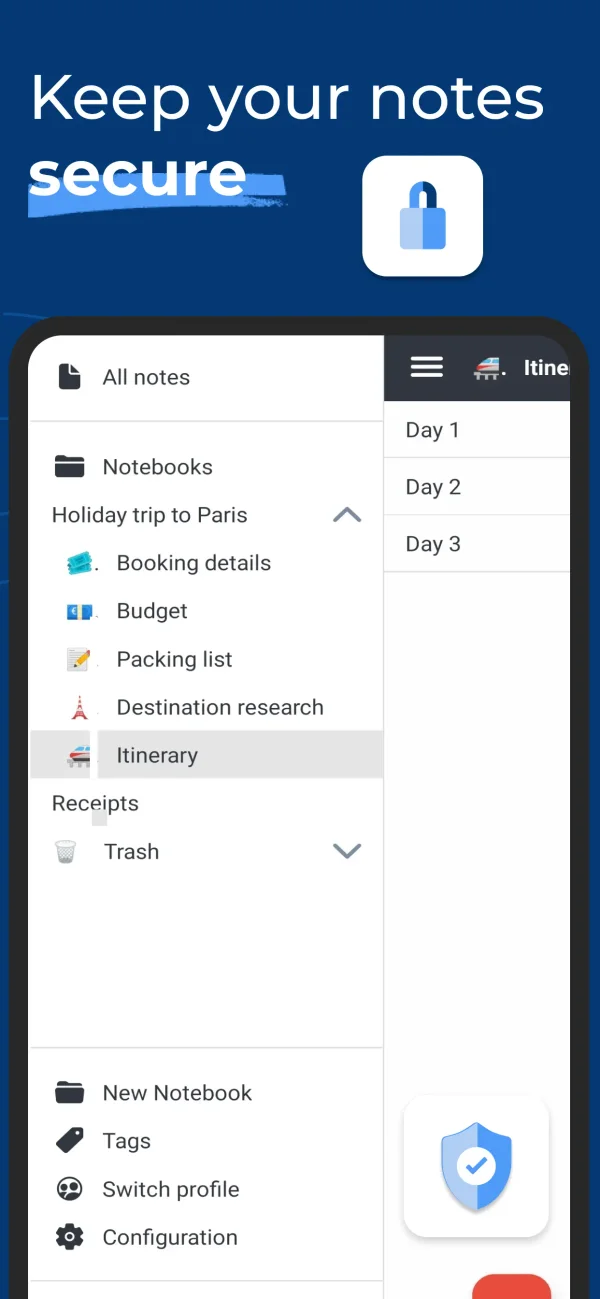
Privacy-first app
Capture your thoughts freely and without distractions, tracking, or ads. With Joplin’s end-to-end encryption and open-source code, you can concentrate on your ideas and tasks without worrying about your privacy.
Capture multimedia notes
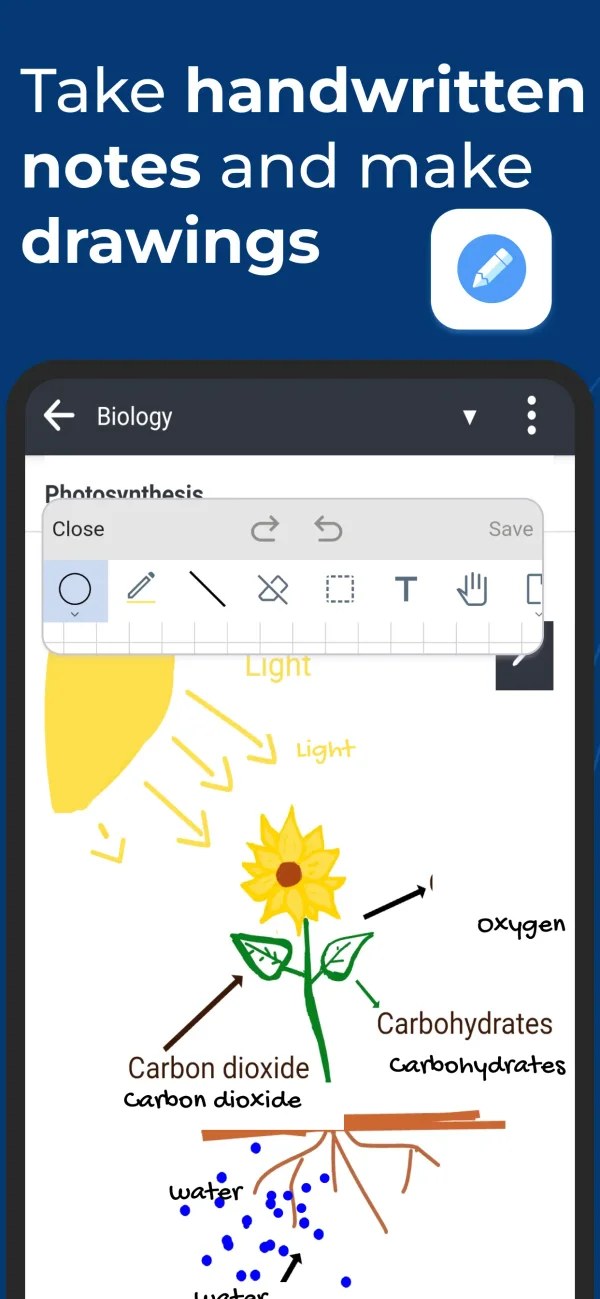
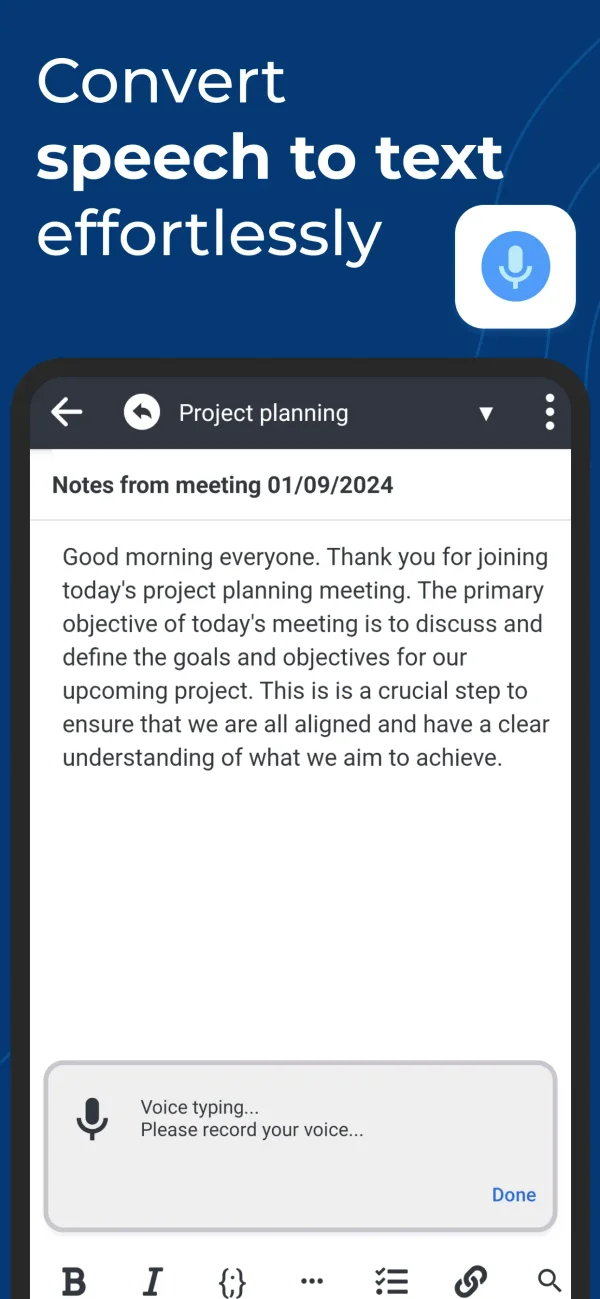
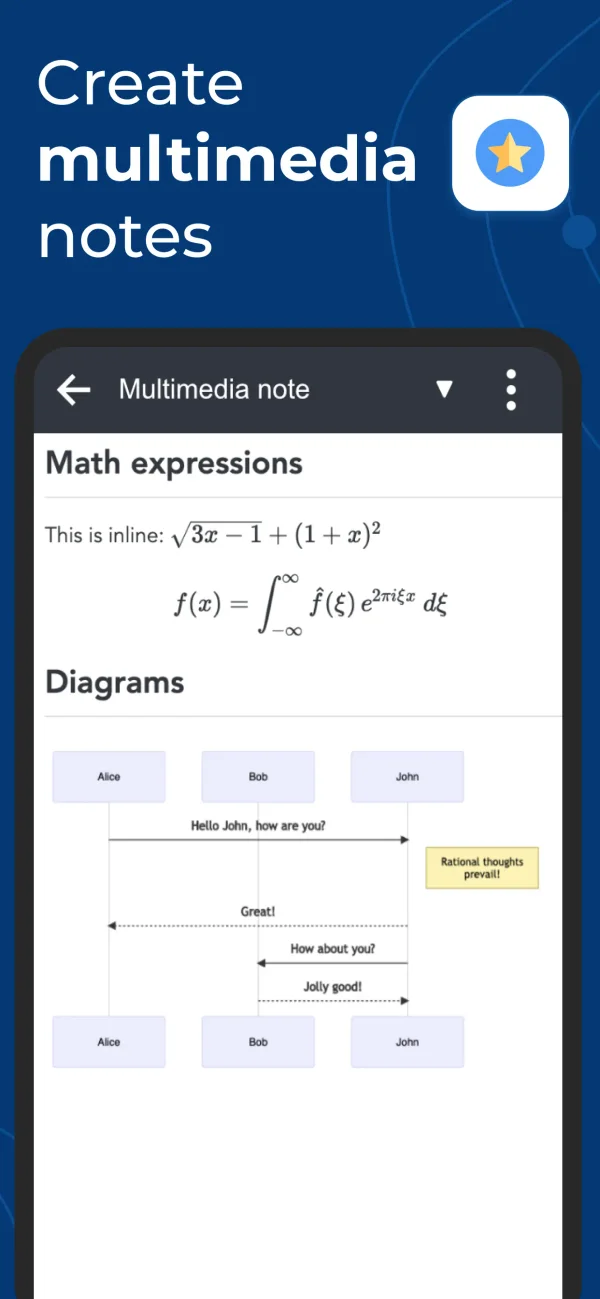
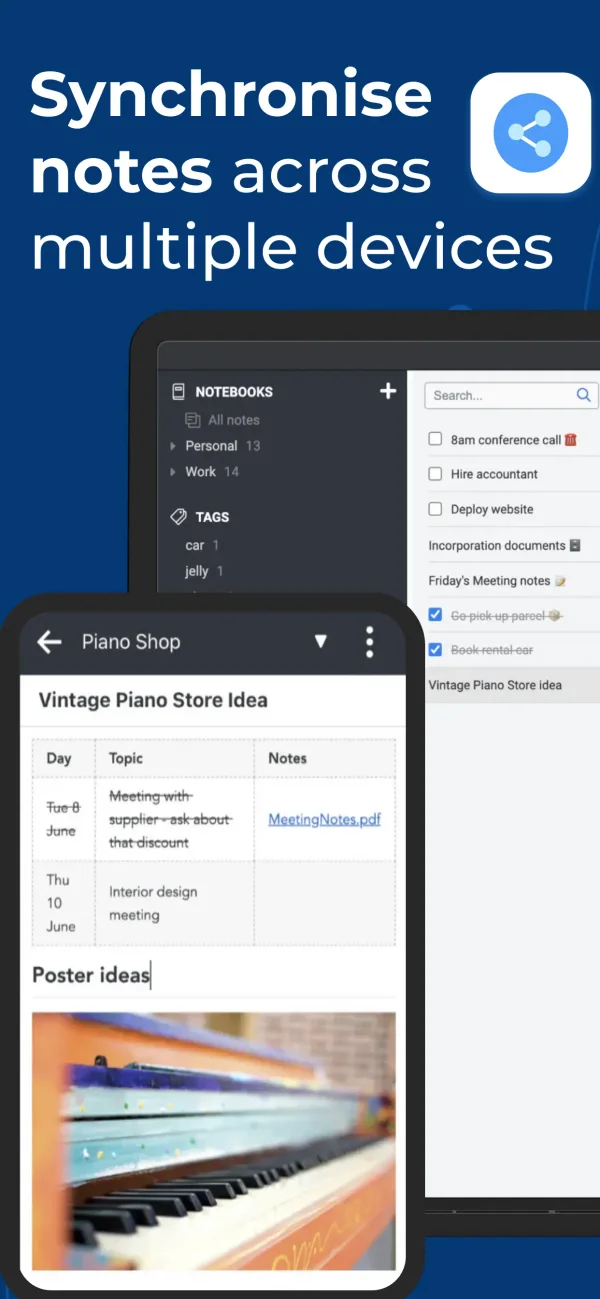
Capture multimedia notes effortlessly. In Joplin you can :
• create manuscript notes,
• transcribe speech to note,
• add multimedia: photos, videos, PDFs, and images,
• insert documents as attachments,
• create math expressions, add tables, write code and insert diagrams,
• create to-dos and add reminders.
Organise your ideas
Organise your notes into notebooks. Connect your notes with tags by subject or priority. Use colours and rich text editor to format your notes with ease. Make task lists, create to-dos and add reminders. Effortlessly find your notes, even within PDFs and images, thanks to the powerful search feature enhanced by Optical Character Recognition (OCR) technology. Use Joplin to store your bills, lecture notes, photos or receipts.
Reliable synchronisation
Access your notes from computer, phone or tablet by synchronising with various services including Joplin Cloud, Dropbox and OneDrive. Seamlessly move from one device to another.
Offline-first
You can access your notes anytime and anywhere, even without Internet. If you’re using Joplin on multiple devices, they will synchronise and update once you regained the connection.
Enhance your productivity across devices
Extend your note-taking experience by using Joplin on additional devices such as a desktop computer or tablet. Make the most of each device by using its specific features. On the desktop app, use a web clipper extension, wide-range of community plugins and a Markdown editor. Experience flawless handwriting and drawing on your tablet.
Join active community
Connect with Joplin’s vibrant community on Joplin Forum. It’s a place where users can share ideas, ask questions, exchange information and give feedback. Joplin’s dynamic community also develops powerful plugins, so you can customise your app to suit your needs.
Nouveautés
Version 13.7.8 · 20/11/2026
https://joplinapp.org/help/about/changelog/ios/
Confidentialité de l’application
Ce que Laurent Cozic déclare sur l’App Store au sujet du traitement des données par cette application.
-
Données non collectées
Le développeur ne collecte aucune donnée à partir de cette application.
Les pratiques en matière de confidentialité peuvent varier, notamment en fonction des fonctionnalités que vous utilisez ou de votre âge.
Informations
- Vendeur
- Laurent Cozic
- Catégorie
- Productivité
- Version
- 13.7.8
- Mis à jour
- 20/11/2026
- Publié
- 21/11/2017
- Taille
- 72,7 Mo
- Nécessite
- iOS 15.6 ou version ultérieure
- Classification d’âge
- 4+
- Prix
- Gratuit
- Langues
- Anglais
- Copyright
- © 2016-2026 Laurent Cozic
Vous aimerez peut-être aussi
-
 Notesnook : Carnet privéNotes chiffrées et journal
-
 Proton AuthenticatorAuthentificateur A2F sécurisé
-
 AFFiNE: Notes, Tableau & IADocs, tâches, Markdown
-
 NotePlan - Tâches, Notes, CalMarkdown, Planner, Calendrier
-
 Notebook: Bloc-notes & MemoDictaphone, Journal & Carnet
-
 Coffre mots de passe - ProtonGestionnaire sécurisé & 2FA
-
 Craft – Éditeur de documentsRédigez et éditez facilement
-
 Superlist: To-Do & Notes AppTâches, Listes et Projets
-
 Saber: Handwritten NotesProductivité
-
 Ulysses: App d'écritureLa meilleure app d’écriture