
- Age rating4+
- CategoryProductivity
- DeveloperLaurent Cozic
- LanguagesEnglish
- Size72.7 MB
Links to the official App Store page
Download.org hosts no file of Joplin. The button opens its official App Store page, published by Laurent Cozic. Listing last checked on Nov 22, 2026.
Screenshots
About
Privacy-first app
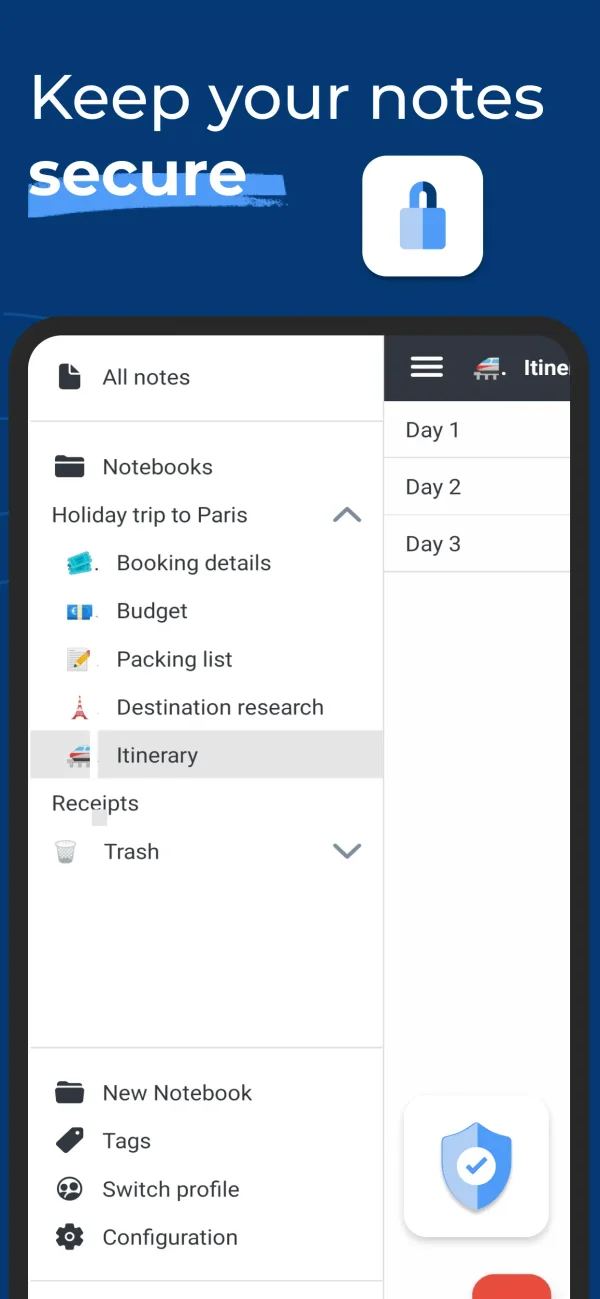
Capture your thoughts freely and without distractions, tracking, or ads. With Joplin’s end-to-end encryption and open-source code, you can concentrate on your ideas and tasks without worrying about your privacy.
Capture multimedia notes
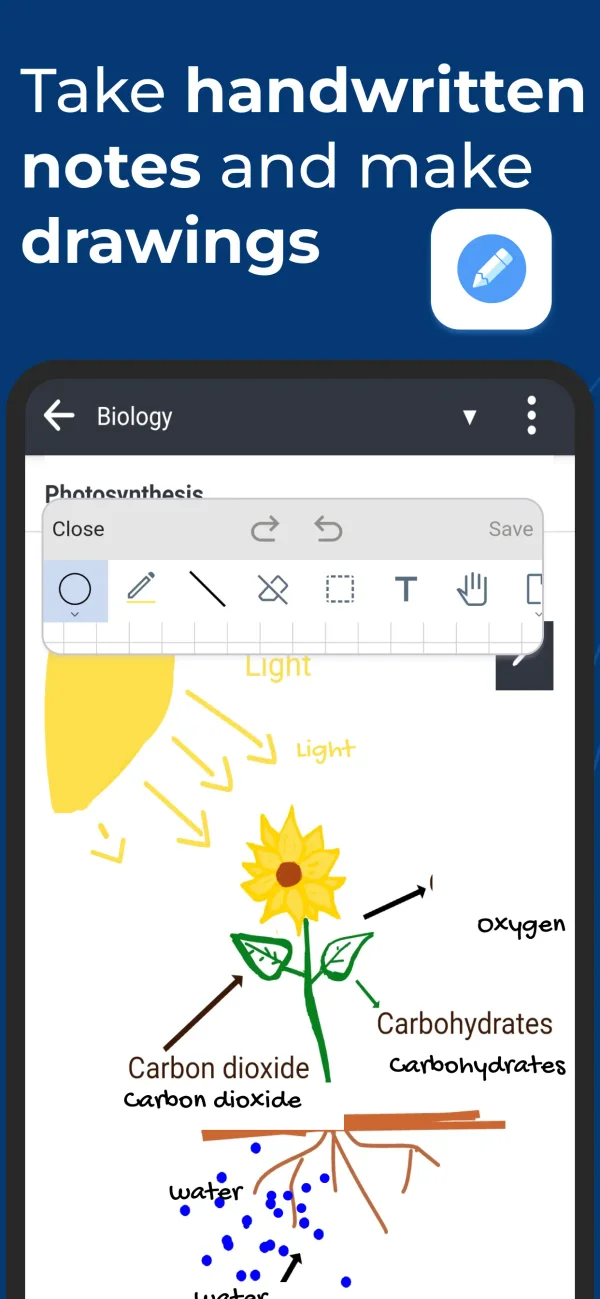
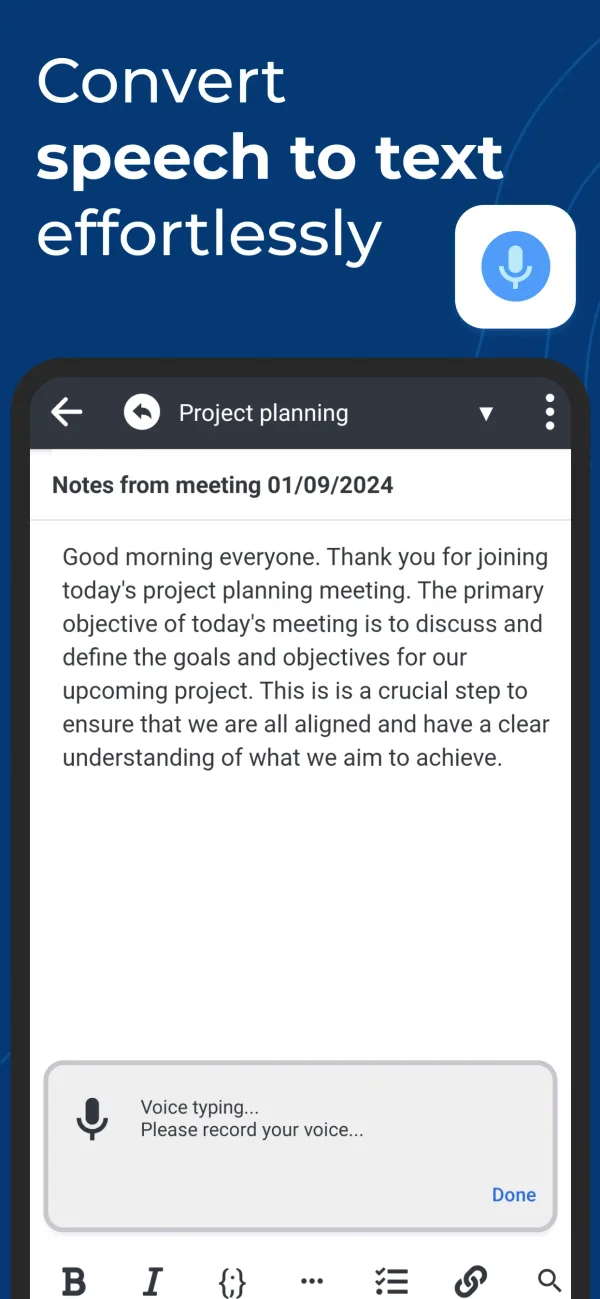
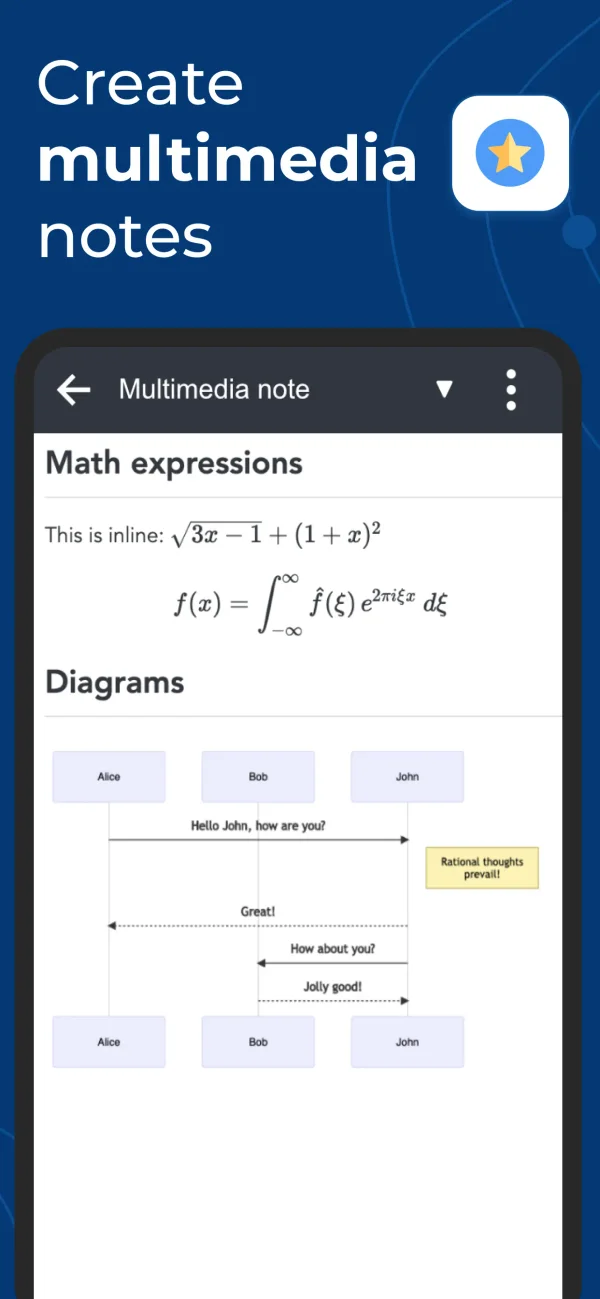
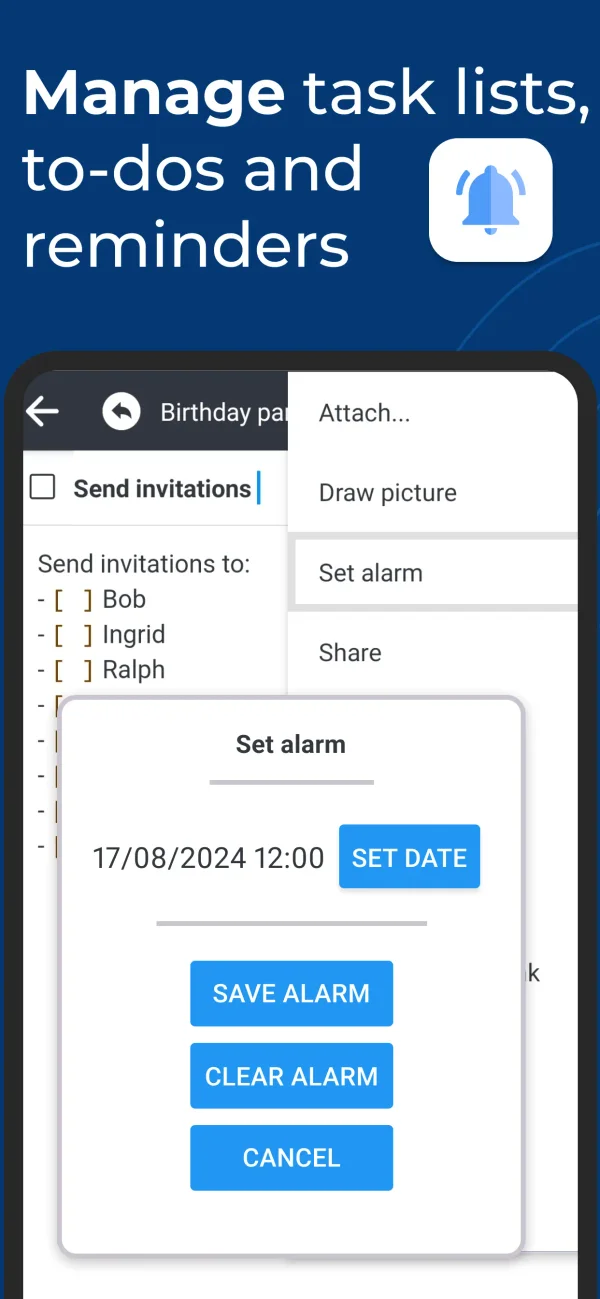
Capture multimedia notes effortlessly. In Joplin you can :
• create manuscript notes,
• transcribe speech to note,
• add multimedia: photos, videos, PDFs, and images,
• insert documents as attachments,
• create math expressions, add tables, write code and insert diagrams,
• create to-dos and add reminders.
Organise your ideas
Organise your notes into notebooks. Connect your notes with tags by subject or priority. Use colours and rich text editor to format your notes with ease. Make task lists, create to-dos and add reminders. Effortlessly find your notes, even within PDFs and images, thanks to the powerful search feature enhanced by Optical Character Recognition (OCR) technology. Use Joplin to store your bills, lecture notes, photos or receipts.
Reliable synchronisation
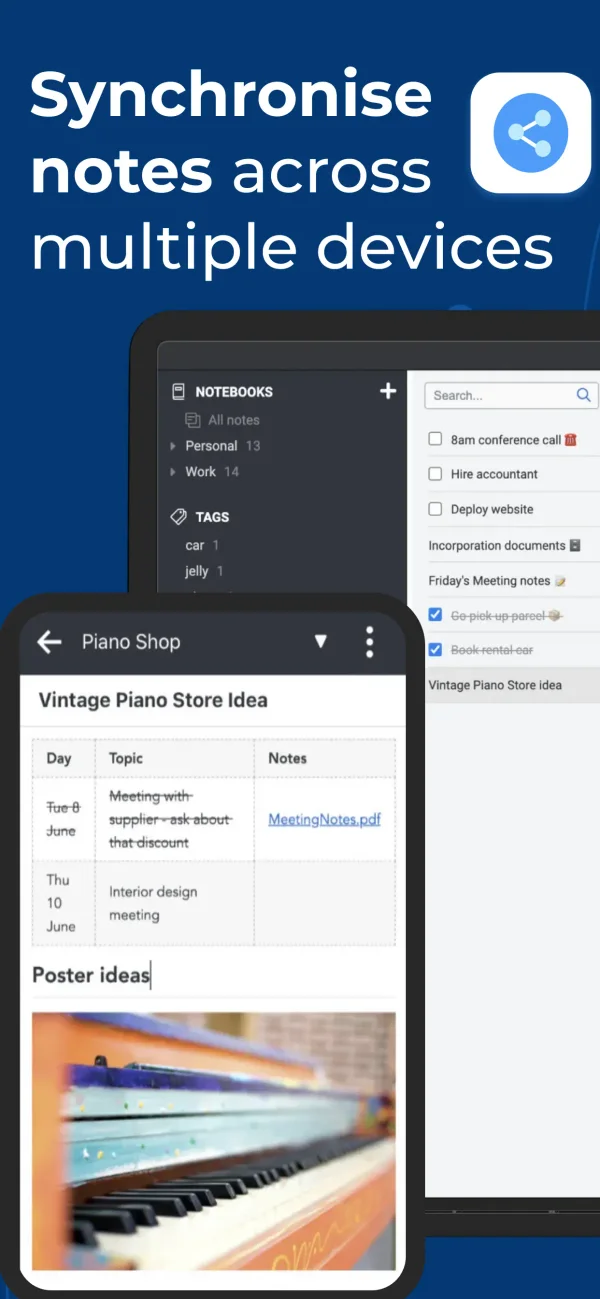
Access your notes from computer, phone or tablet by synchronising with various services including Joplin Cloud, Dropbox and OneDrive. Seamlessly move from one device to another.
Offline-first
You can access your notes anytime and anywhere, even without Internet. If you’re using Joplin on multiple devices, they will synchronise and update once you regained the connection.
Enhance your productivity across devices
Extend your note-taking experience by using Joplin on additional devices such as a desktop computer or tablet. Make the most of each device by using its specific features. On the desktop app, use a web clipper extension, wide-range of community plugins and a Markdown editor. Experience flawless handwriting and drawing on your tablet.
Join active community
Connect with Joplin’s vibrant community on Joplin Forum. It’s a place where users can share ideas, ask questions, exchange information and give feedback. Joplin’s dynamic community also develops powerful plugins, so you can customise your app to suit your needs.
What’s new
Version 13.7.8 · Nov 20, 2026
https://joplinapp.org/help/about/changelog/ios/
App privacy
What Laurent Cozic declares on the App Store about how this app handles data.
-
Data not collected
The developer does not collect any data from this app.
Privacy practices may vary, for example with the features you use or your age.
Information
- Seller
- Laurent Cozic
- Category
- Productivity
- Version
- 13.7.8
- Updated
- Nov 20, 2026
- Released
- Nov 21, 2017
- Size
- 72.7 MB
- Requires
- iOS 15.6 or later
- Age rating
- 4+
- Price
- Free
- Languages
- English
- Copyright
- © 2016-2026 Laurent Cozic
You might also like
-
 Notesnook: Private notepadEncrypted notes & secure vault
-
 Proton Authenticator & 2FASecure verification, MFA & OTP
-
 AFFiNE: Notes, Whiteboard AIDocs, Tasks, Markdown & AI
-
 NotePlan - To-Do List & NotesMarkdown, Planner, Calendar
-
 Notebook – AI Notes, NotepadVoice Memo, To-Do & Planner
-
 Proton Pass - Password ManagerPasskeys, 2FA & secure vault
-
 Craft: Notes, Documents, AITask, Schedule & Reminder
-
 Superlist: To Do List & NotesAI Meetings, Tasks & Reminders
-
 Saber: Handwritten NotesThe app built for handwriting
-
 Ulysses: Writing AppWrite a novel, story, book