JotBox: Scratchpad
Quick Notes for Real Life
Conçue pour iPhone, iPad, Mac
Achats intégrés
- Classification d’âge4+
- CatégorieProductivité
- DéveloppeurDaniel Bragilevsky
- LanguesAnglais
- Taille10,3 Mo
JotBox: Scratchpad n’est peut-être pas disponible sur App Store pour le moment
La fiche de la boutique était inaccessible lors de notre dernière vérification. Le lien mène toujours à la page App Store officielle.
Captures d’écran

À propos
Le développeur n’a pas fourni ce texte dans votre langue.
Your thoughts, minus the filing cabinet.
JotBox is a fast, private scratchpad for iPhone and iPad. Catch an idea, make a checklist, or work through a longer note without deciding where to file it first.
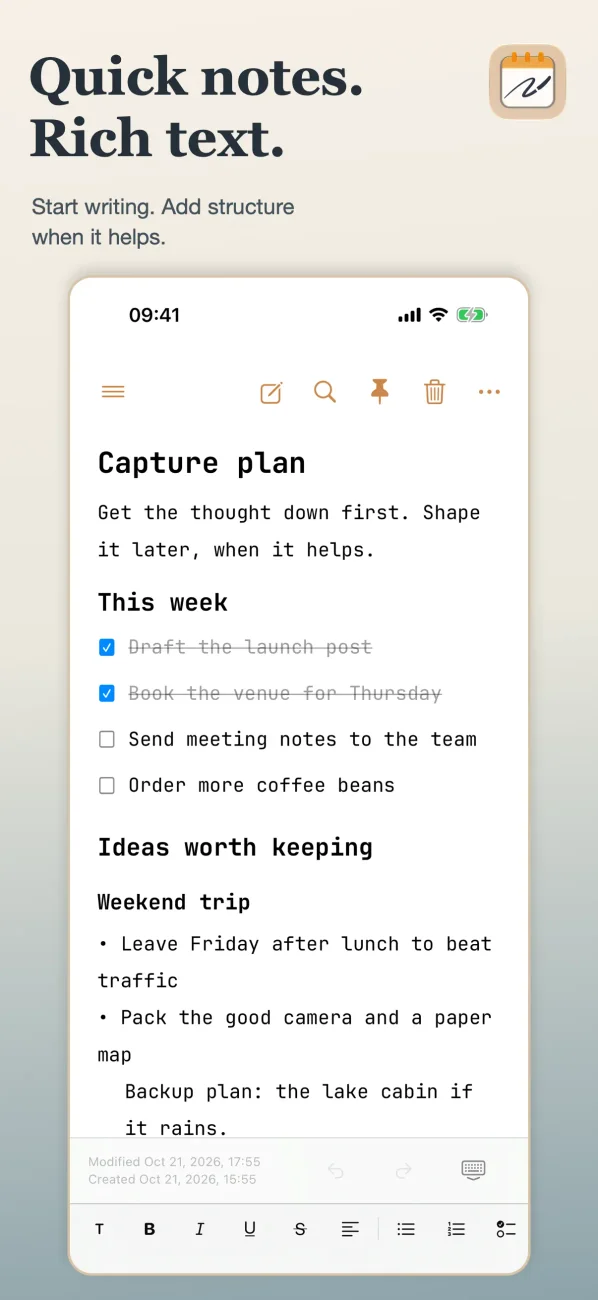
Open JotBox and start typing. A blank page is always ready, your notes live in one simple timeline, and rich formatting is there when you need it.
WRITE AND FORMAT
- Bold, italic, underline, strikethrough, text color, and highlight
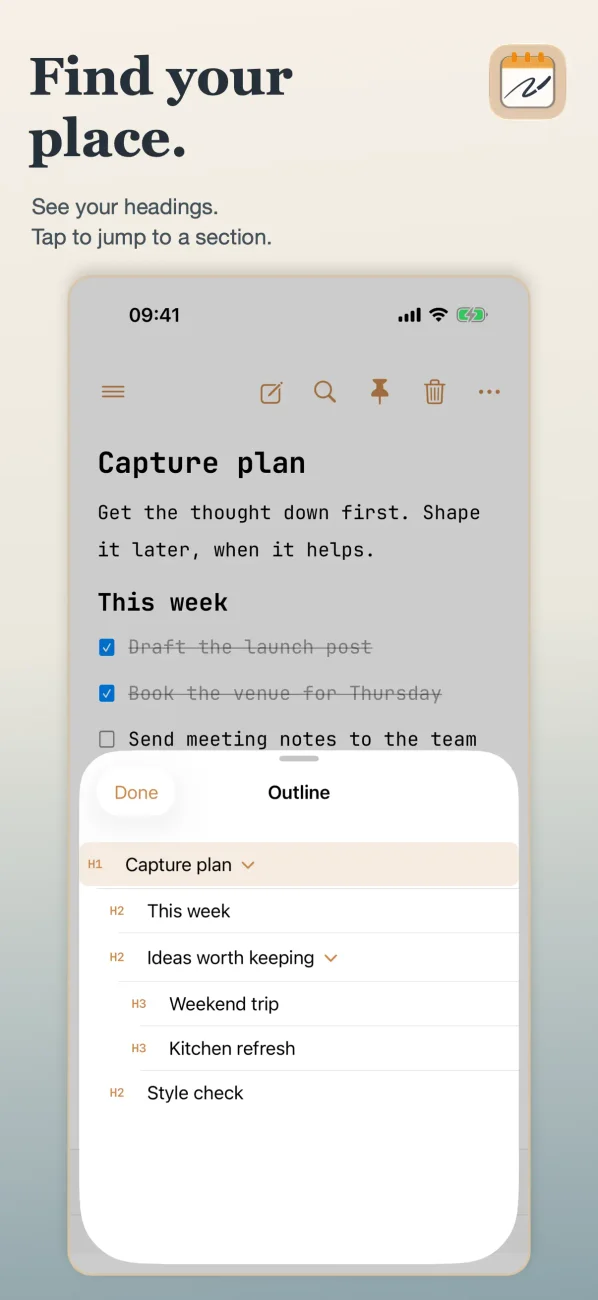
- Headings with a collapsible outline for jumping through long notes
- Bullets, numbered lists, and checklists you can tick without opening the keyboard
- Paragraph alignment, indent, and outdent
- Links and inline images from your photo library, camera, clipboard, or the Share Sheet
- Formatted paste that keeps structure without bringing along foreign fonts and colors
- Paste from Markdown to turn Markdown text into rich formatting
MAKE IT YOURS
- Choose which note actions appear in the top bar or More menu
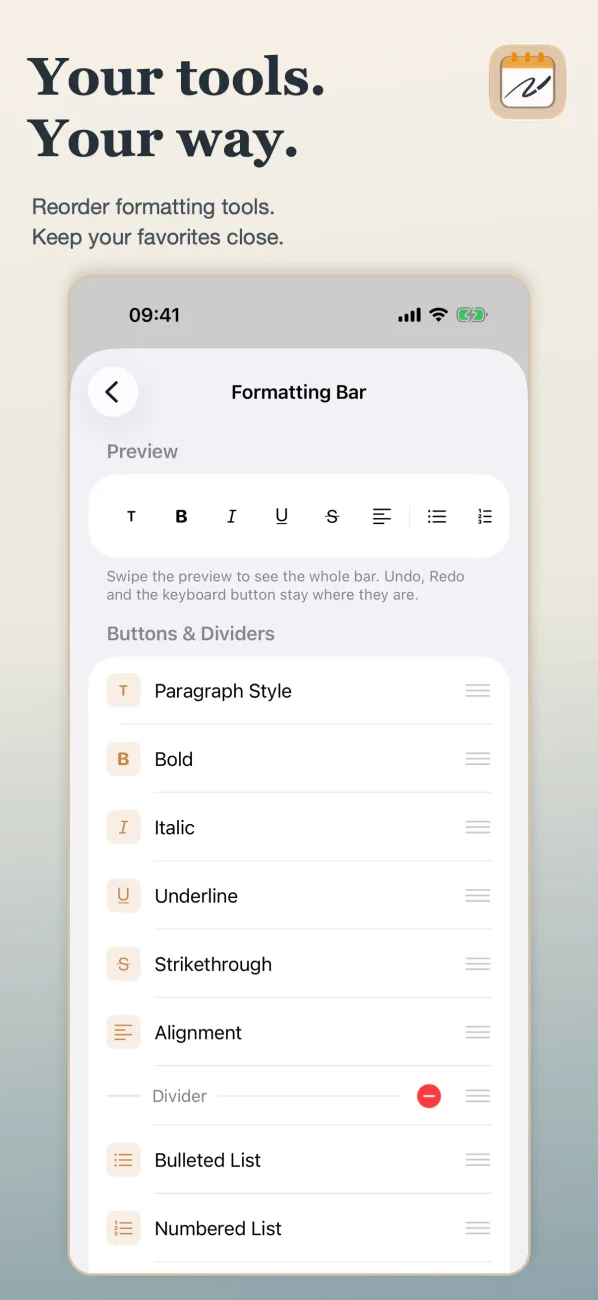
- Reorder the formatting bar and add dividers between tools
- Adjust the editor font, text size, spacing, and margins
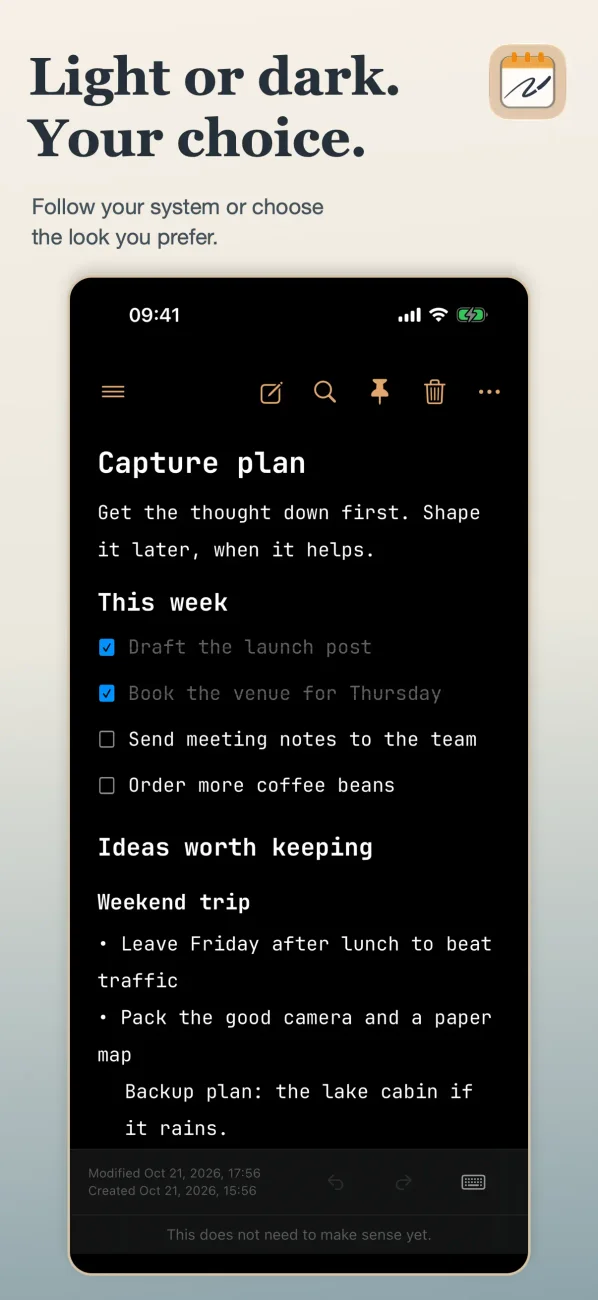
- Choose light, dark, or system appearance
- Export your settings or bar layouts as files to share with someone else
FIND AND ORGANIZE
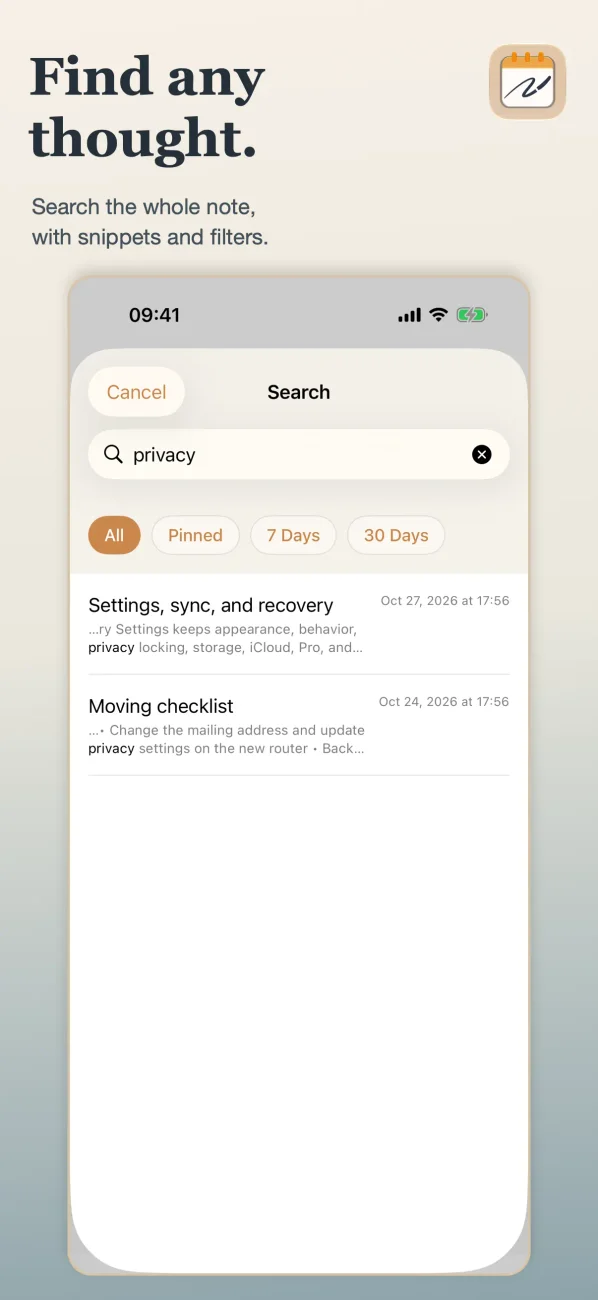
- Search note text with snippets and highlights
- Pin go-to notes and sort manually or by most recent
- On iPad, keep an outline beside the note while you write
- Mark reference notes read-only
- Protect selected notes with a local privacy password and optional Face ID or Touch ID on supported devices
- Undo a deletion or restore notes from the Recycle Bin
- Use Keep tags to protect notes from automatic Recycle Bin cleanup
KEEP YOUR NOTES YOURS
- No JotBox account required
- Optional iCloud sync with JotBox on iPhone, iPad, and Mac
- Separate iCloud Drive backups and restorable backup files
- Export or copy Markdown in GitHub or Obsidian format
- Export PDF, copy text, or share a note
- No ads and no analytics
Use keyboard shortcuts with a connected hardware keyboard, including on iPad.
Try all features free for 7 days. Keep editing, creating, and managing notes with a one-time JotBox Pro purchase. No subscription. Your existing notes remain available to view, copy, share, and export after the trial ends.
Nouveautés
Version 1.3.1 · 05/11/2026
JotBox 1.3 makes your scratchpad feel more like yours.
- Your actions, where you want them: customize the top bar and More menu. Reorder actions, move them between the bar and menu, or hide the ones you rarely use.
- Share your setup: export settings or individual bar layouts as files to send to someone else. Choose which sections to apply when importing settings.
- Markdown for your workflow: export or copy notes as GitHub or Obsidian Markdown, with highlights supported in the Obsidian flavor.
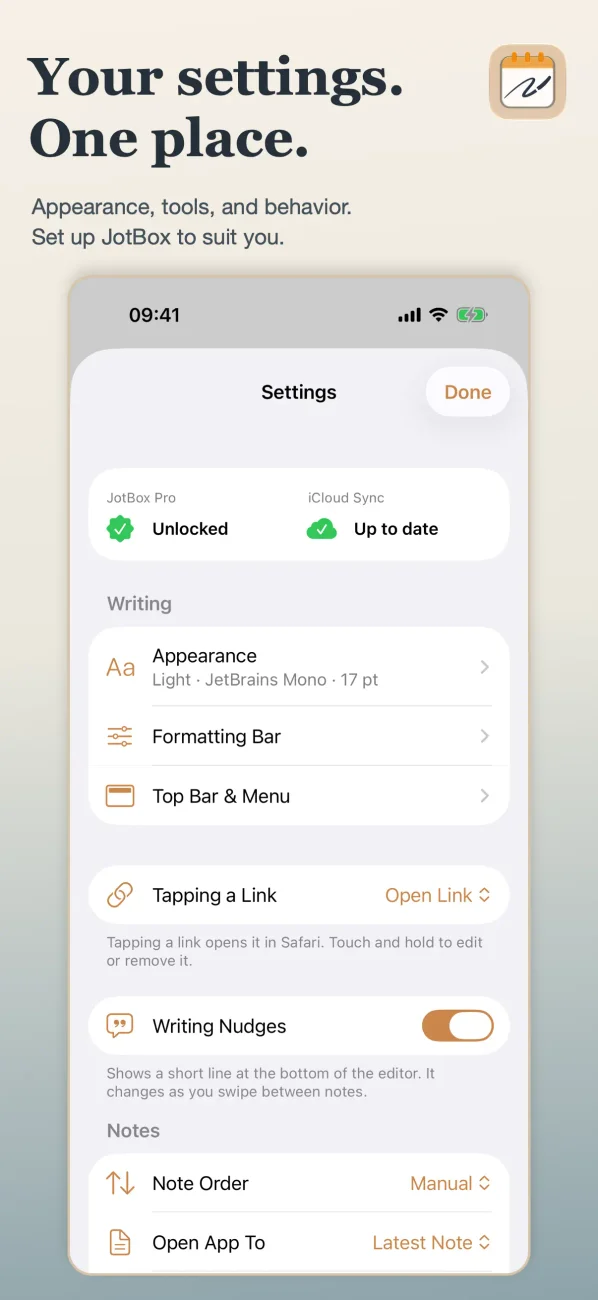
- A cleaner Settings screen, with easier access to appearance, editor, privacy, and backup options.
- Smoother navigation: the note list follows your swipe, and the keyboard dismisses more naturally when you tap away or scroll.
- A more comfortable editor, with the scroll indicator at the screen edge and a simpler default top bar.
- iCloud sync improvements, including better handling of incoming edits and conflicting versions.
- Faster search and note browsing in larger libraries, along with editor and reliability fixes.
Thanks for using JotBox!
Confidentialité de l’application
Ce que Daniel Bragilevsky déclare sur l’App Store au sujet du traitement des données par cette application.
-
Données non collectées
Le développeur ne collecte aucune donnée à partir de cette application.
Les pratiques en matière de confidentialité peuvent varier, notamment en fonction des fonctionnalités que vous utilisez ou de votre âge.
Informations
- Vendeur
- Daniel Bragilevsky
- Catégorie
- Productivité
- Version
- 1.3.1
- Mis à jour
- 05/11/2026
- Publié
- 12/05/2026
- Taille
- 10,3 Mo
- Nécessite
- iOS 17.0 ou version ultérieure
- Classification d’âge
- 4+
- Achats intégrés
- Oui
- Langues
- Anglais
- Copyright
- © 2026 Dan Bragilevsky
Vous aimerez peut-être aussi
-
 BoltCal: Fast Calendar EventsProductivité
-
 NotoJournalProductivité
-
 BarPad MobileProductivité
-
 Snapp Notes: Visual MemoProductivité
-
 Box: notes & todosProductivité
-
 mrkdwn — Notes MarkdownÉcriture privée et concentrée
-
 CustosNotesProductivité
-
 Finito - Task ManagerProductivité
-
 Magpie: Save Links & PhotosProductivité
-
 Direct ShotProductivité