- 対象年齢4+
- カテゴリ仕事効率化
- 開発元Daniel Bragilevsky
- 言語英語
- サイズ10.3 MB
App Storeの公式ページにリンクしています
Download.orgはJotBox: Scratchpadのファイルを一切ホストしていません。ボタンを押すと、Daniel Bragilevskyが公開しているApp Storeのアプリページが開きます。ページの最終確認:2026/11/13。
スクリーンショット

概要
開発元はこのテキストをお使いの言語で提供していません。
Your thoughts, minus the filing cabinet.
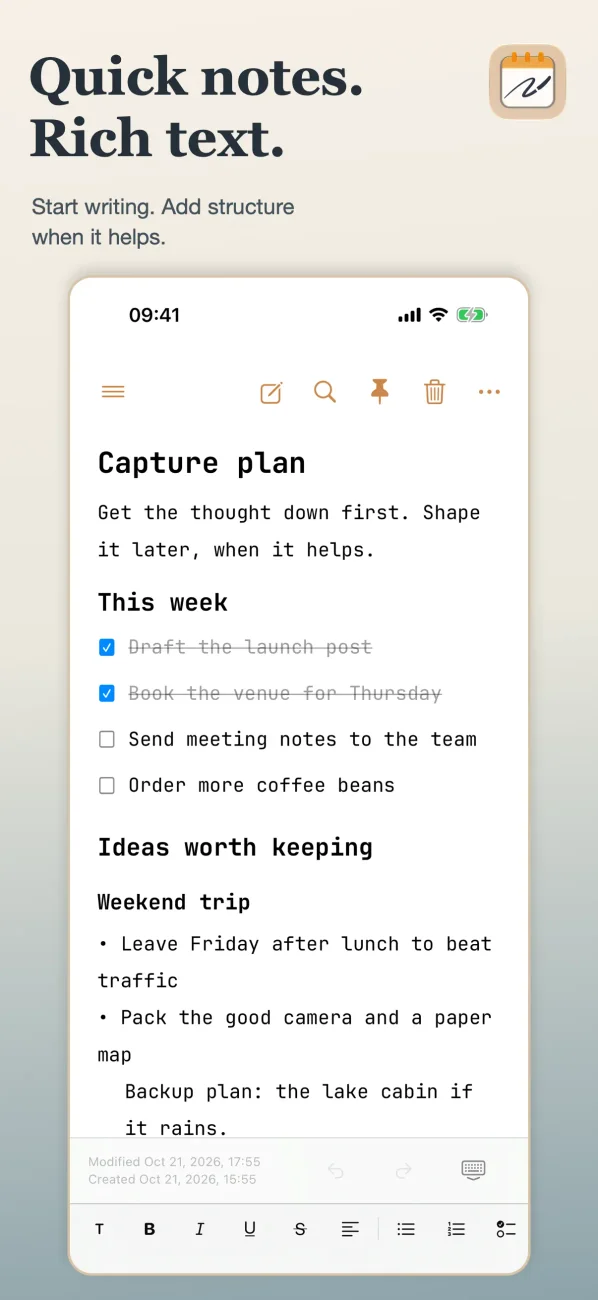
JotBox is a fast, private scratchpad for iPhone and iPad. Catch an idea, make a checklist, or work through a longer note without deciding where to file it first.
Open JotBox and start typing. A blank page is always ready, your notes live in one simple timeline, and rich formatting is there when you need it.
WRITE AND FORMAT
- Bold, italic, underline, strikethrough, text color, and highlight
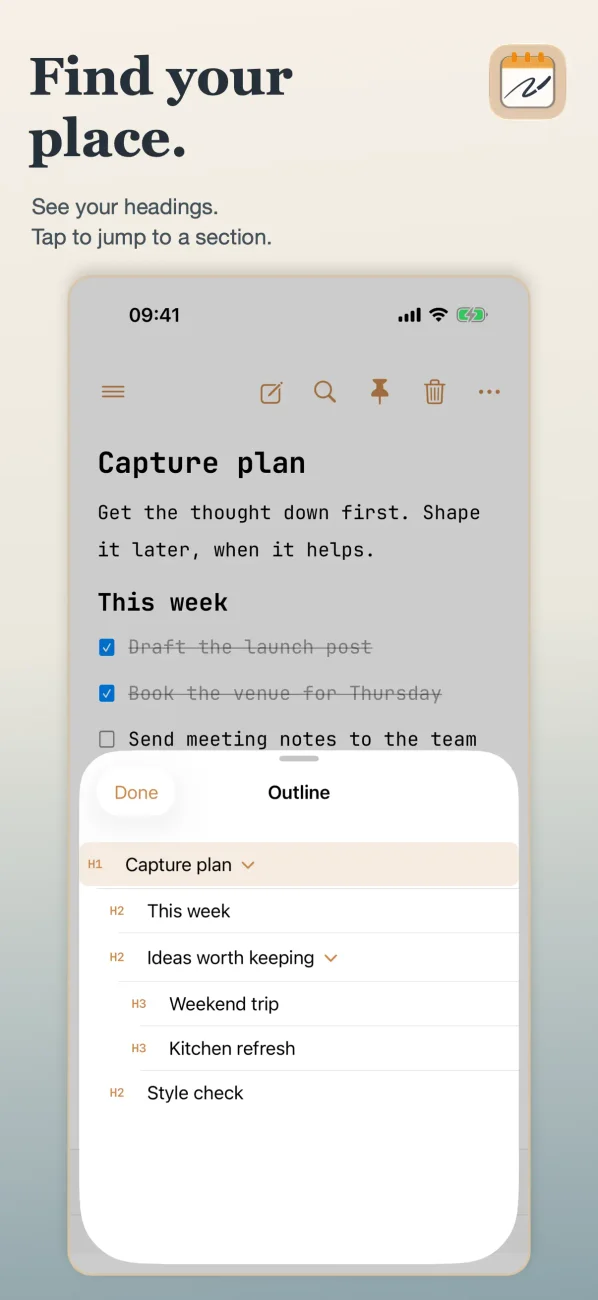
- Headings with a collapsible outline for jumping through long notes
- Bullets, numbered lists, and checklists you can tick without opening the keyboard
- Paragraph alignment, indent, and outdent
- Links and inline images from your photo library, camera, clipboard, or the Share Sheet
- Formatted paste that keeps structure without bringing along foreign fonts and colors
- Paste from Markdown to turn Markdown text into rich formatting
MAKE IT YOURS
- Choose which note actions appear in the top bar or More menu
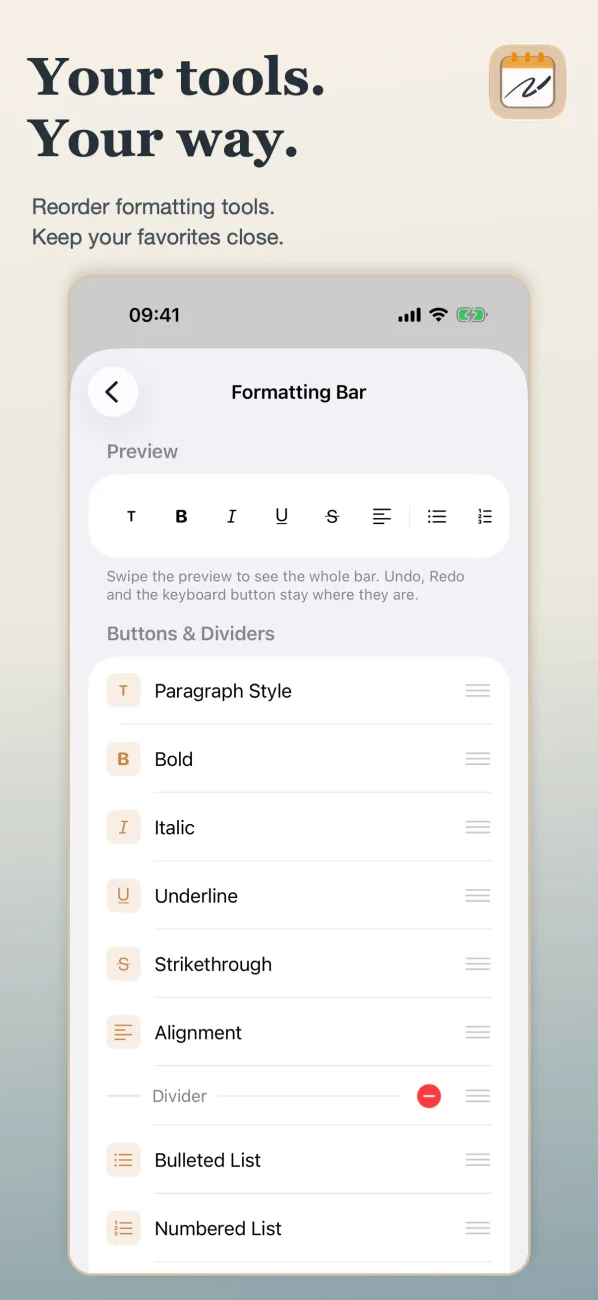
- Reorder the formatting bar and add dividers between tools
- Adjust the editor font, text size, spacing, and margins
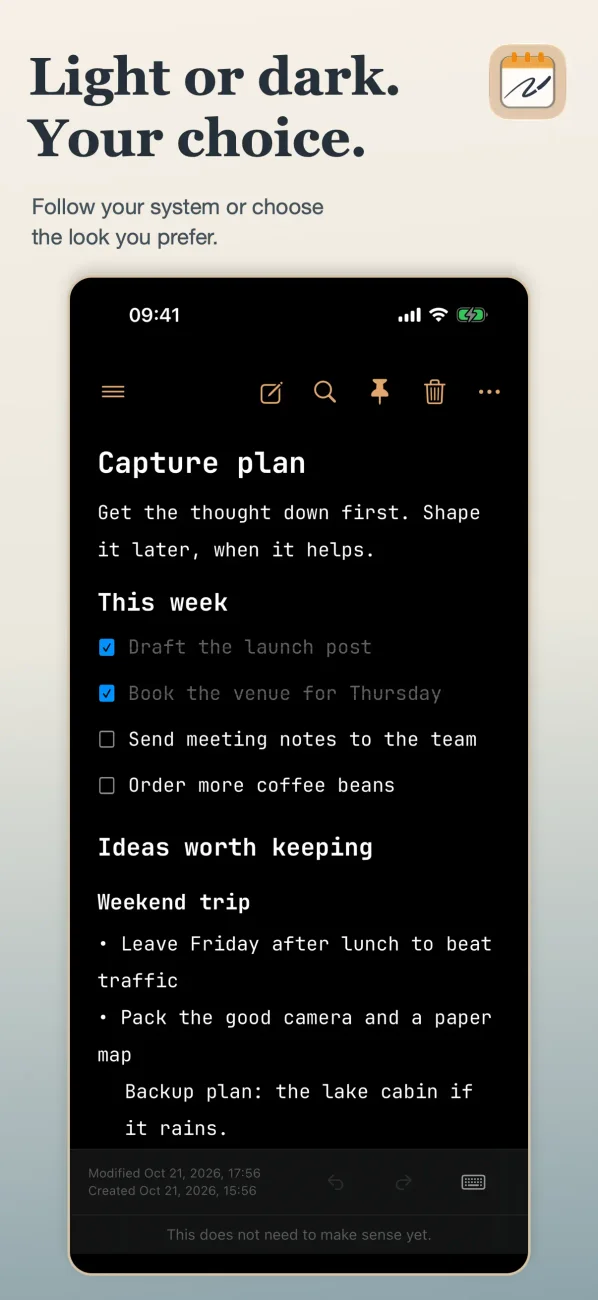
- Choose light, dark, or system appearance
- Export your settings or bar layouts as files to share with someone else
FIND AND ORGANIZE
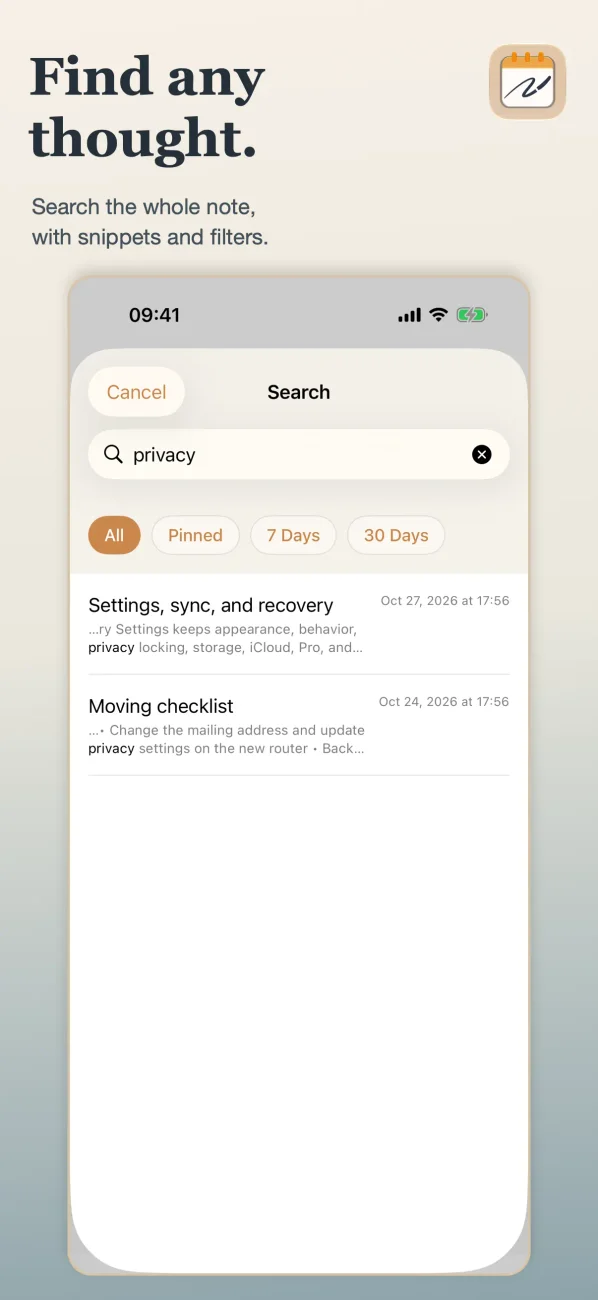
- Search note text with snippets and highlights
- Pin go-to notes and sort manually or by most recent
- On iPad, keep an outline beside the note while you write
- Mark reference notes read-only
- Protect selected notes with a local privacy password and optional Face ID or Touch ID on supported devices
- Undo a deletion or restore notes from the Recycle Bin
- Use Keep tags to protect notes from automatic Recycle Bin cleanup
KEEP YOUR NOTES YOURS
- No JotBox account required
- Optional iCloud sync with JotBox on iPhone, iPad, and Mac
- Separate iCloud Drive backups and restorable backup files
- Export or copy Markdown in GitHub or Obsidian format
- Export PDF, copy text, or share a note
- No ads and no analytics
Use keyboard shortcuts with a connected hardware keyboard, including on iPad.
Try all features free for 7 days. Keep editing, creating, and managing notes with a one-time JotBox Pro purchase. No subscription. Your existing notes remain available to view, copy, share, and export after the trial ends.
新機能
バージョン 1.3.1 · 2026/11/5
JotBox 1.3 makes your scratchpad feel more like yours.
- Your actions, where you want them: customize the top bar and More menu. Reorder actions, move them between the bar and menu, or hide the ones you rarely use.
- Share your setup: export settings or individual bar layouts as files to send to someone else. Choose which sections to apply when importing settings.
- Markdown for your workflow: export or copy notes as GitHub or Obsidian Markdown, with highlights supported in the Obsidian flavor.
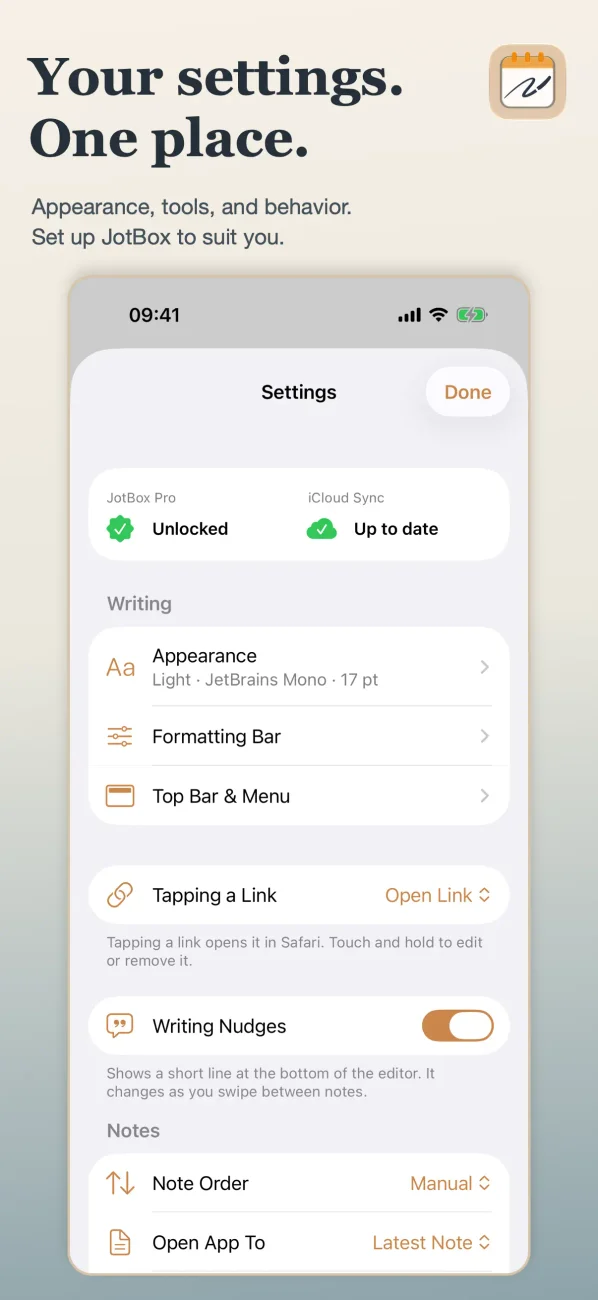
- A cleaner Settings screen, with easier access to appearance, editor, privacy, and backup options.
- Smoother navigation: the note list follows your swipe, and the keyboard dismisses more naturally when you tap away or scroll.
- A more comfortable editor, with the scroll indicator at the screen edge and a simpler default top bar.
- iCloud sync improvements, including better handling of incoming edits and conflicting versions.
- Faster search and note browsing in larger libraries, along with editor and reliability fixes.
Thanks for using JotBox!
アプリのプライバシー
このアプリのデータの取り扱いについて、Daniel BragilevskyがApp Storeで申告している内容です。
-
データの収集なし
開発元はこのアプリからデータを収集しません。
プライバシーの取り扱いは、ご利用の機能やお客様の年齢などに応じて異なる場合があります。
情報
- 販売元
- Daniel Bragilevsky
- カテゴリ
- 仕事効率化
- バージョン
- 1.3.1
- 更新日
- 2026/11/5
- リリース
- 2026/5/12
- サイズ
- 10.3 MB
- 必要条件
- iOS 17.0以降
- 対象年齢
- 4+
- 価格
- 無料
- アプリ内課金
- あり
- 言語
- 英語
- 著作権
- © 2026 Dan Bragilevsky