
Learn Cloud Computing
Learn Cloud Computing Guide
Conçue pour iPhone, iPad, iPod touch
2,99 €
- Classification d’âge9+
- CatégorieÉducation
- DéveloppeurMuhammad Umair
- LanguesAnglais
- Taille80,2 Mo
Renvoie vers la page App Store officielle
Download.org n’héberge aucun fichier de Learn Cloud Computing. Le bouton ouvre la page de l’application sur App Store, où Muhammad Umair la publie. Fiche vérifiée pour la dernière fois le 17/11/2026.
Captures d’écran





À propos
Le développeur n’a pas fourni ce texte dans votre langue.
Learn Cloud Computing is an educational app designed to help you explore cloud computing through organized chapters, structured lessons, topic-based quizzes, and learning tools. Study fundamental concepts, follow your progress, and build a consistent learning routine at your own pace.
EXPLORE CLOUD COMPUTING
Start with Introduction to Cloud Computing and explore What is Cloud Computing?, Evolution of Cloud Computing, and Characteristics of Cloud Computing. Continue with Cloud Deployment Models (Public, Private, Hybrid, Community) and Cloud Service Models (IaaS, PaaS, SaaS).
Other visible learning topics include Virtualization & Cloud Infrastructure, Cloud Storage & Databases, Cloud Security & Compliance, and Cloud Migration & Management. Browse categories and lessons to find the subjects you want to review.
ORGANIZED CHAPTERS AND LESSONS
Explore learning material arranged into chapters and individual lessons. Each lesson screen shows useful details such as reading time, quiz questions, and completion status. Track completed lessons, see chapter progress, and return to unfinished material when you are ready to continue.
PRACTICE WITH TOPIC QUIZZES
Use quizzes to review the concepts you study. The My Quizzes section lists quizzes by topic and shows the number of questions. View completed and not-attempted status labels, check previous scores for completed quizzes, and retake a quiz to practice again.
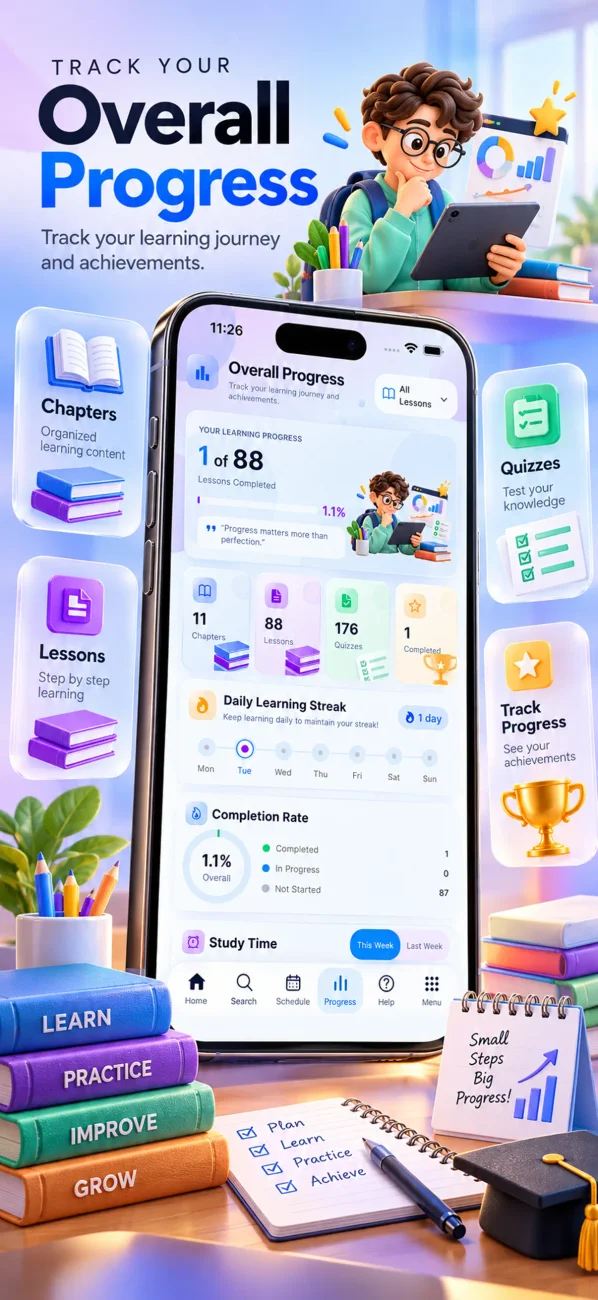
TRACK YOUR OVERALL PROGRESS
The Overall Progress screen brings your learning activity together. View chapters, lessons, quizzes, and completed items. Follow your completion rate, daily learning streak, and study time. Use the visible progress information to understand how much content you have finished and what remains to explore.
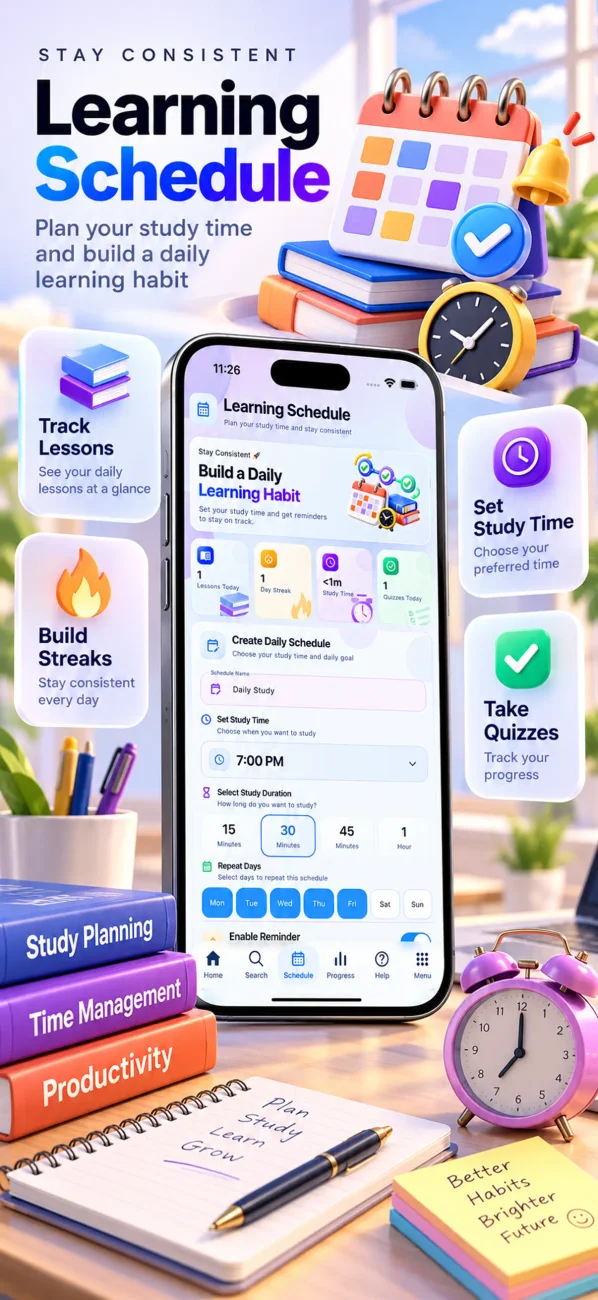
PLAN A DAILY LEARNING SCHEDULE
Create a study routine that fits your day. Choose your preferred study time, select a duration, and set repeat days. The Learning Schedule screen includes a reminder option and daily learning information, including lessons, quizzes, and streak activity. Return to your schedule to stay organized as you learn.
SEARCH LESSONS AND TOPICS
Find content through the Search screen. Search lessons, topics, and categories, browse popular topics, and access recent searches. Switch between available content filters to explore material relevant to your interests.
SAVE NOTES AND BOOKMARKS
Keep important points in study notes and revisit bookmarked lessons. Access your notes and saved lessons from the app's learning tools, making it easier to return to topics you want to review.
EXPLORE COMMUNITY HELP
Use Community Help to ask questions, search existing questions and answers, and browse questions by topic. Explore trending questions, saved questions, popular topics, community guidelines, and learning tips. The community section gives you another place to find discussions related to your learning.
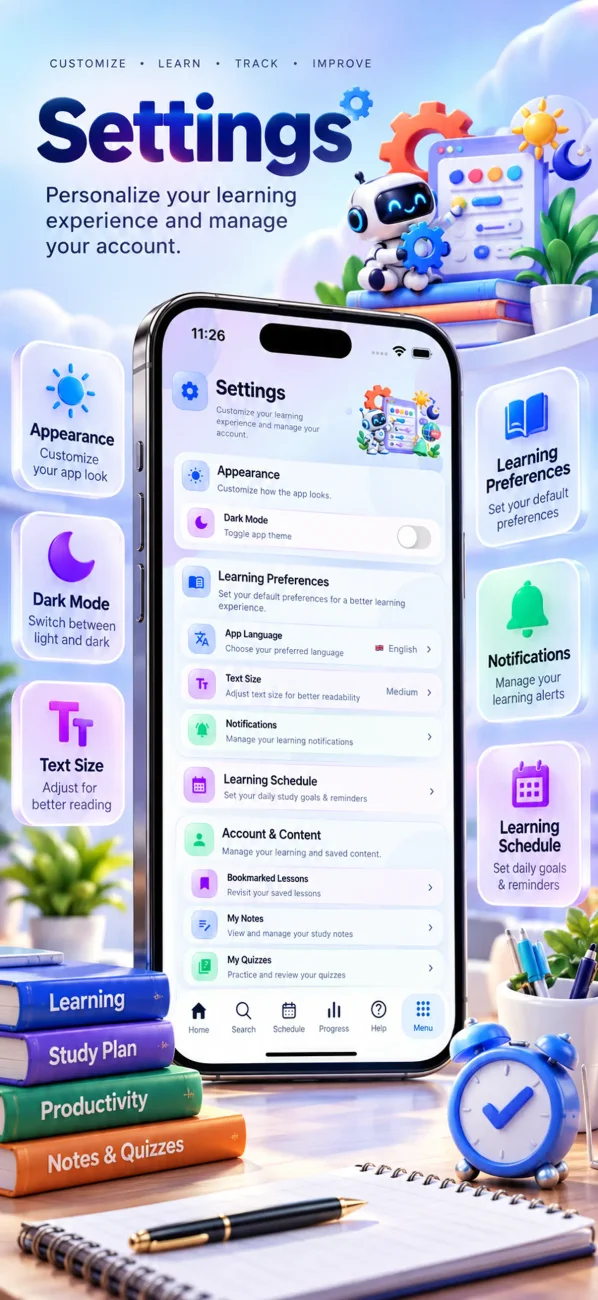
PERSONALIZE YOUR LEARNING EXPERIENCE
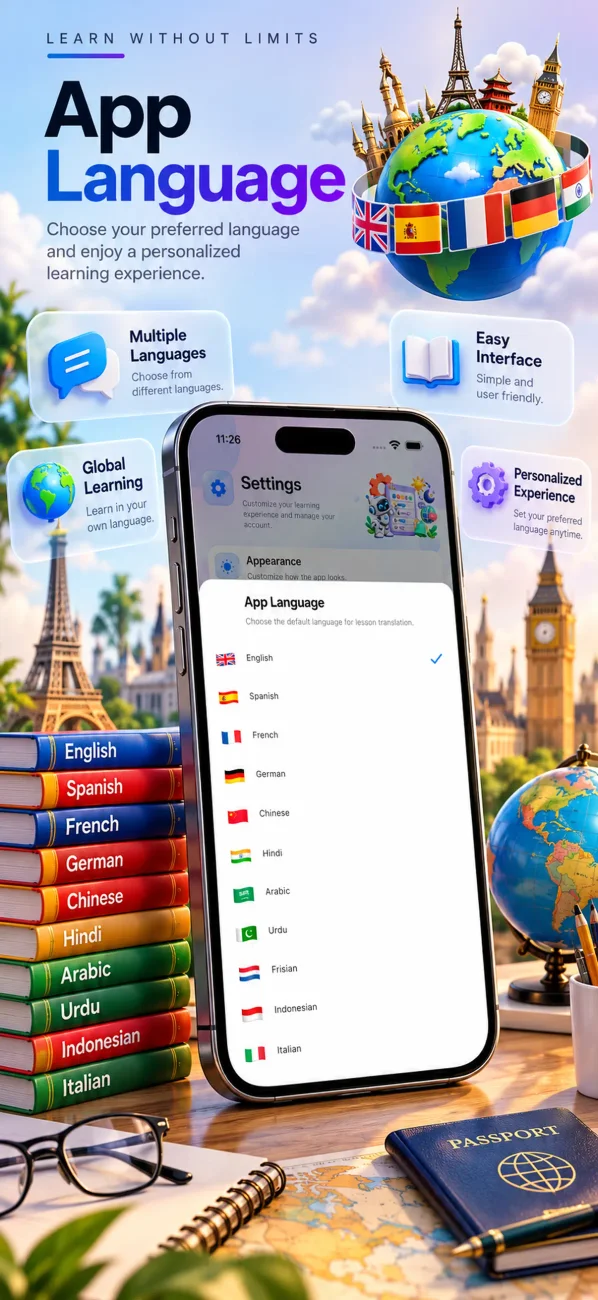
Use Settings to adjust the app to your preferences. Choose light or dark appearance, adjust text size, select an app language, and manage notifications. Settings also provides access to your learning schedule, bookmarked lessons, study notes, and quizzes.
LEARN, PRACTICE, AND REVIEW
Learn Cloud Computing combines organized educational content with practical study tools. Read lessons, revisit cloud computing topics, answer quizzes, monitor your progress, and plan regular study sessions. Whether you are exploring cloud fundamentals, deployment models, service models, infrastructure, or security concepts, you can move between learning and review in one app.
STUDY WITH CLEAR LEARNING DETAILS
See lesson counts and quiz totals alongside chapter information. Check progress bars and completion percentages to follow your activity. Use Start Quiz for topics you have not attempted, or Retake Quiz for completed topics. With study notes, bookmarked lessons, daily schedules and community questions, you can revisit concepts in ways that suit your routine.
Nouveautés
Version 1.1 · 27/10/2026
New User Interface
Fixed Bugs
Added New Features
Confidentialité de l’application
Ce que Muhammad Umair déclare sur l’App Store au sujet du traitement des données par cette application.
-
Données non collectées
Le développeur ne collecte aucune donnée à partir de cette application.
Les pratiques en matière de confidentialité peuvent varier, notamment en fonction des fonctionnalités que vous utilisez ou de votre âge.
Informations
- Vendeur
- Muhammad Umair
- Catégorie
- Éducation
- Version
- 1.1
- Mis à jour
- 27/10/2026
- Publié
- 09/01/2026
- Taille
- 80,2 Mo
- Nécessite
- iOS 15.6 ou version ultérieure
- Classification d’âge
- 9+
- Prix
- 2,99 €
- Langues
- Anglais
- Copyright
- © Muhammad Umair
Vous aimerez peut-être aussi
-
 Grammarific: Korean GrammarÉducation
-
 AlgoLearn: Interview PrepÉducation
-
 Learn Arabic Phrases PremiumÉducation
-
 Learn AI Prompt EngineeringÉducation
-
 Learn TensorFlow OfflineÉducation
-
 Matrix for BeginnersÉducation
-
 Learn Cloud Computing - AWSÉducation
-
 Telecommunications QuizÉducation
-
 Stacked AIÉducation
-
 Digital Electronics+Éducation