
Learn Computer Basics & Quiz
Learn PC, Internet & Typing
Conçue pour iPhone, iPad
Gratuit · Achats intégrés
- Classification d’âge4+
- CatégorieÉducation
- DéveloppeurSahil Ranout
- LanguesAnglais
- Taille48,3 Mo
Renvoie vers la page App Store officielle
Download.org n’héberge aucun fichier de Learn Computer Basics & Quiz. Le bouton ouvre la page de l’application sur App Store, où Sahil Ranout la publie. Fiche vérifiée pour la dernière fois le 23/11/2026.
Captures d’écran
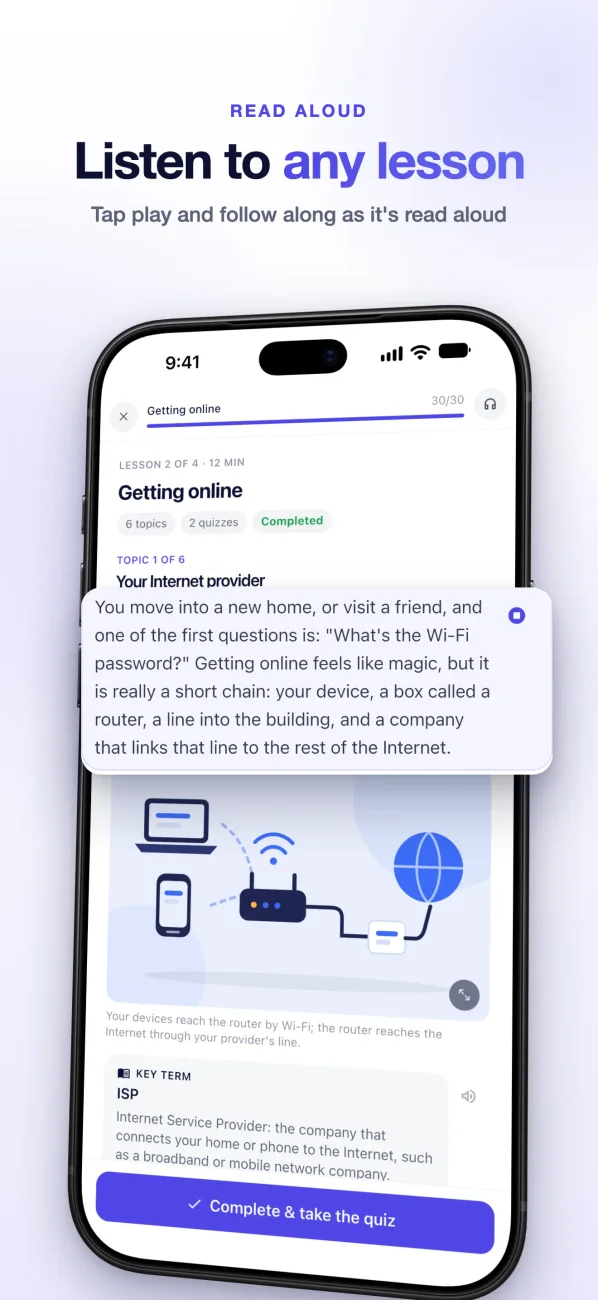
À propos
Le développeur n’a pas fourni ce texte dans votre langue.
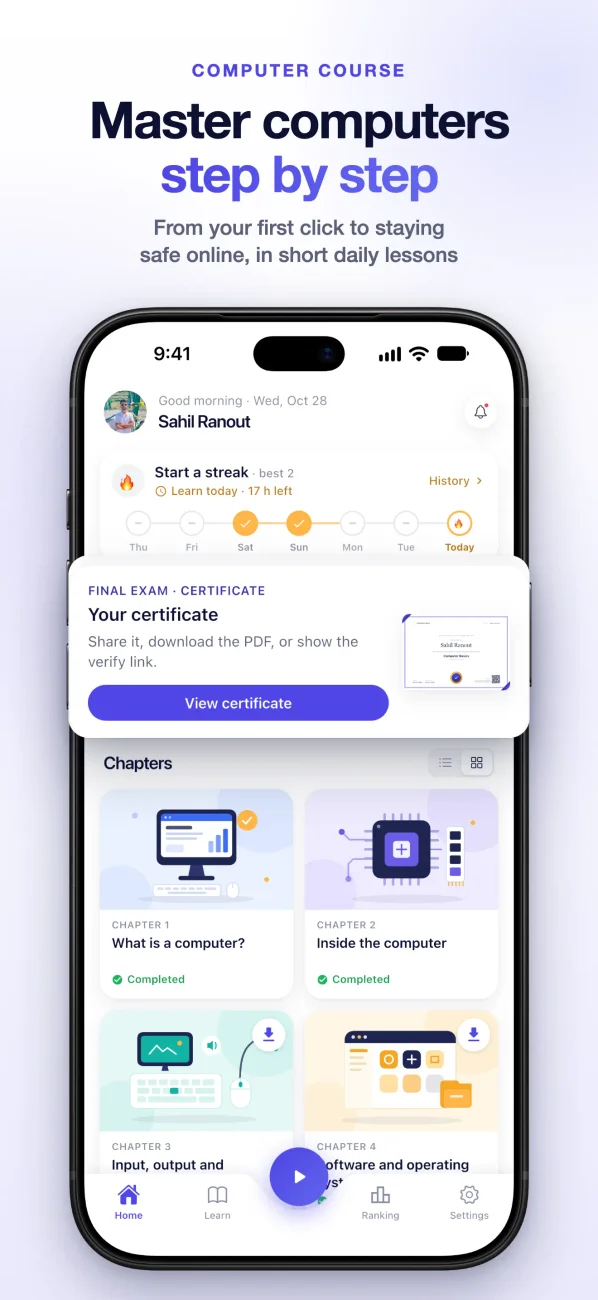
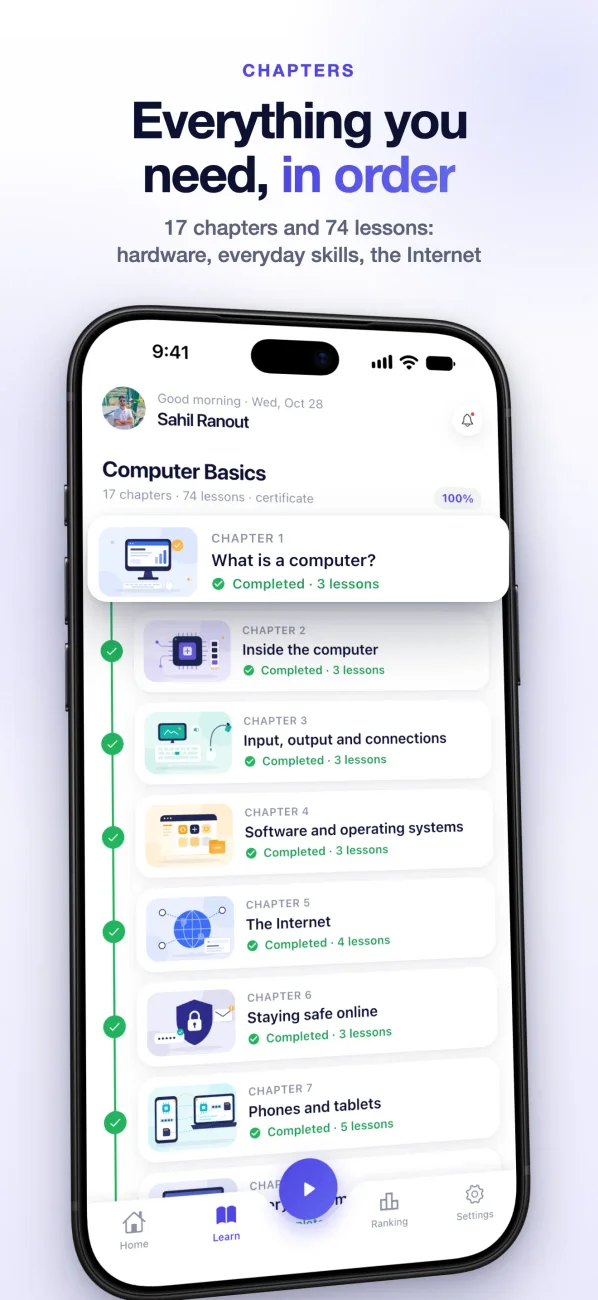
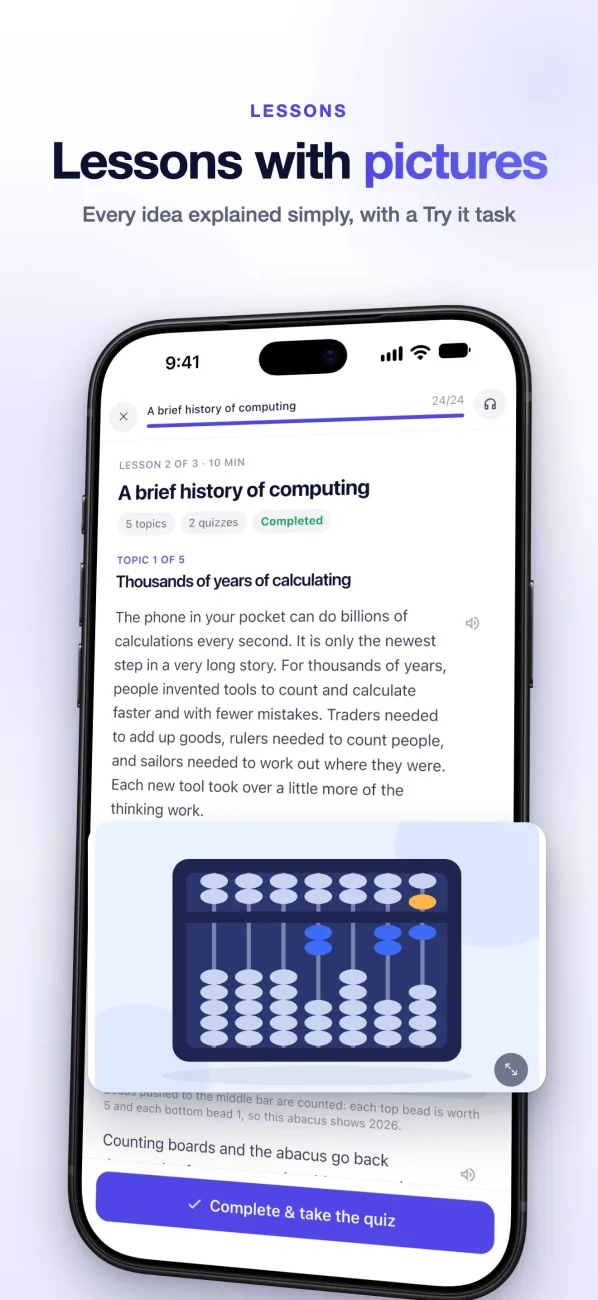
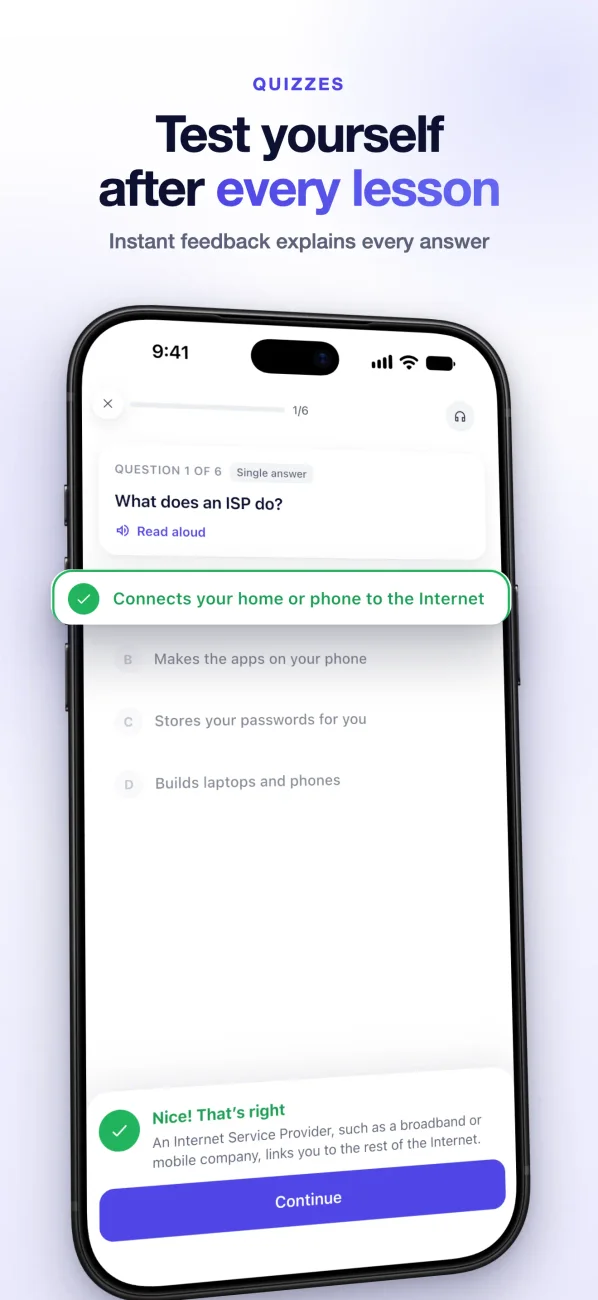
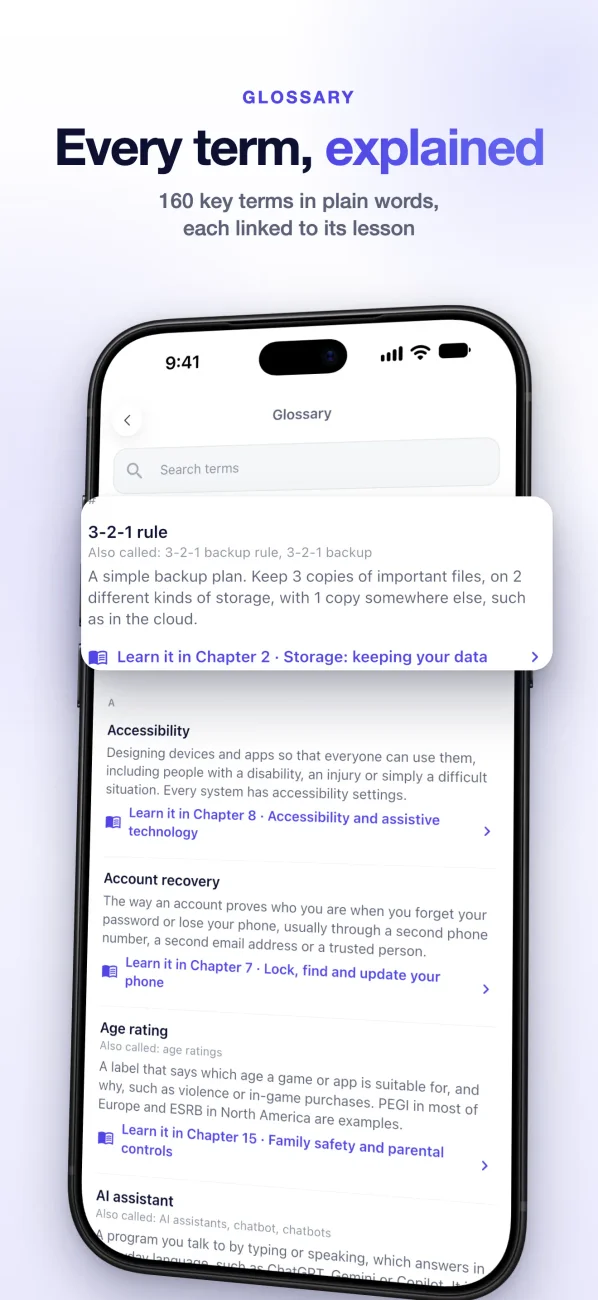
Learn computer basics from your first click to a certificate. Computer Basics is a complete beginner computer course on your phone: 17 chapters, 74 short illustrated lessons, a quiz after every lesson, a test after every chapter and a final exam.
Made for complete beginners, students, job seekers, parents and older learners. Every new word is explained before it is used, and the examples work in every country.
WHAT YOU WILL LEARN
• What a computer is: hardware, software, CPU, RAM, ROM and storage
• Input and output devices, ports and connections
• Operating systems, files and folders on Windows 11, macOS, ChromeOS, Android and iPhone
• How the Internet works, web browsers, email and messaging
• Online safety: strong passwords, passkeys, two-step verification, phishing, scams and malware
• Your phone and tablet as a full computer
• Typing: touch typing drills from the home row to 30+ words per minute, plus keyboard shortcuts
• Documents, spreadsheets and slides: Word, Excel, PowerPoint, Google Docs and Google Sheets
• Searching well, judging sources, spotting misinformation and using AI assistants wisely
• Video calls, cloud storage, sharing files, shopping and paying online safely
• Photos, video, audio, copyright and Creative Commons
• Care and troubleshooting: updates, backups, Wi-Fi and printer problems, buying a computer
• Screen time, digital wellbeing and family safety
• How computers think: binary, algorithms, your first program and how AI works
• Digital skills for work: finding a job, writing a CV, workplace tools and online public services
LEARN → PRACTICE → QUIZ
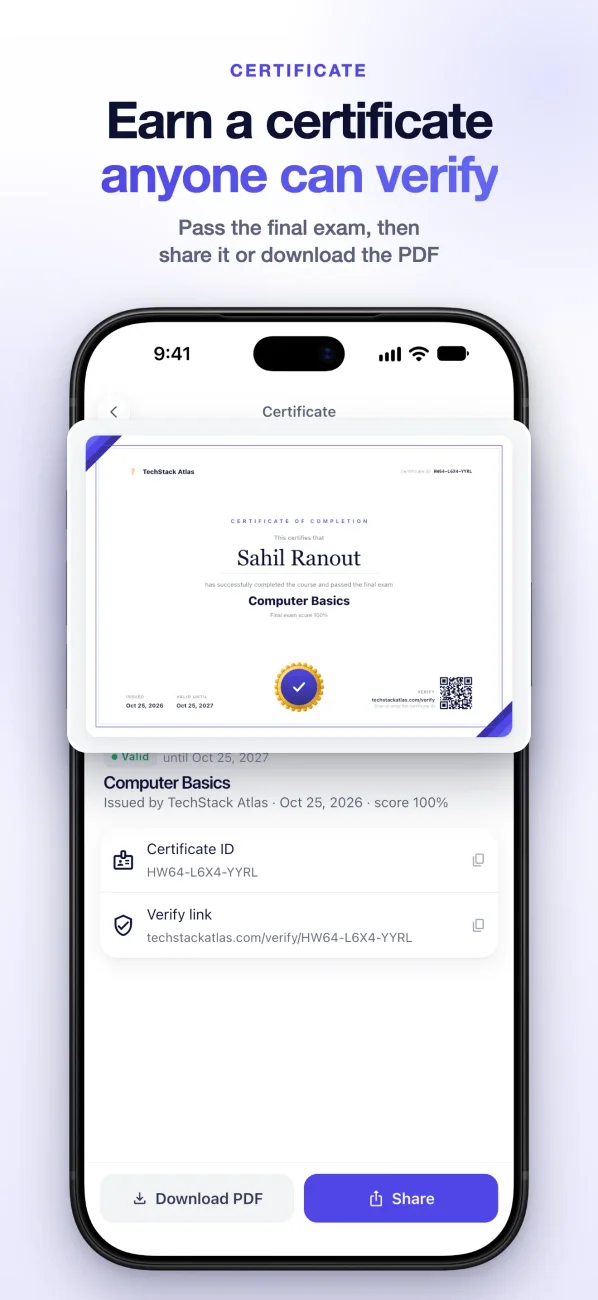
Each lesson takes 6–8 minutes and ends with a "Try it" task and a short quiz. Every chapter ends with a test, so you know what you really remember. Pass the final exam to earn your Computer Basics certificate, with a QR code anyone can scan to check it is real.
PRACTICE FOR EXAMS AND INTERVIEWS
Hundreds of multiple-choice questions (MCQ) help you revise computer fundamentals for school and college computer classes, computer awareness exams and basic computer interview questions. The course covers the beginner skills that digital-literacy programmes such as ICDL, IC3 and Northstar expect.
STUDY YOUR WAY
• Listen mode reads lessons and quiz questions aloud
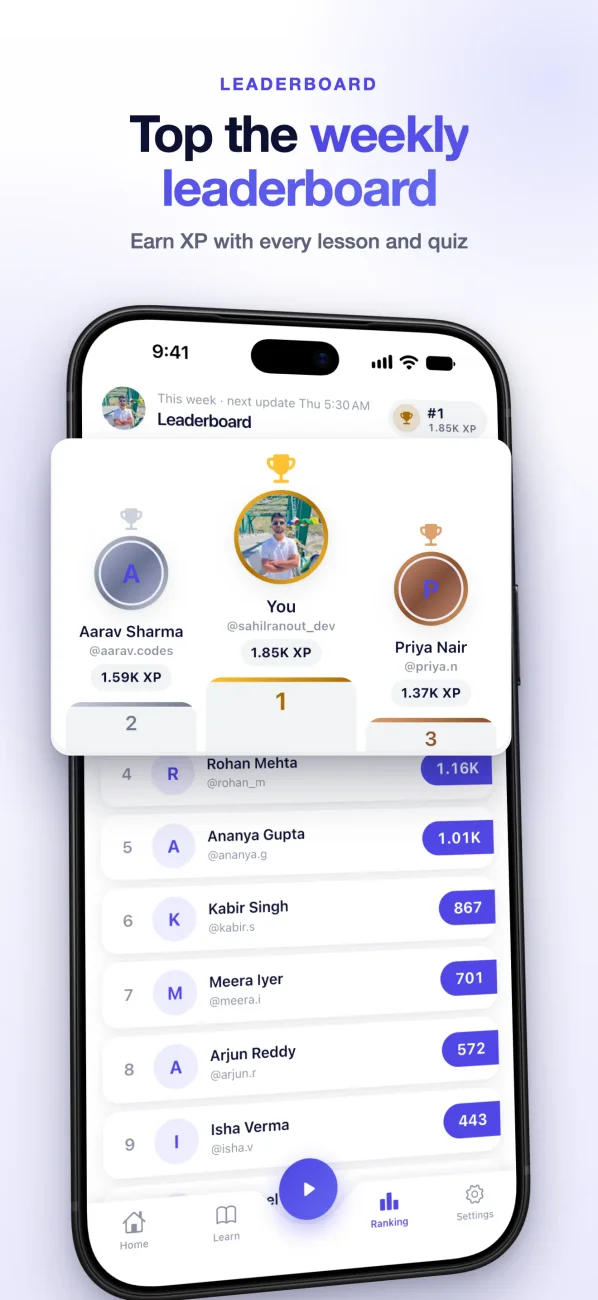
• Daily streaks, XP and a weekly leaderboard
• A daily study reminder at the time you choose
• Dark mode for night study
• App menus in English, Hindi, Bengali, Spanish, French, Portuguese, Russian, Arabic and Chinese (lessons are in English)
• Sign in with Google or Apple and your progress syncs between Android and iPhone
FREE AND PREMIUM
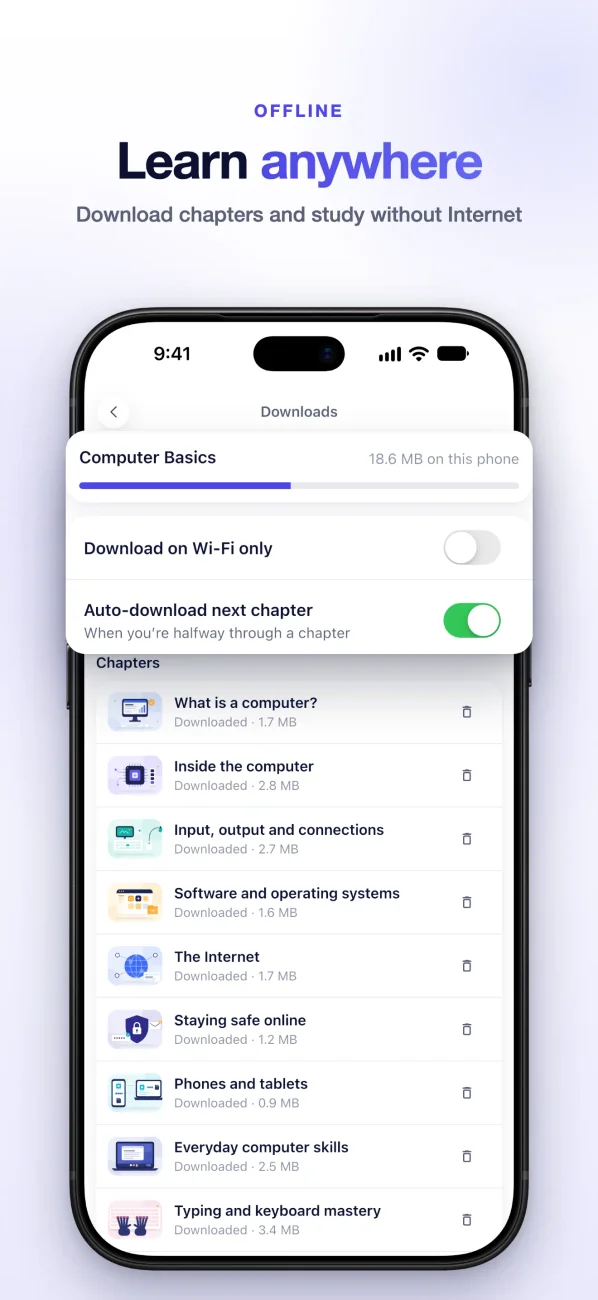
Chapters 1–3 are free, no account needed. Sign in and watch one short video to unlock each of chapters 4–10 for good. Premium unlocks chapters 11–17, the final exam and the certificate, lets you download chapters for offline study and removes all ads. Choose monthly, yearly (with a 7-day free trial) or a one-time lifetime purchase.
Start with the basics today and build real computer skills, one short lesson at a time.
Premium is billed through your Apple Account. Subscriptions renew automatically unless cancelled at least 24 hours before the end of the current period; manage or cancel them in Settings → Apple Account → Subscriptions.
Terms of Use: https://techstackatlas.com/terms
Privacy Policy: https://techstackatlas.com/privacy
Support: support@techstackatlas.com
Nouveautés
Version 1.0.32 · 17/11/2026
• A fresh new app icon.
• Leaderboard: shows the all-time ranking when no one has earned XP yet this week, so it's never empty.
• A quick, occasional prompt to rate the app after you pass a chapter test.
• Notifications for new chapters and app news are now more reliable.
• Stability and performance improvements.
Confidentialité de l’application
Ce que Sahil Ranout déclare sur l’App Store au sujet du traitement des données par cette application.
-
Données utilisées pour vous suivre
Peuvent être utilisées pour vous suivre sur des applications et des sites web appartenant à d’autres sociétés.
- Identifiants
- Données d’utilisation
-
Données établissant un lien avec vous
Peuvent être collectées et liées à votre identité.
- Achats
- Coordonnées
- Identifiants
- Données d’utilisation
- Autres données
-
Données n’établissant aucun lien avec vous
Peuvent être collectées, mais ne sont pas liées à votre identité.
- Emplacement
- Données d’utilisation
- Diagnostic
Les pratiques en matière de confidentialité peuvent varier, notamment en fonction des fonctionnalités que vous utilisez ou de votre âge.
Informations
- Vendeur
- Sahil Ranout
- Catégorie
- Éducation
- Version
- 1.0.32
- Mis à jour
- 17/11/2026
- Publié
- 09/11/2026
- Taille
- 48,3 Mo
- Nécessite
- iOS 16.0 ou version ultérieure
- Classification d’âge
- 4+
- Prix
- Gratuit
- Achats intégrés
- Oui
- Langues
- Anglais
- Copyright
- © 2026 TechStack Atlas
Vous aimerez peut-être aussi
-
 UK Practical Driving TestÉducation
-
 AlengaLearn English offline
-
 ESOFT ConnectÉducation
-
 Kalam Daily: Learn ArabicApprendre Arabe et Darija
-
 Barbaariye AppÉducation
-
 AA Driving Theory Test KitÉducation
-
 Practice Driving Test RoutesÉducation
-
 Quran ProgressApprendre l'Arabe du Coran
-
 AI Parler & Trad LanguesParler et traduire traducteur