Learn Computer Basics & Quiz
Learn PC, Internet & Typing
Được thiết kế cho iPhone, iPad
Miễn phí · Mua hàng trong ứng dụng
- Độ tuổi4+
- Danh mụcGiáo Dục
- Nhà phát triểnSahil Ranout
- Ngôn ngữTiếng Anh
- Kích thước48,3 MB
Liên kết đến trang App Store chính thức
Download.org không lưu trữ tệp nào của Learn Computer Basics & Quiz. Nút này mở trang ứng dụng trên App Store, nơi Sahil Ranout phát hành ứng dụng. Trang được kiểm tra lần cuối: 23/11/2026.
Ảnh chụp màn hình
Giới thiệu
Nhà phát triển chưa cung cấp nội dung này bằng ngôn ngữ của bạn.
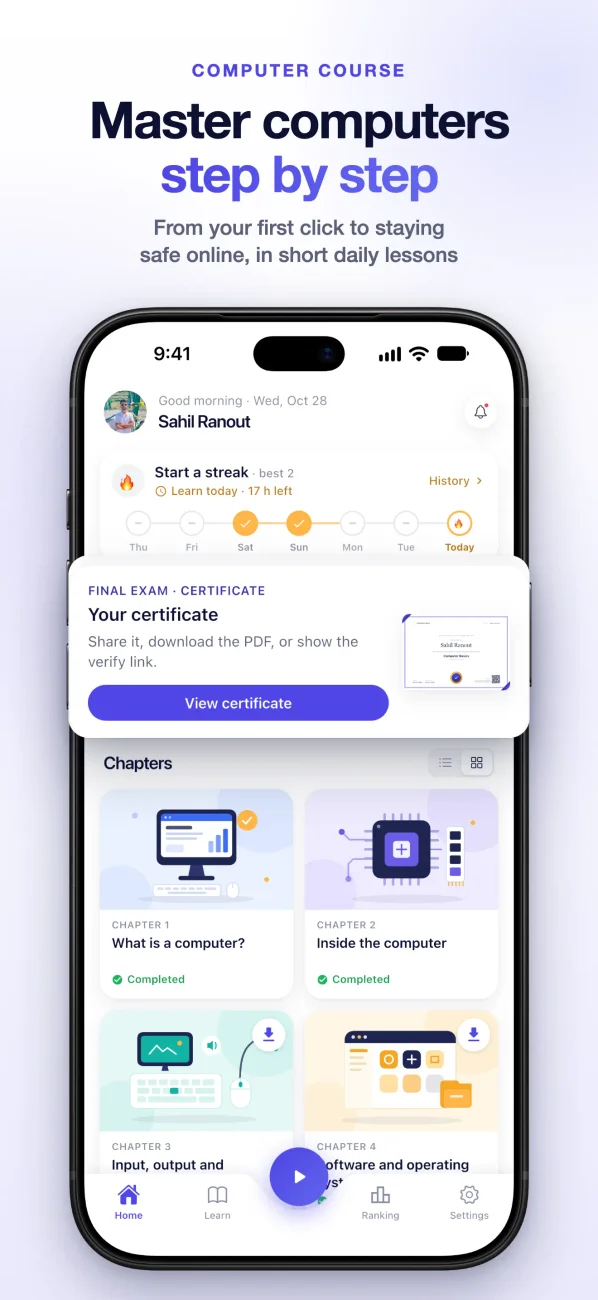
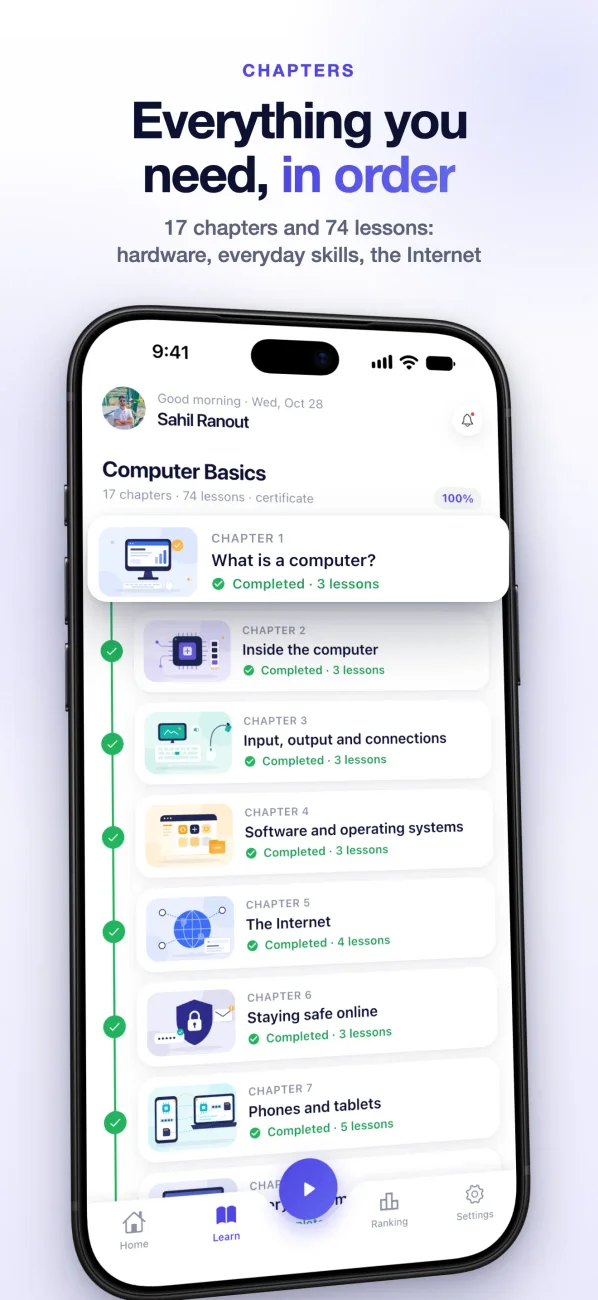
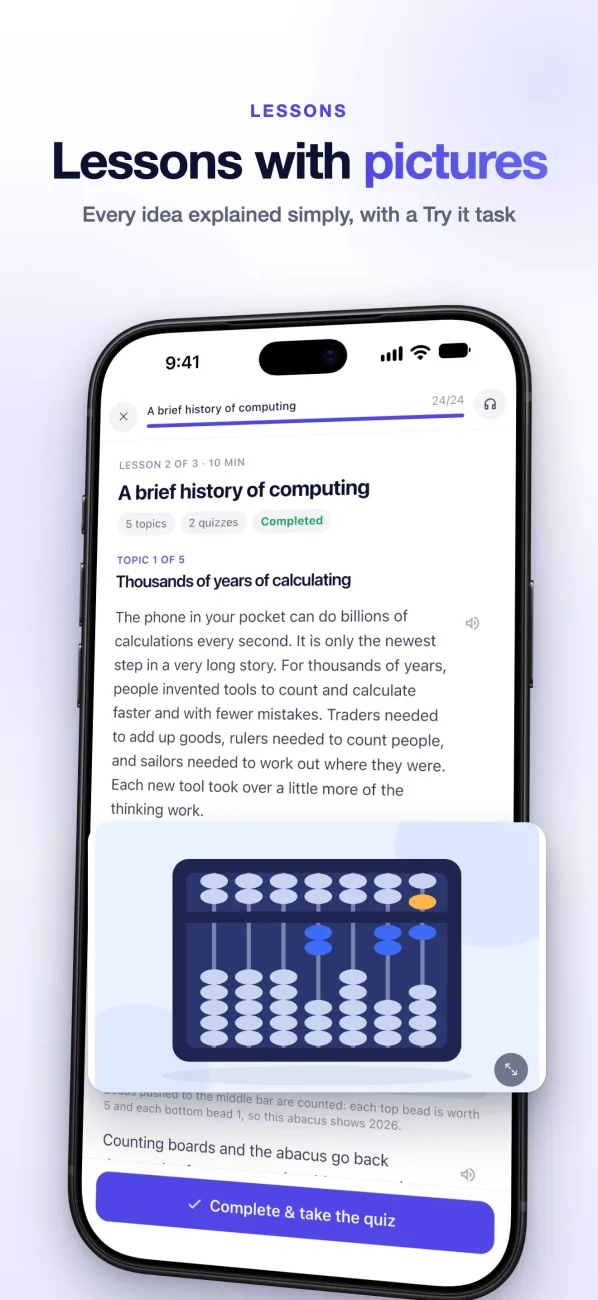
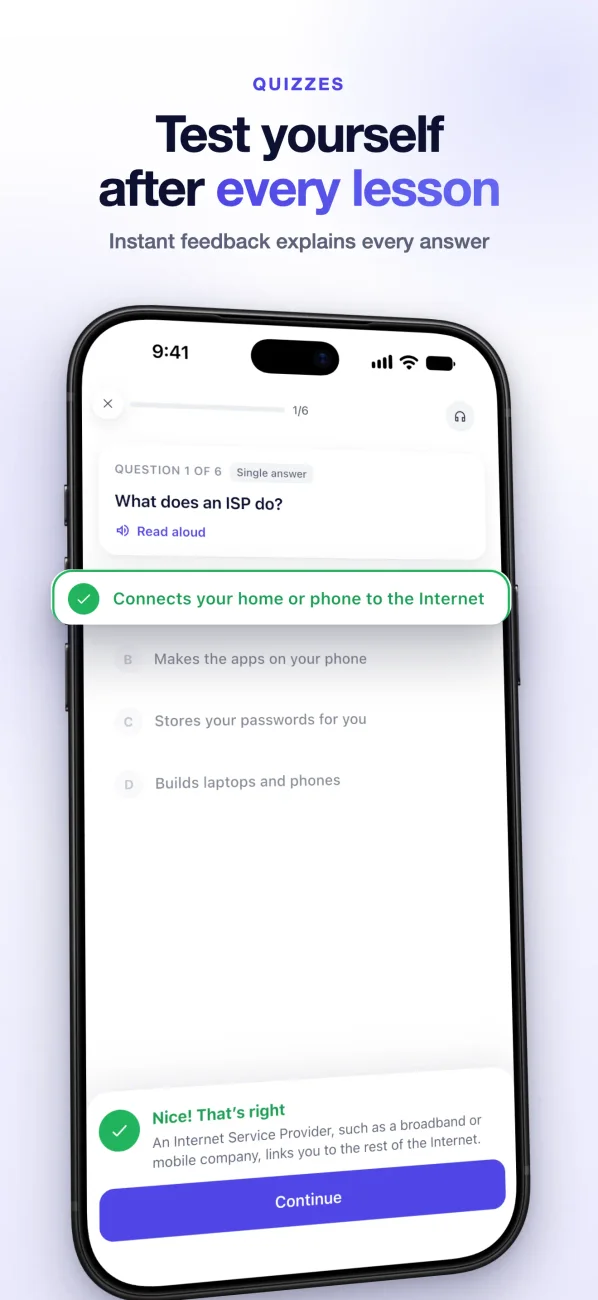
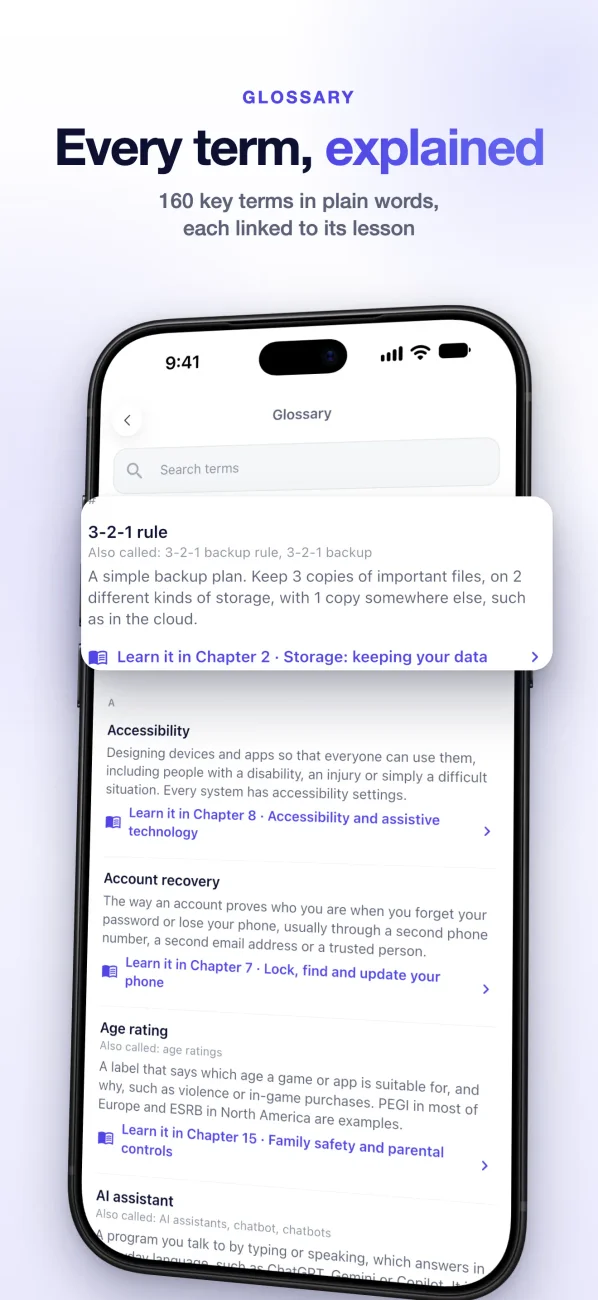
Learn computer basics from your first click to a certificate. Computer Basics is a complete beginner computer course on your phone: 17 chapters, 74 short illustrated lessons, a quiz after every lesson, a test after every chapter and a final exam.
Made for complete beginners, students, job seekers, parents and older learners. Every new word is explained before it is used, and the examples work in every country.
WHAT YOU WILL LEARN
• What a computer is: hardware, software, CPU, RAM, ROM and storage
• Input and output devices, ports and connections
• Operating systems, files and folders on Windows 11, macOS, ChromeOS, Android and iPhone
• How the Internet works, web browsers, email and messaging
• Online safety: strong passwords, passkeys, two-step verification, phishing, scams and malware
• Your phone and tablet as a full computer
• Typing: touch typing drills from the home row to 30+ words per minute, plus keyboard shortcuts
• Documents, spreadsheets and slides: Word, Excel, PowerPoint, Google Docs and Google Sheets
• Searching well, judging sources, spotting misinformation and using AI assistants wisely
• Video calls, cloud storage, sharing files, shopping and paying online safely
• Photos, video, audio, copyright and Creative Commons
• Care and troubleshooting: updates, backups, Wi-Fi and printer problems, buying a computer
• Screen time, digital wellbeing and family safety
• How computers think: binary, algorithms, your first program and how AI works
• Digital skills for work: finding a job, writing a CV, workplace tools and online public services
LEARN → PRACTICE → QUIZ
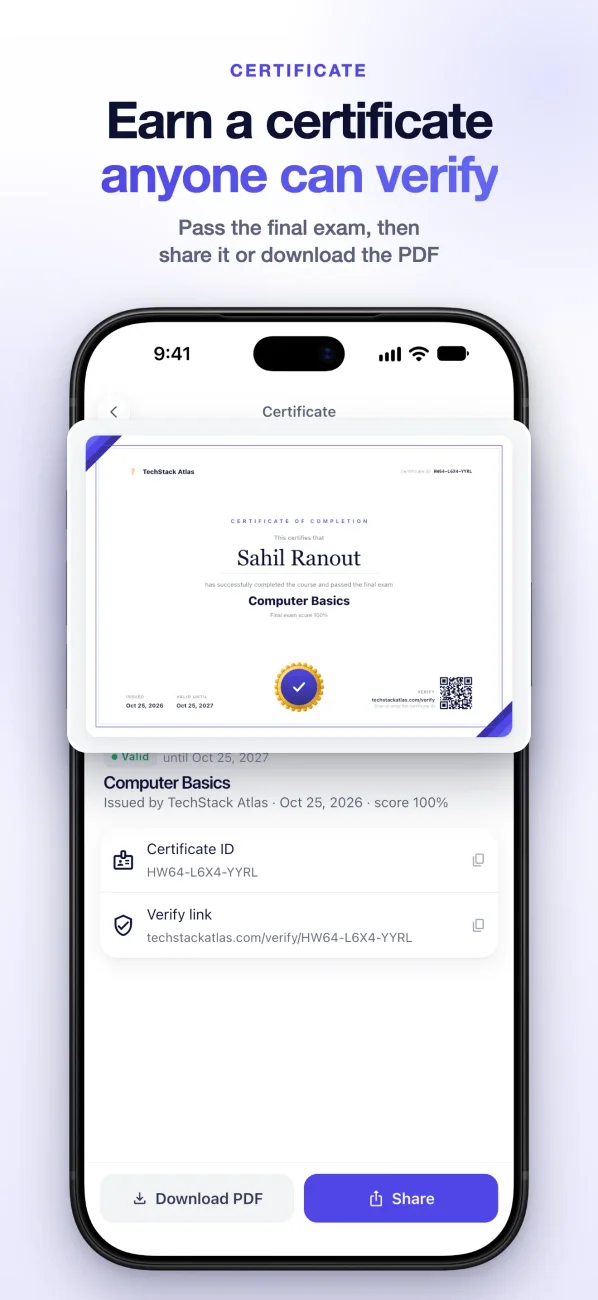
Each lesson takes 6–8 minutes and ends with a "Try it" task and a short quiz. Every chapter ends with a test, so you know what you really remember. Pass the final exam to earn your Computer Basics certificate, with a QR code anyone can scan to check it is real.
PRACTICE FOR EXAMS AND INTERVIEWS
Hundreds of multiple-choice questions (MCQ) help you revise computer fundamentals for school and college computer classes, computer awareness exams and basic computer interview questions. The course covers the beginner skills that digital-literacy programmes such as ICDL, IC3 and Northstar expect.
STUDY YOUR WAY
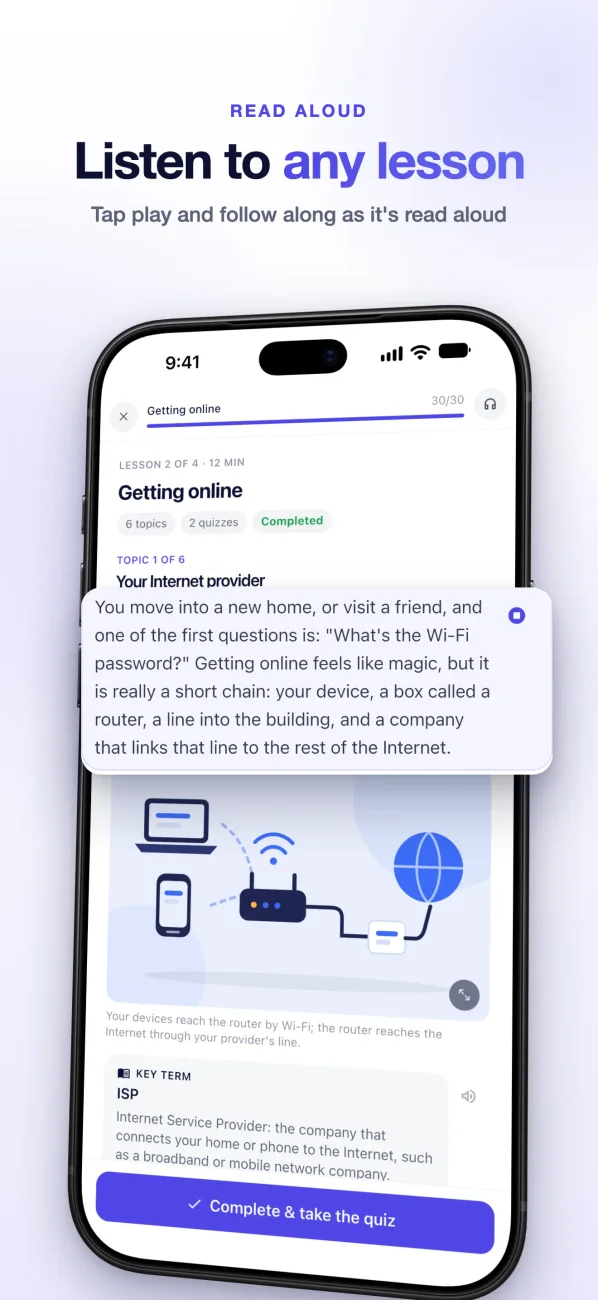
• Listen mode reads lessons and quiz questions aloud
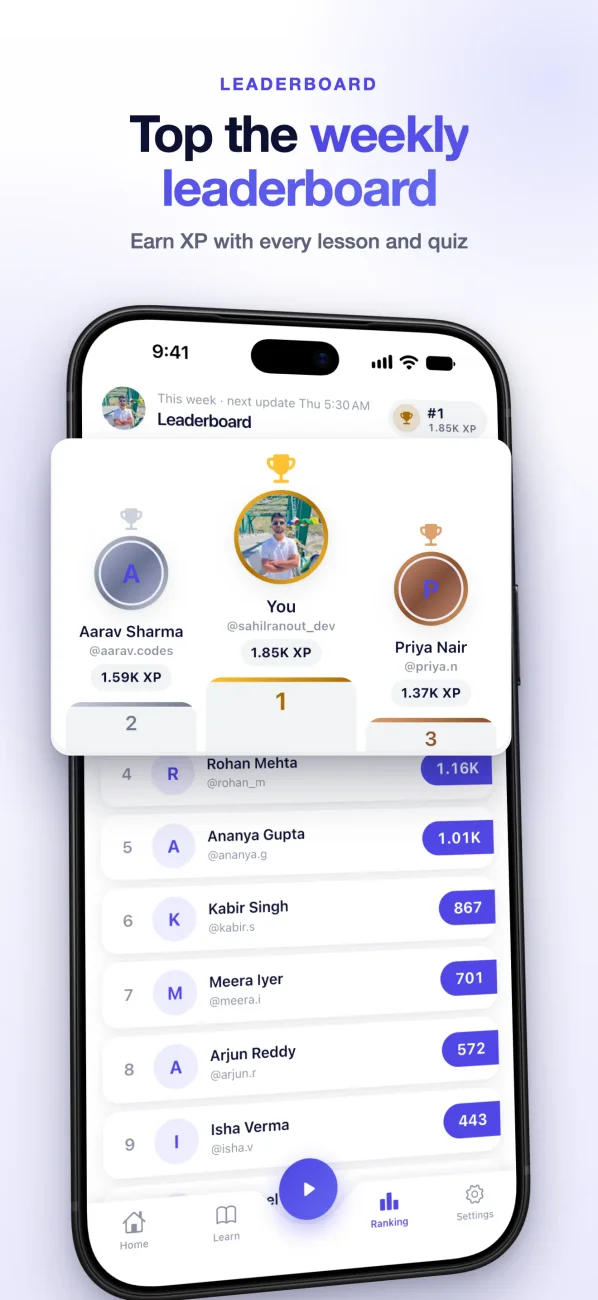
• Daily streaks, XP and a weekly leaderboard
• A daily study reminder at the time you choose
• Dark mode for night study
• App menus in English, Hindi, Bengali, Spanish, French, Portuguese, Russian, Arabic and Chinese (lessons are in English)
• Sign in with Google or Apple and your progress syncs between Android and iPhone
FREE AND PREMIUM
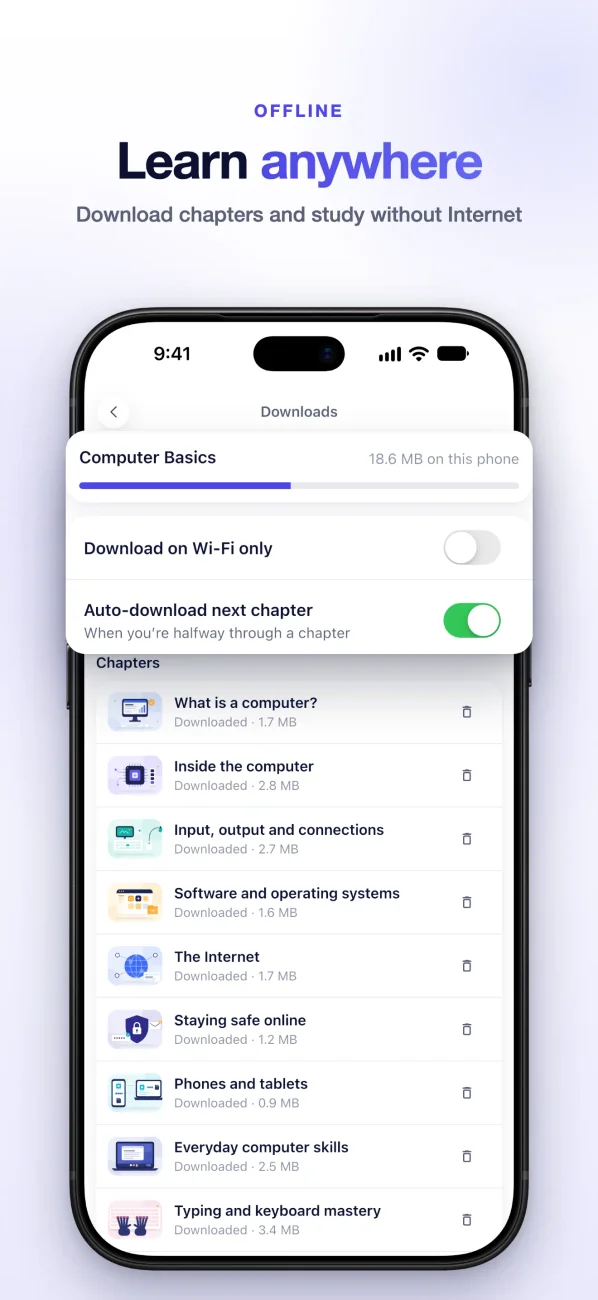
Chapters 1–3 are free, no account needed. Sign in and watch one short video to unlock each of chapters 4–10 for good. Premium unlocks chapters 11–17, the final exam and the certificate, lets you download chapters for offline study and removes all ads. Choose monthly, yearly (with a 7-day free trial) or a one-time lifetime purchase.
Start with the basics today and build real computer skills, one short lesson at a time.
Premium is billed through your Apple Account. Subscriptions renew automatically unless cancelled at least 24 hours before the end of the current period; manage or cancel them in Settings → Apple Account → Subscriptions.
Terms of Use: https://techstackatlas.com/terms
Privacy Policy: https://techstackatlas.com/privacy
Support: support@techstackatlas.com
Có gì mới
Phiên bản 1.0.32 · 17/11/2026
• A fresh new app icon.
• Leaderboard: shows the all-time ranking when no one has earned XP yet this week, so it's never empty.
• A quick, occasional prompt to rate the app after you pass a chapter test.
• Notifications for new chapters and app news are now more reliable.
• Stability and performance improvements.
Quyền riêng tư của ứng dụng
Những gì Sahil Ranout khai báo trên App Store về cách ứng dụng này xử lý dữ liệu.
-
Dữ liệu được sử dụng để theo dõi bạn
Có thể được sử dụng để theo dõi bạn trên các ứng dụng và trang web do công ty khác sở hữu.
- Mã định danh
- Dữ liệu sử dụng
-
Dữ liệu liên kết với bạn
Có thể được thu thập và liên kết với danh tính của bạn.
- Mục mua
- Thông tin liên hệ
- Mã định danh
- Dữ liệu sử dụng
- Dữ liệu khác
-
Dữ liệu không liên kết với bạn
Có thể được thu thập nhưng không liên kết với danh tính của bạn.
- Vị trí
- Dữ liệu sử dụng
- Chẩn đoán
Phương thức đảm bảo quyền riêng tư có thể khác nhau, chẳng hạn như tuỳ theo các tính năng bạn sử dụng hoặc độ tuổi của bạn.
Thông tin
- Người bán
- Sahil Ranout
- Danh mục
- Giáo Dục
- Phiên bản
- 1.0.32
- Cập nhật
- 17/11/2026
- Phát hành
- 09/11/2026
- Kích thước
- 48,3 MB
- Yêu cầu
- iOS 16.0 trở lên
- Độ tuổi
- 4+
- Giá
- Miễn phí
- Mua hàng trong ứng dụng
- Có
- Ngôn ngữ
- Tiếng Anh
- Bản quyền
- © 2026 TechStack Atlas