- Classification d’âge4+
- CatégorieProductivité
- DéveloppeurHuabo Zhang
- LanguesAnglais
- Taille6,0 Mo
Renvoie vers la page App Store officielle
Download.org n’héberge aucun fichier de LensFlow Scanner. Le bouton ouvre la page de l’application sur App Store, où Huabo Zhang la publie. Fiche vérifiée pour la dernière fois le 12/11/2026.
Captures d’écran
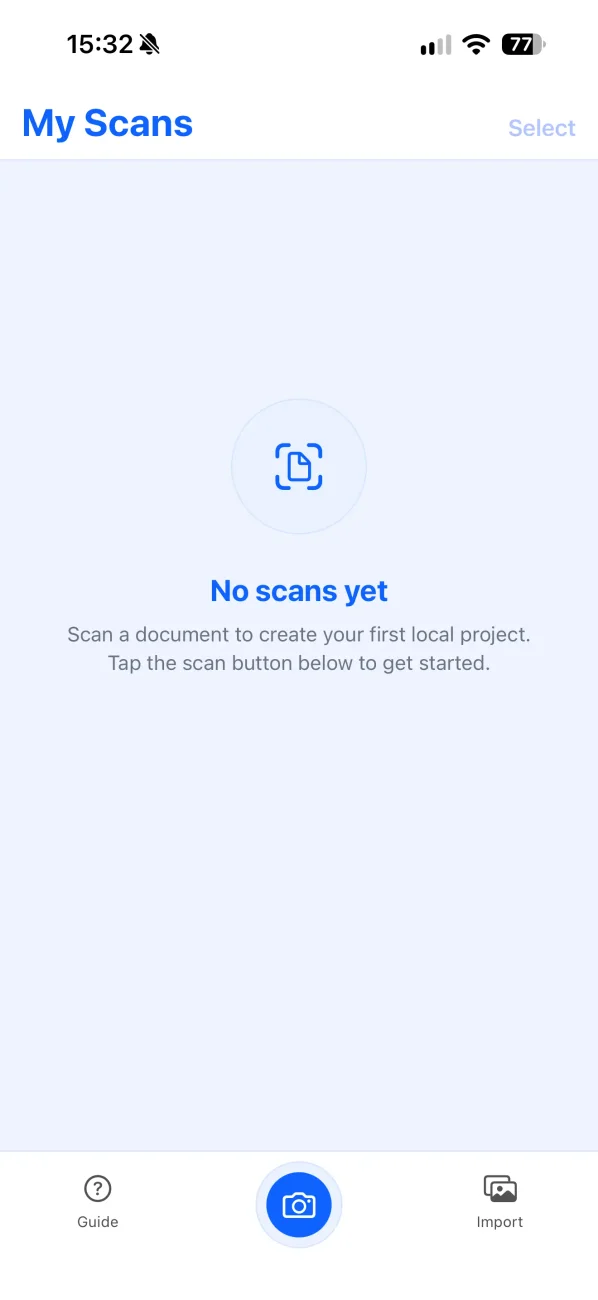


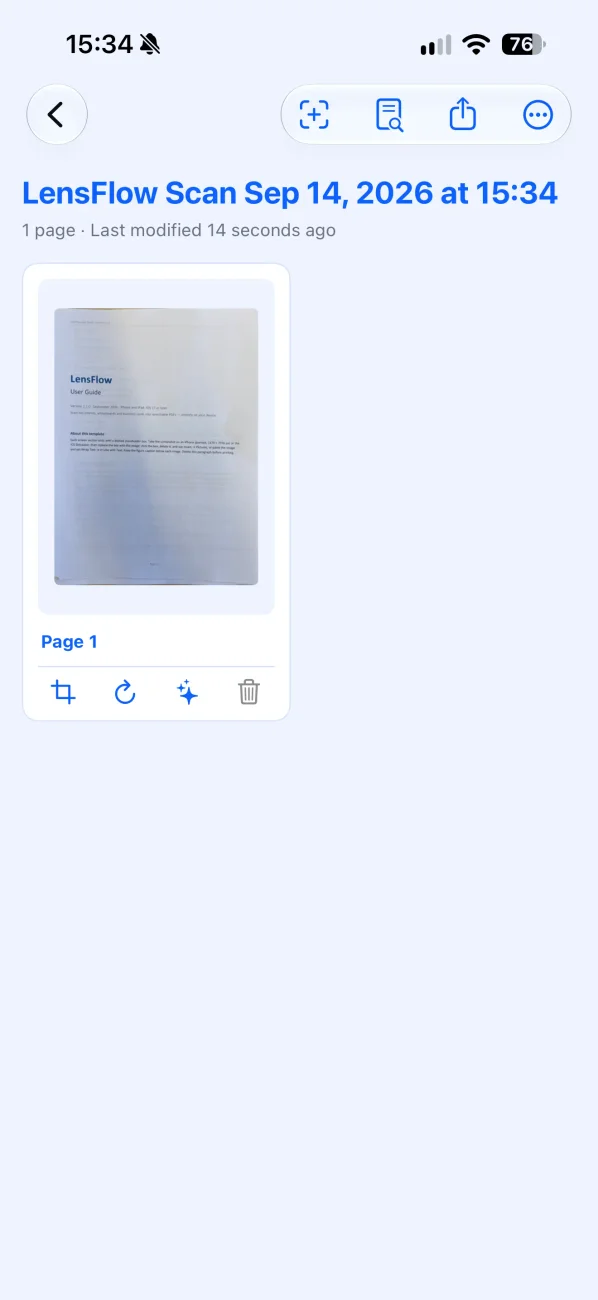
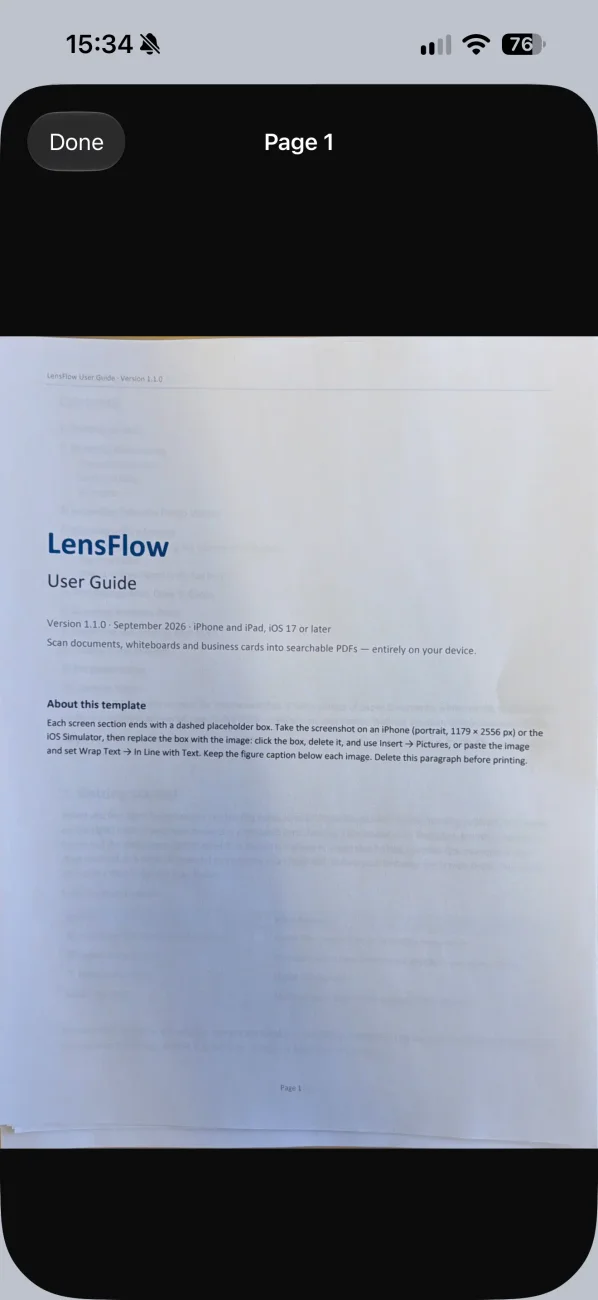
À propos
Le développeur n’a pas fourni ce texte dans votre langue.
LensFlow turns your iPhone into a fast, private document scanner that produces truly searchable PDFs.
USED MICROSOFT LENS?
Microsoft retired the Lens app in early 2026. LensFlow gives you the same scan-to-searchable-PDF workflow — documents, whiteboards, and business cards — with your files kept on your device, no account, and no cloud required.
Point your camera at any page and LensFlow captures it with automatic edge detection and perspective correction. Text recognition runs entirely on your device, and every export is a real searchable PDF — the words are embedded under the image, so you can find, select, and copy text in any PDF reader.
SCAN
• Continuous multi-page capture with automatic edge detection
• Automatic perspective correction as you shoot
• Append new pages to any existing document at any time
EDIT — ALWAYS NON-DESTRUCTIVE
• Four-corner perspective crop with draggable handles
• Rotate pages in 90° steps
• Five filters: Original, Color, Grayscale, Black & White, and Whiteboard
• Every edit re-renders from the original capture, so nothing is ever lost — reset any page back to its original scan
• Reorder pages by drag and drop, delete pages, rename projects
RECOGNIZE
• On-device OCR powered by Apple Vision — no server, no upload
• Automatic language detection
• Text position is preserved, so PDF search highlights land exactly on the right words in the page image
SMALL, PRINT-READY PDFs
• Every page is exported as a standard A4-size page — no more giant pixel-sized pages in viewers or on the printer
• Images are resized and optimised automatically (about 200 DPI), so a typical document is a few hundred KB per page: easy to email, sharp to read
• Your original scans stay at full resolution inside LensFlow
SHARE
• Export any document as a searchable PDF
• Select multiple documents on the home screen and share all their PDFs at once
• Select individual pages inside a document and share just those pages as one PDF
• Send anywhere iOS can share: Mail, AirDrop, Messages, Files, and more
PRIVATE BY DESIGN
• Everything stays on your iPhone — scans, text recognition, and PDFs never leave your device
• No account, no sign-in, no ads, no tracking, no analytics
• The camera is used only while you are scanning
LensFlow is built natively with SwiftUI and Apple Vision for iOS 17 and later, with a clean, focused interface.
Scan it once. Find it forever.
Microsoft Lens is a trademark of Microsoft Corporation. LensFlow is an independent app and is not affiliated with, endorsed by, or sponsored by Microsoft.
Nouveautés
Version 1.1.0 · 15/09/2026
LensFlow 1.1 — a fresh look and a faster editor.
• All-new design: a lighter home screen with a big Scan button, cleaner project cards, and a night-mode scanner, crop editor, and PDF preview
• Much smaller PDFs: pages are now standard A4-size and images are optimised automatically — typically 3–8× smaller files, text still sharp, originals untouched
• PDF preview now turns pages one at a time with a "Page n of m" caption
• Extracted text gets a Copy All / Speak / Share bar
• Business cards open in a redesigned contact sheet
• Faster: editing one page no longer re-reads text on every page, and rapid edits produce a single PDF rebuild
• Exported PDFs are never seen half-written in the Files app
Confidentialité de l’application
Ce que Huabo Zhang déclare sur l’App Store au sujet du traitement des données par cette application.
-
Données non collectées
Le développeur ne collecte aucune donnée à partir de cette application.
Les pratiques en matière de confidentialité peuvent varier, notamment en fonction des fonctionnalités que vous utilisez ou de votre âge.
Informations
- Vendeur
- Huabo Zhang
- Catégorie
- Productivité
- Version
- 1.1.0
- Mis à jour
- 15/09/2026
- Publié
- 06/09/2026
- Taille
- 6,0 Mo
- Nécessite
- iOS 17.0 ou version ultérieure
- Classification d’âge
- 4+
- Prix
- Gratuit
- Langues
- Anglais
- Copyright
- © Zhang Huabo
Vous aimerez peut-être aussi
-
 okLens - Document ScannerProductivité
-
 ScanFree - Scanner PDFScan en PDF, OCR
-
 Prompton - Prompt ManagerProductivité
-
 Scanmint: PDF Document ScannerProductivité
-
 Fair Scanner : Scan en PDFCopies nettes, sans compte
-
 Whiteboard LensProductivité
-
 Paperix - PDF Secure and LocalProductivité
-
 Tube Pro PiPBackground Player & Adblock
-
 QR Snap Scanner - Code ReaderProductivité
-
 Scanling – PDF Scanner & OCRSans abonnement, sans compte