LensFlow Scanner
Scan, OCR & searchable PDFs
Dirancang untuk iPhone, iPad
Gratis
- Batasan usia4+
- KategoriProduktivitas
- PengembangHuabo Zhang
- BahasaInggris
- Ukuran6,0 MB
Tertaut ke halaman resmi App Store
Download.org tidak menyimpan file LensFlow Scanner apa pun. Tombol ini membuka halaman aplikasi di App Store, tempat Huabo Zhang menerbitkannya. Halaman terakhir diperiksa pada 12/11/2026.
Tangkapan layar


Tentang
Pengembang belum menyediakan teks ini dalam bahasa Anda.
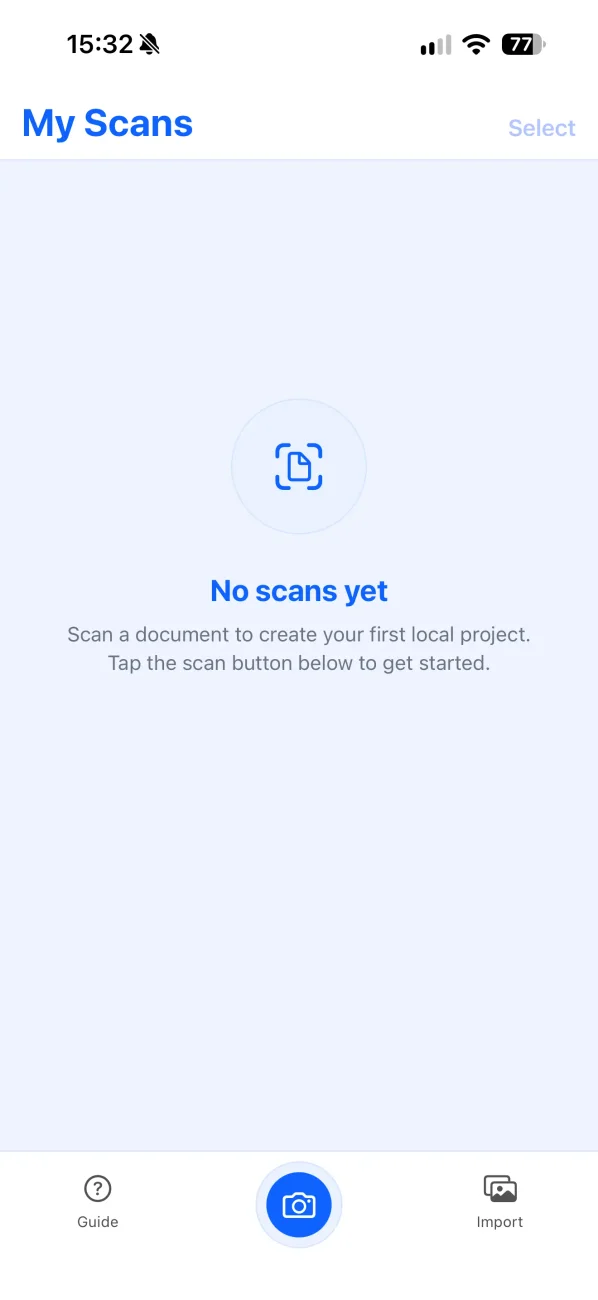
LensFlow turns your iPhone into a fast, private document scanner that produces truly searchable PDFs.
USED MICROSOFT LENS?
Microsoft retired the Lens app in early 2026. LensFlow gives you the same scan-to-searchable-PDF workflow — documents, whiteboards, and business cards — with your files kept on your device, no account, and no cloud required.
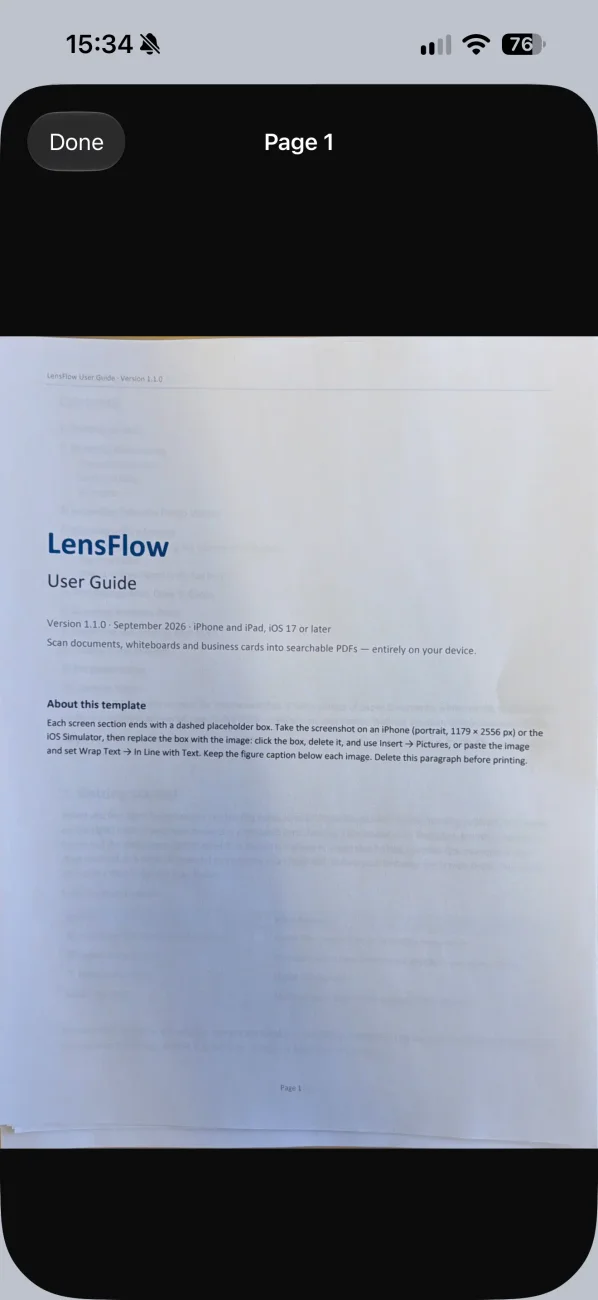
Point your camera at any page and LensFlow captures it with automatic edge detection and perspective correction. Text recognition runs entirely on your device, and every export is a real searchable PDF — the words are embedded under the image, so you can find, select, and copy text in any PDF reader.
SCAN
• Continuous multi-page capture with automatic edge detection
• Automatic perspective correction as you shoot
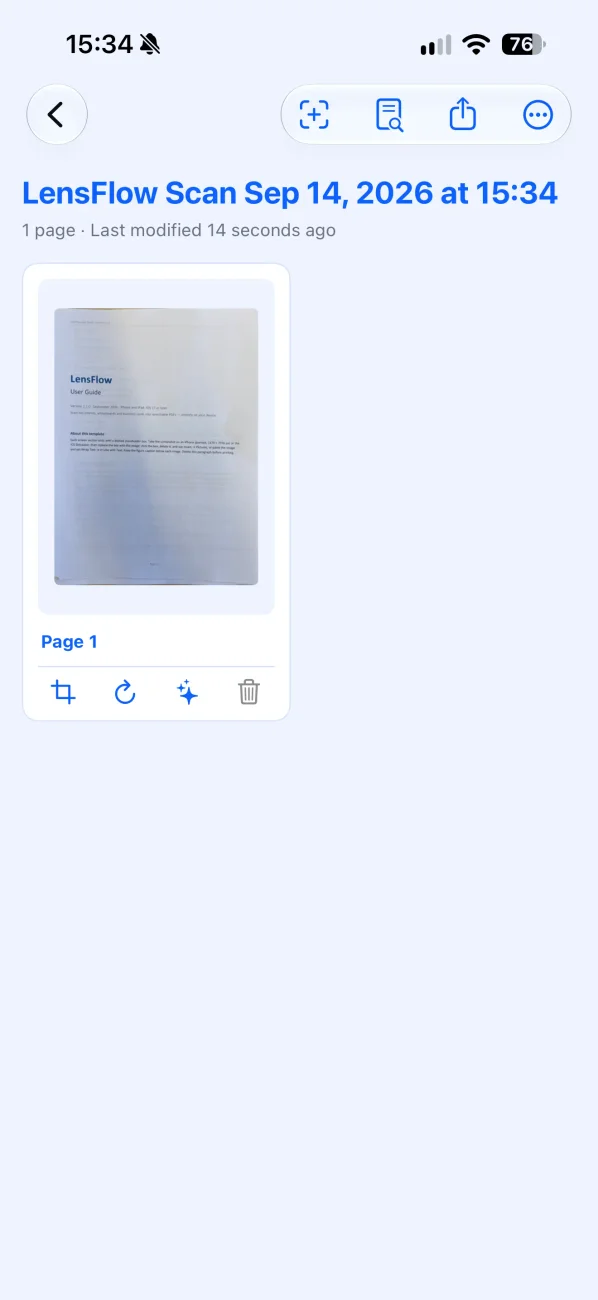
• Append new pages to any existing document at any time
EDIT — ALWAYS NON-DESTRUCTIVE
• Four-corner perspective crop with draggable handles
• Rotate pages in 90° steps
• Five filters: Original, Color, Grayscale, Black & White, and Whiteboard
• Every edit re-renders from the original capture, so nothing is ever lost — reset any page back to its original scan
• Reorder pages by drag and drop, delete pages, rename projects
RECOGNIZE
• On-device OCR powered by Apple Vision — no server, no upload
• Automatic language detection
• Text position is preserved, so PDF search highlights land exactly on the right words in the page image
SMALL, PRINT-READY PDFs
• Every page is exported as a standard A4-size page — no more giant pixel-sized pages in viewers or on the printer
• Images are resized and optimised automatically (about 200 DPI), so a typical document is a few hundred KB per page: easy to email, sharp to read
• Your original scans stay at full resolution inside LensFlow
SHARE
• Export any document as a searchable PDF
• Select multiple documents on the home screen and share all their PDFs at once
• Select individual pages inside a document and share just those pages as one PDF
• Send anywhere iOS can share: Mail, AirDrop, Messages, Files, and more
PRIVATE BY DESIGN
• Everything stays on your iPhone — scans, text recognition, and PDFs never leave your device
• No account, no sign-in, no ads, no tracking, no analytics
• The camera is used only while you are scanning
LensFlow is built natively with SwiftUI and Apple Vision for iOS 17 and later, with a clean, focused interface.
Scan it once. Find it forever.
Microsoft Lens is a trademark of Microsoft Corporation. LensFlow is an independent app and is not affiliated with, endorsed by, or sponsored by Microsoft.
Yang baru
Versi 1.1.0 · 15/9/2026
LensFlow 1.1 — a fresh look and a faster editor.
• All-new design: a lighter home screen with a big Scan button, cleaner project cards, and a night-mode scanner, crop editor, and PDF preview
• Much smaller PDFs: pages are now standard A4-size and images are optimised automatically — typically 3–8× smaller files, text still sharp, originals untouched
• PDF preview now turns pages one at a time with a "Page n of m" caption
• Extracted text gets a Copy All / Speak / Share bar
• Business cards open in a redesigned contact sheet
• Faster: editing one page no longer re-reads text on every page, and rapid edits produce a single PDF rebuild
• Exported PDFs are never seen half-written in the Files app
Privasi aplikasi
Yang dinyatakan Huabo Zhang di App Store tentang cara aplikasi ini menangani data.
-
Data tidak dikumpulkan
Pengembang tidak mengumpulkan data apa pun dari aplikasi ini.
Praktik privasi dapat bervariasi, misalnya berdasarkan fitur yang Anda gunakan atau usia Anda.
Informasi
- Penjual
- Huabo Zhang
- Kategori
- Produktivitas
- Versi
- 1.1.0
- Diperbarui
- 15/9/2026
- Dirilis
- 6/9/2026
- Ukuran
- 6,0 MB
- Memerlukan
- iOS 17.0 atau yang lebih baru
- Batasan usia
- 4+
- Harga
- Gratis
- Bahasa
- Inggris
- Hak cipta
- © Zhang Huabo
Mungkin Anda juga suka
-
 okLens - Document ScannerProduktivitas
-
 ScanFree - Scanner PDFProduktivitas
-
 Prompton - Prompt ManagerProduktivitas
-
 Scanmint: PDF Document ScannerProduktivitas
-
 Fair Scanner: Pindai ke PDFSalinan kertas tanpa akun
-
 Whiteboard LensProduktivitas
-
 Paperix - PDF Secure and LocalProduktivitas
-
 Tube Pro PiPBackground Player & Adblock
-
 QR Snap Scanner - Code ReaderProduktivitas
-
 Scanling – PDF Scanner & OCRProduktivitas