
LogicLock Screen Time Control
Earn Screen Time with Puzzles
Conçue pour iPhone
Gratuit · Achats intégrés
- Classification d’âge4+
- CatégorieProductivité
- DéveloppeurCedric Julian Zieger
- LanguesAnglais
- Taille11,6 Mo
Renvoie vers la page App Store officielle
Download.org n’héberge aucun fichier de LogicLock Screen Time Control. Le bouton ouvre la page de l’application sur App Store, où Cedric Julian Zieger la publie. Fiche vérifiée pour la dernière fois le 17/11/2026.
Captures d’écran


À propos
Le développeur n’a pas fourni ce texte dans votre langue.
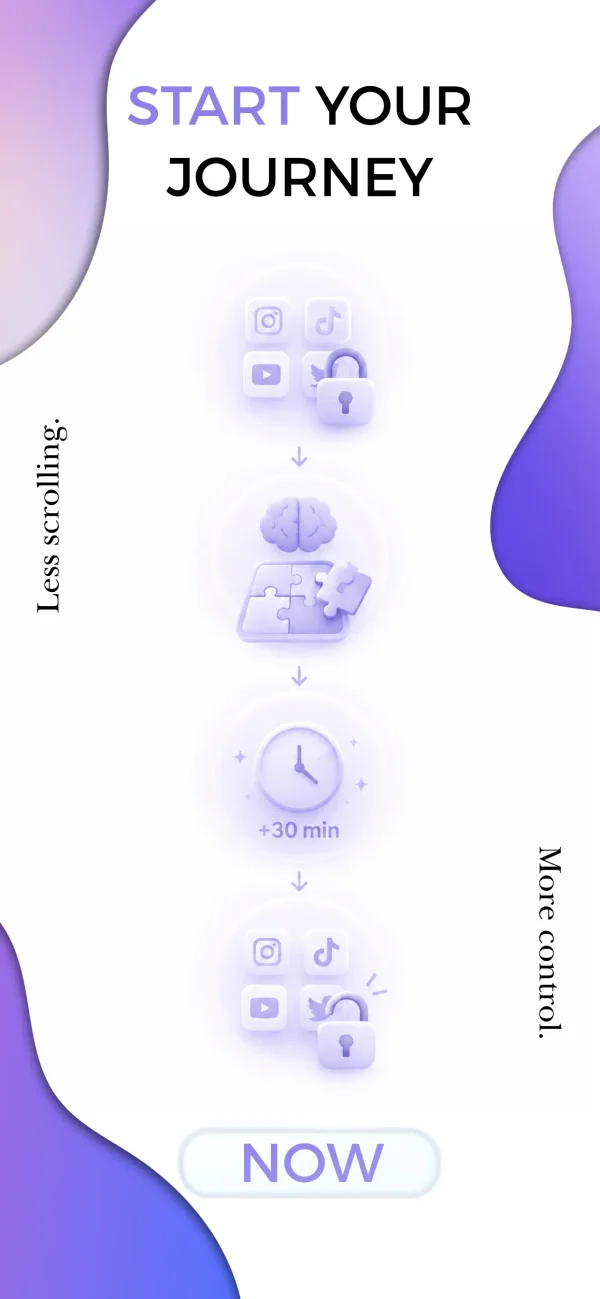
LogicLock Screen Time Control helps make time spent intentional.
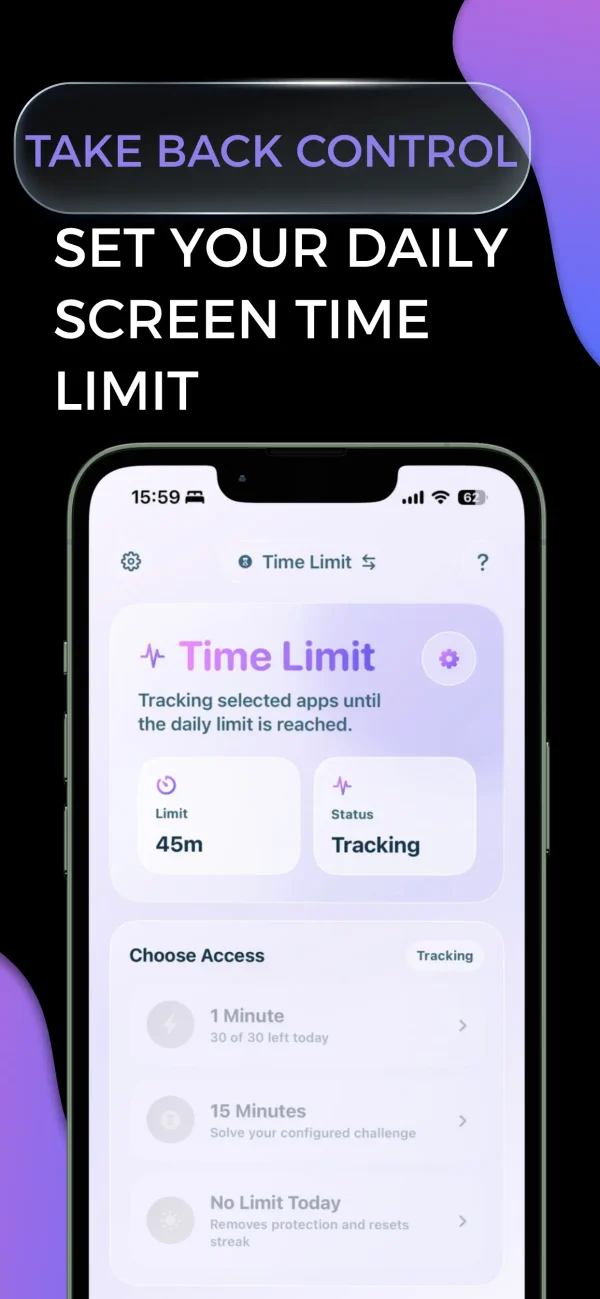
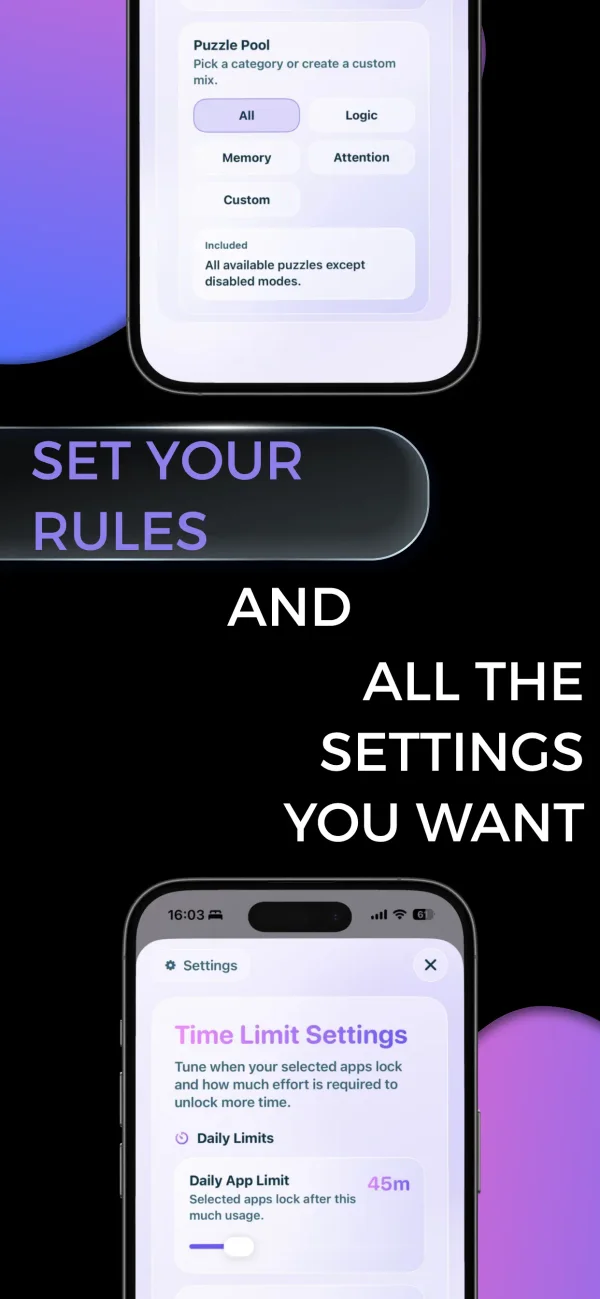
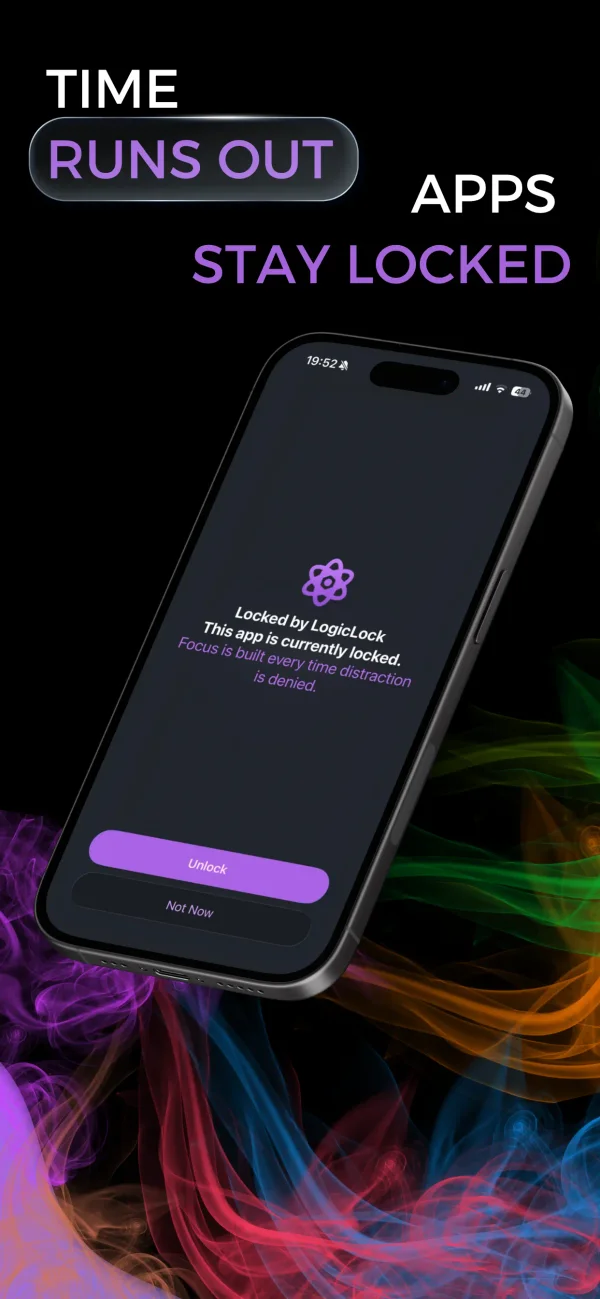
Time Limit Mode lets you set an access limit for selected apps. Once your time runs out, those apps are automatically restricted, helping you stay within the boundary you set.
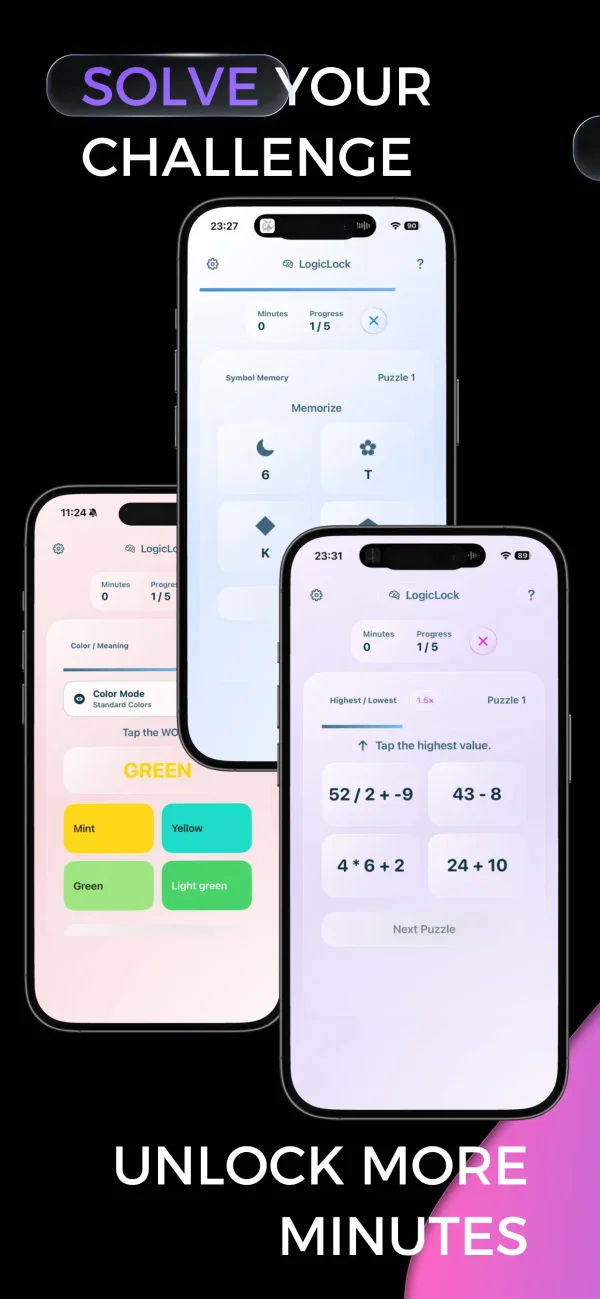
In Classic Mode, access is earned by completing short puzzle sessions. Instead of opening distracting apps automatically, you first solve challenges designed to engage your focus, memory, attention, and reasoning. Each completed session earns minutes that you can use to unlock your selected apps.
The goal is simple: interrupt passive behavior, slow down impulsive app use, and make opening an app a deliberate choice.
How it works:
Select the apps you want to restrict
Set an access limit with Time Limit Mode
Complete short puzzle sessions to earn minutes in Classic Mode
Use earned minutes to temporarily unlock your apps
Build streaks and track your progress over time
Challenge types include:
Logic and deduction challenges
Sequence and pattern recognition
Short-term and working-memory tasks
Attention and visual discrimination exercises
Arithmetic chains and number puzzles
Timed focus and reaction challenges
Features:
Time Limit and earn-to-unlock modes
Multiple puzzle categories and difficulty levels
Daily challenges
Master difficulty profiles
Progress, streak, and usage statistics
A clean, focused experience
LogicLock is for people who want more control over how they use their time and attention.
Terms of Use: https://www.apple.com/legal/internet-services/itunes/dev/stdeula/
Privacy Policy: https://www.logiclock-screentimecontrol.com/privacy/
Terms Information: https://www.logiclock-screentimecontrol.com/terms/
Nouveautés
Version 2.0.2 · 16/11/2026
Performance updates to make the LogicLock experience even smoother.
Confidentialité de l’application
Ce que Cedric Julian Zieger déclare sur l’App Store au sujet du traitement des données par cette application.
-
Données non collectées
Le développeur ne collecte aucune donnée à partir de cette application.
Les pratiques en matière de confidentialité peuvent varier, notamment en fonction des fonctionnalités que vous utilisez ou de votre âge.
Informations
- Vendeur
- Cedric Julian Zieger
- Catégorie
- Productivité
- Version
- 2.0.2
- Mis à jour
- 16/11/2026
- Publié
- 30/05/2026
- Taille
- 11,6 Mo
- Nécessite
- iOS 17.6 ou version ultérieure
- Classification d’âge
- 4+
- Prix
- Gratuit
- Achats intégrés
- Oui
- Langues
- Anglais
- Copyright
- © 2026 Cedric Julian Zieger
Vous aimerez peut-être aussi
-
 BetterScreens: Screen TimeProductivité
-
 TodaiyoProductivité
-
 Screen Time Control - LuviaProductivité
-
 Alarmaze - Solve To StopProductivité
-
 AppTimeLock : Bloquer applisLimite de temps d'écran
-
 Temps d'Écran Focus: OceanModeBloquer Applications & IA
-
 Tonic: Earn Screen TimeProductivité
-
 Habit Dots - HabitudesSuivi avec carte thermique
-
 Scrollr - Bloqueur d'appsGagne ton temps d'écran
-
 Clavier traducteur IA: TranslyTraduire des textes en langues