
LogicLock Screen Time Control
Earn Screen Time with Puzzles
Designed for iPhone
Free · In-app purchases
- Age rating4+
- CategoryProductivity
- DeveloperCedric Julian Zieger
- LanguagesEnglish
- Size11.6 MB
Links to the official App Store page
Download.org hosts no file of LogicLock Screen Time Control. The button opens its official App Store page, published by Cedric Julian Zieger. Listing last checked on Nov 17, 2026.
Screenshots



About
LogicLock Screen Time Control helps make time spent intentional.
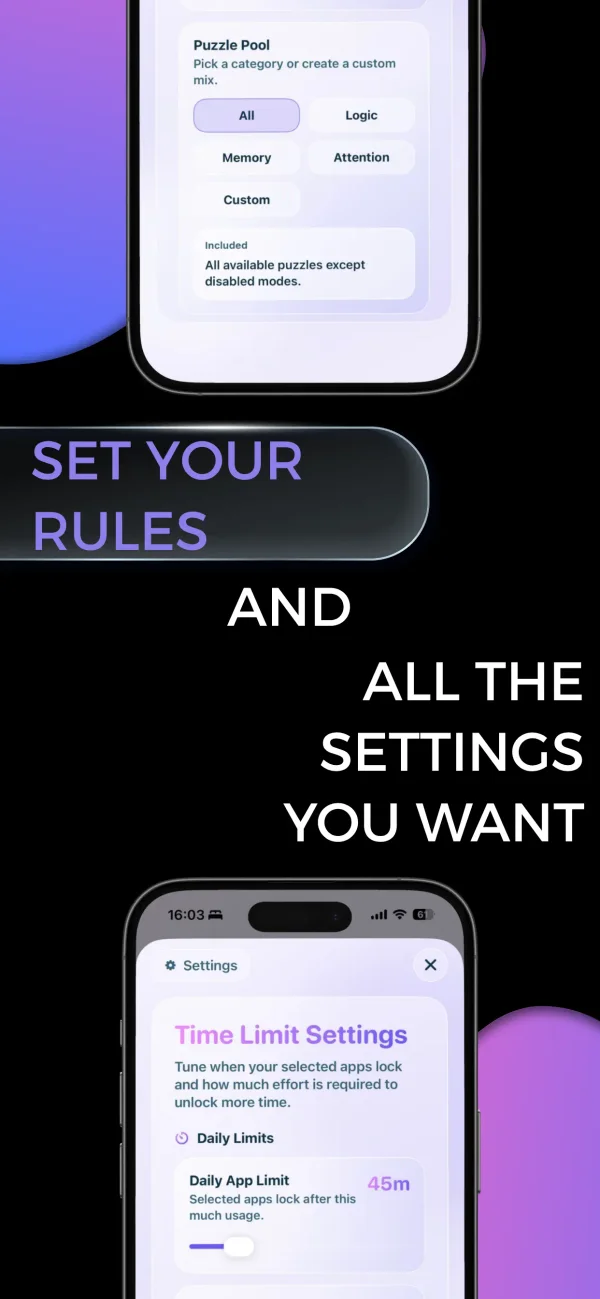
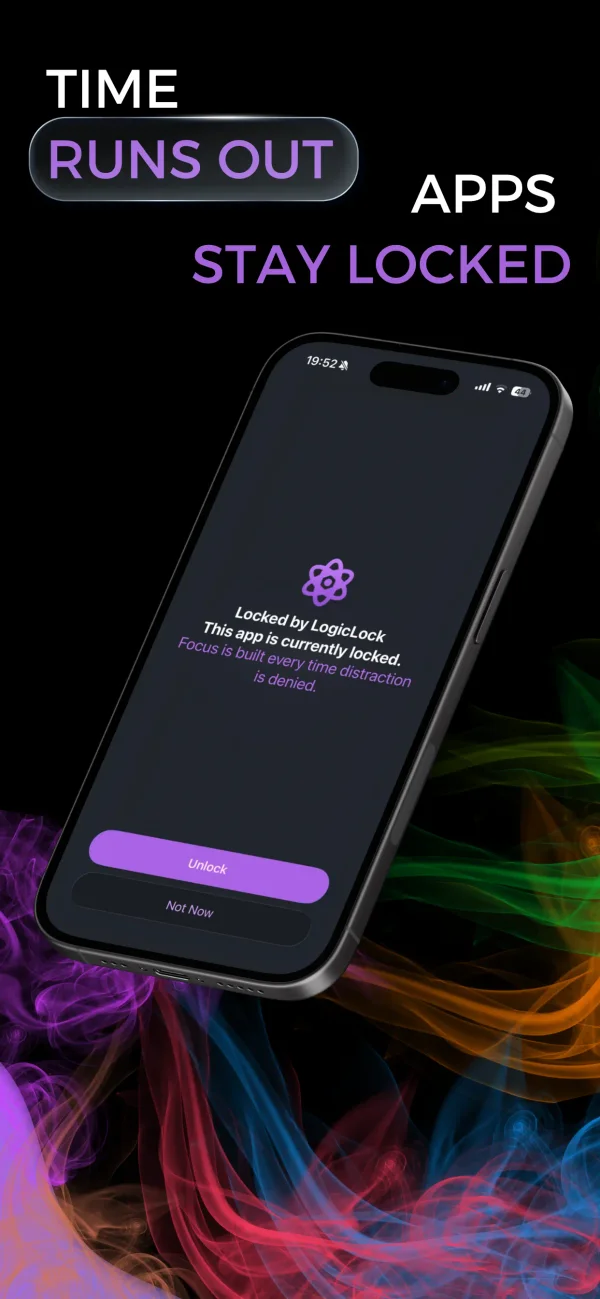
Time Limit Mode lets you set an access limit for selected apps. Once your time runs out, those apps are automatically restricted, helping you stay within the boundary you set.
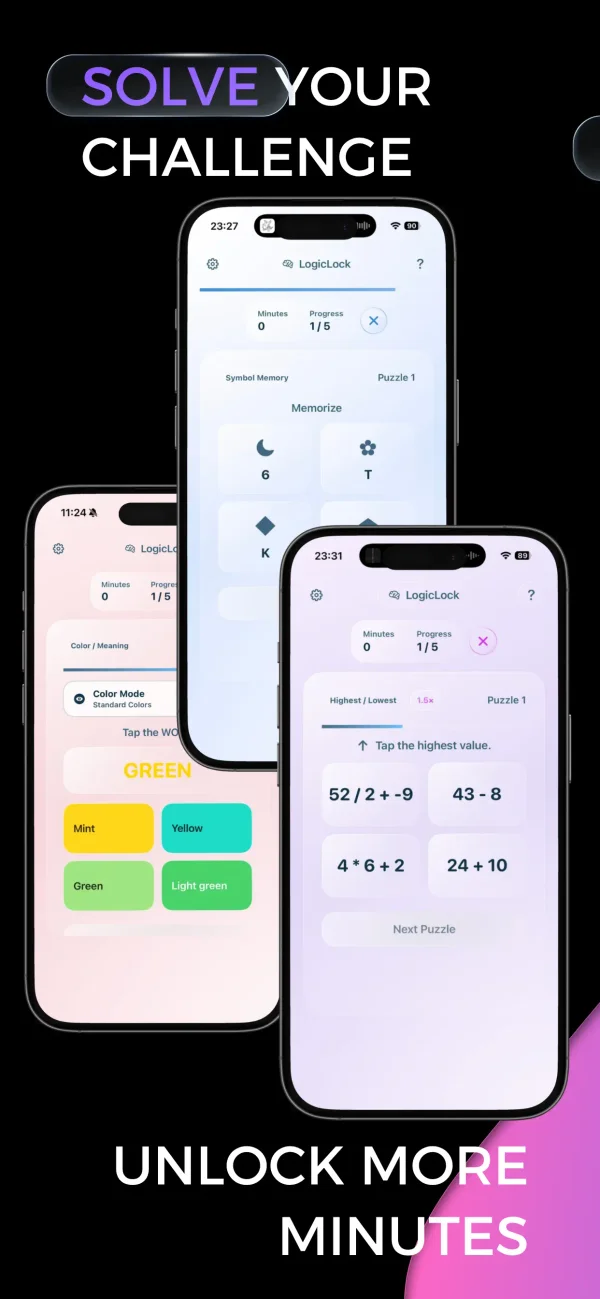
In Classic Mode, access is earned by completing short puzzle sessions. Instead of opening distracting apps automatically, you first solve challenges designed to engage your focus, memory, attention, and reasoning. Each completed session earns minutes that you can use to unlock your selected apps.
The goal is simple: interrupt passive behavior, slow down impulsive app use, and make opening an app a deliberate choice.
How it works:
Select the apps you want to restrict
Set an access limit with Time Limit Mode
Complete short puzzle sessions to earn minutes in Classic Mode
Use earned minutes to temporarily unlock your apps
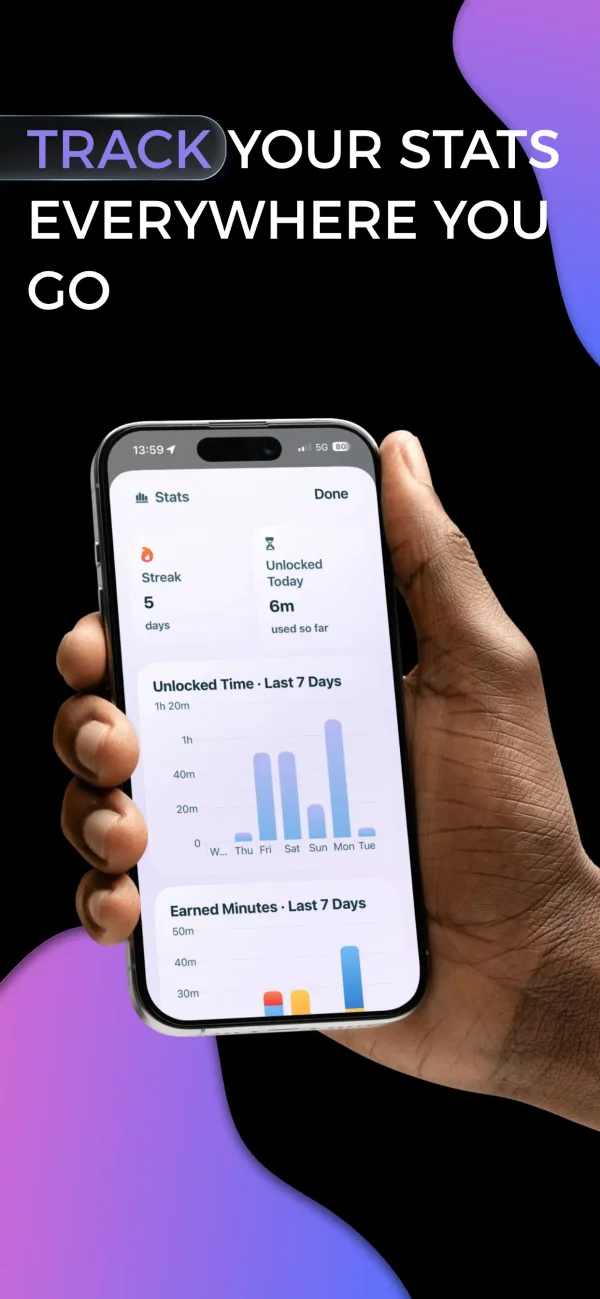
Build streaks and track your progress over time
Challenge types include:
Logic and deduction challenges
Sequence and pattern recognition
Short-term and working-memory tasks
Attention and visual discrimination exercises
Arithmetic chains and number puzzles
Timed focus and reaction challenges
Features:
Time Limit and earn-to-unlock modes
Multiple puzzle categories and difficulty levels
Daily challenges
Master difficulty profiles
Progress, streak, and usage statistics
A clean, focused experience
LogicLock is for people who want more control over how they use their time and attention.
Terms of Use: https://www.apple.com/legal/internet-services/itunes/dev/stdeula/
Privacy Policy: https://www.logiclock-screentimecontrol.com/privacy/
Terms Information: https://www.logiclock-screentimecontrol.com/terms/
What’s new
Version 2.0.2 · Nov 16, 2026
Performance updates to make the LogicLock experience even smoother.
App privacy
What Cedric Julian Zieger declares on the App Store about how this app handles data.
-
Data not collected
The developer does not collect any data from this app.
Privacy practices may vary, for example with the features you use or your age.
Information
- Seller
- Cedric Julian Zieger
- Category
- Productivity
- Version
- 2.0.2
- Updated
- Nov 16, 2026
- Released
- May 30, 2026
- Size
- 11.6 MB
- Requires
- iOS 17.6 or later
- Age rating
- 4+
- Price
- Free
- In-app purchases
- Yes
- Languages
- English
- Copyright
- © 2026 Cedric Julian Zieger
You might also like
-
 BetterScreens: Screen TimeReduce screen time, focus more
-
 TodaiyoAI Guidance for Home Projects
-
 Screen Time Control - LuviaApp Blocker: Limit・Focus・Detox
-
 Alarmaze - Solve To StopAlarm Clock With Quests
-
 AppTimeLock: Block AppsScreen time limit for any app
-
 Screen Time Control: OceanModeBlock Apps: AI Digital Detox
-
 Tonic: Earn Screen TimeEarn apps, control your scroll
-
 Habit Dots - Daily TrackerTrack Habits with Heatmaps
-
 Scrollr - App BlockerEarn your Screen Time
-
 Translator Keyboard: TranslyTranslate text, chat, messages