- Classification d’âge4+
- CatégorieProductivité
- DéveloppeurRod Bauer
- LanguesAnglais
- Taille1,5 Mo
Renvoie vers la page App Store officielle
Download.org n’héberge aucun fichier de Make List. Le bouton ouvre la page de l’application sur App Store, où Rod Bauer la publie. Fiche vérifiée pour la dernière fois le 13/11/2026.
Captures d’écran


À propos
Le développeur n’a pas fourni ce texte dans votre langue.
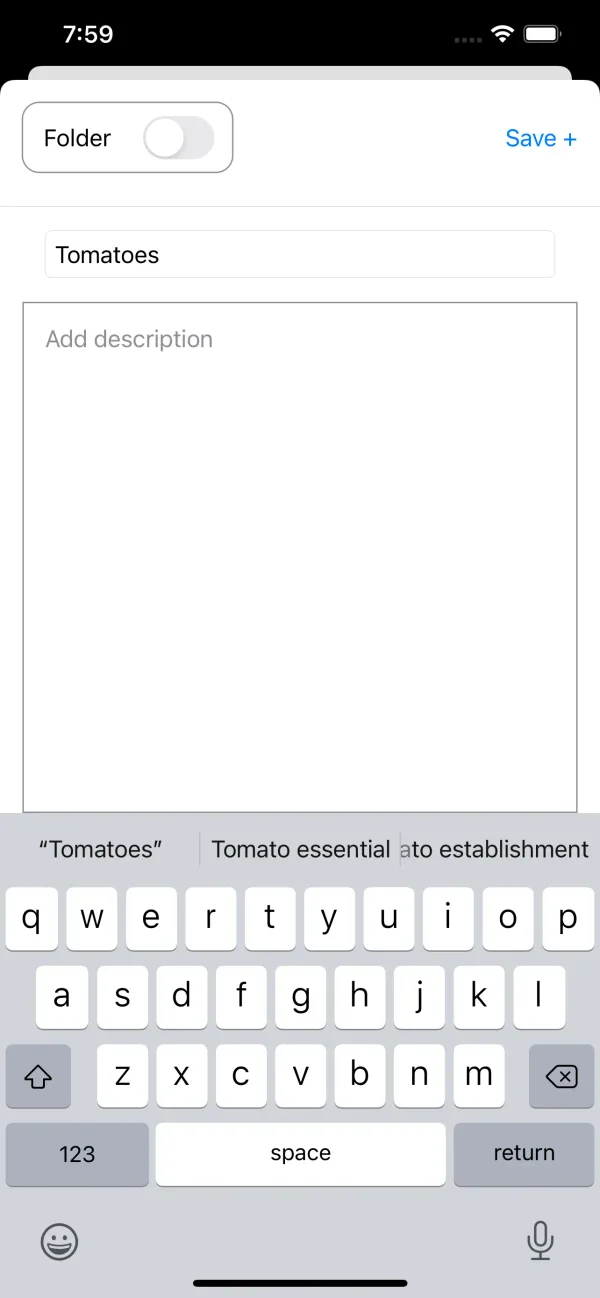
Make List App is a great tool ranging from organizing every day 'take to work' list, using the 'Uncheck All' to clear the list for another use, to food shopping or todo list, and finally using the 'Delete Selected' to delete checked items.
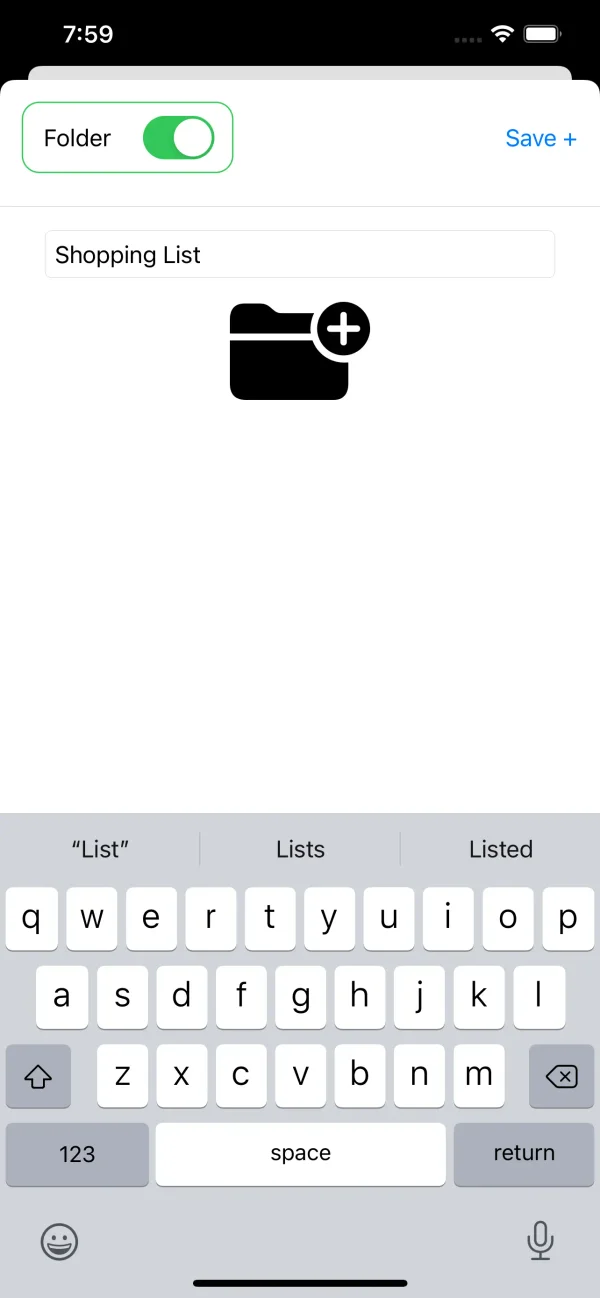
Since every item in every list in Make List App can be a folder, Make List let's you organize your lists without limiting the number of folders and subfolders you can use.
The 'Options' menu can be customize to hide/show some of the options in the Settings screen.
Other power features include:
• Simple offline backup via copy paste.
- Using the 'Copy Selected to Pasteboard' from the Options menu, you can copy all selected items of a list to the device's pasteboard. You can paste it anywhere from an email to any other text App on the device. The Paste List from pasteboard completes the cycle by letting you import from the device's pasteboard. This means you can either backup or share by any text app (such as Messages or Mail).
• Move items between folders
- Similar to 'Copy/Paste from pasteboard' but done internally without the device's pasteboard. Simple function to move items between folders.
• Green line indicator when all items are checked.
- Very handy on longer lists. You can make sure all items are selected without inspecting them all visually. When the last selectable items is selected, a green line will light up, indicating that all items are selected.
Nouveautés
Version 5.0 · 01/10/2025
Updated to iOS 26 look
Confidentialité de l’application
Ce que Rod Bauer déclare sur l’App Store au sujet du traitement des données par cette application.
-
Données non collectées
Le développeur ne collecte aucune donnée à partir de cette application.
Les pratiques en matière de confidentialité peuvent varier, notamment en fonction des fonctionnalités que vous utilisez ou de votre âge.
Informations
- Vendeur
- Rod Bauer
- Catégorie
- Productivité
- Version
- 5.0
- Mis à jour
- 01/10/2025
- Publié
- 25/05/2016
- Taille
- 1,5 Mo
- Nécessite
- iOS 16.6 ou version ultérieure
- Classification d’âge
- 4+
- Prix
- Gratuit
- Langues
- Anglais
- Copyright
- © 2014 Rod Bauer