Markdown Edit: Editor & Viewer
Preview, Mermaid, PDF and docx
Conçue pour iPhone, iPad, Mac
Gratuit
- Classification d’âge4+
- CatégorieProductivité
- DéveloppeurBrian Ceccato
- LanguesAnglais+ 1 de plus
- Taille11,3 Mo
Renvoie vers la page App Store officielle
Download.org n’héberge aucun fichier de Markdown Edit: Editor & Viewer. Le bouton ouvre la page de l’application sur App Store, où Brian Ceccato la publie. Fiche vérifiée pour la dernière fois le 12/11/2026.
Captures d’écran

À propos
Le développeur n’a pas fourni ce texte dans votre langue.
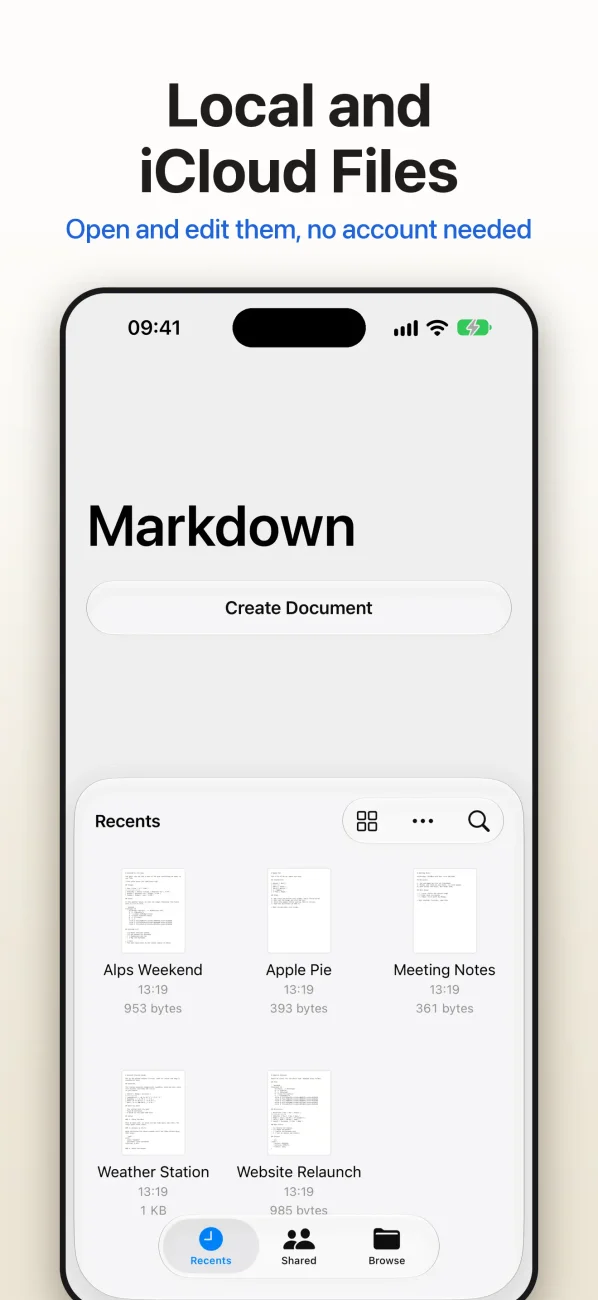
Read, write and share Markdown on iPhone and iPad: as raw text, split or as the finished page.
Markdown Edit opens your .md files from iCloud Drive, from the iPhone itself or from other providers. In the finished page you tap into a paragraph and type; only the changed block goes back into the file, the rest stays the same character for character.
THREE VIEWS
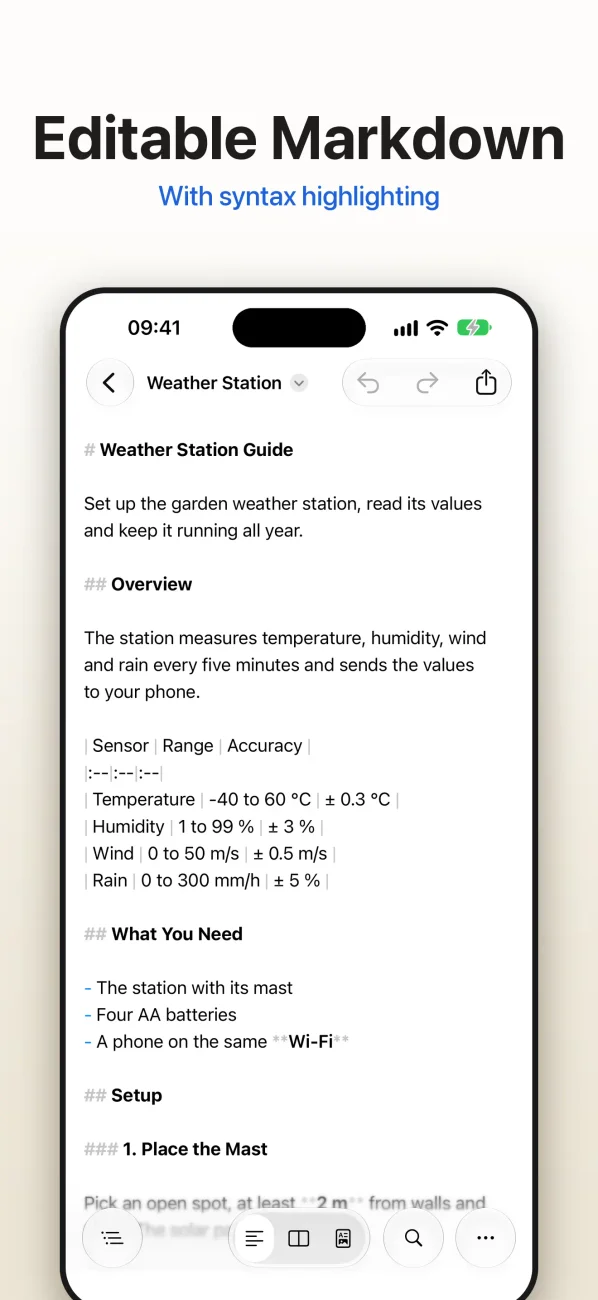
• Raw text with syntax colours for Markdown and for code in Swift, Python, JavaScript, Go, Rust, SQL, Shell, JSON, YAML, CSS, HTML and more
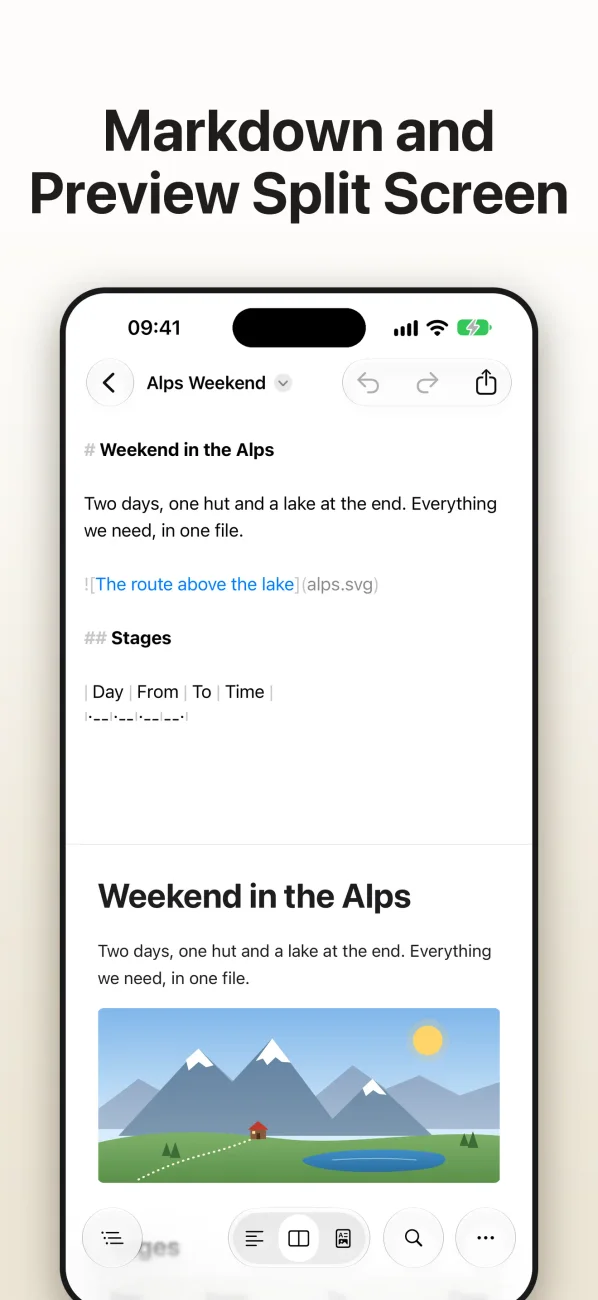
• Split: Markdown above and the preview below on the iPhone, side by side on the iPad, scrolling together
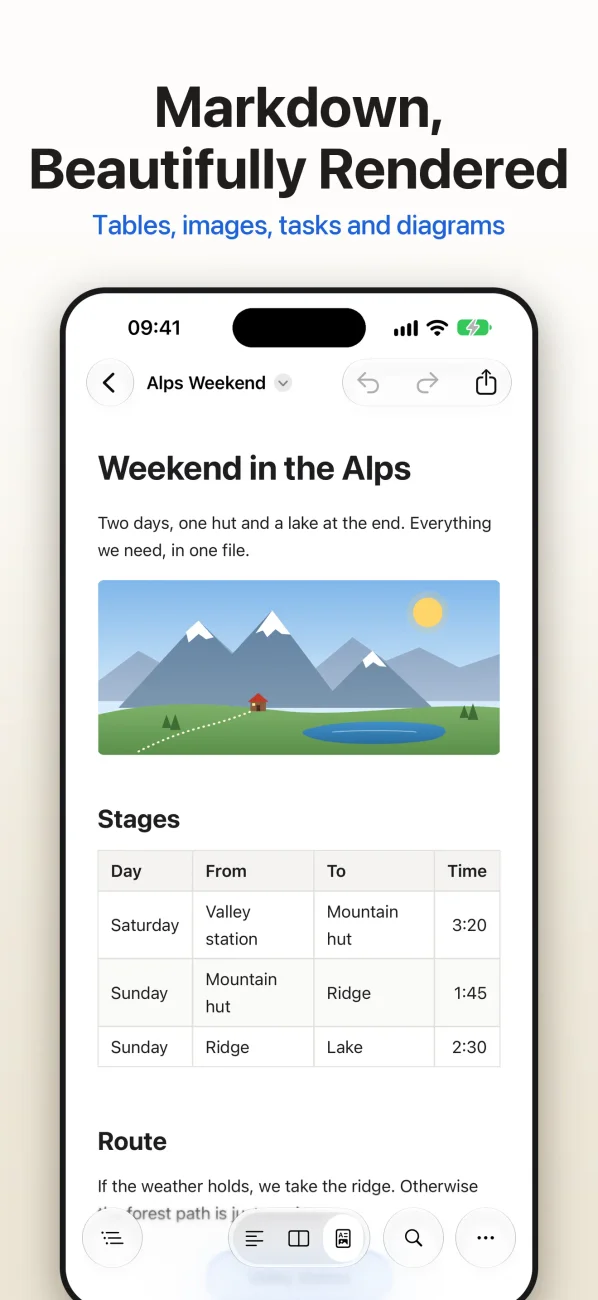
• The finished page: tables across the full width, task lists to tick, callouts in the style of GitHub, images and diagrams
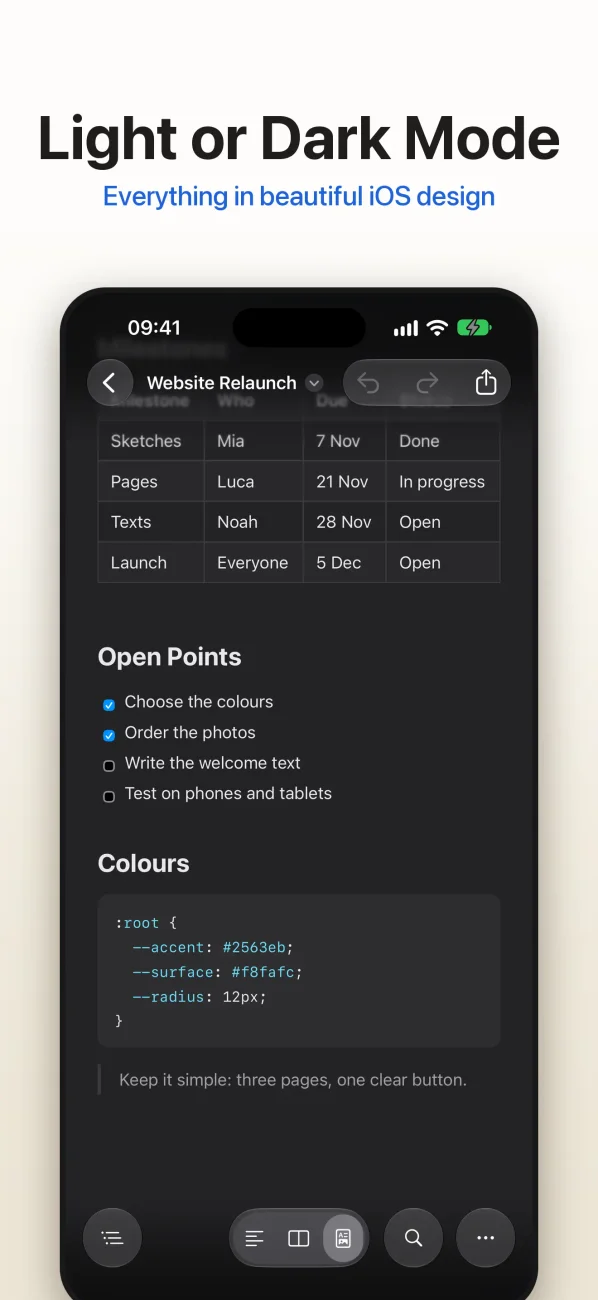
• Light or dark, or like the system
DIAGRAMS WITH MERMAID
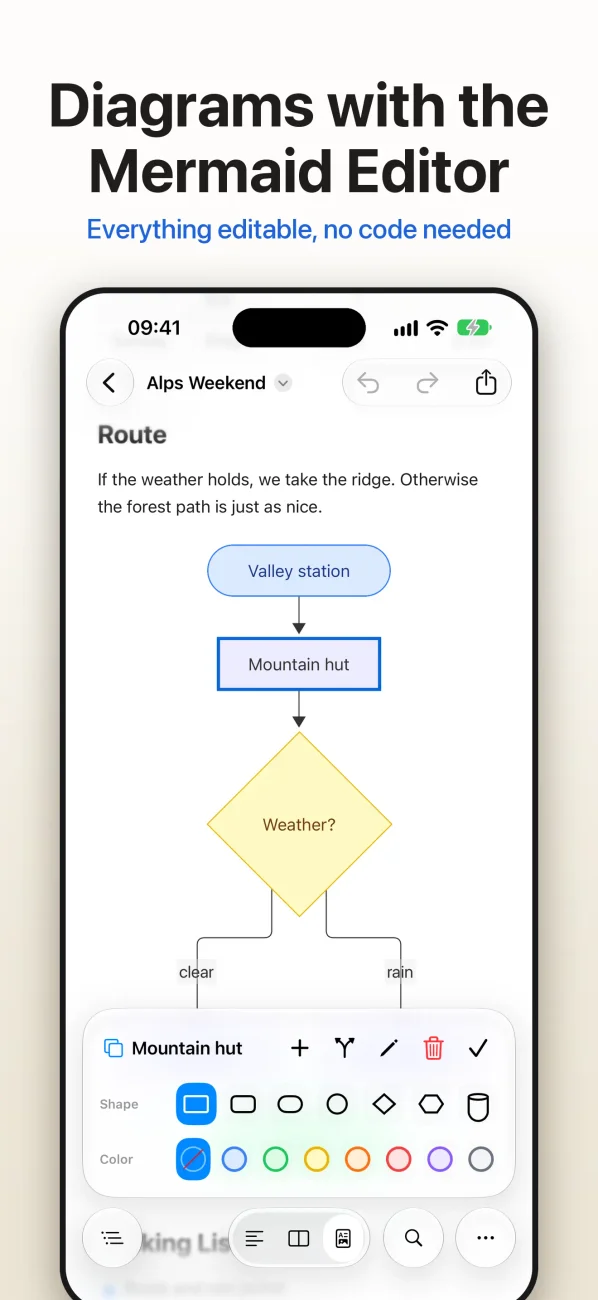
• Tap a node and change it with large Liquid Glass buttons: seven shapes, eight colours
• Tap a connection for its line and arrow, tap the diagram for curved, straight or right-angled lines and its direction
• Add a node, connect two, rename, delete, all without code
• Other kinds of diagram as source text
FIND YOUR WAY
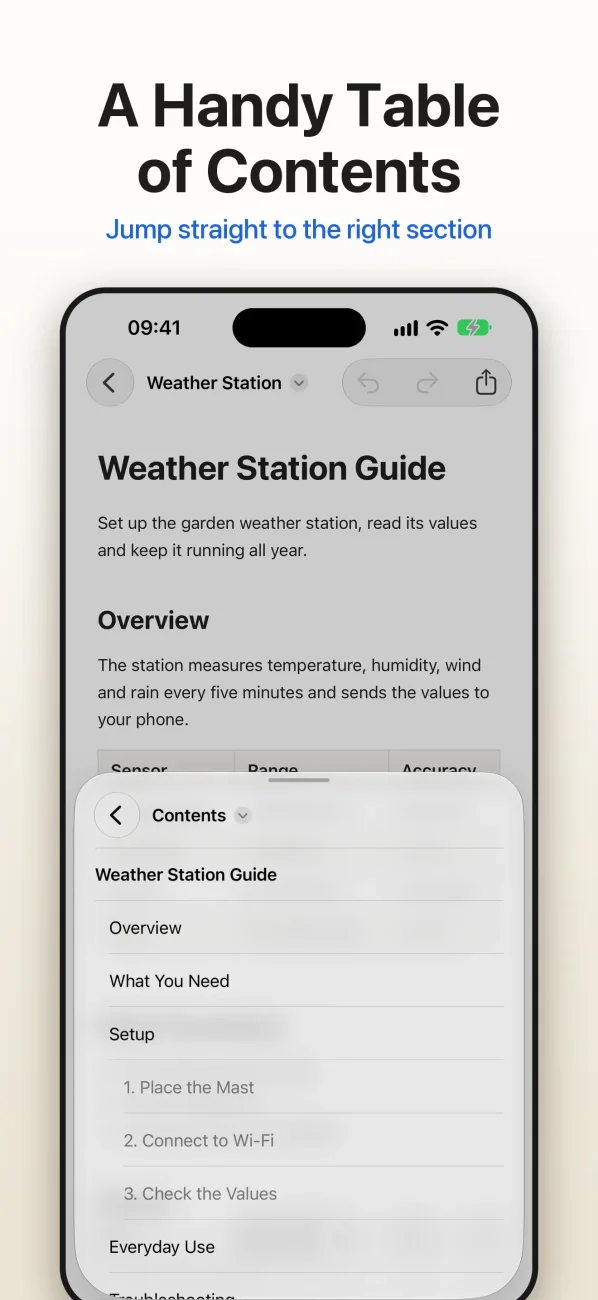
• Contents: every heading of the document, one tap jumps there
• Find, with every match marked
• Raw text in the font and size you like
PASSING IT ON
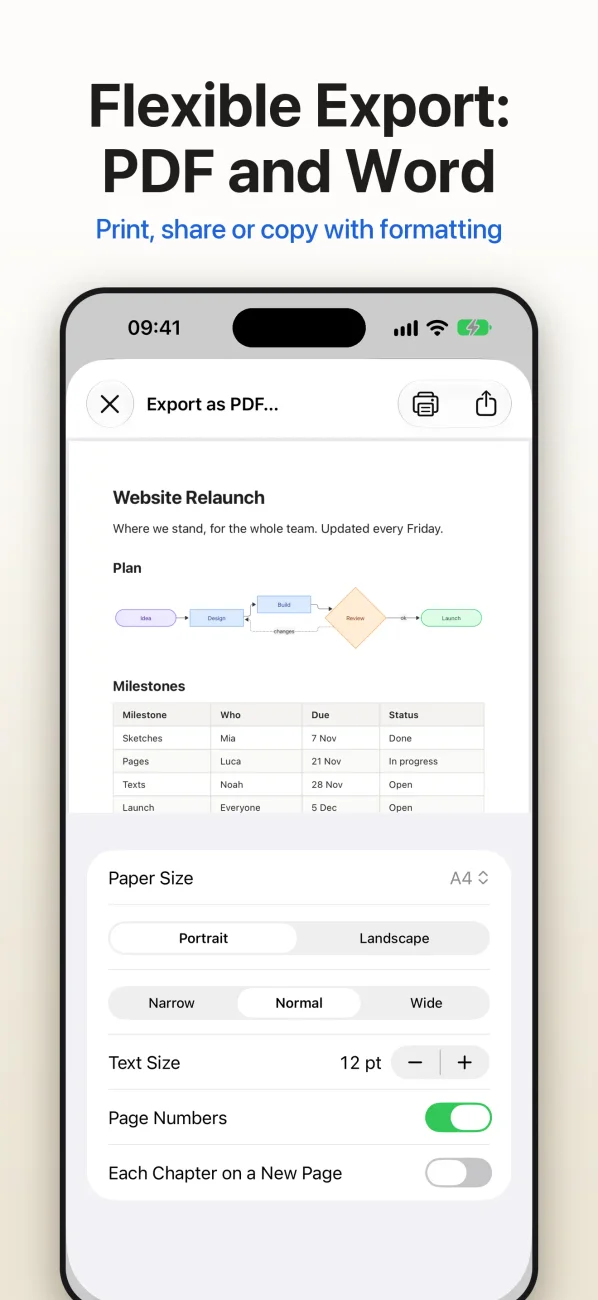
• PDF with a preview: paper size, orientation, margins, font size, page numbers, each chapter on a new page
• A Word document with headings, tables, lists, links, images and diagrams
• Print, share, copy formatted for Mail, as plain text or as Markdown
IMAGES
• Insert a picture from Photos or Files: it is stored in a folder next to your document and linked relatively
• Pictures next to the document and from the internet appear on the page
YOUR FILES STAY YOURS
• The document browser of iOS with iCloud Drive, On My iPhone and other providers
• On the first start a welcome document shows everything on one page
• No account, no tracking, no ads: your documents stay where you keep them
ALSO ON THE MAC
Markdown Edit is also on the Mac, with tabs like a browser, a sidebar and Quick Look in the Finder. One purchase for iPhone, iPad and Mac, and a file in iCloud Drive is the same file on every device.
Confidentialité de l’application
Ce que Brian Ceccato déclare sur l’App Store au sujet du traitement des données par cette application.
-
Données non collectées
Le développeur ne collecte aucune donnée à partir de cette application.
Les pratiques en matière de confidentialité peuvent varier, notamment en fonction des fonctionnalités que vous utilisez ou de votre âge.
Informations
- Vendeur
- Brian Ceccato
- Catégorie
- Productivité
- Version
- 1.0
- Mis à jour
- 02/11/2026
- Publié
- 02/11/2026
- Taille
- 11,3 Mo
- Nécessite
- iOS 26.0 ou version ultérieure
- Classification d’âge
- 4+
- Prix
- Gratuit
- Langues
- Anglais, Allemand
- Copyright
- © 2026 Brian Ceccato
Vous aimerez peut-être aussi
-
 MarkSSProductivité
-
 QingMo - Markdown EditorProductivité
-
 Transcribe on deviceProductivité
-
 Éditeur Markdown - MarkMonoMémo, to-do, réunions, lecteur
-
 Markdot : Lecteur Markdown MDÉditeur .md pour documents IA
-
 TRMNL CompanionProductivité
-
 Sensor-AppAccédez à tous les capteurs
-
 OpenWhispr: Voice to TextProductivité
-
 HTML To PDF AppProductivité
-
 OneKeePass - Password ManagerProductivité