Markdown Edit: Editor & Viewer
Preview, Mermaid, PDF and docx
Được thiết kế cho iPhone, iPad, Mac
Miễn phí
- Độ tuổi4+
- Danh mụcHiệu Suất
- Nhà phát triểnBrian Ceccato
- Ngôn ngữTiếng Anh+ 1 ngôn ngữ khác
- Kích thước11,3 MB
Liên kết đến trang App Store chính thức
Download.org không lưu trữ tệp nào của Markdown Edit: Editor & Viewer. Nút này mở trang ứng dụng trên App Store, nơi Brian Ceccato phát hành ứng dụng. Trang được kiểm tra lần cuối: 12/11/2026.
Ảnh chụp màn hình

Giới thiệu
Nhà phát triển chưa cung cấp nội dung này bằng ngôn ngữ của bạn.
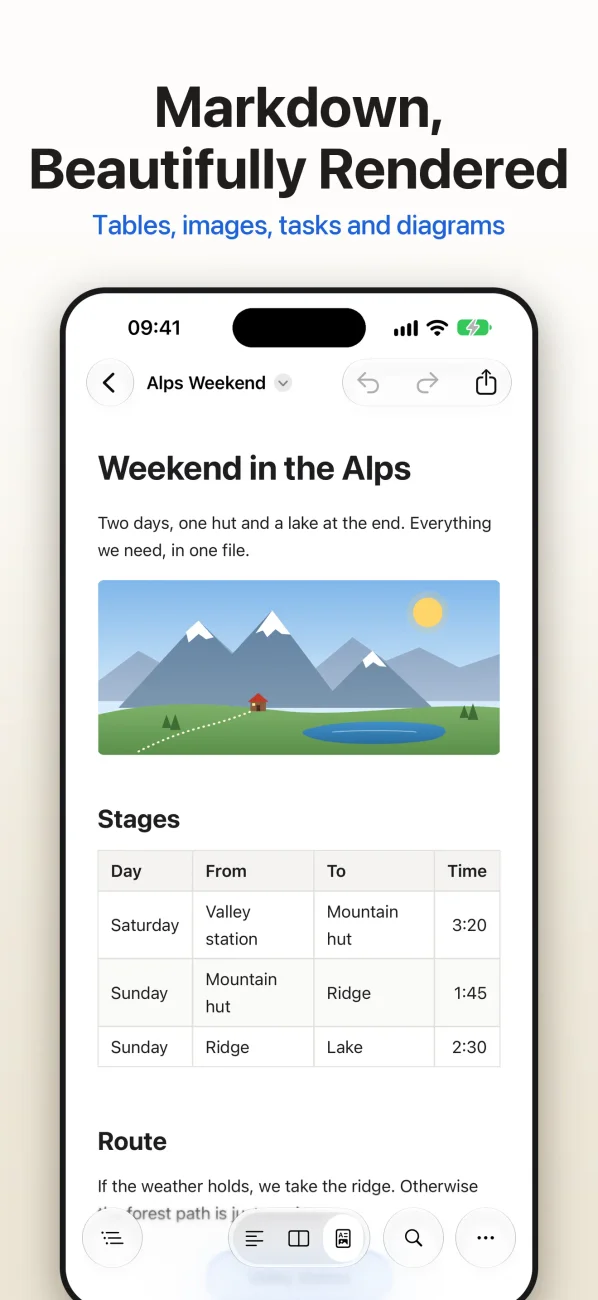
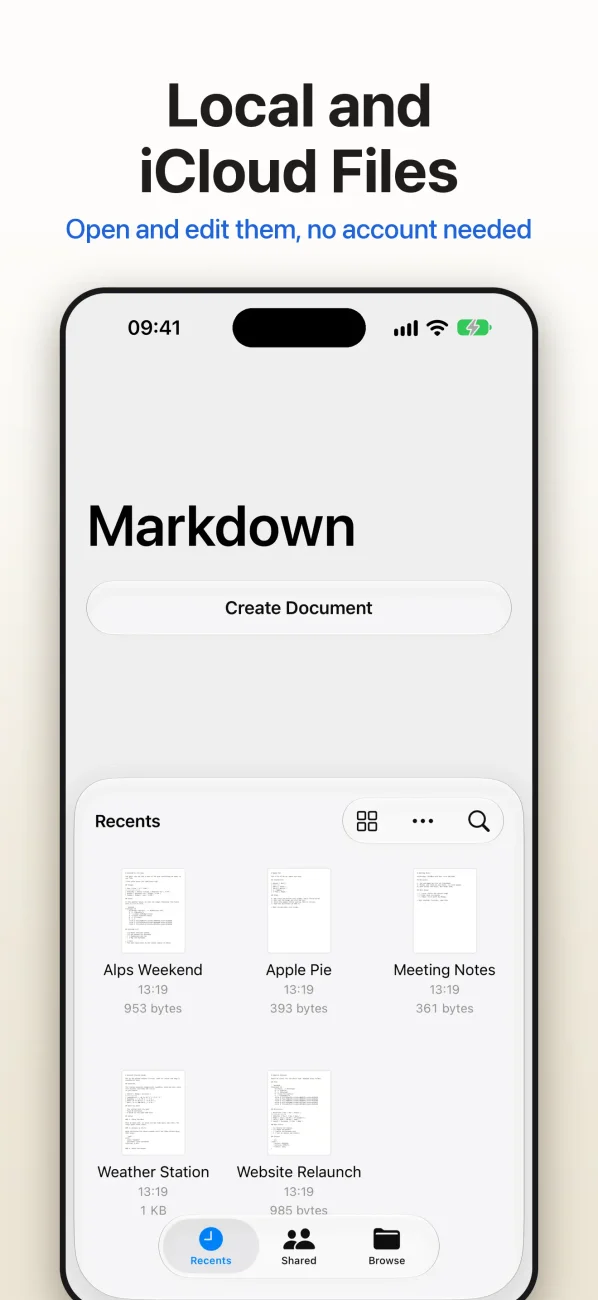
Read, write and share Markdown on iPhone and iPad: as raw text, split or as the finished page.
Markdown Edit opens your .md files from iCloud Drive, from the iPhone itself or from other providers. In the finished page you tap into a paragraph and type; only the changed block goes back into the file, the rest stays the same character for character.
THREE VIEWS
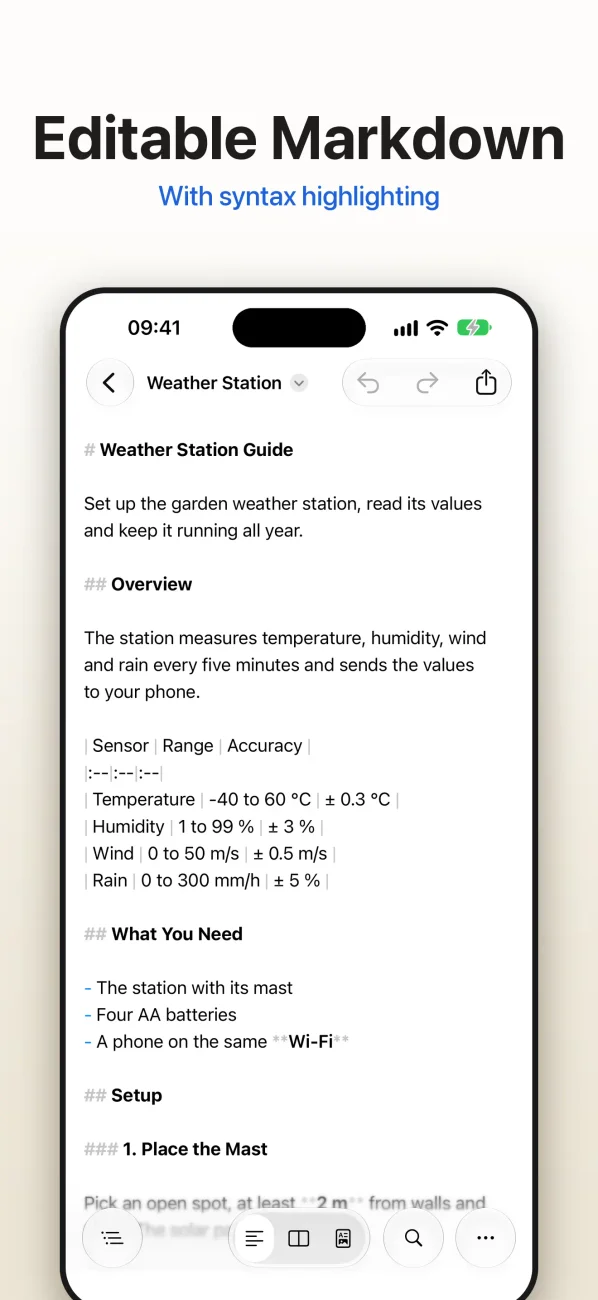
• Raw text with syntax colours for Markdown and for code in Swift, Python, JavaScript, Go, Rust, SQL, Shell, JSON, YAML, CSS, HTML and more
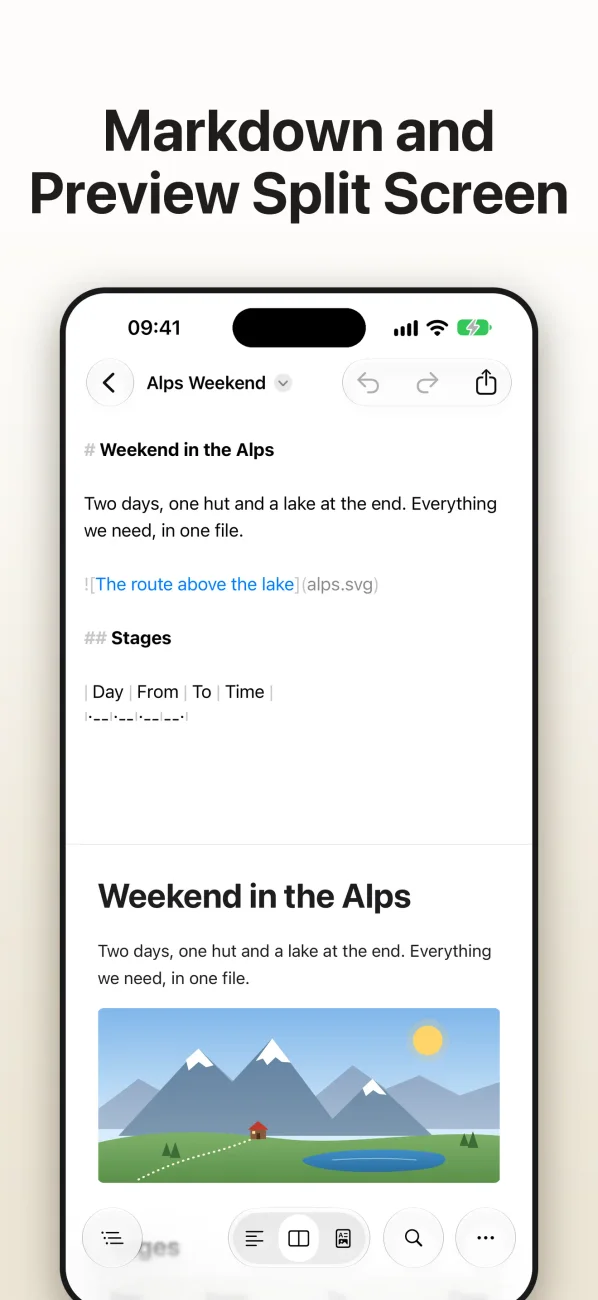
• Split: Markdown above and the preview below on the iPhone, side by side on the iPad, scrolling together
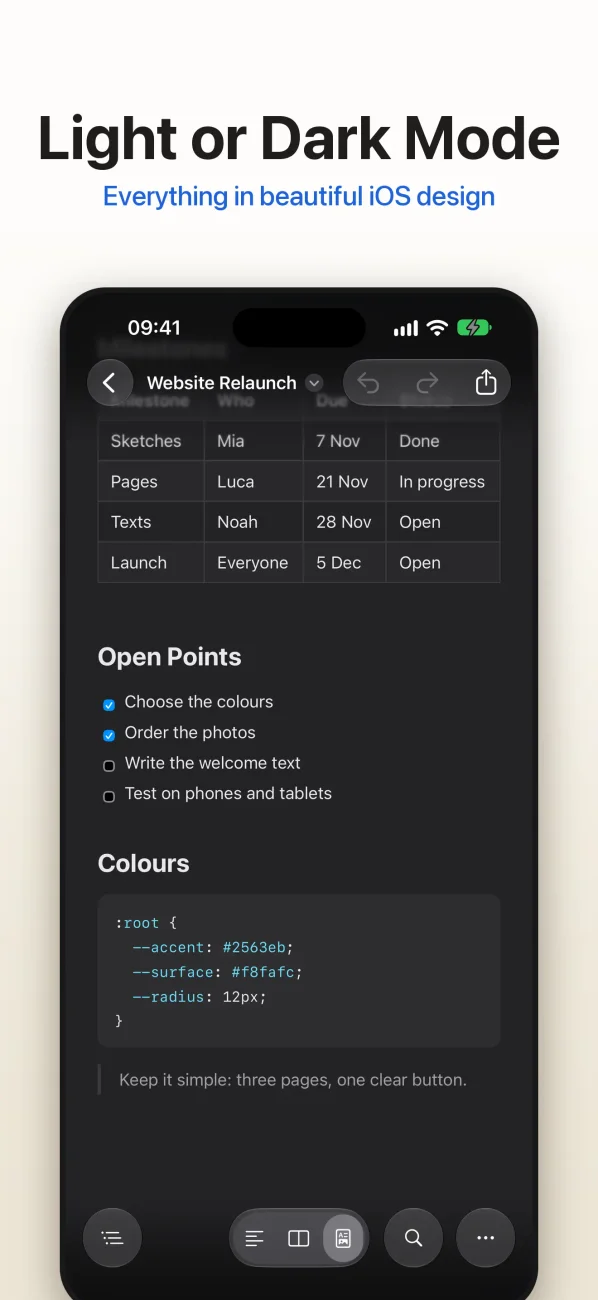
• The finished page: tables across the full width, task lists to tick, callouts in the style of GitHub, images and diagrams
• Light or dark, or like the system
DIAGRAMS WITH MERMAID
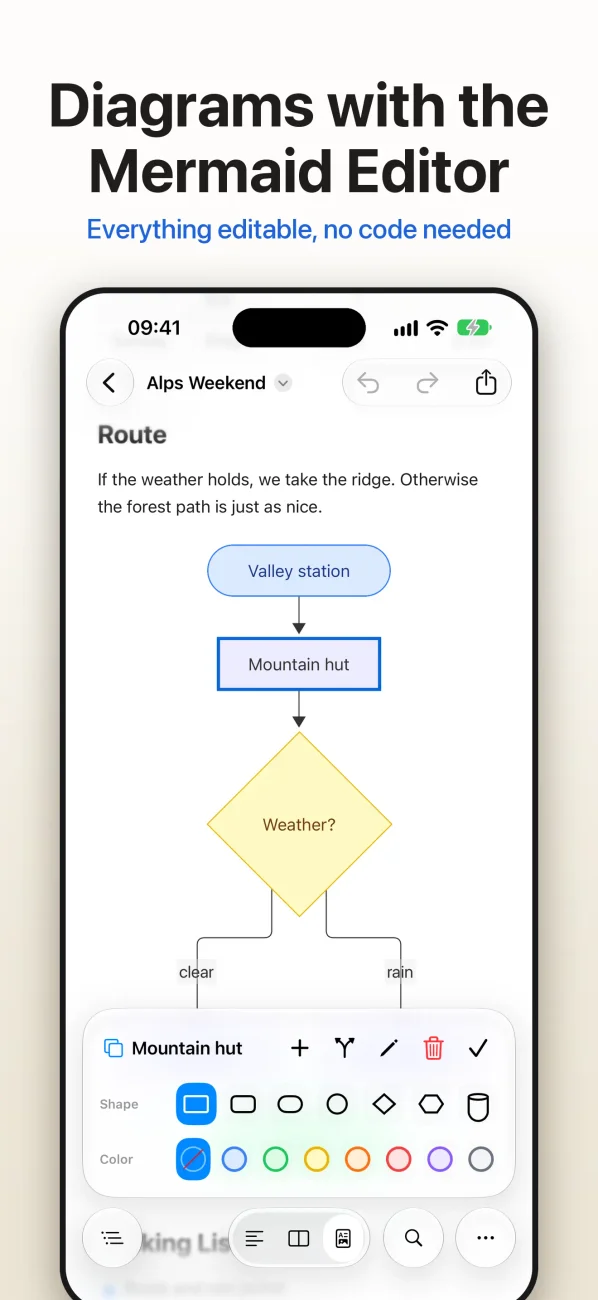
• Tap a node and change it with large Liquid Glass buttons: seven shapes, eight colours
• Tap a connection for its line and arrow, tap the diagram for curved, straight or right-angled lines and its direction
• Add a node, connect two, rename, delete, all without code
• Other kinds of diagram as source text
FIND YOUR WAY
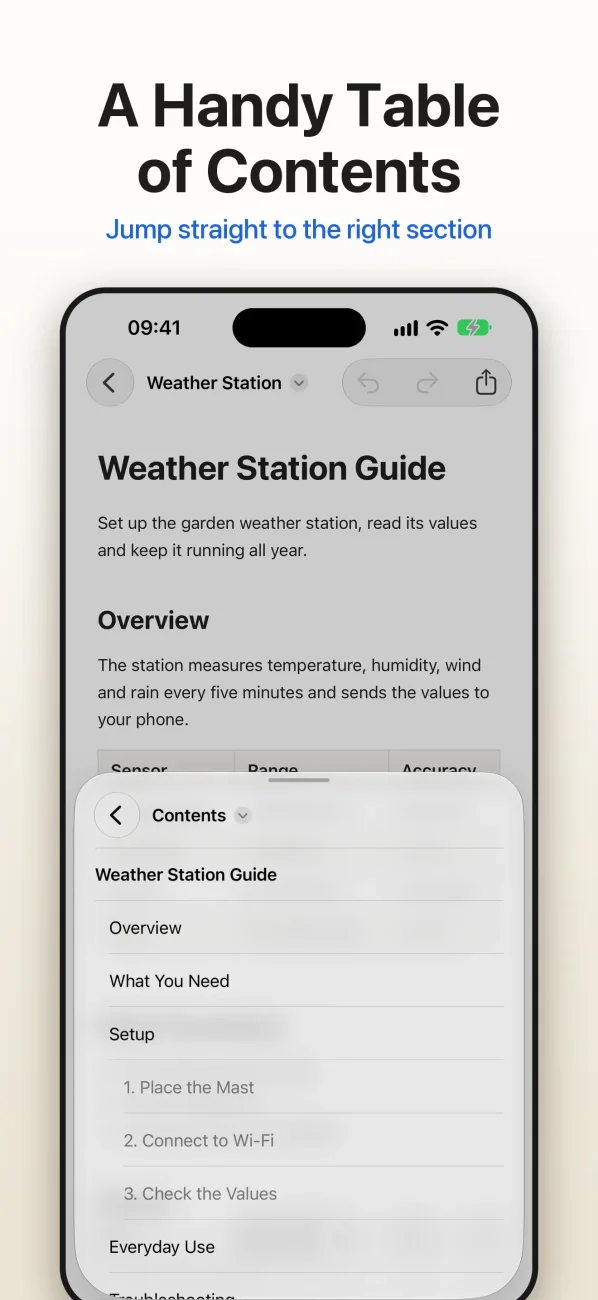
• Contents: every heading of the document, one tap jumps there
• Find, with every match marked
• Raw text in the font and size you like
PASSING IT ON
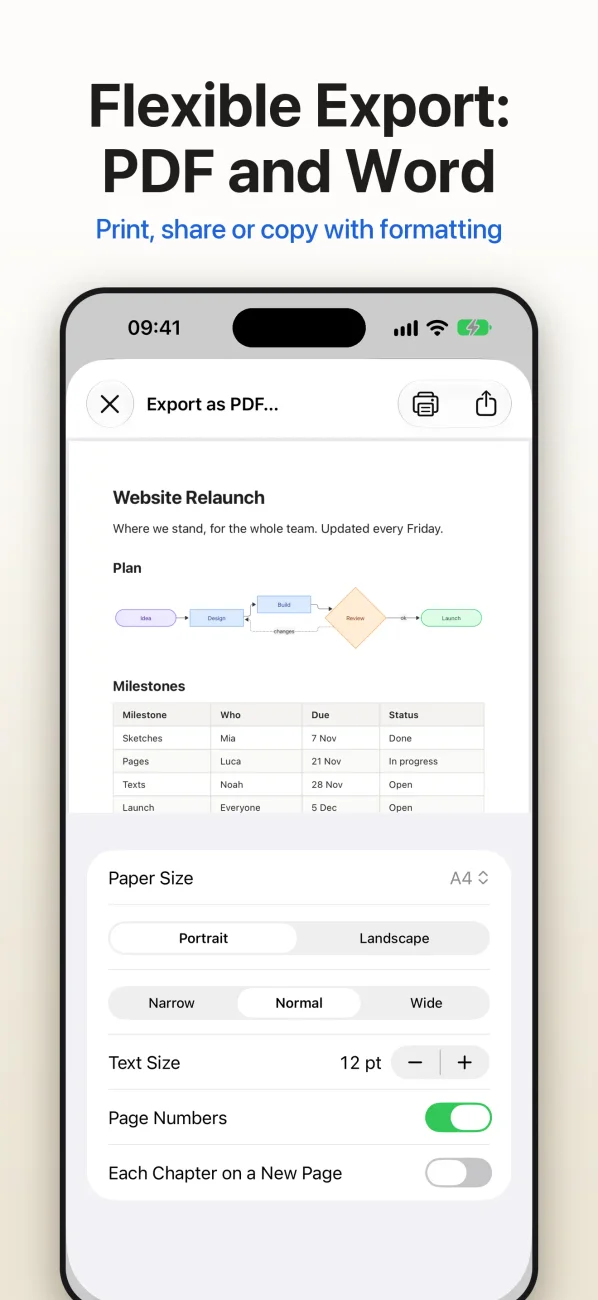
• PDF with a preview: paper size, orientation, margins, font size, page numbers, each chapter on a new page
• A Word document with headings, tables, lists, links, images and diagrams
• Print, share, copy formatted for Mail, as plain text or as Markdown
IMAGES
• Insert a picture from Photos or Files: it is stored in a folder next to your document and linked relatively
• Pictures next to the document and from the internet appear on the page
YOUR FILES STAY YOURS
• The document browser of iOS with iCloud Drive, On My iPhone and other providers
• On the first start a welcome document shows everything on one page
• No account, no tracking, no ads: your documents stay where you keep them
ALSO ON THE MAC
Markdown Edit is also on the Mac, with tabs like a browser, a sidebar and Quick Look in the Finder. One purchase for iPhone, iPad and Mac, and a file in iCloud Drive is the same file on every device.
Quyền riêng tư của ứng dụng
Những gì Brian Ceccato khai báo trên App Store về cách ứng dụng này xử lý dữ liệu.
-
Dữ liệu không được thu thập
Nhà phát triển không thu thập bất kỳ dữ liệu nào từ ứng dụng này.
Phương thức đảm bảo quyền riêng tư có thể khác nhau, chẳng hạn như tuỳ theo các tính năng bạn sử dụng hoặc độ tuổi của bạn.
Thông tin
- Người bán
- Brian Ceccato
- Danh mục
- Hiệu Suất
- Phiên bản
- 1.0
- Cập nhật
- 02/11/2026
- Phát hành
- 02/11/2026
- Kích thước
- 11,3 MB
- Yêu cầu
- iOS 26.0 trở lên
- Độ tuổi
- 4+
- Giá
- Miễn phí
- Ngôn ngữ
- Tiếng Anh, Tiếng Đức
- Bản quyền
- © 2026 Brian Ceccato
Có thể bạn cũng thích
-
 MarkSSHiệu Suất
-
 QingMo - Markdown EditorHiệu Suất
-
 Transcribe on deviceHiệu Suất
-
 Markdown Editor & NotesHiệu Suất
-
 Markdot: Trình đọc MarkdownSửa .md, AI, Mermaid, LaTeX
-
 TRMNL CompanionHiệu Suất
-
 Sensor-AppHiệu Suất
-
 OpenWhispr: Voice to TextHiệu Suất
-
 HTML To PDF AppHiệu Suất
-
 OneKeePass - Password ManagerHiệu Suất