
masterfile
five tools. one quiet place.
Conçue pour iPhone, iPad
Gratuit · Achats intégrés
- Classification d’âge4+
- CatégorieProductivité
- DéveloppeurLouis Cada
- LanguesAnglais
- Taille9,9 Mo
Renvoie vers la page App Store officielle
Download.org n’héberge aucun fichier de masterfile. Le bouton ouvre la page de l’application sur App Store, où Louis Cada la publie. Fiche vérifiée pour la dernière fois le 20/11/2026.
Captures d’écran
À propos
Le développeur n’a pas fourni ce texte dans votre langue.
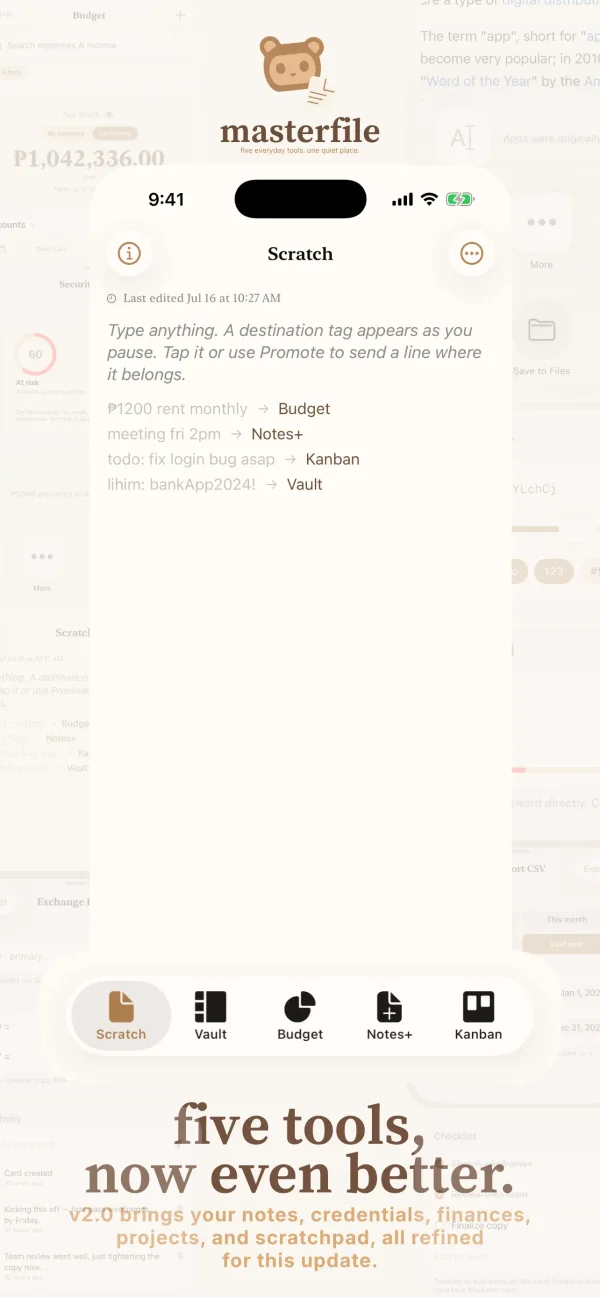
masterfile is five everyday tools in one quiet place. Scratch, Vault, Budget, Notes+, and Kanban. Built for people who'd rather think than juggle apps and for those ready to start tracking.
— Scratch —
Type anything. As you write, a chip appears suggesting where the line belongs, tap it to promote. Credentials go to Vault, money goes to Budget, ideas go to Notes+, tasks go to Kanban. One note keeps your mind clear, the modules keep your day organized.
— Vault —
Logins, cards, and credential keys, locked behind your device's authentication and stored only on your device. No account, no sync, no tracking. Real device-level encryption underneath as masterfile just makes it pleasant to use.
— Budget —
Multi-currency budgeting that actually understands how Filipinos, especially freelancers and remote workers earn. ₱, $, ¥, €, and 20+ more currencies tracked in parallel. Net worth stacked by currency, category-level budgets, calendar view, and a calm pie chart of where the month went.
— Notes+ —
Plain notes for the quick stuff, rich notes when you need them. Folders, tags, internal linking, checklists, bookmarks, document-scanning, camera, attachments. Reading mode opens each note like a printed page you set yourself. Highlights, links, and headings all preserved where you put them.
— Kanban —
Every project, sorted into columns. Priority flags, due dates, color labels, archived cards, and an aging indicator that quietly tells you which cards have been waiting too long.
— Widgets, Notifications, the rest —
19 home-screen widgets across all five modules. Credit card due dates, budget thresholds, friendly nudges. Soft prompts to keep you tracking, organizing, and checking in. Every alert opt-in, every one off by default.
— How masterfile stays calm —
No account. No tracking. No ads. masterfile lives on your device, owned by you. One purchase unlocks every module, every widget, every alert. Yours forever, no subscription, no renewal.
Launch special — one-time unlock at the launch price, until July 31. Regular pricing returns on August 1.
Nouveautés
Version 2.0 · 02/08/2026
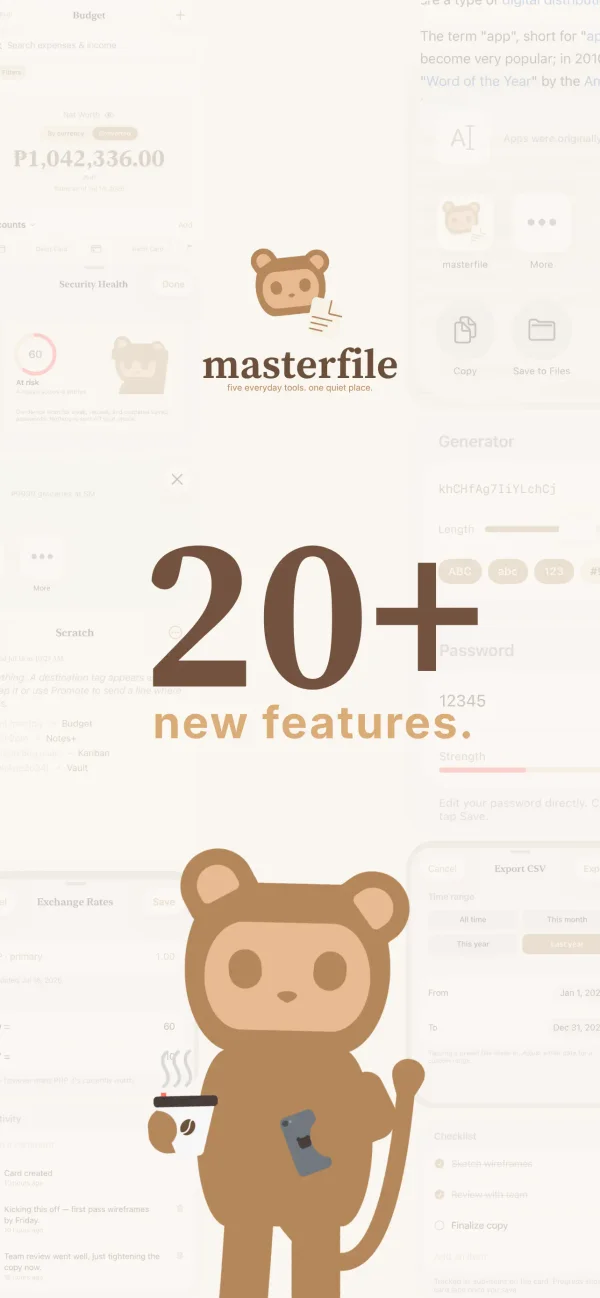
v2.0 is here with major feature updates and improvements!
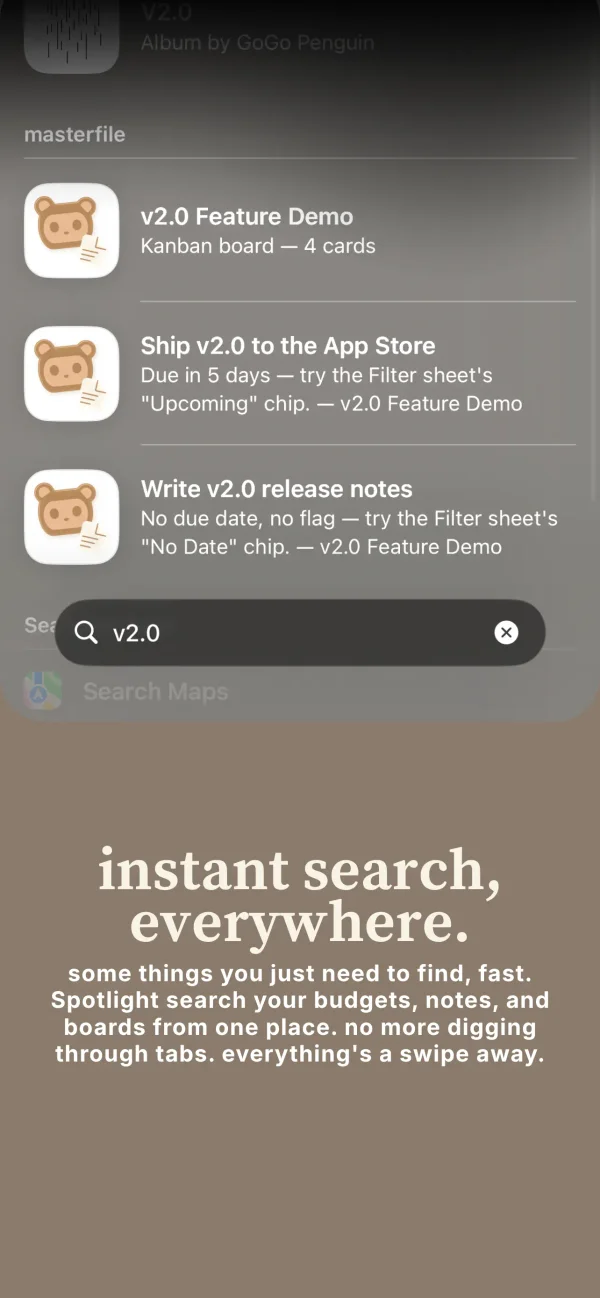
*Spotlight Search — Find what you need without even opening the app. Search entries in Budget, Notes+, and Kanban directly from iOS Spotlight.
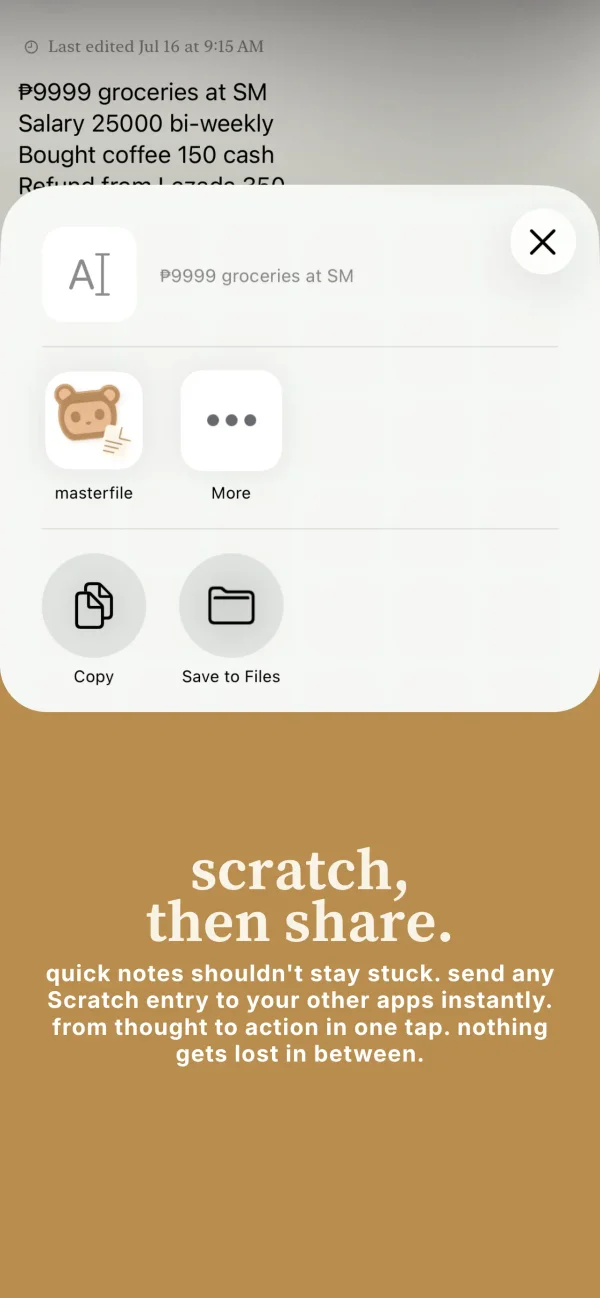
*Share Extension — Capture ideas the moment they happen. Share text and links from any app straight into masterfile using the iOS share sheet.
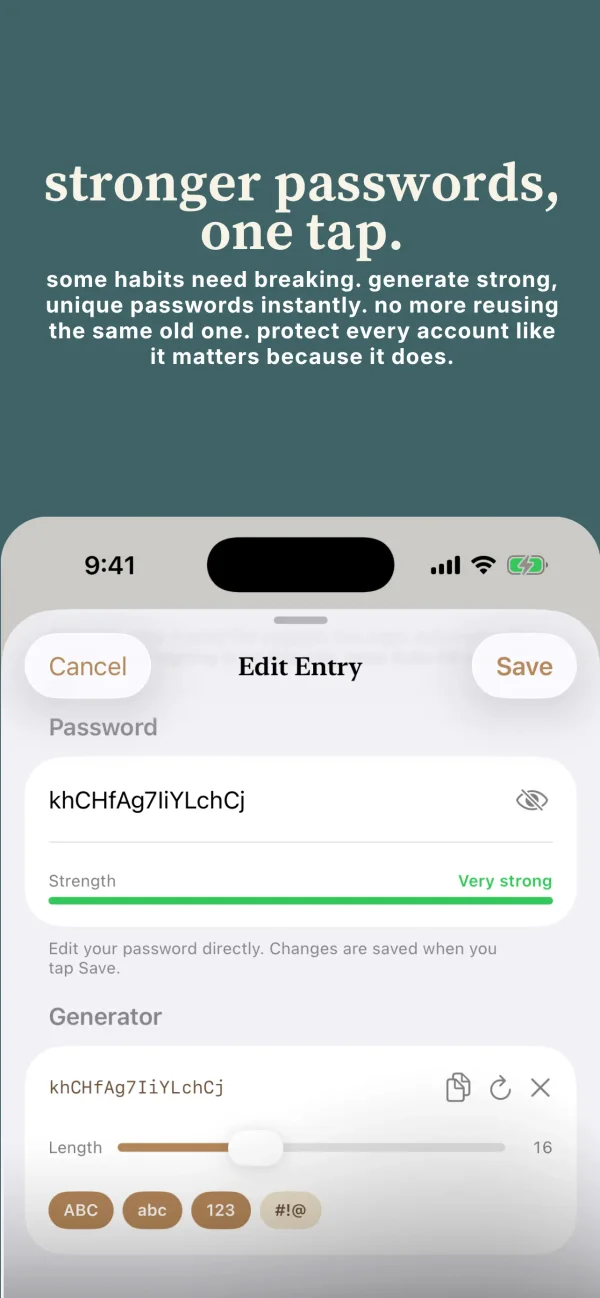
*Password Generator — Stop reusing the same old password. Vault can now generate strong, unique passwords for you, right when you need one.
*Password Strength Analysis — Know exactly how protected you are. Vault now analyzes every saved password and shows you its strength at a glance.
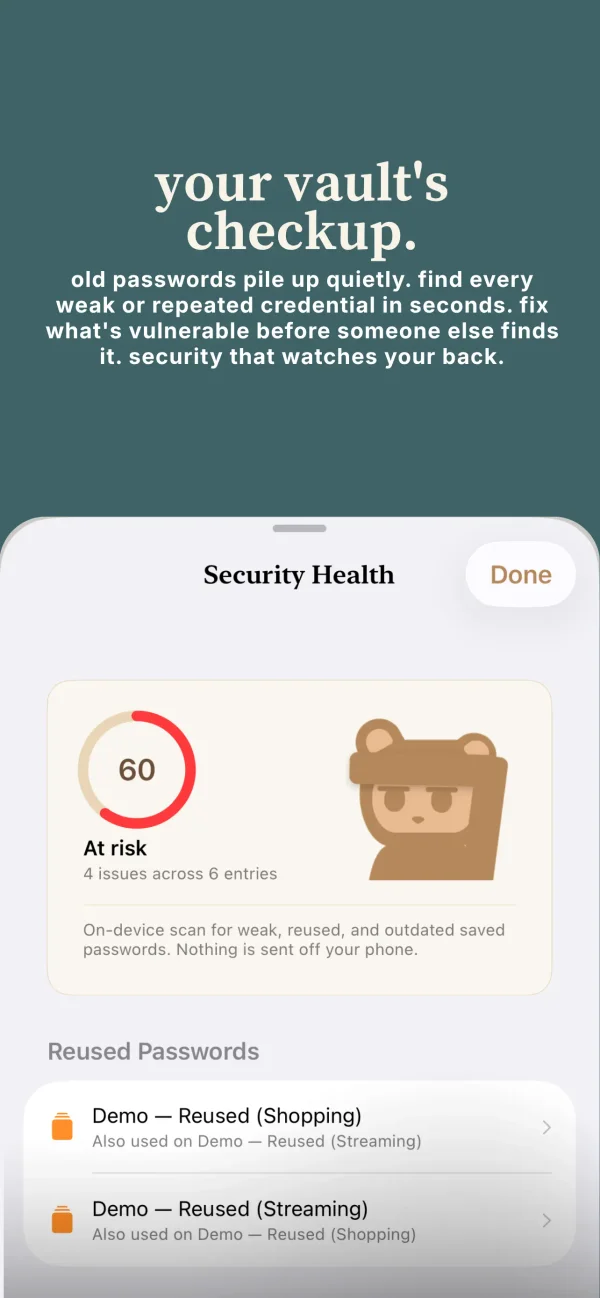
*Security Health — Your vault, watching your back. Security Health scans your saved credentials and flags any that are weak or reused, so nothing slips through unnoticed.
*Share Scratch Entries — Your quick notes don't have to stay stuck. Scratch entries can now be shared directly to other apps in a single tap.
*Rotating State Examples — A blank page is never truly blank anymore. Scratch now shows rotating example prompts to help spark your next thought.
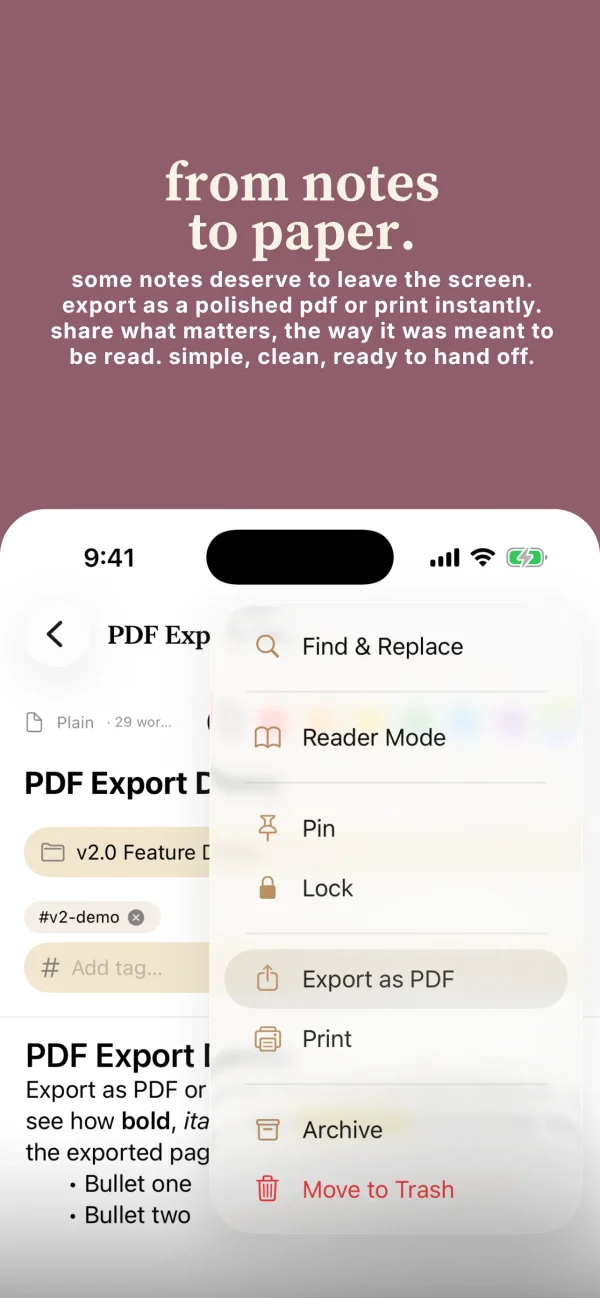
*Find and Replace — Edit smarter, not harder. Notes+ now supports find and replace, so you can update text across a note in seconds.
*Export PDF / Print — Some notes deserve to leave the screen. Plain notes in Notes+ can now be exported as a polished PDF or sent directly to print.
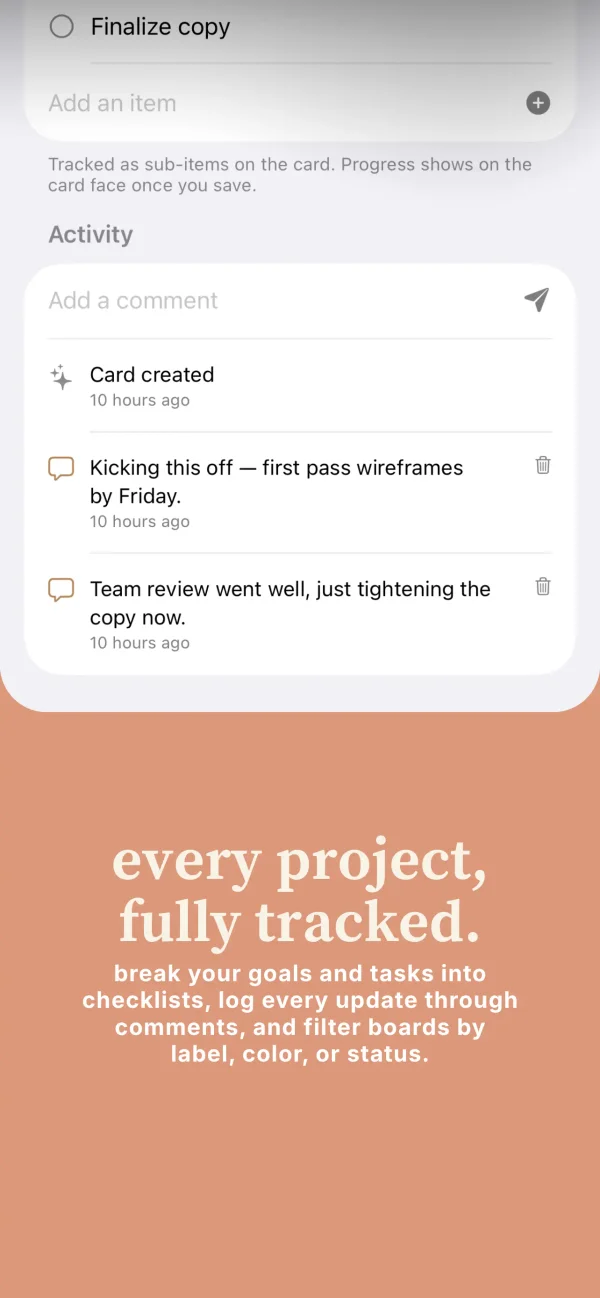
*Subtasks via Checklists — Break big tasks down. Kanban cards now support subtasks in the form of checklists, so you can track progress one small win at a time.
*Activity Log via Comments — Every update, remembered. Kanban cards now track a full activity log, and comments can be added directly to each card.
*Filter by Label, Color, and Status — Find your focus instantly. Kanban boards can now be filtered by priority, color, or status, so busy boards stay clear.
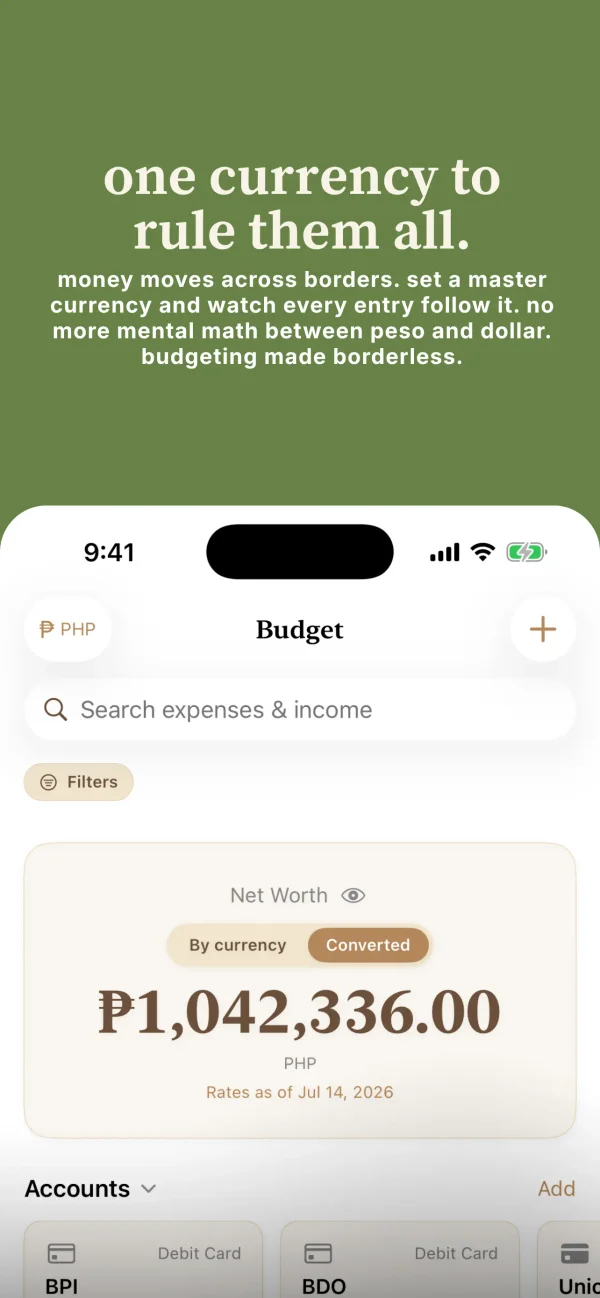
*Master Currency — Budgeting without borders. Set a master currency and watch every entry convert into one unified view automatically.
*Conversion Rates — Your numbers, always accurate. Enter custom conversion rates manually for precise multi-currency tracking in Budget.
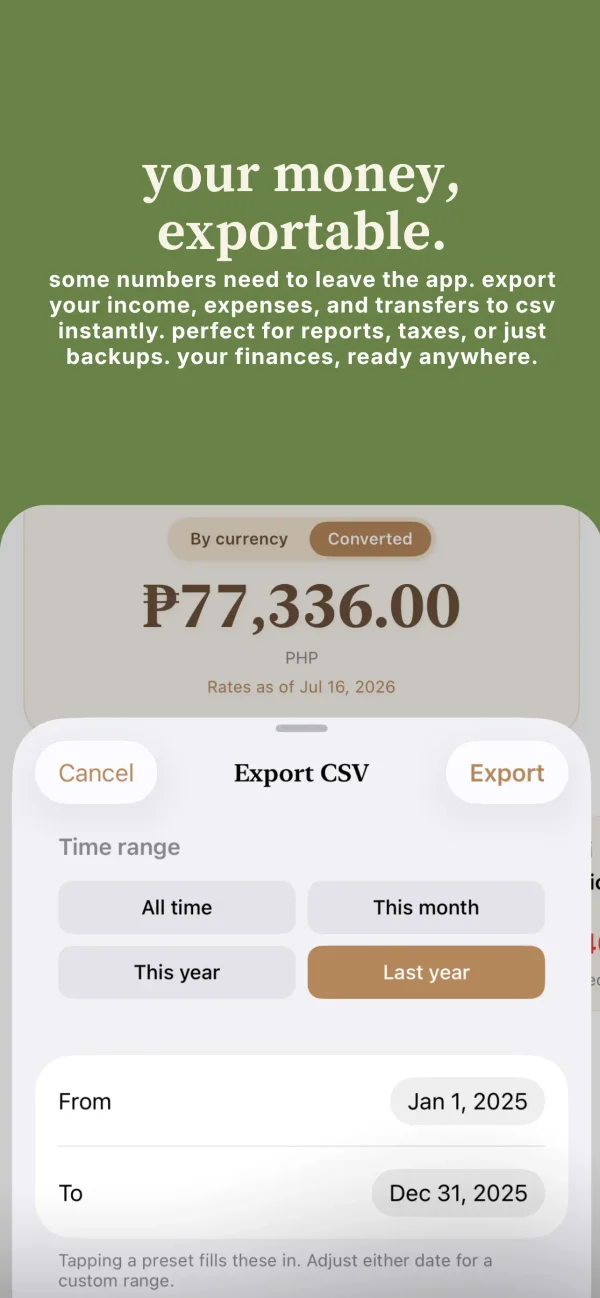
*Export to CSV — Your finances, ready anywhere. Income, expense, and transfer entries in Budget can now be exported to CSV in one tap.
*Search Income, Expenses, and Transfers — Stop scrolling, start searching. Budget now supports searching directly through every income, expense, and transfer entry.
*Bill & Recurring Transaction Reminders — Never miss a payment again. Budget now sends notifications before every bill and recurring transaction is due.
*UI/UX Improvements — Fixed hover button indication colors in dark mode for improved visibility.
*Bug Fixes — Fixed an issue affecting how notification logic was triggered, resolved a stutter when switching months in Budget by only rebuilding the calendar grid when needed, and fixed a parsing issue affecting Scratch content.
Confidentialité de l’application
Ce que Louis Cada déclare sur l’App Store au sujet du traitement des données par cette application.
-
Données non collectées
Le développeur ne collecte aucune donnée à partir de cette application.
Les pratiques en matière de confidentialité peuvent varier, notamment en fonction des fonctionnalités que vous utilisez ou de votre âge.
Informations
- Vendeur
- Louis Cada
- Catégorie
- Productivité
- Version
- 2.0
- Mis à jour
- 02/08/2026
- Publié
- 07/06/2026
- Taille
- 9,9 Mo
- Nécessite
- iOS 18.6 ou version ultérieure
- Classification d’âge
- 4+
- Prix
- Gratuit
- Achats intégrés
- Oui
- Langues
- Anglais
- Copyright
- © 2026 Louis Cada
Vous aimerez peut-être aussi
-
 Turo - Password ManagerProductivité
-
 SoothyVos tâches au quotidien
-
 Food Planner - UlamProductivité
-
 Pit.Kit: Text Your ThoughtsProductivité
-
 reInspire.Productivité
-
 EchoMoment: Voice FeedbackVoix différée et pratique
-
 Bera ReaderProductivité
-
 Cat ScribeProductivité
-
 OdaViewerProductivité
-
 Relay Voice: Memos into NotesProductivité