- Classification d’âge4+
- CatégorieÉducation
- DéveloppeurJanek Soomets
- LanguesAnglais
- Taille5,0 Mo
Renvoie vers la page App Store officielle
Download.org n’héberge aucun fichier de Maths Problems. Le bouton ouvre la page de l’application sur App Store, où Janek Soomets la publie. Fiche vérifiée pour la dernière fois le 18/11/2026.
Captures d’écran
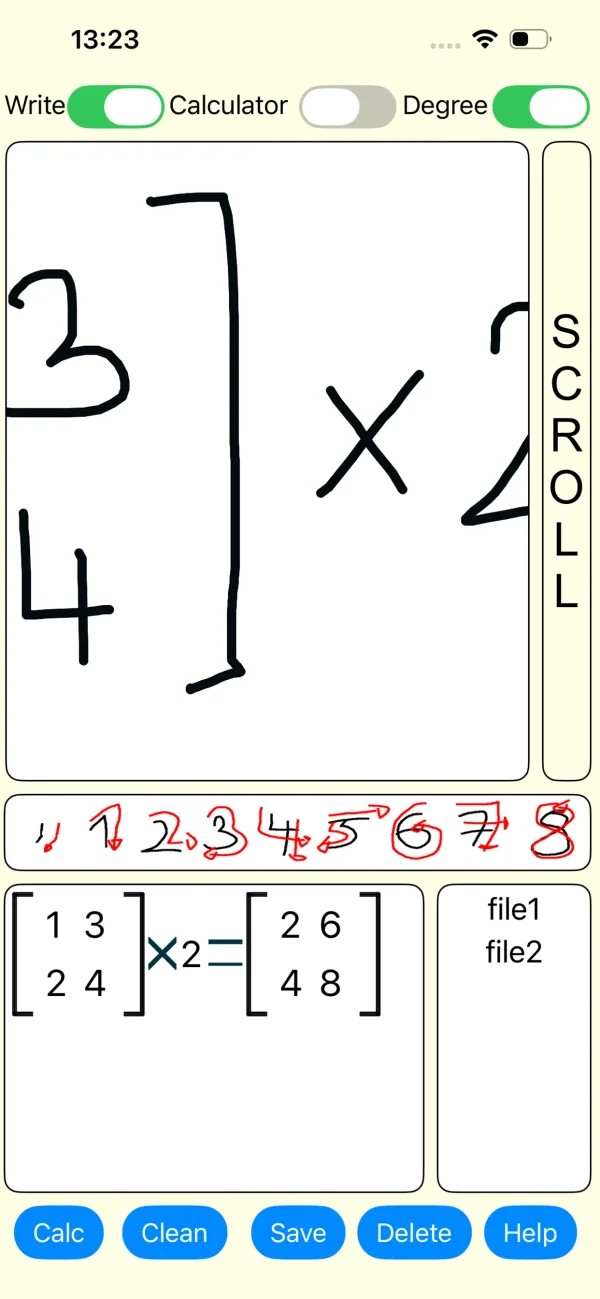
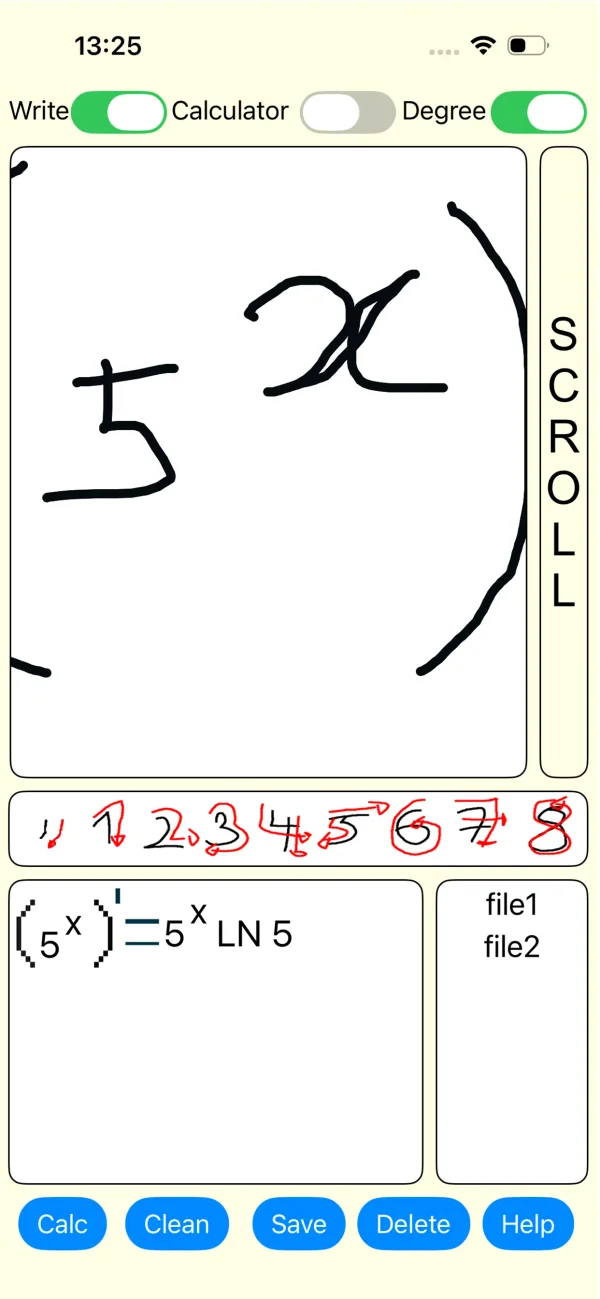
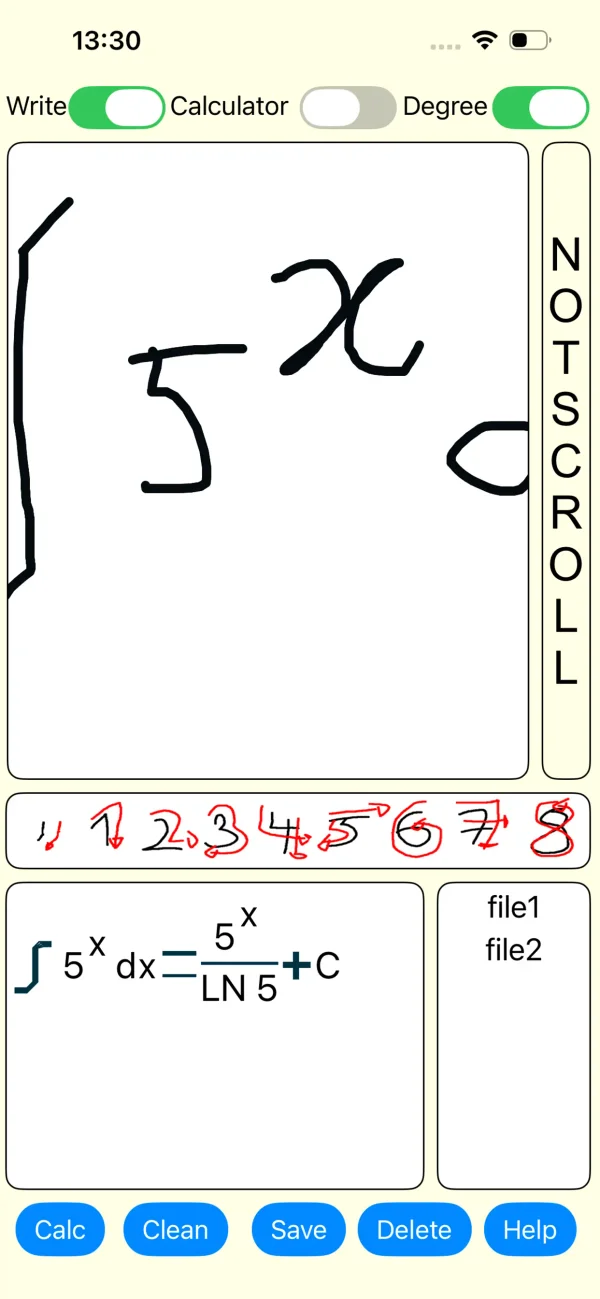
À propos
Le développeur n’a pas fourni ce texte dans votre langue.
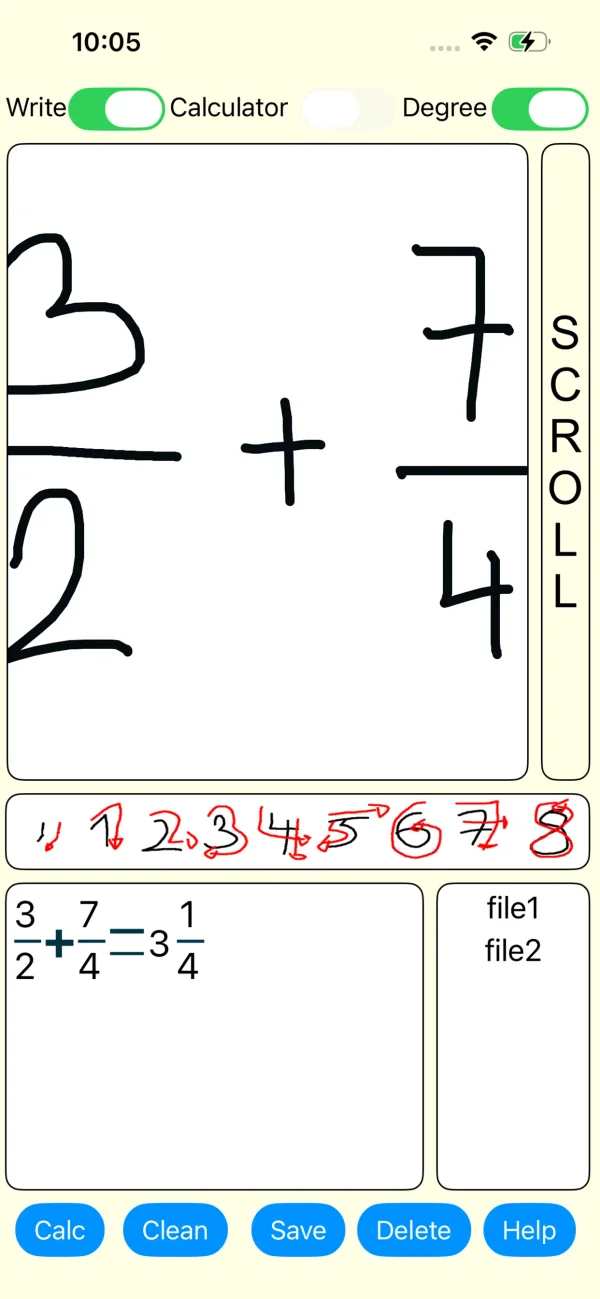
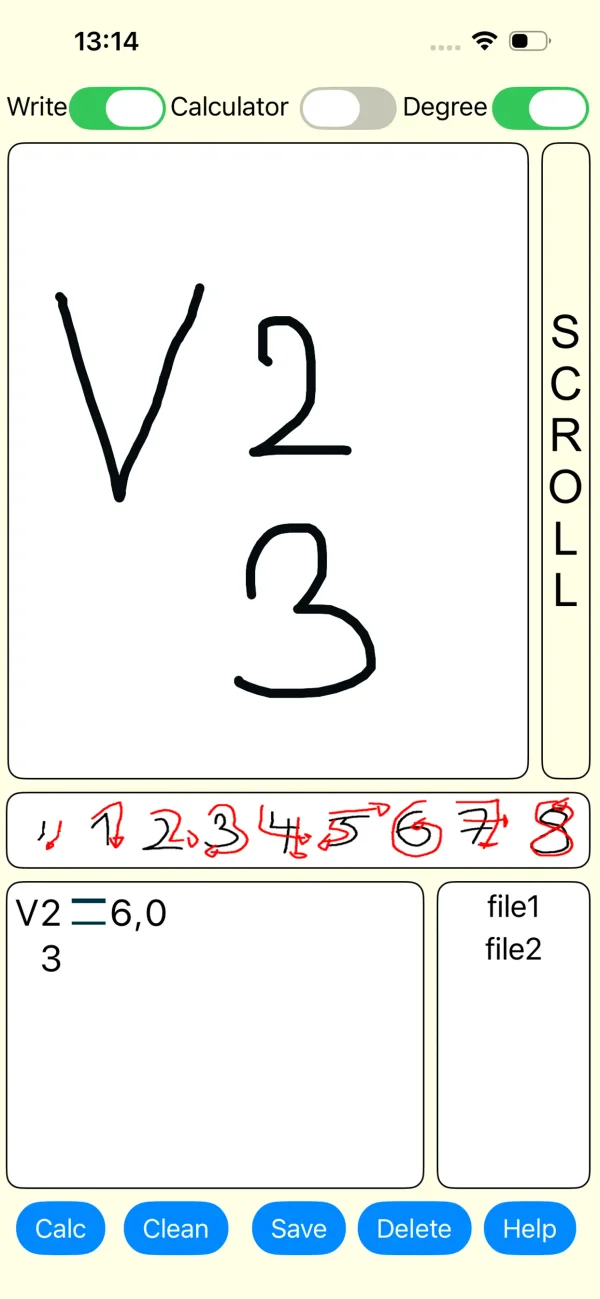
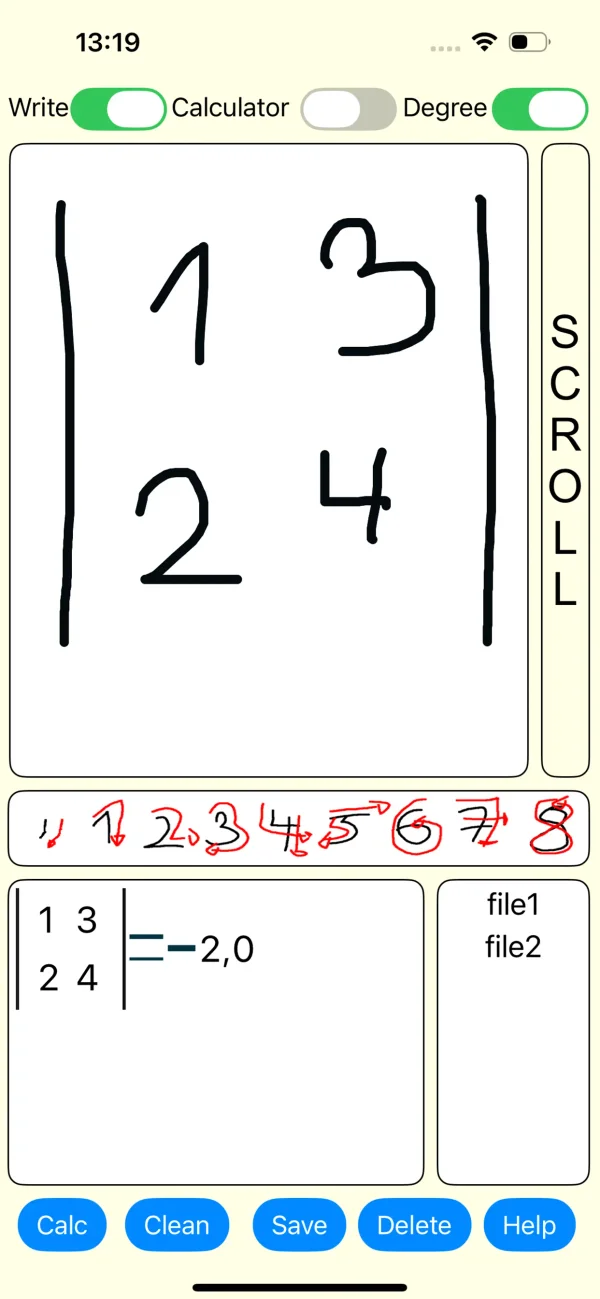
This is a math application. Quickly find the answer: in calculations (for example, find the angle COS), in combinatorics (for example, calculate the variation or combination), perform operations with matrices (for example, multiply a matrix by a number), calculate the determinant (for example, find the solution of a second-order matrix), find the derivative and calculate the integral, and solve fractions.
If you want to save the solution, to capture the solution, press the “Save” button. And if you want to see the saved solution, press the file name in the Files window. If you want to delete all saves, press the “Delete” button.
Then, if you want to clean the screen, press the “Clean” button.
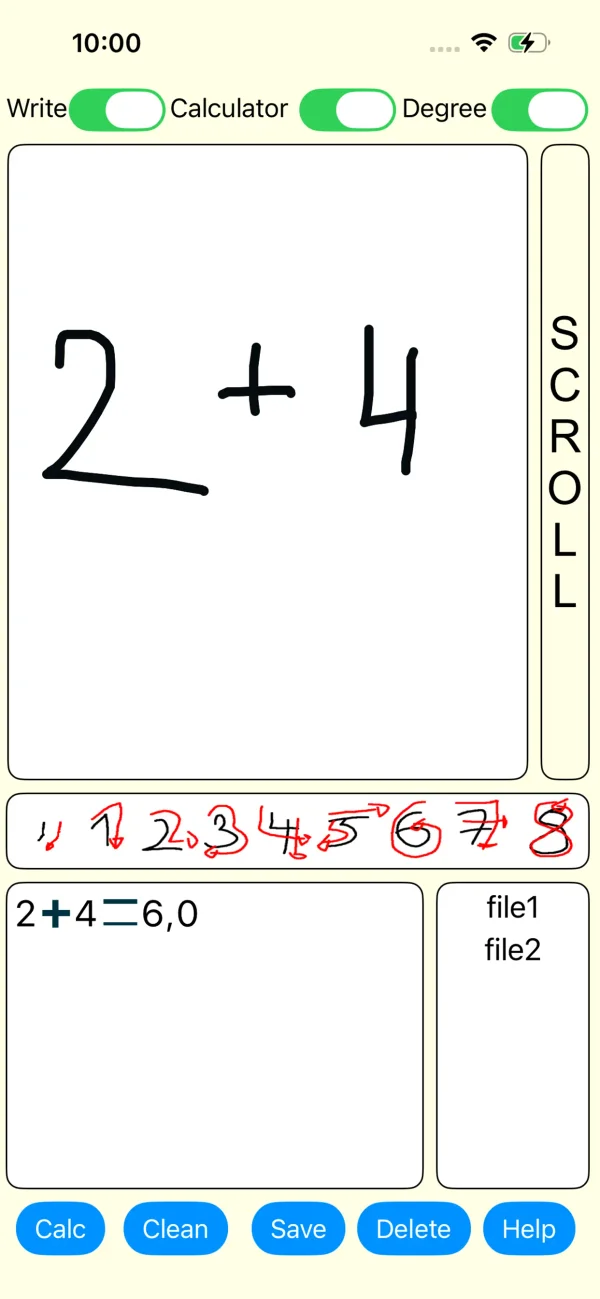
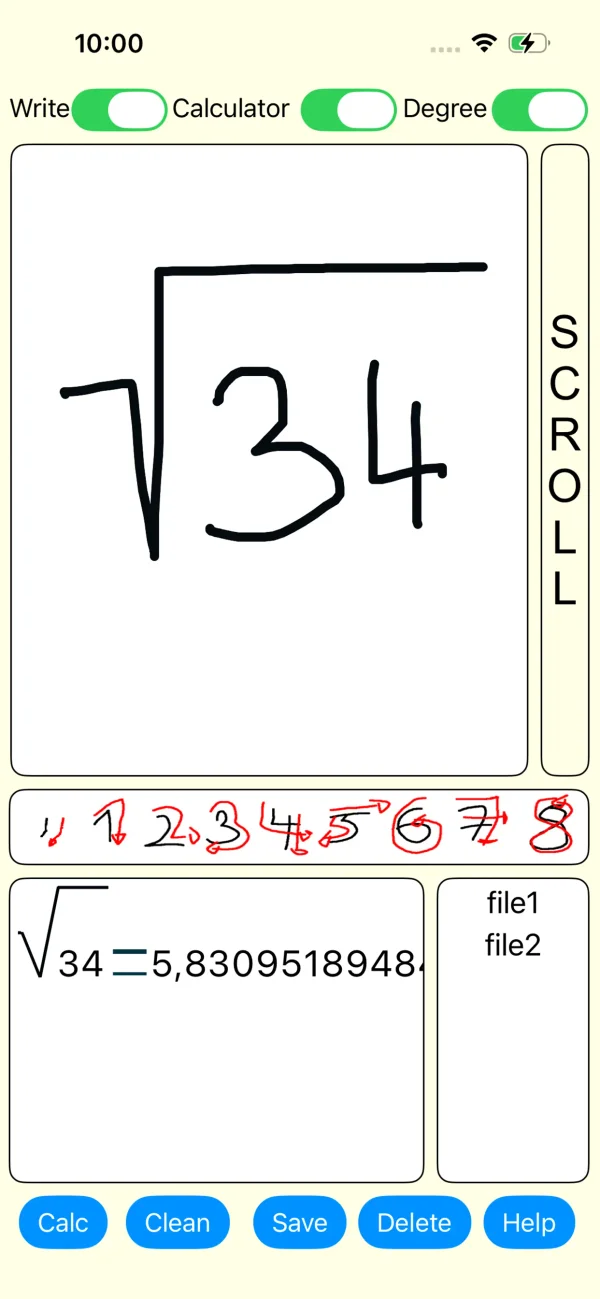
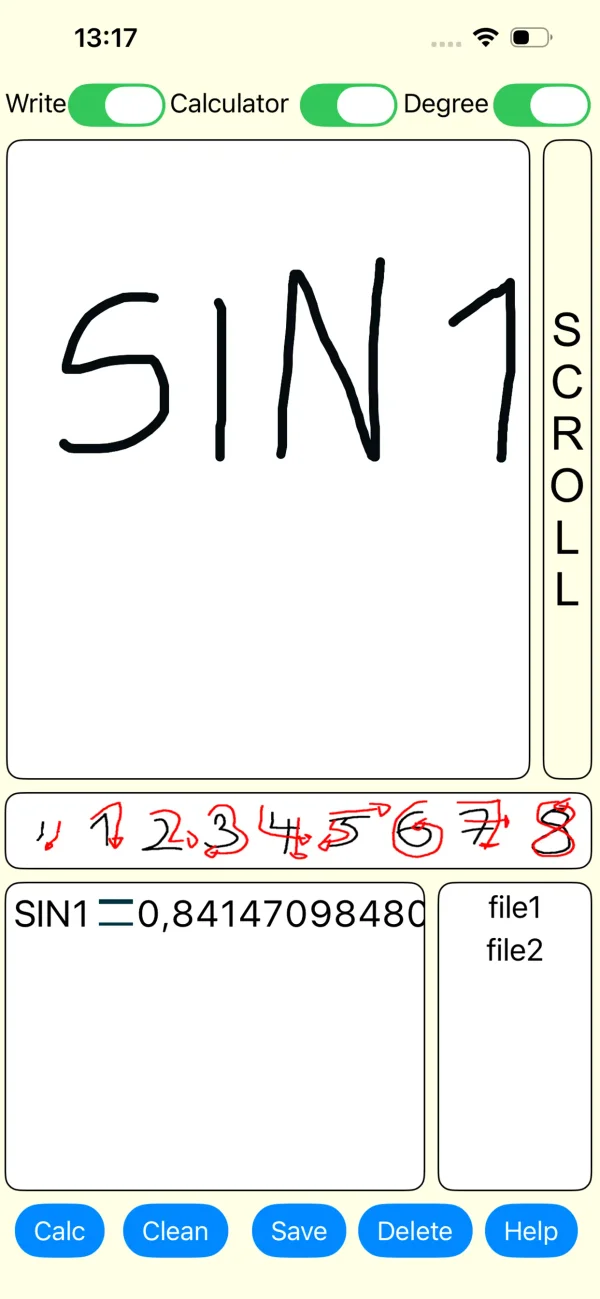
When the “Calculation” switch button is on, simple calculations, addition, subtraction, multiplication and division are performed. Then you can also use powers and square roots.
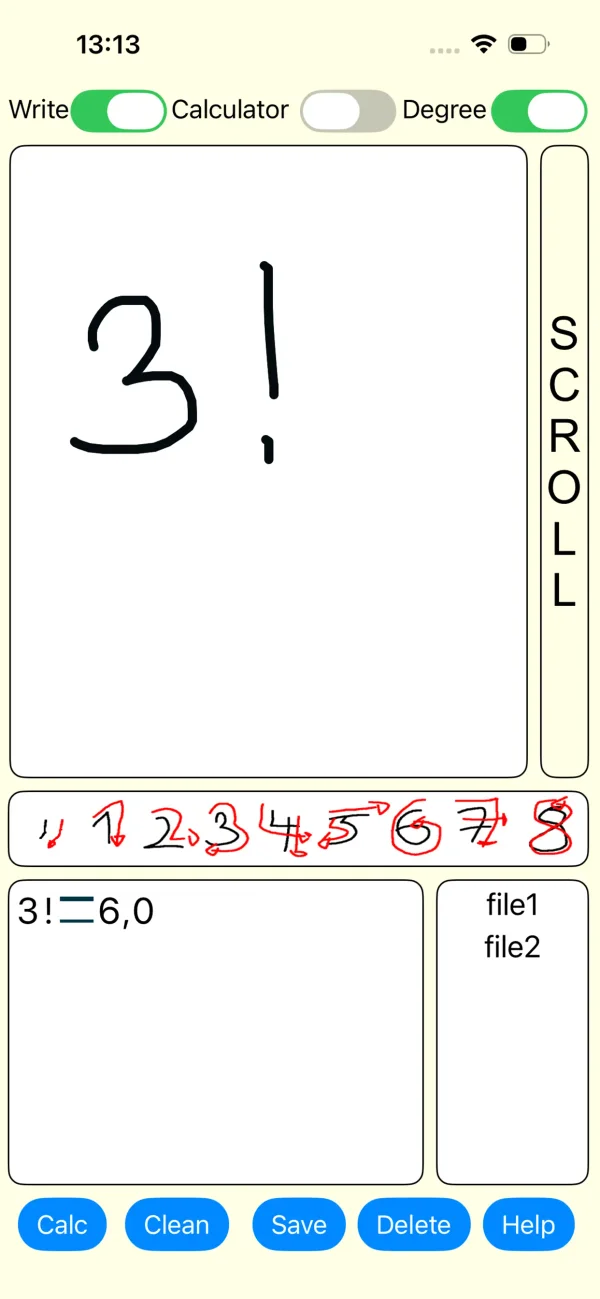
If the “Calculation” switch button is not on, you will calculate combinatorics, matrix operations, determinant calculation, derivative and integral calculation, and fraction calculation.
If the “Degree” switch button is on, you will calculate Degree in trigonometry, and if it is not on, you will calculate Radian.
If you want to scroll the screen, press the “Scroll” switch button.
If you want to delete a letter, turn off the "Write" switch and move your finger or stylus over the letter.
And to calculate the solution, press the “Calculate” button.
You can draw numbers and characters on the screen with a pen or your finger.
The application includes functions that you can calculate:
1. SIN
2. COS
3. TAN
4. COT
5. ARCSIN
6. ARCCOS
7. ARCTAN
8. ARCCOT
9. LOG
10. LN
Without the upgrade, you can only calculate. The upgrade allows you to use other calculation functions. For example, combinatorics, matrix operations, determinant calculation, fraction calculation, derivative and integral calculation.
Nouveautés
Version 1.1 · 06/08/2026
Bug fixes.
Graphics changed.
Adding a paid version.
Confidentialité de l’application
Ce que Janek Soomets déclare sur l’App Store au sujet du traitement des données par cette application.
-
Données non collectées
Le développeur ne collecte aucune donnée à partir de cette application.
Les pratiques en matière de confidentialité peuvent varier, notamment en fonction des fonctionnalités que vous utilisez ou de votre âge.
Informations
- Vendeur
- Janek Soomets
- Catégorie
- Éducation
- Version
- 1.1
- Mis à jour
- 06/08/2026
- Publié
- 26/11/2025
- Taille
- 5,0 Mo
- Nécessite
- iOS 15.6 ou version ultérieure
- Classification d’âge
- 4+
- Prix
- Gratuit
- Langues
- Anglais
- Copyright
- © 2026 Janek Soomets
Vous aimerez peut-être aussi
-
 Profe: Handwriting TutorÉducation
-
 MagicTutor : Learn in 1 ReadÉducation
-
 Class 8 Samskrit TutorialÉducation
-
 Simple Math PuzzleÉducation
-
 Jade ArithmeticÉducation
-
 Quick Math ExerciseÉducation
-
 Lumière de l'Explication-SukunSukun (absence de voyelle)
-
 Math CentralÉducation
-
 Home alone Anomaly Mod - GuideRéférences
-
 Vocabulaire anglais en actionApprenez mots anglais A1-C1