Maths Problems
Quick Math Solver
Dirancang untuk iPhone, iPad, iPod touch
Gratis
- Batasan usia4+
- KategoriPendidikan
- PengembangJanek Soomets
- BahasaInggris
- Ukuran5,0 MB
Tertaut ke halaman resmi App Store
Download.org tidak menyimpan file Maths Problems apa pun. Tombol ini membuka halaman aplikasi di App Store, tempat Janek Soomets menerbitkannya. Halaman terakhir diperiksa pada 18/11/2026.
Tangkapan layar
Tentang
Pengembang belum menyediakan teks ini dalam bahasa Anda.
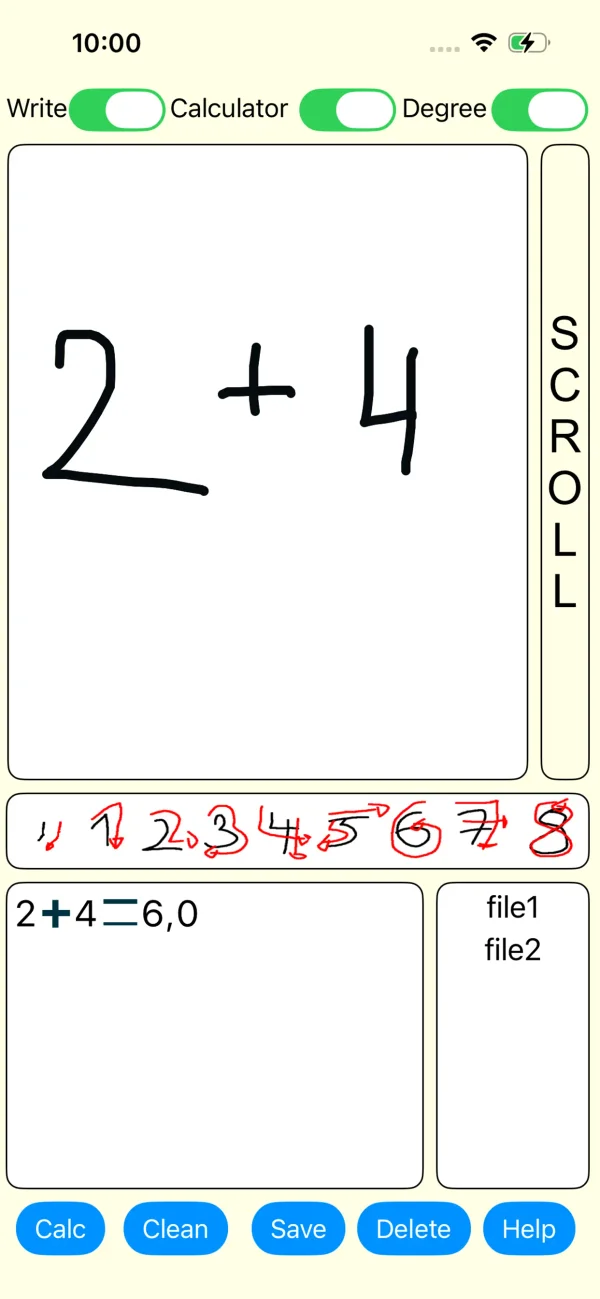
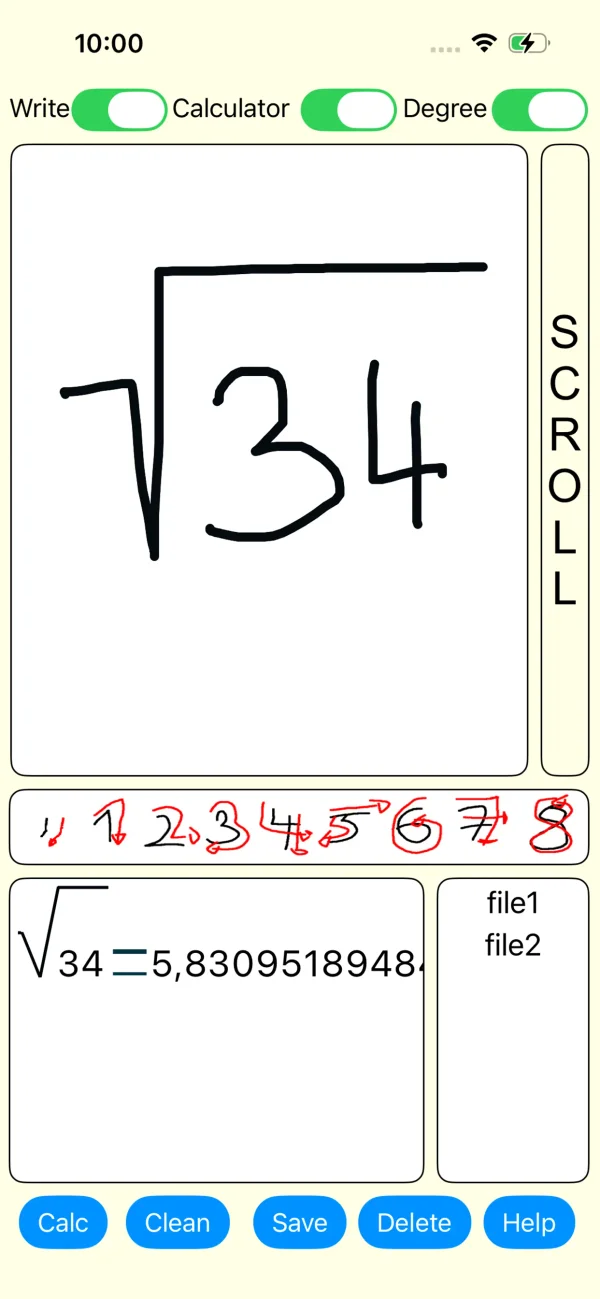
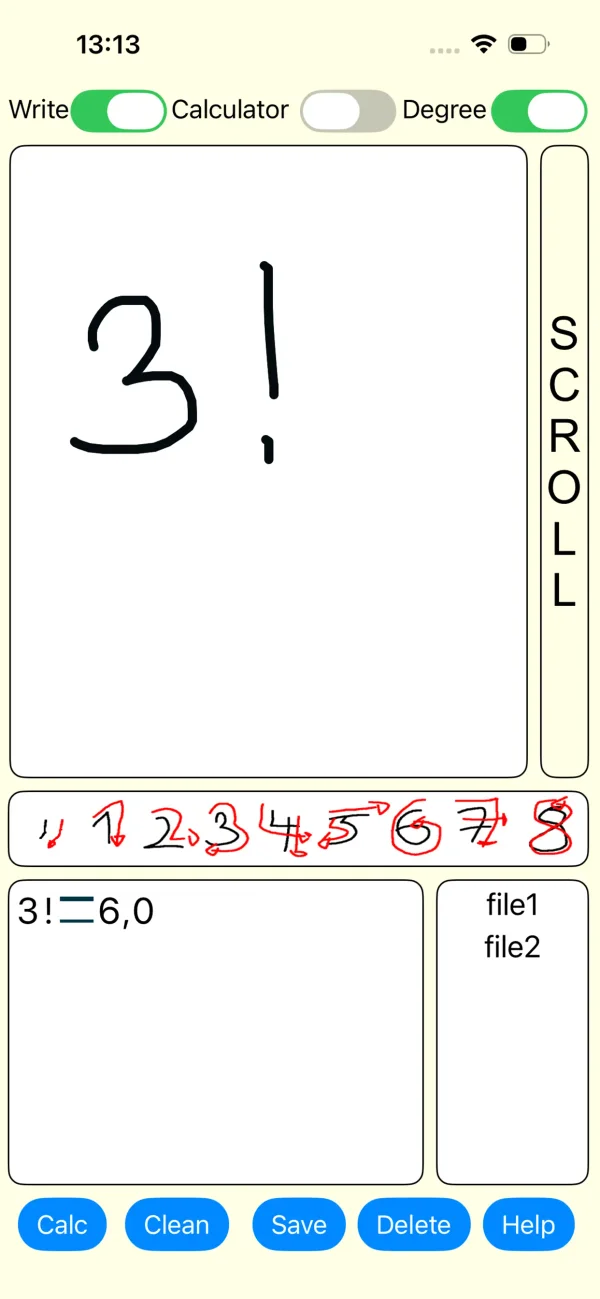
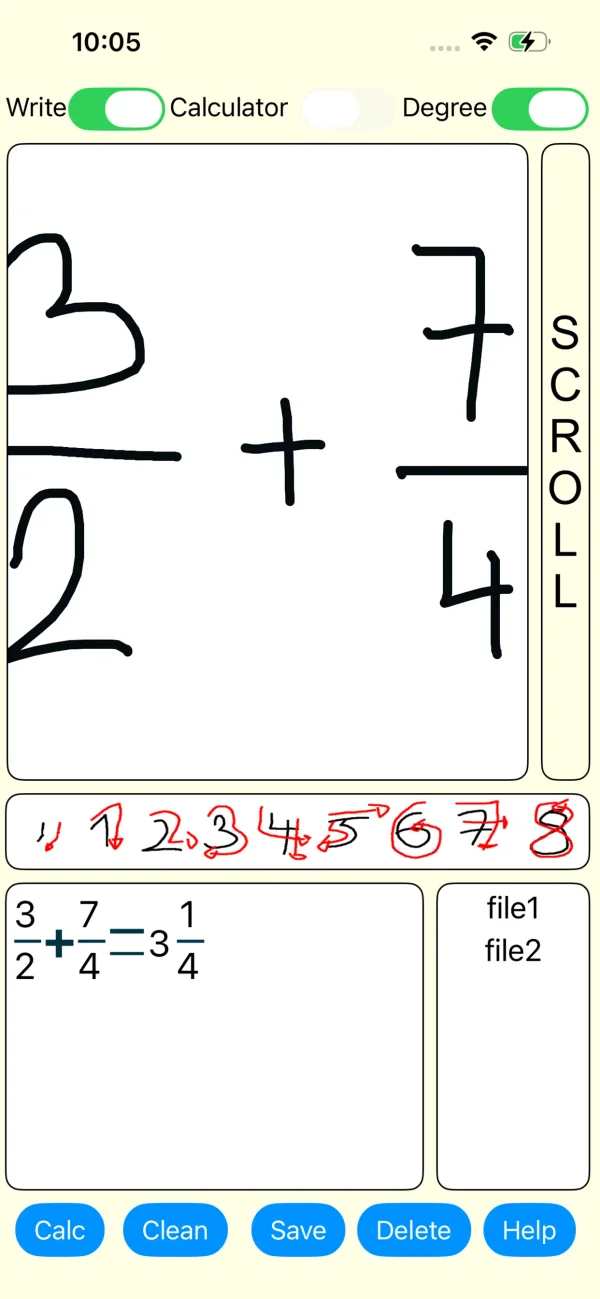
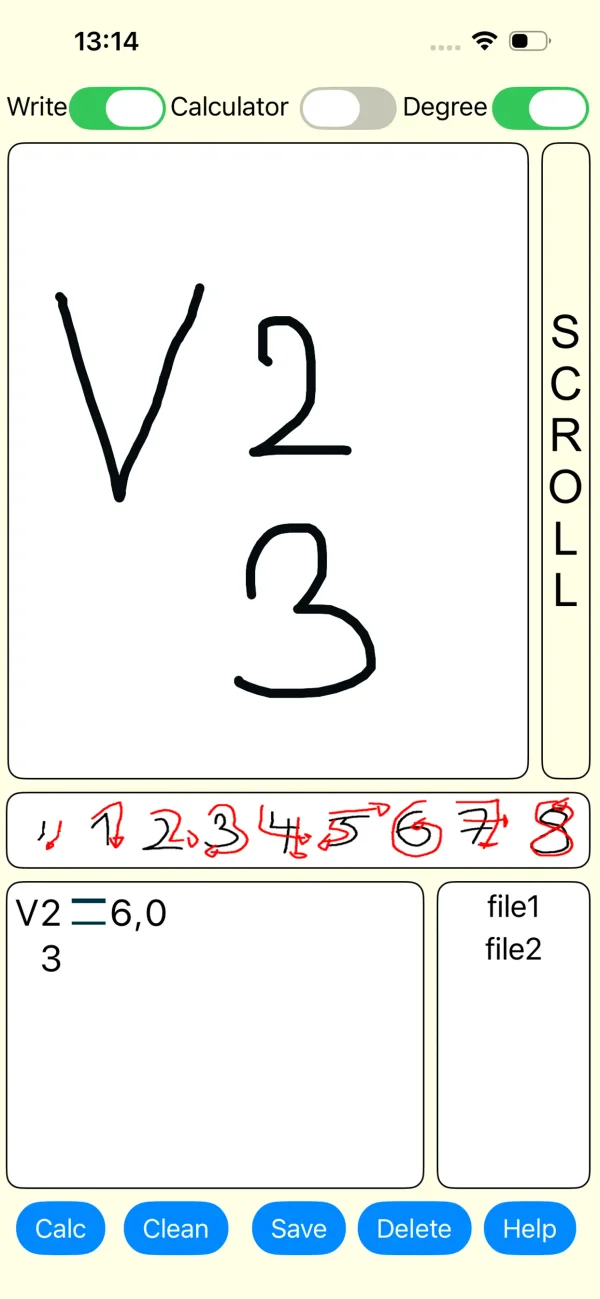
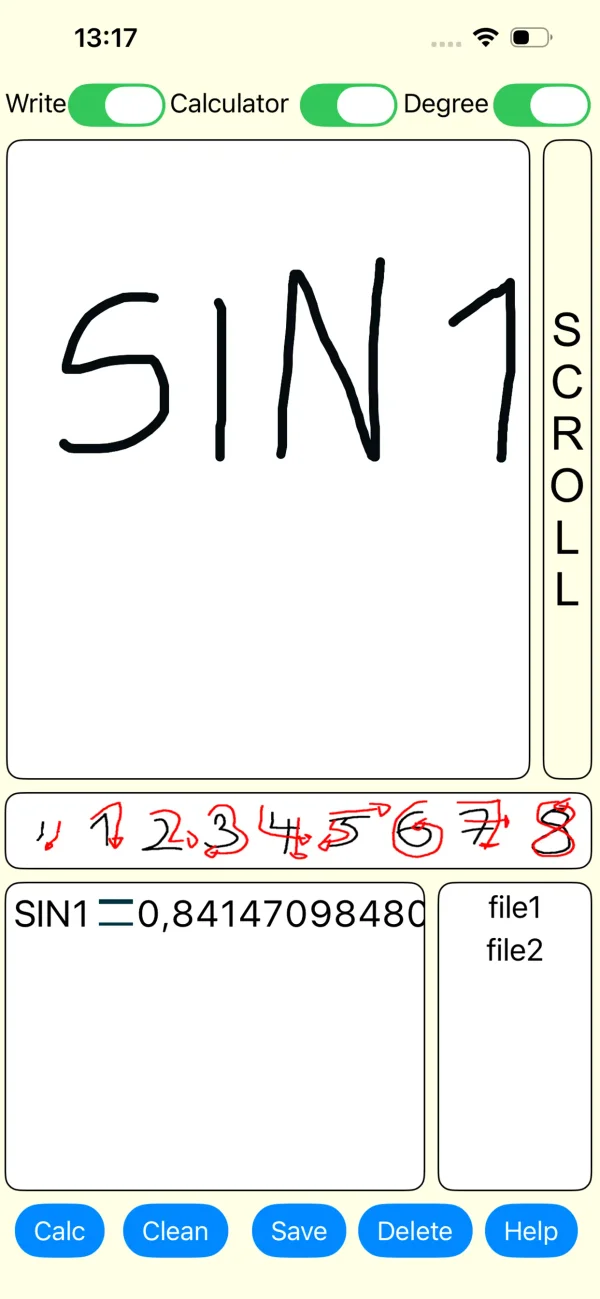
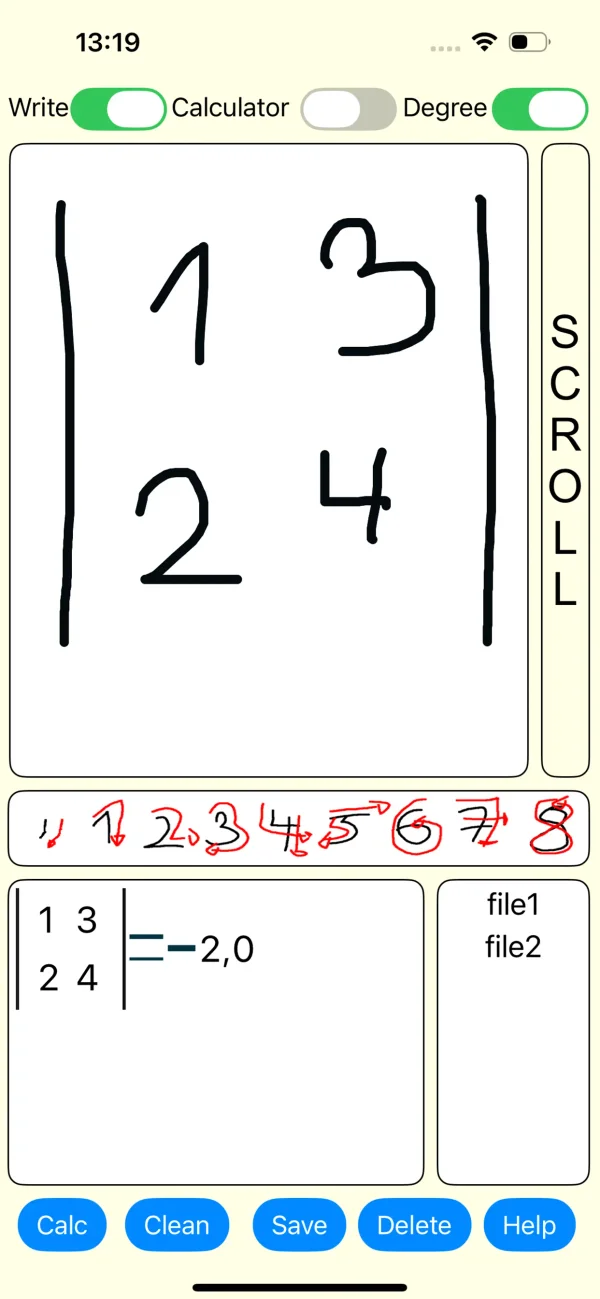
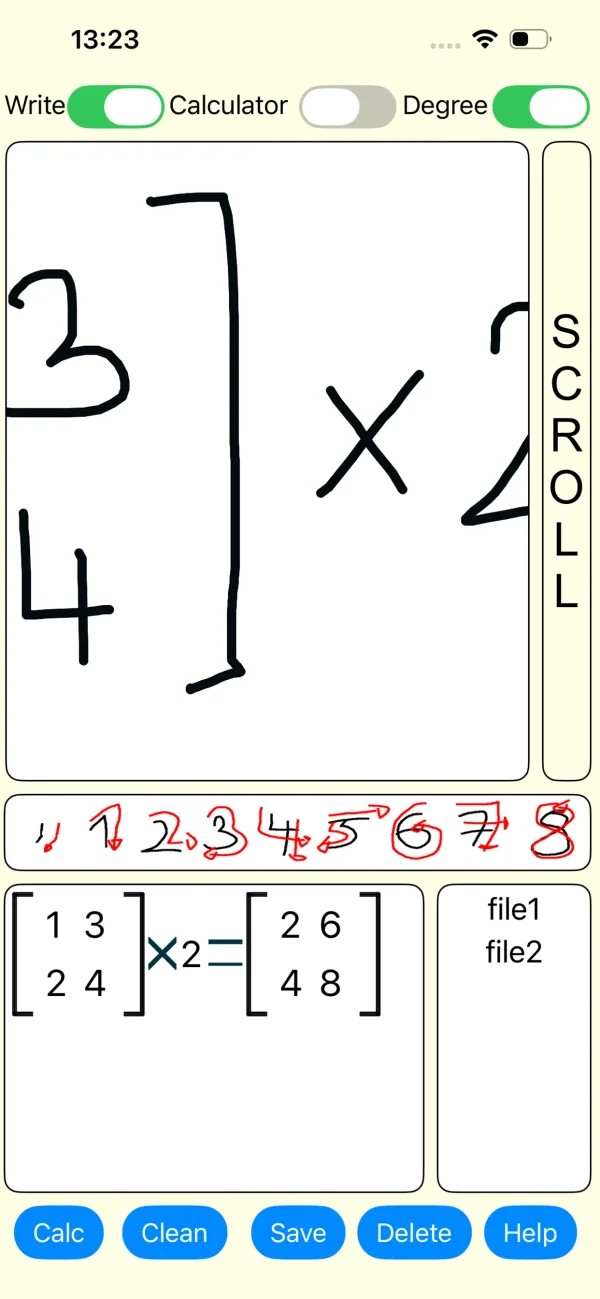
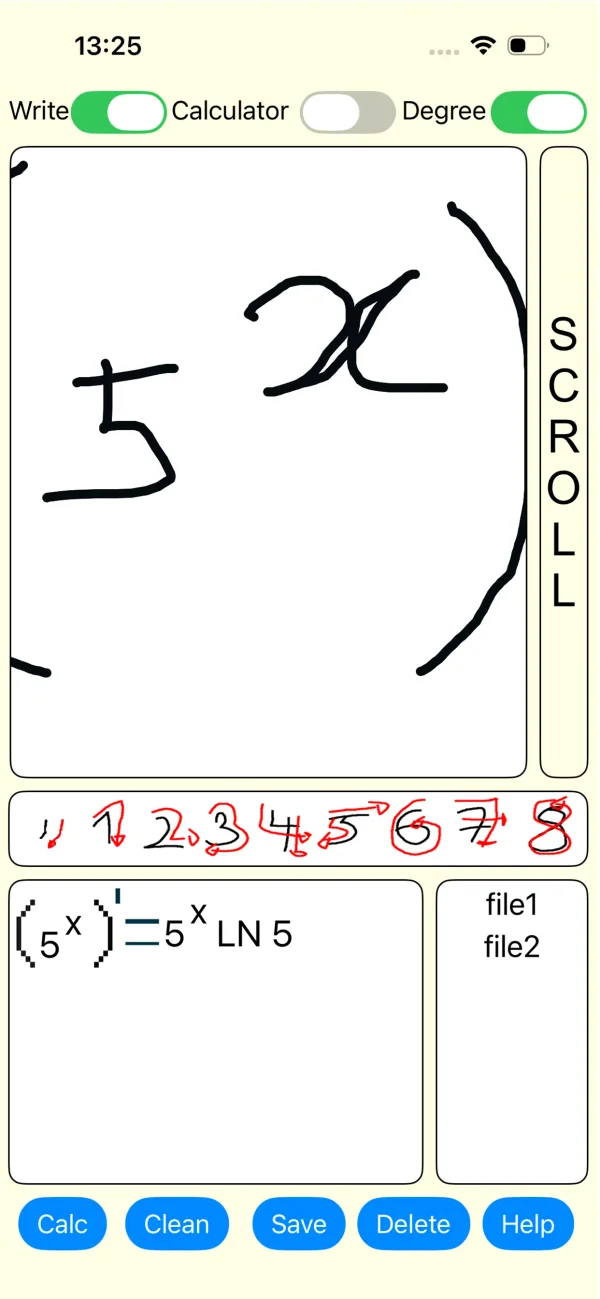
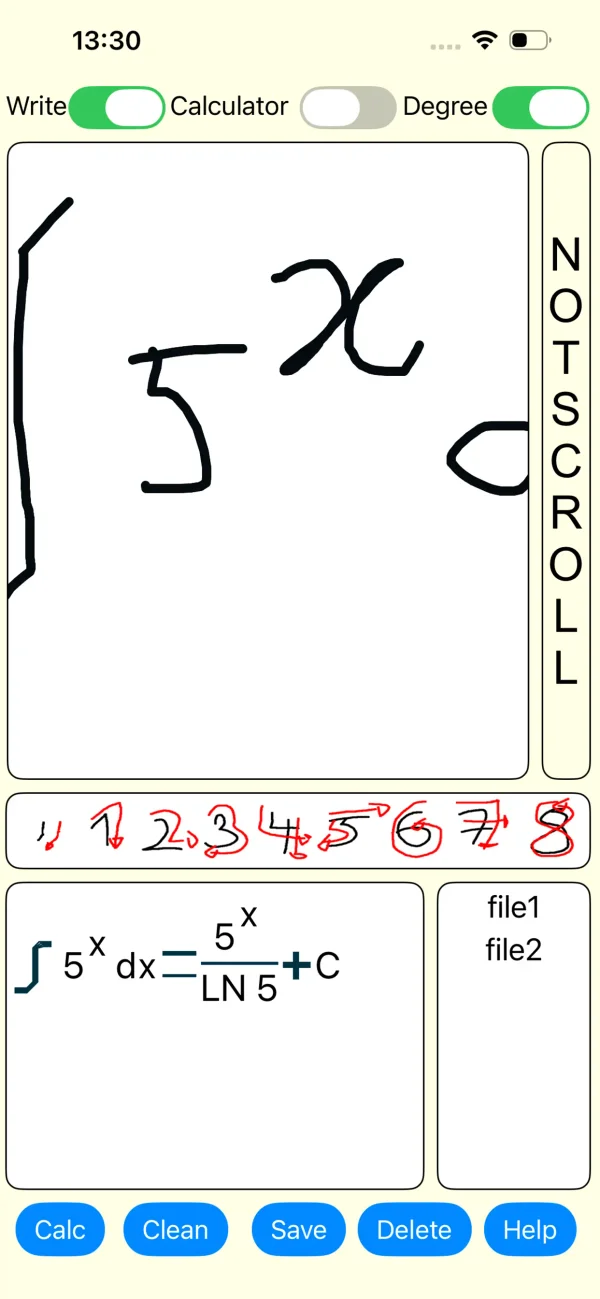
This is a math application. Quickly find the answer: in calculations (for example, find the angle COS), in combinatorics (for example, calculate the variation or combination), perform operations with matrices (for example, multiply a matrix by a number), calculate the determinant (for example, find the solution of a second-order matrix), find the derivative and calculate the integral, and solve fractions.
If you want to save the solution, to capture the solution, press the “Save” button. And if you want to see the saved solution, press the file name in the Files window. If you want to delete all saves, press the “Delete” button.
Then, if you want to clean the screen, press the “Clean” button.
When the “Calculation” switch button is on, simple calculations, addition, subtraction, multiplication and division are performed. Then you can also use powers and square roots.
If the “Calculation” switch button is not on, you will calculate combinatorics, matrix operations, determinant calculation, derivative and integral calculation, and fraction calculation.
If the “Degree” switch button is on, you will calculate Degree in trigonometry, and if it is not on, you will calculate Radian.
If you want to scroll the screen, press the “Scroll” switch button.
If you want to delete a letter, turn off the "Write" switch and move your finger or stylus over the letter.
And to calculate the solution, press the “Calculate” button.
You can draw numbers and characters on the screen with a pen or your finger.
The application includes functions that you can calculate:
1. SIN
2. COS
3. TAN
4. COT
5. ARCSIN
6. ARCCOS
7. ARCTAN
8. ARCCOT
9. LOG
10. LN
Without the upgrade, you can only calculate. The upgrade allows you to use other calculation functions. For example, combinatorics, matrix operations, determinant calculation, fraction calculation, derivative and integral calculation.
Yang baru
Versi 1.1 · 6/8/2026
Bug fixes.
Graphics changed.
Adding a paid version.
Privasi aplikasi
Yang dinyatakan Janek Soomets di App Store tentang cara aplikasi ini menangani data.
-
Data tidak dikumpulkan
Pengembang tidak mengumpulkan data apa pun dari aplikasi ini.
Praktik privasi dapat bervariasi, misalnya berdasarkan fitur yang Anda gunakan atau usia Anda.
Informasi
- Penjual
- Janek Soomets
- Kategori
- Pendidikan
- Versi
- 1.1
- Diperbarui
- 6/8/2026
- Dirilis
- 26/11/2025
- Ukuran
- 5,0 MB
- Memerlukan
- iOS 15.6 atau yang lebih baru
- Batasan usia
- 4+
- Harga
- Gratis
- Bahasa
- Inggris
- Hak cipta
- © 2026 Janek Soomets
Mungkin Anda juga suka
-
 Profe: Handwriting TutorPendidikan
-
 MagicTutor : Learn in 1 ReadPendidikan
-
 Class 8 Samskrit TutorialPendidikan
-
 Simple Math PuzzlePendidikan
-
 Jade ArithmeticPendidikan
-
 Quick Math ExercisePendidikan
-
 Nour Al-bayan - SukunPendidikan
-
 Math CentralPendidikan
-
 Home alone Anomaly Mod - GuideReferensi
-
 Kosakata Bahasa Inggris AktifPelajari kata A1-C1