md Viewer: Markdown
Read, edit & create Markdown
Conçue pour iPhone, iPad, Mac
Gratuit
- Classification d’âge4+
- CatégorieProductivité
- LanguesAnglais+ 1 de plus
- Taille9,1 Mo
Renvoie vers la page App Store officielle
Download.org n’héberge aucun fichier de md Viewer: Markdown. Le bouton ouvre la page de l’application sur App Store, où la publie. Fiche vérifiée pour la dernière fois le 16/11/2026.
Captures d’écran

À propos
Le développeur n’a pas fourni ce texte dans votre langue.
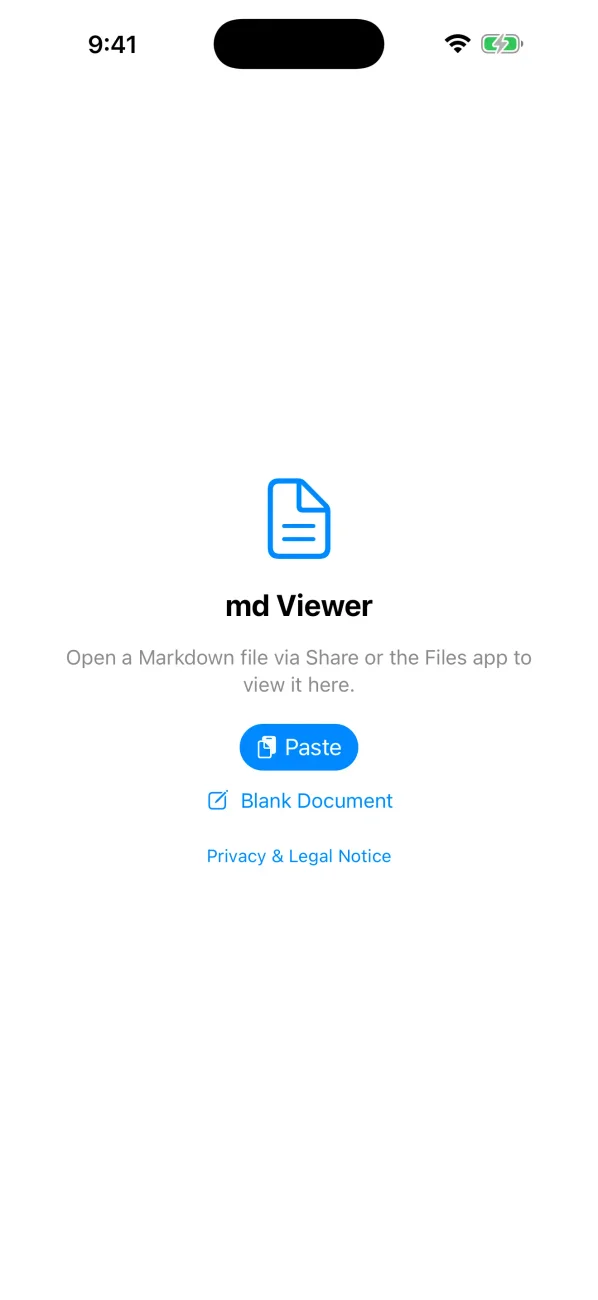
md Viewer opens Markdown files, shows them cleanly formatted right away, and lets you edit that same text in place, create new documents, and save them back to the file.
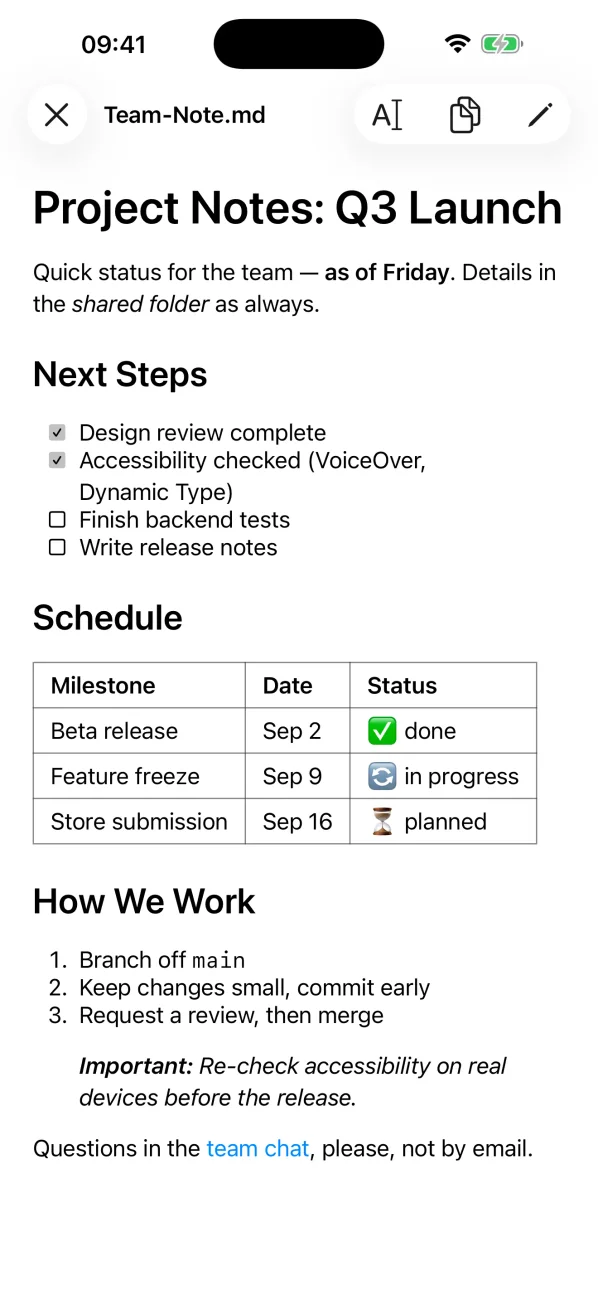
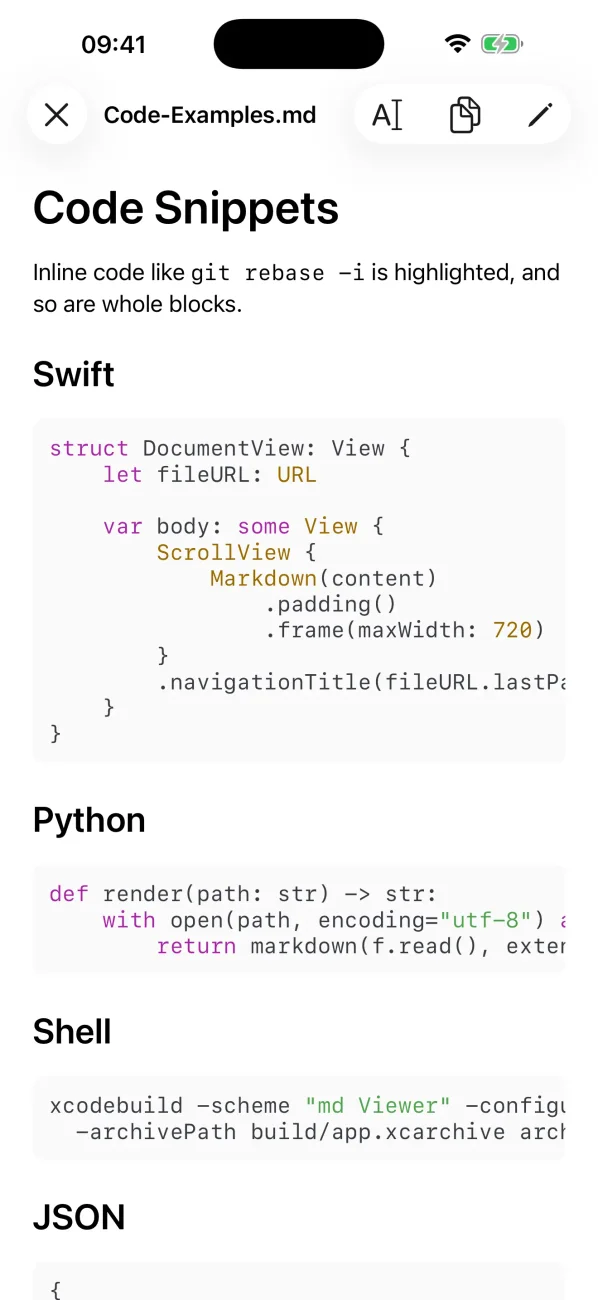
No file browser. No account. No cloud. No tracking. Open a .md or .txt file from the Files app or the share menu. md Viewer renders headings, lists, tables, bold/italic, code blocks with syntax highlighting, and quotes. No raw text, no characters to decode.
CREATE, EDIT, SAVE
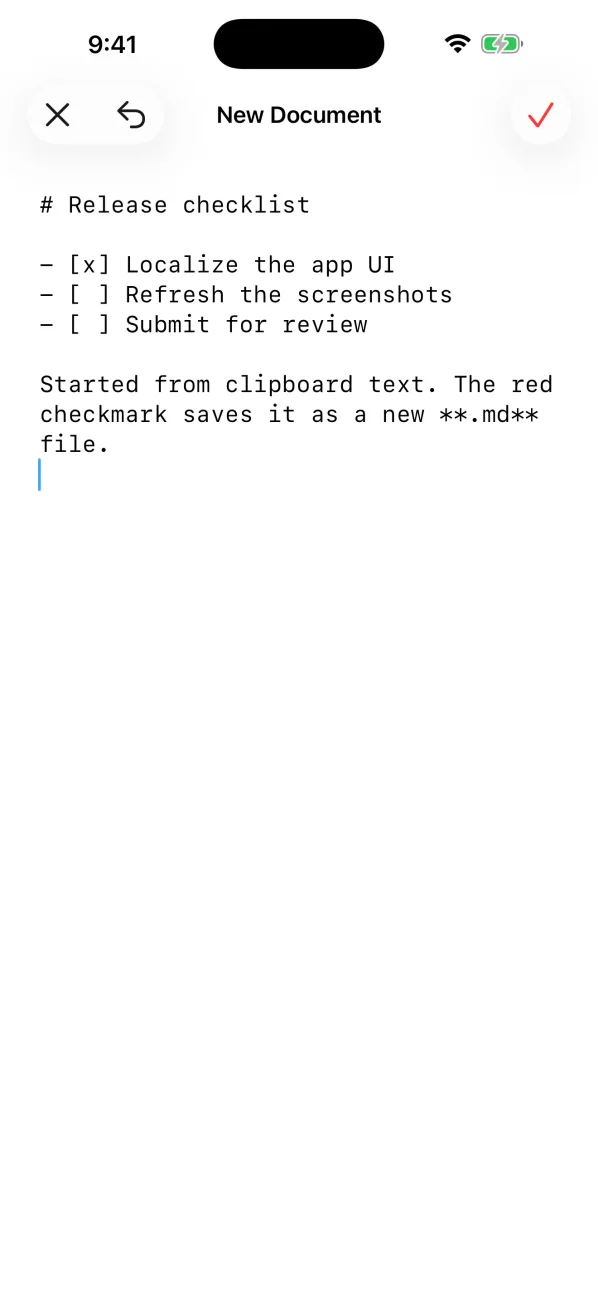
Start without a file: tap Paste on the start screen to take text from the clipboard, or choose Blank Document. The draft opens straight in the editor. The red checkmark saves it as a new .md file; you pick the folder and name in the Files dialog. After that, the checkmark writes to that same file as usual.
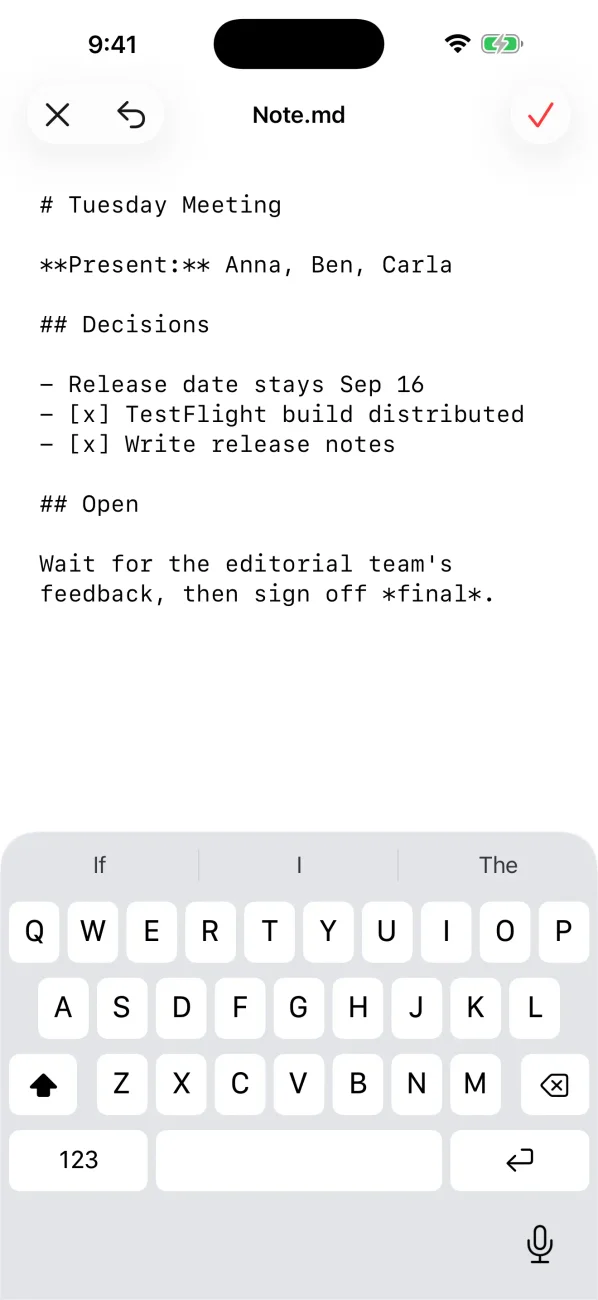
Existing files: tap Edit in the top right. The preview turns into a text editor. Save with the red checkmark; after a short confirmation the original file is overwritten. The X discards your changes (after a confirmation), and the arrow steps back through individual changes. No autosave, no export, no second copy.
.txt files open in the app and in the share extension too. When you edit a .txt, the app also offers Save as Markdown.
If you only want to read, none of this gets in the way. Every file opens in the formatted preview first.
WHY SO MINIMAL?
Most Markdown apps today are full editors with file management, cloud sync, and menus. Handy, but too much when you just want to read a file quickly, jot down a quick note, or fix a typo now and then. md Viewer deliberately does only that: tap a file, read, change or create if needed, done.
FEATURES
- Open via Open With in the Files app or straight from the share menu (mail attachments, AirDrop). The share extension shows the document formatted right away, without switching apps
- Create a new document from pasted or typed text and save it as a .md file
- Opens .md and .txt
- Keep several documents open at once: as tabs on iPad, via the Open Documents list on iPhone. Open files come back after a restart
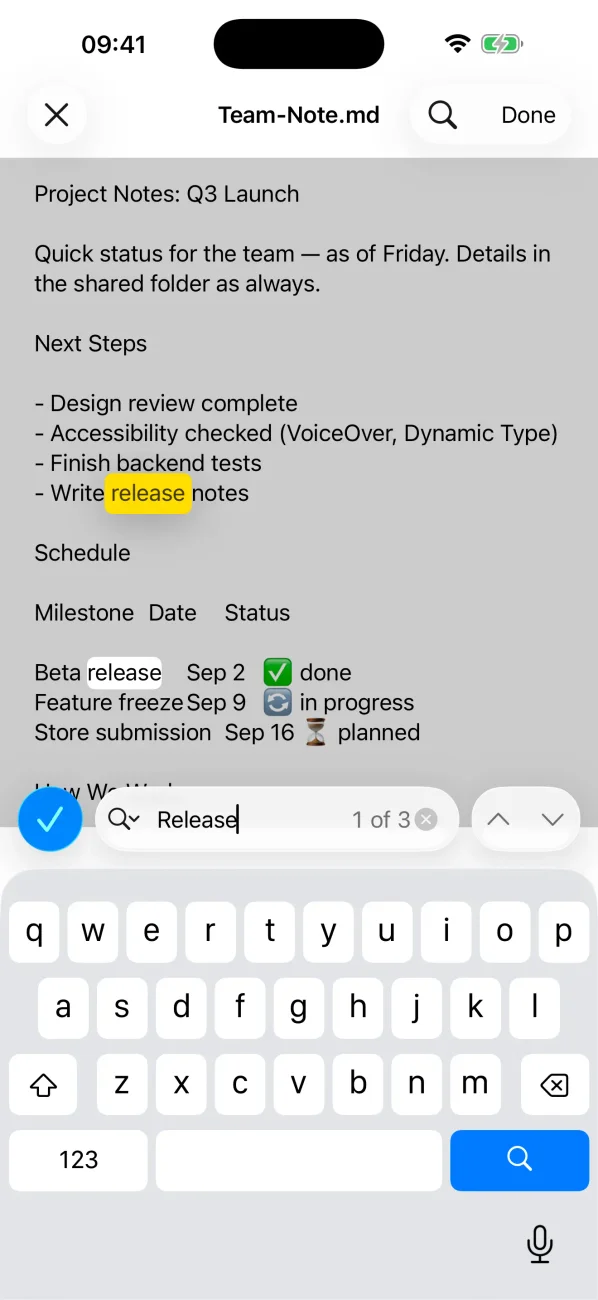
- Find in the document with the magnifying glass or ⌘F, plus Find and Replace while editing
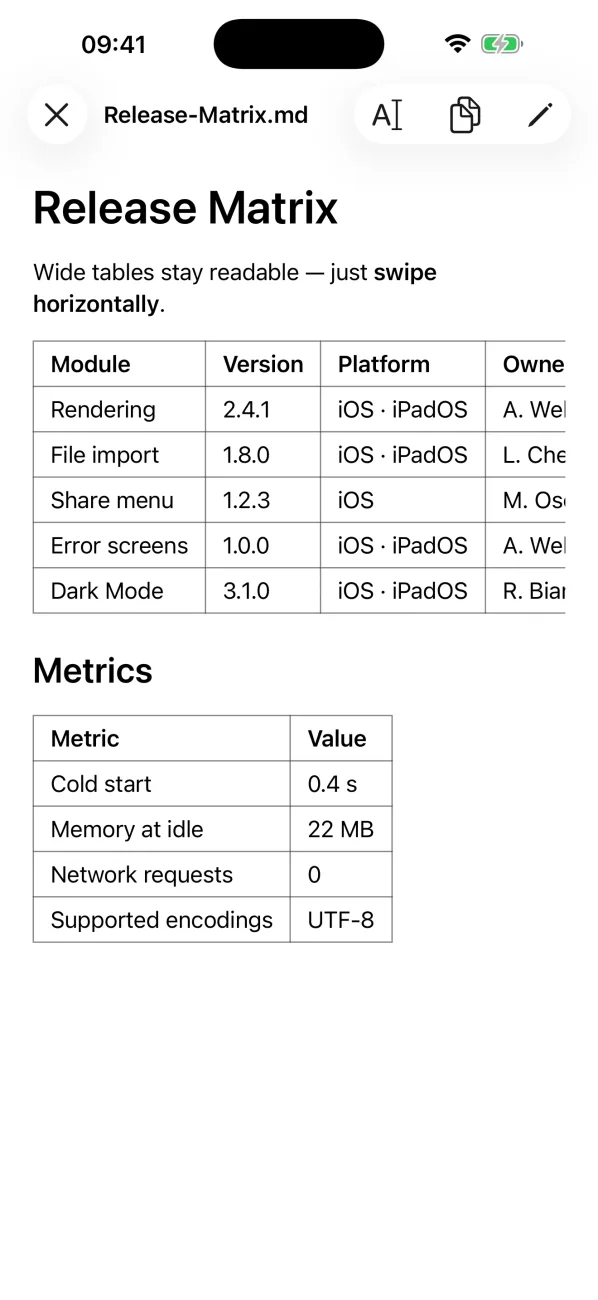
- Clean Markdown rendering: headings, lists, task lists, tables (scroll horizontally), code blocks with syntax highlighting, quotes, links, images
- Edit and save in place in the open file, with a confirmation before overwriting and before closing with unsaved changes
- Full Unicode support: emoji, Arabic and Hebrew (right-to-left), Chinese, Japanese, and Korean characters
- Supports Dynamic Type and VoiceOver
- Automatic Dark Mode / Light Mode
- Runs entirely offline: md Viewer loads nothing from the internet, not even images
PRIVACY
md Viewer collects no data at all. No analytics, no tracking, no account, no cloud sync. Files you open, edit, and create are processed only locally on your device. Only your open documents and folders allowed for images are remembered, locally, and you can remove either at any time. The clipboard is read only when you explicitly tap Paste.
Who is it for? Anyone who regularly receives or manages .md or .txt files (notes, READMEs, technical docs, meeting notes) and wants to read them quickly and cleanly, edit them now and then, or jot down a new one, without opening a full editor.
Nouveautés
Version 1.6.1 · 12/10/2026
• md Viewer now remembers where you are in a document: switching between reading, editing, and Select Text keeps you at the same spot instead of jumping back to the top. The same goes for switching between open documents.
• While typing, the current line stays visible above the keyboard.
• Very large documents now open right away: they are shown as plain text instead of slowing the app down. Tap Show Formatted to get the usual view when you need it. The preview no longer stays empty when sharing from other apps.
Confidentialité de l’application
Ce que déclare sur l’App Store au sujet du traitement des données par cette application.
-
Données non collectées
Le développeur ne collecte aucune donnée à partir de cette application.
Les pratiques en matière de confidentialité peuvent varier, notamment en fonction des fonctionnalités que vous utilisez ou de votre âge.
Informations
- Vendeur
- Eric Pierre Bertrand
- Catégorie
- Productivité
- Version
- 1.6.1
- Mis à jour
- 12/10/2026
- Publié
- 01/09/2026
- Taille
- 9,1 Mo
- Nécessite
- iOS 17.0 ou version ultérieure
- Classification d’âge
- 4+
- Prix
- Gratuit
- Langues
- Anglais, Allemand
- Copyright
- © 2026 Eric Bertrand
Vous aimerez peut-être aussi
-
 MD Viewer: Markdown ViewerProductivité
-
 Markdown Viewer - MD ReaderProductivité
-
 md Viewer : Markdown & MermaidRapports fidèles, hors ligne
-
 MarkDown Reader - MD ViewerProductivité
-
 Quick Markdown ViewerProductivité
-
 FormPilotProductivité
-
 MDPeek: Markdown ViewerProductivité
-
 Brief – Answer Official MailProductivité
-
 BriefEasy: Decode German MailProductivité
-
 Cribly: Agentic Home InventoryProductivité