
Quick Markdown Viewer
Read Markdown folders quickly
Conçue pour iPhone, iPad, Mac
- Classification d’âge4+
- CatégorieProductivité
- DéveloppeurSous Chef Studio, Inc.
- LanguesAnglais
- Taille29,1 Mo
Quick Markdown Viewer n’est peut-être pas disponible sur App Store pour le moment
La fiche de la boutique était inaccessible lors de notre dernière vérification. Le lien mène toujours à la page App Store officielle.
Captures d’écran

À propos
Le développeur n’a pas fourni ce texte dans votre langue.
Quick Markdown Viewer is a local-first reader for Markdown folders, documentation packets, CSV/TSV tables, and media-rich notes on Mac, iPhone, and iPad.
Open a folder of files you already have, or open a public GitHub repository URL when you need to inspect remote docs. The app keeps reading fast and direct: no account, no subscription, no in-app purchase, and no tracking layer.
Features:
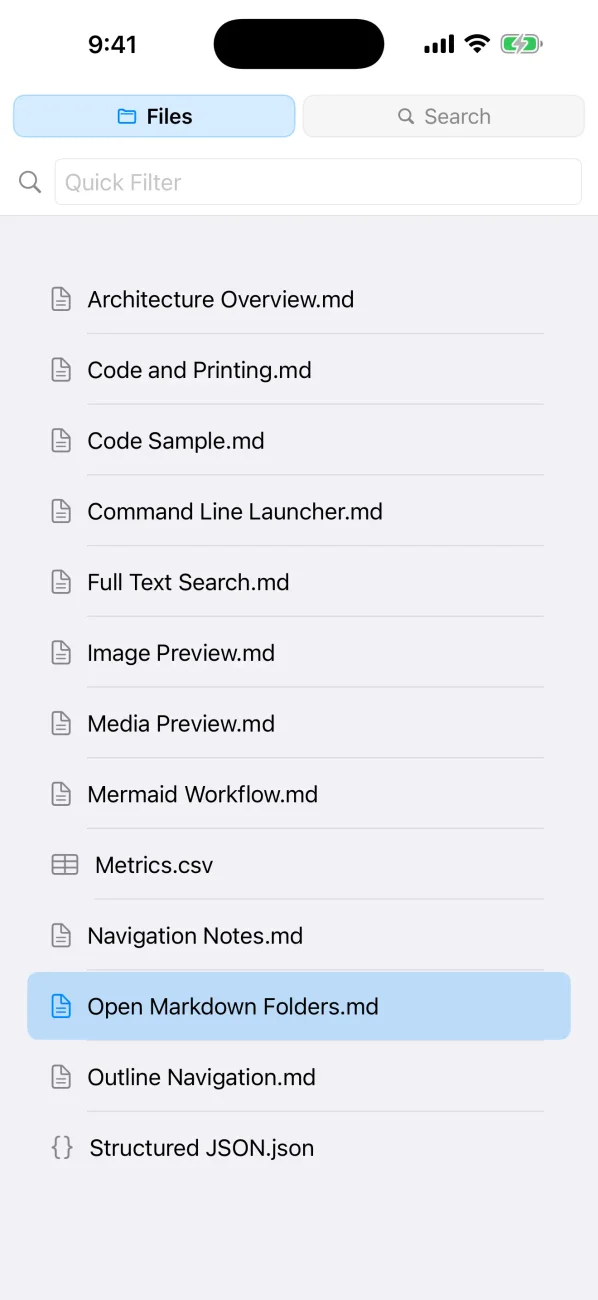
- Open local folders and browse Markdown, CSV, and TSV files in a file sidebar
- Open JSON, JSONC, NDJSON, and JSONL files with collapsible structured rows
- Read JSON-family fenced code blocks inside Markdown without switching apps
- Expand and collapse folders, filter large file trees, and use keyboard navigation on macOS
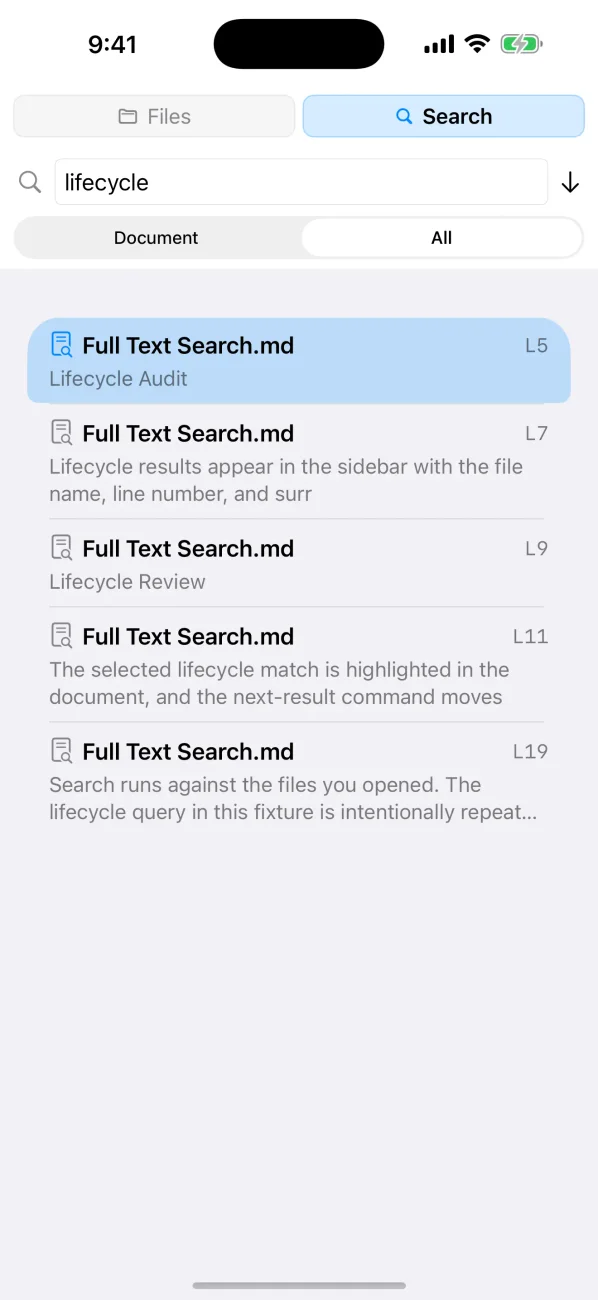
- Search the current document with Command-F or all open documents with Command-Shift-F
- Click search results in the sidebar to jump to matches highlighted in the document
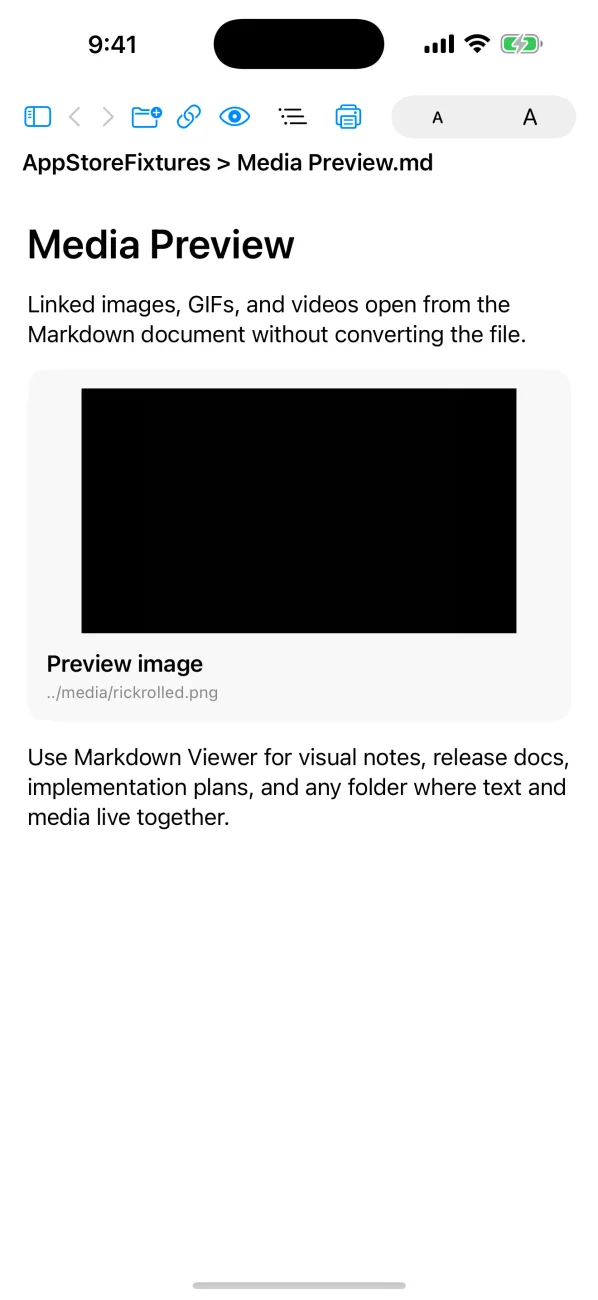
- Read Markdown with native rendering for headings, lists, tables, code blocks, links, images, GIFs, and local video
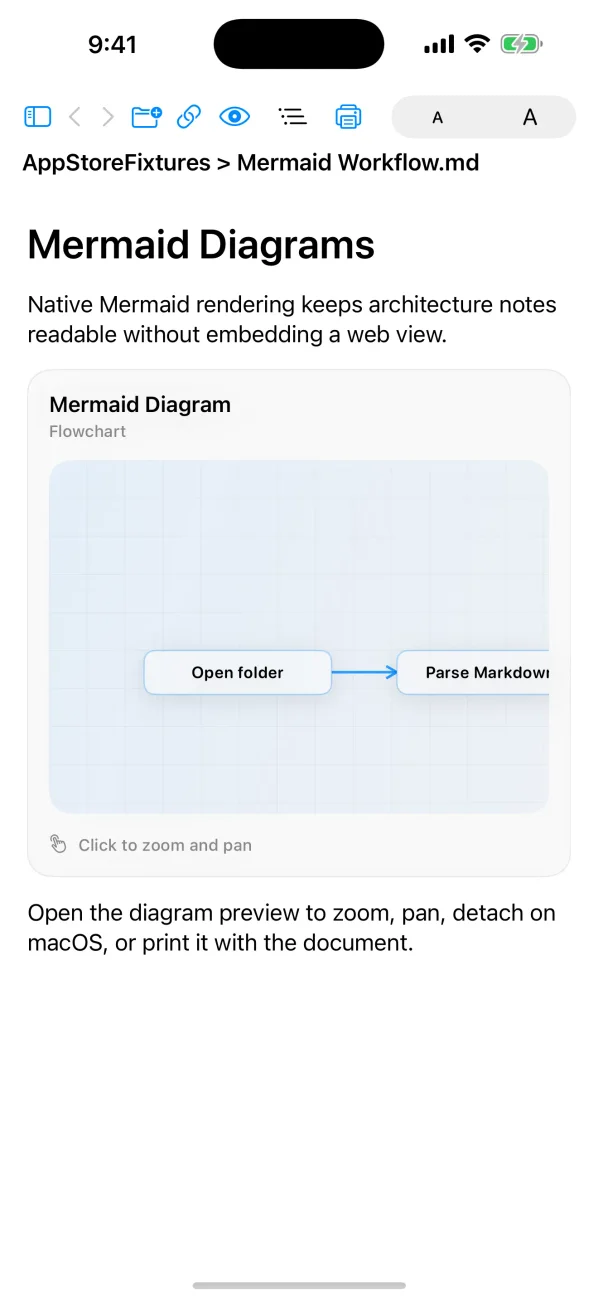
- Render Mermaid diagrams natively, then zoom and pan diagram previews
- Detach Mermaid diagram previews into resizable macOS windows
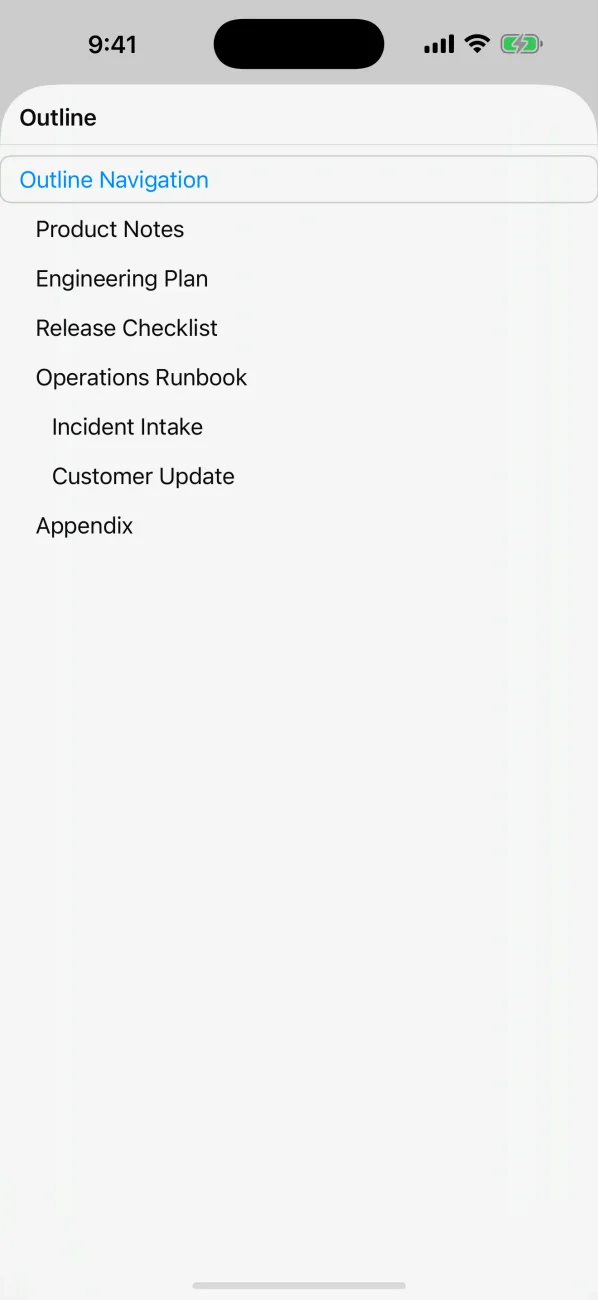
- Open a document outline, jump to headings, and track the current section while reading
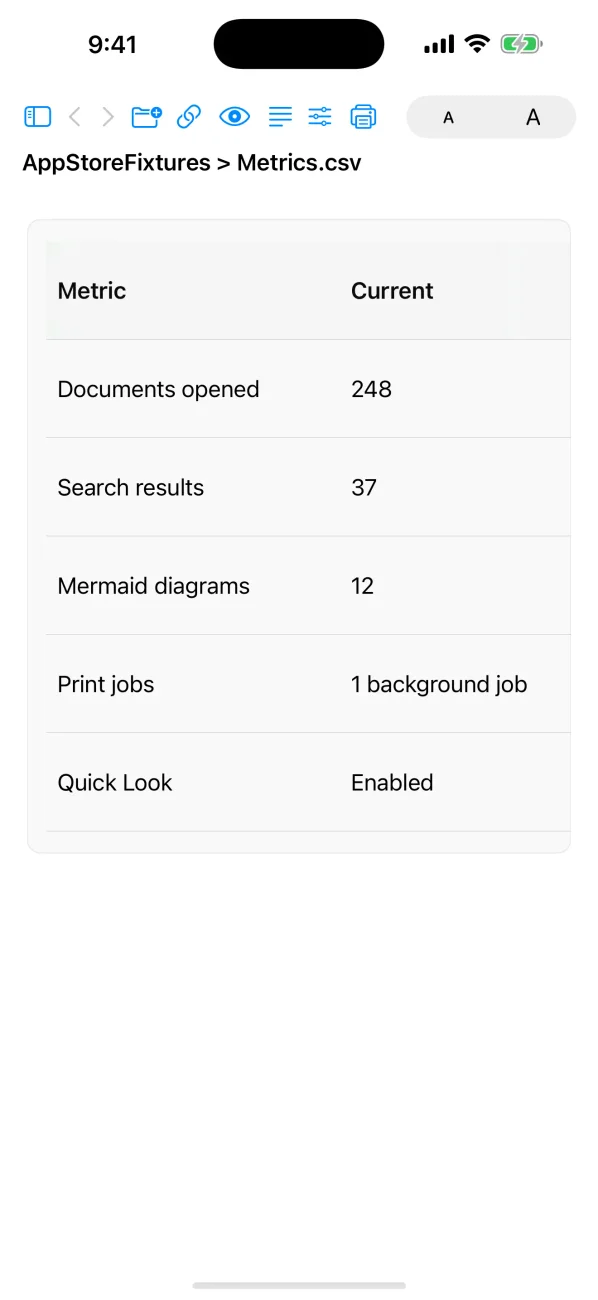
- Open CSV and TSV files as native tables with controls for wrapping and sizing
- Preview linked media without converting your Markdown files
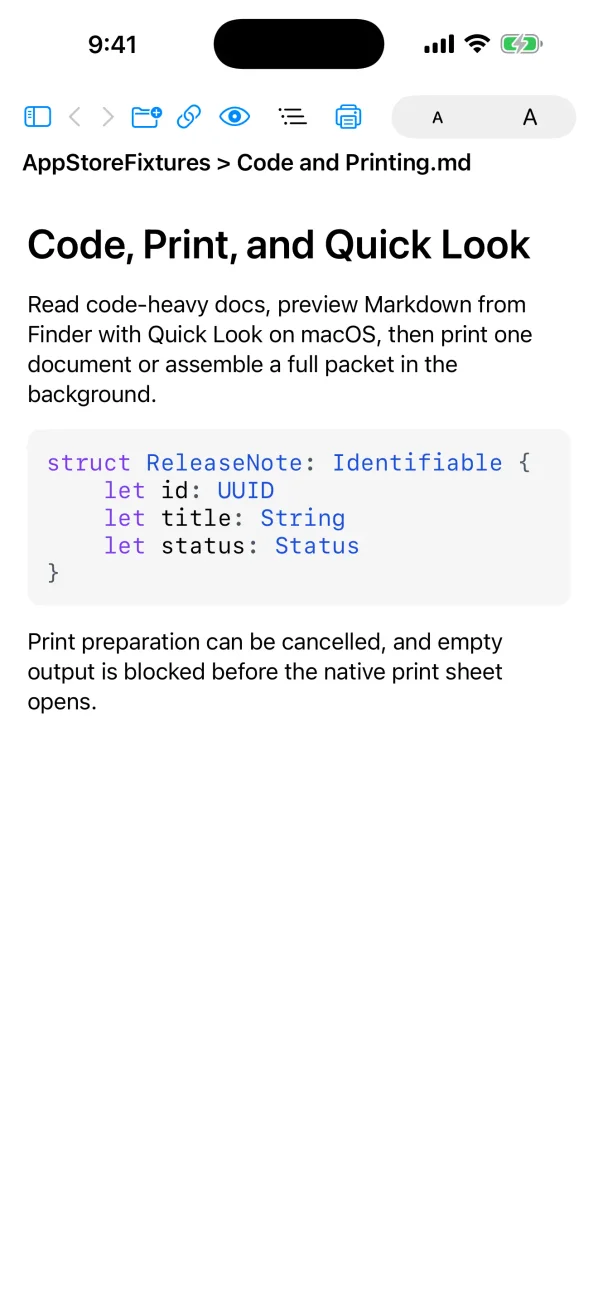
- Print the current document or assemble a cancellable background Print All packet
- Preview Markdown from Finder with the macOS Quick Look extension
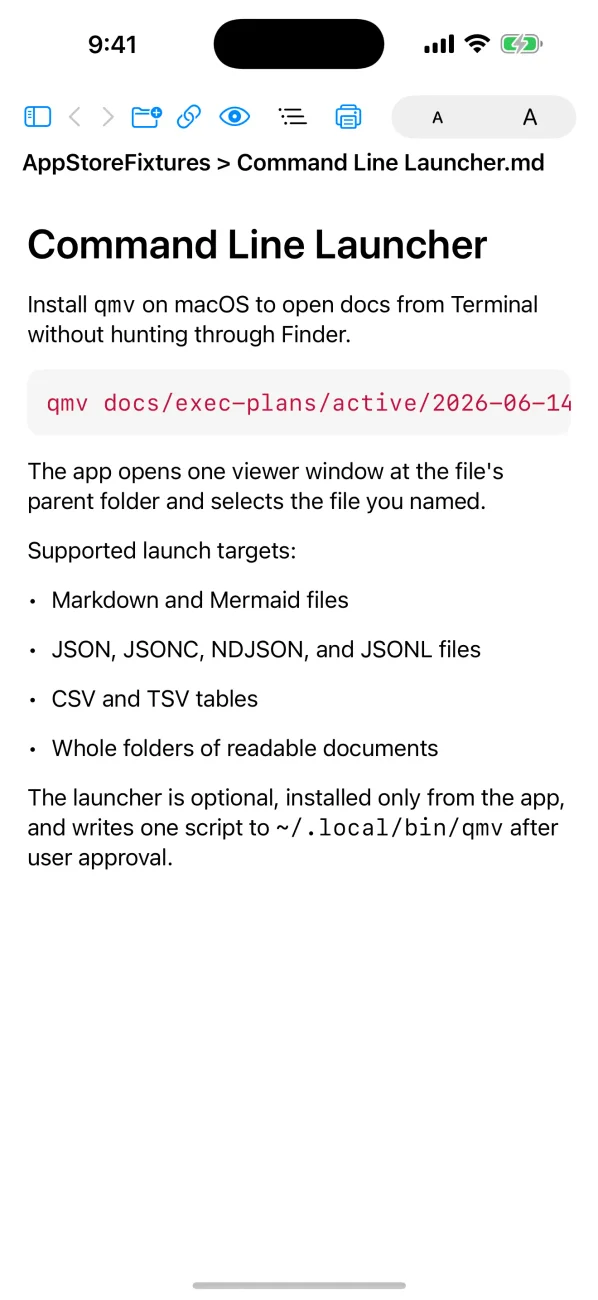
- Install the optional `qmv` command-line launcher on macOS and open supported files directly from Terminal
- Open public GitHub repository and repository tree URLs, including branch and tag paths
- Hide dependency and vendor folders with editable ignore patterns per window
- Navigate between files with back and forward history
- Adjust viewer font size for comfortable reading
Quick Markdown Viewer is designed to stay lightweight and direct:
- no account required
- no subscription
- no in-app purchase
- no tracking
- no web view renderer
Nouveautés
Version 1.7 · 15/06/2026
This update improves folder context in the reader and adds structured JSON-family reading:
- Show the full folder path in the header for files opened from nested folders
- Keep the selected file's ancestor folders visible above the scrolling file sidebar
- Open JSON, JSONC, NDJSON, and JSONL files in a collapsible structured viewer
- View JSON-family fenced blocks inside Markdown with source/viewer controls
- Keep original source line numbers visible while expanding, collapsing, and reading pretty JSON rows
- Quick Look previews now support JSON-family files with bounded native previews
- `qmv /path/to/file` on macOS now cold-starts directly to the file's parent folder with that file selected
- App-level file opens now cover Markdown, Mermaid, JSON-family files, CSV/TSV tables, and folders
Confidentialité de l’application
Ce que Sous Chef Studio, Inc. déclare sur l’App Store au sujet du traitement des données par cette application.
-
Données non collectées
Le développeur ne collecte aucune donnée à partir de cette application.
Les pratiques en matière de confidentialité peuvent varier, notamment en fonction des fonctionnalités que vous utilisez ou de votre âge.
Informations
- Vendeur
- Sous Chef Studio, Inc.
- Catégorie
- Productivité
- Version
- 1.7
- Mis à jour
- 15/06/2026
- Publié
- 07/04/2026
- Taille
- 29,1 Mo
- Nécessite
- iOS 16.0 ou version ultérieure
- Classification d’âge
- 4+
- Langues
- Anglais
- Copyright
- © 2026 Sous Chef Studio, Inc.
Vous aimerez peut-être aussi
-
 md.tooProductivité
-
 Markdown My WordsProductivité
-
 SoloMDNotes et éditeur Markdown
-
 Marked — Markdown EditorProductivité
-
 Markdown Viewer MobileProductivité
-
 Markflow — Markdown ReaderProductivité
-
 Notelane - Markdown EditorProductivité
-
 MDash: Écriture & NotesTraitement de texte Markdown
-
 .md ViewerProductivité
-
 Markdown Editor & LecteurNotes, fichiers md et aperçu