MellowSnap: Composition Camera
Golden Ratio, Symmetry & Grid
Conçue pour iPhone
Gratuit · Achats intégrés
- Classification d’âge4+
- CatégoriePhoto et vidéo
- DéveloppeurChanGyu Kang
- LanguesAnglais+ 7 de plus
- Taille20,6 Mo
Renvoie vers la page App Store officielle
Download.org n’héberge aucun fichier de MellowSnap: Composition Camera. Le bouton ouvre la page de l’application sur App Store, où ChanGyu Kang la publie. Fiche vérifiée pour la dernière fois le 28/11/2026.
Captures d’écran

À propos
Le développeur n’a pas fourni ce texte dans votre langue.
MellowSnap is a snap camera and photo editor that lets you choose a mood and start shooting right away, or transform photos from your library with soft, atmospheric filters.
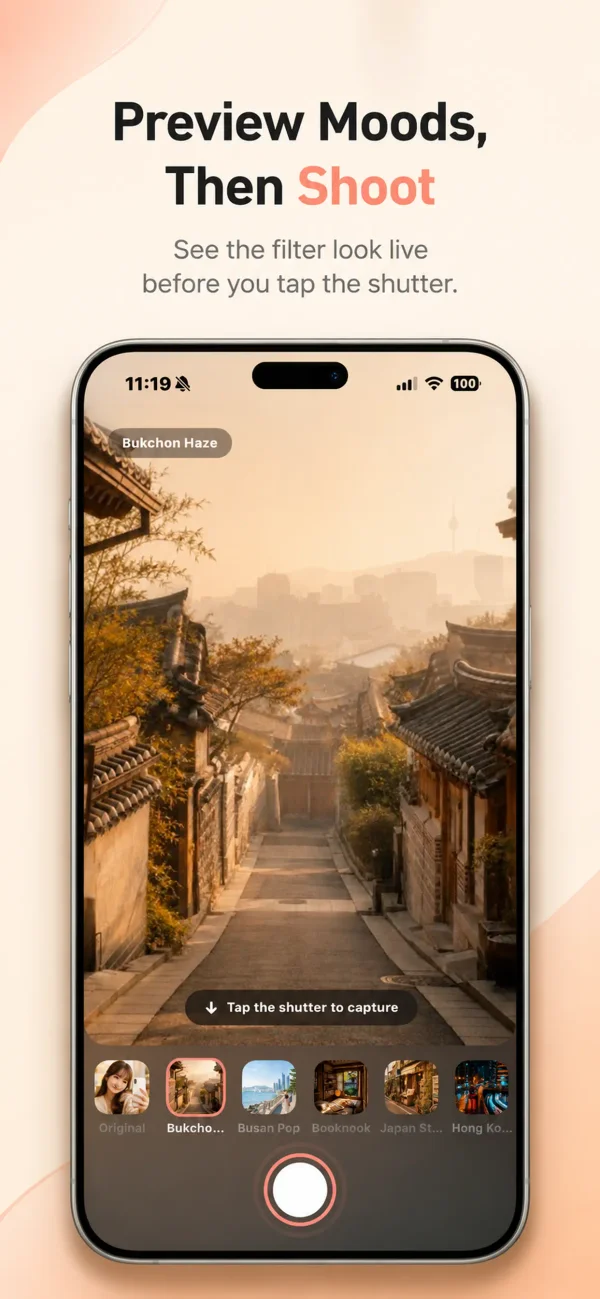
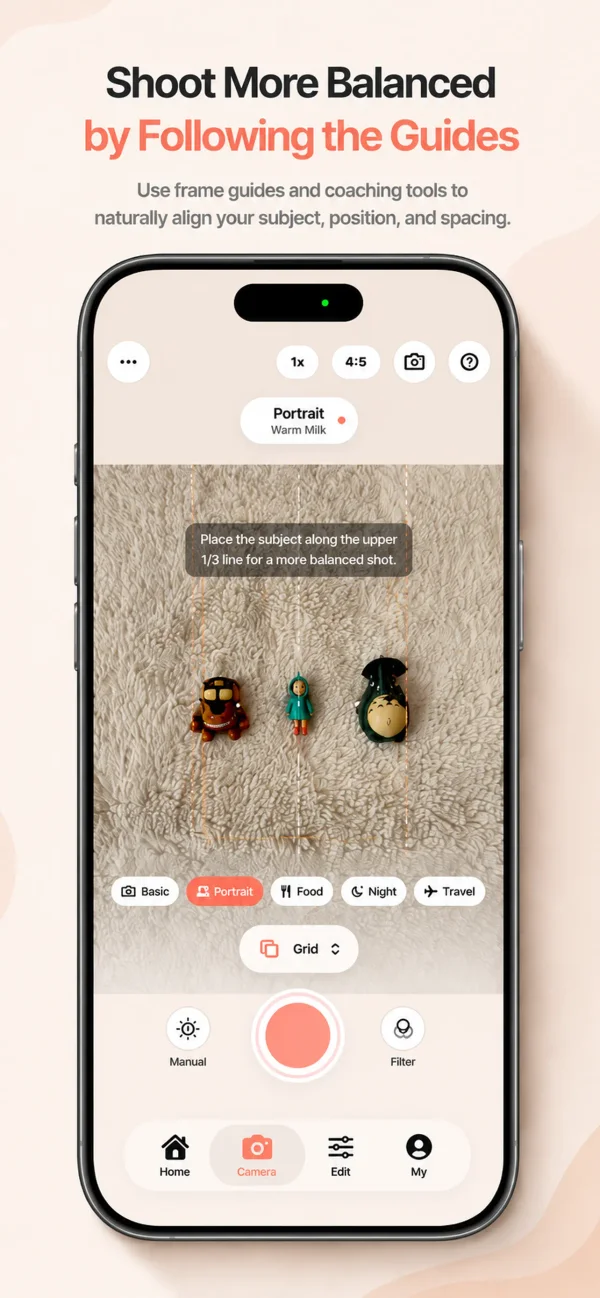
Choose from Basic, Portrait, Food, Night, and Travel shooting presets to apply a filter, composition guide, aspect ratio, and exposure setting at once. Preview the mood before pressing the shutter, then use composition guides and the built-in level to capture more balanced photos.
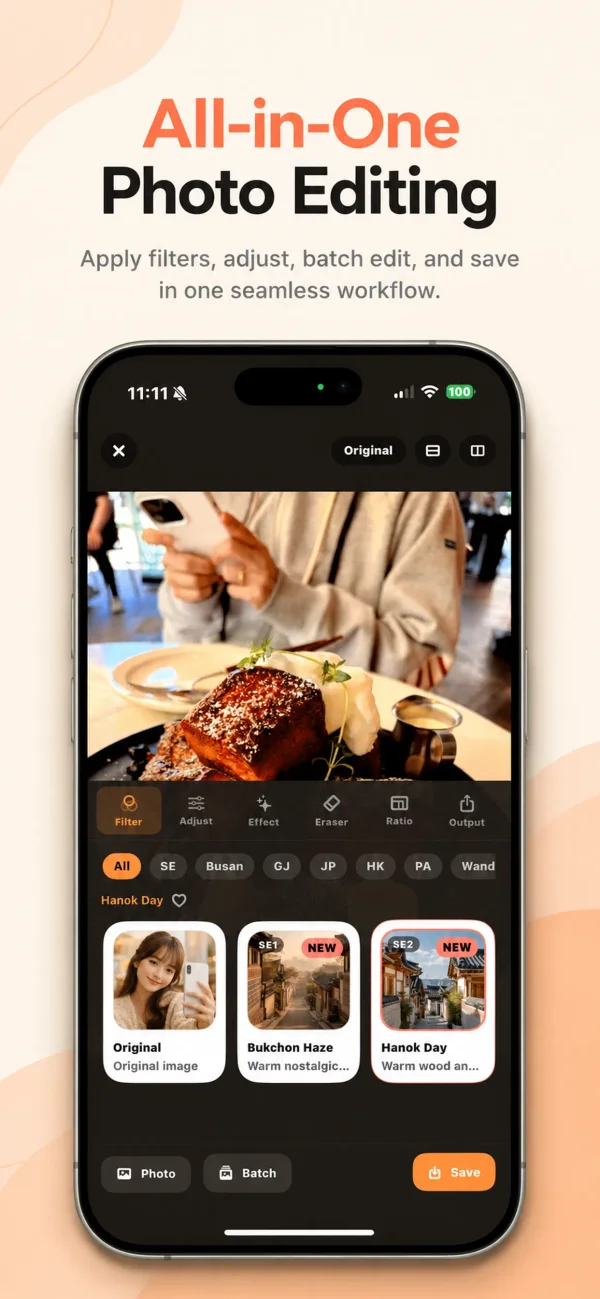
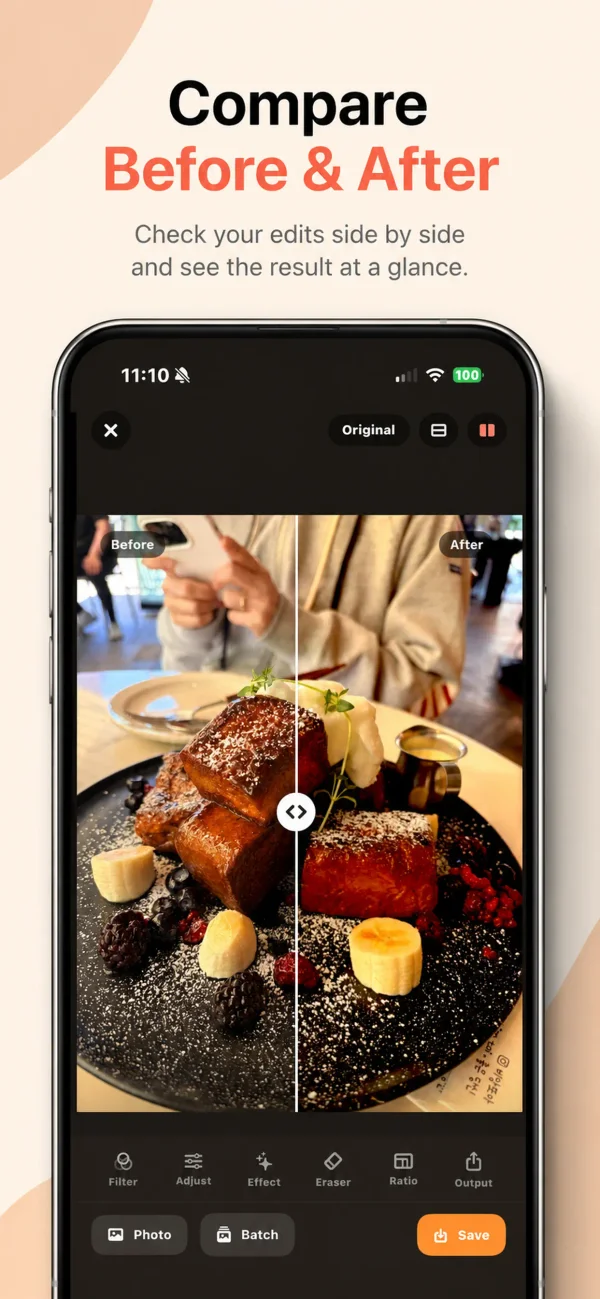
You can also import photos from your library, apply a variety of mood filters, and continue adjusting colors and effects. Compare the original and edited versions at a glance, then save or share your finished photo.
Key Features
Camera Coach Presets
• Choose from Basic, Portrait, Food, Night, and Travel presets.
• Preview the filter mood and final look before shooting.
• Apply a matching filter, composition guide, aspect ratio, and exposure setting together.
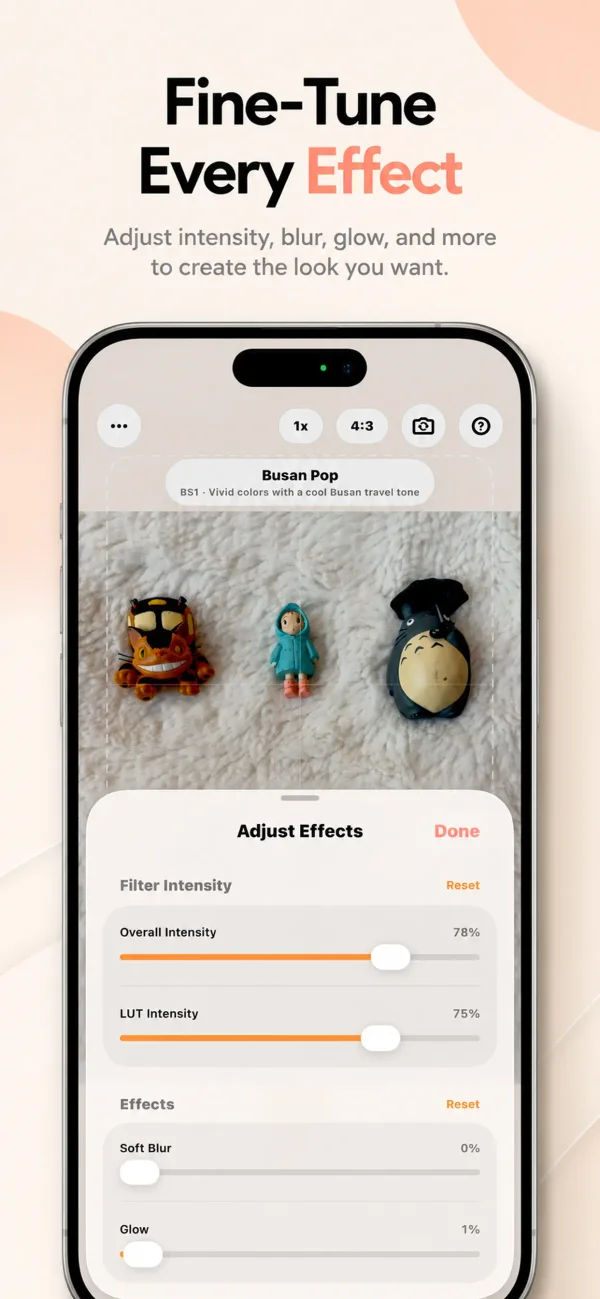
• Fine-tune filters, guides, and other settings after selecting a preset.
Composition Guides and Level
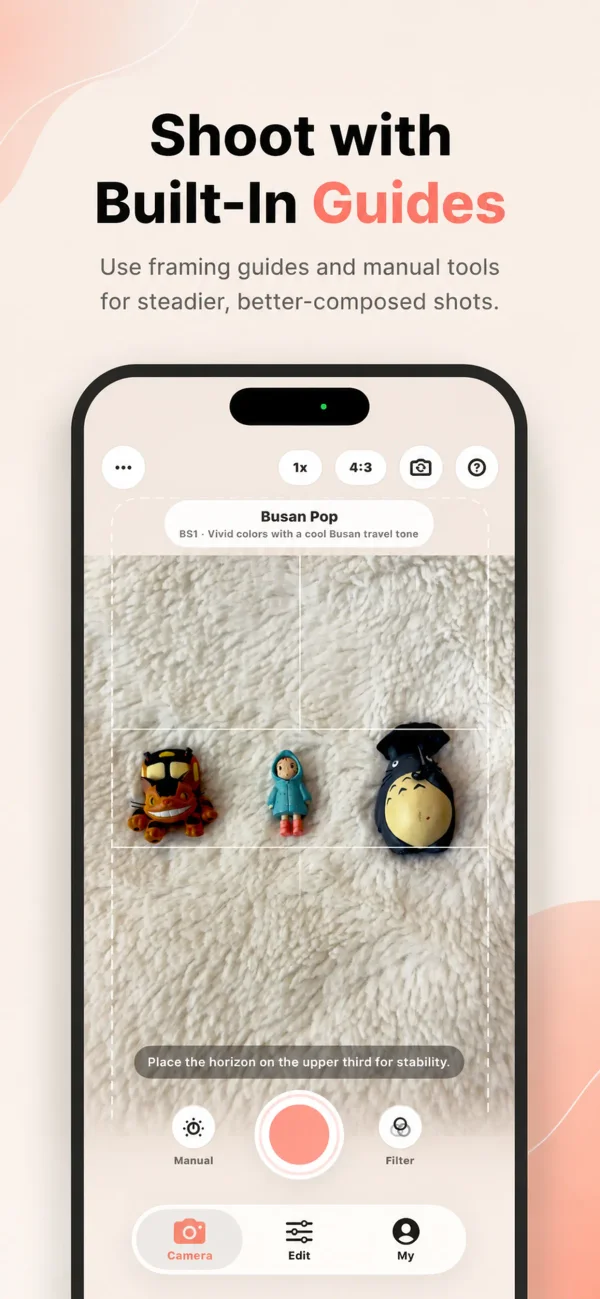
• Use composition guides including Rule of Thirds, Center, Symmetry, and Horizon.
• Follow on-screen coaching tips to adjust subject placement and spacing.
• Check the real-time level to keep your shots straight and balanced.
Mood Filter Camera
• Preview filters in real time while composing your shot.
• Explore filters suited to portraits, food, travel, night scenes, and everyday moments.
• Edit, share, or remove your latest photo directly from the capture review.
Photo Editing
• Import photos from your library and apply mood filters.
• Adjust filters, enhancements, effects, eraser, aspect ratio, and export settings in one workflow.
• Compare before and after using horizontal or vertical comparison views.
• Add date and time styles to your photos.
Manual Camera Controls
• Easily adjust exposure, white balance, and focus.
• Fine-tune camera settings to match your preferred tone and shooting environment.
Pro Features
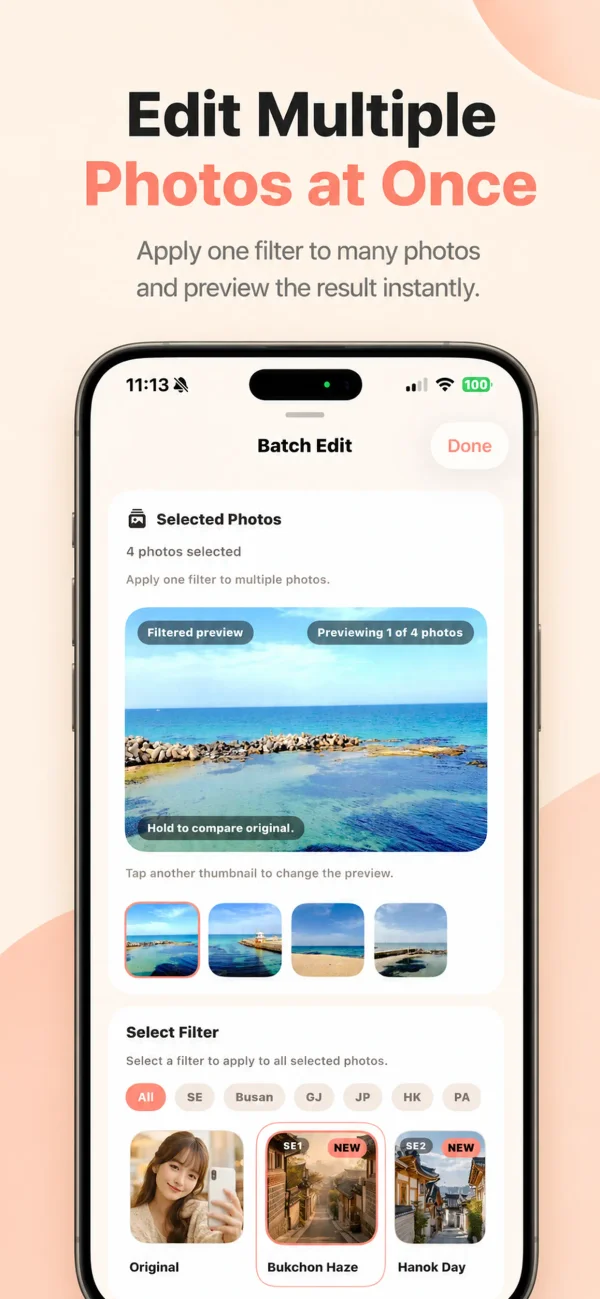
• Apply the same filter to multiple photos with batch editing.
• Save frequently used editing settings as custom recipes and share them with others.
• Unlock all premium filters and advanced features with a one-time purchase.
MellowSnap is designed for natural, soft colors rather than excessive editing. Capture everyday moments with ease and finish them in the mood that feels right to you.
Nouveautés
Version 1.3.0 · 26/11/2026
Rediscover everyday moments with the all-new MellowSnap.
• A New Creative Home
Discover daily filter recommendations, quick access to shooting and editing, and composition guides—all in one place.
• Your Styles, Closer at Hand
Easily access recently used filters, favorites, and saved recipes directly from Home.
• Easier Filter Discovery
Explore free and new filters, or find the perfect look for travel, portraits, cafés, and more.
• More Reliable Shooting
Improved lens switching, shutter responsiveness, and timer shooting stability.
• Enhanced Editing and Sharing
Improved batch editing, recipe application, photo sharing, and watermark previews.
Additional usability improvements and bug fixes make your photography and editing experience even smoother.
Confidentialité de l’application
Ce que ChanGyu Kang déclare sur l’App Store au sujet du traitement des données par cette application.
-
Données non collectées
Le développeur ne collecte aucune donnée à partir de cette application.
Les pratiques en matière de confidentialité peuvent varier, notamment en fonction des fonctionnalités que vous utilisez ou de votre âge.
Informations
- Vendeur
- ChanGyu Kang
- Catégorie
- Photo et vidéo
- Version
- 1.3.0
- Mis à jour
- 26/11/2026
- Publié
- 05/07/2026
- Taille
- 20,6 Mo
- Nécessite
- iOS 16.0 ou version ultérieure
- Classification d’âge
- 4+
- Prix
- Gratuit
- Achats intégrés
- Oui
- Langues
- Anglais, Français, Allemand, Japonais, Coréen, Portugais, Chinois simplifié, Chinois traditionnel
- Copyright
- © Nicechann Studio
Vous aimerez peut-être aussi
-
 Feelca PopPhoto et vidéo
-
 ZALLA - Montage vidéoShorts et Reels en un geste
-
 Disk RescuePhoto et vidéo
-
 ZRcamera - Film Look CameraPhoto et vidéo
-
 MapCam - Map Film CameraPhoto et vidéo
-
 Moza - Mosaïque, FlouPixeliser, Masquer, Annoter
-
 Dual Shot Recorder・Dual CameraVideo Recorder: Reels & Vlog
-
 Creator Cam: Dualshot RecorderDouble caméra & prompteur
-
 Appareil Photo Clap MinuteurSelfie mains libres trépied
-
 GeoCam : Caméra GPS horodatéeFiligrane photo et position