MellowSnap: Composition Camera
Golden Ratio, Symmetry & Grid
Designed for iPhone
Free · In-app purchases
- Age rating4+
- CategoryPhoto & Video
- DeveloperChanGyu Kang
- LanguagesEnglish+ 7 more
- Size20.4 MB
Links to the official App Store page
Download.org hosts no file of MellowSnap: Composition Camera. The button opens its official App Store page, published by ChanGyu Kang. Listing last checked on Nov 12, 2026.
Screenshots

About
MellowSnap is a snap camera and photo editor that lets you choose a mood and start shooting right away, or transform photos from your library with soft, atmospheric filters.
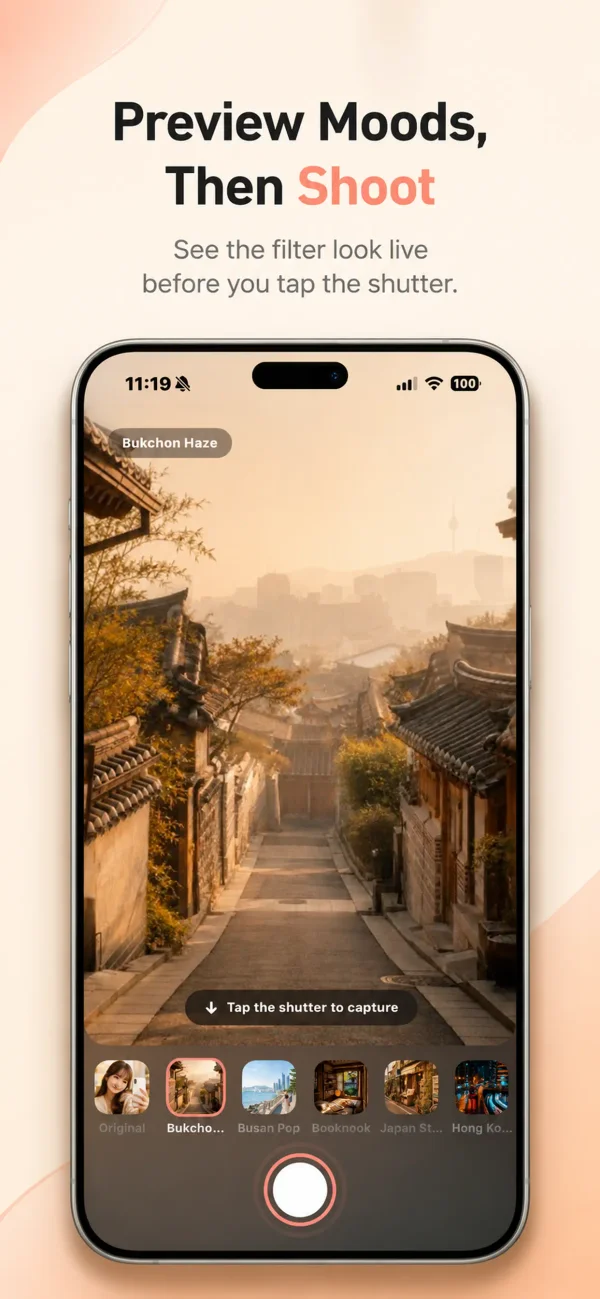
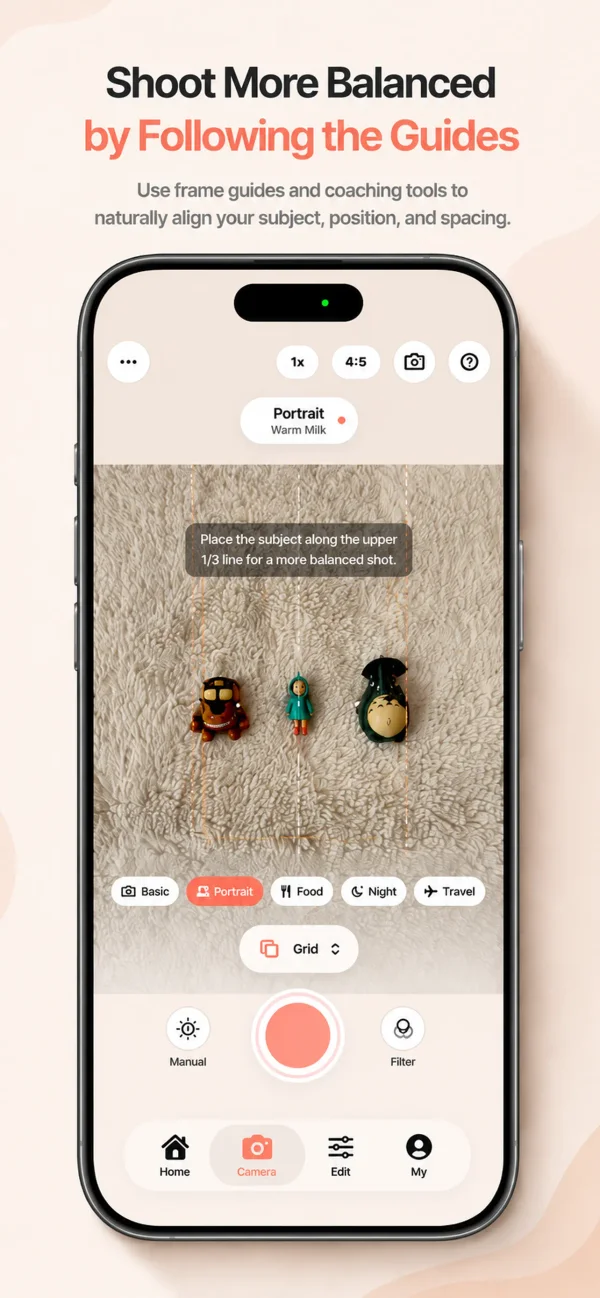
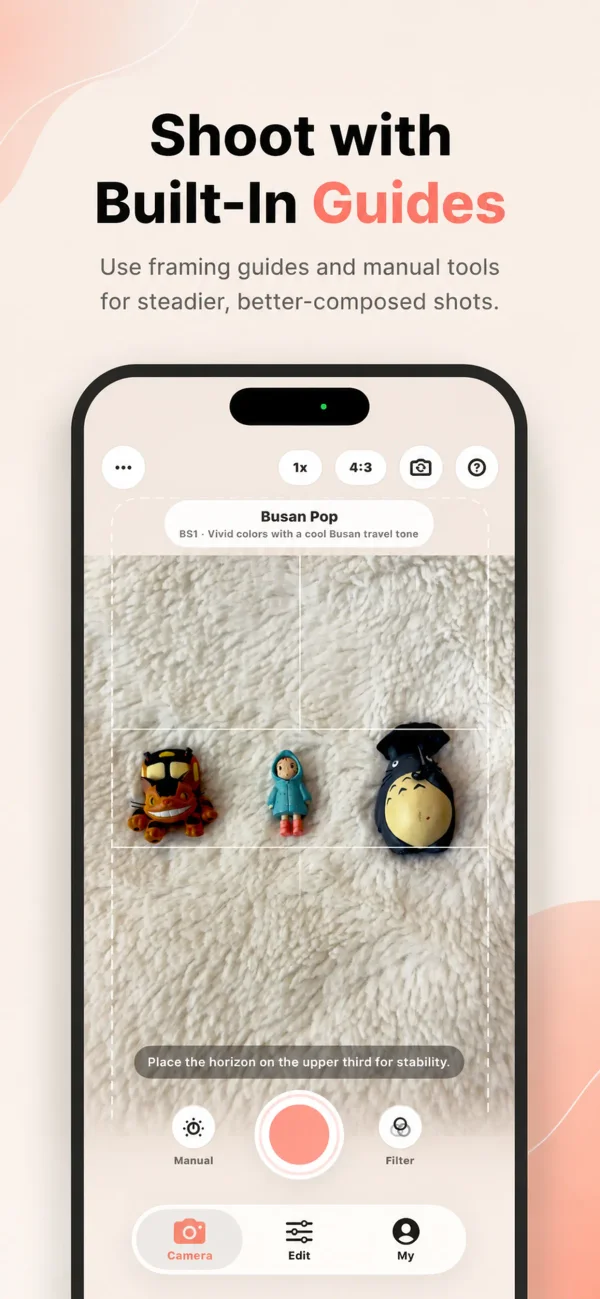
Choose from Basic, Portrait, Food, Night, and Travel shooting presets to apply a filter, composition guide, aspect ratio, and exposure setting at once. Preview the mood before pressing the shutter, then use composition guides and the built-in level to capture more balanced photos.
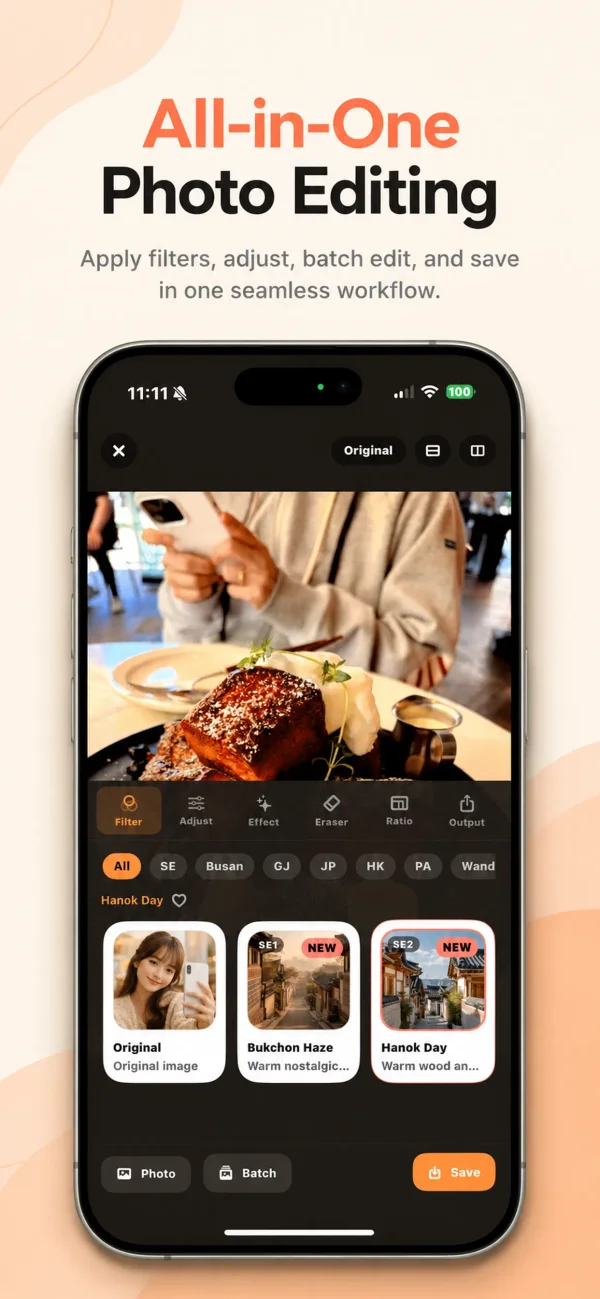
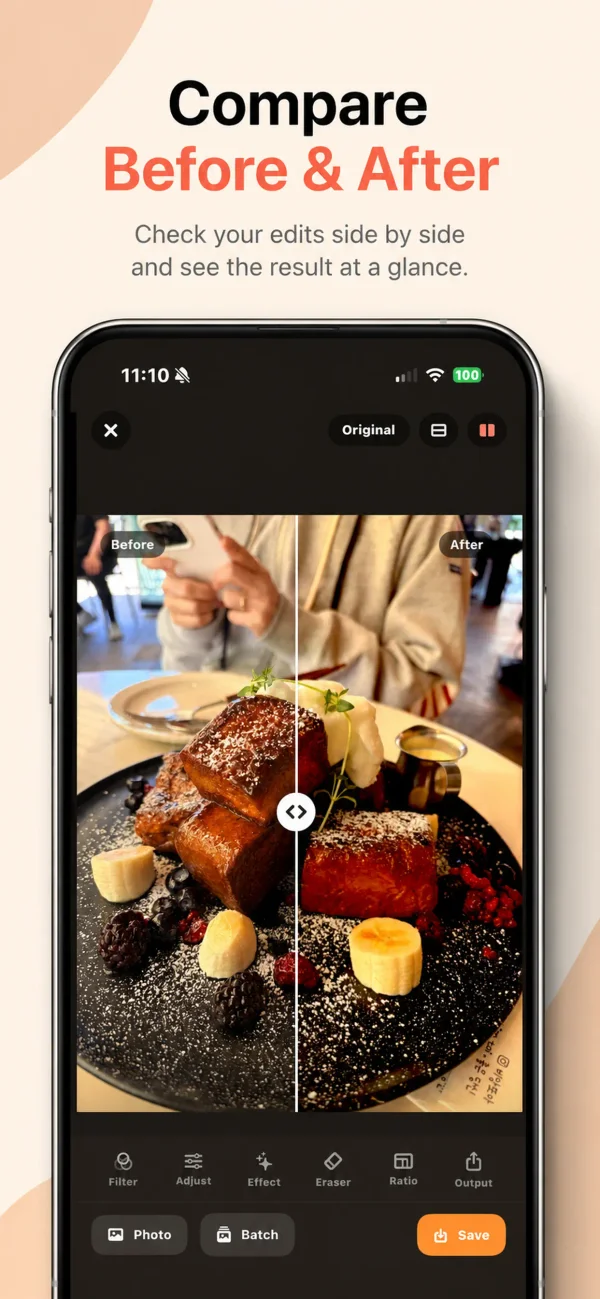
You can also import photos from your library, apply a variety of mood filters, and continue adjusting colors and effects. Compare the original and edited versions at a glance, then save or share your finished photo.
Key Features
Camera Coach Presets
• Choose from Basic, Portrait, Food, Night, and Travel presets.
• Preview the filter mood and final look before shooting.
• Apply a matching filter, composition guide, aspect ratio, and exposure setting together.
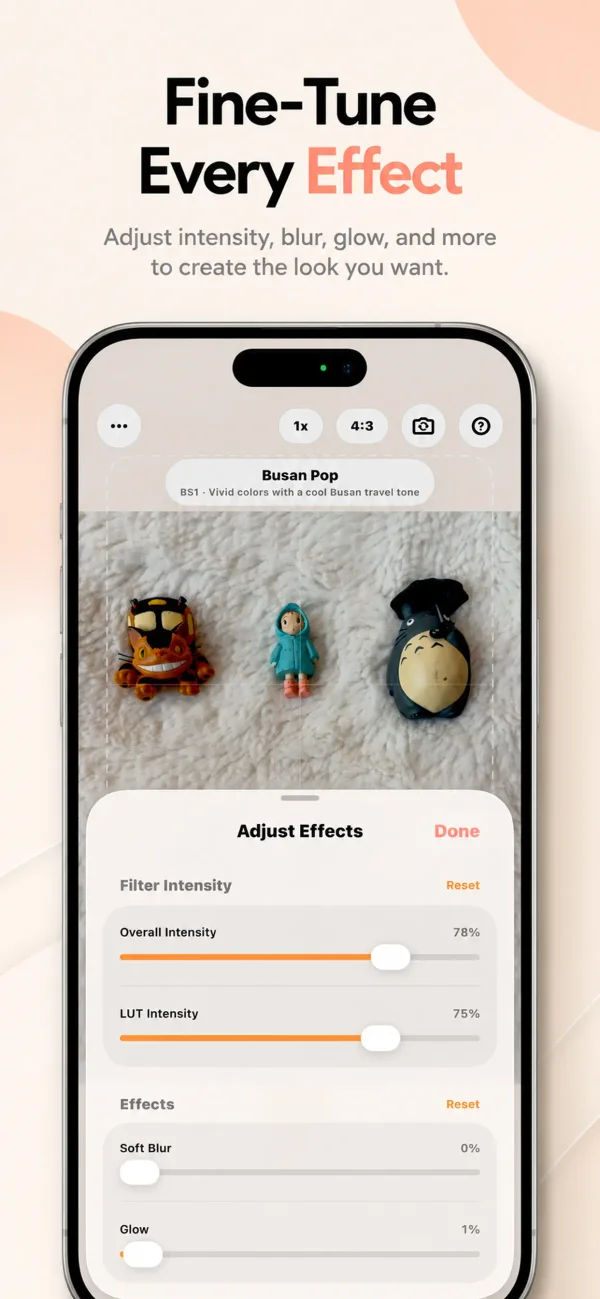
• Fine-tune filters, guides, and other settings after selecting a preset.
Composition Guides and Level
• Use composition guides including Rule of Thirds, Center, Symmetry, and Horizon.
• Follow on-screen coaching tips to adjust subject placement and spacing.
• Check the real-time level to keep your shots straight and balanced.
Mood Filter Camera
• Preview filters in real time while composing your shot.
• Explore filters suited to portraits, food, travel, night scenes, and everyday moments.
• Edit, share, or remove your latest photo directly from the capture review.
Photo Editing
• Import photos from your library and apply mood filters.
• Adjust filters, enhancements, effects, eraser, aspect ratio, and export settings in one workflow.
• Compare before and after using horizontal or vertical comparison views.
• Add date and time styles to your photos.
Manual Camera Controls
• Easily adjust exposure, white balance, and focus.
• Fine-tune camera settings to match your preferred tone and shooting environment.
Pro Features
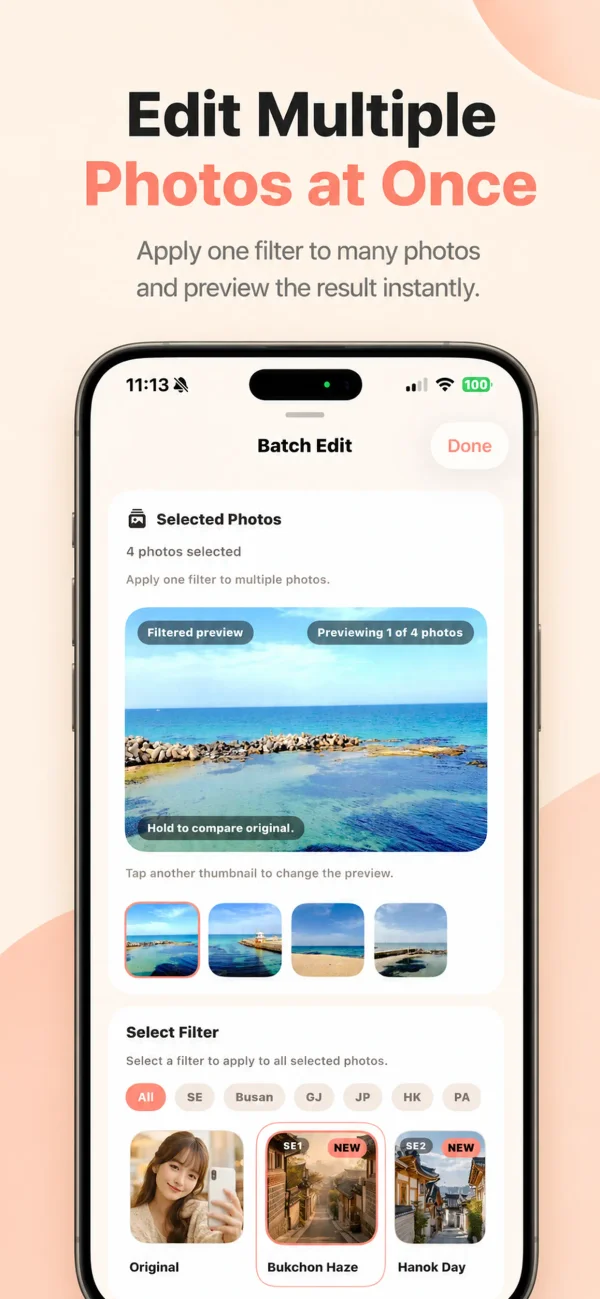
• Apply the same filter to multiple photos with batch editing.
• Save frequently used editing settings as custom recipes and share them with others.
• Unlock all premium filters and advanced features with a one-time purchase.
MellowSnap is designed for natural, soft colors rather than excessive editing. Capture everyday moments with ease and finish them in the mood that feels right to you.
What’s new
Version 1.2.5 · Nov 3, 2026
This update improves camera and editing stability.
• Improved camera recovery after interruptions and when returning to the app.
• Refined photo and video importing, including selection order and save/share availability.
• Improved date stamp placement and text sizing on photos and videos, while reducing memory use during video processing.
• Improved camera control responsiveness and refined translations.
App privacy
What ChanGyu Kang declares on the App Store about how this app handles data.
-
Data not collected
The developer does not collect any data from this app.
Privacy practices may vary, for example with the features you use or your age.
Information
- Seller
- ChanGyu Kang
- Category
- Photo & Video
- Version
- 1.2.5
- Updated
- Nov 3, 2026
- Released
- Jul 5, 2026
- Size
- 20.4 MB
- Requires
- iOS 16.0 or later
- Age rating
- 4+
- Price
- Free
- In-app purchases
- Yes
- Languages
- English, French, German, Japanese, Korean, Portuguese, Simplified Chinese, Traditional Chinese
- Copyright
- © Nicechann Studio
You might also like
-
 Feelca PopFilm vibes in your hands
-
 ZALLA - Video EditorMake Shorts & Reels in a tap
-
 Disk RescueDon't delete. Keep it light.
-
 ZRcamera - Film Look CameraRetro presets & manual focus
-
 MapCam - Map Film CameraFilm camera that stamps maps
-
 Moza - Mosaic, BlurAuto Face Pixelation & Markup
-
 Dual Shot Recorder・Dual CameraRecord Video: Front & Back Cam
-
 Creator Cam: TeleprompterDual Camera Video Recorder
-
 Auto Photo: Clap Camera TimerSnap or Clap to Take Photos
-
 GeoCam: GPS Photo WatermarkTimestamp Camera & Geotag