
- Classification d’âge4+
- CatégorieÉducation
- DéveloppeurMicro:bit Educational Foundation
- LanguesAnglais+ 4 de plus
- Taille59,3 Mo
Renvoie vers la page App Store officielle
Download.org n’héberge aucun fichier de micro:bit. Le bouton ouvre la page de l’application sur App Store, où Micro:bit Educational Foundation la publie. Fiche vérifiée pour la dernière fois le 13/11/2026.
Captures d’écran
À propos
Le développeur n’a pas fourni ce texte dans votre langue.
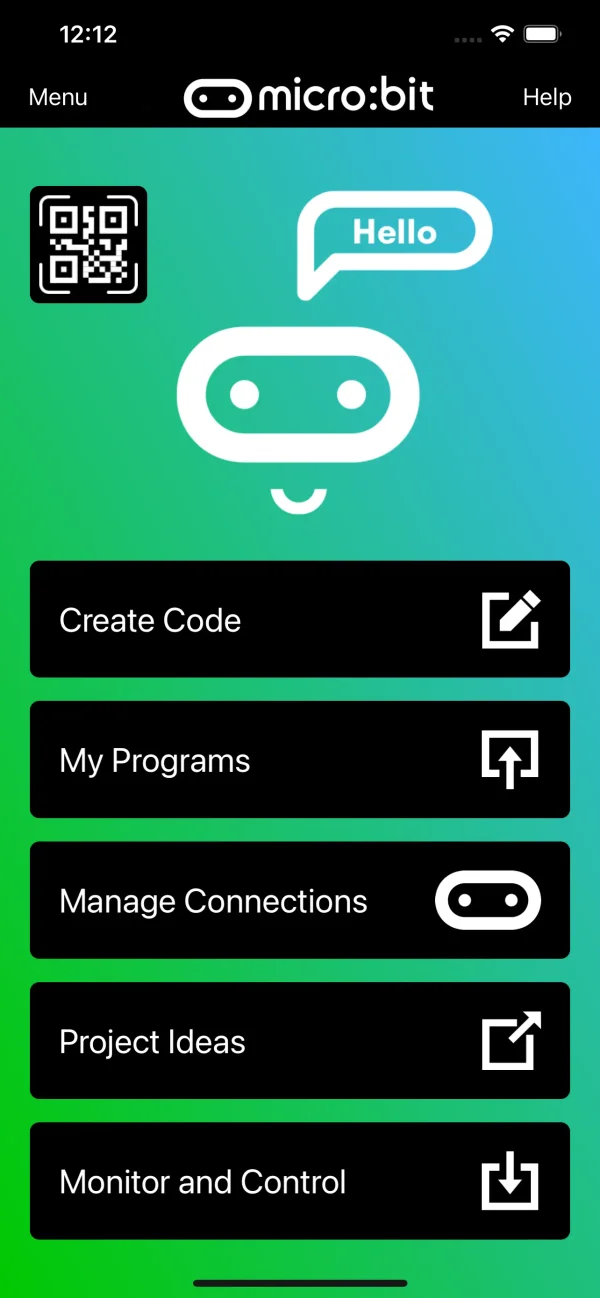
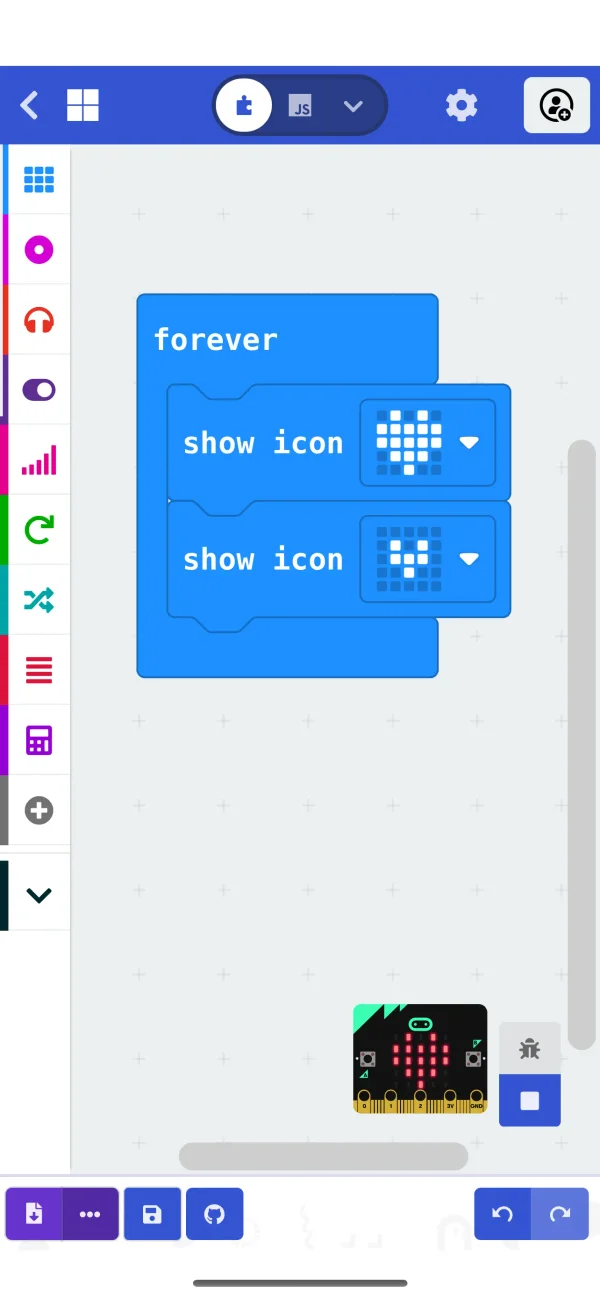
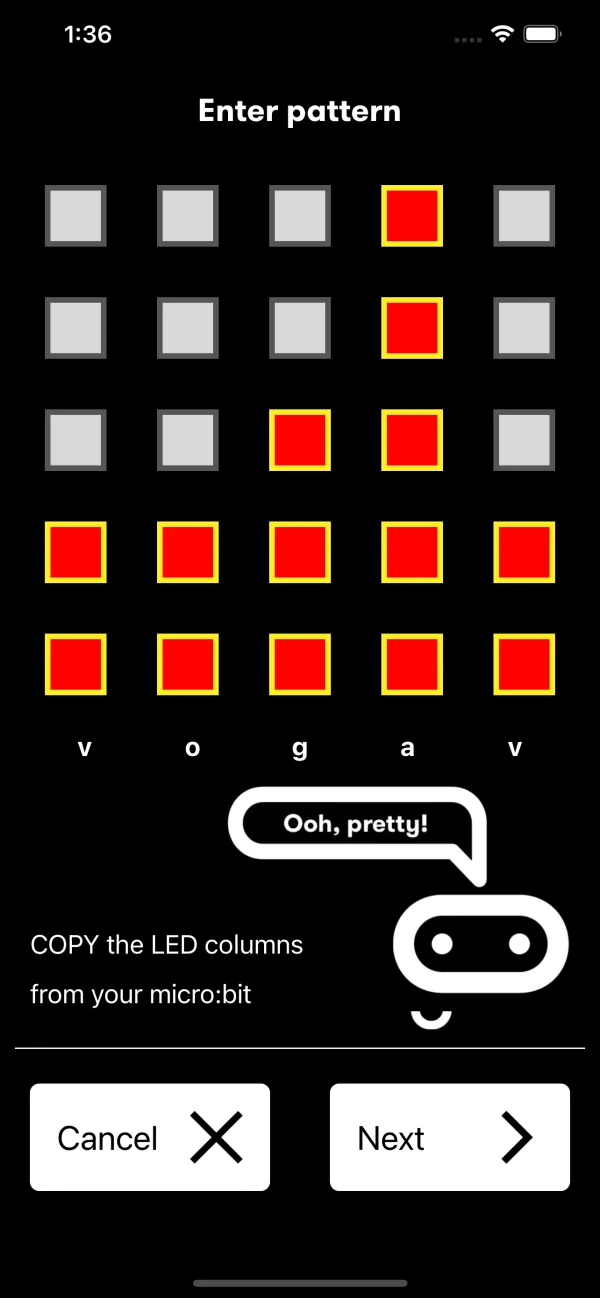
The micro:bit app is the essential companion to the BBC micro:bit, the pocket sized programmable computer. The app allows you to flash any micro:bit hex file to your device, as well as including online access to the Microsoft MakeCode editor for simple block-based programming. When your program is ready, the app beams it to the micro:bit via Bluetooth wirelessly. Easy-to-follow screens lead you through the process of pairing your iPad (or iPhone) to the micro:bit and then transferring your program code.
Compared with previous versions, the micro:bit app Version 3.1 contains these additional features:
• A simpler pairing and micro:bit discovery flow
• The micro:bit V2 can be put into pairing mode by triple-tapping the reset button
• Retrieval of the micro:bit data log files from off your micro:bit
• Pair with any number of micro:bits
• Choose which micro:bit is currently connected
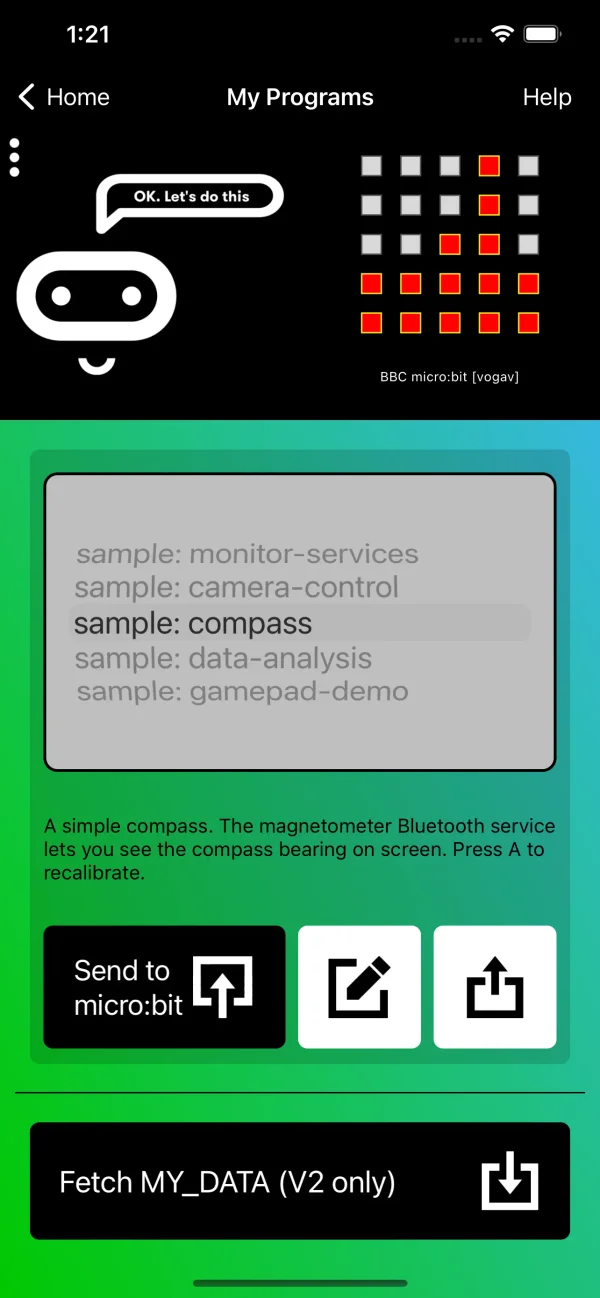
• Store HEX files in the app
• Choose a HEX file for flashing
• Export and delete HEX files
• Import stored HEX files directly into JavaScript Blocks editor
• Rapid download from JavaScript Blocks editor
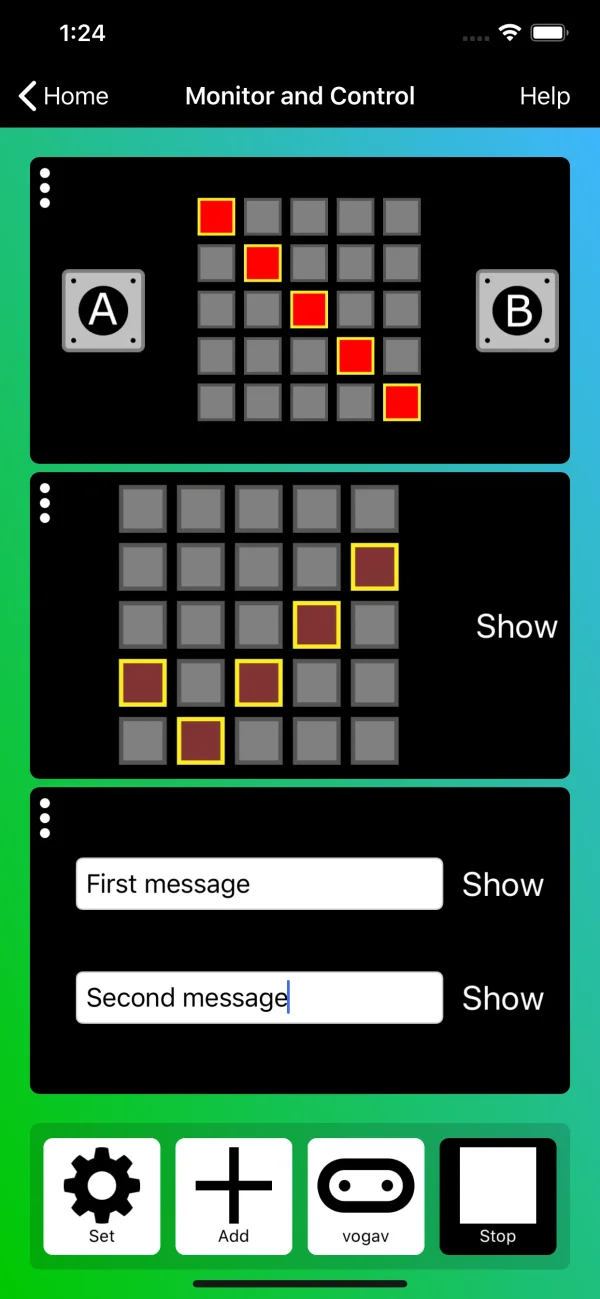
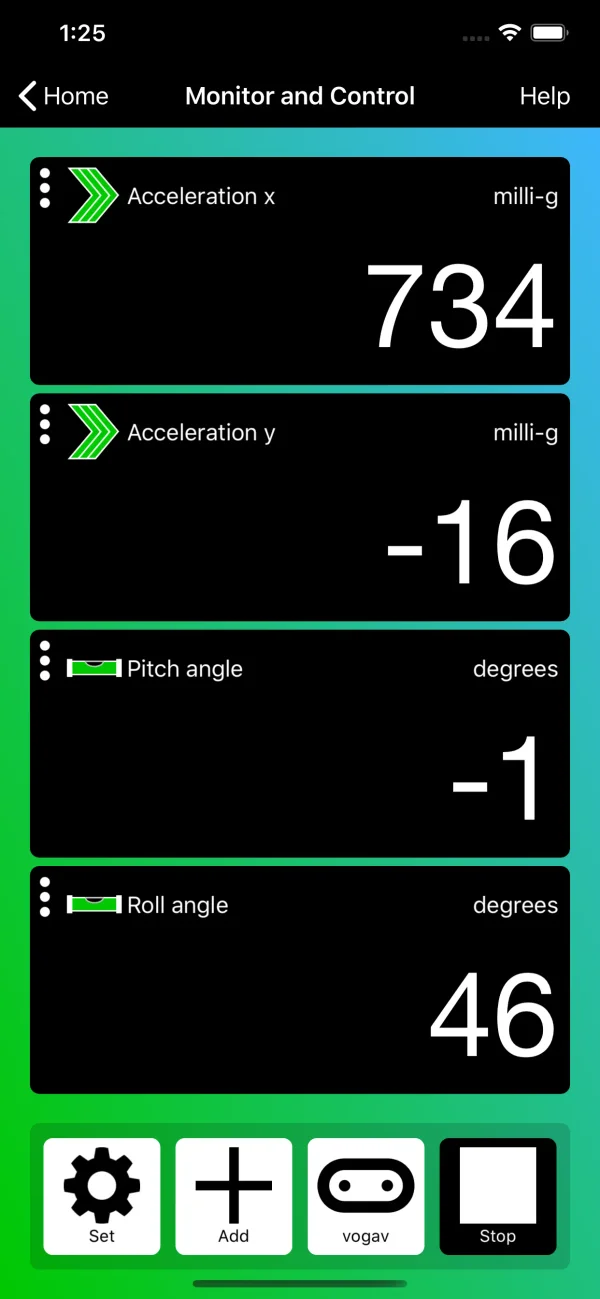
• Monitor data detected by micro:bit sensors
• Use the range of micro:bit Bluetooth services in real time
• Display messages on the micro:bit LEDs
• Send control commands to the micro:bit buttons and pins
• De-bug your program code while it is running in the micro:bit
• Use a simulated gamepad to send commands to the micro:bit
• View camera images ready for taking photos or video
As well as providing more flexible handling of your program scripts and HEX files, a major addition in Version 3 is the Monitor and Control page. This lets you observe real-time data from the micro:bit sensors, send messages directly to the LEDs and control the micro:bit buttons and pins from your iPad or iPhone. Monitor is ideal for exploiting Bluetooth services in real time, and for de-bugging your program code while it is running in the micro:bit.
The MakeCode code editor now requires iOS 13 or later.
Nouveautés
Version 3.1.1 · 13/02/2025
Improved interface for Fetch MY_DATA.
Catalan and Dutch translations.
Maintenance and minor bug fixes.
Confidentialité de l’application
Ce que Micro:bit Educational Foundation déclare sur l’App Store au sujet du traitement des données par cette application.
-
Données n’établissant aucun lien avec vous
Peuvent être collectées, mais ne sont pas liées à votre identité.
- Autres données
Les pratiques en matière de confidentialité peuvent varier, notamment en fonction des fonctionnalités que vous utilisez ou de votre âge.
Informations
- Vendeur
- Micro:bit Educational Foundation
- Catégorie
- Éducation
- Version
- 3.1.1
- Mis à jour
- 13/02/2025
- Publié
- 31/03/2016
- Taille
- 59,3 Mo
- Nécessite
- iOS 12.0 ou version ultérieure
- Classification d’âge
- 4+
- Prix
- Gratuit
- Langues
- Anglais, Catalan, Croate, Néerlandais, Japonais
- Copyright
- © 2023 Micro:bit Educational Foundation
Vous aimerez peut-être aussi
-
 Spike™ LEGO® EducationEngage every learner in STEAM
-
 Tynker: Coding for KidsÉducation
-
 Bee-BotÉducation
-
 Blue-BotÉducation
-
 PictoBlox-Coding, Robots & AIÉducation
-
 51Talk: Learn & Speak EnglishÉducation
-
 Tayasui Sketches SchoolÉducation
-
 SPARKvue 4Éducation
-
 SumdogÉducation
-
 Todo Math10millions d’enfants l’adorent