- Batasan usia4+
- KategoriPendidikan
- PengembangMicro:bit Educational Foundation
- BahasaInggris+ 4 lainnya
- Ukuran59,3 MB
Tertaut ke halaman resmi App Store
Download.org tidak menyimpan file micro:bit apa pun. Tombol ini membuka halaman aplikasi di App Store, tempat Micro:bit Educational Foundation menerbitkannya. Halaman terakhir diperiksa pada 13/11/2026.
Tangkapan layar
Tentang
Pengembang belum menyediakan teks ini dalam bahasa Anda.
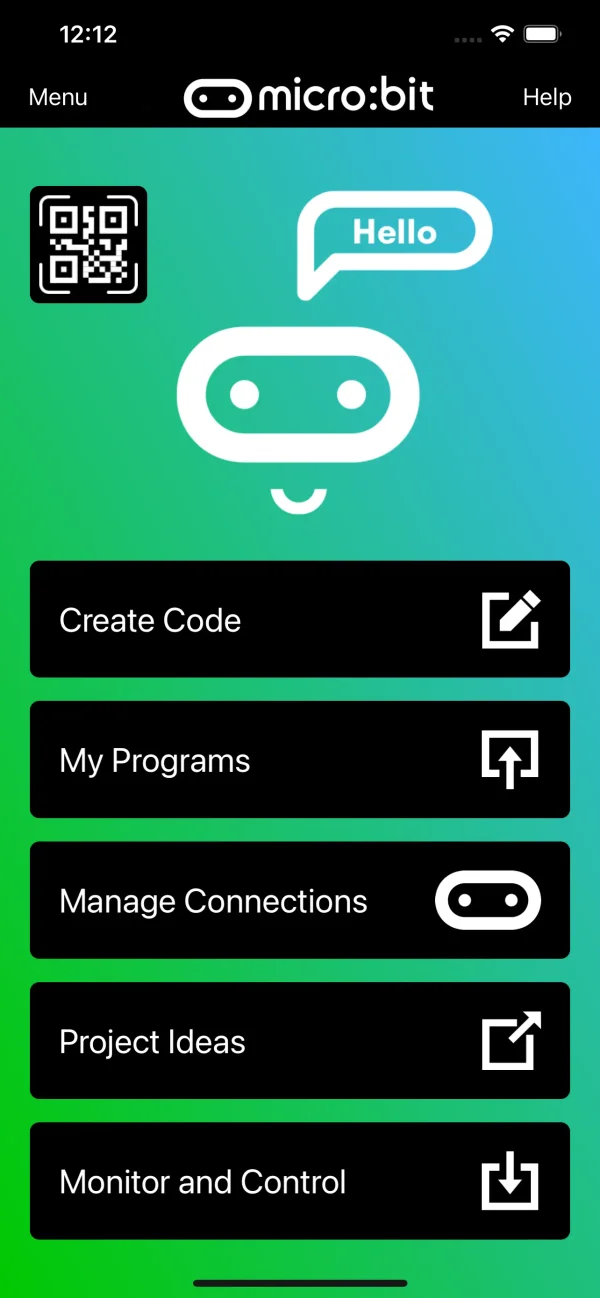
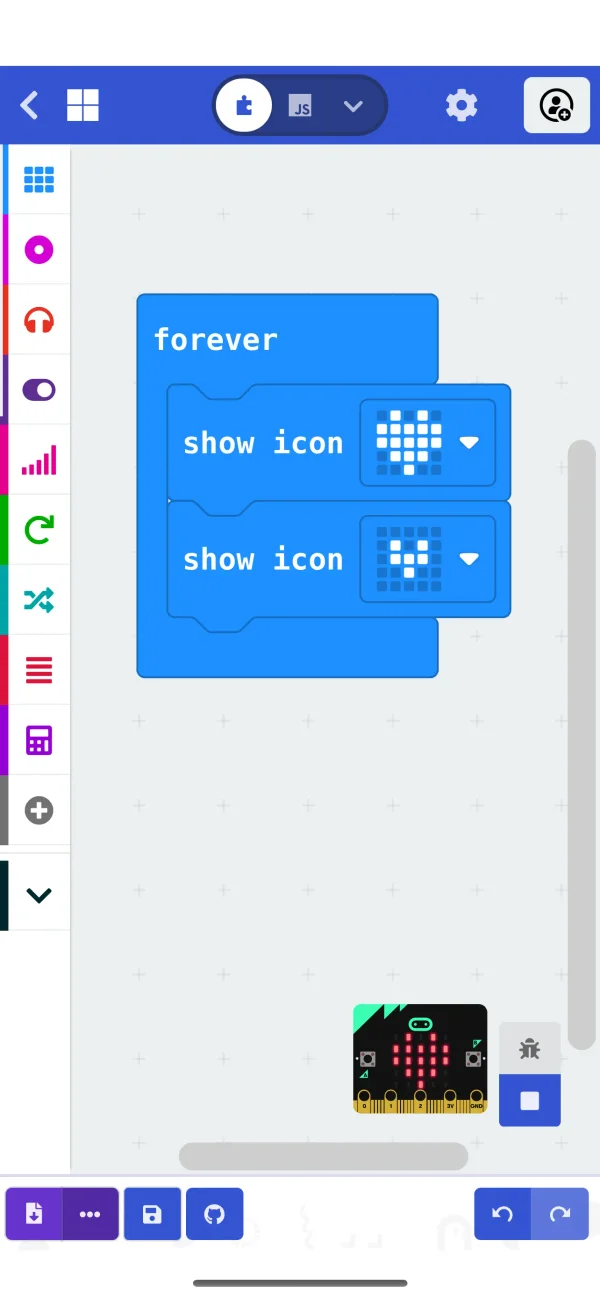
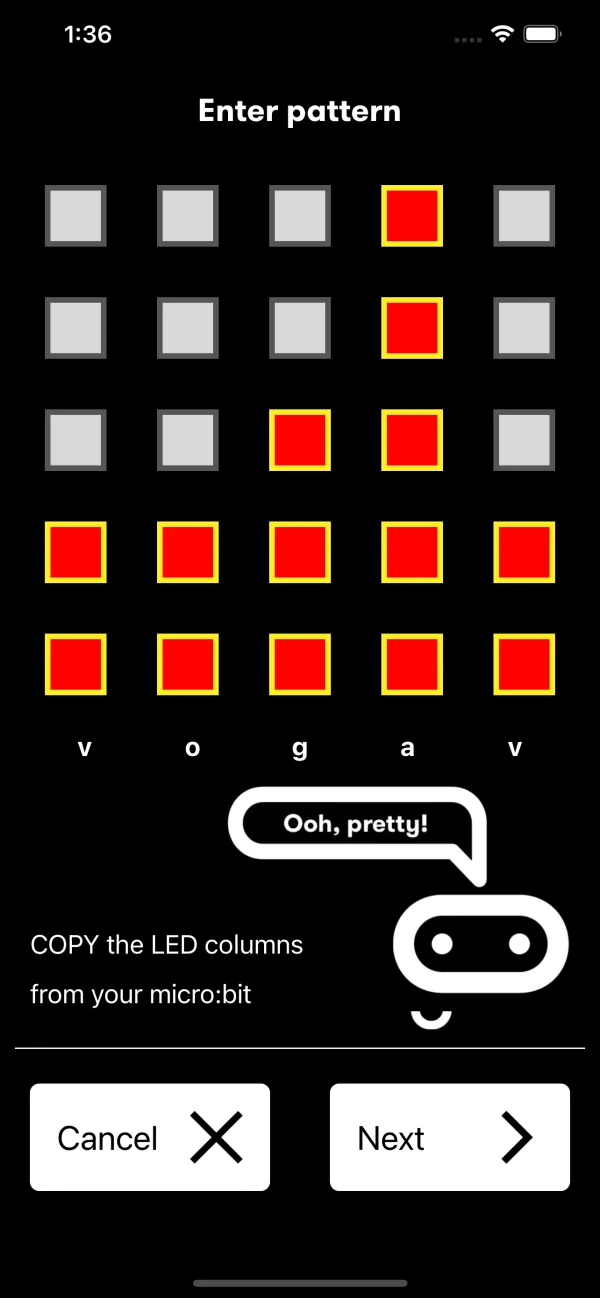
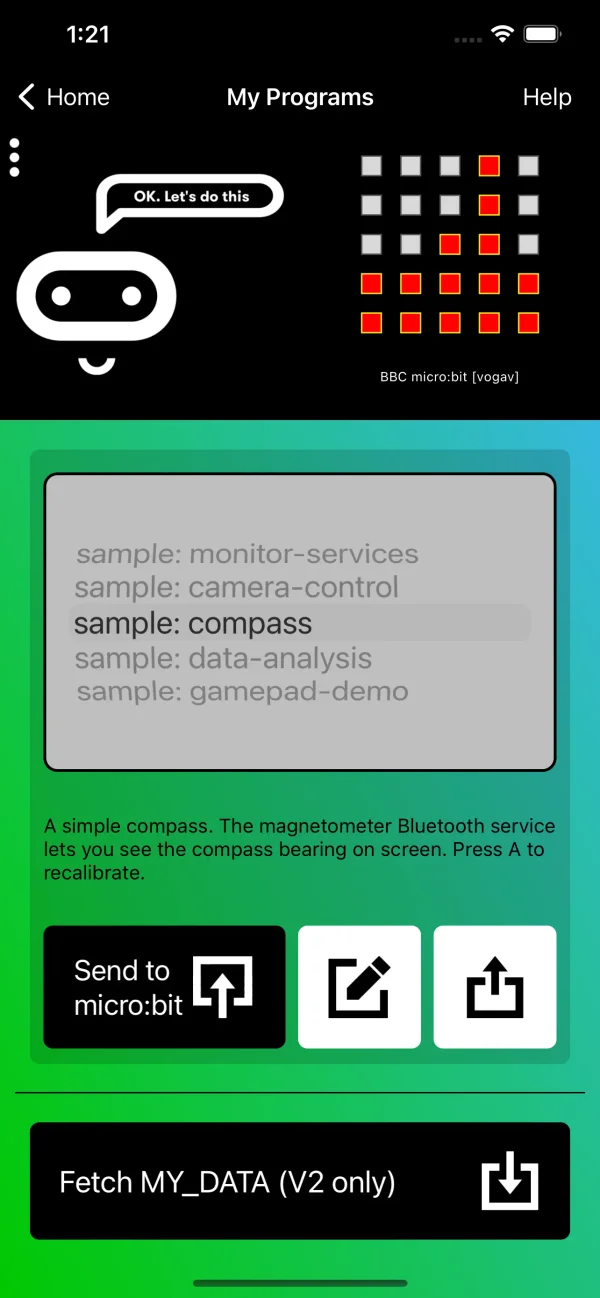
The micro:bit app is the essential companion to the BBC micro:bit, the pocket sized programmable computer. The app allows you to flash any micro:bit hex file to your device, as well as including online access to the Microsoft MakeCode editor for simple block-based programming. When your program is ready, the app beams it to the micro:bit via Bluetooth wirelessly. Easy-to-follow screens lead you through the process of pairing your iPad (or iPhone) to the micro:bit and then transferring your program code.
Compared with previous versions, the micro:bit app Version 3.1 contains these additional features:
• A simpler pairing and micro:bit discovery flow
• The micro:bit V2 can be put into pairing mode by triple-tapping the reset button
• Retrieval of the micro:bit data log files from off your micro:bit
• Pair with any number of micro:bits
• Choose which micro:bit is currently connected
• Store HEX files in the app
• Choose a HEX file for flashing
• Export and delete HEX files
• Import stored HEX files directly into JavaScript Blocks editor
• Rapid download from JavaScript Blocks editor
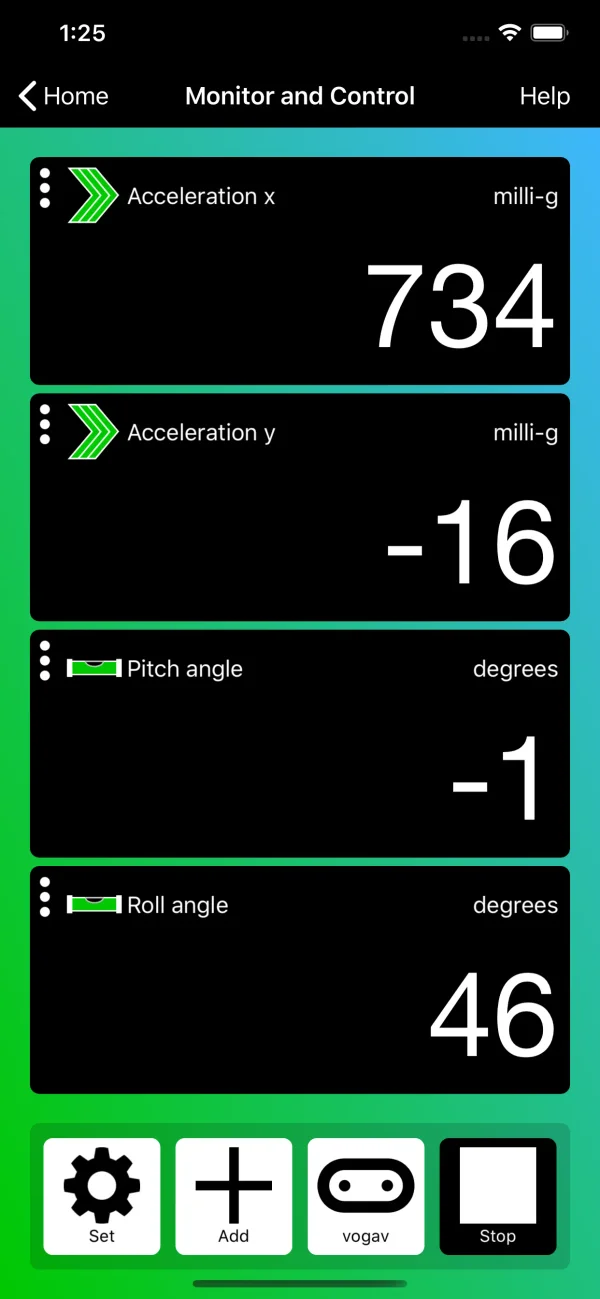
• Monitor data detected by micro:bit sensors
• Use the range of micro:bit Bluetooth services in real time
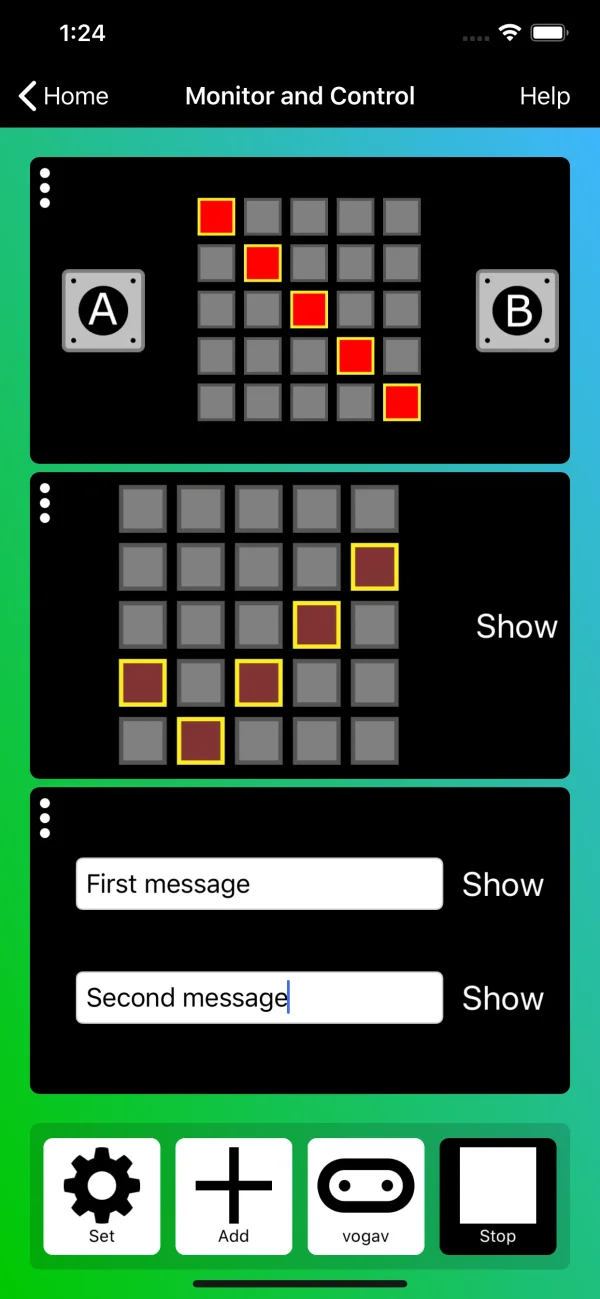
• Display messages on the micro:bit LEDs
• Send control commands to the micro:bit buttons and pins
• De-bug your program code while it is running in the micro:bit
• Use a simulated gamepad to send commands to the micro:bit
• View camera images ready for taking photos or video
As well as providing more flexible handling of your program scripts and HEX files, a major addition in Version 3 is the Monitor and Control page. This lets you observe real-time data from the micro:bit sensors, send messages directly to the LEDs and control the micro:bit buttons and pins from your iPad or iPhone. Monitor is ideal for exploiting Bluetooth services in real time, and for de-bugging your program code while it is running in the micro:bit.
The MakeCode code editor now requires iOS 13 or later.
Yang baru
Versi 3.1.1 · 13/2/2025
Improved interface for Fetch MY_DATA.
Catalan and Dutch translations.
Maintenance and minor bug fixes.
Privasi aplikasi
Yang dinyatakan Micro:bit Educational Foundation di App Store tentang cara aplikasi ini menangani data.
-
Data yang tidak ditautkan dengan Anda
Dapat dikumpulkan, tetapi tidak ditautkan dengan identitas Anda.
- Data lainnya
Praktik privasi dapat bervariasi, misalnya berdasarkan fitur yang Anda gunakan atau usia Anda.
Informasi
- Penjual
- Micro:bit Educational Foundation
- Kategori
- Pendidikan
- Versi
- 3.1.1
- Diperbarui
- 13/2/2025
- Dirilis
- 31/3/2016
- Ukuran
- 59,3 MB
- Memerlukan
- iOS 12.0 atau yang lebih baru
- Batasan usia
- 4+
- Harga
- Gratis
- Bahasa
- Inggris, Katalan, Kroat (Kroasia), Belanda, Jepang
- Hak cipta
- © 2023 Micro:bit Educational Foundation