
Mindz Orbit: Mind Map
Brainstorm & Outline Ideas
Conçue pour iPhone, iPad, iPod touch
Gratuit
- Classification d’âge4+
- CatégorieProductivité
- DéveloppeurTHOMAS SCHULZ
- LanguesAnglais
- Taille22,1 Mo
Renvoie vers la page App Store officielle
Download.org n’héberge aucun fichier de Mindz Orbit: Mind Map. Le bouton ouvre la page de l’application sur App Store, où THOMAS SCHULZ la publie. Fiche vérifiée pour la dernière fois le 13/11/2026.
Captures d’écran
À propos
Le développeur n’a pas fourni ce texte dans votre langue.
Mindz Orbit is a mind mapping app for iPhone and iPad, designed for mobile use. Instead of constantly zooming and panning across a large canvas, you move through your thoughts with your thumb.
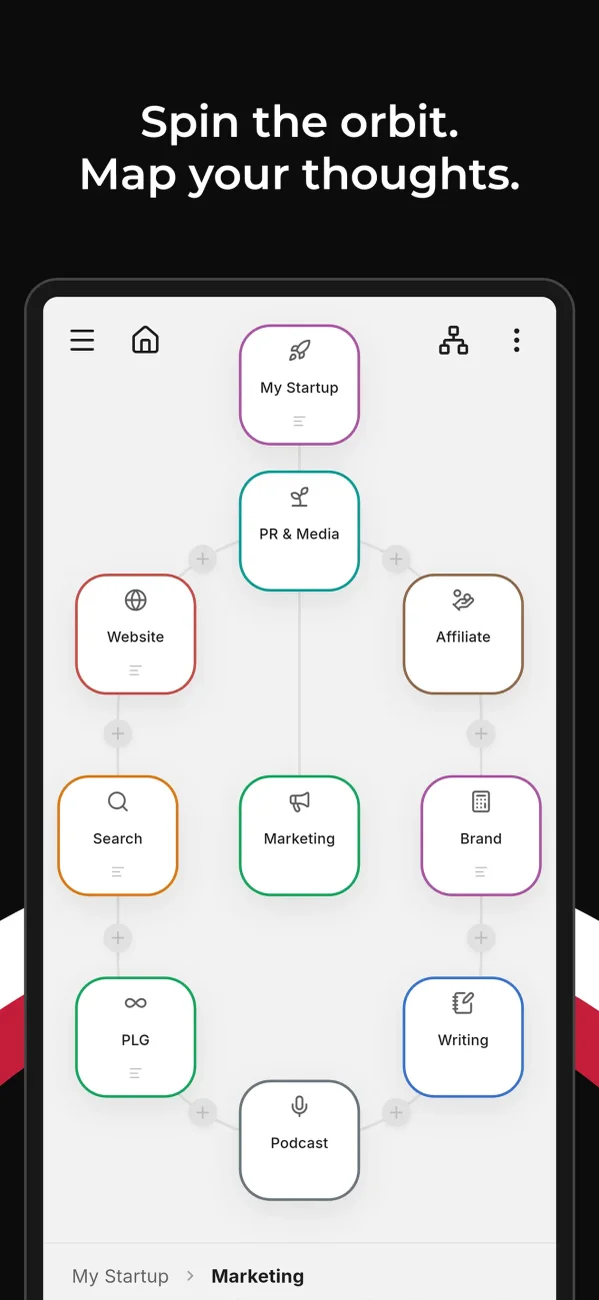
At the heart of Mindz Orbit is the Orbit Ring: your current node sits in the center, with its direct child nodes arranged around it. Rotate the ring with your thumb, tap a thought, and move one level deeper. You focus on one part of your map at a time instead of navigating a huge canvas.
FROM A SINGLE THOUGHT TO THE BIG PICTURE
Whenever you need an overview, switch directly from your current position to one of three full-map views:
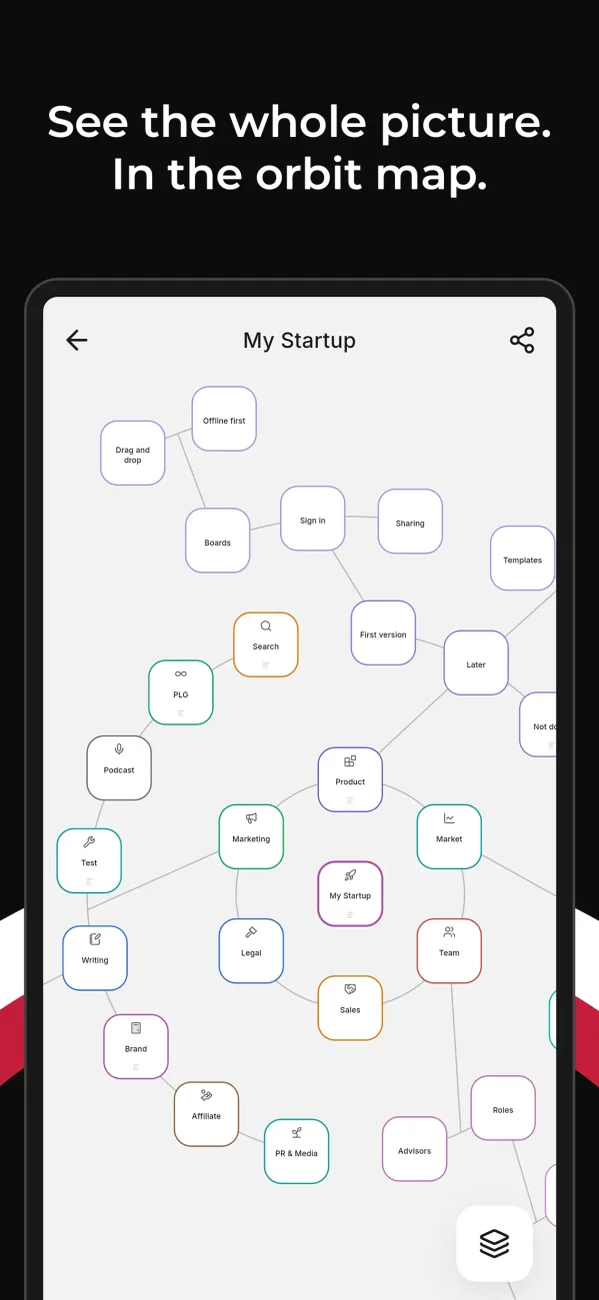
- Orbit: See your entire map and all its levels as one connected orbit structure.
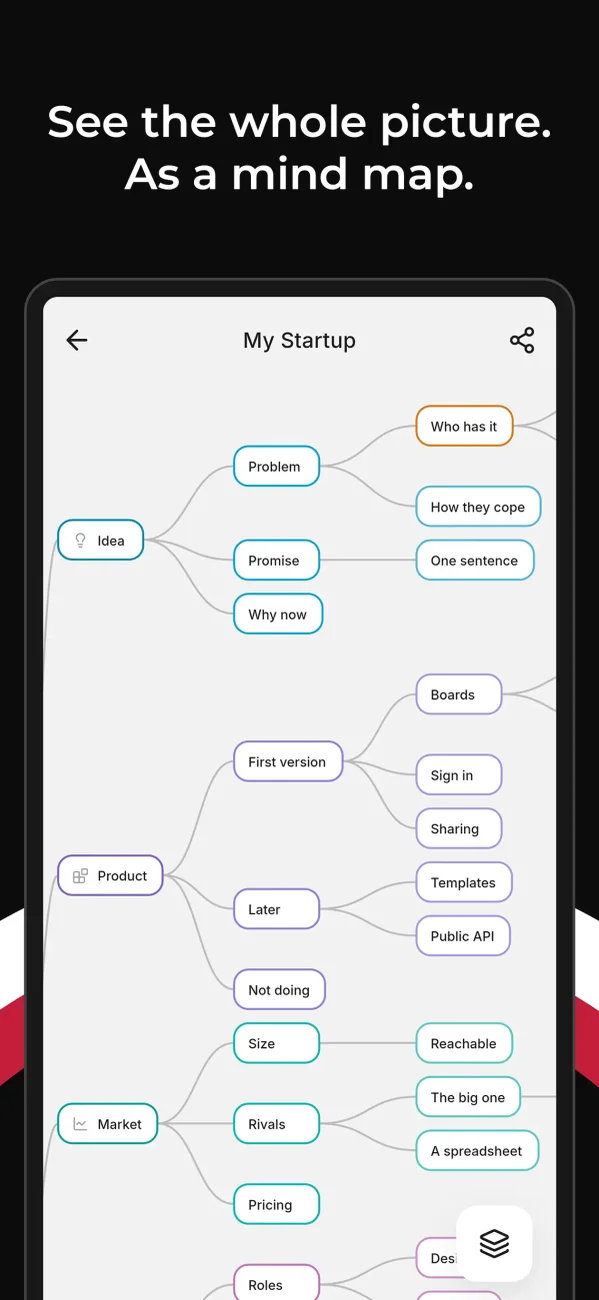
- Mind Map: View your thoughts as a classic left-to-right branching mind map.
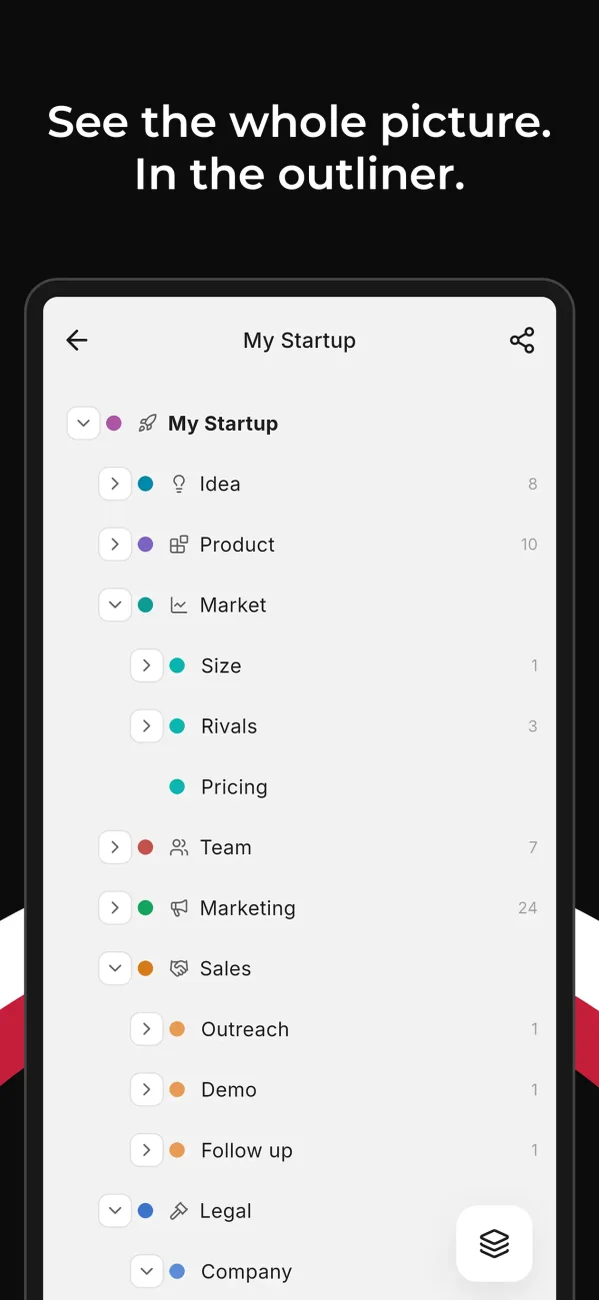
- Outliner: Read your entire structure as an expandable, collapsible outline.
The full-map views also let you navigate, share, and export your map.
CAPTURE AND ORGANIZE IDEAS
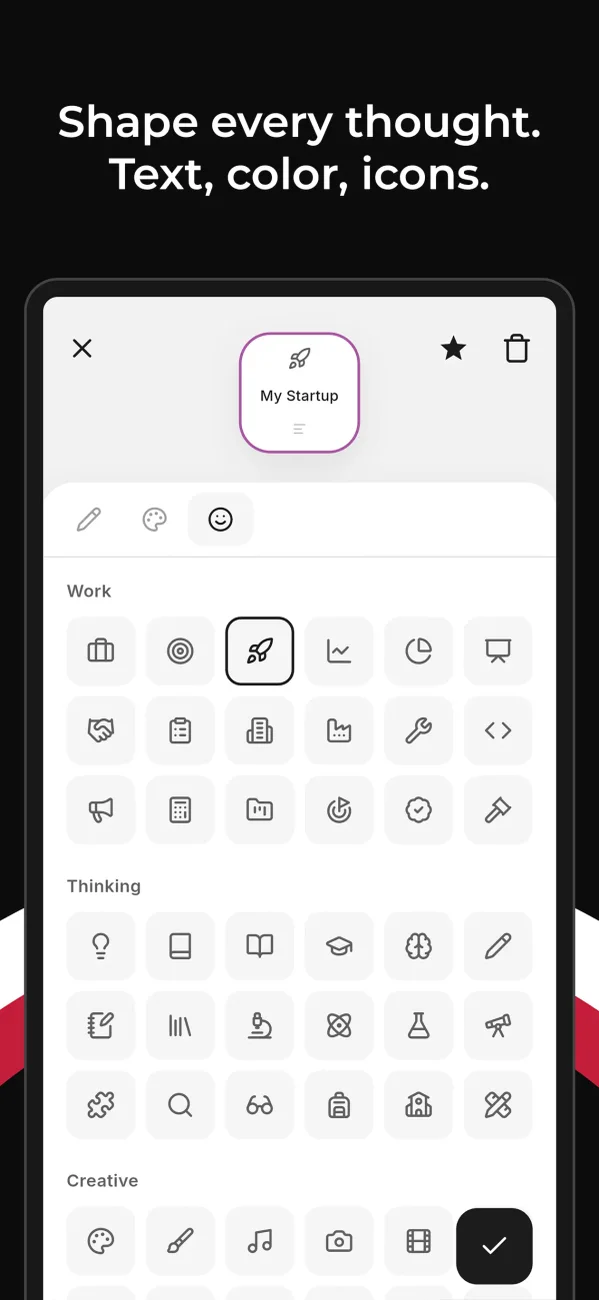
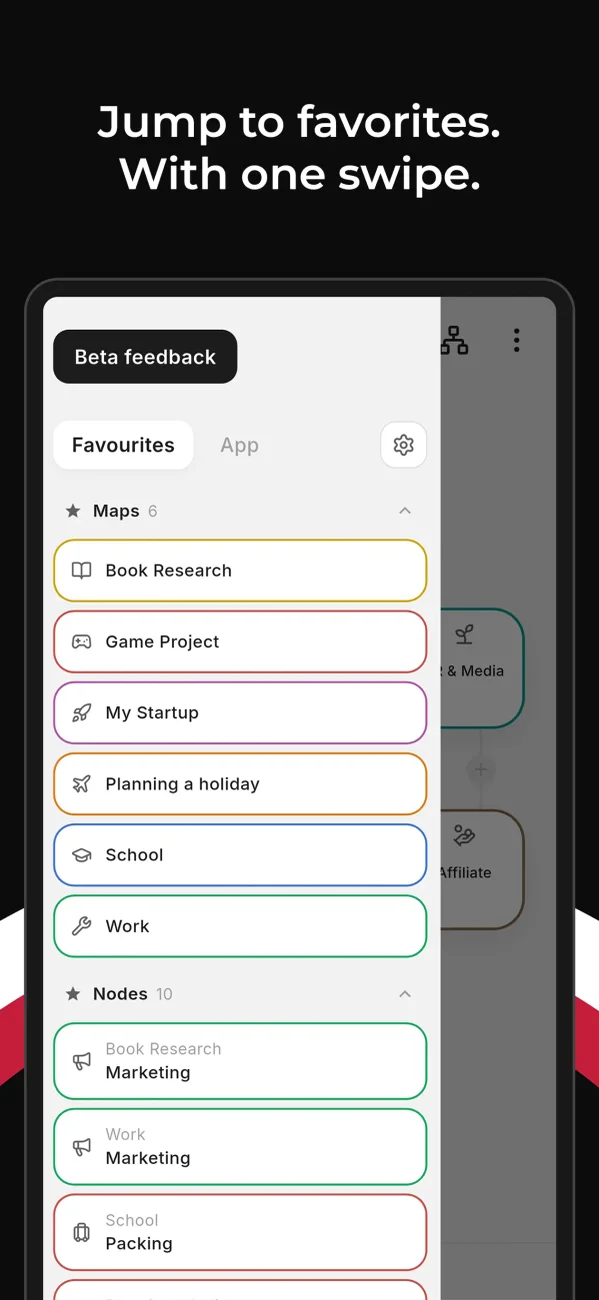
Each node can contain a title and detailed notes. Use colors and icons to add visual structure to your mind maps. Mark important maps or individual nodes as favorites so you can quickly find them again.
Nodes can also be moved or copied, letting you reorganize your map as your ideas develop.
SHARE AND EXPORT
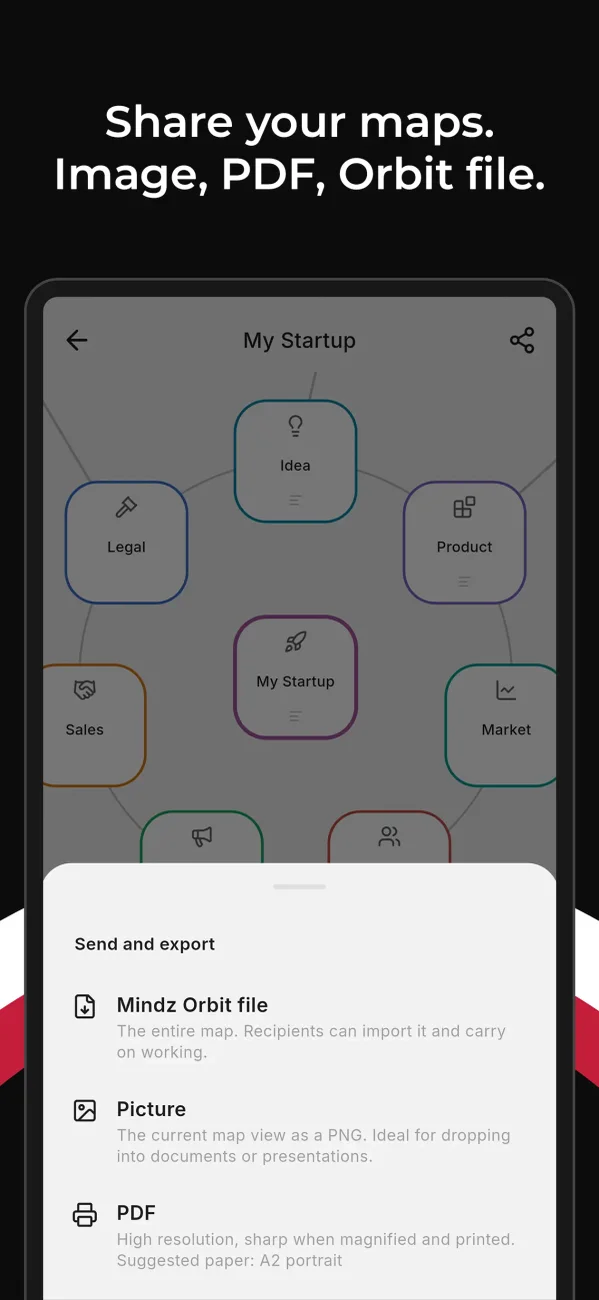
Export your maps as PNG images or high-resolution PDFs. For larger mind maps, Mindz Orbit recommends a suitable paper size. The Outliner view can also be exported as a multi-page text PDF.
Use the .orbit format to share a complete map and import it back into Mindz Orbit.
PRIVATE, OFFLINE, AND NO ACCOUNT
Mindz Orbit requires no registration or user account.
- No cloud
- No tracking
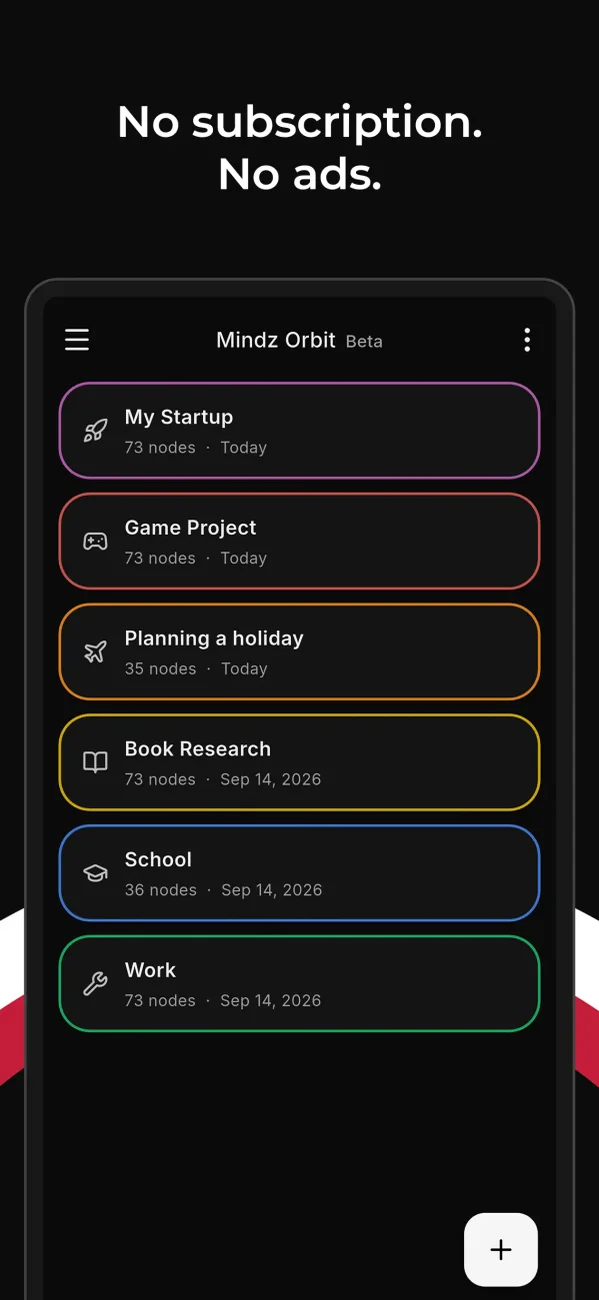
- No ads
- We send nothing to our servers
- Works offline
Your maps are stored locally on your device. Depending on your device settings, your system backup may include your app data.
TRY IT FIRST, GO PRO IF YOU NEED MORE
The free version lets you create up to 3 maps with up to 40 nodes each. All features and views are included.
Mindz Orbit Pro removes the limits on maps and nodes. Pro is a one-time in-app purchase – no subscription.
Mindz Orbit is independently developed by a solo developer. You can send questions, ideas, or bug reports directly from the app.
Great for planning projects, preparing trips, organizing study material, and structuring ideas and decisions.
Nouveautés
Version 1.0.14 · 05/11/2026
• OPML import and export: exchange maps as outlines with other outliners and mind-map apps – including maps from the old Mindz app.
• "Export map" on the home screen now asks for the format: Mindz Orbit file or OPML.
• The editor asks before closing when there are unsaved changes.
• The plus on the ring is easier to hit.
Thanks for your feedback!
Confidentialité de l’application
Ce que THOMAS SCHULZ déclare sur l’App Store au sujet du traitement des données par cette application.
-
Données non collectées
Le développeur ne collecte aucune donnée à partir de cette application.
Les pratiques en matière de confidentialité peuvent varier, notamment en fonction des fonctionnalités que vous utilisez ou de votre âge.
Informations
- Vendeur
- THOMAS SCHULZ
- Catégorie
- Productivité
- Version
- 1.0.14
- Mis à jour
- 05/11/2026
- Publié
- 26/10/2026
- Taille
- 22,1 Mo
- Nécessite
- iOS 15.0 ou version ultérieure
- Classification d’âge
- 4+
- Prix
- Gratuit
- Langues
- Anglais
- Copyright
- © 2026 Creative Robots
Vous aimerez peut-être aussi
-
 Riskquarry: Delivery OddsProductivité
-
 Aravel : Carnet d'idéesNotes, carte mentale et étapes
-
 PinShot: Smart ScreenshotsProductivité
-
 ADHD Task Outliner: FinishTraxProductivité
-
 Structured OutlinerProductivité
-
 Bulletlist: OutlinerProductivité
-
 Thoughtree: Mind Map & OutlineProductivité
-
 Outliner by codediaryProductivité
-
 Tendril MindmapProductivité
-
 Intrs - Écrire un romanFils conducteurs · Écriture