mirv
Local-first tasks & notes
Conçue pour iPhone, iPad
Gratuit · Achats intégrés
- Classification d’âge4+
- CatégorieProductivité
- DéveloppeurRatKing Labs Pty Ltd
- LanguesAnglais
- Taille11,1 Mo
Renvoie vers la page App Store officielle
Download.org n’héberge aucun fichier de mirv. Le bouton ouvre la page de l’application sur App Store, où RatKing Labs Pty Ltd la publie. Fiche vérifiée pour la dernière fois le 24/11/2026.
Captures d’écran



À propos
Le développeur n’a pas fourni ce texte dans votre langue.
mirv is a fast, local-first task & note app that keeps the best ideas from tools like TickTick — quick capture, lists, Kanban boards, multilevel subtasks, lightweight notes — and fixes the parts that get in your way. No clutter, no lock-in, no account you can't leave.
YOU OWN YOUR DATA
One database is the single source of truth, and a full JSON export/import is built in. Take everything with you whenever you want — there's no proprietary format and nothing held hostage. That's the whole point of "local-first."
A REAL DASHBOARD, NOT A TO-DO PILE
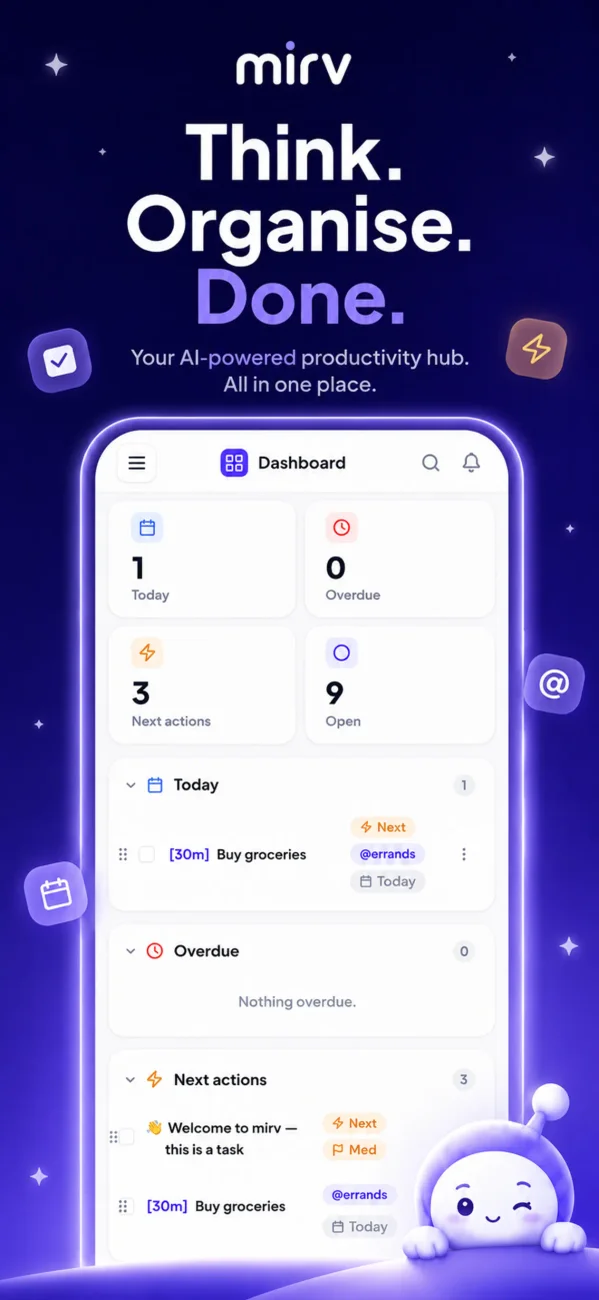
Open mirv and see your day at a glance: Today, Overdue, Next actions, Open and Completed counts, Work by list, Stuck projects, and a 14-day completion trend. It's the home screen a task app should have always had — shipped from day one, not bolted on later.
FIRST-CLASS SUBTASKS
Every task and subtask is the same kind of thing. A subtask can do everything a top-level task can — due dates, priorities, notes, its own subtasks — nest as deep as the work actually goes. Move a task and its whole subtree comes with it.
FLEXIBLE KANBAN
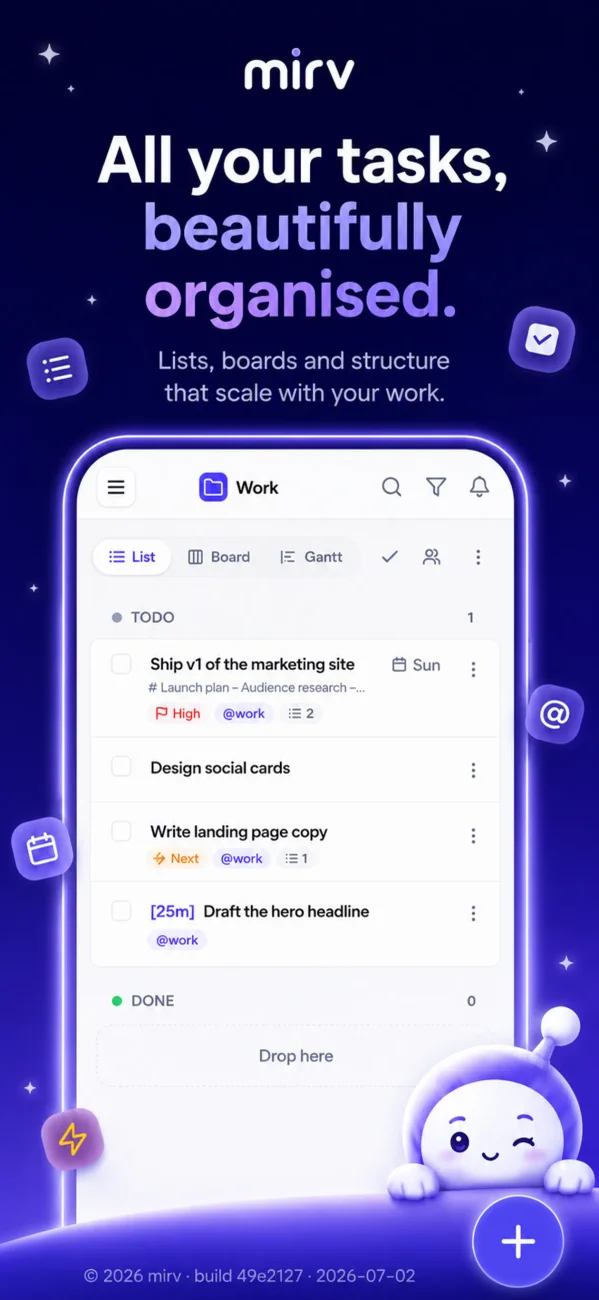
Boards are a view over your tasks, never a separate copy you have to maintain. Flip any list between List and Board with one tap. Group the board by status, by list, or by status with per-list swimlanes — same data, the angle you need right now. Drag cards to update status; nothing gets out of sync.
NOTES THAT CONNECT
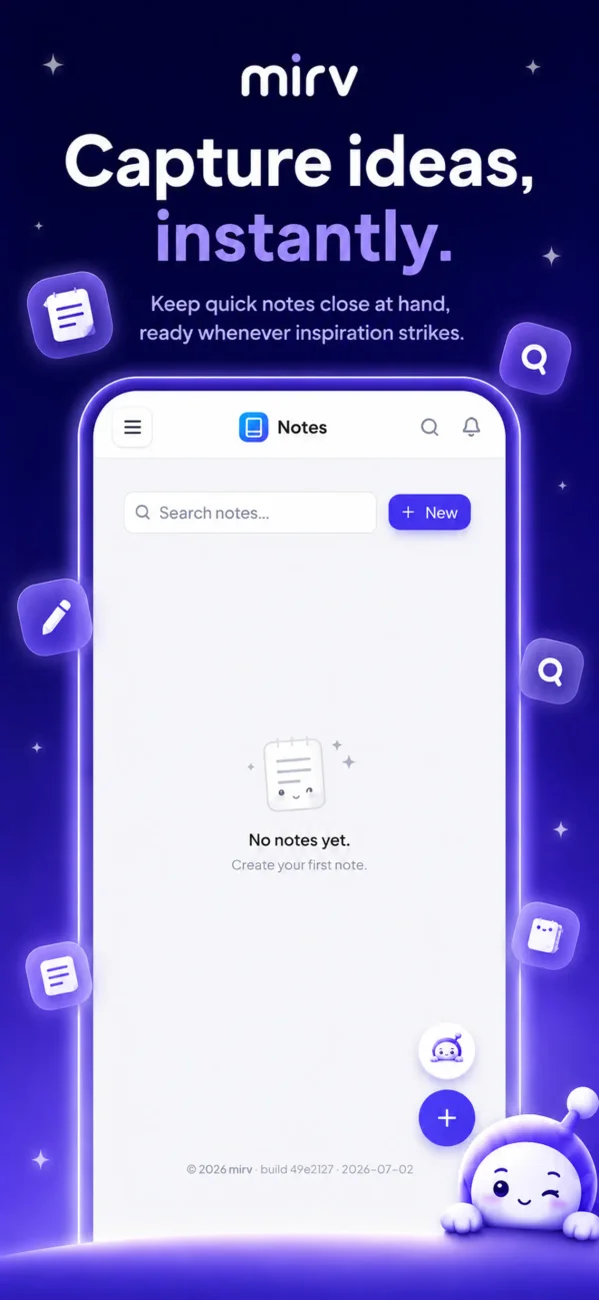
Write rich Markdown notes and link tasks and notes together with [[wikilinks]]. Every note shows what links back to it, so your plans, docs and tasks form one connected workspace instead of scattered islands.
EVERYTHING ELSE YOU REACH FOR
• Lists and nested folders to organize projects
• Due dates, priorities, "next action" flags and context tags
• Fast full-text search across tasks and notes
• Today / Overdue / Next / Waiting smart views
• Light and dark themes, tuned for contrast and accessibility
• Keyboard-friendly, screen-reader-friendly, respects reduced-motion
• Works great on phone, tablet and desktop
BUILT FOR FOCUS
mirv is deliberately quiet. No streak-shaming, no upsell popups, no notifications you didn't ask for. Capture a thought in seconds, see exactly what needs doing, and get on with your day.
AGENT-READY
mirv exposes the same operations to AI assistants through a clean, scoped integration — so you can run a daily review, pull next actions, or summarize your dashboard from the tools you already use.
Private by design. Portable by default. Fast because it has to be.
Download mirv and make your task list yours again.
———
mirv Pro is an auto-renewing subscription. Monthly (US$8.99/month) or annual (US$71.99/year); prices shown in your local currency at purchase. Payment is charged to your Apple ID and the subscription renews automatically unless cancelled at least 24 hours before the period ends; manage or cancel in Settings > Subscriptions.
Terms of Use (EULA): https://mirv.app/terms
Privacy Policy: https://mirv.app/privacy
Nouveautés
Version 2.0.8 · 23/11/2026
Journal, rebuilt around your day
• Pick any day from the week strip and write how it went — choose a mood or record a voice memo.
• See that day's tracked time, ticked habits and finished tasks right under your entries.
• Search your journal, move an entry to another day, and undo a delete.
A proper time log
• Time now opens on a day-by-day log with a weekly total — free for everyone.
• Log time with a duration, date, start time and note, and edit an entry if you got it wrong.
• Start and stop the timer from the top of a task's Time section.
Close out your day
• An evening card on Today opens your close-out: move what's still open to tomorrow or another day, jot a reflection (saved to your Journal) and leave a note for the morning.
Also in this update
• Select mode on Today: act on several tasks at once.
• Habits stay at the top of Today, with a setting to hide them.
• Clearer habit history, bigger tap targets and better Dynamic Type support.
Confidentialité de l’application
Ce que RatKing Labs Pty Ltd déclare sur l’App Store au sujet du traitement des données par cette application.
-
Données utilisées pour vous suivre
Peuvent être utilisées pour vous suivre sur des applications et des sites web appartenant à d’autres sociétés.
- Identifiants
- Données d’utilisation
-
Données établissant un lien avec vous
Peuvent être collectées et liées à votre identité.
- Emplacement
- Coordonnées
- Contenu utilisateur
- Identifiants
- Données d’utilisation
- Diagnostic
Les pratiques en matière de confidentialité peuvent varier, notamment en fonction des fonctionnalités que vous utilisez ou de votre âge.
Informations
- Vendeur
- RatKing Labs Pty Ltd
- Catégorie
- Productivité
- Version
- 2.0.8
- Mis à jour
- 23/11/2026
- Publié
- 23/06/2026
- Taille
- 11,1 Mo
- Nécessite
- iOS 17.0 ou version ultérieure
- Classification d’âge
- 4+
- Prix
- Gratuit
- Achats intégrés
- Oui
- Langues
- Anglais
- Copyright
- © 2026 RatKing Labs Pty Ltd
Vous aimerez peut-être aussi
-
 Sunlet: Planifiez avec l’IATâches, listes et rappels
-
 VOIDTASKProductivité
-
 KanToDoProductivité
-
 Parser ProMultiformats, édition avec IA
-
 Khio AIProductivité
-
 Planbound: Time Block PlannerProductivité
-
 Context — The AI WorkspaceProductivité
-
 Ember - Now & NextProductivité
-
 Gnista: Idea & Problem TrackerProductivité