- 対象年齢4+
- カテゴリ仕事効率化
- 開発元RatKing Labs Pty Ltd
- 言語英語
- サイズ11.1 MB
App Storeの公式ページにリンクしています
Download.orgはmirvのファイルを一切ホストしていません。ボタンを押すと、RatKing Labs Pty Ltdが公開しているApp Storeのアプリページが開きます。ページの最終確認:2026/11/24。
スクリーンショット



概要
開発元はこのテキストをお使いの言語で提供していません。
mirv is a fast, local-first task & note app that keeps the best ideas from tools like TickTick — quick capture, lists, Kanban boards, multilevel subtasks, lightweight notes — and fixes the parts that get in your way. No clutter, no lock-in, no account you can't leave.
YOU OWN YOUR DATA
One database is the single source of truth, and a full JSON export/import is built in. Take everything with you whenever you want — there's no proprietary format and nothing held hostage. That's the whole point of "local-first."
A REAL DASHBOARD, NOT A TO-DO PILE
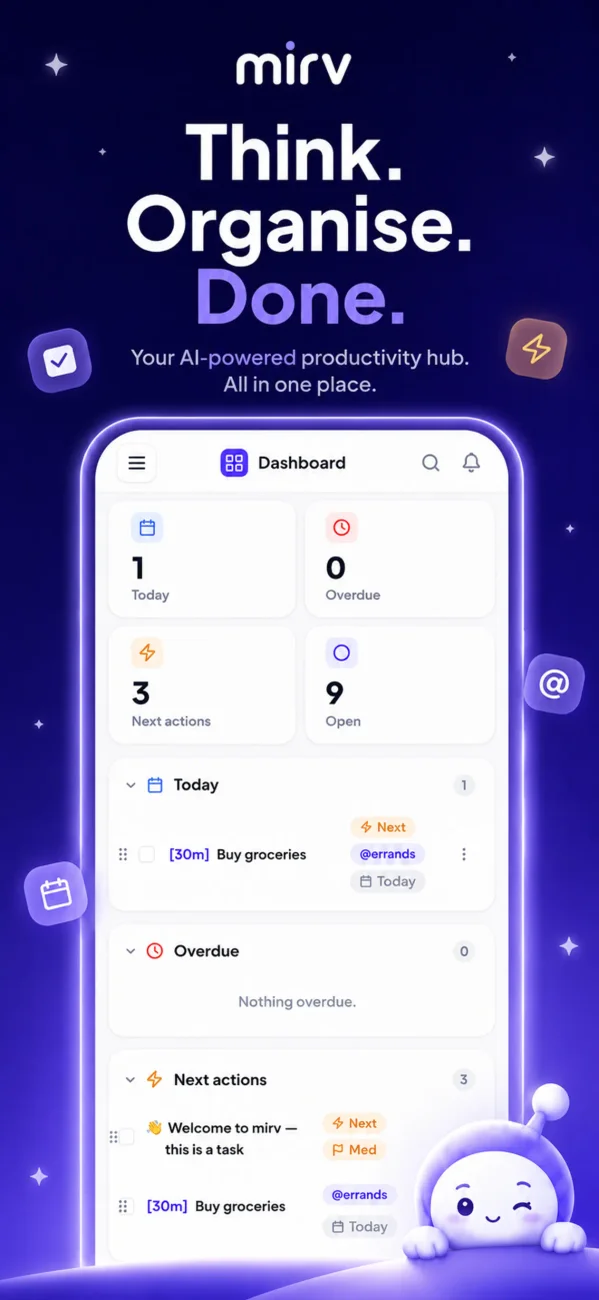
Open mirv and see your day at a glance: Today, Overdue, Next actions, Open and Completed counts, Work by list, Stuck projects, and a 14-day completion trend. It's the home screen a task app should have always had — shipped from day one, not bolted on later.
FIRST-CLASS SUBTASKS
Every task and subtask is the same kind of thing. A subtask can do everything a top-level task can — due dates, priorities, notes, its own subtasks — nest as deep as the work actually goes. Move a task and its whole subtree comes with it.
FLEXIBLE KANBAN
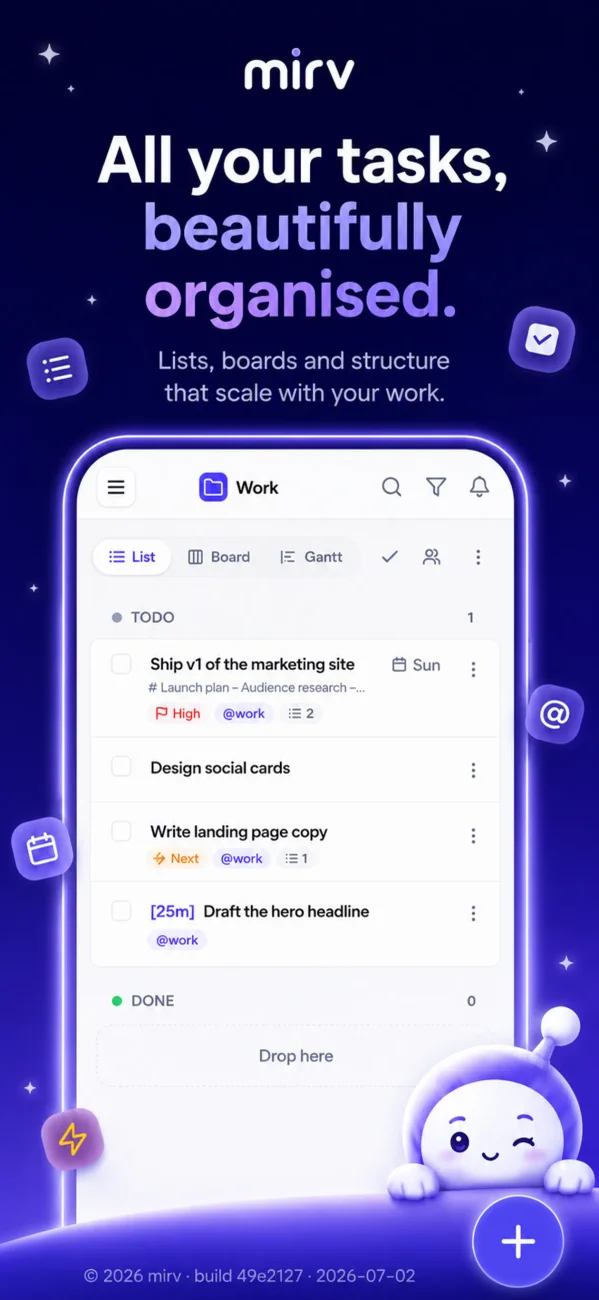
Boards are a view over your tasks, never a separate copy you have to maintain. Flip any list between List and Board with one tap. Group the board by status, by list, or by status with per-list swimlanes — same data, the angle you need right now. Drag cards to update status; nothing gets out of sync.
NOTES THAT CONNECT
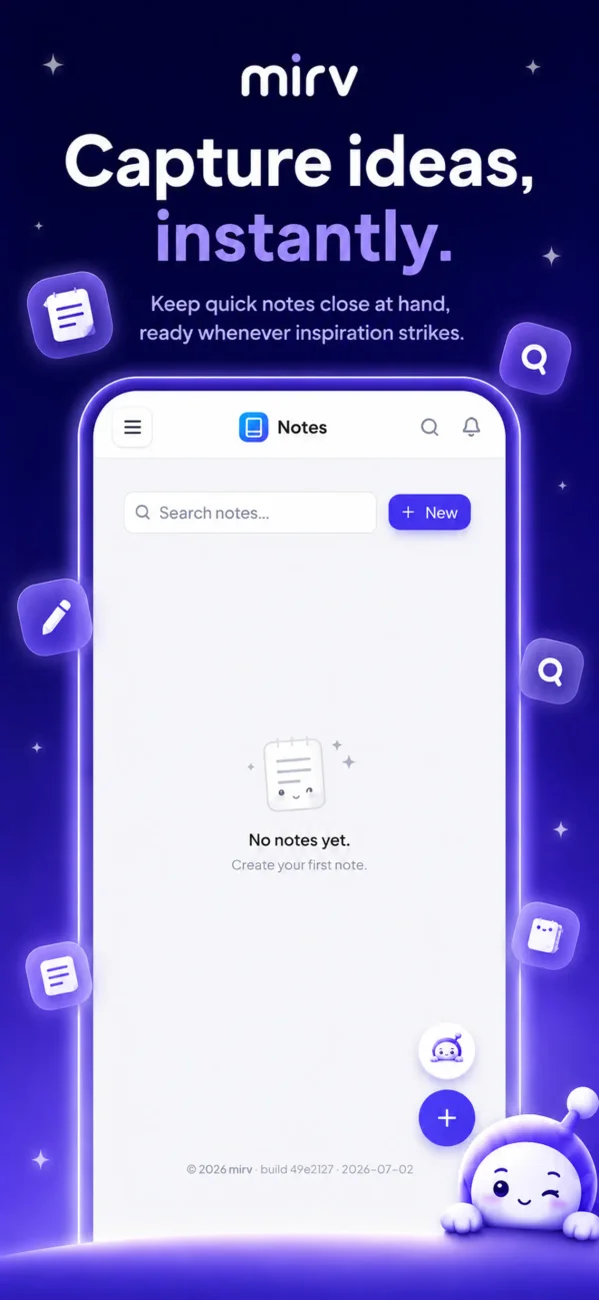
Write rich Markdown notes and link tasks and notes together with [[wikilinks]]. Every note shows what links back to it, so your plans, docs and tasks form one connected workspace instead of scattered islands.
EVERYTHING ELSE YOU REACH FOR
• Lists and nested folders to organize projects
• Due dates, priorities, "next action" flags and context tags
• Fast full-text search across tasks and notes
• Today / Overdue / Next / Waiting smart views
• Light and dark themes, tuned for contrast and accessibility
• Keyboard-friendly, screen-reader-friendly, respects reduced-motion
• Works great on phone, tablet and desktop
BUILT FOR FOCUS
mirv is deliberately quiet. No streak-shaming, no upsell popups, no notifications you didn't ask for. Capture a thought in seconds, see exactly what needs doing, and get on with your day.
AGENT-READY
mirv exposes the same operations to AI assistants through a clean, scoped integration — so you can run a daily review, pull next actions, or summarize your dashboard from the tools you already use.
Private by design. Portable by default. Fast because it has to be.
Download mirv and make your task list yours again.
———
mirv Pro is an auto-renewing subscription. Monthly (US$8.99/month) or annual (US$71.99/year); prices shown in your local currency at purchase. Payment is charged to your Apple ID and the subscription renews automatically unless cancelled at least 24 hours before the period ends; manage or cancel in Settings > Subscriptions.
Terms of Use (EULA): https://mirv.app/terms
Privacy Policy: https://mirv.app/privacy
新機能
バージョン 2.0.8 · 2026/11/23
Journal, rebuilt around your day
• Pick any day from the week strip and write how it went — choose a mood or record a voice memo.
• See that day's tracked time, ticked habits and finished tasks right under your entries.
• Search your journal, move an entry to another day, and undo a delete.
A proper time log
• Time now opens on a day-by-day log with a weekly total — free for everyone.
• Log time with a duration, date, start time and note, and edit an entry if you got it wrong.
• Start and stop the timer from the top of a task's Time section.
Close out your day
• An evening card on Today opens your close-out: move what's still open to tomorrow or another day, jot a reflection (saved to your Journal) and leave a note for the morning.
Also in this update
• Select mode on Today: act on several tasks at once.
• Habits stay at the top of Today, with a setting to hide them.
• Clearer habit history, bigger tap targets and better Dynamic Type support.
アプリのプライバシー
このアプリのデータの取り扱いについて、RatKing Labs Pty LtdがApp Storeで申告している内容です。
-
ユーザーのトラッキングに使用されるデータ
他社のアプリやウェブサイトを横断してユーザーをトラッキングする目的で使用される場合があります。
- ID
- 使用状況データ
-
ユーザーに関連付けられたデータ
収集され、ユーザーの識別情報に関連付けられる場合があります。
- 位置情報
- 連絡先情報
- ユーザーコンテンツ
- ID
- 使用状況データ
- 診断
プライバシーの取り扱いは、ご利用の機能やお客様の年齢などに応じて異なる場合があります。
情報
- 販売元
- RatKing Labs Pty Ltd
- カテゴリ
- 仕事効率化
- バージョン
- 2.0.8
- 更新日
- 2026/11/23
- リリース
- 2026/6/23
- サイズ
- 11.1 MB
- 必要条件
- iOS 17.0以降
- 対象年齢
- 4+
- 価格
- 無料
- アプリ内課金
- あり
- 言語
- 英語
- 著作権
- © 2026 RatKing Labs Pty Ltd