Mobile Mouse USB Remote
USB Mouse Touchpad Keyboard
Conçue pour iPhone, iPad
Gratuit
- Classification d’âge4+
- CatégorieUtilitaires
- DéveloppeurR.P.A. Tech
- LanguesAnglais
- Taille7,4 Mo
Renvoie vers la page App Store officielle
Download.org n’héberge aucun fichier de Mobile Mouse USB Remote. Le bouton ouvre la page de l’application sur App Store, où R.P.A. Tech la publie. Fiche vérifiée pour la dernière fois le 14/11/2026.
Captures d’écran

À propos
Le développeur n’a pas fourni ce texte dans votre langue.
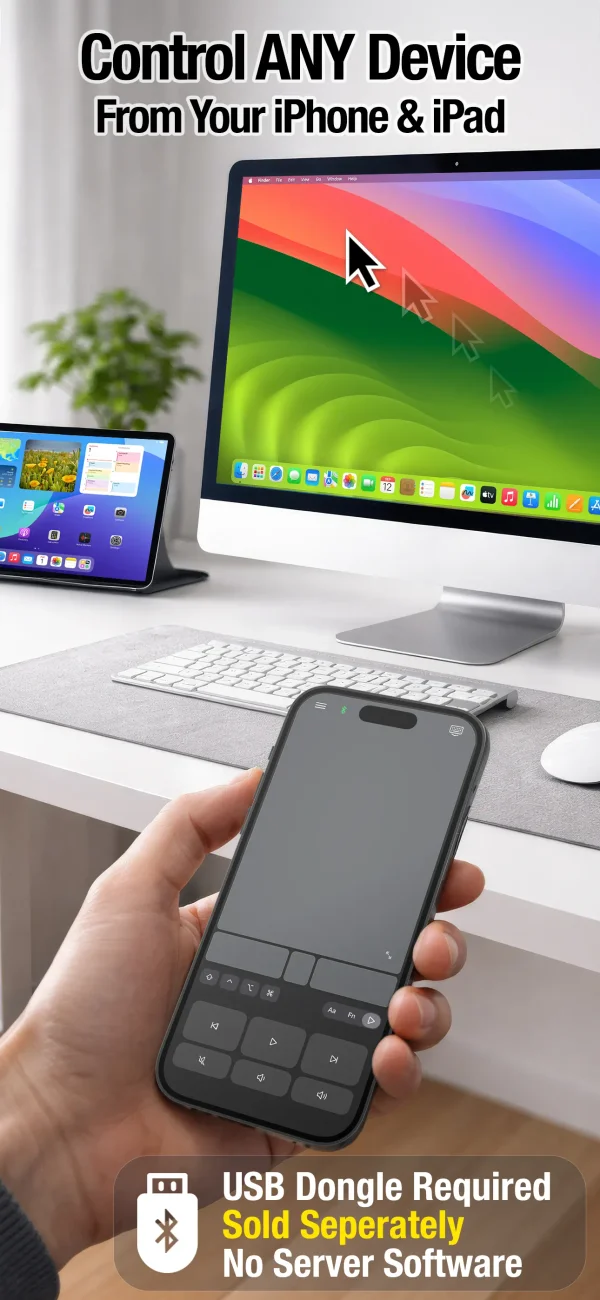
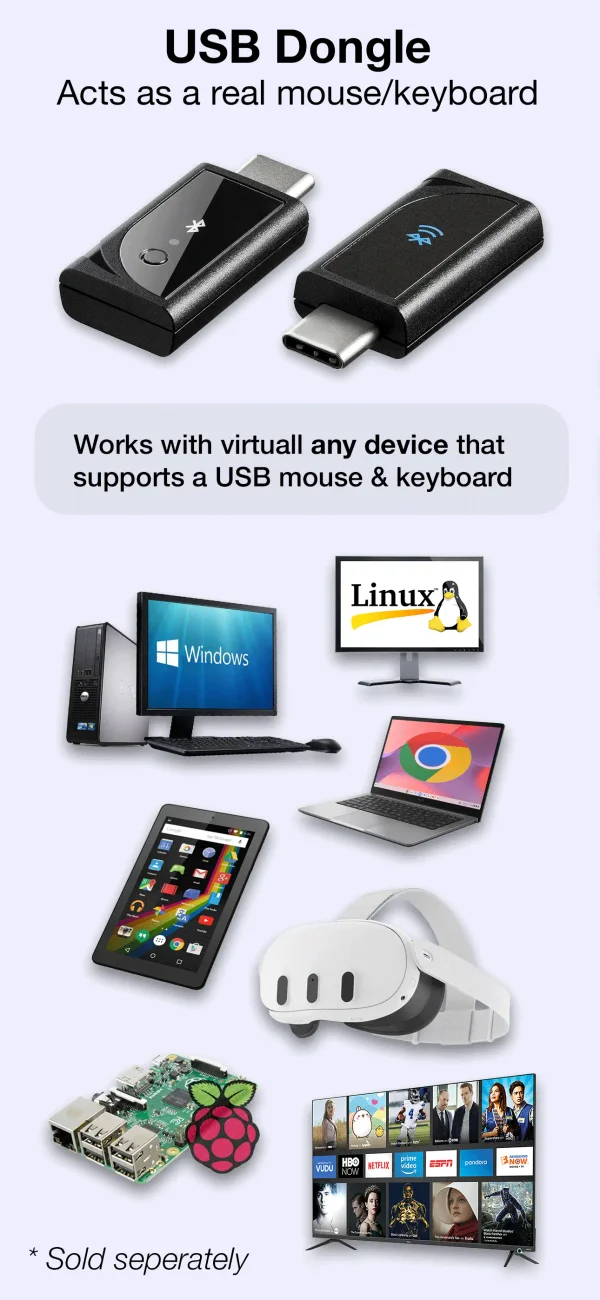
** IMPORTANT: This app requires the purchase of our USB dongle and will NOT work without it, sold separately: https://bluetooth.mobilemouse.com/dongle **
We also offer a WIFI and Bluetooth version of this app that does not require a dongle
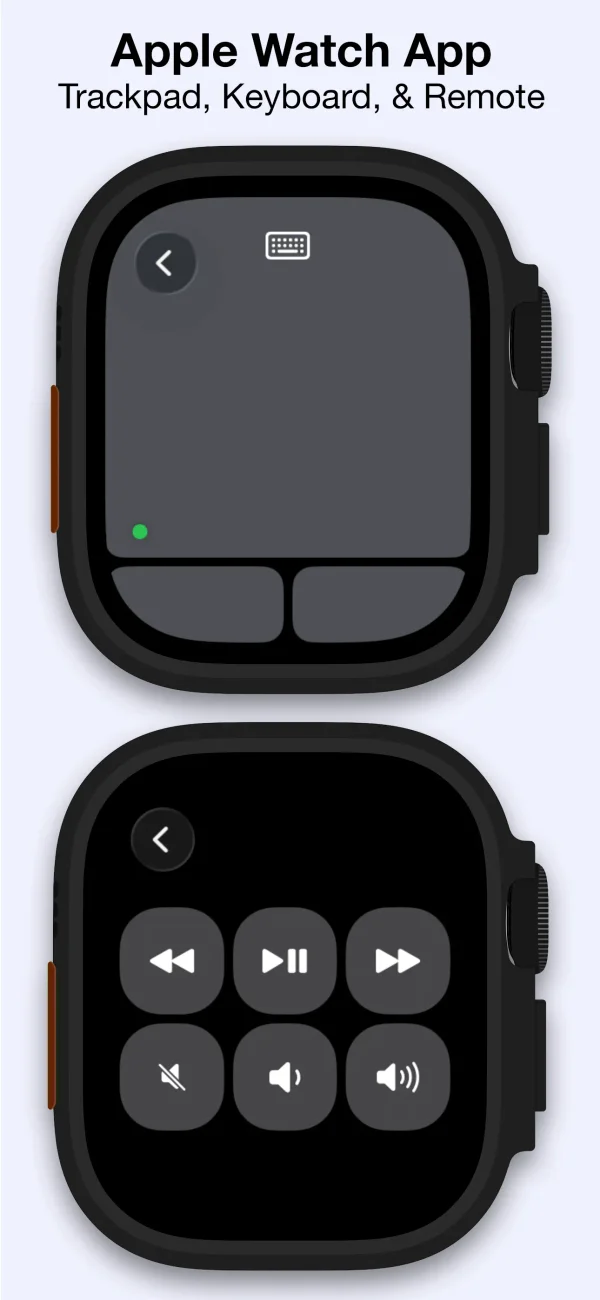
Turn your iPhone, iPad, or Apple Watch into a real USB mouse, keyboard, touchpad, and remote for any device!
Connect instantly using native USB over Bluetooth — no Wi-Fi, no cables, and no companion software required. Once you have paired your iOS device to the dongle, it can be plugged into to any device that supports a mouse and keyboard.
Unlike other remote apps that rely on Wi-Fi networks or background server software, Mobile Mouse uses a direct Bluetooth connection to our USB dongle for reliable performance anywhere — even offline.
Features
• Control virtually any device that supports a USB mouse and keyboard, including Windows PCs, Linux systems, Raspberry Pi, Meta Quest, ChromeOS devices, smart TVs, and more. The dongle works as a real USB device, allowing access to login screens, BIOS, and system menus without restrictions.
• Multi-Device Control – Use your iPhone, iPad, or Apple Watch to control your Mac, iPad, or iPhone
• Native Bluetooth over USB – No Wi-Fi, no cables, no server software to install
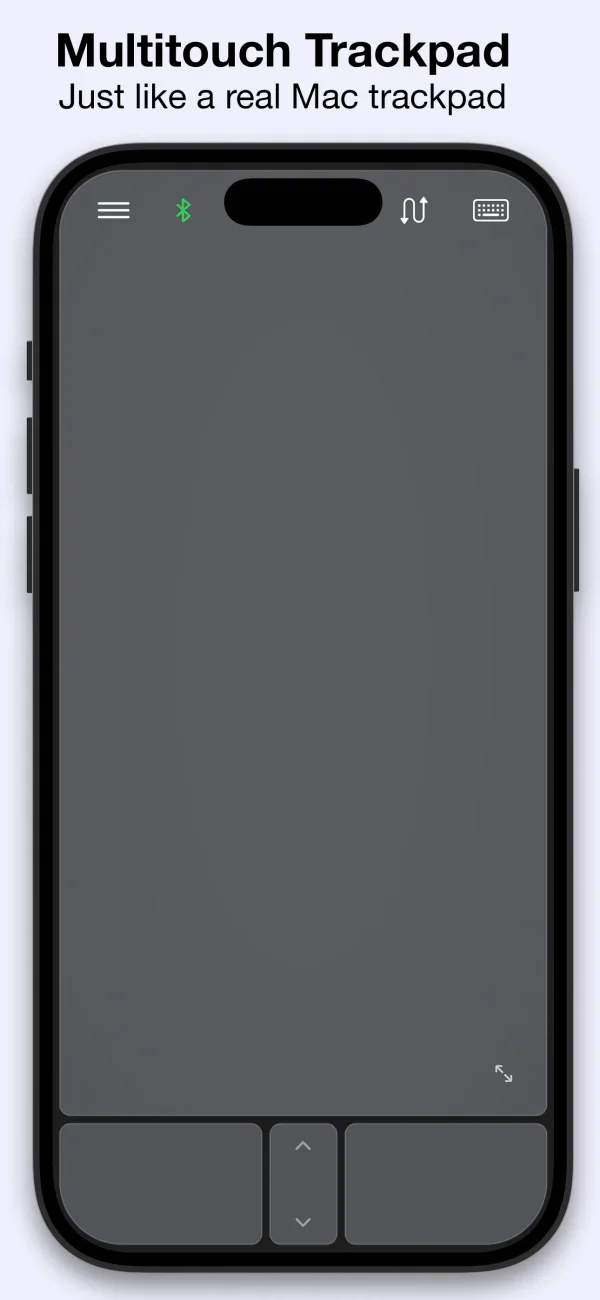
• Multitouch Touchpad – Scroll, swipe, tap, and perform gestures smoothly
• Air Mouse – Magically control your cursor by moving your iPhone in the air like a laser pointer
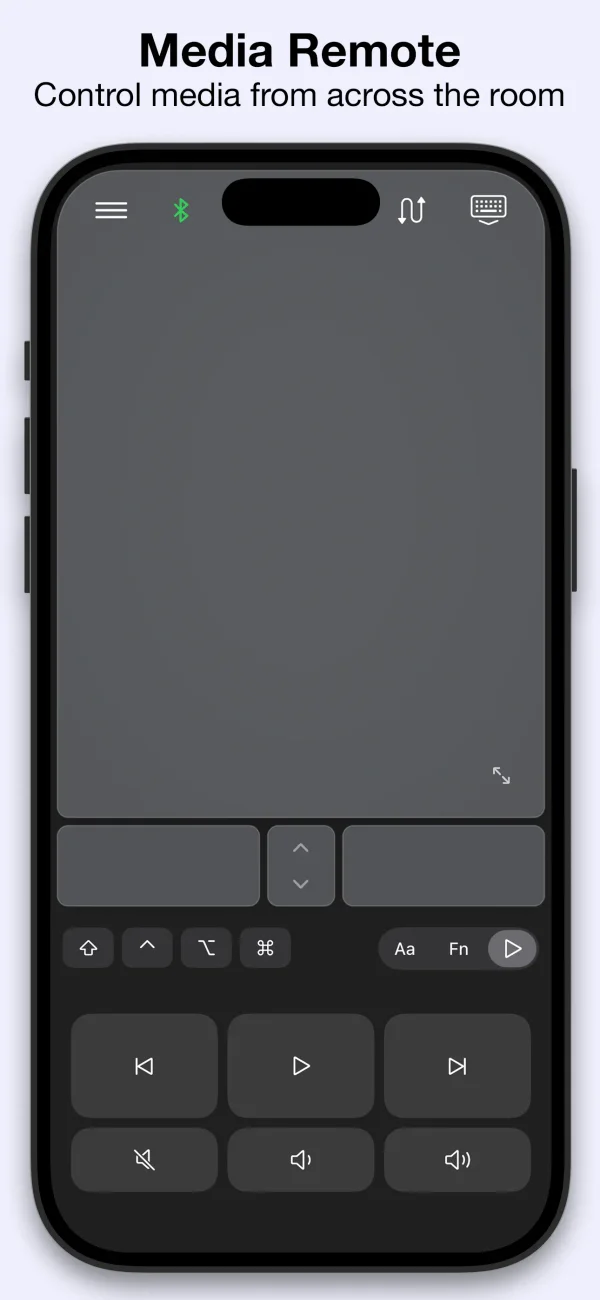
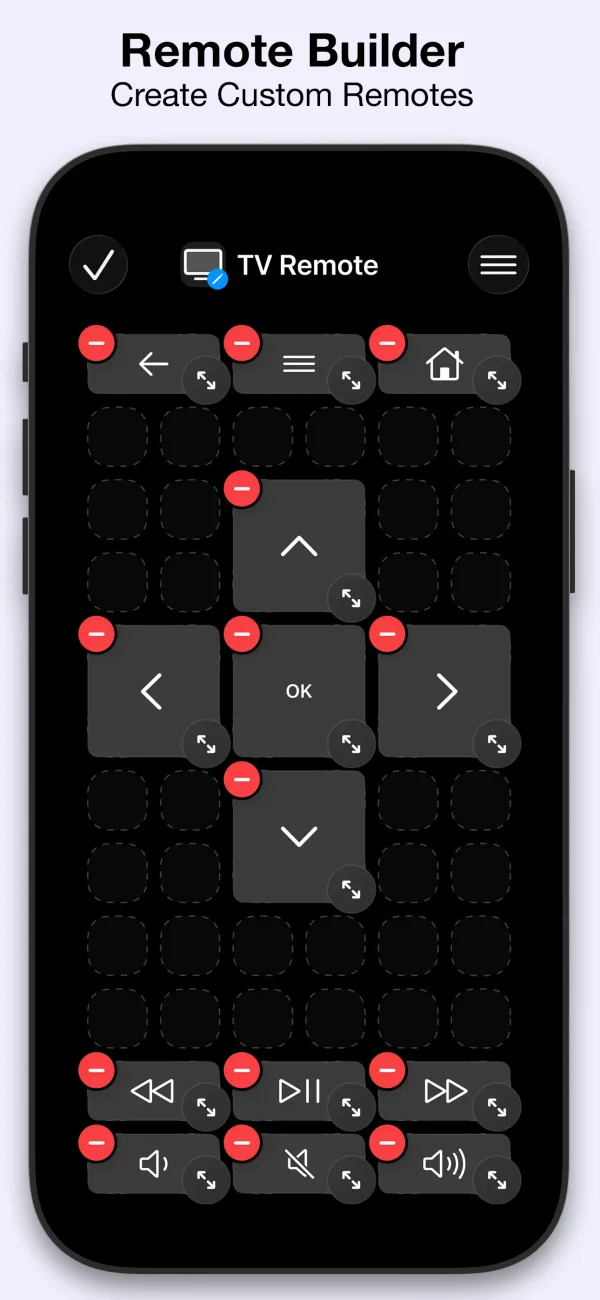
• Media Remote – Play, pause, skip tracks, and adjust volume
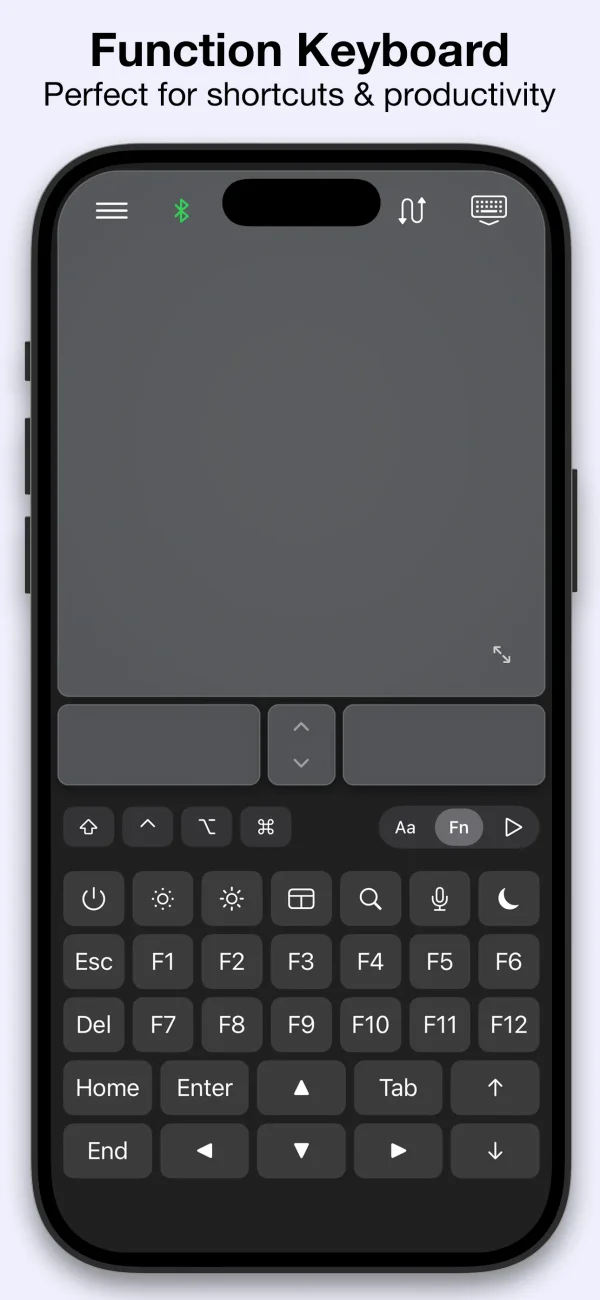
• Full Keyboard – Standard and function keys, modifier keys, brightness, sleep, and more. Fully encrypted
• Compact Convenience – Ideal for travel, presentations, accessibility, and relaxed computing
• Secure - Fully encrypted
Frequently Asked Questions
• Can I use my iPhone as a Bluetooth mouse?
Yes. Mobile Mouse Bluetooth lets you use your iPhone as a real Bluetooth mouse for Mac and iPad.
• Can I use my iPhone as a touchpad or trackpad?
Yes. The app includes a multitouch touchpad with scrolling, swiping, and gesture support.
• Can I use my phone as a keyboard for my Mac or iPad?
Yes. Mobile Mouse provides a full Bluetooth keyboard with standard keys, function keys, and modifier keys.
• Does Mobile Mouse work without Wi-Fi or internet?
Yes. It connects directly using native Bluetooth over USB and works completely offline.
• Is this a real USB device or just a remote app?
It works as a real USB mouse, keyboard, and touchpad — not a screen-sharing or Wi-Fi remote.
• Is Bluetooth input secure?
Yes. All Bluetooth keyboard input is encrypted, just like a physical Bluetooth keyboard.
• Does it work with Windows or Linux?
Yes, it supports all operating systems and devices that can be controlled with a mouse and keybaord
• Can I use it at the login screen or BIOS?
Yes. With the USB dongle, Mobile Mouse works as a standard USB mouse and keyboard before the OS loads.
• What are some additional uses for Mobile Mouse?
Mobile Mouse works great as a presentation remote, and media controller. Works with web browsers like Safari, Chrome, and Firefox; video apps including YouTube, Netflix, VLC, Plex, Kodi, and OBS; music apps such as Spotify and Apple Music; presentation tools like Keynote, PowerPoint, and Google Slides; creative apps including Adobe Photoshop; and conferencing apps such as Zoom, Microsoft Teams, and Google Meet.
Privacy Policy: https://bluetooth.mobilemouse.com/privacy
Terms of Service: https://bluetooth.mobilemouse.com/terms
Nouveautés
Version 2.1.1 · 12/11/2026
- Fixes
Confidentialité de l’application
Ce que R.P.A. Tech déclare sur l’App Store au sujet du traitement des données par cette application.
-
Données non collectées
Le développeur ne collecte aucune donnée à partir de cette application.
Les pratiques en matière de confidentialité peuvent varier, notamment en fonction des fonctionnalités que vous utilisez ou de votre âge.
Informations
- Vendeur
- RPA Tech, INC
- Catégorie
- Utilitaires
- Version
- 2.1.1
- Mis à jour
- 12/11/2026
- Publié
- 11/03/2026
- Taille
- 7,4 Mo
- Nécessite
- iOS 17.6 ou version ultérieure
- Classification d’âge
- 4+
- Prix
- Gratuit
- Langues
- Anglais
- Copyright
- © RPA Tech, Inc
Vous aimerez peut-être aussi
-
 Phone Mouse・Remote・KeyboardUtilitaires
-
 AirBoard ProClavier et pavé tactile
-
 BT Remote: Keyboard & TrackpadUtilitaires
-
 PhoneMouse – Wireless MouseUtilitaires
-
 MultiLink : Clavier à distanceVotre tablette en trackpad
-
 WiMouse: Remote Mouse KeyboardUtilitaires
-
 Mouse LinkUtilitaires
-
 Bluetooth MouseUtilitaires
-
 Desk Remote: Mouse controlUtilitaires
-
 Spatial PointerUtilitaires