
Mouse Link
Mobile Remote Mouse & Keyboard
Conçue pour iPhone, iPad, iPod touch
Gratuit · Achats intégrés
- Classification d’âge4+
- CatégorieUtilitaires
- DéveloppeurLin Chia Han
- LanguesAnglais+ 1 de plus
- Taille86,1 Mo
Renvoie vers la page App Store officielle
Download.org n’héberge aucun fichier de Mouse Link. Le bouton ouvre la page de l’application sur App Store, où Lin Chia Han la publie. Fiche vérifiée pour la dernière fois le 18/11/2026.
Captures d’écran



À propos
Le développeur n’a pas fourni ce texte dans votre langue.
Are you having trouble receiving signals from your wireless keyboard and mouse?
Have multiple computers to control, but don’t want to buy multiple keyboards and mouse?
Or is it inconvenient to control your mouse on the sofa?
You can easily control your computer with just a smart device such as a mobile phone or tablet.
As long as there is a Wi-Fi signal, you don't have to worry about signal reception.
Now, lie back on the sofa and enjoy the convenience of Mouse Link!
** Our special features:
- Simple, intuitive and beautiful operating interface
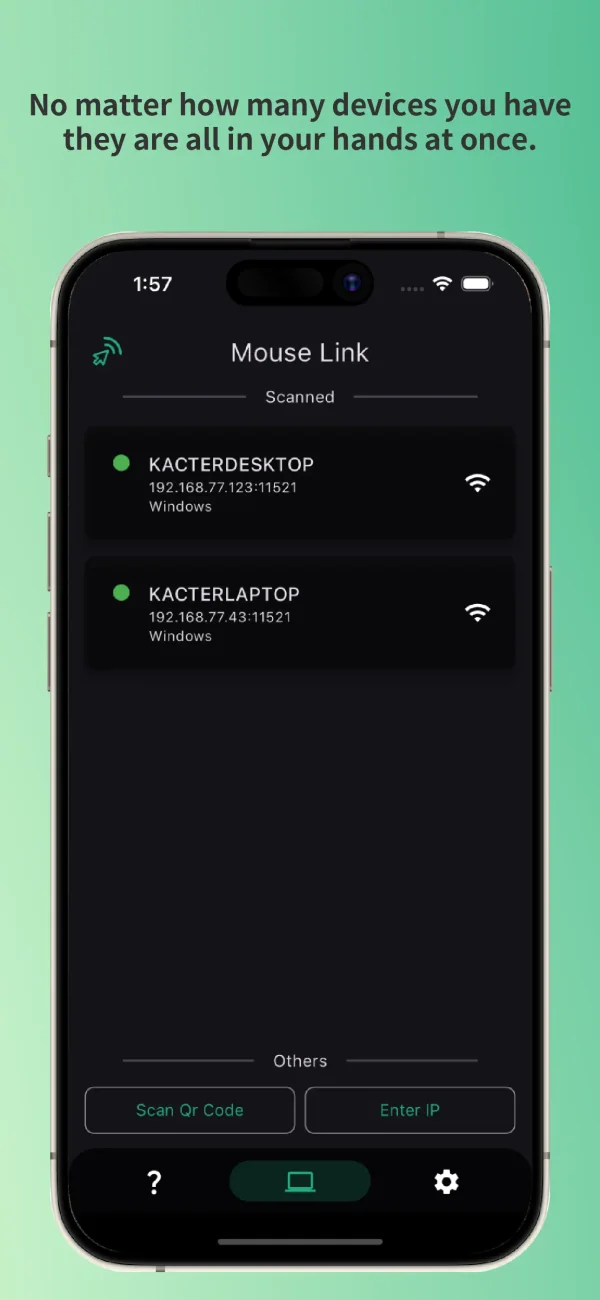
- No matter how many devices you have, you can control them all with one mobile phone
- Wi-Fi wireless transmission, no longer worry about distance issues
** About the touchpad
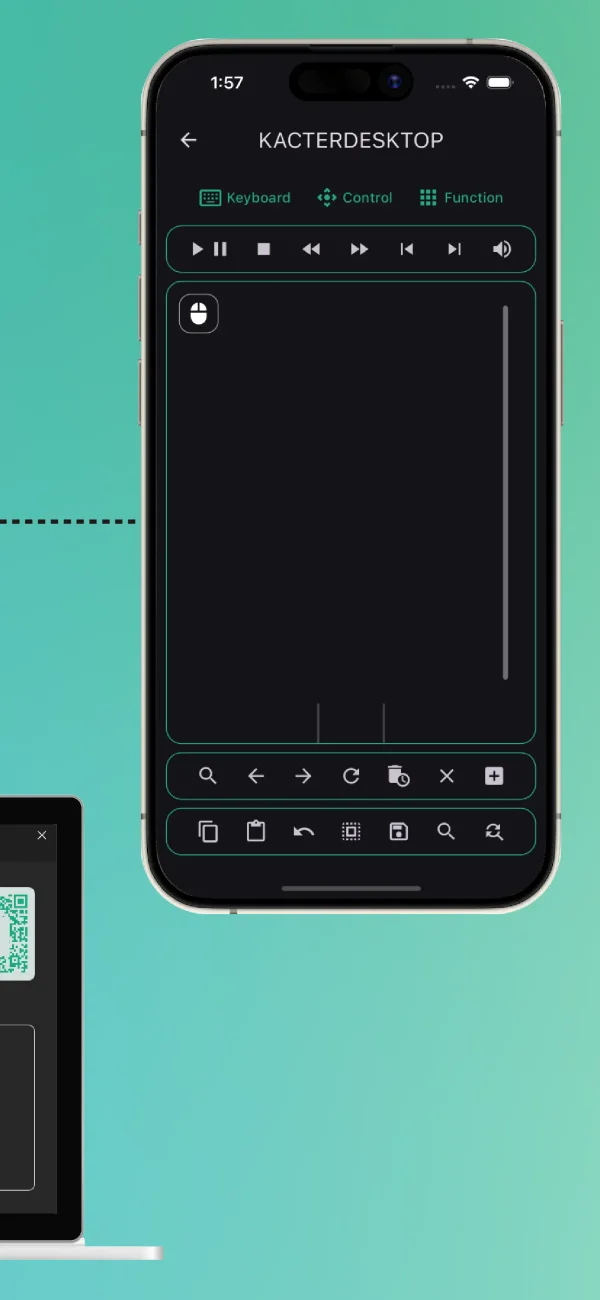
- Control your mouse with multi-finger gestures
- Easily operated by both left and right hands
- Supports side mouse buttons to easily return to the previous page
- Turn on the presentation mode to turn your phone into a presentation pen
- Experience the freedom of wireless control as your device transforms into a responsive air mouse.
** About the keyboard
- Operation is just like a physical keyboard
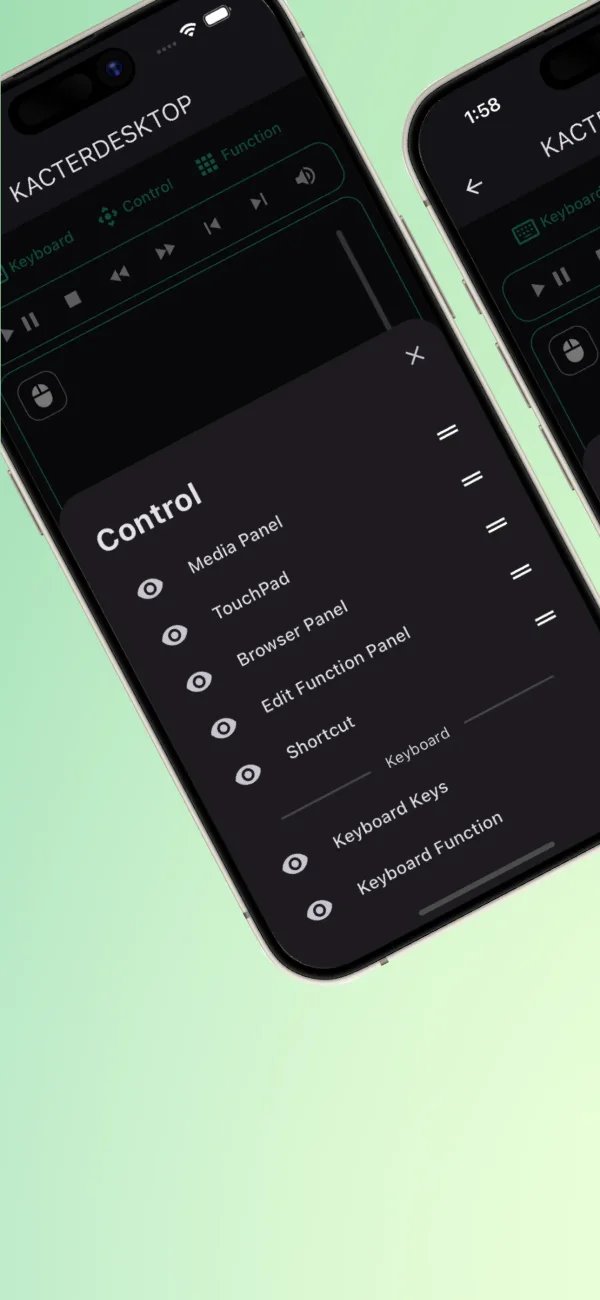
- Customize your own shortcut keys
** Presentation Mode
- Replaces presentation remotes for easy navigation between slides.
- Utilizes focus mode to replace laser pointer, ensuring the audience stays engaged with the content.
** Multimedia control
- Play, previous and next songs with just one click
- Support volume keys to directly control computer volume
** Computer control
- Browser control makes browsing the web more relaxed and enjoyable
- Open customized applications with one click
- File editing control, copy, paste, archive, select all, search, replace
- Control computer shutdown, restart, sleep, and user logout
- Transfer text and pictures between your phone and computer through clipboard
** How to get started?
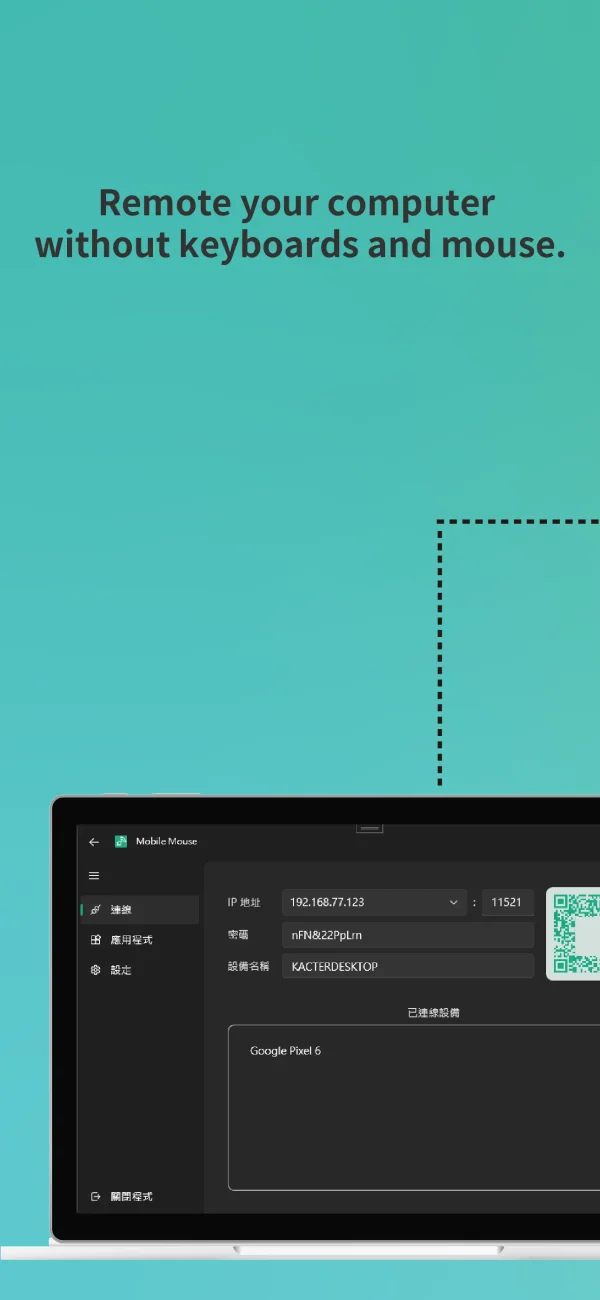
1. Download and install the PC application (https://mouselink.app/)
2. Allow the application to pass the computer firewall permissions
3. Place your computer and mobile device on the same network
4. Start enjoying Mouse Link!
Terms of Use: https://www.apple.com/legal/internet-services/itunes/dev/stdeula/
Nouveautés
Version 5.0.6 · 11/11/2024
* Please update the desktop version to the latest version (v5.0.0 or above).
Add presentation focus mode
Add air mouse
Confidentialité de l’application
Ce que Lin Chia Han déclare sur l’App Store au sujet du traitement des données par cette application.
-
Données établissant un lien avec vous
Peuvent être collectées et liées à votre identité.
- Identifiants
- Données d’utilisation
- Diagnostic
Les pratiques en matière de confidentialité peuvent varier, notamment en fonction des fonctionnalités que vous utilisez ou de votre âge.
Informations
- Vendeur
- Lin Chia Han
- Catégorie
- Utilitaires
- Version
- 5.0.6
- Mis à jour
- 11/11/2024
- Publié
- 05/06/2024
- Taille
- 86,1 Mo
- Nécessite
- iOS 13.0 ou version ultérieure
- Classification d’âge
- 4+
- Prix
- Gratuit
- Achats intégrés
- Oui
- Langues
- Anglais, Chinois traditionnel
- Copyright
- © 2024 CHIA HAN LIN
Vous aimerez peut-être aussi
-
 WiMouse: Remote Mouse KeyboardUtilitaires
-
 Laser MouseUtilitaires
-
 MouseHeroUtilitaires
-
 Remote App - Mouse, KeyboardWireless Control for PC/Mac
-
 Mobile Mouse USB RemoteUtilitaires
-
 PhoneMouse – Wireless MouseUtilitaires
-
 Desk Remote: Mouse controlUtilitaires
-
 Peyara Remote MouseUtilitaires
-
 Phone Mouse・Remote・KeyboardUtilitaires
-
 Saturn RemoteUtilitaires