MultiGage Reader
Wireless Dimensional Metrology
Conçue pour iPhone, iPad, iPod touch
Gratuit
- Classification d’âge4+
- CatégorieProductivité
- DéveloppeurMotionics LLC
- LanguesAnglais
- Taille30,3 Mo
Renvoie vers la page App Store officielle
Download.org n’héberge aucun fichier de MultiGage Reader. Le bouton ouvre la page de l’application sur App Store, où Motionics LLC la publie. Fiche vérifiée pour la dernière fois le 12/11/2026.
Captures d’écran



À propos
Le développeur n’a pas fourni ce texte dans votre langue.
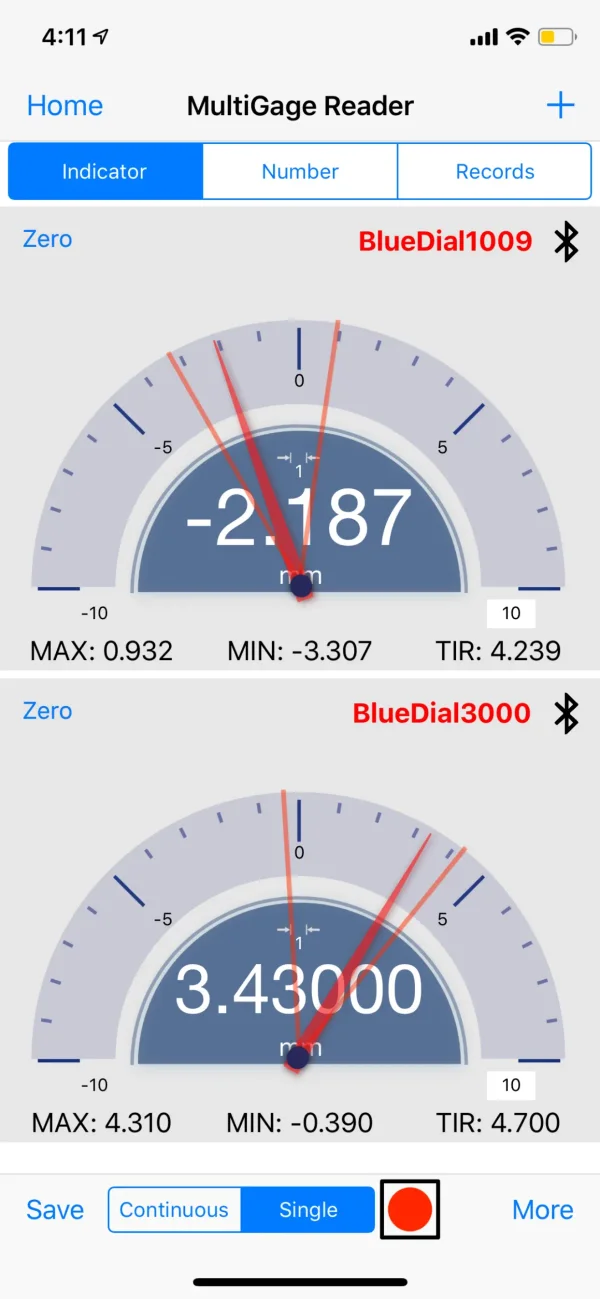
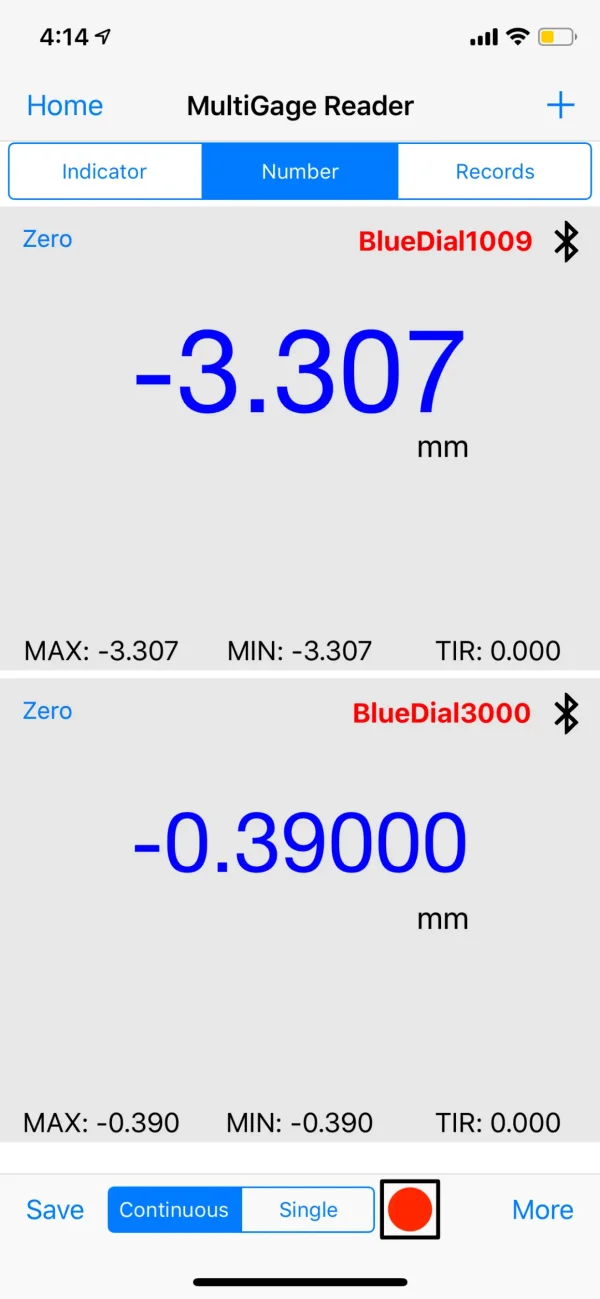
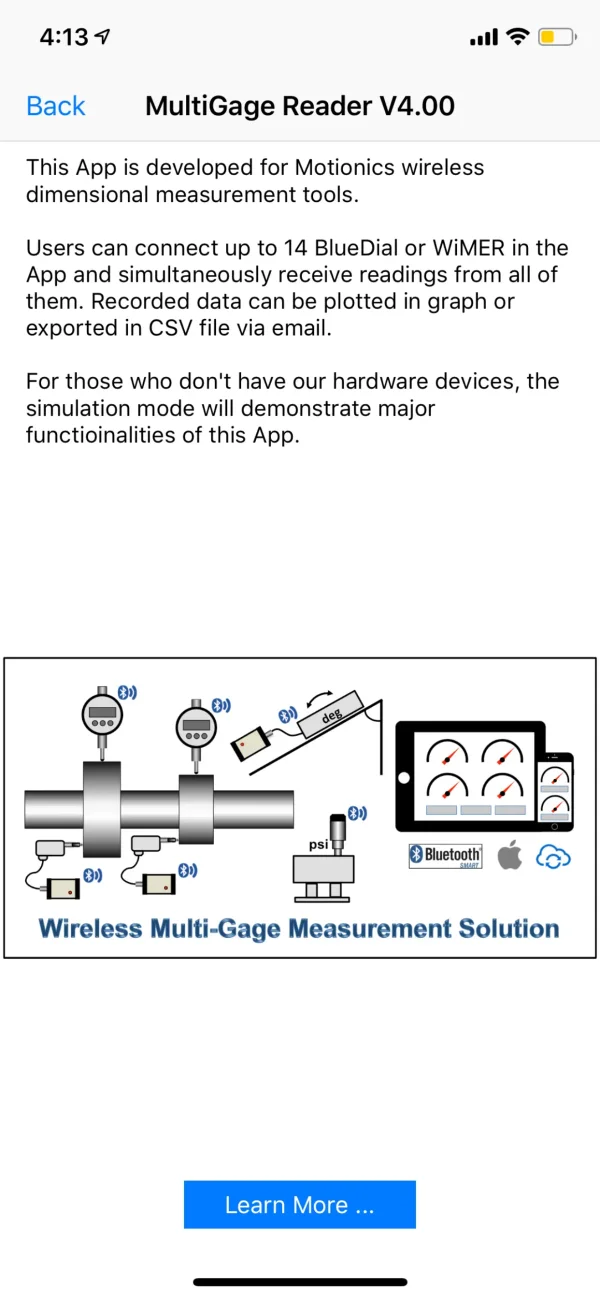
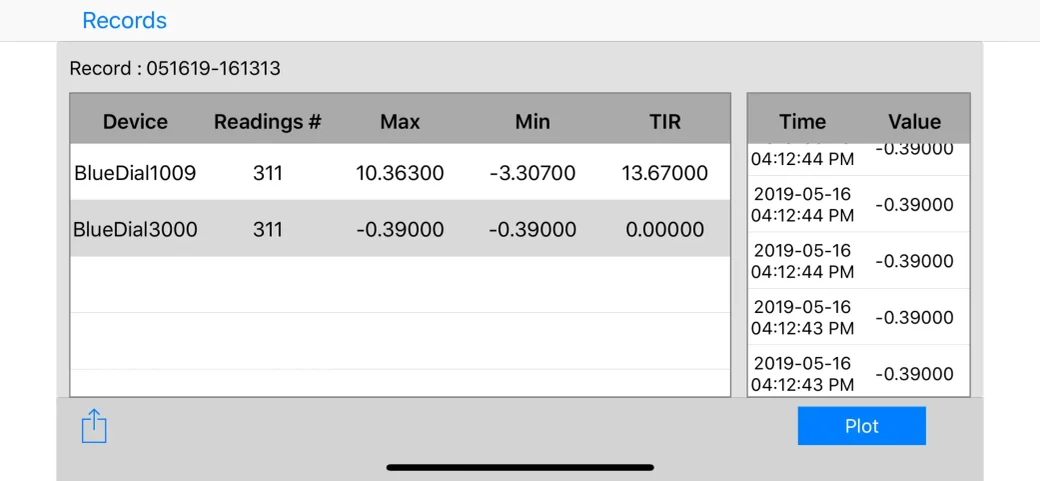
MultiGage Reader App is able to connect up to 14 units of Motionics Bluetooth measurement devices and receive readings from all of them at the same time. Each device will be assigned with an individual panel to display measurement reading, max, min, and TIR. User can disconnect a device or add more devices without interference in other devices and measurement undergoing.
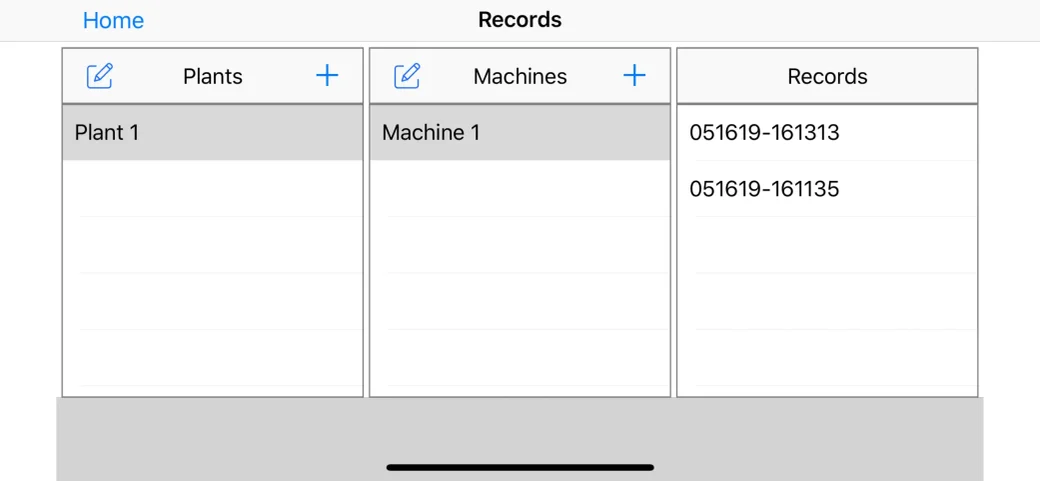
MultiGage Reader provides 2 options for data recording: continuous recording at up to 10 samples/sec or one by one capturing with button tapping. Recorded data can be plotted in a user interaction enabled graph (zoom, pan, screenshot) or exported in CSV file via e-mail, cloud drive, or flash drive for further assessment.
To better visualize sensor readings, a probe meter is embeded for both individual device (activated by tapping the sensor reading) and a group of devices (activated through More button on iPad). Two different options of probe meters with different numbers of ticks are available for different resolution requirements. Additionally, users can freely set the range of the probe meter to further adjust display resolution. An analog needle rotates while sensor reading changes. Two limit handles indicate max and min values the device has reached.
Customizable calculator feature automatically converts measurement readings to desired metrics based on any equation entered by the user. Calculator sensors can be added to main measurment page for data collection together with Bluetooth sensors.
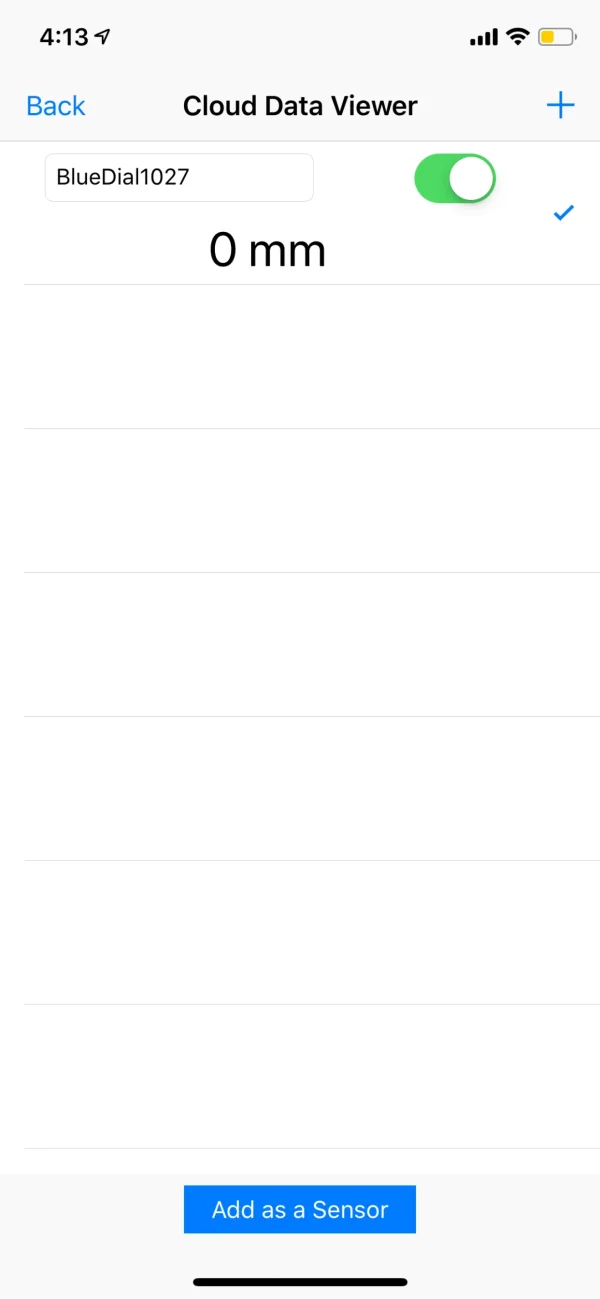
Cloud data streaming feature is added to push measurement readings to the cloud server in real time and allow other devices to access data from worldwide. Cloud sensors can be added to main measurement page for data collection together with Bluetooth sensors.
For those who don't have our hardware devices, the simulation mode will demonstrate major functioinalities of this App.
Features:
- Multiple sensor connectivity (up to 14)
- Adding/removing one sensor individually
- Dial zero from app
- Max, Min, TIR
- Continuous/single data recording
- Various continuous data recording rates
- Individual data table
- GO/NG judgment
- Probe meter with adjustable display range and max/min bars
- Recorded data plot with zoom, pan, screenshot options
- Custom calculator to convert sensor readings
- Calculator added as a sensor for data collection
- Real-time cloud data streaming
- Cloud device added as a sensor for data collection
- CSV data exportation
- Simulation mode for demonstration
Nouveautés
Version 4.65 · 06/11/2026
- Fixed preset value flickering issue
Confidentialité de l’application
Ce que Motionics LLC déclare sur l’App Store au sujet du traitement des données par cette application.
-
Données non collectées
Le développeur ne collecte aucune donnée à partir de cette application.
Les pratiques en matière de confidentialité peuvent varier, notamment en fonction des fonctionnalités que vous utilisez ou de votre âge.
Informations
- Vendeur
- Motionics, LLC
- Catégorie
- Productivité
- Version
- 4.65
- Mis à jour
- 06/11/2026
- Publié
- 26/09/2015
- Taille
- 30,3 Mo
- Nécessite
- iOS 15.0 ou version ultérieure
- Classification d’âge
- 4+
- Prix
- Gratuit
- Langues
- Anglais
- Copyright
- © Motionics LLC
Vous aimerez peut-être aussi
-
 Electronic Dial IndicatorProductivité
-
 Notes simples, Bloc-notesListes privées & dossiers
-
 Easy-Laser XT1 AlignmentAlignement précis des machines
-
 U-WAVEPAK-BMProductivité
-
 Snippet NotesCopy to Clipboard easily
-
 TimeCal : agenda et suiviRappels, analyse et habitudes
-
 SimpleAccess AdminProductivité
-
 InfidreamsProductivité
-
 Cognize: Habit Tracker & FocusProductivité