MultiGage Reader
Wireless Dimensional Metrology
Được thiết kế cho iPhone, iPad, iPod touch
Miễn phí
- Độ tuổi4+
- Danh mụcHiệu Suất
- Nhà phát triểnMotionics LLC
- Ngôn ngữTiếng Anh
- Kích thước30,3 MB
Liên kết đến trang App Store chính thức
Download.org không lưu trữ tệp nào của MultiGage Reader. Nút này mở trang ứng dụng trên App Store, nơi Motionics LLC phát hành ứng dụng. Trang được kiểm tra lần cuối: 12/11/2026.
Ảnh chụp màn hình



Giới thiệu
Nhà phát triển chưa cung cấp nội dung này bằng ngôn ngữ của bạn.
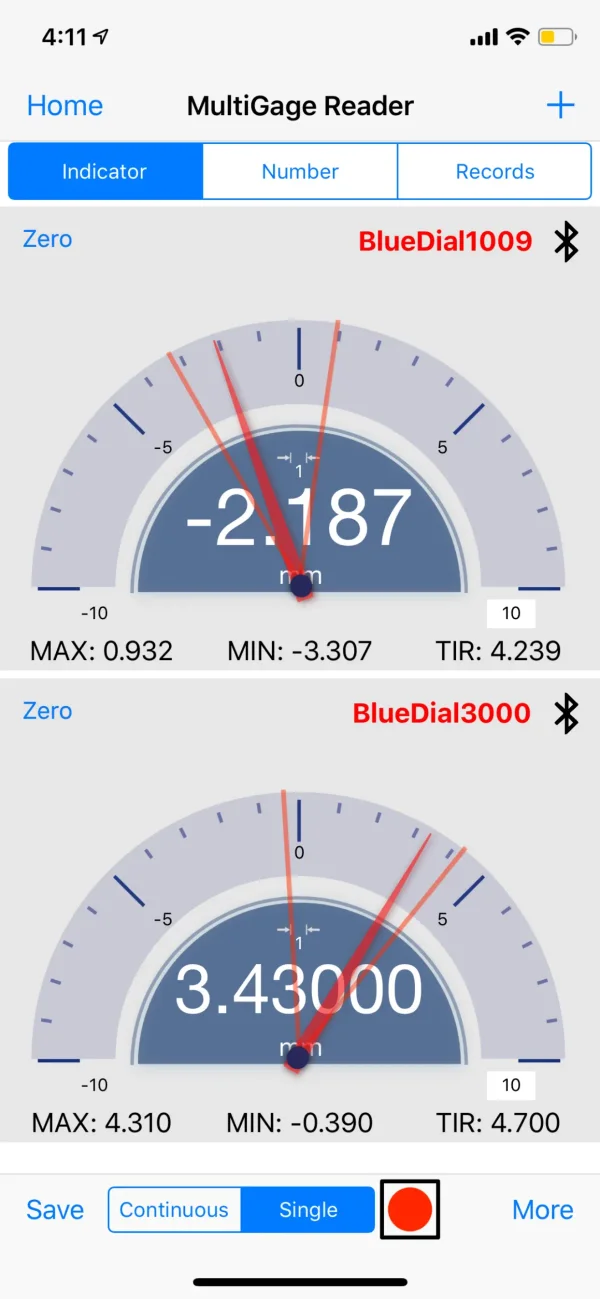
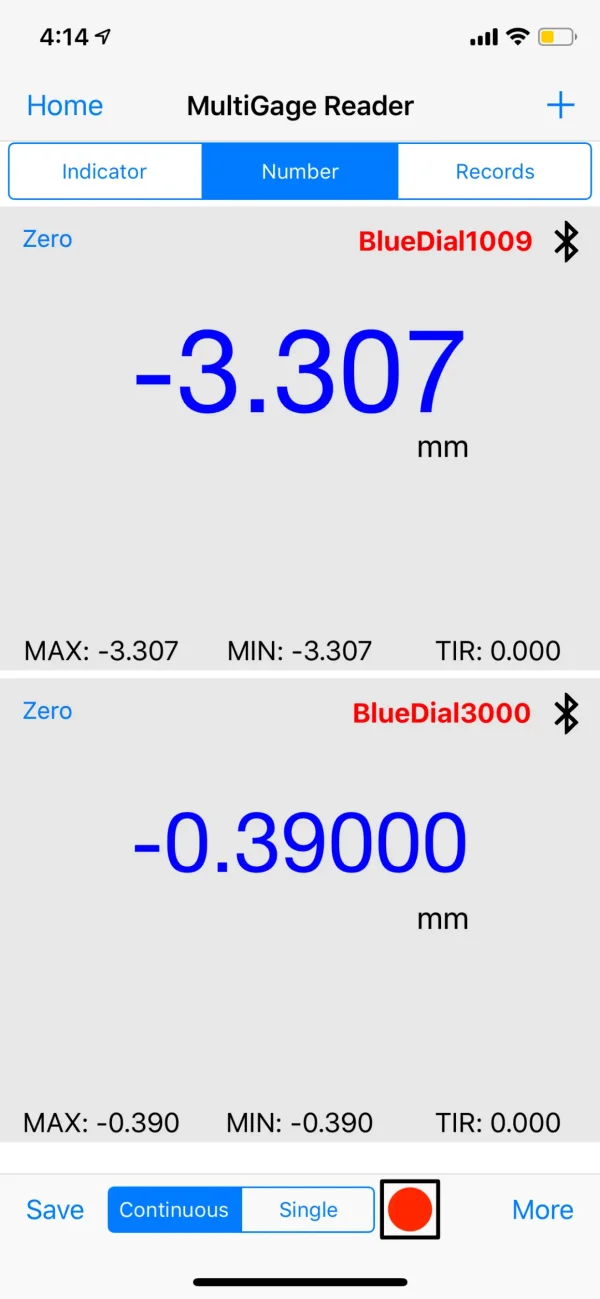
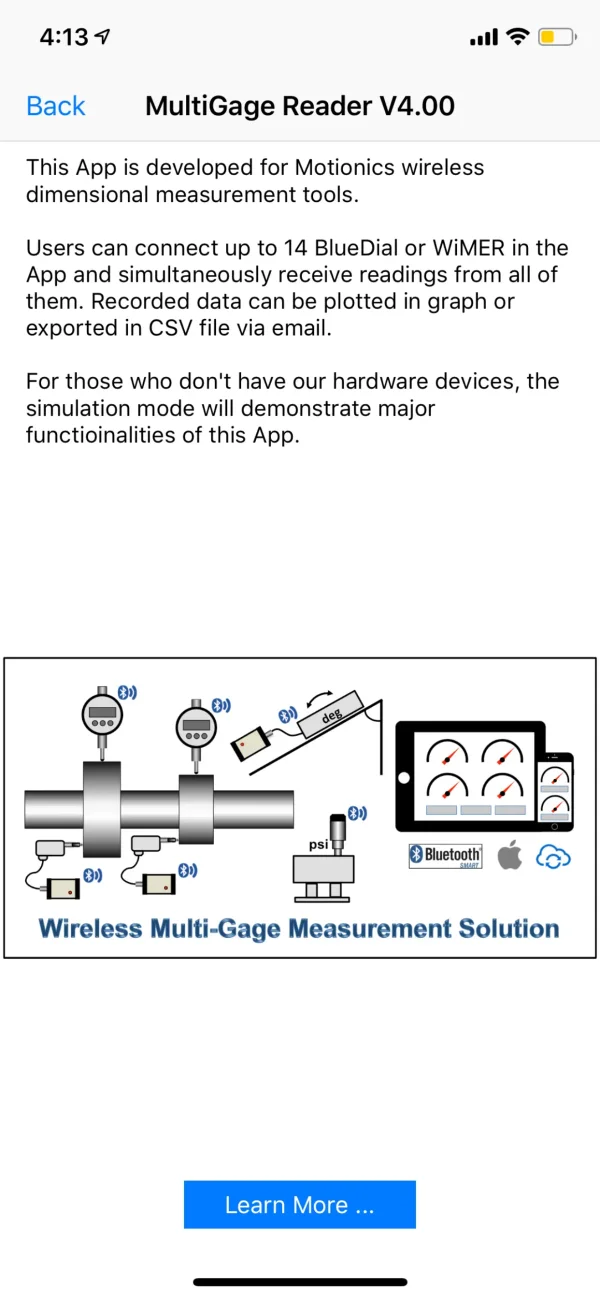
MultiGage Reader App is able to connect up to 14 units of Motionics Bluetooth measurement devices and receive readings from all of them at the same time. Each device will be assigned with an individual panel to display measurement reading, max, min, and TIR. User can disconnect a device or add more devices without interference in other devices and measurement undergoing.
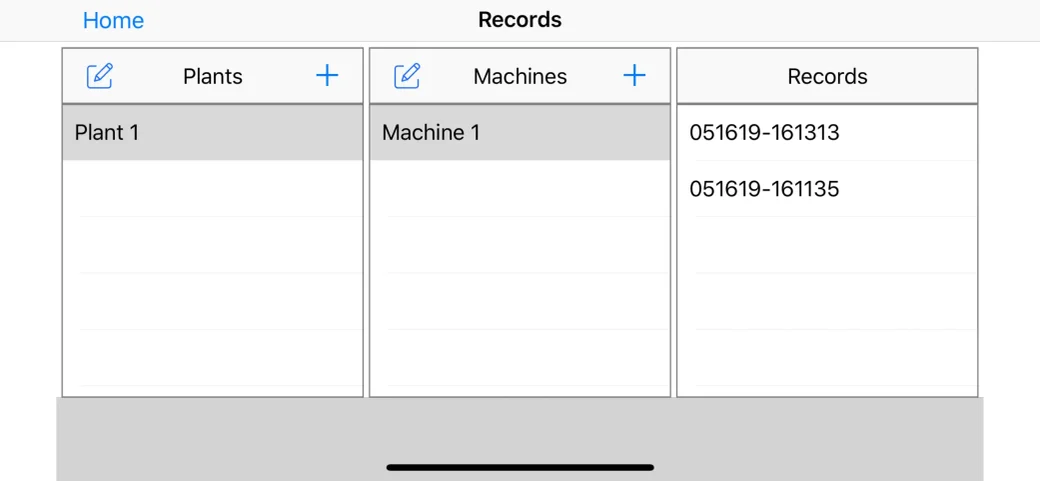
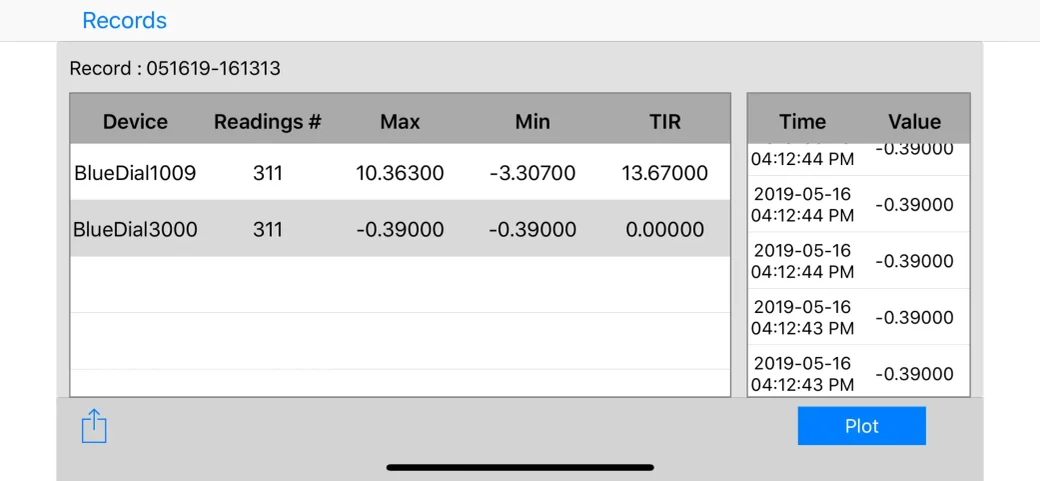
MultiGage Reader provides 2 options for data recording: continuous recording at up to 10 samples/sec or one by one capturing with button tapping. Recorded data can be plotted in a user interaction enabled graph (zoom, pan, screenshot) or exported in CSV file via e-mail, cloud drive, or flash drive for further assessment.
To better visualize sensor readings, a probe meter is embeded for both individual device (activated by tapping the sensor reading) and a group of devices (activated through More button on iPad). Two different options of probe meters with different numbers of ticks are available for different resolution requirements. Additionally, users can freely set the range of the probe meter to further adjust display resolution. An analog needle rotates while sensor reading changes. Two limit handles indicate max and min values the device has reached.
Customizable calculator feature automatically converts measurement readings to desired metrics based on any equation entered by the user. Calculator sensors can be added to main measurment page for data collection together with Bluetooth sensors.
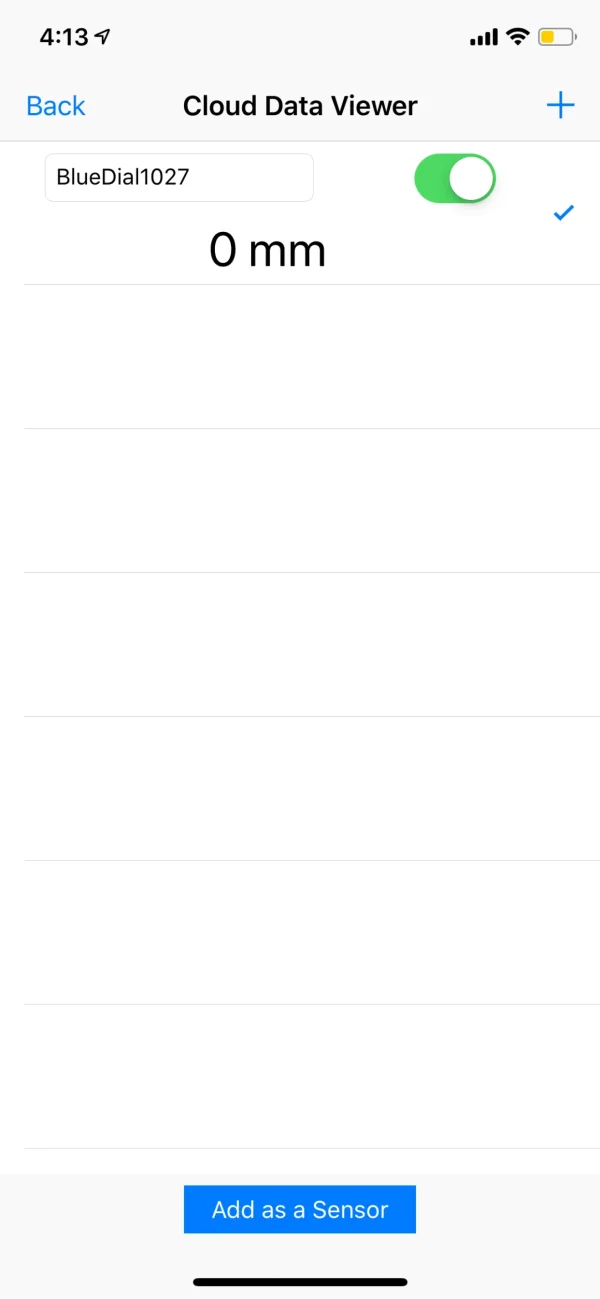
Cloud data streaming feature is added to push measurement readings to the cloud server in real time and allow other devices to access data from worldwide. Cloud sensors can be added to main measurement page for data collection together with Bluetooth sensors.
For those who don't have our hardware devices, the simulation mode will demonstrate major functioinalities of this App.
Features:
- Multiple sensor connectivity (up to 14)
- Adding/removing one sensor individually
- Dial zero from app
- Max, Min, TIR
- Continuous/single data recording
- Various continuous data recording rates
- Individual data table
- GO/NG judgment
- Probe meter with adjustable display range and max/min bars
- Recorded data plot with zoom, pan, screenshot options
- Custom calculator to convert sensor readings
- Calculator added as a sensor for data collection
- Real-time cloud data streaming
- Cloud device added as a sensor for data collection
- CSV data exportation
- Simulation mode for demonstration
Có gì mới
Phiên bản 4.65 · 06/11/2026
- Fixed preset value flickering issue
Quyền riêng tư của ứng dụng
Những gì Motionics LLC khai báo trên App Store về cách ứng dụng này xử lý dữ liệu.
-
Dữ liệu không được thu thập
Nhà phát triển không thu thập bất kỳ dữ liệu nào từ ứng dụng này.
Phương thức đảm bảo quyền riêng tư có thể khác nhau, chẳng hạn như tuỳ theo các tính năng bạn sử dụng hoặc độ tuổi của bạn.
Thông tin
- Người bán
- Motionics, LLC
- Danh mục
- Hiệu Suất
- Phiên bản
- 4.65
- Cập nhật
- 06/11/2026
- Phát hành
- 26/09/2015
- Kích thước
- 30,3 MB
- Yêu cầu
- iOS 15.0 trở lên
- Độ tuổi
- 4+
- Giá
- Miễn phí
- Ngôn ngữ
- Tiếng Anh
- Bản quyền
- © Motionics LLC
Có thể bạn cũng thích
-
 Electronic Dial IndicatorHiệu Suất
-
 Simple Notes, Notepad & ListsHiệu Suất
-
 Easy-Laser XT1 AlignmentMeasurement and alignment
-
 U-WAVEPAK-BMHiệu Suất
-
 QuickPaste - Clipboard ManagerHiệu Suất
-
 TimeCal: Tasks, Schedule & LogHiệu Suất
-
 SimpleAccess AdminHiệu Suất
-
 InfidreamsHiệu Suất
-
 Cognize: Habit Tracker & FocusHiệu Suất