- Classification d’âge4+
- CatégorieUtilitaires
- Développeur笑天 刘
- LanguesAnglais+ 1 de plus
- Taille10,9 Mo
Renvoie vers la page App Store officielle
Download.org n’héberge aucun fichier de Nota6. Le bouton ouvre la page de l’application sur App Store, où 笑天 刘 la publie. Fiche vérifiée pour la dernière fois le 15/11/2026.
Captures d’écran
À propos
Le développeur n’a pas fourni ce texte dans votre langue.
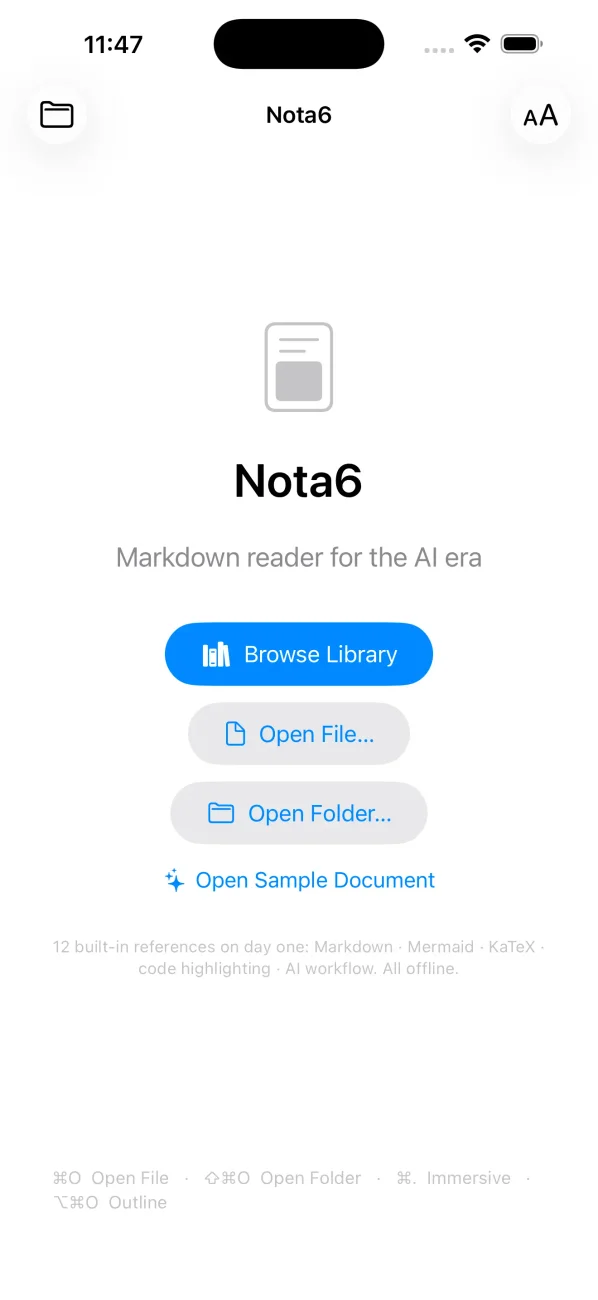
Reader-first Markdown app for the AI era — with a built-in Reference Library so it's useful the moment you open it.
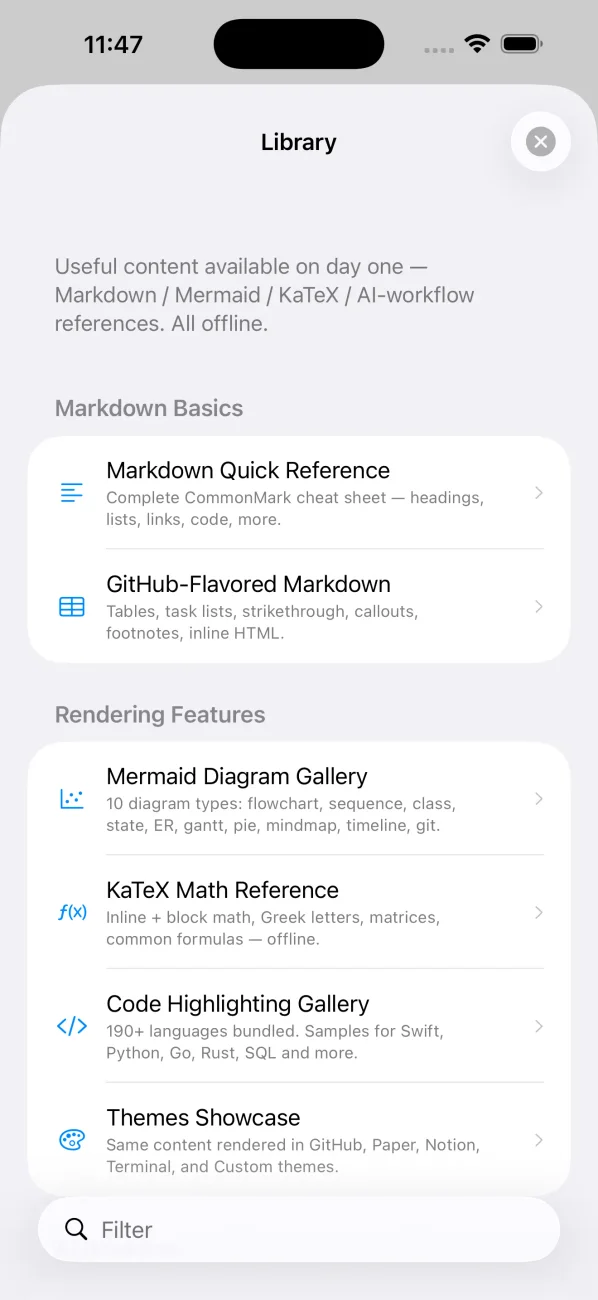
BUILT-IN LIBRARY (12 references, all offline)
The welcome screen has a "Browse Library" button. Tap it and you have 12 curated documents available immediately, in English and Simplified Chinese:
• Markdown / GFM syntax references
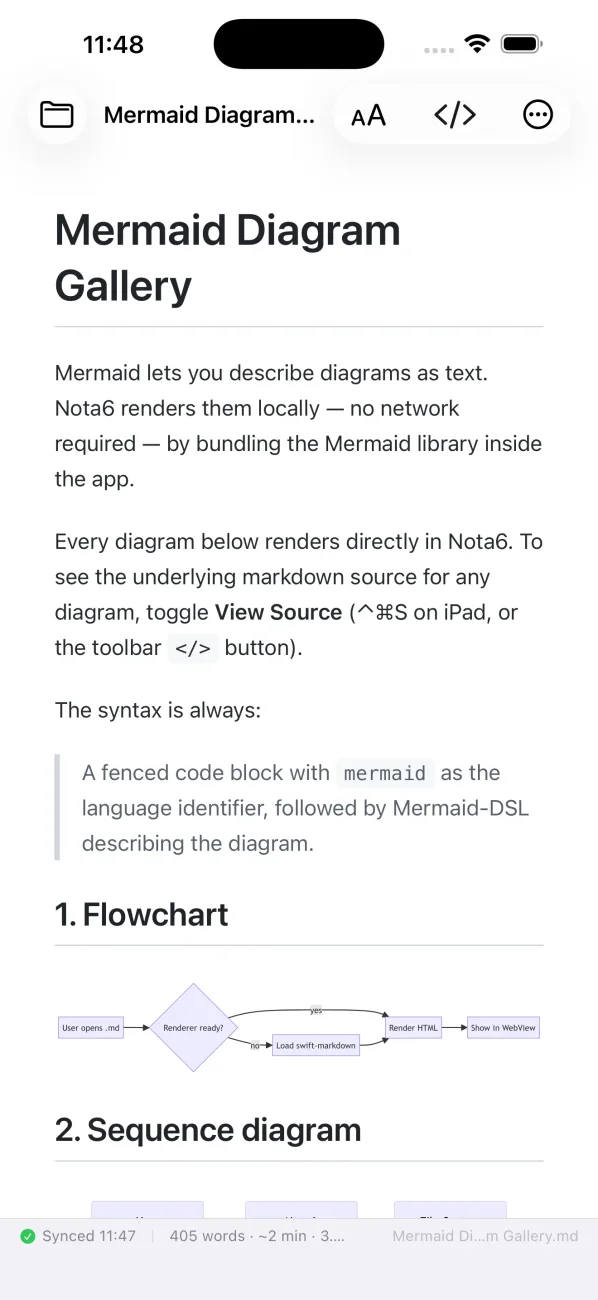
• Mermaid Diagram Gallery — 10 diagram types (flowchart, sequence, class, state, ER, gantt, pie, mindmap, timeline, git graph), each with source + rendered output
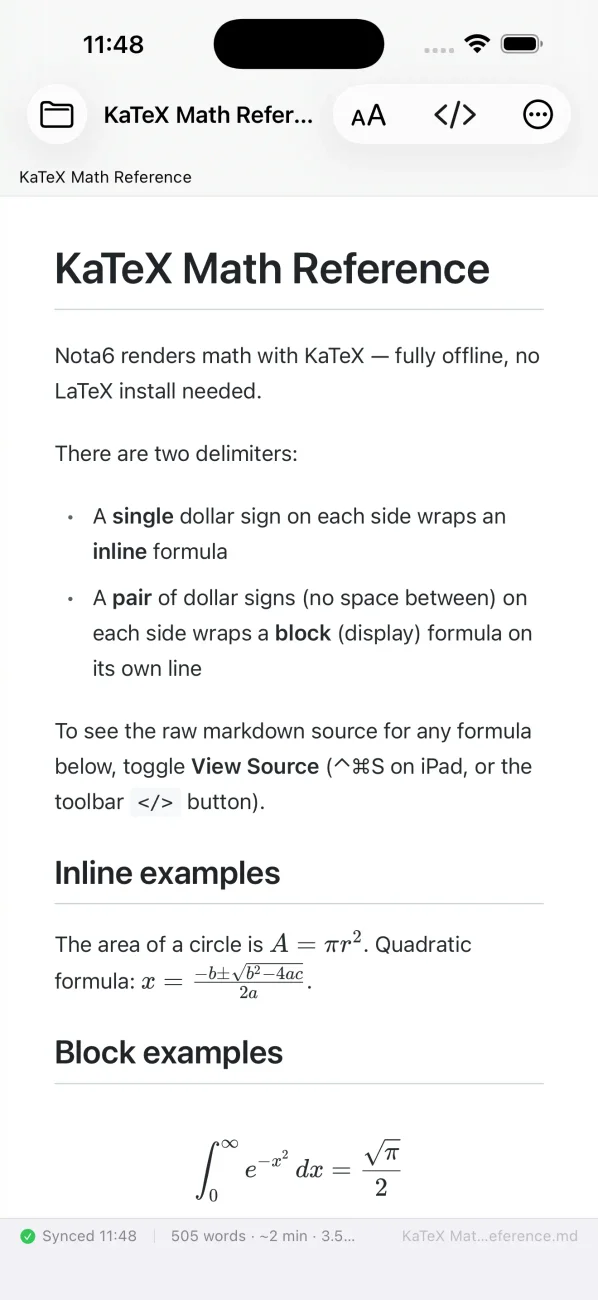
• KaTeX Math Reference — symbols, operators, matrices, common formulas
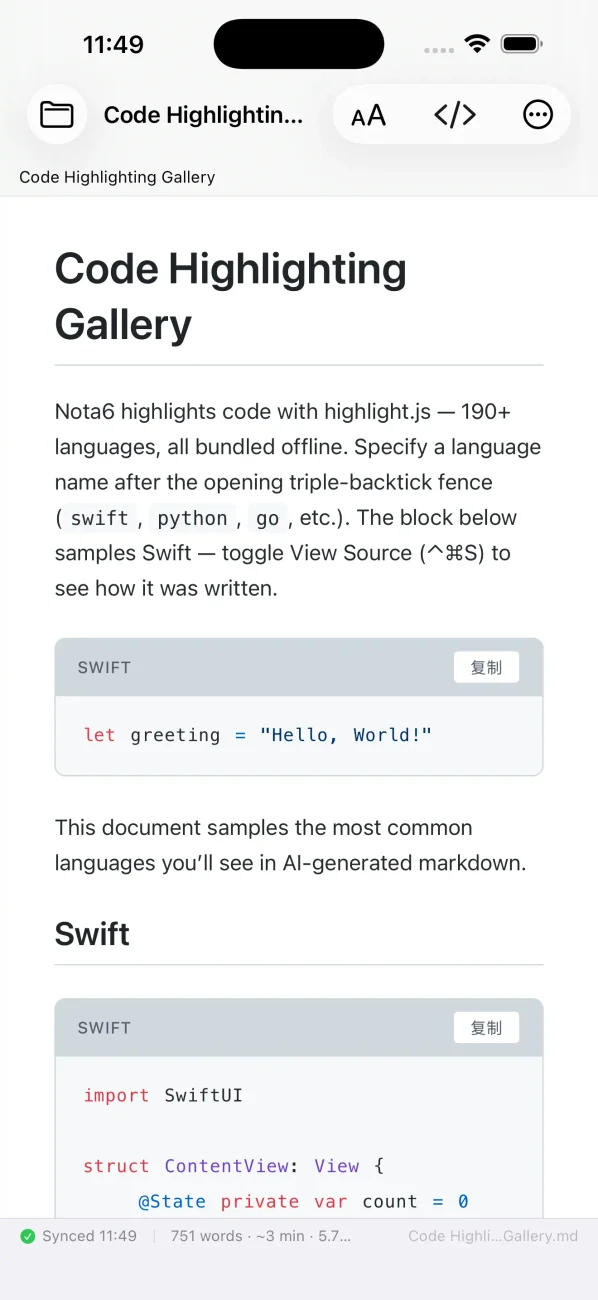
• Code Highlighting Gallery — Swift, Python, TypeScript, Go, Rust, SQL, and more (190+ languages bundled)
• Reading AI-Generated Markdown — four shapes of agent output and how to read each
• CLAUDE.md & AGENTS.md spec — how AI-instruction files work
• README Patterns, Design Doc & RFC Patterns
• Nota6 Tips & Tricks, iPad Keyboard Shortcuts, Themes Showcase
These aren't placeholders — they're useful reading material for anyone who works with AI coding assistants and the .md files they produce.
WHAT MAKES IT DIFFERENT FROM A BROWSER
• Mermaid diagrams, KaTeX math, syntax-highlighted code, all rendered offline. No network requests during rendering. Safari Reader can't do Mermaid; Nota6 can.
• Auto-refresh on file change with smart scroll anchoring: when an external editor rewrites the file, the preview re-renders in place and stays at the same heading even if the document length shifts.
• Open files from anywhere via the system share sheet, Files, iCloud Drive, or the "Open in Nota6" action.
iOS-NATIVE INTEGRATIONS
• Shortcuts / App Intents: "Open Markdown File" and "Export Markdown as HTML" are first-class Shortcuts actions. Automate from Siri or your iPad keyboard.
• iCloud sync: your theme, font, width, and Custom-theme colors follow you across iPhone, iPad, and Mac.
• Workspace full-text search (⌘⇧F) across an entire folder of .md files.
• Bookmark self-heal: if AI tooling renames or moves files in your workspace, Nota6 reattaches by content fingerprint instead of breaking.
READING EXPERIENCE
• Quick Edit: switch to Source, correct raw Markdown, and save with Command-S on a hardware keyboard. Nota6 preserves the original encoding, BOM, and line endings, and warns before overwriting external changes.
• 5 themes: GitHub · Paper · Notion · Terminal · Custom. Custom lets you pick body + monospace fonts and 4 colors (background, text, heading, code block) right inside the app.
• 4 font sizes, 3 reading widths, Light / Dark / Auto appearance.
• Outline panel with live filter and scroll-synced active heading; floating breadcrumb when the outline is closed.
• Per-file reading-progress dots in the workspace sidebar.
• Click-to-zoom for Mermaid diagrams and images; long-press to Copy or Save as PNG.
iPAD HARDWARE KEYBOARD
Full shortcut set: ⌘O · ⇧⌘O · ⌘F · ⌘P · ⌥⌘O · ⌘R · ⌘[ / ⌘] · ⌘W. Press-and-hold ⌘ for the discoverability HUD.
EXPORT
PDF or self-contained HTML via the system share sheet — straight to Files, Mail, Slack, Notion, or any other destination.
PRIVACY
No analytics. No third-party SDKs. No network requests unless the document itself references remote images. Rendering libraries (KaTeX, Mermaid, highlight.js) are bundled offline. English + Simplified Chinese.
Nouveautés
Version 1.7.1 · 13/10/2026
Improved the compact iPhone toolbar with direct access to Source and a clearer More menu. Added bounded preview recovery when web content is interrupted. Improved PDF export reliability, timeout handling, and error reporting.
Confidentialité de l’application
Ce que 笑天 刘 déclare sur l’App Store au sujet du traitement des données par cette application.
-
Données non collectées
Le développeur ne collecte aucune donnée à partir de cette application.
Les pratiques en matière de confidentialité peuvent varier, notamment en fonction des fonctionnalités que vous utilisez ou de votre âge.
Informations
- Vendeur
- 笑天 刘
- Catégorie
- Utilitaires
- Version
- 1.7.1
- Mis à jour
- 13/10/2026
- Publié
- 27/05/2026
- Taille
- 10,9 Mo
- Nécessite
- iOS 17.0 ou version ultérieure
- Classification d’âge
- 4+
- Prix
- Gratuit
- Langues
- Anglais, Chinois simplifié
- Copyright
- © Liu XT