
NuEdit - Code Editor
Fast, beautiful code editing
Conçue pour iPhone, iPad
Gratuit · Achats intégrés
- Classification d’âge4+
- CatégorieProductivité
- DéveloppeurNoriaki Misawa
- LanguesAnglais+ 1 de plus
- Taille11,5 Mo
Renvoie vers la page App Store officielle
Download.org n’héberge aucun fichier de NuEdit - Code Editor. Le bouton ouvre la page de l’application sur App Store, où Noriaki Misawa la publie. Fiche vérifiée pour la dernière fois le 21/11/2026.
Captures d’écran


À propos
Le développeur n’a pas fourni ce texte dans votre langue.
NuEdit is a simple, beautiful code editor that makes reading and editing code and text on iPhone and iPad a pleasure.
With clear line numbers and syntax highlighting, you can quickly check and edit source code wherever you are.
FEATURES
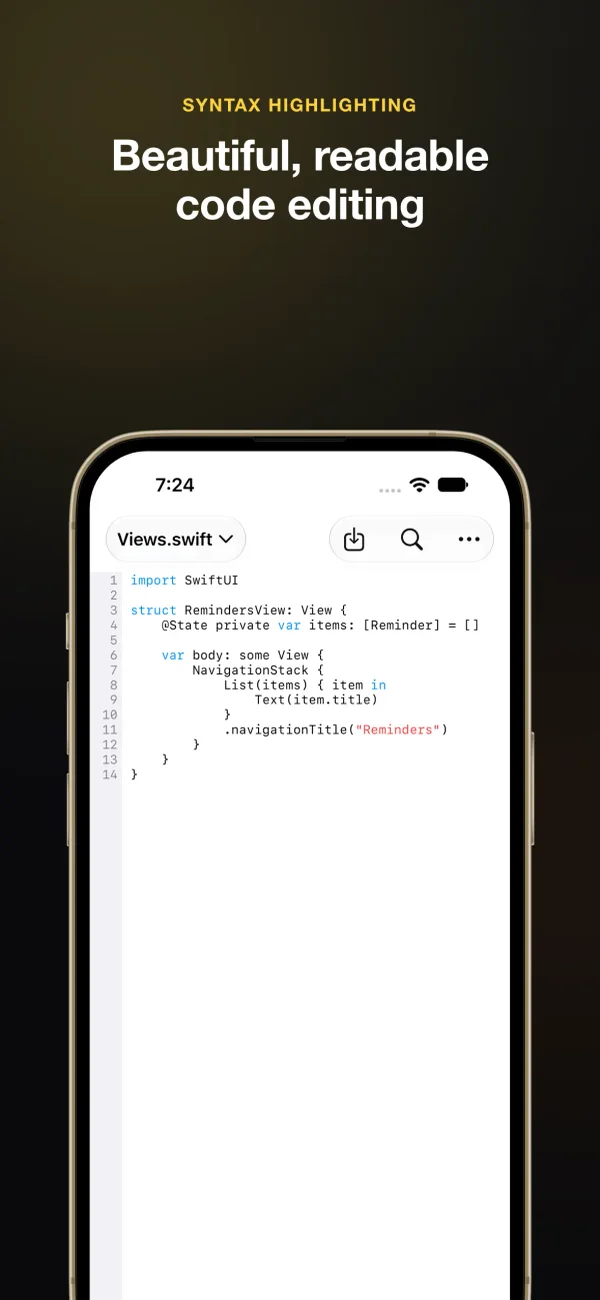
- Syntax highlighting
Supports Swift, Objective-C, C, C++, C#, Java, Kotlin, Dart, Go, Rust, JavaScript, TypeScript, Python, Ruby, PHP, Lua, Shell, SQL, HTML, XML, CSS, JSON, YAML, TOML, Dockerfile, Makefile and Markdown. Beyond keywords, strings and comments, type names, function names, attributes and more are color-coded.
- Markdown preview
See how your Markdown looks as you write. On iPad and in landscape, the preview sits side by side with the editor. Tables, task lists and highlighted code blocks are supported.
- Line numbers
Accurate line numbers that follow the original lines, even with word wrap on.
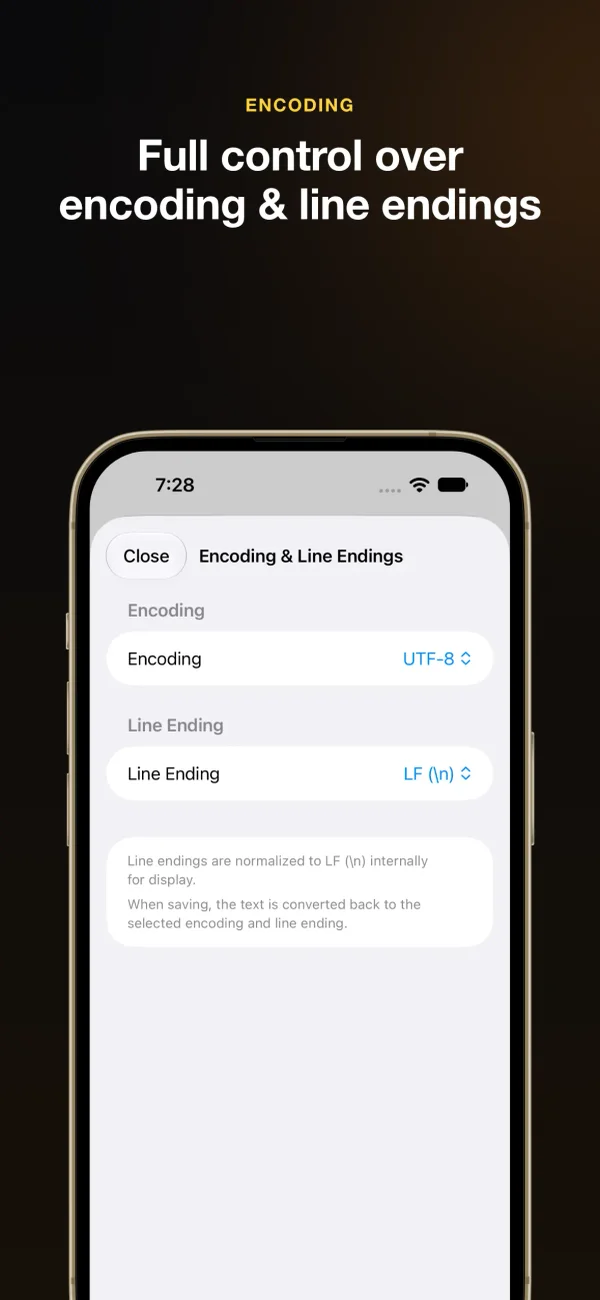
- Text encoding and line endings
Supports UTF-8, UTF-16, Shift_JIS, EUC-JP, ISO-2022-JP and MacRoman. Convert line endings (LF / CRLF / CR) with a single tap, and reopen a file with a specific encoding if text looks garbled.
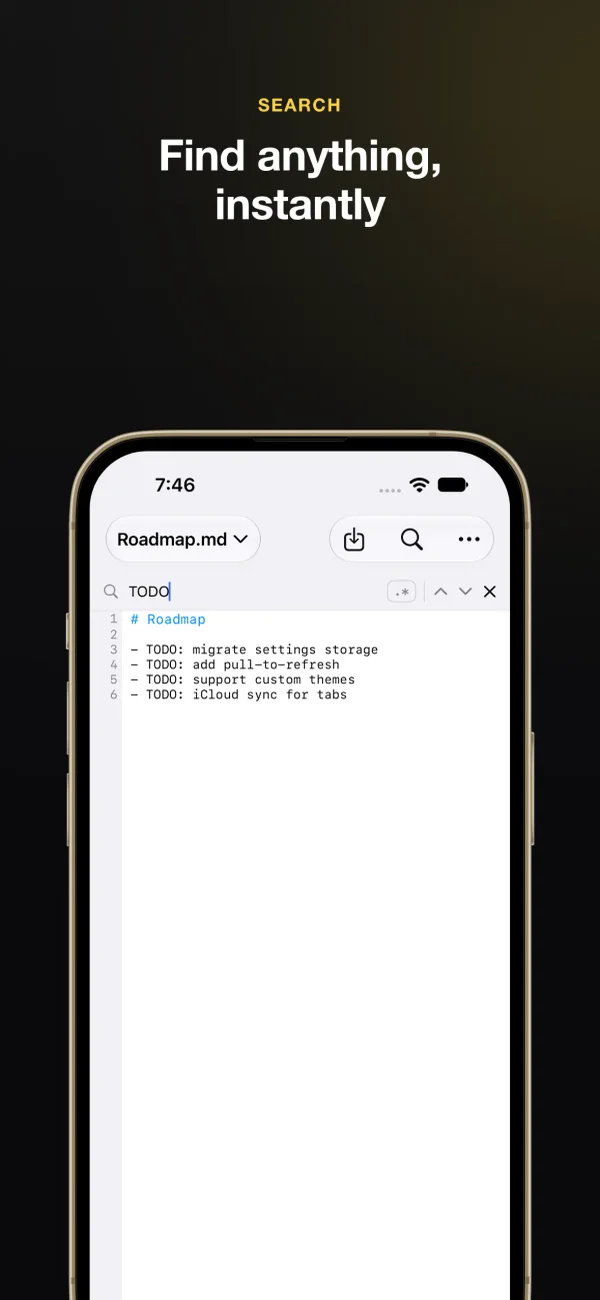
- Fast search
Find text in a file instantly and jump between matches.
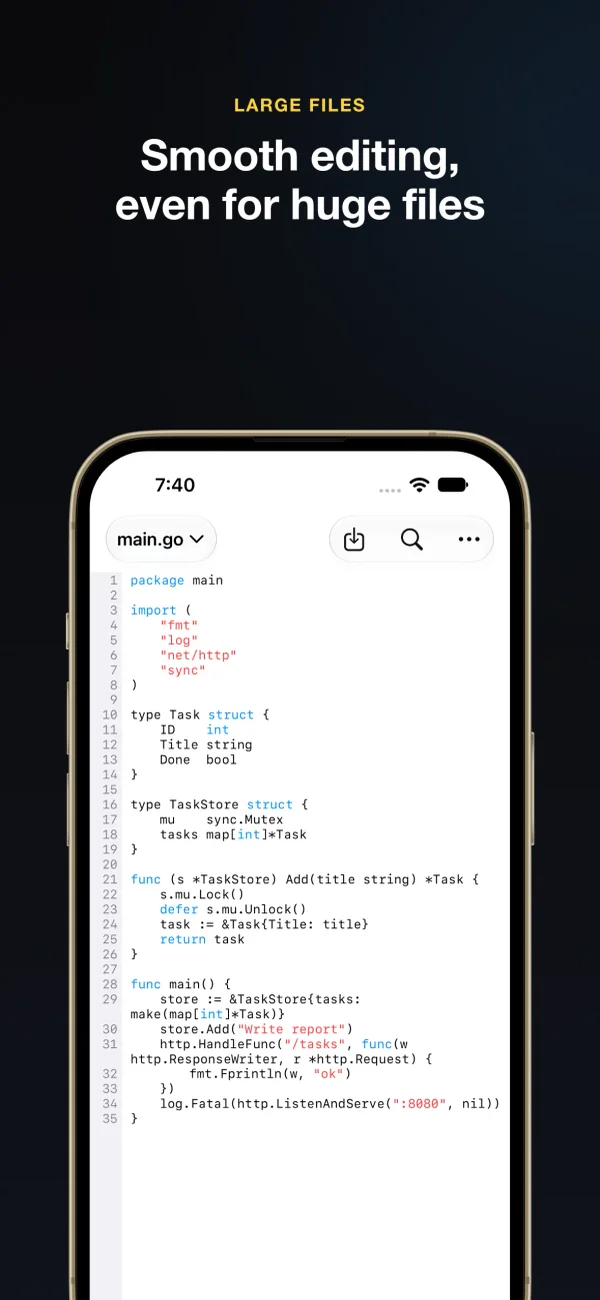
- Large files
Opens large files such as logs smoothly by loading only the parts you need.
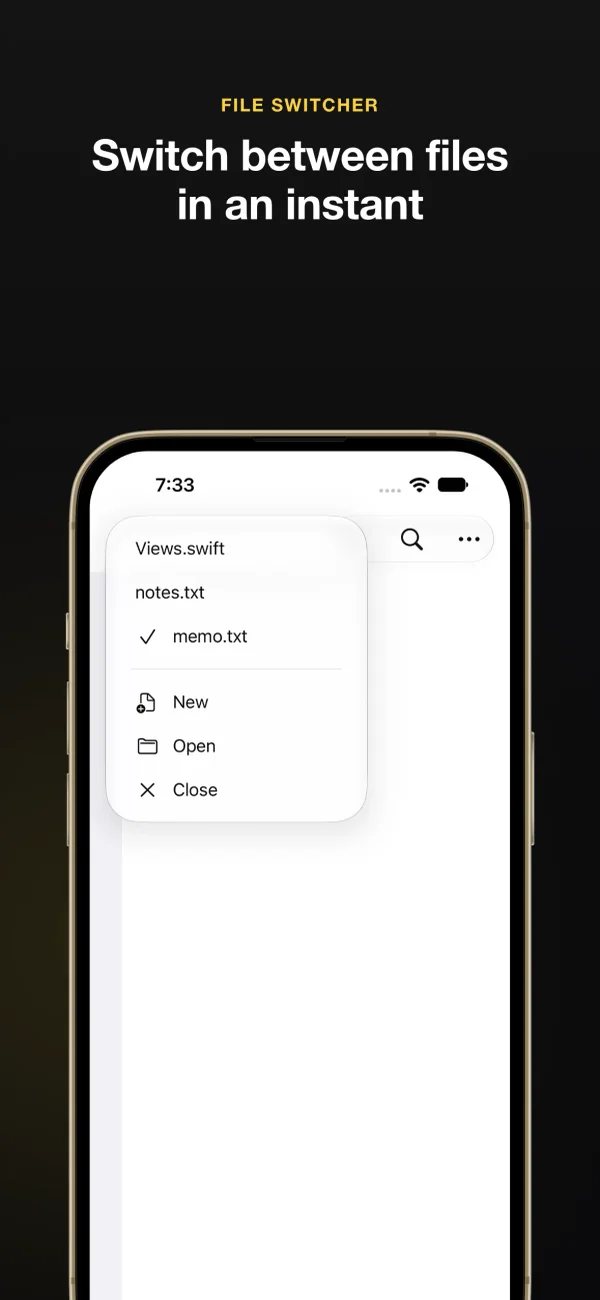
- Tabs
Open multiple files and switch between them as you work.
- Files app integration
Open files from the Files app or iCloud Drive and save changes back in place.
- Two-pane mode
On dual-screen devices such as iPhone Duo, the file list and editor appear side by side.
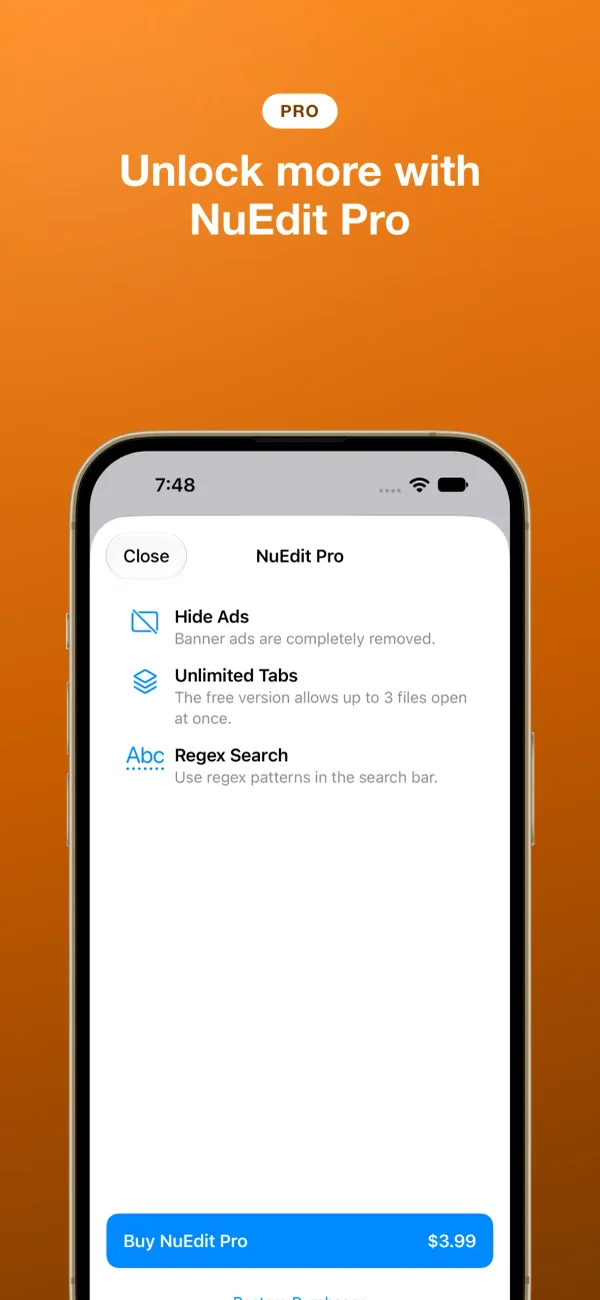
NUEDIT PRO (one-time in-app purchase)
- Remove ads
- Unlimited tabs (free version: up to 3)
- Regex search
Nouveautés
Version 2.3 · 15/11/2026
- Added Markdown preview. On iPad and in landscape, it appears side by side with the editor.
- Added syntax highlighting for more languages, including Rust, C#, PHP, SQL, JSON, YAML, CSS and XML.
- Type names, function names and more are now highlighted, making code easier to read.
- Fixed an issue where text kept getting larger while editing a Markdown file that starts with a heading.
Confidentialité de l’application
Ce que Noriaki Misawa déclare sur l’App Store au sujet du traitement des données par cette application.
-
Données n’établissant aucun lien avec vous
Peuvent être collectées, mais ne sont pas liées à votre identité.
- Diagnostic
Les pratiques en matière de confidentialité peuvent varier, notamment en fonction des fonctionnalités que vous utilisez ou de votre âge.
Informations
- Vendeur
- Noriaki Misawa
- Catégorie
- Productivité
- Version
- 2.3
- Mis à jour
- 15/11/2026
- Publié
- 08/10/2013
- Taille
- 11,5 Mo
- Nécessite
- iOS 18.6 ou version ultérieure
- Classification d’âge
- 4+
- Prix
- Gratuit
- Achats intégrés
- Oui
- Langues
- Anglais, Japonais
- Copyright
- © 2026 MISAWA.NET
Vous aimerez peut-être aussi
-
 Habit-HatchProductivité
-
 BetterTextProductivité
-
 AudioFinderProductivité
-
 BitEditorProductivité
-
 TextEditS - Edit In PlaceProductivité
-
 JSON Master: ÉditeurJSON vers Excel, CSV & XML
-
 Time Zone Slider: World ClockProductivité
-
 Piyuo CounterComprendre le trafic
-
 MinimaTXTProductivité
-
 CineSubSubtitle Translation & Timing