
NuEdit - Code Editor
Fast, beautiful code editing
Dirancang untuk iPhone, iPad
Gratis · Pembelian dalam aplikasi
- Batasan usia4+
- KategoriProduktivitas
- PengembangNoriaki Misawa
- BahasaInggris+ 1 lainnya
- Ukuran11,5 MB
Tertaut ke halaman resmi App Store
Download.org tidak menyimpan file NuEdit - Code Editor apa pun. Tombol ini membuka halaman aplikasi di App Store, tempat Noriaki Misawa menerbitkannya. Halaman terakhir diperiksa pada 21/11/2026.
Tangkapan layar


Tentang
Pengembang belum menyediakan teks ini dalam bahasa Anda.
NuEdit is a simple, beautiful code editor that makes reading and editing code and text on iPhone and iPad a pleasure.
With clear line numbers and syntax highlighting, you can quickly check and edit source code wherever you are.
FEATURES
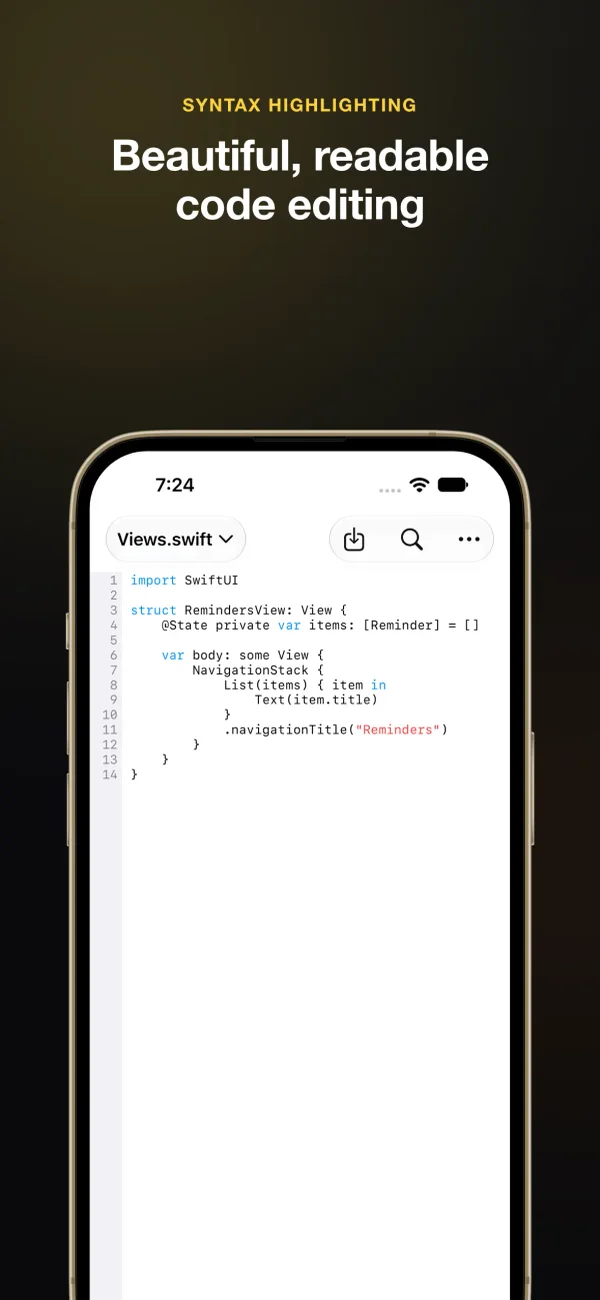
- Syntax highlighting
Supports Swift, Objective-C, C, C++, C#, Java, Kotlin, Dart, Go, Rust, JavaScript, TypeScript, Python, Ruby, PHP, Lua, Shell, SQL, HTML, XML, CSS, JSON, YAML, TOML, Dockerfile, Makefile and Markdown. Beyond keywords, strings and comments, type names, function names, attributes and more are color-coded.
- Markdown preview
See how your Markdown looks as you write. On iPad and in landscape, the preview sits side by side with the editor. Tables, task lists and highlighted code blocks are supported.
- Line numbers
Accurate line numbers that follow the original lines, even with word wrap on.
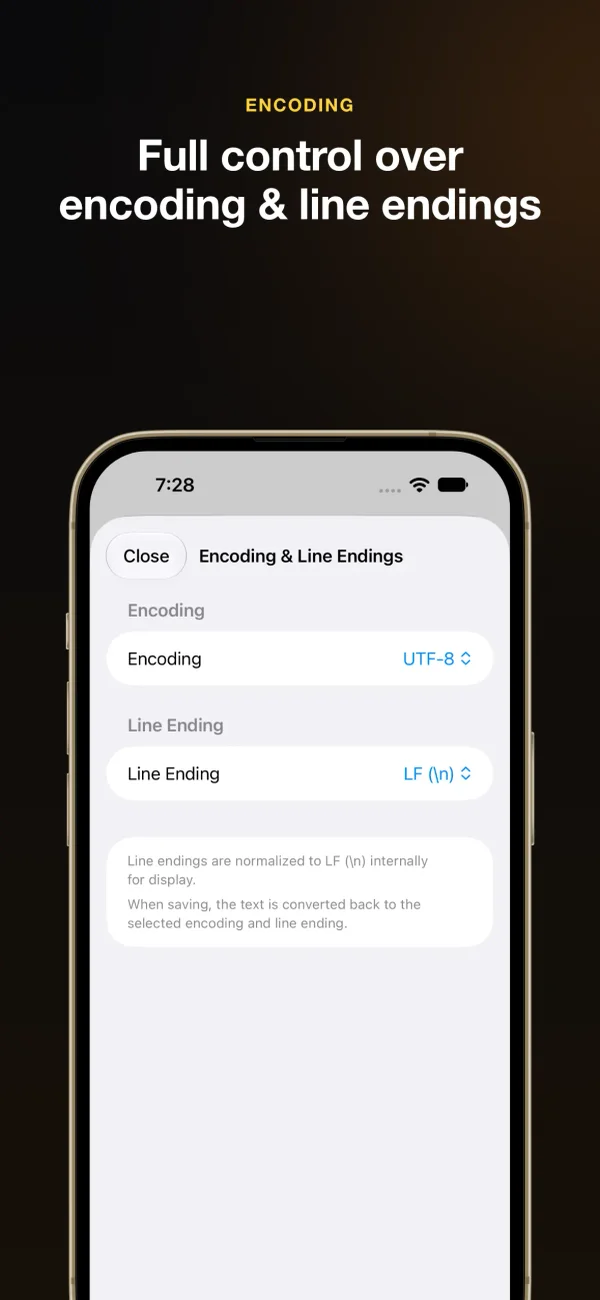
- Text encoding and line endings
Supports UTF-8, UTF-16, Shift_JIS, EUC-JP, ISO-2022-JP and MacRoman. Convert line endings (LF / CRLF / CR) with a single tap, and reopen a file with a specific encoding if text looks garbled.
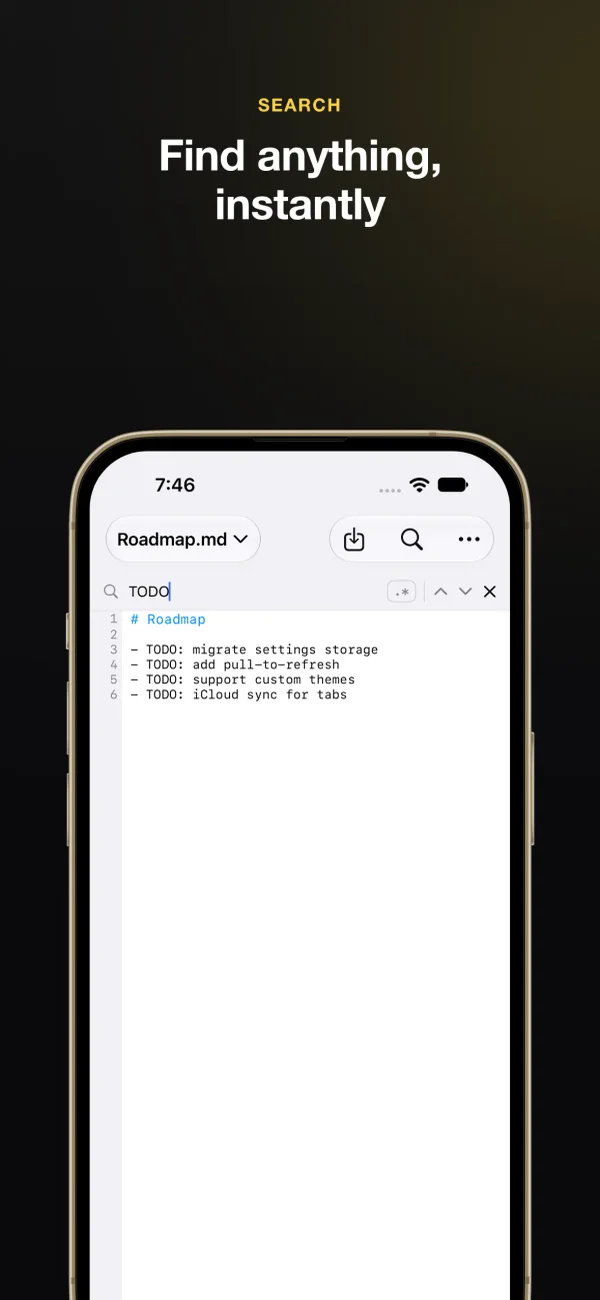
- Fast search
Find text in a file instantly and jump between matches.
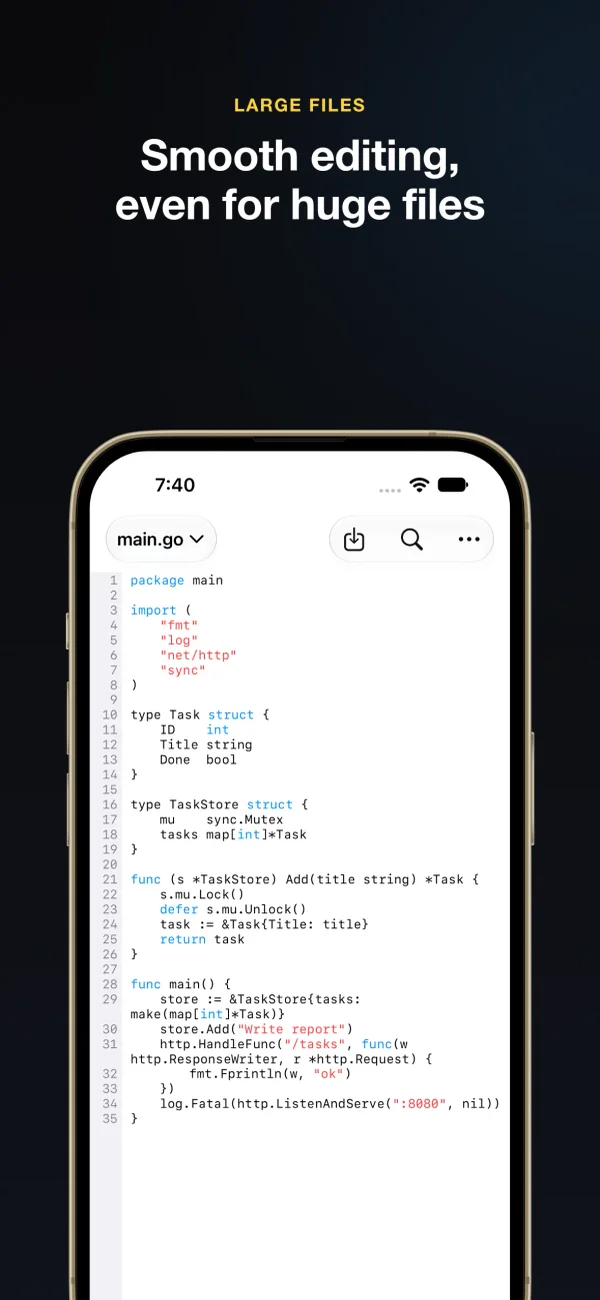
- Large files
Opens large files such as logs smoothly by loading only the parts you need.
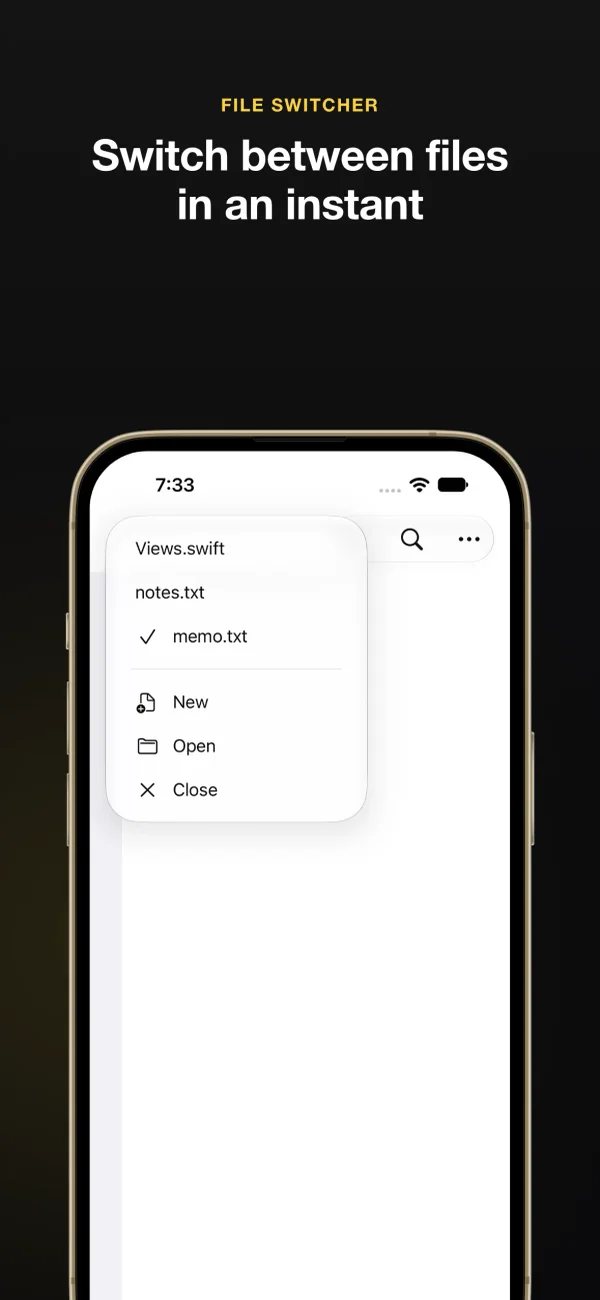
- Tabs
Open multiple files and switch between them as you work.
- Files app integration
Open files from the Files app or iCloud Drive and save changes back in place.
- Two-pane mode
On dual-screen devices such as iPhone Duo, the file list and editor appear side by side.
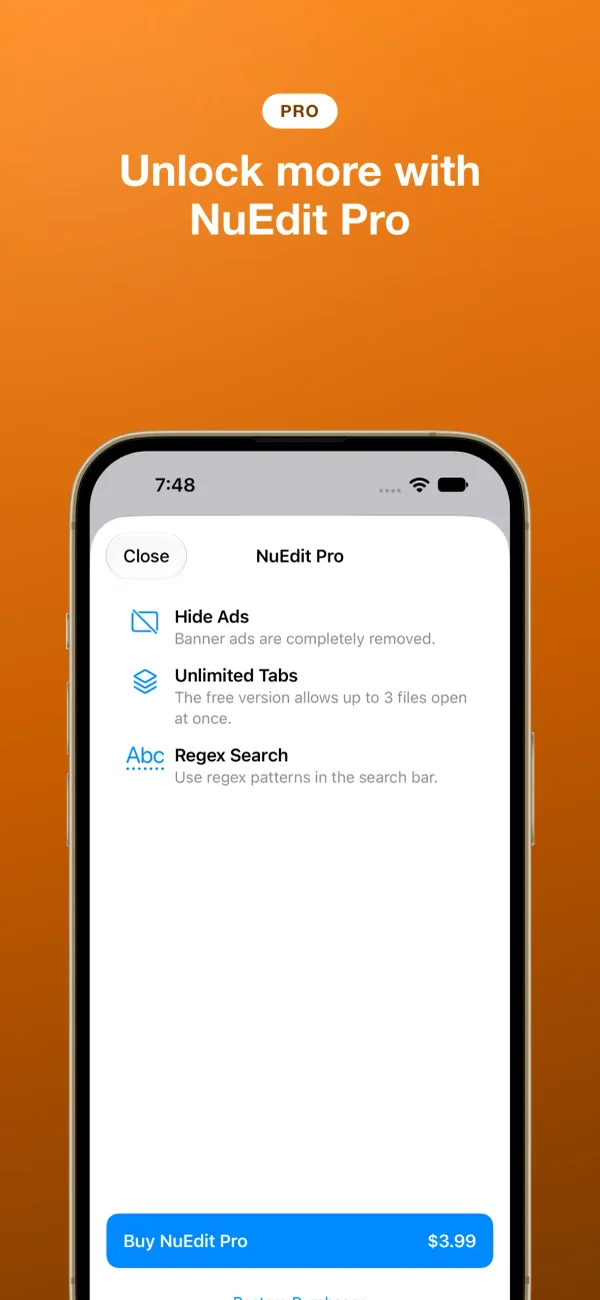
NUEDIT PRO (one-time in-app purchase)
- Remove ads
- Unlimited tabs (free version: up to 3)
- Regex search
Yang baru
Versi 2.3 · 15/11/2026
- Added Markdown preview. On iPad and in landscape, it appears side by side with the editor.
- Added syntax highlighting for more languages, including Rust, C#, PHP, SQL, JSON, YAML, CSS and XML.
- Type names, function names and more are now highlighted, making code easier to read.
- Fixed an issue where text kept getting larger while editing a Markdown file that starts with a heading.
Privasi aplikasi
Yang dinyatakan Noriaki Misawa di App Store tentang cara aplikasi ini menangani data.
-
Data yang tidak ditautkan dengan Anda
Dapat dikumpulkan, tetapi tidak ditautkan dengan identitas Anda.
- Diagnostik
Praktik privasi dapat bervariasi, misalnya berdasarkan fitur yang Anda gunakan atau usia Anda.
Informasi
- Penjual
- Noriaki Misawa
- Kategori
- Produktivitas
- Versi
- 2.3
- Diperbarui
- 15/11/2026
- Dirilis
- 8/10/2013
- Ukuran
- 11,5 MB
- Memerlukan
- iOS 18.6 atau yang lebih baru
- Batasan usia
- 4+
- Harga
- Gratis
- Pembelian dalam aplikasi
- Ya
- Bahasa
- Inggris, Jepang
- Hak cipta
- © 2026 MISAWA.NET
Mungkin Anda juga suka
-
 Habit-HatchProduktivitas
-
 BetterTextProduktivitas
-
 AudioFinderProduktivitas
-
 BitEditorProduktivitas
-
 TextEditS - Edit In PlaceProduktivitas
-
 JSON Master: Editor & PenampilJSON ke CSV, XML, dan Excel
-
 Time Zone Slider: World ClockProduktivitas
-
 Piyuo CounterMemahami lalu lintas
-
 MinimaTXTProduktivitas
-
 CineSubProduktivitas