- Classification d’âge4+
- CatégorieProductivité
- DéveloppeurVenkata Sai Dutt Ganduri
- LanguesAnglais+ 2 de plus
- Taille38,5 Mo
Renvoie vers la page App Store officielle
Download.org n’héberge aucun fichier de Oareo. Le bouton ouvre la page de l’application sur App Store, où Venkata Sai Dutt Ganduri la publie. Fiche vérifiée pour la dernière fois le 20/11/2026.
Captures d’écran


À propos
Le développeur n’a pas fourni ce texte dans votre langue.
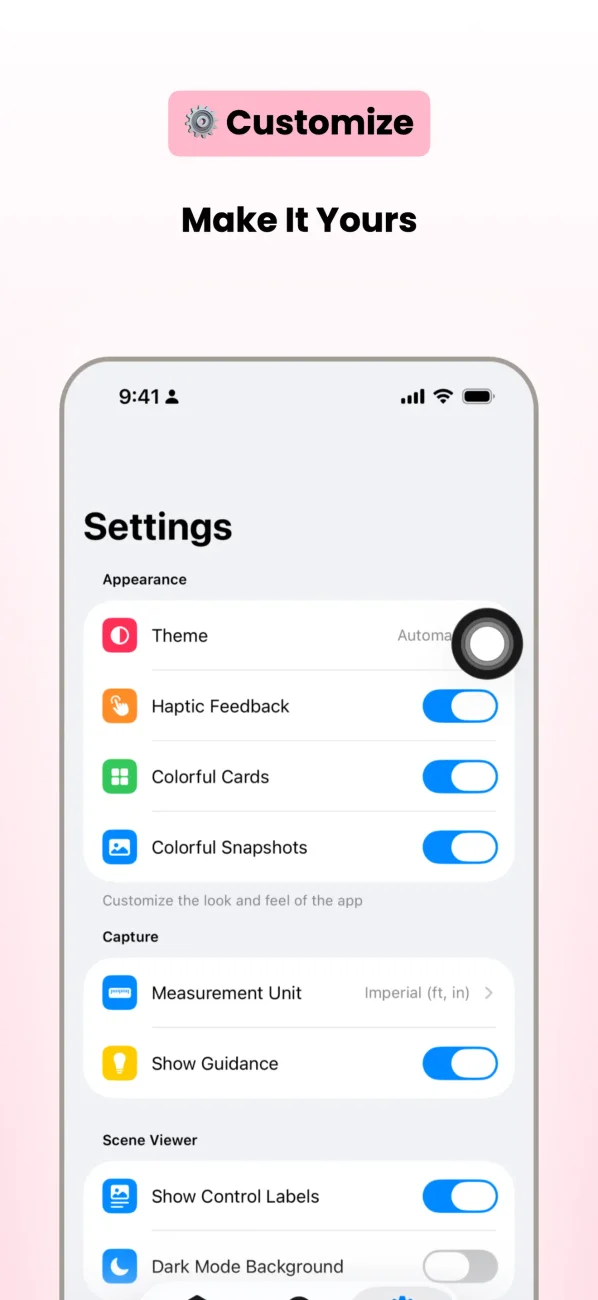
Oareo is a professional LiDAR app for scanning indoor spaces as accurate 3D models. It works entirely offline and is private by default.
SCAN
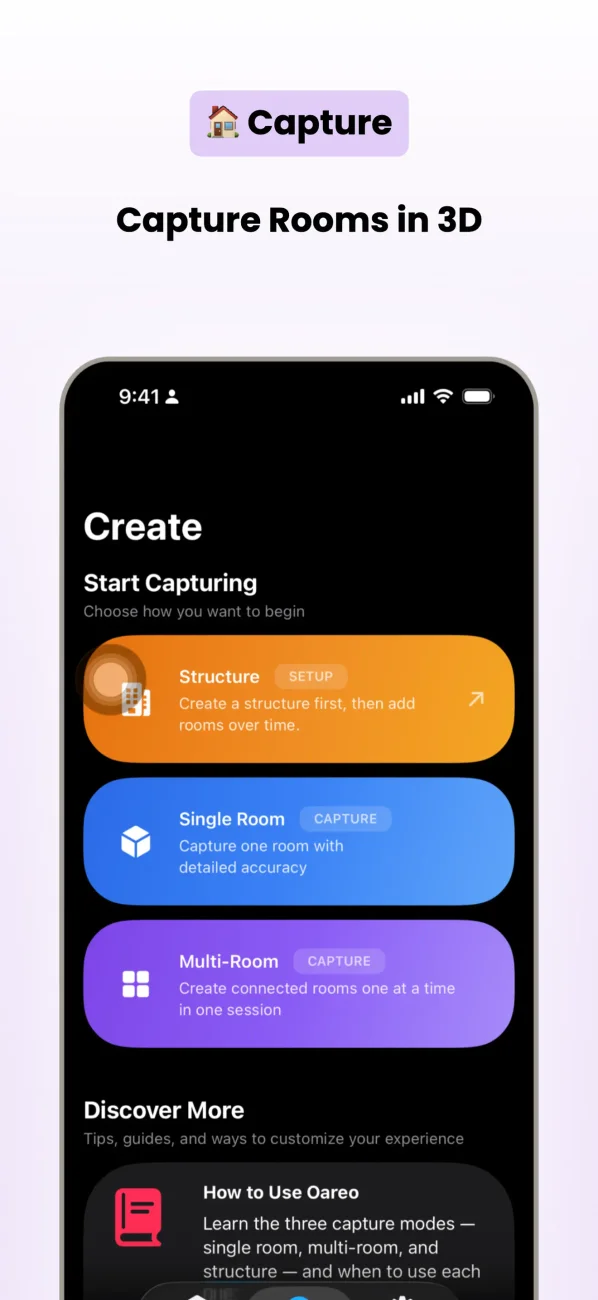
Choose the workflow that fits your project:
• Single Room: fast one-room results with real-time progress
• Multi-Room: walk through connected spaces in one session
• Structure: build larger projects over time and add rooms across sessions
EXPLORE
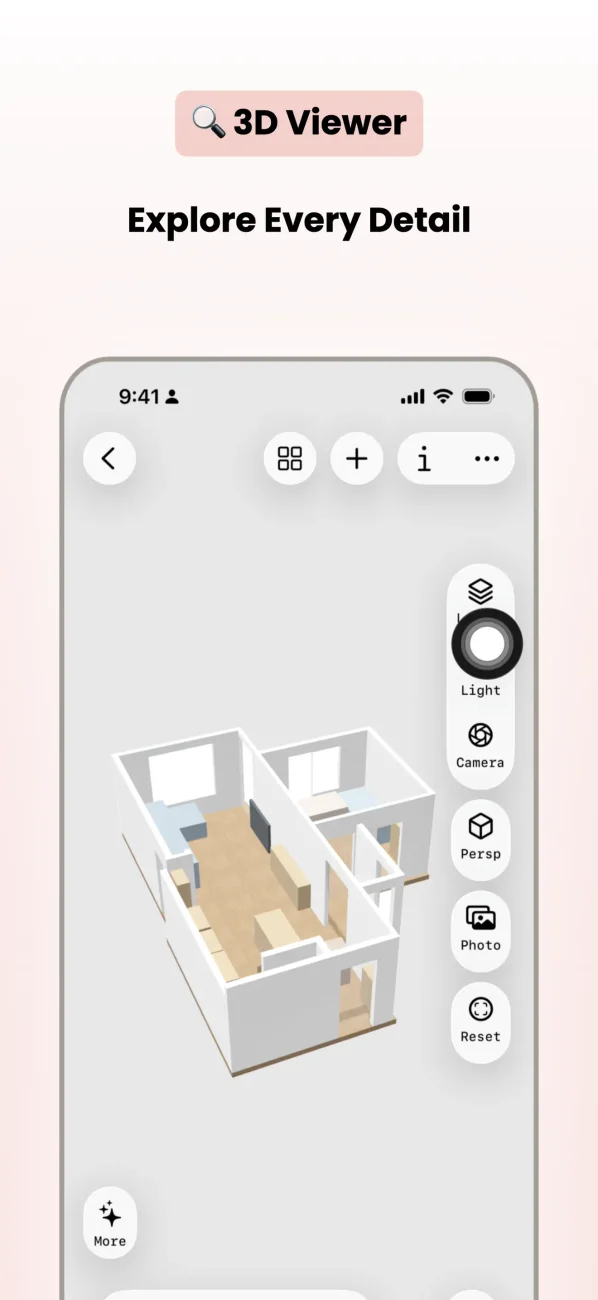
• Interactive 3D viewer with pan, zoom and orbit controls
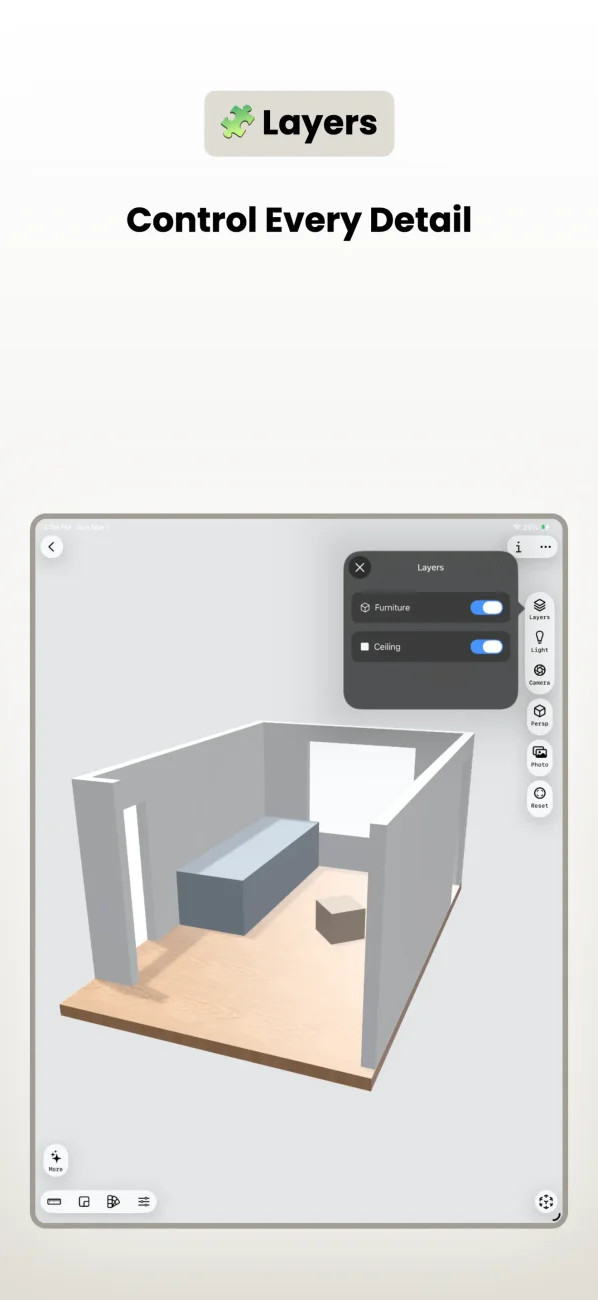
• Layer toggles for walls, floor, ceiling, furniture and openings
• Camera presets: Top, Front, Side, Isometric
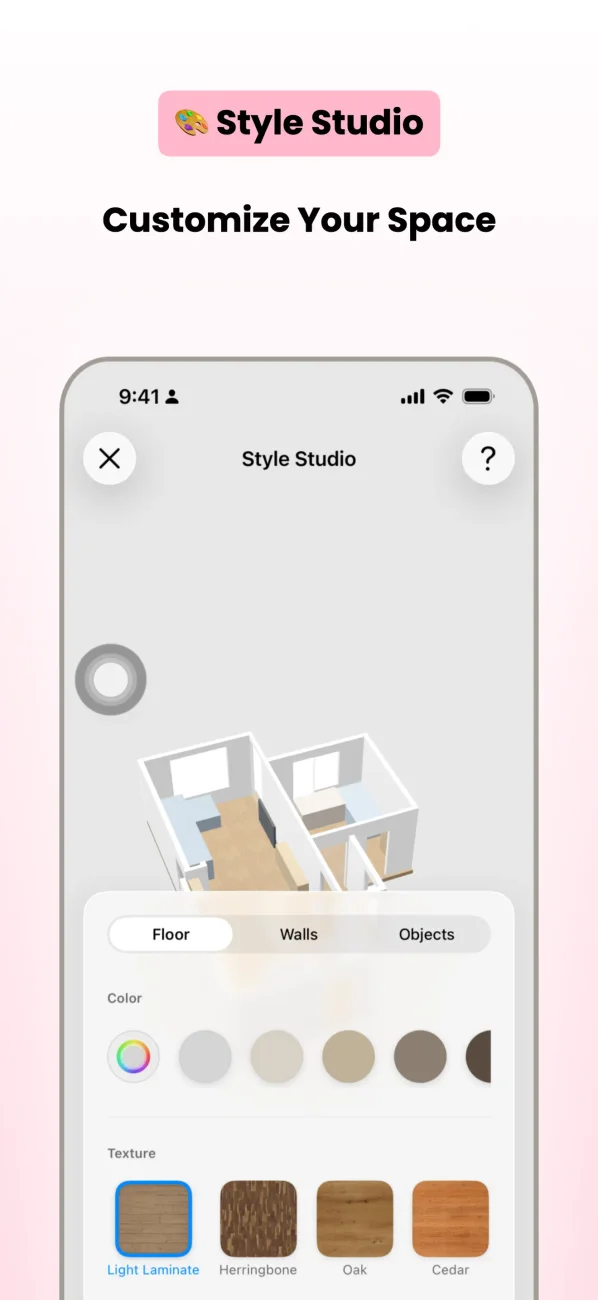
• Style Studio: give floors textures, walls their own colors, and recolor every object
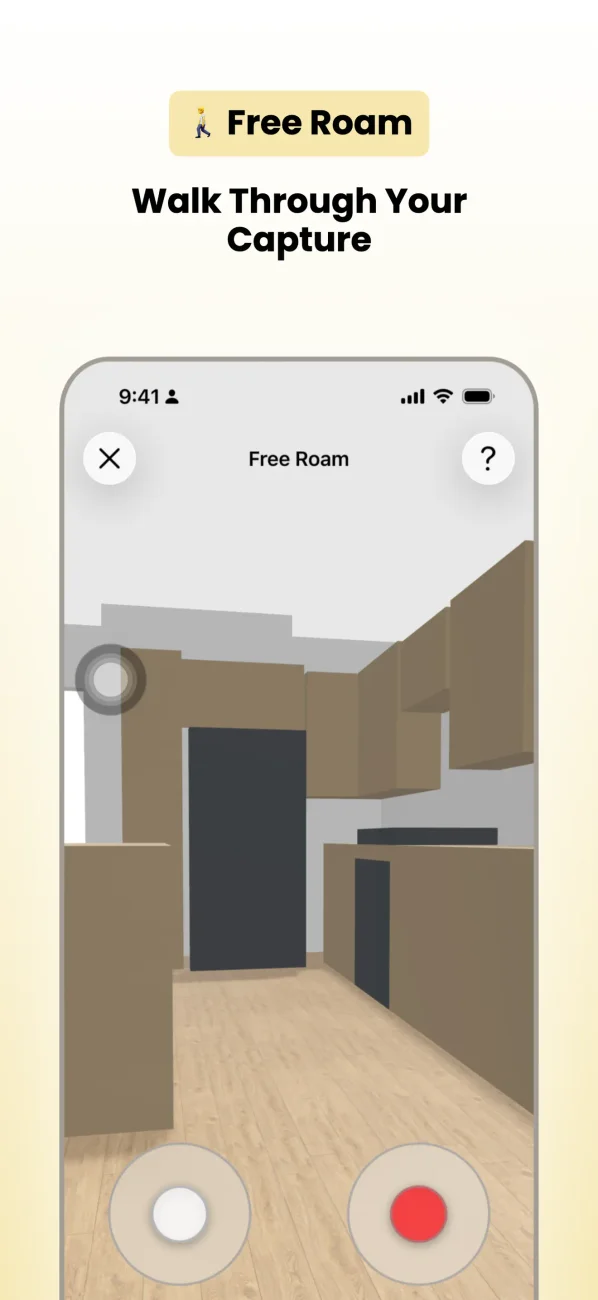
• Free Roam: walk through your scan in first person with dual-joystick controls
• Walkthrough: a guided camera tour through every room and floor
• AR Quick Look: preview any model in your real environment
MEASURE
• Ruler for precise point-to-point distances on 3D surfaces
• Area tool for multi-point polygon measurements
• Measure Wall: tap a wall to see it head-on with every door, window and opening, sized and placed
• Units & Precision: metric or imperial, standard, 2 decimals, centimetres or millimetres
FLOOR PLANS
• Automatic 2D floor plans with walls, doors, windows and furniture
• Dimension lines for every wall section, door and window
• Multi-floor structures: one tab and one PDF page per floor, with room names
• Export to PDF (vector) or PNG
EXPORT
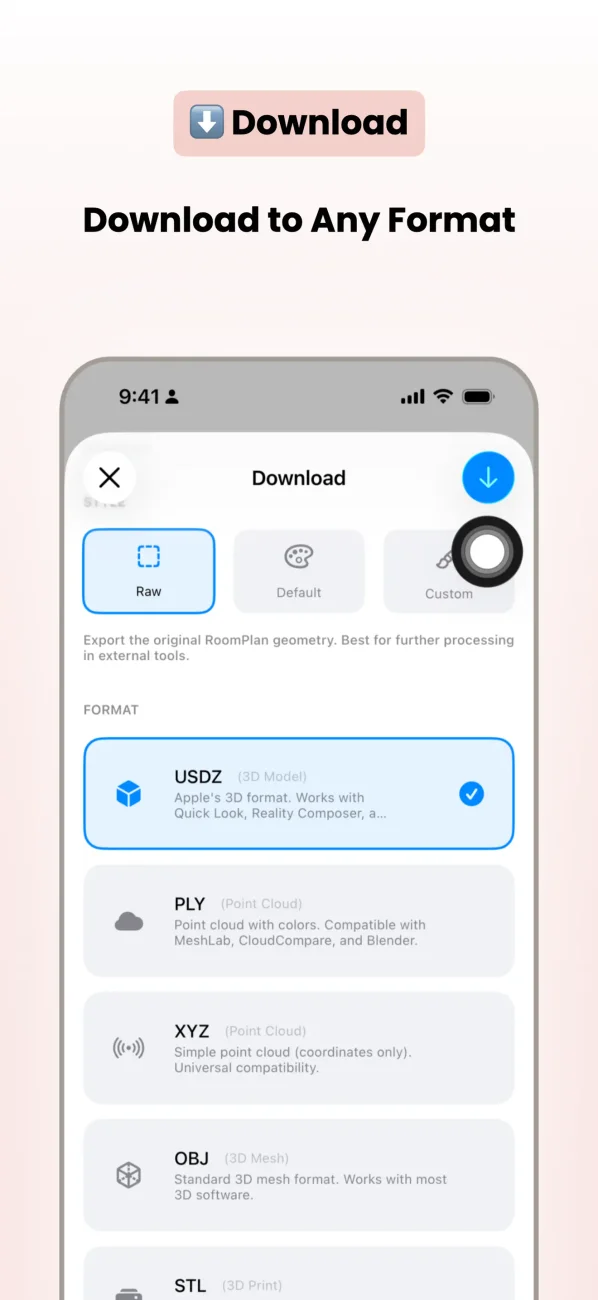
• 3D formats: USDZ, OBJ, STL, PLY, XYZ
• Measurements: CSV or JSON with rooms, walls, openings and objects
• Floor plans and wall elevations: PDF, PNG
• Screenshot editor with annotation tools
• Native iOS share sheet
MANAGE
• Visual library with structure and room cards
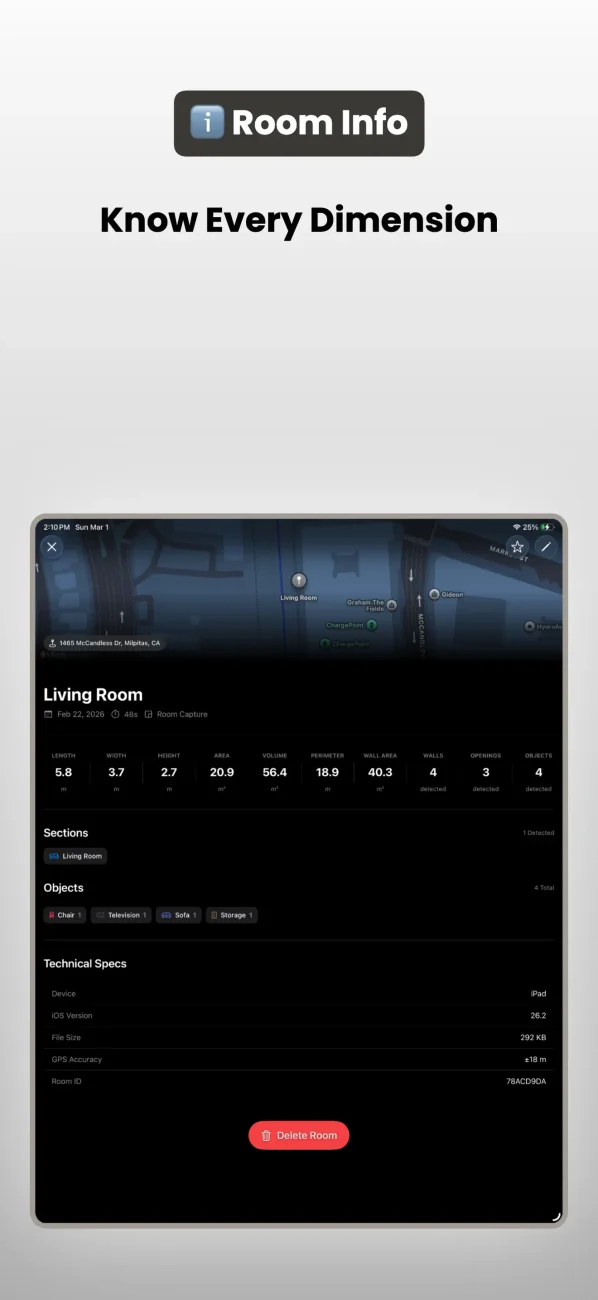
• Rich room info: dimensions, detected objects, location map, technical specs
PRIVATE BY DESIGN
• All data stays on your device, and the app works 100% offline
• No analytics, no tracking, no third-party services
• No account required
LANGUAGES
• English, Russian and Spanish
Requirements:
• iPhone or iPad with LiDAR (iPhone 12 Pro or later Pro models, iPad Pro 2020 or later)
• iOS/iPadOS 26 or later
Nouveautés
Version 1.3.1 · 15/11/2026
Version 1.3.1 makes scans save more reliably and gives clearer help when something goes wrong.
MORE RELIABLE SAVING
• Complex scans, such as stairwells, save more reliably.
• In rare cases where the 3D model can't be made, Oareo tries other 3D formats before it stops.
• If a save can't finish, the message says what happened and what to do.
• If a multi-room scan can't start, Oareo no longer leaves an empty structure.
HELP WHILE YOU SCAN
• Hints now show during the scan in all three scan types: "Move more slowly", "Point the camera at walls and furniture" and "Too dark. Turn on more lights.".
• A scan that fails in a dark room now says "Too Dark".
• A room that is too big for the scanner now says "Room Too Large" and what to do.
• Each problem has one clear message in single room, multi-room and structure scans, for example "Not Enough Detail", camera access, timeouts and "Device Too Hot".
MORE THAN ONE FLOOR
• When a scan clearly covers more than one floor, Oareo asks "Did you change floors?" before you save. It explains how to scan each floor as its own room.
• The "How to Scan Floors" steps now use the real button names.
ADD ROOM TO A STRUCTURE
• Restart after an error now starts a new scan. Before, it stayed on "Starting…".
• Restart first finds your place in the structure, so the new room lands in the right place in the merge.
• If Oareo loses its place during a scan, it shows "Oareo Lost Its Place" and blocks Save. You can find your place again or exit.
• Errors that used to close the scan screen now show an alert first. A Close button is always there.
Confidentialité de l’application
Ce que Venkata Sai Dutt Ganduri déclare sur l’App Store au sujet du traitement des données par cette application.
-
Données n’établissant aucun lien avec vous
Peuvent être collectées, mais ne sont pas liées à votre identité.
- Emplacement
Les pratiques en matière de confidentialité peuvent varier, notamment en fonction des fonctionnalités que vous utilisez ou de votre âge.
Informations
- Vendeur
- Venkata Sai Dutt Ganduri
- Catégorie
- Productivité
- Version
- 1.3.1
- Mis à jour
- 15/11/2026
- Publié
- 13/03/2026
- Taille
- 38,5 Mo
- Nécessite
- iOS 26.0 ou version ultérieure
- Classification d’âge
- 4+
- Prix
- Gratuit
- Langues
- Anglais, Russe, Espagnol
- Copyright
- © 2026 Daivat Creations
Vous aimerez peut-être aussi
-
 Outline -Draw lines & notesProductivité
-
 IntelliNote — AI NotebookProductivité
-
 Glazr Fichiers ProNettoyage stockage & Wi-Fi
-
 Notes Buddy KitProductivité
-
 VoiceStream: AI Voice NotesProductivité
-
 sort & find documents: DocSortProductivité
-
 Observer AIProductivité
-
 CueTask: Lecteur Audio FocusAudio hors ligne & minuteur
-
 Prism NotesProductivité
-
 SafeThink - Private AIProductivité