- Yaş sınırı4+
- KategoriÜretkenlik
- GeliştiriciVenkata Sai Dutt Ganduri
- Dillerİngilizce+ 2 dil daha
- Boyut38,5 MB
Resmi App Store sayfasına bağlanır
Download.org, Oareo için hiçbir dosya barındırmaz. Düğme, uygulamanın App Store üzerindeki sayfasını açar; uygulamayı orada Venkata Sai Dutt Ganduri yayınlar. Sayfanın son kontrolü: 20.11.2026.
Ekran görüntüleri


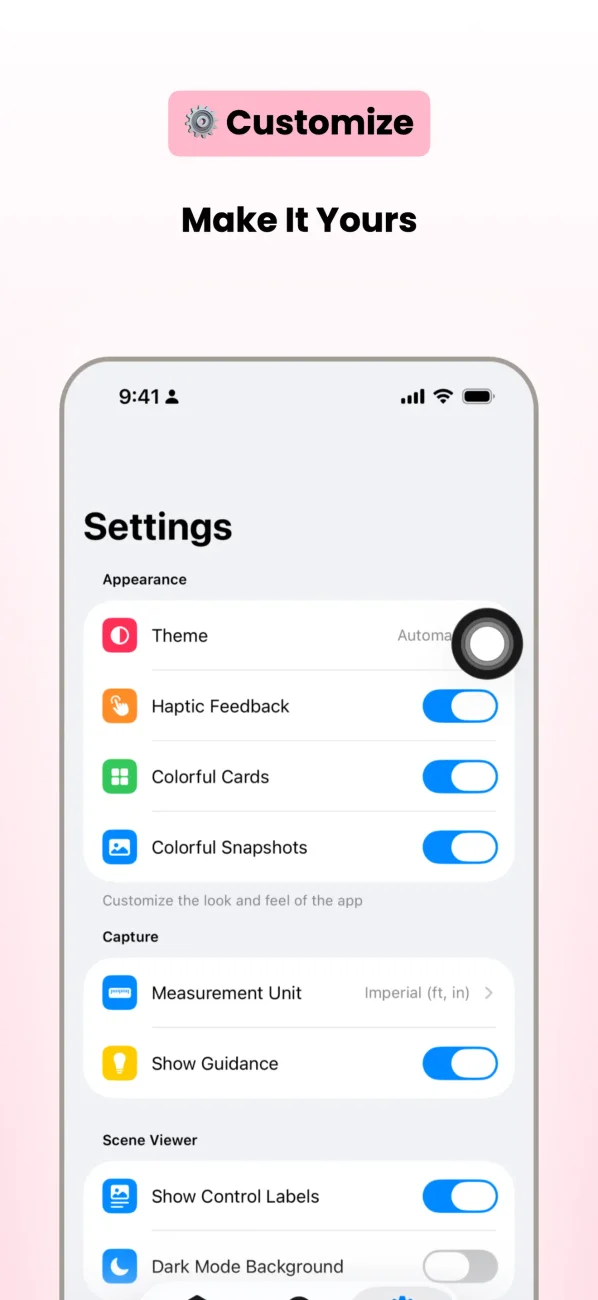
Hakkında
Geliştirici bu metni dilinizde sunmamış.
Oareo is a professional LiDAR app for scanning indoor spaces as accurate 3D models. It works entirely offline and is private by default.
SCAN
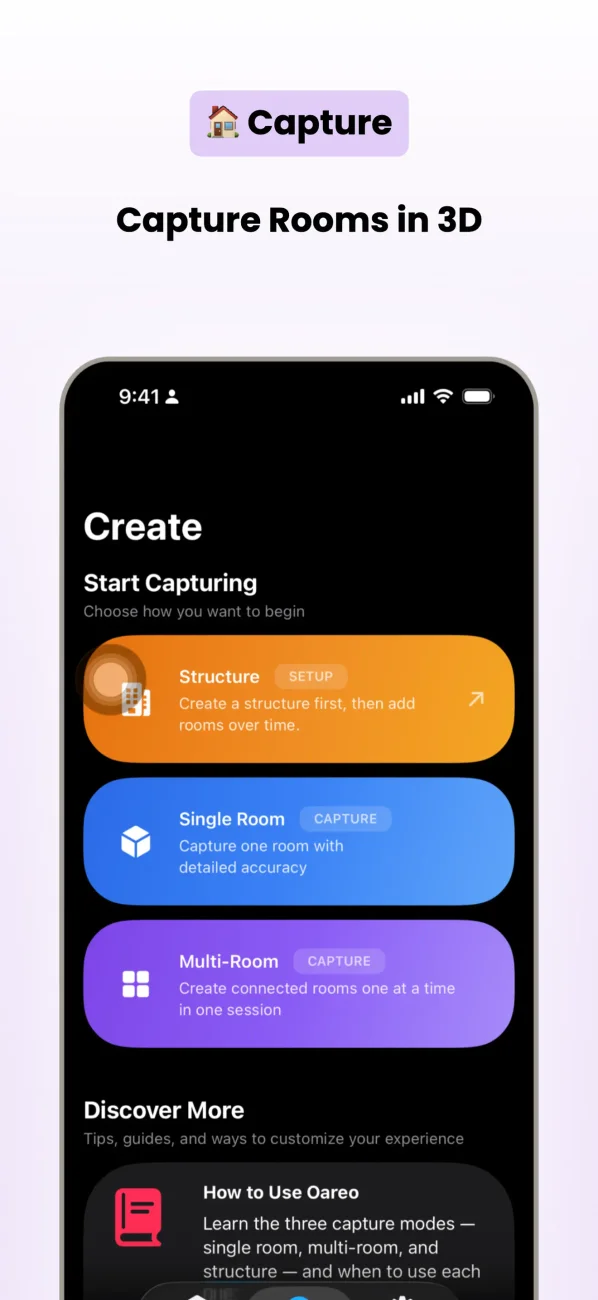
Choose the workflow that fits your project:
• Single Room: fast one-room results with real-time progress
• Multi-Room: walk through connected spaces in one session
• Structure: build larger projects over time and add rooms across sessions
EXPLORE
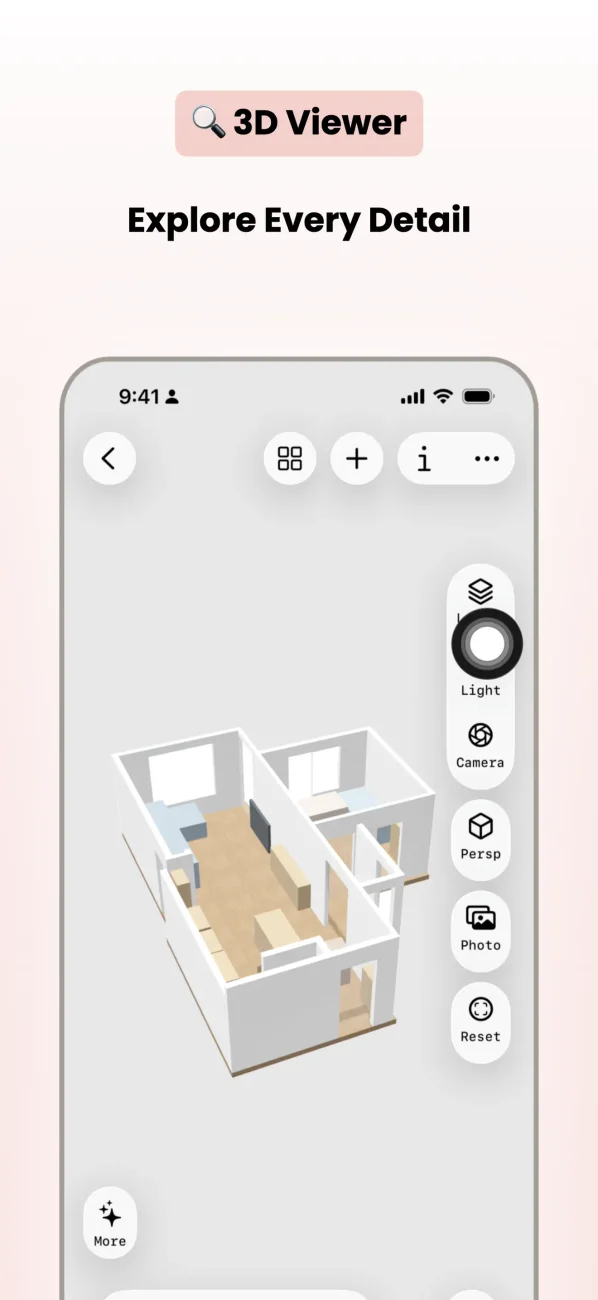
• Interactive 3D viewer with pan, zoom and orbit controls
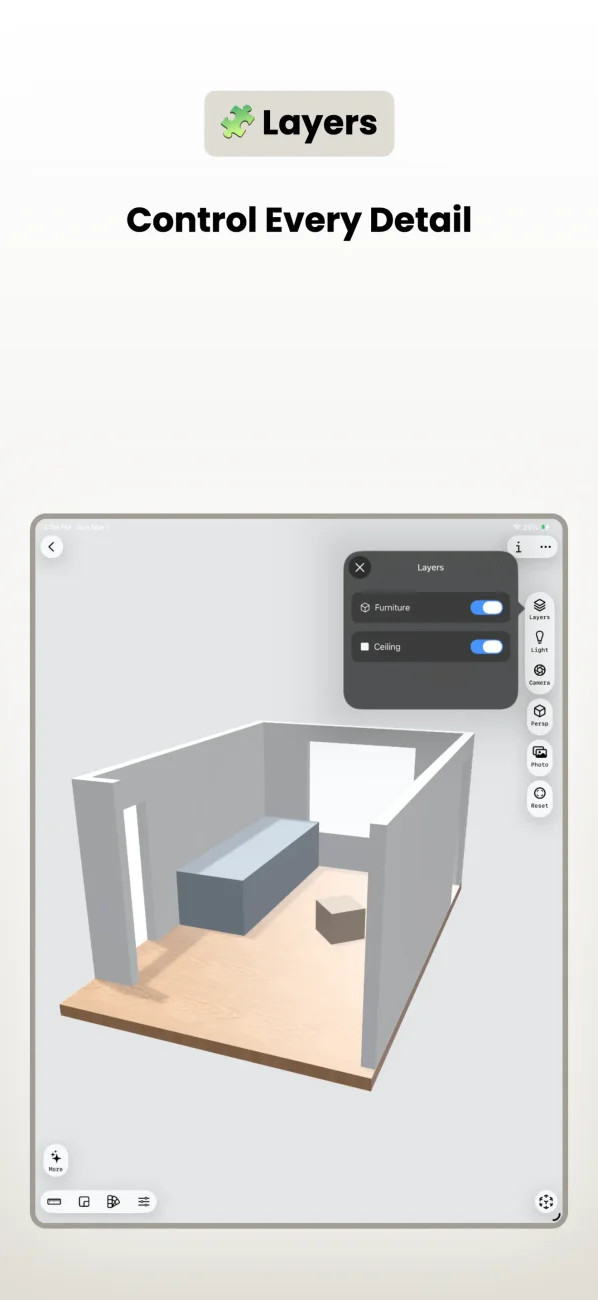
• Layer toggles for walls, floor, ceiling, furniture and openings
• Camera presets: Top, Front, Side, Isometric
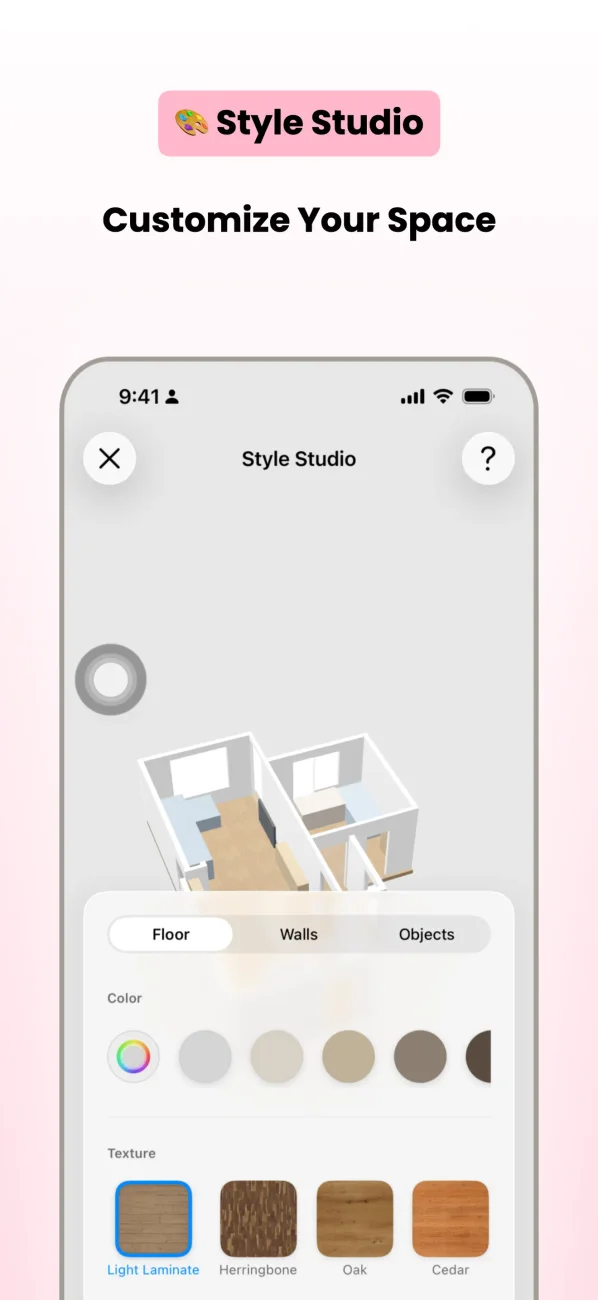
• Style Studio: give floors textures, walls their own colors, and recolor every object
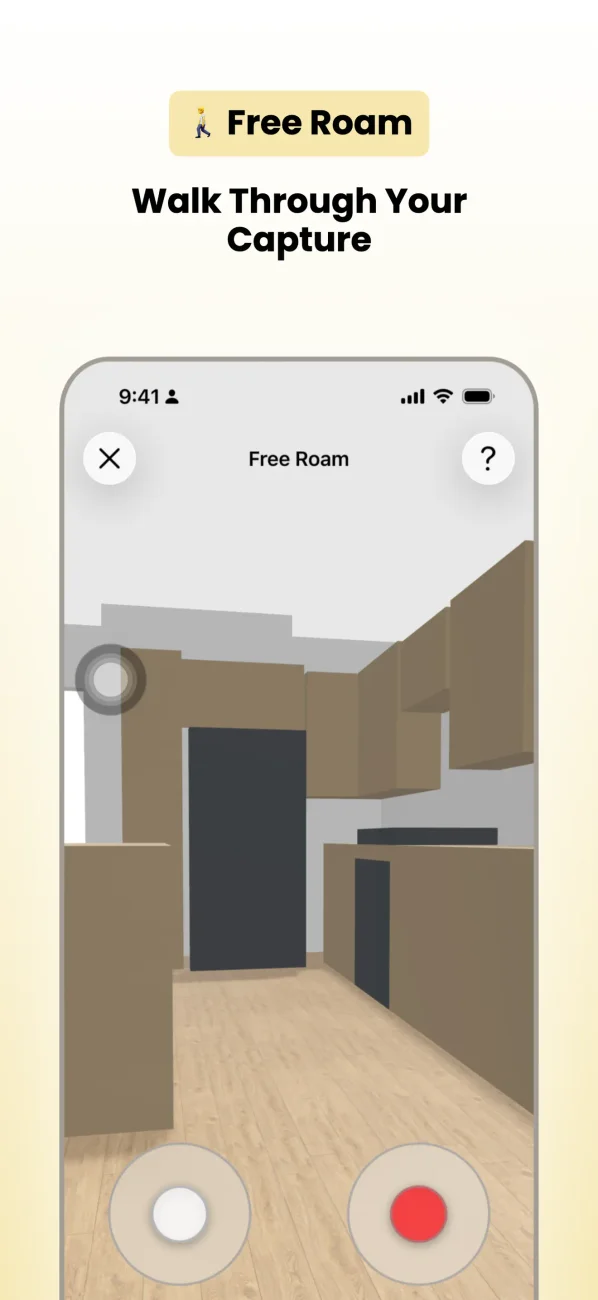
• Free Roam: walk through your scan in first person with dual-joystick controls
• Walkthrough: a guided camera tour through every room and floor
• AR Quick Look: preview any model in your real environment
MEASURE
• Ruler for precise point-to-point distances on 3D surfaces
• Area tool for multi-point polygon measurements
• Measure Wall: tap a wall to see it head-on with every door, window and opening, sized and placed
• Units & Precision: metric or imperial, standard, 2 decimals, centimetres or millimetres
FLOOR PLANS
• Automatic 2D floor plans with walls, doors, windows and furniture
• Dimension lines for every wall section, door and window
• Multi-floor structures: one tab and one PDF page per floor, with room names
• Export to PDF (vector) or PNG
EXPORT
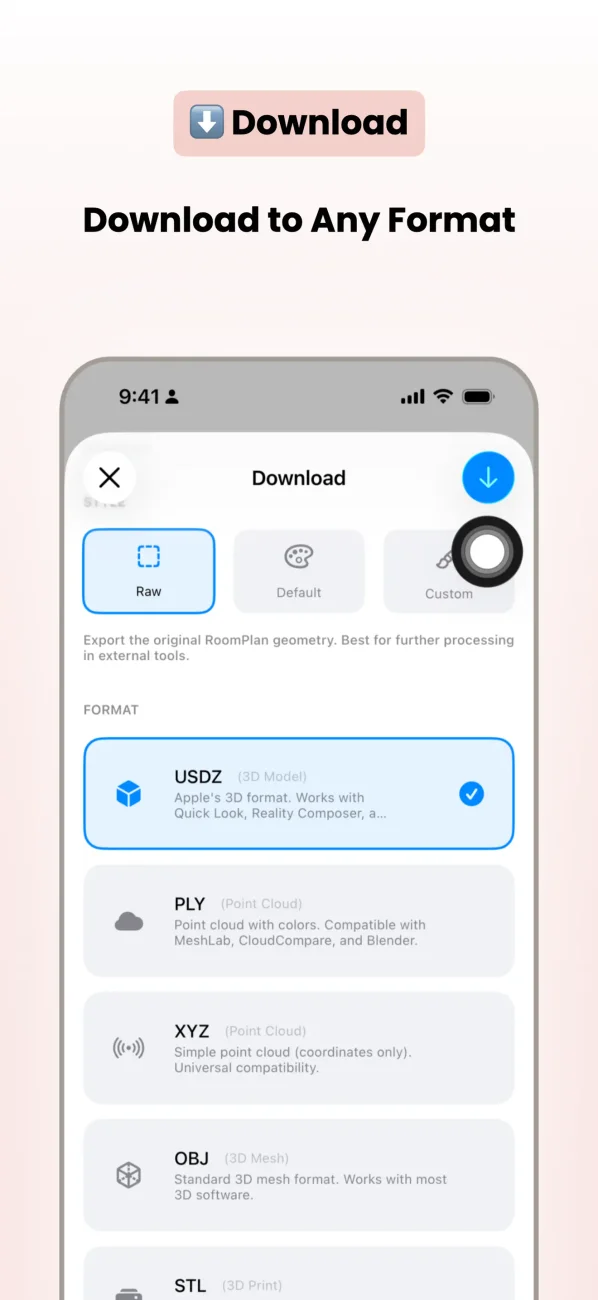
• 3D formats: USDZ, OBJ, STL, PLY, XYZ
• Measurements: CSV or JSON with rooms, walls, openings and objects
• Floor plans and wall elevations: PDF, PNG
• Screenshot editor with annotation tools
• Native iOS share sheet
MANAGE
• Visual library with structure and room cards
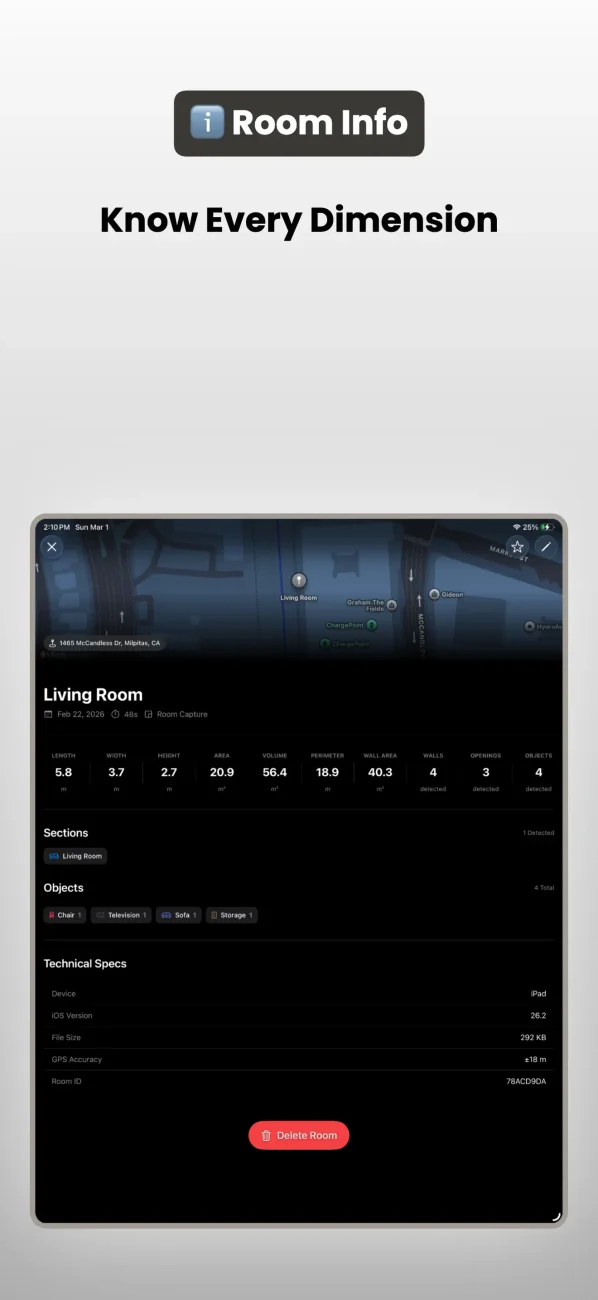
• Rich room info: dimensions, detected objects, location map, technical specs
PRIVATE BY DESIGN
• All data stays on your device, and the app works 100% offline
• No analytics, no tracking, no third-party services
• No account required
LANGUAGES
• English, Russian and Spanish
Requirements:
• iPhone or iPad with LiDAR (iPhone 12 Pro or later Pro models, iPad Pro 2020 or later)
• iOS/iPadOS 26 or later
Yenilikler
Sürüm 1.3.1 · 15.11.2026
Version 1.3.1 makes scans save more reliably and gives clearer help when something goes wrong.
MORE RELIABLE SAVING
• Complex scans, such as stairwells, save more reliably.
• In rare cases where the 3D model can't be made, Oareo tries other 3D formats before it stops.
• If a save can't finish, the message says what happened and what to do.
• If a multi-room scan can't start, Oareo no longer leaves an empty structure.
HELP WHILE YOU SCAN
• Hints now show during the scan in all three scan types: "Move more slowly", "Point the camera at walls and furniture" and "Too dark. Turn on more lights.".
• A scan that fails in a dark room now says "Too Dark".
• A room that is too big for the scanner now says "Room Too Large" and what to do.
• Each problem has one clear message in single room, multi-room and structure scans, for example "Not Enough Detail", camera access, timeouts and "Device Too Hot".
MORE THAN ONE FLOOR
• When a scan clearly covers more than one floor, Oareo asks "Did you change floors?" before you save. It explains how to scan each floor as its own room.
• The "How to Scan Floors" steps now use the real button names.
ADD ROOM TO A STRUCTURE
• Restart after an error now starts a new scan. Before, it stayed on "Starting…".
• Restart first finds your place in the structure, so the new room lands in the right place in the merge.
• If Oareo loses its place during a scan, it shows "Oareo Lost Its Place" and blocks Save. You can find your place again or exit.
• Errors that used to close the scan screen now show an alert first. A Close button is always there.
Uygulama gizliliği
Bu uygulamanın verileri nasıl işlediği hakkında Venkata Sai Dutt Ganduri tarafından App Store üzerinde yapılan beyan.
-
Sizinle ilişkilendirilmeyen veriler
Toplanabilir ancak kimliğinizle ilişkilendirilmez.
- Konum
Gizlilik uygulamaları, örneğin kullandığınız özelliklere veya yaşınıza göre değişiklik gösterebilir.
Bilgiler
- Satıcı
- Venkata Sai Dutt Ganduri
- Kategori
- Üretkenlik
- Sürüm
- 1.3.1
- Güncellendi
- 15.11.2026
- Yayın tarihi
- 13.03.2026
- Boyut
- 38,5 MB
- Gereksinim
- iOS 26.0 veya sonrası
- Yaş sınırı
- 4+
- Fiyat
- Ücretsiz
- Diller
- İngilizce, Rusça, İspanyolca
- Telif hakkı
- © 2026 Daivat Creations
Bunları da beğenebilirsiniz
-
 Outline -Draw lines & notesÜretkenlik
-
 IntelliNote — AI NotebookÜretkenlik
-
 Glazr File Manager ProÜretkenlik
-
 Notes Buddy KitÜretkenlik
-
 VoiceStream: AI Voice NotesÜretkenlik
-
 sort & find documents: DocSortÜretkenlik
-
 Observer AIÜretkenlik
-
 CueTask: Focus Audio PlayerÜretkenlik
-
 Prism NotesÜretkenlik
-
 SafeThink - Private AIÜretkenlik