- Classification d’âge4+
- CatégorieGraphisme et design
- DéveloppeurKieran Duffy
- LanguesAnglais
- Taille8,0 Mo
Renvoie vers la page App Store officielle
Download.org n’héberge aucun fichier de Object Show Build. Le bouton ouvre la page de l’application sur App Store, où Kieran Duffy la publie. Fiche vérifiée pour la dernière fois le 18/11/2026.
Captures d’écran


À propos
Le développeur n’a pas fourni ce texte dans votre langue.
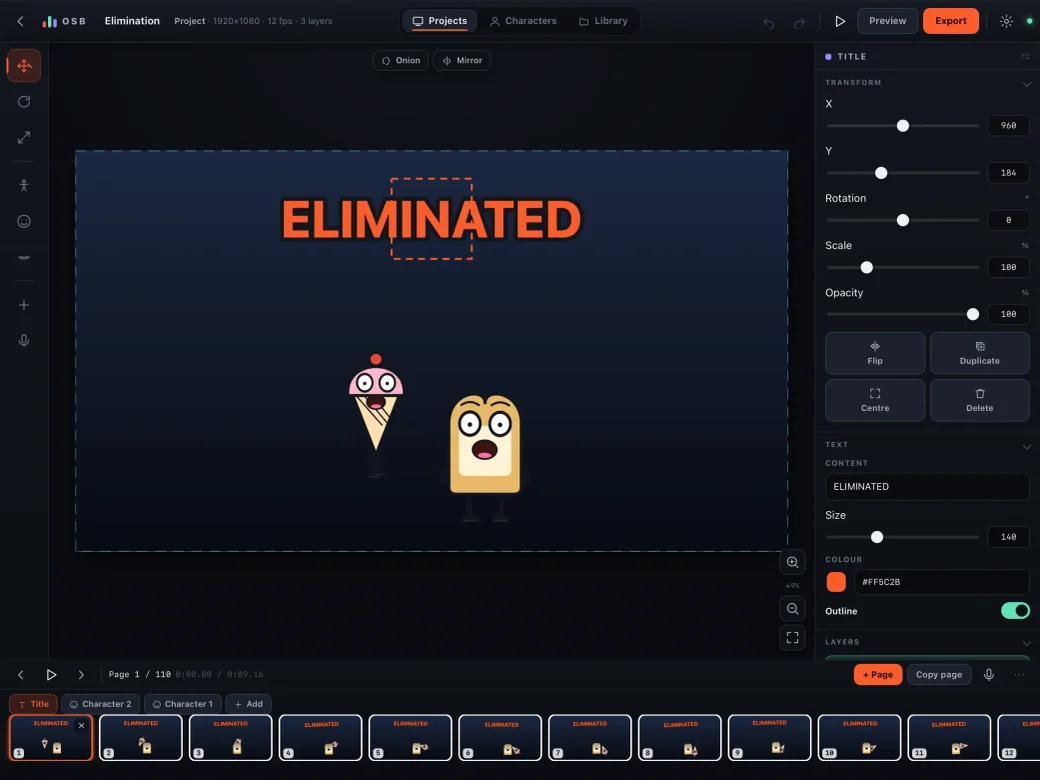
Object Show Build is an animation studio for making object shows on iPad.
Build a character once. Animate it forever.
BUILD CHARACTERS
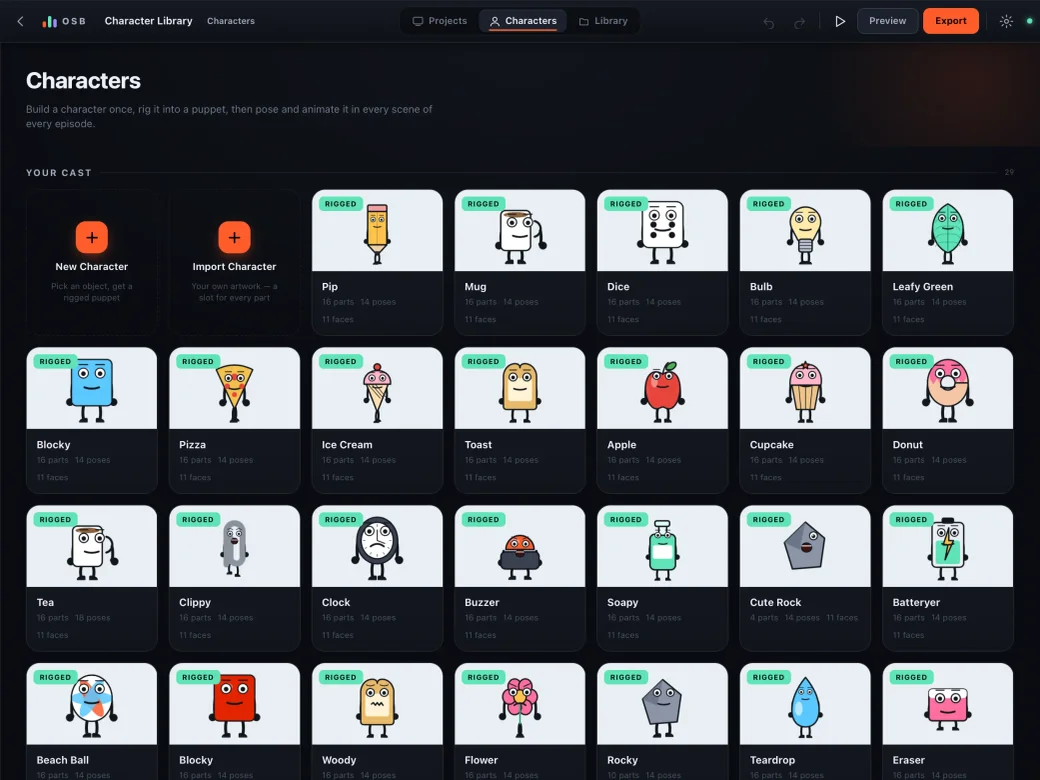
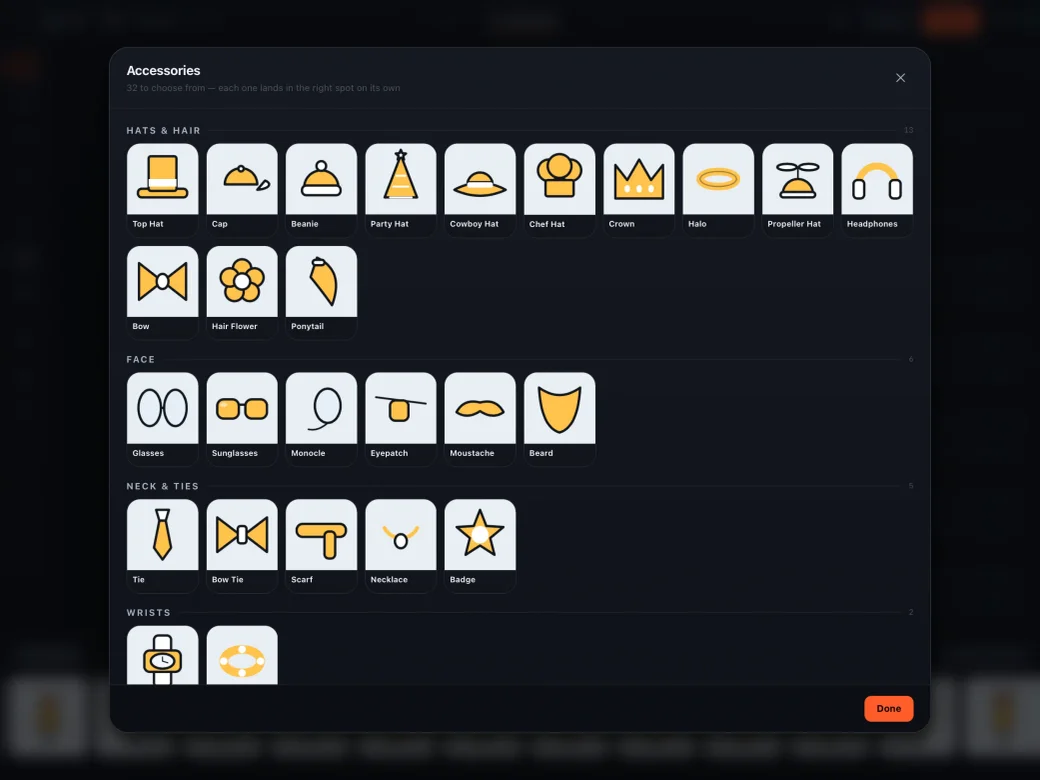
Pick an object — a pencil, a donut, a trophy, a flame, a coin — and get a complete character: body, eyes, brows, mouth, arms, hands, legs and feet, all rigged and ready. Dress it up from more than thirty accessories: hats, glasses, ties, watches, wings and more. Or import your own artwork, with a slot for every part, expression and mouth shape.
DRAW PAGE BY PAGE
Flip through pages like a sketchbook. Draw, add a page, draw again. Onion skin shows the drawing behind so you can trace the next one. Apple Pencil pressure, tilt and palm rejection are all supported, with brushes, pencils, markers, fill, shapes and text.
DROP IN A CHARACTER
Characters and drawings share one timeline. Put a rigged character on stage, give it a pose and an expression, and draw on top of it in the same project. Convert to Drawing flattens a character exactly as it looks so you can draw straight over your own puppet.
GIVE THEM A VOICE
Record dialogue and the app works out the mouth shapes for you — every key stays editable afterwards.
BUILD A SHOW
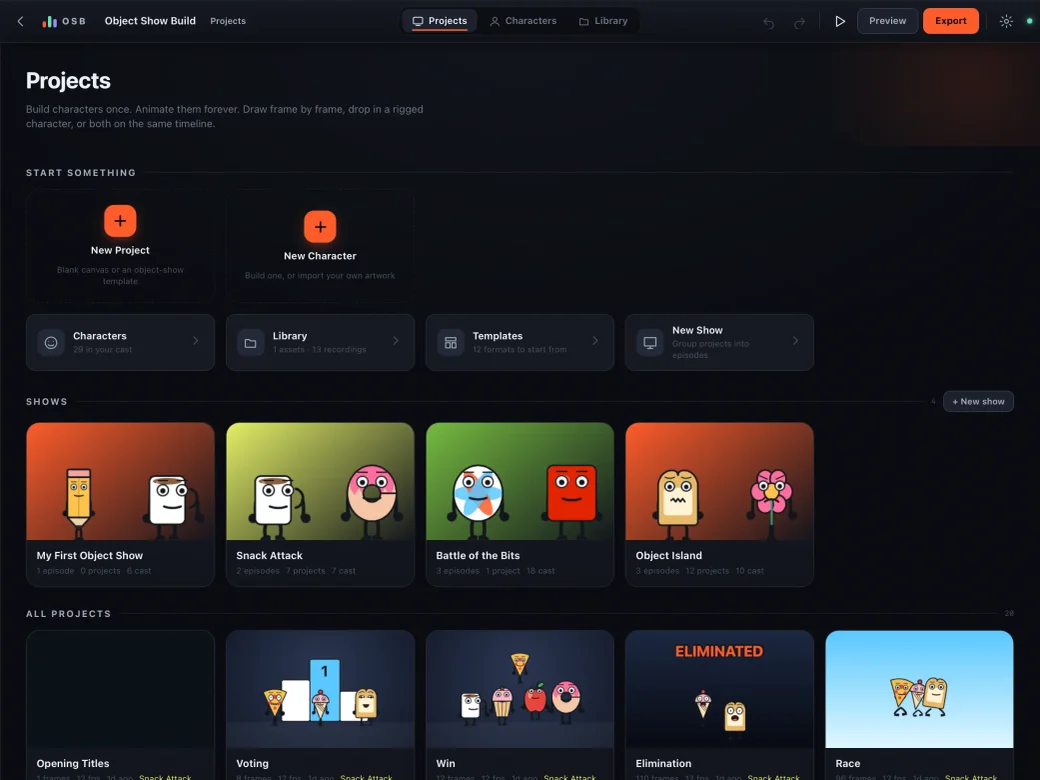
Group projects into episodes. Start from object-show formats: competition, race, elimination, voting, team challenge, character introduction, opening sequence, finale, victory.
EXPORT
Video, animated GIF, PNG sequence with or without transparency, or an editable project archive to move work between iPads.
MADE TO BE SIMPLE
Simple pages mode hides keyframes, camera and easing so younger animators can just draw and flip. Turn it off for layer tracks, keyframed motion, an animated camera and physics.
EVERYTHING STAYS ON YOUR IPAD
No account. No sign-in. No ads. No analytics. No internet connection needed. Your work is saved on the device, and a backup copy is written to the Files app every time the app opens.
Every shape, pose, expression and template in the app is original artwork drawn for it.
Confidentialité de l’application
Ce que Kieran Duffy déclare sur l’App Store au sujet du traitement des données par cette application.
-
Données non collectées
Le développeur ne collecte aucune donnée à partir de cette application.
Les pratiques en matière de confidentialité peuvent varier, notamment en fonction des fonctionnalités que vous utilisez ou de votre âge.
Informations
- Vendeur
- Kieran Duffy
- Catégorie
- Graphisme et design
- Version
- 1.0
- Mis à jour
- 29/08/2026
- Publié
- 29/08/2026
- Taille
- 8,0 Mo
- Nécessite
- iOS 15.0 ou version ultérieure
- Classification d’âge
- 4+
- Prix
- Gratuit
- Langues
- Anglais
- Copyright
- © 2026 Kieran Duffy
Vous aimerez peut-être aussi
-
 Lineova : Dessin & PeintureCroquis, vectoriel & animation
-
 Spriteer : Pixel Art 8×8Crée ton personnage de jeu
-
 Dessin : Infinite CanvasPeindre, croquis & zoom infini
-
 qCurvingVectoriel et tracé d'image IA
-
 iSymmetryCréez de Beaux Motifs
-
 AR Text - 3D text to ARTexts in Augmented Reality
-
 Comics AICreate Design Generate Comics
-
 Pixaki 4 IntroGraphisme et design
-
 Changeur d’icônes · CréateurPersonnalise l’écran d’accueil
-
 Logo Maker - Design CreatorGraphisme et design