- Classification d’âge4+
- CatégorieStyle de vie
- DéveloppeurZIZICICI LIMITED
- LanguesAnglais+ 4 de plus
- Taille18,2 Mo
Renvoie vers la page App Store officielle
Download.org n’héberge aucun fichier de Off Day. Le bouton ouvre la page de l’application sur App Store, où ZIZICICI LIMITED la publie. Fiche vérifiée pour la dernière fois le 18/11/2026.
Captures d’écran

À propos
Le développeur n’a pas fourni ce texte dans votre langue.
Off Day is an open-source project. You can build it yourself, or purchase the app to support its development.
Keep your days off quiet
Off Day helps you decide whether a date is a day off or a workday. Use its date checks in your own Shortcuts automations to control alarms, Focus modes, and reminders. Alarm control requires you to set up Shortcuts automation.
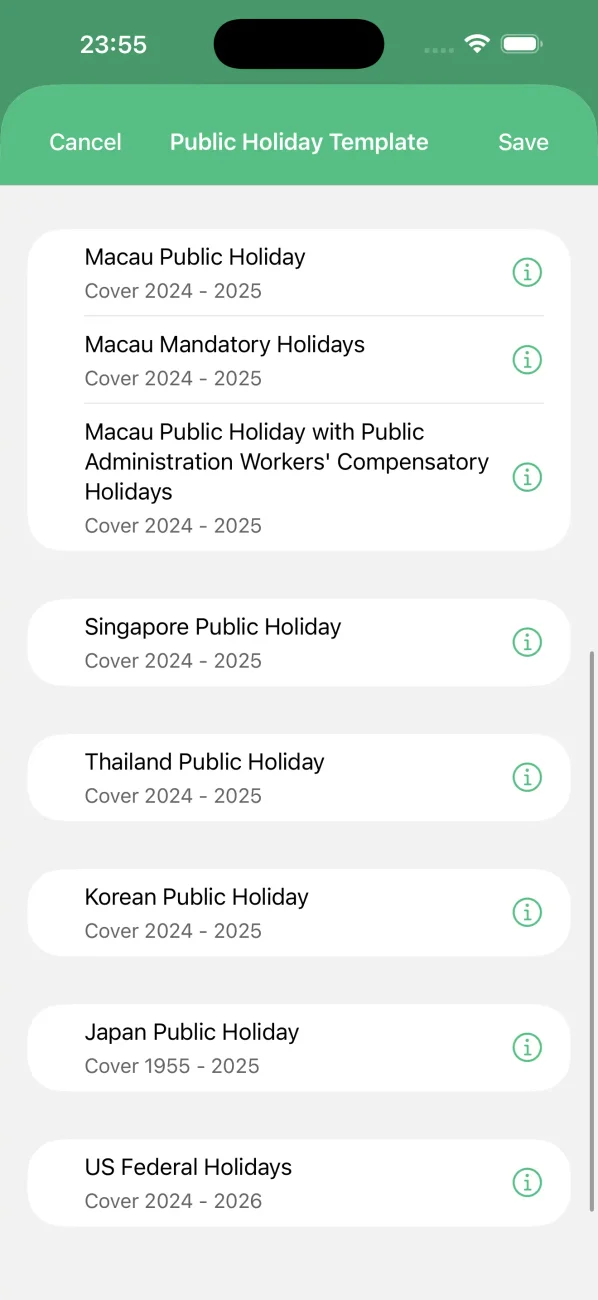
Holiday templates through 2027
Choose built-in templates for mainland China and selected regions, Hong Kong, Macao, Singapore, Japan, South Korea, Thailand's financial institutions, and U.S. federal holidays. Some 2027 local holidays in China's regional templates are still pending. Adjust dates to your local or employer's arrangements.
Your schedule, your decision
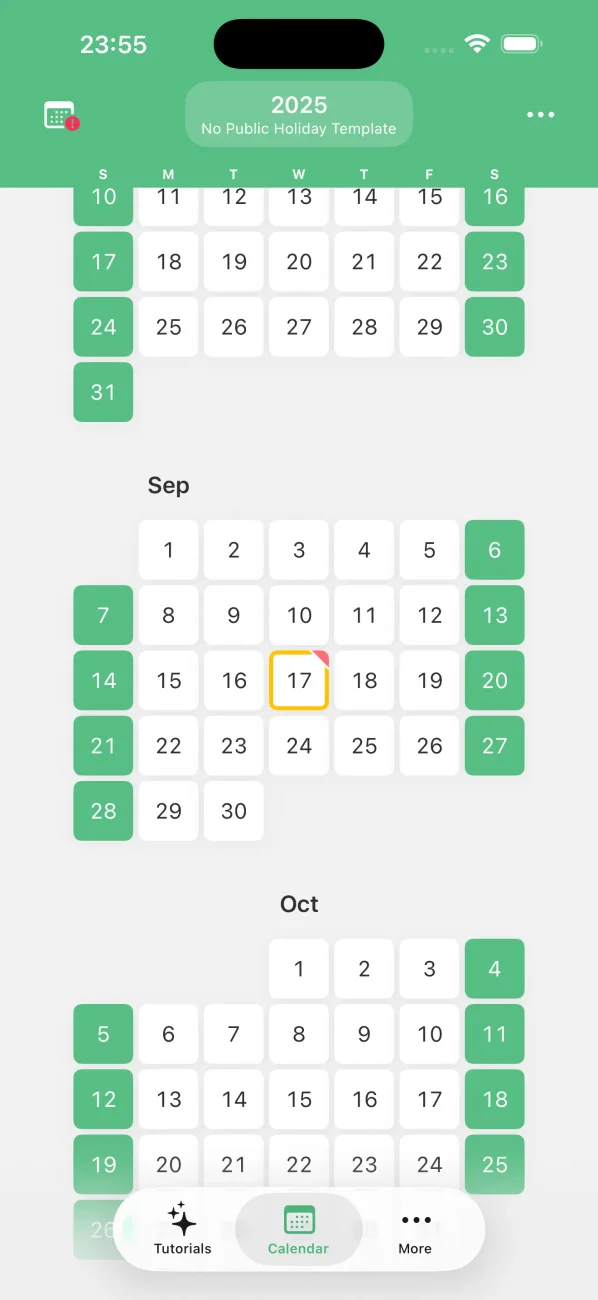
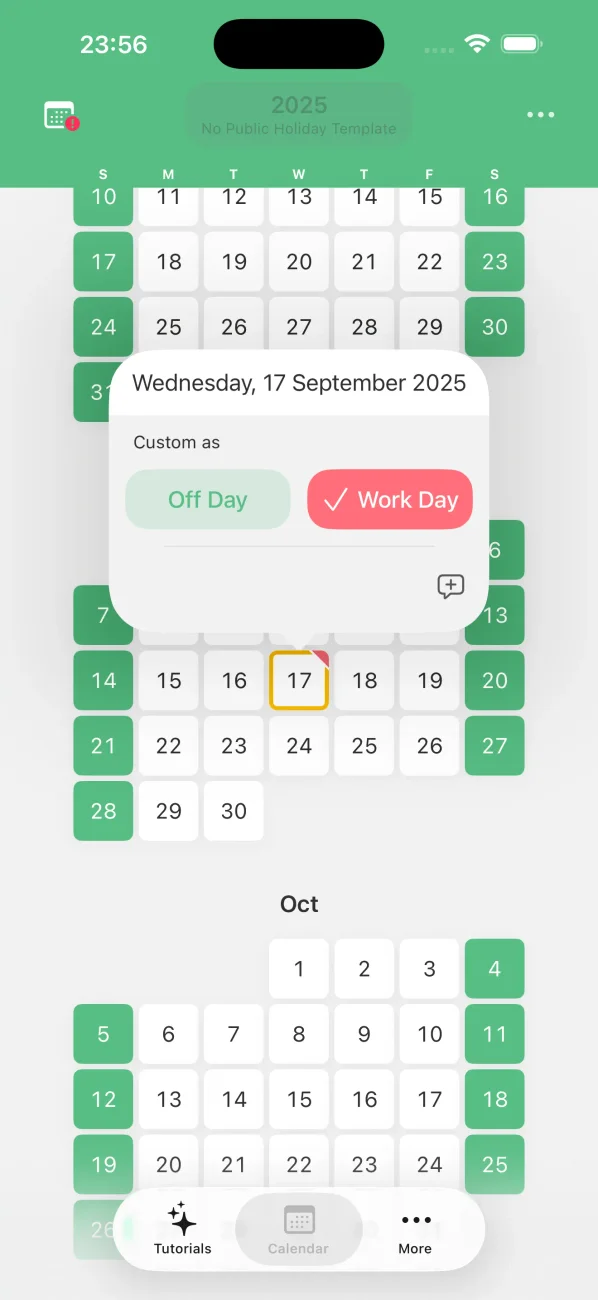
Set a standard week, a repeating weekly pattern, or a work/rest day cycle. Manually mark special days and add notes. Your own marks take priority over holiday templates and the base calendar.
Your calendar on the Home Screen and Lock Screen
Add a month, two-week, or three-day calendar to your Home Screen. On iOS 17 or later, tap dates to view details, mark days off or workdays, or remove your custom mark. Lock Screen widgets show today and tomorrow, a three-day overview, or a compact status for today or tomorrow. Open the app once to sync your calendar before adding widgets.
Count down to your next break
On iOS 17 or later, count down to the next public holiday or your next day off, with your choice of colors and number font.
Themes and styles
Choose Classic or Mono, and add Color Patterns to the Classic look. On iOS 17 or later, configure the appearance of supported widgets independently of the app.
Holiday names in your preferred language
For templates with translations, choose original names or an available language. Your choice is saved separately for each template. Custom template imports, exports, copies, and subscription updates preserve multilingual names.
This is a paid app. Before purchasing, make sure a holiday-aware tool that works with Shortcuts fits your needs.
End User License Agreement: https://www.apple.com/legal/internet-services/itunes/dev/stdeula/
Nouveautés
Version 2.0.2 · 12/11/2026
- Themes: New Mono theme and Color Patterns.
- Widgets: New month, two-week, and three-day calendar widgets. On iOS 17 or later, use interactive controls, countdowns, and independent appearance settings.
Confidentialité de l’application
Ce que ZIZICICI LIMITED déclare sur l’App Store au sujet du traitement des données par cette application.
-
Données non collectées
Le développeur ne collecte aucune donnée à partir de cette application.
Les pratiques en matière de confidentialité peuvent varier, notamment en fonction des fonctionnalités que vous utilisez ou de votre âge.
Informations
- Vendeur
- ZIZICICI LIMITED
- Catégorie
- Style de vie
- Version
- 2.0.2
- Mis à jour
- 12/11/2026
- Publié
- 05/05/2024
- Taille
- 18,2 Mo
- Nécessite
- iOS 16.0 ou version ultérieure
- Classification d’âge
- 4+
- Prix
- Gratuit
- Langues
- Anglais, Japonais, Coréen, Chinois simplifié, Chinois traditionnel
- Copyright
- © 2026 ZIZICICI LIMITED
Vous aimerez peut-être aussi
-
 Ta在哪里?-专注于物品收纳,过期提醒的智能管家Style de vie
-
 Mobirth: Alarms and CalendarStyle de vie
-
 Montre de poche:Horloge widgetHorloge de chiffre coloré
-
 Miley AI - ToDo,Task SchedulerStyle de vie
-
 Foodprint – Collect Every BiteStyle de vie
-
 Milee TapeStyle de vie
-
 SomeDay - CountDown & CountUPStyle de vie
-
 Parchemin en flammes : coucherLe jour brûle, la cendre reste
-
 iMuscleMapStyle de vie
-
 day.txtStyle de vie