- Batasan usia4+
- KategoriGaya Hidup
- PengembangZIZICICI LIMITED
- BahasaInggris+ 4 lainnya
- Ukuran18,2 MB
Tertaut ke halaman resmi App Store
Download.org tidak menyimpan file Off Day apa pun. Tombol ini membuka halaman aplikasi di App Store, tempat ZIZICICI LIMITED menerbitkannya. Halaman terakhir diperiksa pada 18/11/2026.
Tangkapan layar

Tentang
Pengembang belum menyediakan teks ini dalam bahasa Anda.
Off Day is an open-source project. You can build it yourself, or purchase the app to support its development.
Keep your days off quiet
Off Day helps you decide whether a date is a day off or a workday. Use its date checks in your own Shortcuts automations to control alarms, Focus modes, and reminders. Alarm control requires you to set up Shortcuts automation.
Holiday templates through 2027
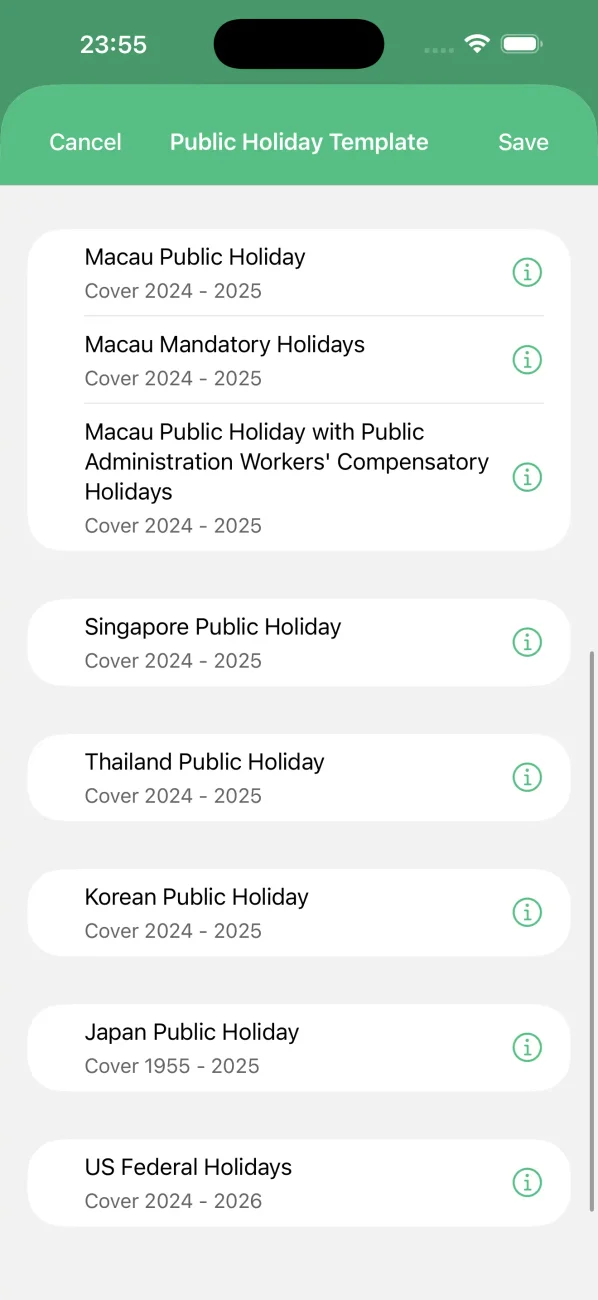
Choose built-in templates for mainland China and selected regions, Hong Kong, Macao, Singapore, Japan, South Korea, Thailand's financial institutions, and U.S. federal holidays. Some 2027 local holidays in China's regional templates are still pending. Adjust dates to your local or employer's arrangements.
Your schedule, your decision
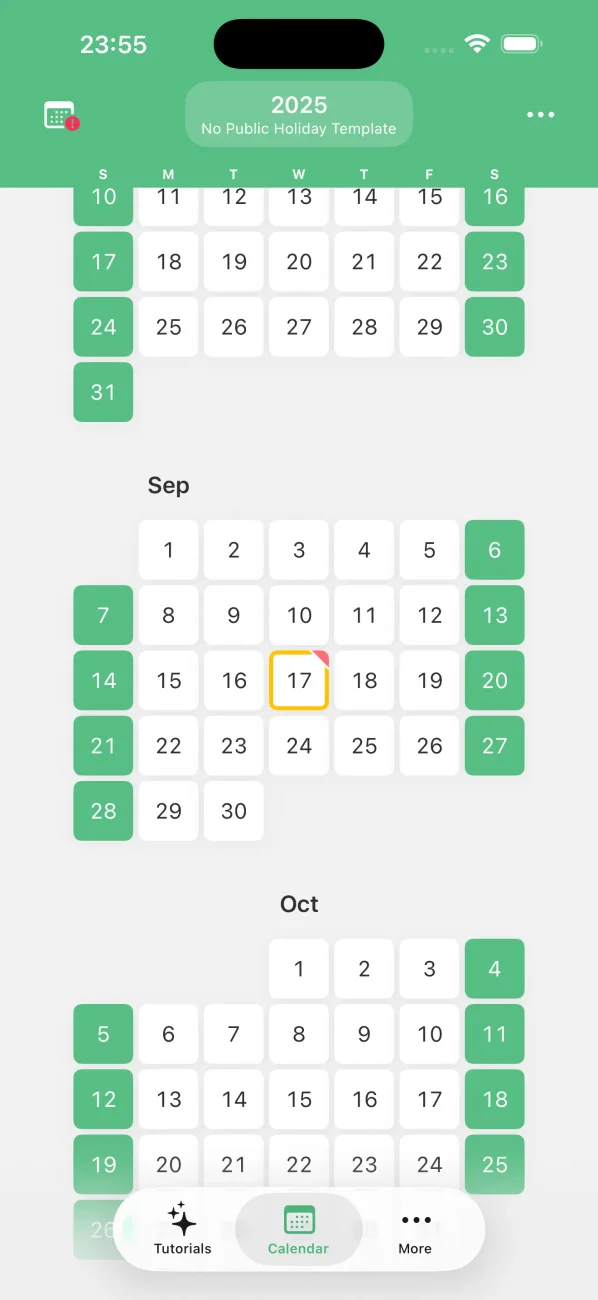
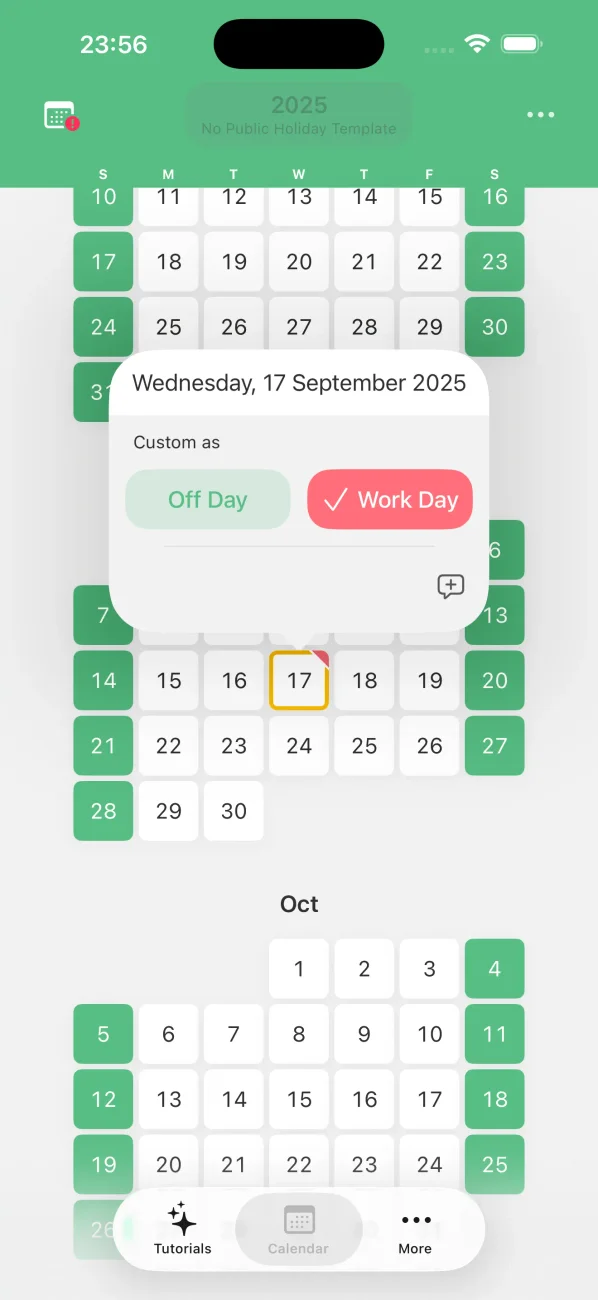
Set a standard week, a repeating weekly pattern, or a work/rest day cycle. Manually mark special days and add notes. Your own marks take priority over holiday templates and the base calendar.
Your calendar on the Home Screen and Lock Screen
Add a month, two-week, or three-day calendar to your Home Screen. On iOS 17 or later, tap dates to view details, mark days off or workdays, or remove your custom mark. Lock Screen widgets show today and tomorrow, a three-day overview, or a compact status for today or tomorrow. Open the app once to sync your calendar before adding widgets.
Count down to your next break
On iOS 17 or later, count down to the next public holiday or your next day off, with your choice of colors and number font.
Themes and styles
Choose Classic or Mono, and add Color Patterns to the Classic look. On iOS 17 or later, configure the appearance of supported widgets independently of the app.
Holiday names in your preferred language
For templates with translations, choose original names or an available language. Your choice is saved separately for each template. Custom template imports, exports, copies, and subscription updates preserve multilingual names.
This is a paid app. Before purchasing, make sure a holiday-aware tool that works with Shortcuts fits your needs.
End User License Agreement: https://www.apple.com/legal/internet-services/itunes/dev/stdeula/
Yang baru
Versi 2.0.2 · 12/11/2026
- Themes: New Mono theme and Color Patterns.
- Widgets: New month, two-week, and three-day calendar widgets. On iOS 17 or later, use interactive controls, countdowns, and independent appearance settings.
Privasi aplikasi
Yang dinyatakan ZIZICICI LIMITED di App Store tentang cara aplikasi ini menangani data.
-
Data tidak dikumpulkan
Pengembang tidak mengumpulkan data apa pun dari aplikasi ini.
Praktik privasi dapat bervariasi, misalnya berdasarkan fitur yang Anda gunakan atau usia Anda.
Informasi
- Penjual
- ZIZICICI LIMITED
- Kategori
- Gaya Hidup
- Versi
- 2.0.2
- Diperbarui
- 12/11/2026
- Dirilis
- 5/5/2024
- Ukuran
- 18,2 MB
- Memerlukan
- iOS 16.0 atau yang lebih baru
- Batasan usia
- 4+
- Harga
- Gratis
- Bahasa
- Inggris, Jepang, Korea, Tionghoa Sederhana, Tionghoa Tradisional
- Hak cipta
- © 2026 ZIZICICI LIMITED
Mungkin Anda juga suka
-
 Ta在哪里?-专注于物品收纳,过期提醒的智能管家Gaya Hidup
-
 Mobirth: Alarms and CalendarGaya Hidup
-
 Jam saku:Jam desktop besaDigit jam yang berwarna-warni
-
 Miley AI - ToDo,Task SchedulerGaya Hidup
-
 Foodprint – Collect Every BiteGaya Hidup
-
 Milee TapeTambahkan Widget dengan Mudah
-
 SomeDay - CountDown & CountUPGaya Hidup
-
 Perkamen Terbakar: Waktu TidurHari terbakar, abu tersimpan
-
 iMuscleMapGaya Hidup
-
 day.txtGaya Hidup