Otterfile
local file multi-format reader
Conçue pour iPhone
Gratuit · Achats intégrés
- Classification d’âge4+
- CatégorieUtilitaires
- Développeur宁 权
- LanguesAnglais+ 1 de plus
- Taille120,0 Mo
Renvoie vers la page App Store officielle
Download.org n’héberge aucun fichier de Otterfile. Le bouton ouvre la page de l’application sur App Store, où 宁 权 la publie. Fiche vérifiée pour la dernière fois le 18/11/2026.
Captures d’écran

À propos
Le développeur n’a pas fourni ce texte dans votre langue.
File Management and Transfer:
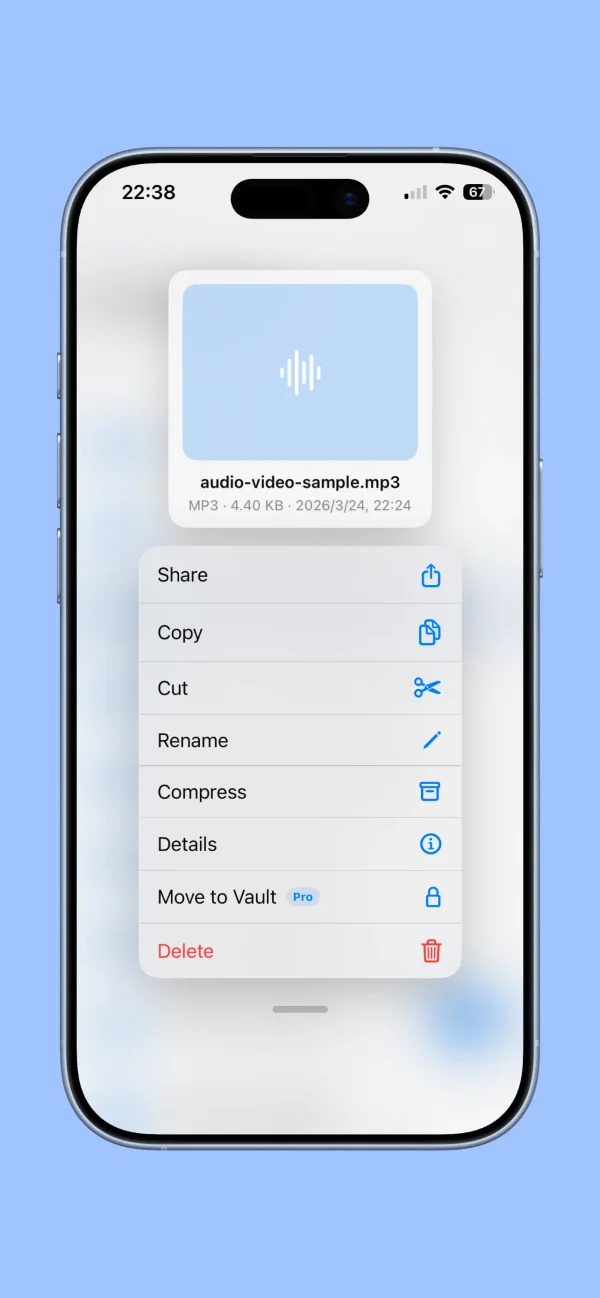
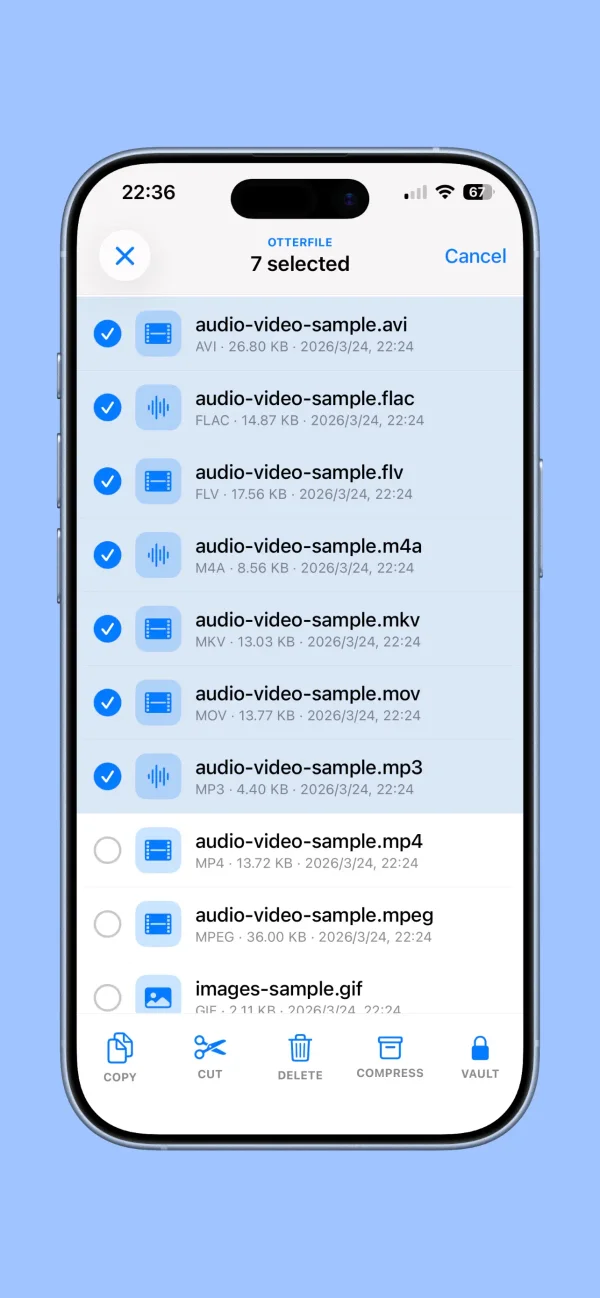
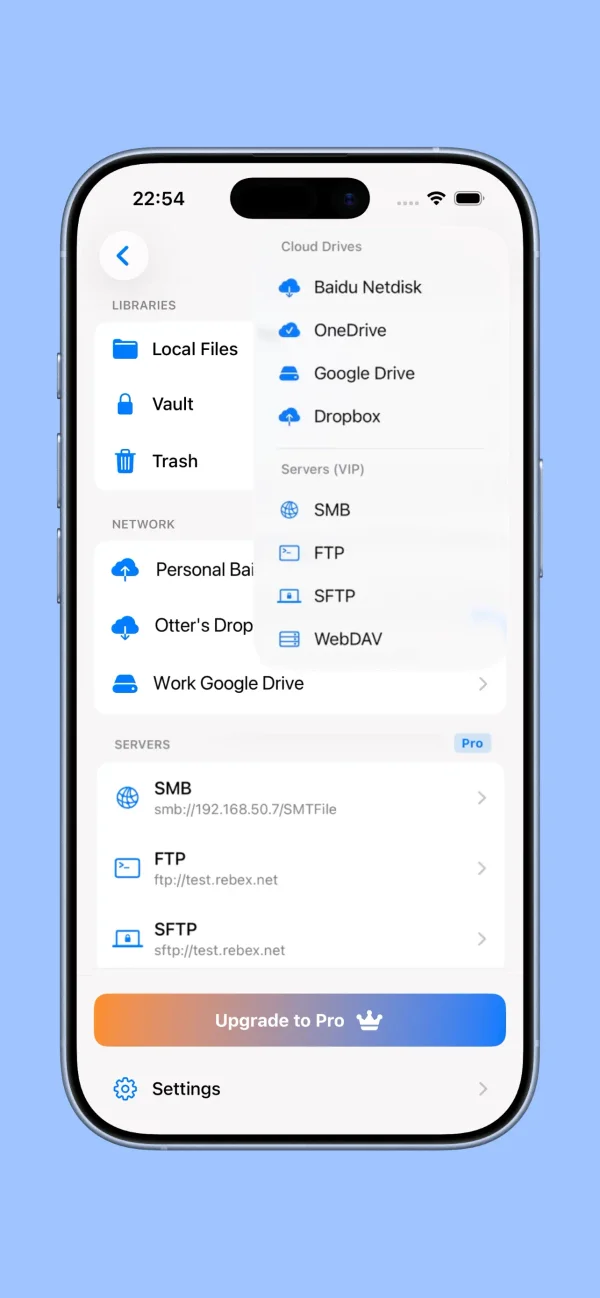
- Local Management: Supports file categorization, sorting, multi-selection, and routine management operations (copy, cut, rename, delete). Includes a built-in recycle bin to prevent accidental file deletion.
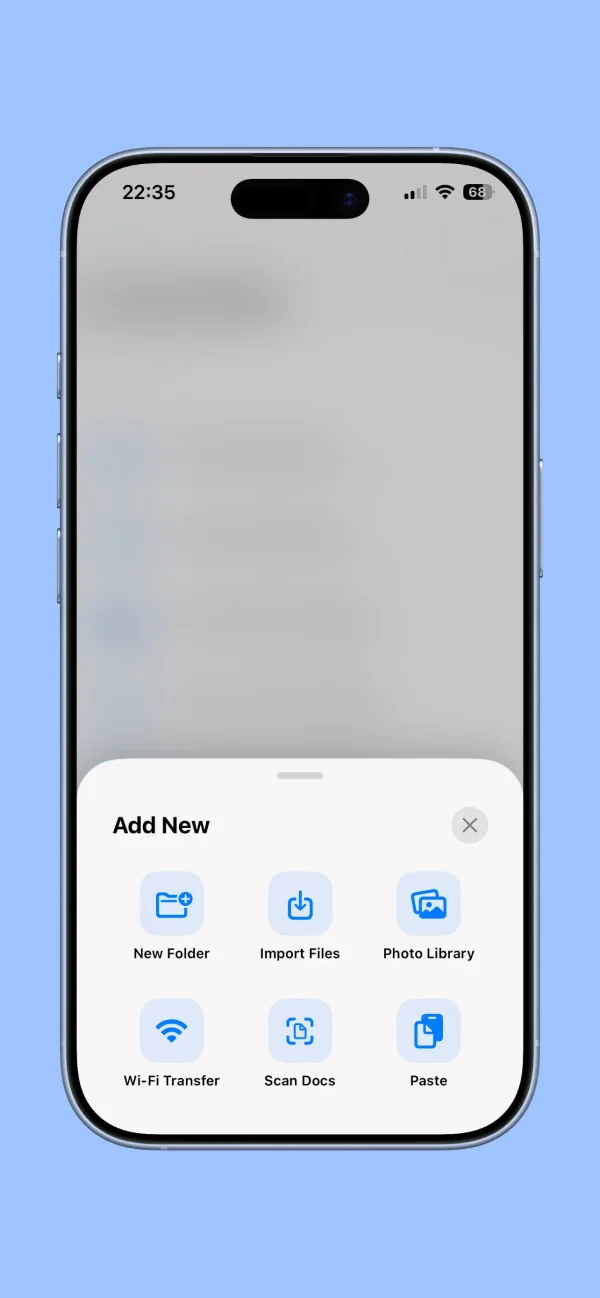
- File Import: Supports importing from system photo album and system files, and provides native scanned document to PDF conversion function.
- Local Area Network Transfer: After enabling the Wi-Fi file transfer service, you can directly drag and drop files to transfer between devices via your computer's browser.
- Cloud Drive Mounting: Supports binding to Alibaba Cloud Drive, Baidu Cloud Drive, OneDrive, Google Drive, and Dropbox for cross-platform file management.
Compression and decompression:
- Format support: Supports compression and decompression of ZIP, 7Z, and TAR formats.
- Encoding adaptation: Built-in file encoding detection and manual switching functions solve common Chinese character encoding problems during cross-device transmission.
Multi-format preview:
- Office documents: Natively supports viewing Office (Word, Excel, PPT), PDF, and various common image and text formats.
- Plain text and code: Supports highlighting of 24+ formats including TXT, JSON, HTML, and Python.
- Basic media playback: Supports standard audio and video formats such as MP4 and MP3, and provides background playback, progress memory, and speed adjustment options.
Otterfile Pro Advanced Features:
- Advanced audio and video decoding: Supports playback of non-native video formats such as MKV, AVI, FLV, RMVB, and WMV, and supports loading external subtitles such as SRT, ASS, and SSA.
- Professional format preview: Supports previewing design drawings such as PSD, Sketch, DWG, and AI, as well as 3D models such as STL and GLTF.
- Advanced Compression and Data Viewing: Supports parsing password-protected encrypted archives and multi-volume compression settings; provides HEX (hexadecimal) view mode.
- Privacy Vault: Provides a separate, locally encrypted vault that requires Face ID/Touch ID verification for access.
Privacy Statement: Otterfile's core functions run entirely on your device. Except for user-initiated cloud drive synchronization or sharing, the application will not upload your local files to third-party servers.
Issue Feedback: If you encounter any format compatibility or basic function issues during use, please feel free to contact us through the "Issue Feedback" section within the app.
Privacy Policy: https://otter-labs.notion.site/Privacy-Policy-32cd85b21b3c80cbb4e7e12386c4fc71?pvs=73
Terms of Use (EULA): https://www.apple.com/legal/internet-services/itunes/dev/stdeula/
Nouveautés
Version 1.0.2 · 01/07/2026
New support for previewing certificate formats has been added.
fixed some bugs.
Confidentialité de l’application
Ce que 宁 权 déclare sur l’App Store au sujet du traitement des données par cette application.
-
Données non collectées
Le développeur ne collecte aucune donnée à partir de cette application.
Les pratiques en matière de confidentialité peuvent varier, notamment en fonction des fonctionnalités que vous utilisez ou de votre âge.
Informations
- Vendeur
- 宁 权
- Catégorie
- Utilitaires
- Version
- 1.0.2
- Mis à jour
- 01/07/2026
- Publié
- 26/03/2026
- Taille
- 120,0 Mo
- Nécessite
- iOS 17.0 ou version ultérieure
- Classification d’âge
- 4+
- Prix
- Gratuit
- Achats intégrés
- Oui
- Langues
- Anglais, Chinois simplifié
- Copyright
- © 2026 ertinbgbuxu Inc.