- 対象年齢4+
- カテゴリユーティリティ
- 開発元宁 权
- 言語英語ほか1言語
- サイズ120.0 MB
App Storeの公式ページにリンクしています
Download.orgはOtterfileのファイルを一切ホストしていません。ボタンを押すと、宁 权が公開しているApp Storeのアプリページが開きます。ページの最終確認:2026/11/18。
スクリーンショット

概要
開発元はこのテキストをお使いの言語で提供していません。
File Management and Transfer:
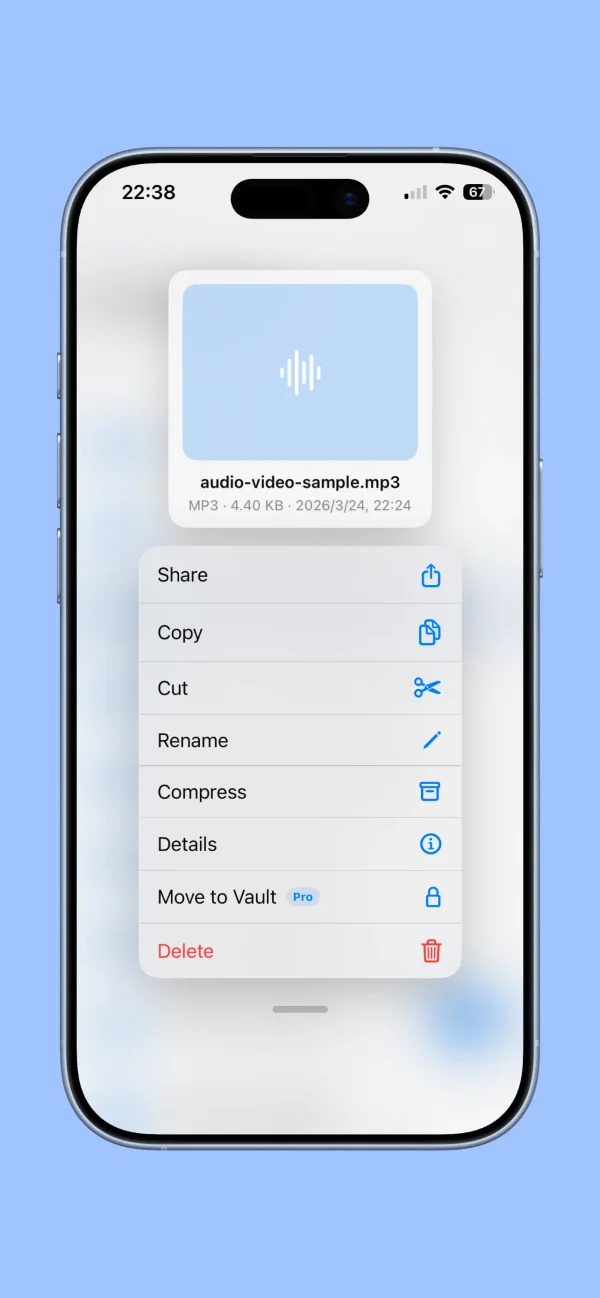
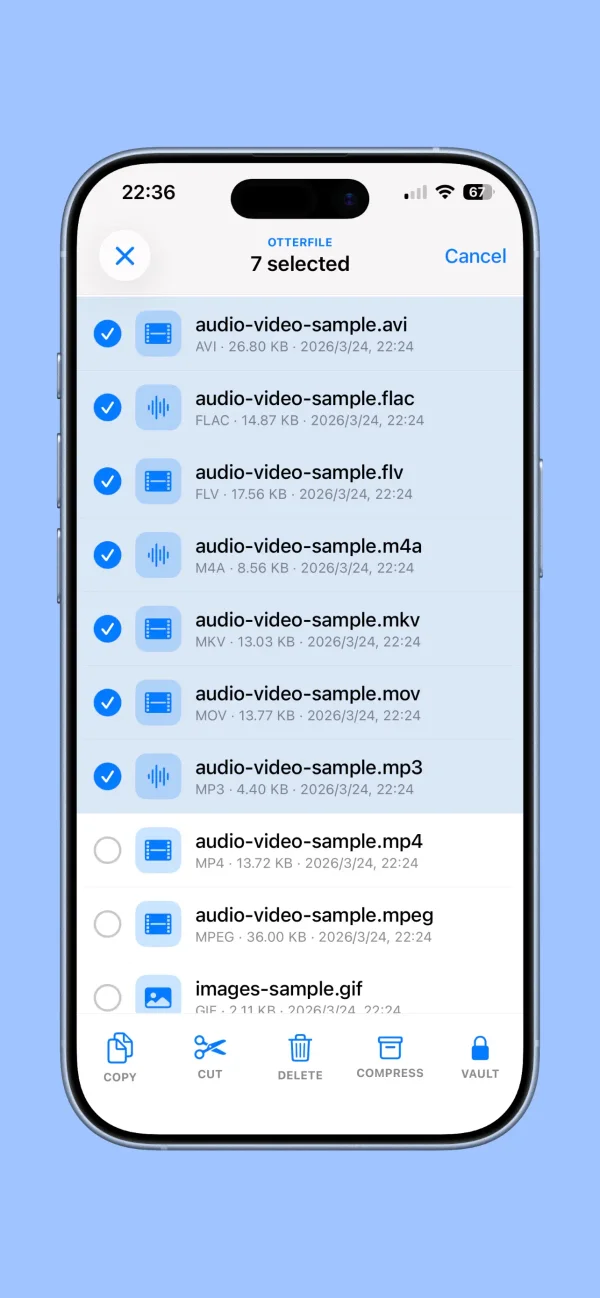
- Local Management: Supports file categorization, sorting, multi-selection, and routine management operations (copy, cut, rename, delete). Includes a built-in recycle bin to prevent accidental file deletion.
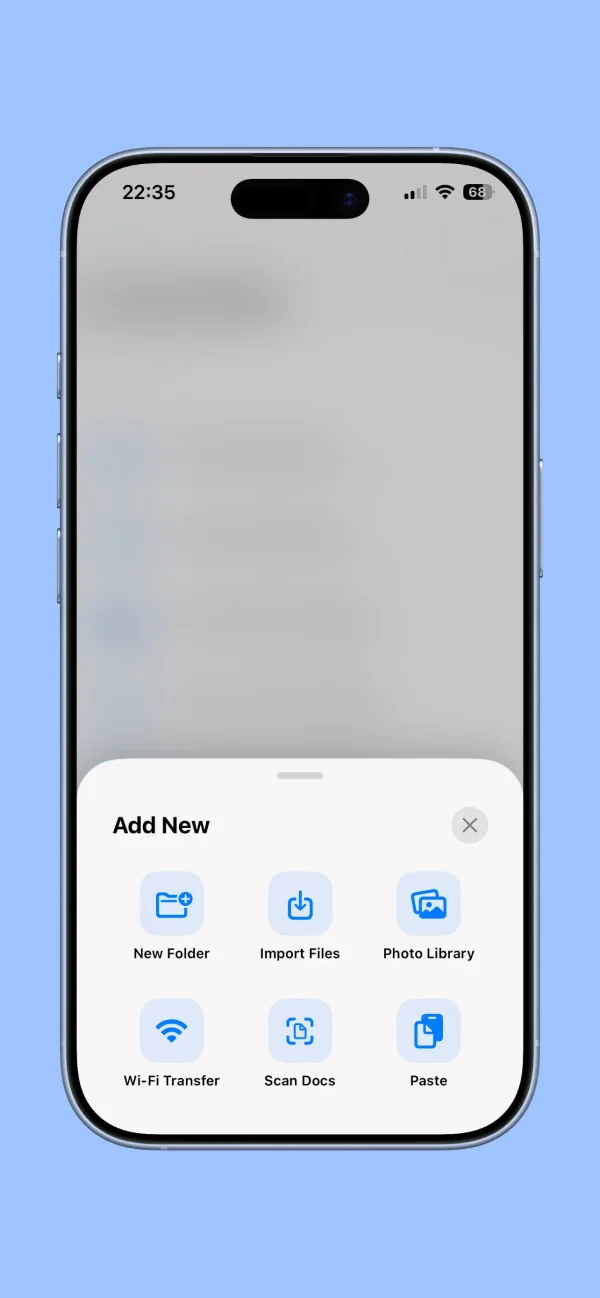
- File Import: Supports importing from system photo album and system files, and provides native scanned document to PDF conversion function.
- Local Area Network Transfer: After enabling the Wi-Fi file transfer service, you can directly drag and drop files to transfer between devices via your computer's browser.
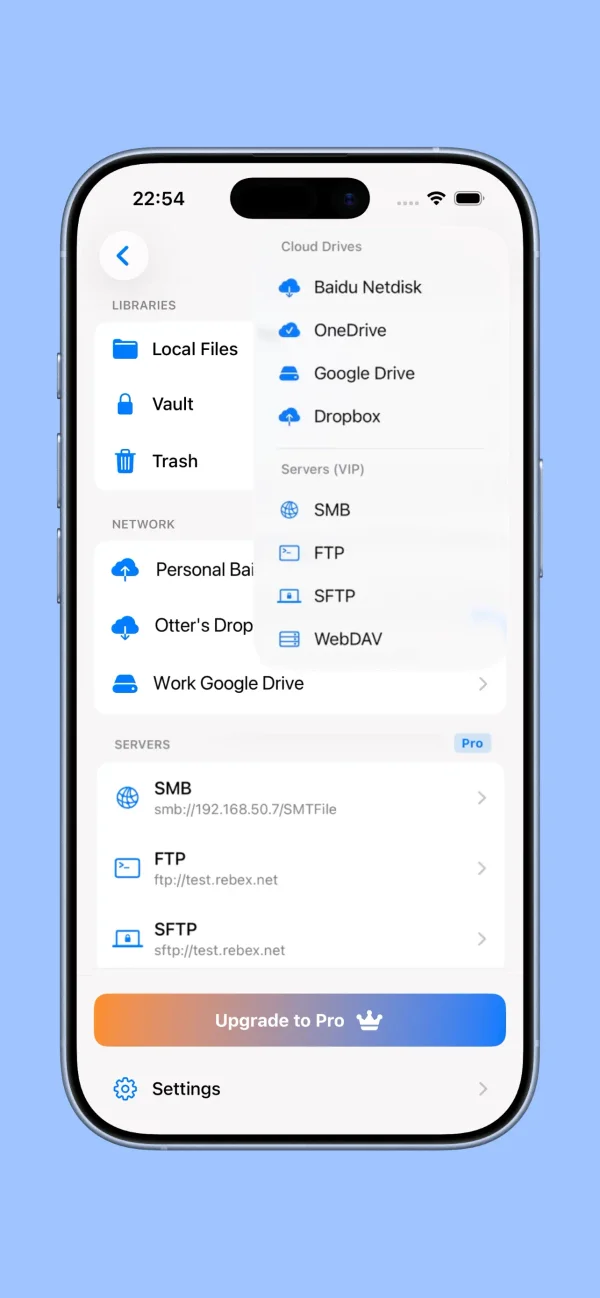
- Cloud Drive Mounting: Supports binding to Alibaba Cloud Drive, Baidu Cloud Drive, OneDrive, Google Drive, and Dropbox for cross-platform file management.
Compression and decompression:
- Format support: Supports compression and decompression of ZIP, 7Z, and TAR formats.
- Encoding adaptation: Built-in file encoding detection and manual switching functions solve common Chinese character encoding problems during cross-device transmission.
Multi-format preview:
- Office documents: Natively supports viewing Office (Word, Excel, PPT), PDF, and various common image and text formats.
- Plain text and code: Supports highlighting of 24+ formats including TXT, JSON, HTML, and Python.
- Basic media playback: Supports standard audio and video formats such as MP4 and MP3, and provides background playback, progress memory, and speed adjustment options.
Otterfile Pro Advanced Features:
- Advanced audio and video decoding: Supports playback of non-native video formats such as MKV, AVI, FLV, RMVB, and WMV, and supports loading external subtitles such as SRT, ASS, and SSA.
- Professional format preview: Supports previewing design drawings such as PSD, Sketch, DWG, and AI, as well as 3D models such as STL and GLTF.
- Advanced Compression and Data Viewing: Supports parsing password-protected encrypted archives and multi-volume compression settings; provides HEX (hexadecimal) view mode.
- Privacy Vault: Provides a separate, locally encrypted vault that requires Face ID/Touch ID verification for access.
Privacy Statement: Otterfile's core functions run entirely on your device. Except for user-initiated cloud drive synchronization or sharing, the application will not upload your local files to third-party servers.
Issue Feedback: If you encounter any format compatibility or basic function issues during use, please feel free to contact us through the "Issue Feedback" section within the app.
Privacy Policy: https://otter-labs.notion.site/Privacy-Policy-32cd85b21b3c80cbb4e7e12386c4fc71?pvs=73
Terms of Use (EULA): https://www.apple.com/legal/internet-services/itunes/dev/stdeula/
新機能
バージョン 1.0.2 · 2026/7/1
New support for previewing certificate formats has been added.
fixed some bugs.
アプリのプライバシー
このアプリのデータの取り扱いについて、宁 权がApp Storeで申告している内容です。
-
データの収集なし
開発元はこのアプリからデータを収集しません。
プライバシーの取り扱いは、ご利用の機能やお客様の年齢などに応じて異なる場合があります。
情報
- 販売元
- 宁 权
- カテゴリ
- ユーティリティ
- バージョン
- 1.0.2
- 更新日
- 2026/7/1
- リリース
- 2026/3/26
- サイズ
- 120.0 MB
- 必要条件
- iOS 17.0以降
- 対象年齢
- 4+
- 価格
- 無料
- アプリ内課金
- あり
- 言語
- 英語, 簡体字中国語
- 著作権
- © 2026 ertinbgbuxu Inc.