
PDF Field Guide
Recall Information Quickly!
Conçue pour iPhone, iPad
Gratuit · Achats intégrés
- Classification d’âge4+
- CatégorieProductivité
- DéveloppeurHeidi Paul
- LanguesAnglais
- Taille1,3 Mo
Renvoie vers la page App Store officielle
Download.org n’héberge aucun fichier de PDF Field Guide. Le bouton ouvre la page de l’application sur App Store, où Heidi Paul la publie. Fiche vérifiée pour la dernière fois le 17/11/2026.
Captures d’écran
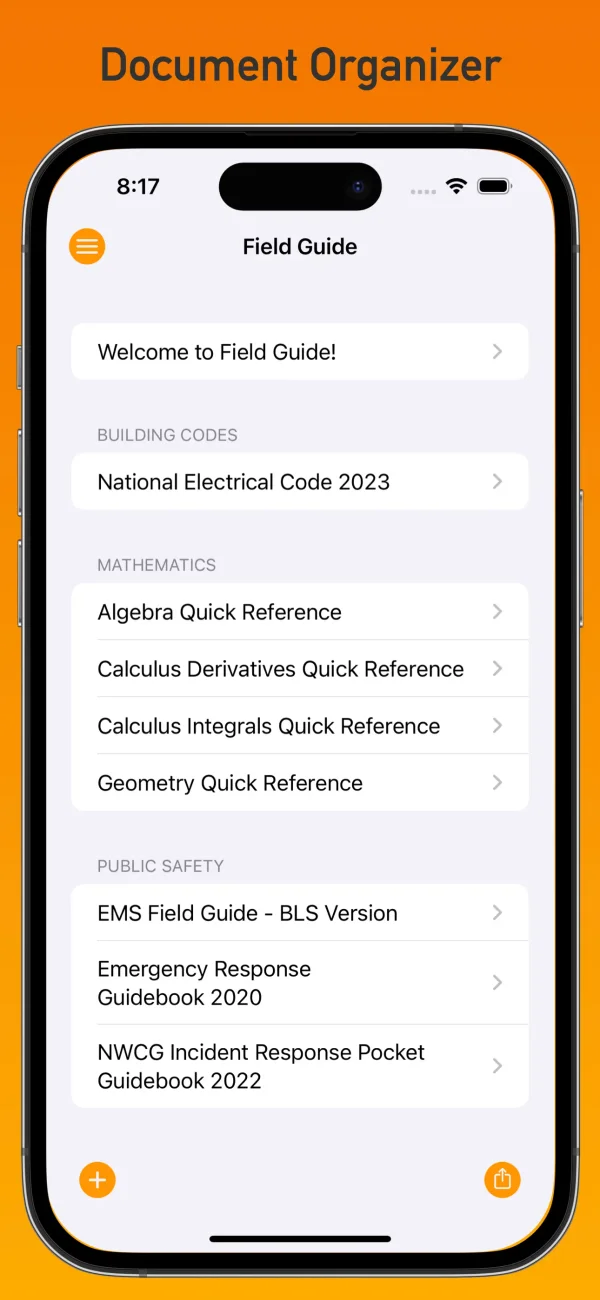
À propos
Le développeur n’a pas fourni ce texte dans votre langue.
PDF Field Guide is the #1 quick reference companion helping you recall information quickly!
Add, view, search and share your most important PDF documents quickly and easily from your iPhone, iPad and Mac. Helping you recall information quickly when you need it most!
ADD
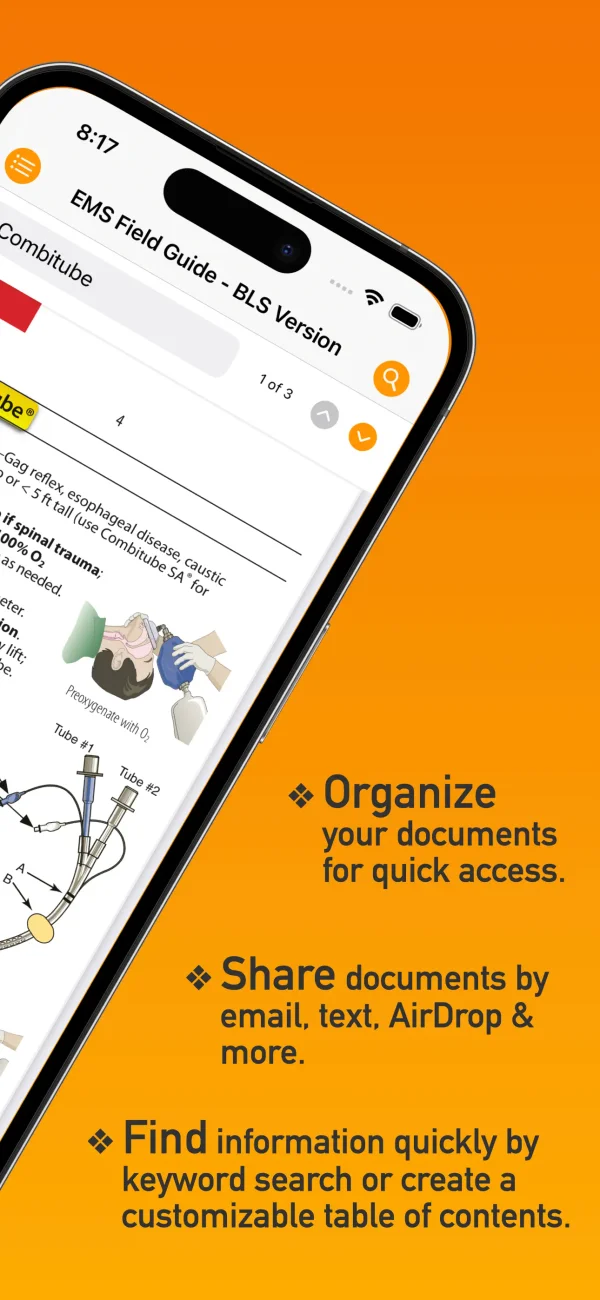
- Organize and group your most needed documents for fast access.
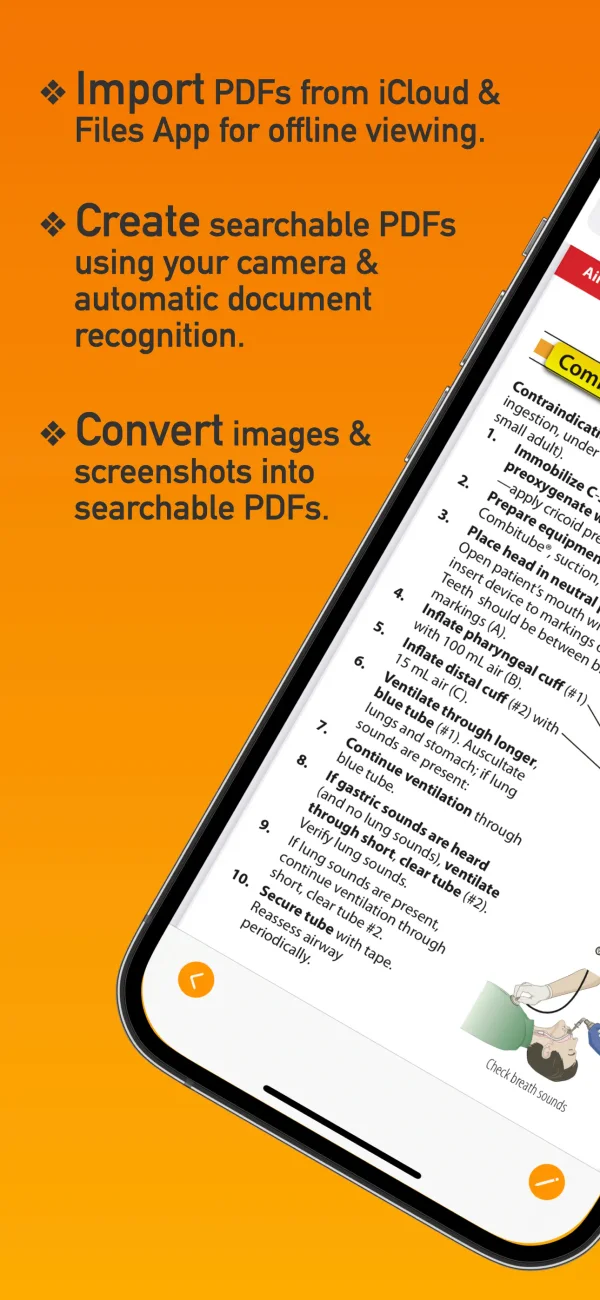
- Import PDFs from iCloud or Files App for offline viewing.
- Create searchable PDFs using your camera and automatic document recognition.
- Convert images to searchable PDFs from your photos or camera roll.
VIEW
- Double tap on the screen to Smart Zoom to the text you want to read.
- Automatically switch to full screen reading mode when placed in landscape orientation.
- Requires no internet connection. Documents are stored locally in iOS Files App.
- Supports system dark mode.
SEARCH
- Perform keyword search to find information quickly.
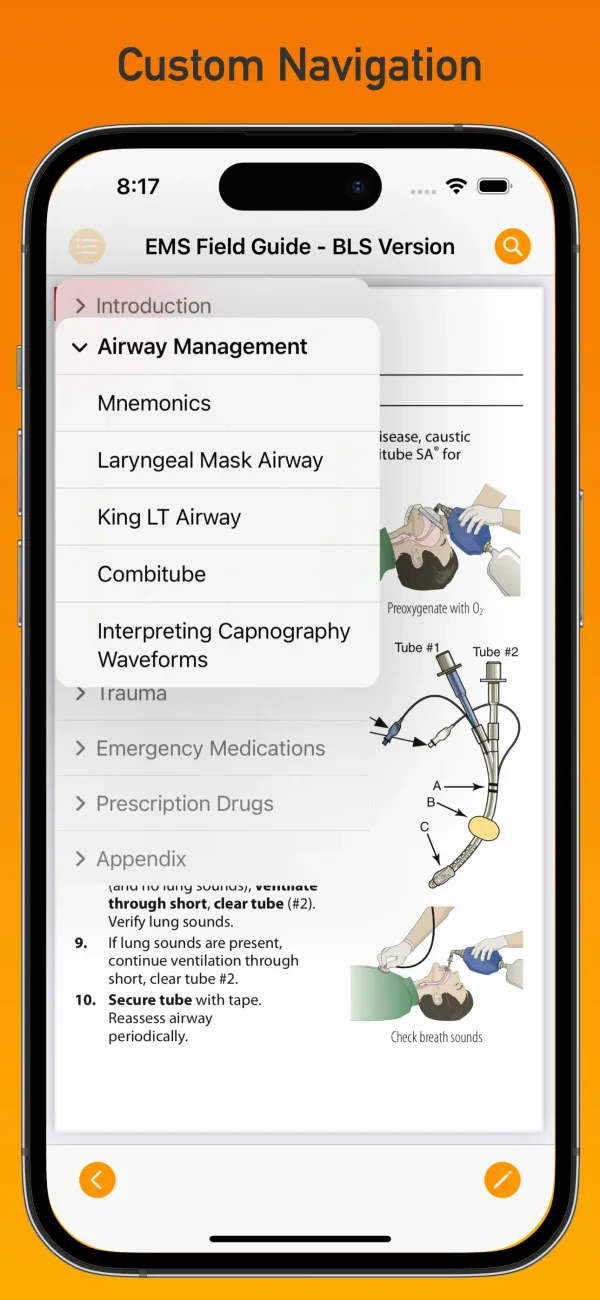
- Create customizable table of contents for fast access to important pages.
- Tap to jump to sections in documents with embedded table of contents.
- Tap to follow hyperlinks in documents with embedded links.
- Highlight to select text in OCR-enabled documents allowing you to copy or share key information.
SHARE
- Share individual or multiple documents via email, text, AirDrop and more.
- Family sharing enabled.
- No subscriptions. Ever.
Nouveautés
Version 1.1 · 10/02/2024
- Added color and monochrome themes and app icons
- Added option for image or text-based button labels
- Added ability to create searchable PDFs using your camera and automatic document recognition
- Added ability to convert photos and screenshots into searchable PDFs
- Added option to create document groups to find documents faster
- Added MacOS support
- Bug fixes and stability improvements
Confidentialité de l’application
Ce que Heidi Paul déclare sur l’App Store au sujet du traitement des données par cette application.
-
Données non collectées
Le développeur ne collecte aucune donnée à partir de cette application.
Les pratiques en matière de confidentialité peuvent varier, notamment en fonction des fonctionnalités que vous utilisez ou de votre âge.
Informations
- Vendeur
- Heidi Paul
- Catégorie
- Productivité
- Version
- 1.1
- Mis à jour
- 10/02/2024
- Publié
- 07/01/2024
- Taille
- 1,3 Mo
- Nécessite
- iOS 17.0 ou version ultérieure
- Classification d’âge
- 4+
- Prix
- Gratuit
- Achats intégrés
- Oui
- Langues
- Anglais
- Copyright
- © 2024 Heidi Paul
Vous aimerez peut-être aussi
-
 BigWrite MarkdownProductivité
-
 My INFO i n d e xProductivité
-
 Captium IQProductivité
-
 Aura FocusProductivité
-
 Igneous: Markdown NotesProductivité
-
 HLL Pdf ReaderProductivité
-
 Habit Tracker: Humeur & SuiviRoutine TDAH Journal Objectifs
-
 Prompt Note : prompts IASauvez vos modèles ChatGPT
-
 Time CaptnProductivité
-
 CitylogixProductivité